100K Launcher - Tiny Minimal
Next edu- EveryoneAge rating
- PersonalizationCategory
- Nov 21, 2026Updated
- FreePrice
Links to the official Google Play listing of small.one100k.launcher. Last checked on Nov 22, 2026.
Screenshots

About this app
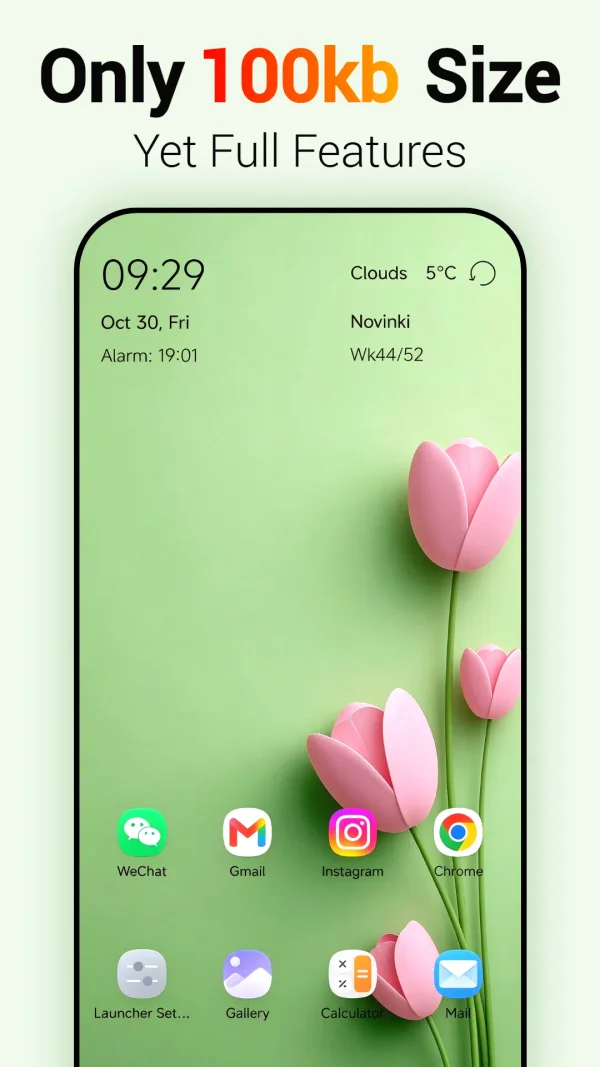
Tiny lightweight launcher (about 100KB), Minimal home screen, app drawer, themes
100K Launcher is an ultra tiny, lightweight Android launcher with an APK size of just about 100KB. It saves storage, uses less phone resource, and delivers a clean minimalist home screen experience. At the same time, 100K Launcher contain rich launcher features, such as desktop, apps drawer, hide apps, color theme, widgets, dark mode, text size, icon size options
If you are looking for a fast, simple launcher without bloatware, 100K Launcher is built for you.
🏠 Home Screen, Desktop & Dock
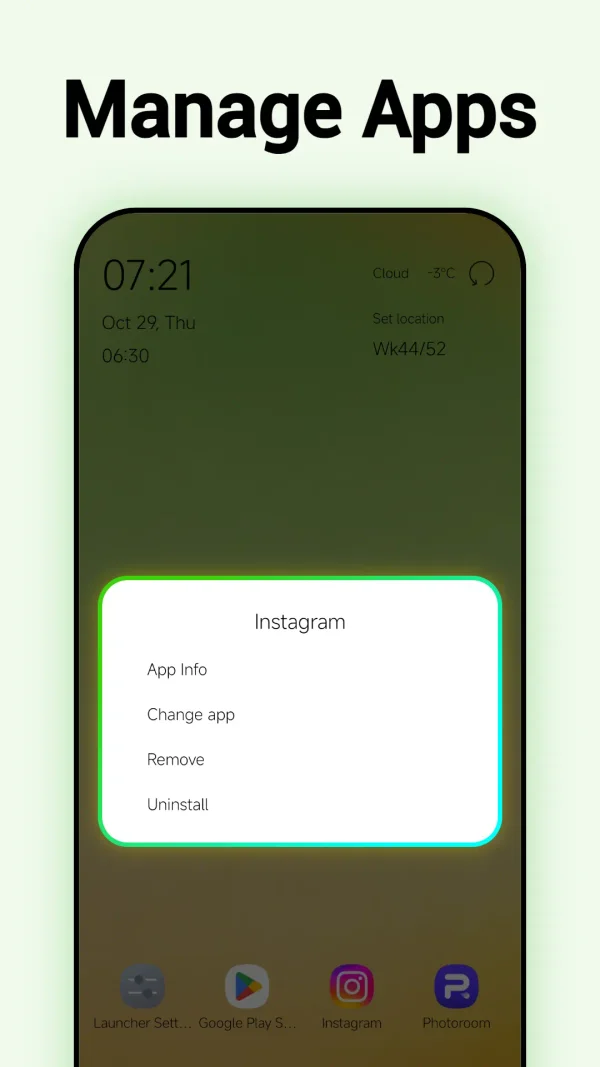
• Manage icons: add, remove, change apps, view app info
• Built-in clock widget: time, alarm and week display
• Weather widget with location support
• 2 home screens by default
• LONG PRESS empty space to add apps to your home screen
📂 App Drawer
• Apps sorted A-Z with fast alphabet sidebar for quick app lookup
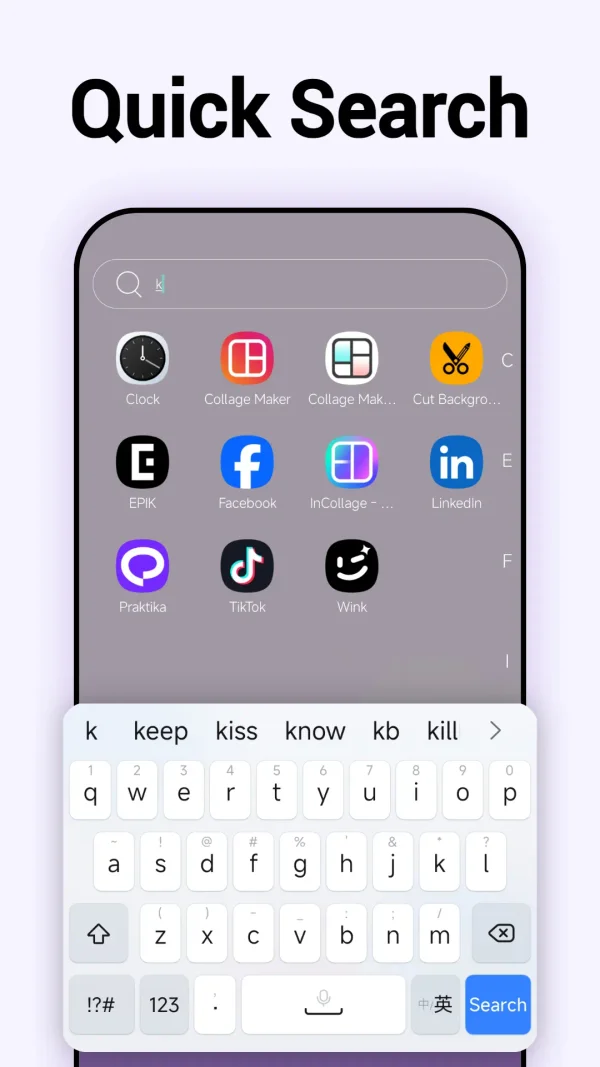
• Built-in app search to find apps instantly
• LONG PRESS apps to add to home screen or dock
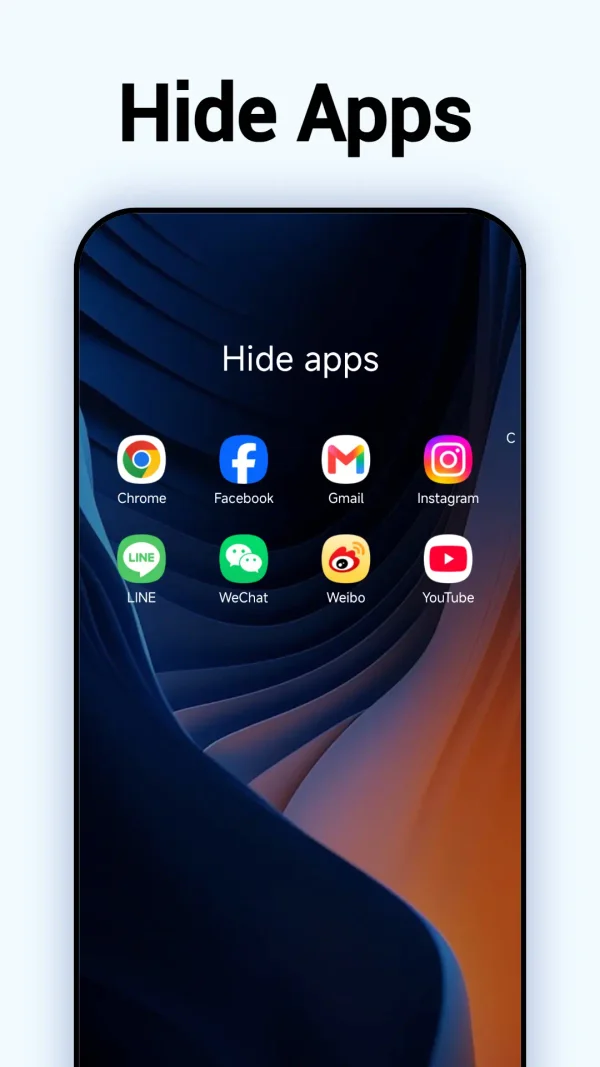
• Hide private apps from the app drawer for better privacy
🎨 Appearance & Customization
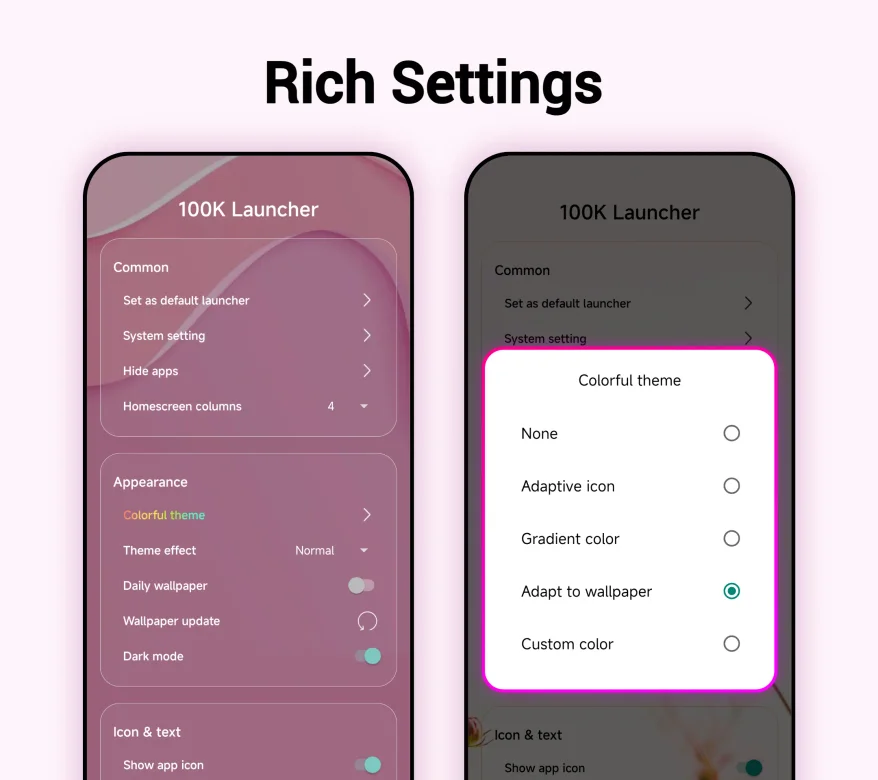
• Custom color themes, including gradient color options
• Auto theme adaptation based on your wallpaper
• Adaptive icon support
• Daily wallpaper, or one-click wallpaper refresh
• Dark mode / night mode
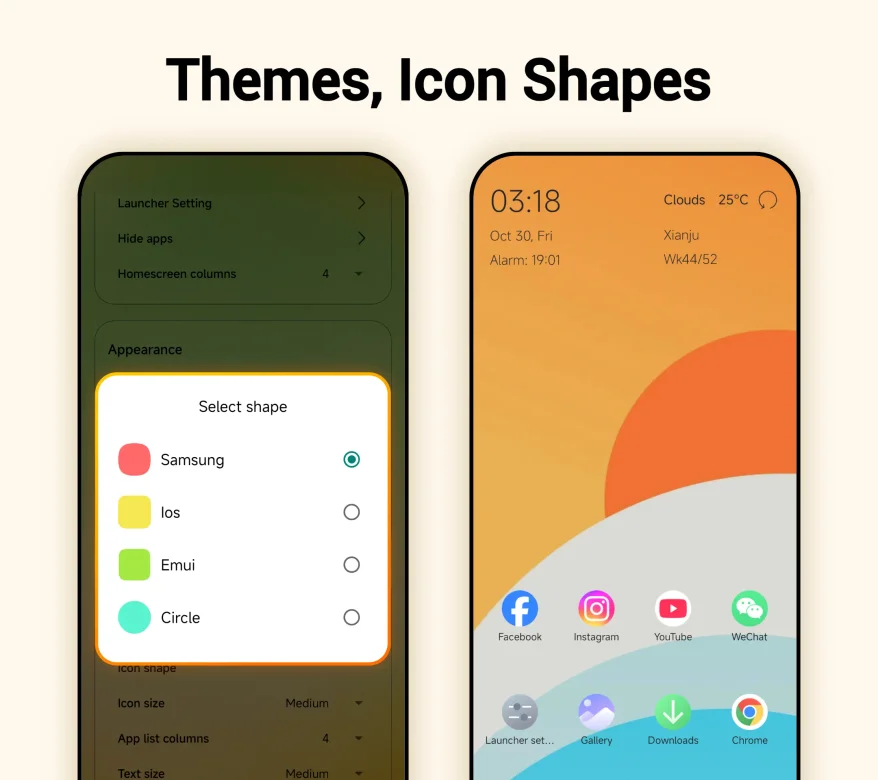
• Change icon shape
⚙️ Launcher Settings, Configuration
• Home screen grid columns: 3–9 columns
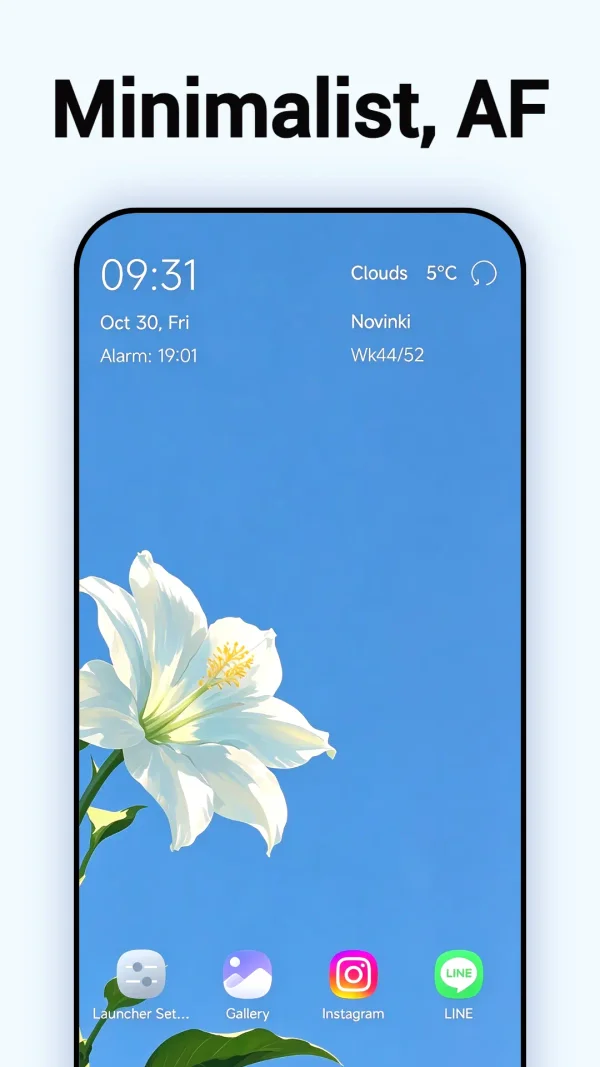
• Hide icons for an ultra minimal home screen, minimalist launcher
• Adjust icon size, label text size and text shadow
• Custom app drawer grid columns
• Toggle status bar visibility
• Auto-show keyboard in app search
• Switch temperature unit for weather
100K Launcher is a clean, fast and privacy-friendly minimalist launcher. No heavy background service, low resource consumption, perfect for old phones and users who prefer simple home screen.
Try 100K Launcher now!
Your feedback and comments are welcome. Thank you!
Data safety
What Next edu declares on Google Play about the data this app collects and shares.
- No data shared with third partiesLearn more about how developers declare sharing
- This app may collect these data typesApp activity, App info and performance, and Device or other IDs
- Data is encrypted in transit
What’s new
Version 1.2 · Nov 21, 2026
1. Added swipe-down gesture on the home screen to open the Notification Center
2. Icon text color options: choose between White, Black, or Match Theme
3. Added a new Light option for Theme effect
4. Polished in-app text and copy for better clarity
Developer contact
- Emaillulj999888@gmail.com
- Privacy policyser.nicemind.top
- Address城北镇小花园社区梅正路91号 梅江区, 梅州市, 广东省 China 514000
Information
- Offered by
- Next edu
- Category
- Personalization
- Version
- 1.2
- Updated
- Nov 21, 2026
- Released
- Nov 1, 2026
- Requires
- Android 7.0 or later
- Age rating
- Everyone
- Price
- Free
- Package name
- small.one100k.launcher