Accessibility Scanner
Google LLC- EveryoneAge rating
- ToolsCategory
- Apr 15, 2026Updated
- FreePrice
Links to the official Google Play listing of com.google.android.apps.accessibility.auditor. Last checked on Nov 20, 2026.
Screenshots

About this app
Scan accessibility quickly
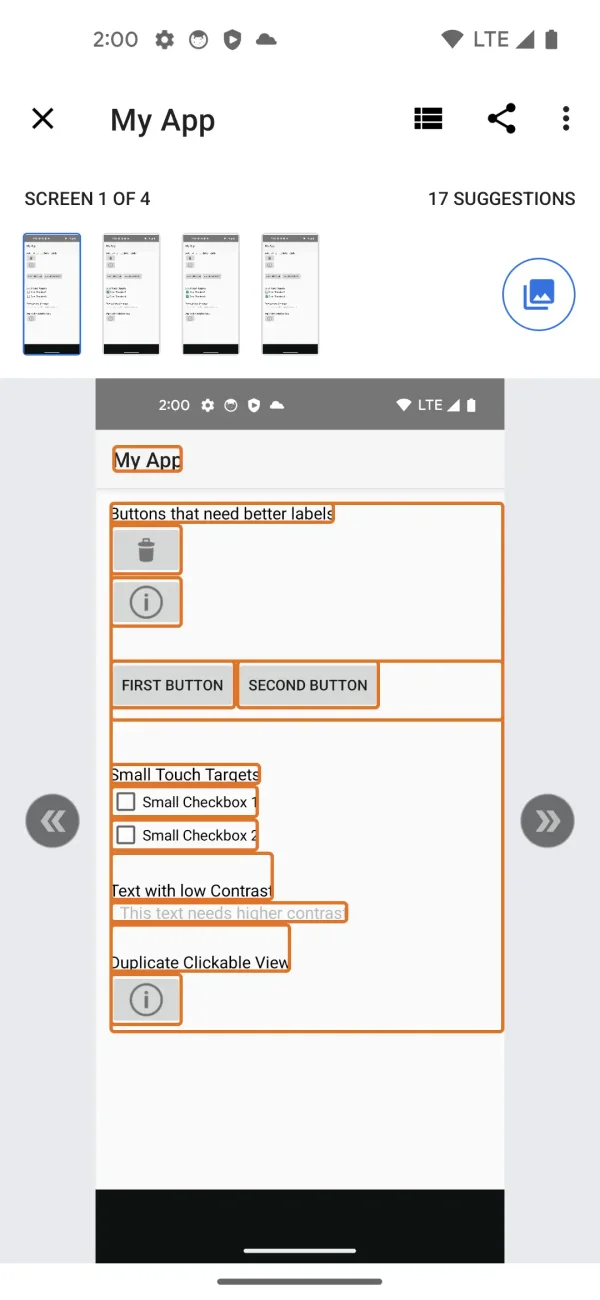
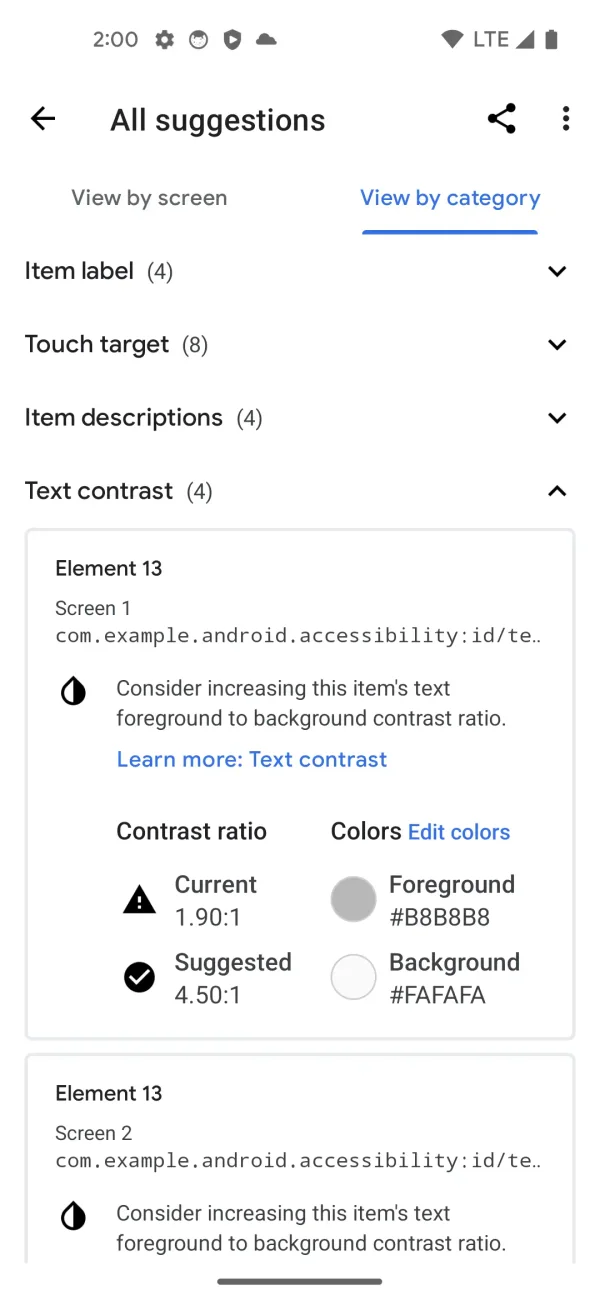
Accessibility Scanner is a tool that scans an app's user interface to provide recommendations on how to improve the accessibility of the app. Accessibility Scanner enables anyone, not just developers, to quickly and easily identify a range of common accessibility improvements; for example, enlarging small touch targets, increasing contrast for text and images, and providing content descriptions for unlabelled graphical elements.
Improving the accessibility of your app may allow you to reach a larger audience and provide a more inclusive experience, especially for users with disabilities. This often leads to improved user satisfaction, app ratings and user retention.
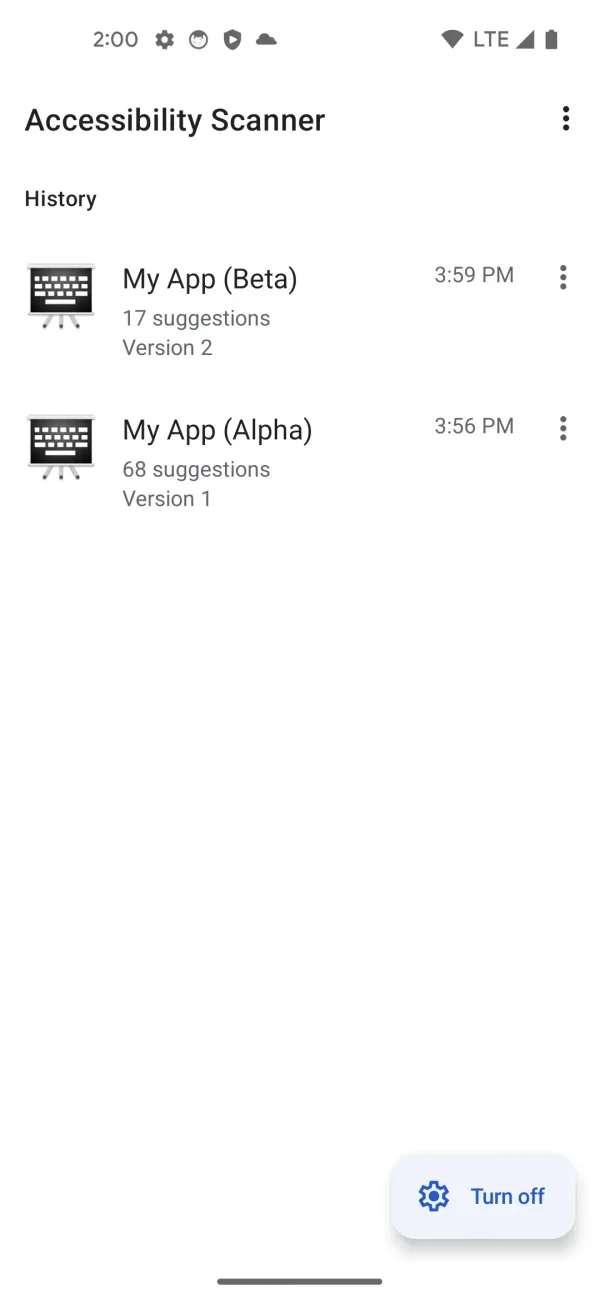
The improvements suggested by Accessibility Scanner can be easily shared with members of your development team to determine how they can be incorporated into the app.
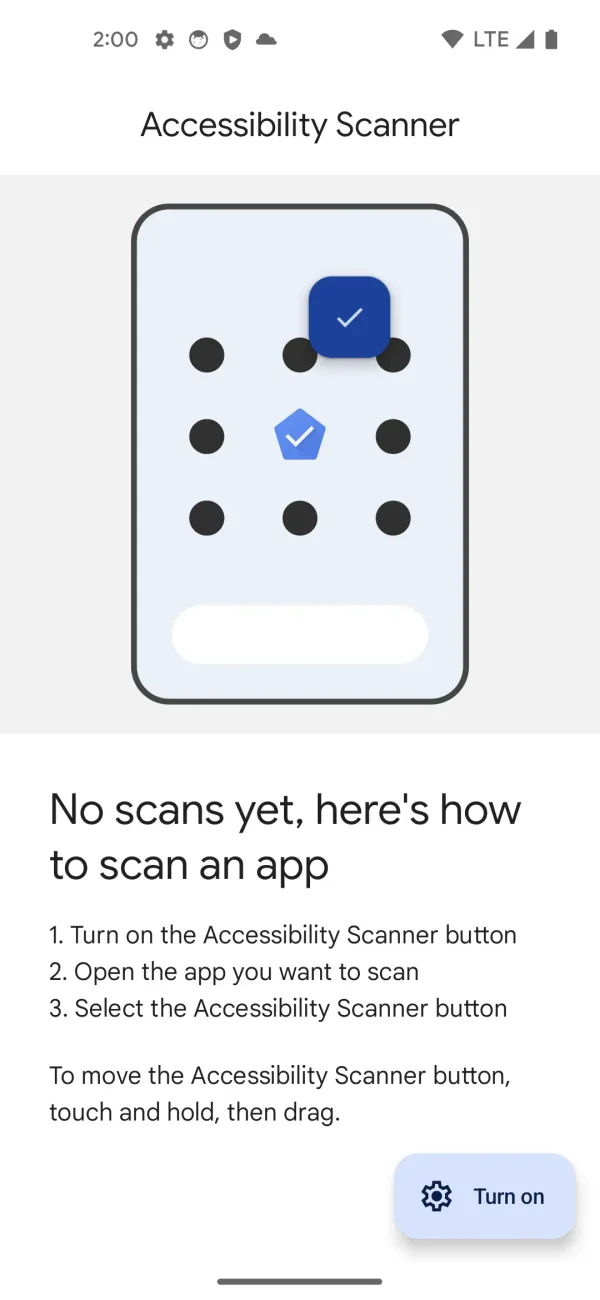
To begin using Accessibility Scanner:
• Open the app and follow the prompts to turn on the Accessibility Scanner service.
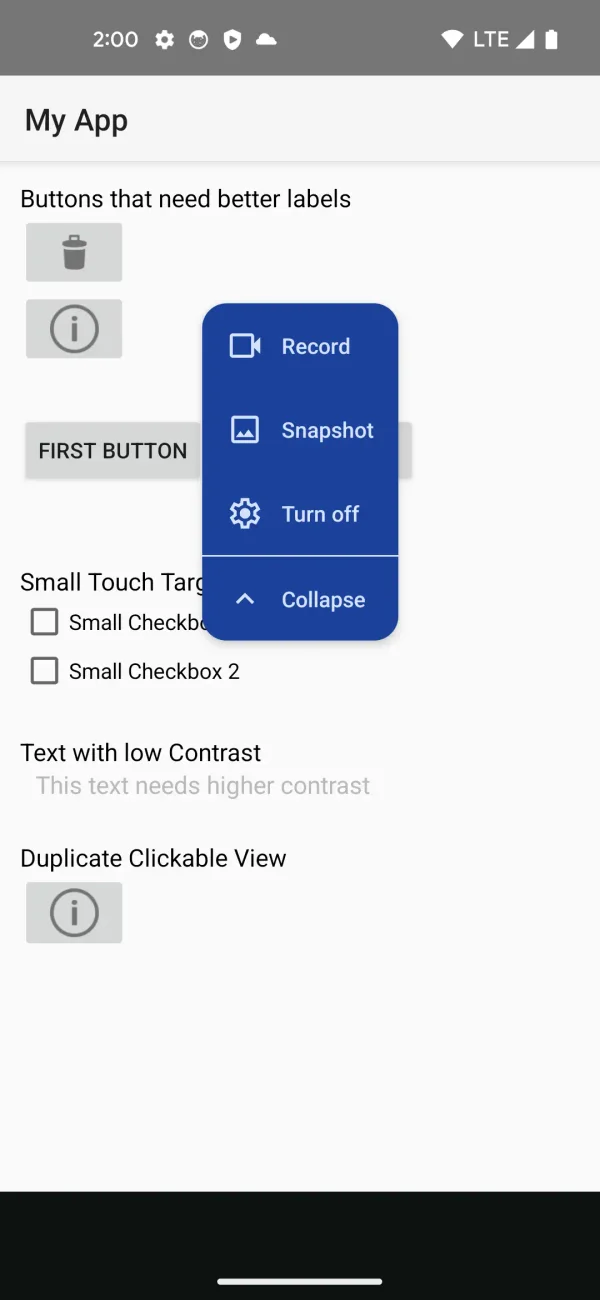
• Navigate to the app that you wish to scan and tap the floating Accessibility Scanner button.
• Choose to perform a single scan or record an entire user journey across multiple interfaces.
• For more detailed instructions, follow this getting started guide: g.co/android/accessibility-scanner-help
Take a look at this short video to learn more about how Scanner works.
g.co/android/accessibility-scanner-video
Permissions notice:
This app is an accessibility service. While it is active, it requires permissions to retrieve window content and observe your actions to perform its job.
Data safety
What Google LLC declares on Google Play about the data this app collects and shares.
- No data shared with third partiesLearn more about how developers declare sharing
- This app may collect these data typesApp activity, App info and performance, and Device or other IDs
- Data is encrypted in transit
- Data can’t be deleted
What’s new
Apr 15, 2026
Updates in version 2.5:
• Accuracy improvements to accessibility checks
• Scans now include additional application windows
• Bug fixes and other enhancements
Developer contact
- Websitegoogle.com
- Emailapps-help@google.com
- Privacy policygoogle.com
- Address1600 Amphitheatre Pkwy Mountain View, CA 94043 United States
Information
- Offered by
- Google LLC
- Category
- Tools
- Updated
- Apr 15, 2026
- Released
- Mar 23, 2016
- Age rating
- Everyone
- Price
- Free
- Package name
- com.google.android.apps.accessibility.auditor