ACRO Genix Digital watchface
ACROWatch- EveryoneAge rating
- PersonalizationCategory
- Nov 3, 2026Updated
- $0.99Price
Links to the official Google Play listing of com.watchfacestudio.acro_genix_digital. Last checked on Nov 26, 2026.

About this app
Watchface that supports Wear 2.0
Watchface that supports Wear 2.0
*How to install
Play Store app on smartphone > Payment and installation
Launch the Play Store app on your watch > Apps on your phone > Applicable watch face > Install
*Resolved to be installed display
Copy the play store address of the watch face (click the three dots next to the magnifying glass in the upper right corner of the play store > share)
Go to Samsung Internet and click 'Install on another device' > select watch 4
- In order to use all functions, consent to use the sensor is required.
- Some features may not be available on all watches.
- If the Play Store app is shown as incompatible, please install it using a web web browser on your PC/laptop in addition to the app on your phone.
- this watchface supports wear os devices.
- For the phone battery complication setup, download and install the phone battery app from the Play Store.
https://play.google.com/store/apps/details?id=com.weartools.phonebattcomp
How to set up Customize
1. Press and hold the watch face > 2. Click the Decorate button > 3. Tap each complication area to set the corresponding information > 4. Click OK
Discover the new watch face in the ACRO store
https://play.google.com/store/apps/dev?id=7728319687716467388
For inquiries about the app, please contact us at the email below.
Mail : help.acro@gmail.com
Data safety
What ACROWatch declares on Google Play about the data this app collects and shares.
- No data shared with third partiesLearn more about how developers declare sharing
- No data collectedLearn more about how developers declare collection
Developer contact
- Emailhelp.acro@gmail.com
- Privacy policyblog.naver.com
- Address명지국제3로 97 명지삼성그린코아더베스트, 104동 2803호 강서구, 부산광역시 46726 South Korea
Information
- Offered by
- ACROWatch
- Category
- Personalization
- Updated
- Nov 3, 2026
- Released
- Nov 5, 2022
- Age rating
- Everyone
- Price
- $0.99
- Package name
- com.watchfacestudio.acro_genix_digital
Similar apps
-
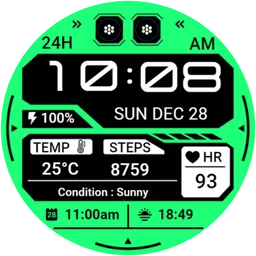 Digital 25
Personalization
-
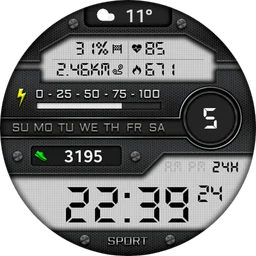 Digital Dadan Watch Face
Personalization
-
 EXD138: Digital Wellness Face
Personalization
-
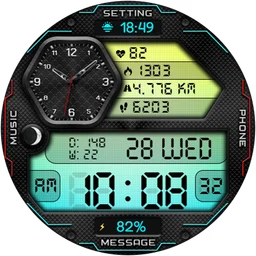 DUALTON DC01 Watch face
Personalization
-
 Rolex The Watch Face
Personalization
-
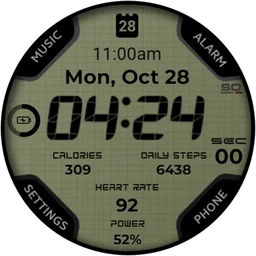 SO431
Personalization
-
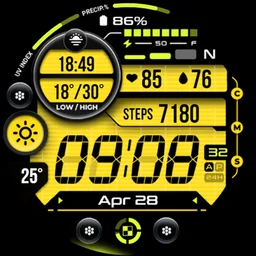 OMG 26 Digital Retro Watch
Personalization
-
 Illuminator Digital Watch Face
Personalization
-
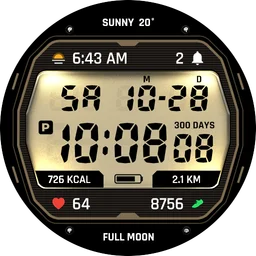 JW286 jwstudio
Personalization
-
 HKR025
Art & Design
-
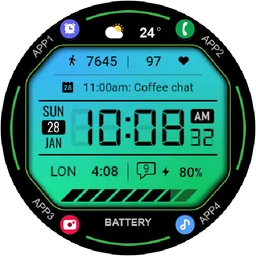 HKR005
Art & Design
-
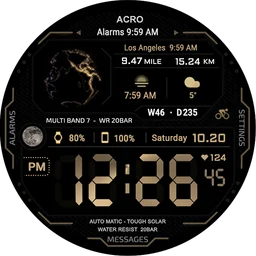 Acro Space1 edtion Watchface
Personalization