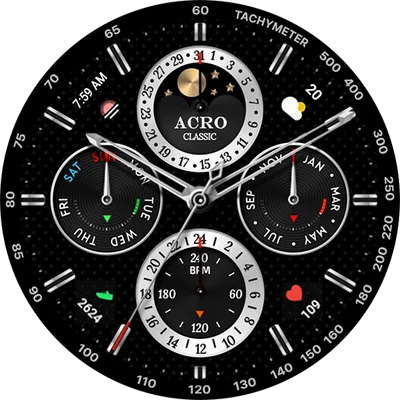
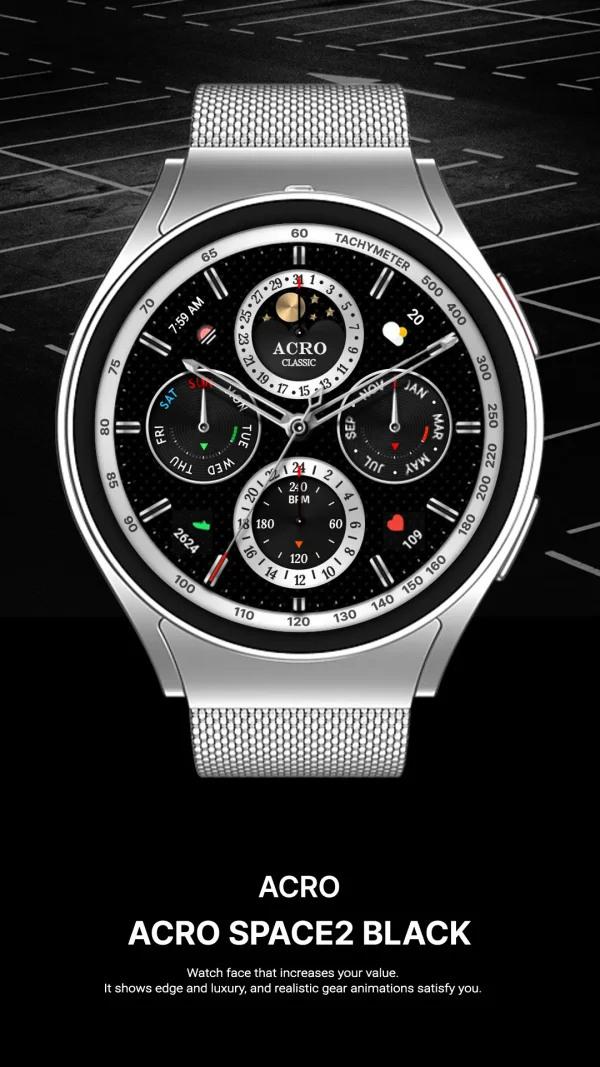
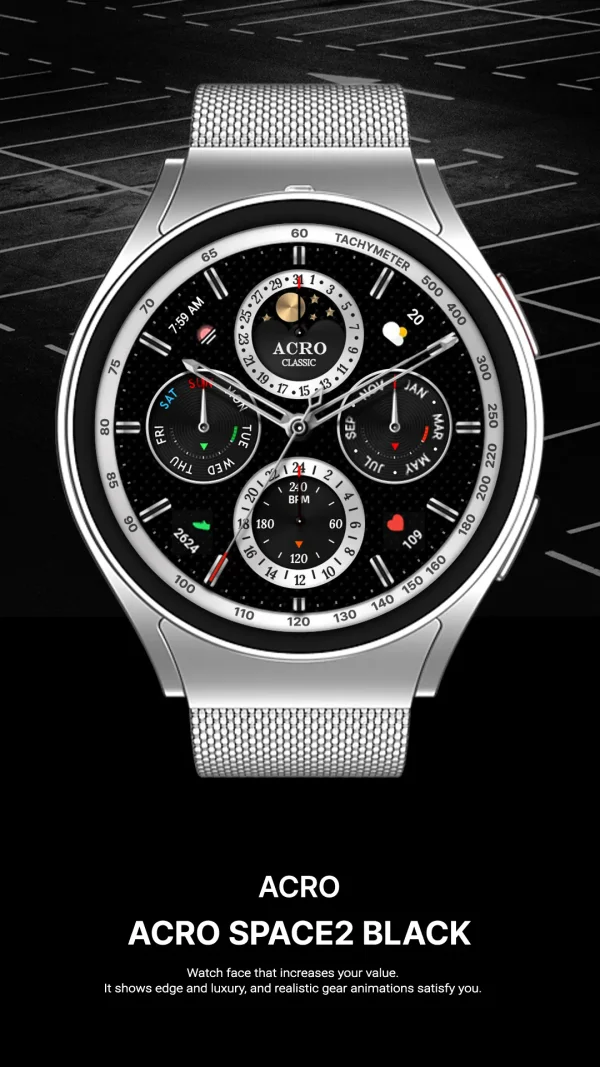
ACRO SPACE2 Black Watchface
ACROWatch- EveryoneAge rating
- PersonalizationCategory
- Oct 20, 2026Updated
- $0.99Price
Links to the official Google Play listing of com.watchfacestudio.acro_space2_black. Last checked on Nov 26, 2026.
Screenshots






About this app
Watch Face with Wear os 3.0 and later support
*How to install
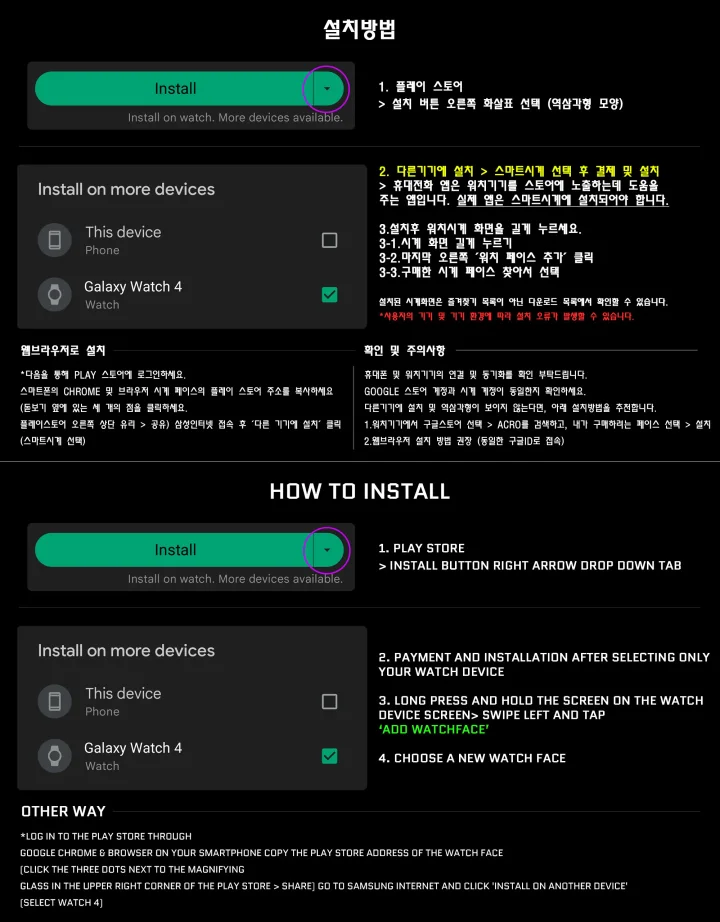
Purchase and install the Play Store app on your smartphone (touch the right arrow to install on your watch device).
> Check the connection between the watch body and the phone.
How to install WearOS watch mode can be found in a helpful video provided by Samsung developers at (https://youtu.be/vMM4Q2-rqoM)
Find installed watchfaces
1. Press and hold the watch face > 2. Click the Decorate button > 3. Click the last right 'Add Watch Face' > Confirm the purchased watch face
*Installed watchfaces can be found in the Downloads list, not in the Favorites list.
*Installation using web browser
Copy the Play Store address of the watch face (Click the 3 dots next to the magnifying glass at the top right of the Play Store > Share)
Go to Samsung Internet and click 'Install on another device' > select watch device
How to set up Customize
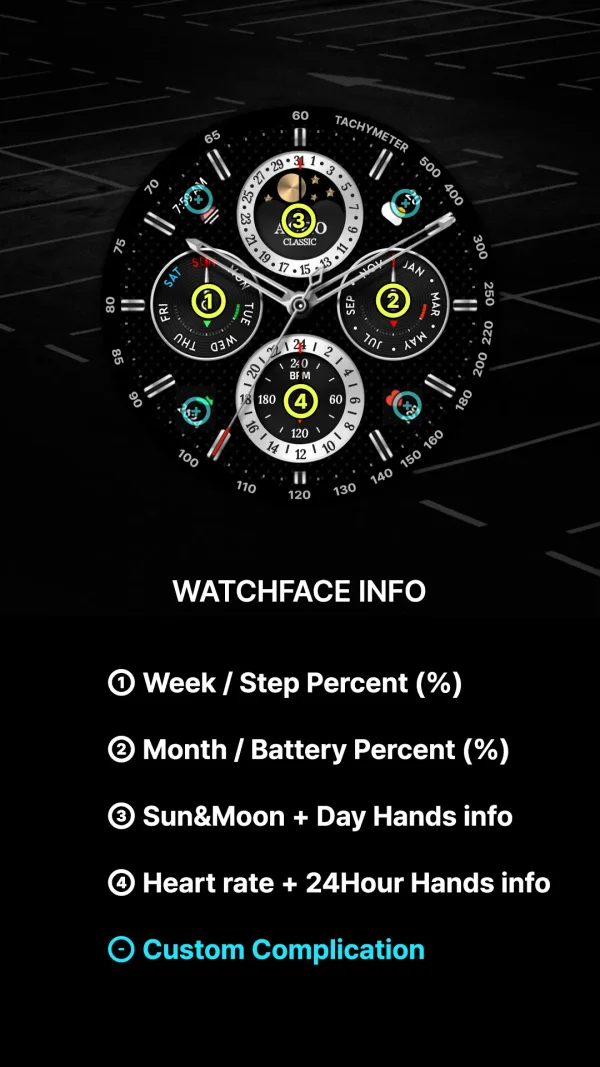
Press and hold the watch face > 2. Click the Decorate button > 3. Tap each complication area to set the corresponding information > 4. Click OK
- The watch face screen shot of the smartphone app may differ from the actual downloaded watch face screen shot.
- A consent to use the sensor is required to use all functions.
- Some features may not be available on all watches.
- If the Play Store app is not compatible, install it using the web browser on your PC/laptop in addition to the app on your phone.
This watch face supports Wear OS devices.
Discover new watch faces in the ACRO Store
https://play.google.com/store/apps/dev?id=7728319687716467388
For inquiries about the app, please contact us by email below.
Mail: help.acro@gmail.com
Data safety
What ACROWatch declares on Google Play about the data this app collects and shares.
- No data shared with third partiesLearn more about how developers declare sharing
- No data collectedLearn more about how developers declare collection
Developer contact
- Emailhelp.acro@gmail.com
- Privacy policyblog.naver.com
- Address명지국제3로 97 명지삼성그린코아더베스트, 104동 2803호 강서구, 부산광역시 46726 South Korea
Information
- Offered by
- ACROWatch
- Category
- Personalization
- Updated
- Oct 20, 2026
- Released
- Oct 11, 2024
- Age rating
- Everyone
- Price
- $0.99
- Package name
- com.watchfacestudio.acro_space2_black
Similar apps
-
 JW147 jwstudio
Personalization
-
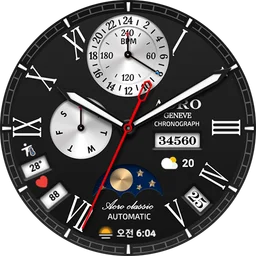 ACRO Classic Gen2 Watchface
Personalization
-
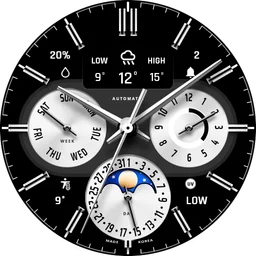 JW289 jwstudio
Personalization
-
 JW056 jwstudio
Personalization
-
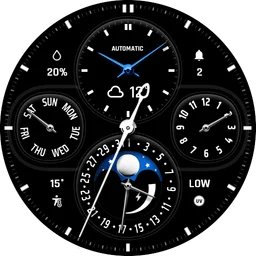 JW290 jwstudio
Personalization
-
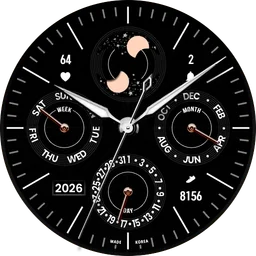 JW382 jwstudio
Personalization
-
 Tiempo Vago Watch Face
Personalization
-
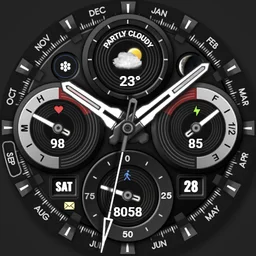 WFP 338 Analog watch face
Personalization
-
 JW051 jwstudio
Personalization
-
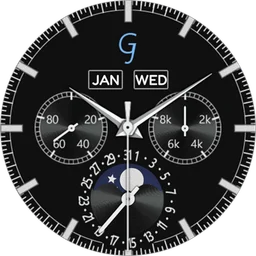 Classic Watch Face
Personalization
-
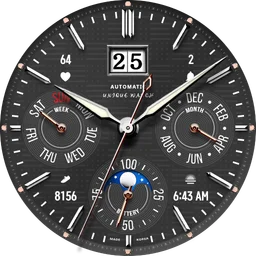 JW340 jwstudio
Personalization
-
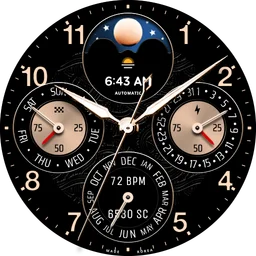 JW256 jwstudio
Personalization