Active Point Watch Face
RichFaceContains ads · In-app purchases
- EveryoneAge rating
- PersonalizationCategory
- Oct 13, 2024Updated
- FreePrice
Links to the official Google Play listing of watch.richface.androidwear.activepoint. Last checked on Nov 23, 2026.

Screenshots


About this app
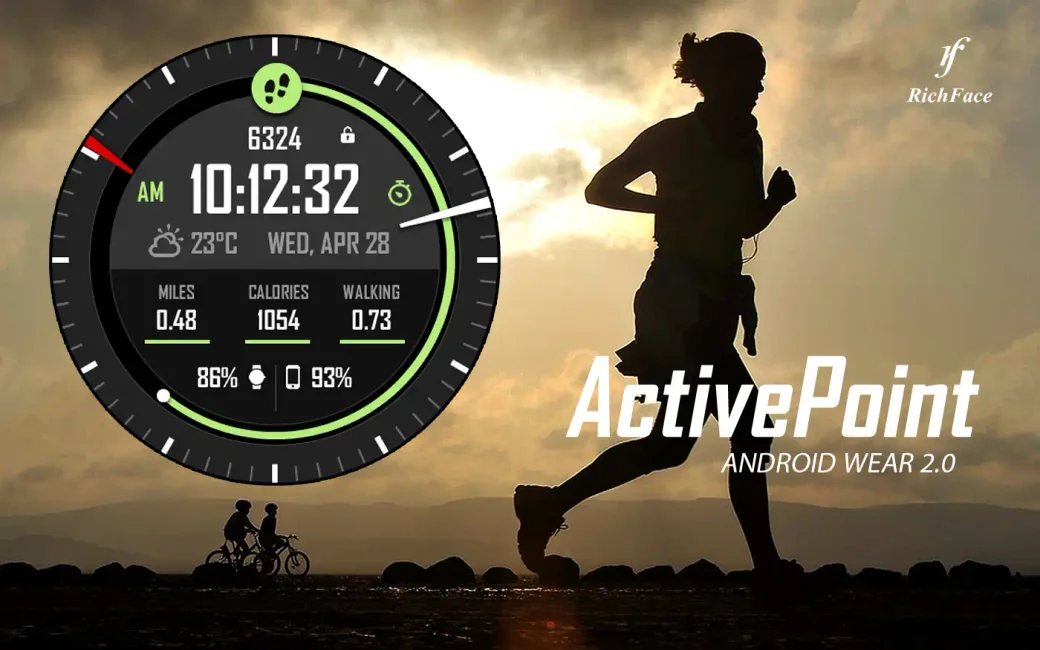
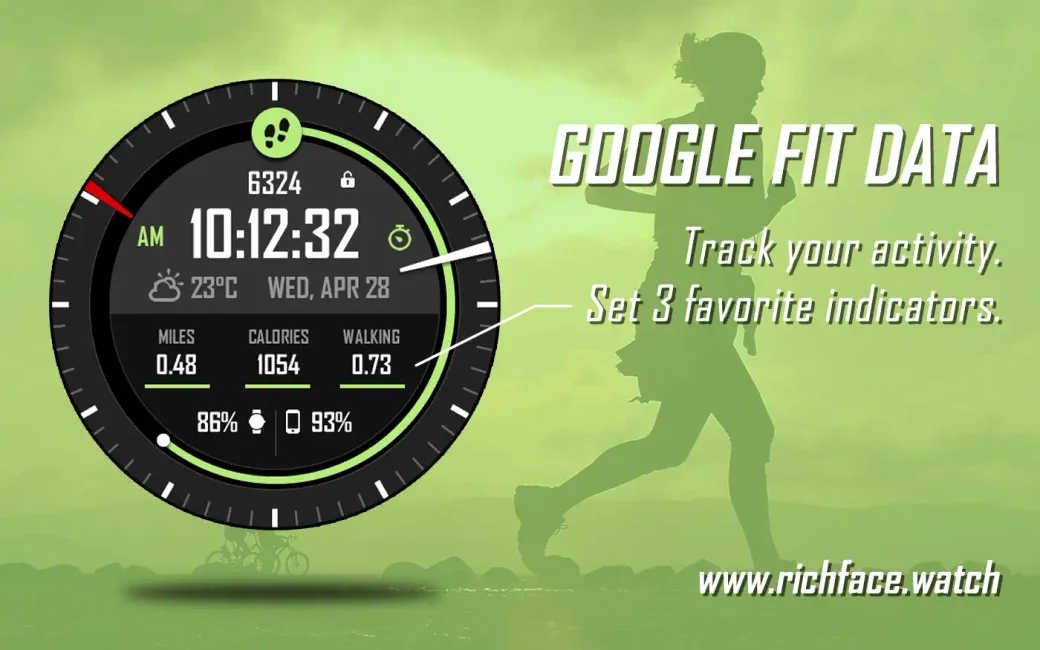
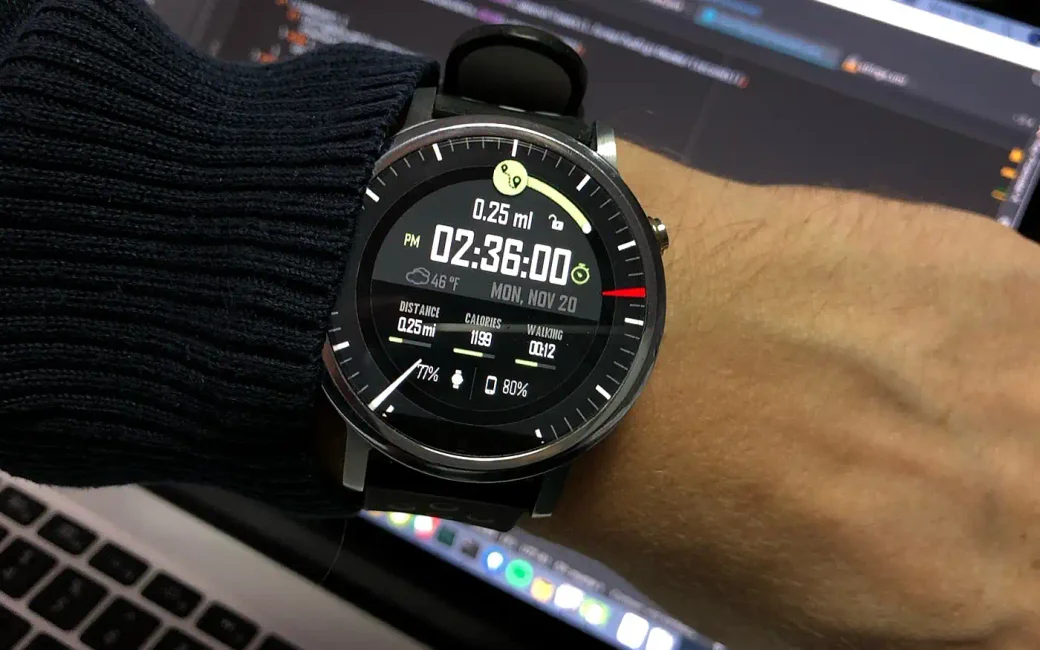
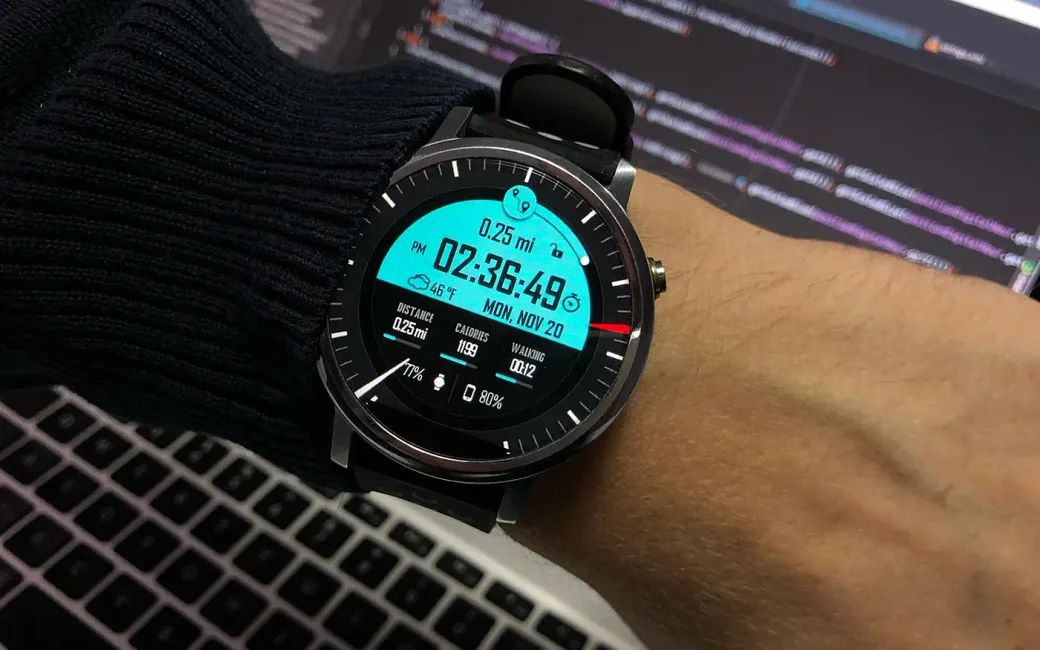
Multifunctional sporty digital watch face with 3 FIT complications
Watch Face Active Point for Wear OS is true eye-catcher with sport characteristics and interactive functions.
Watch face contains a huge number and user friendly settings on the watch and the phone companion app.
★ Watch Face Active Point is fully Wear OS supported
★ Wear OS 2.0 integration
• Fully standalone! (iPhone and Android compatible)
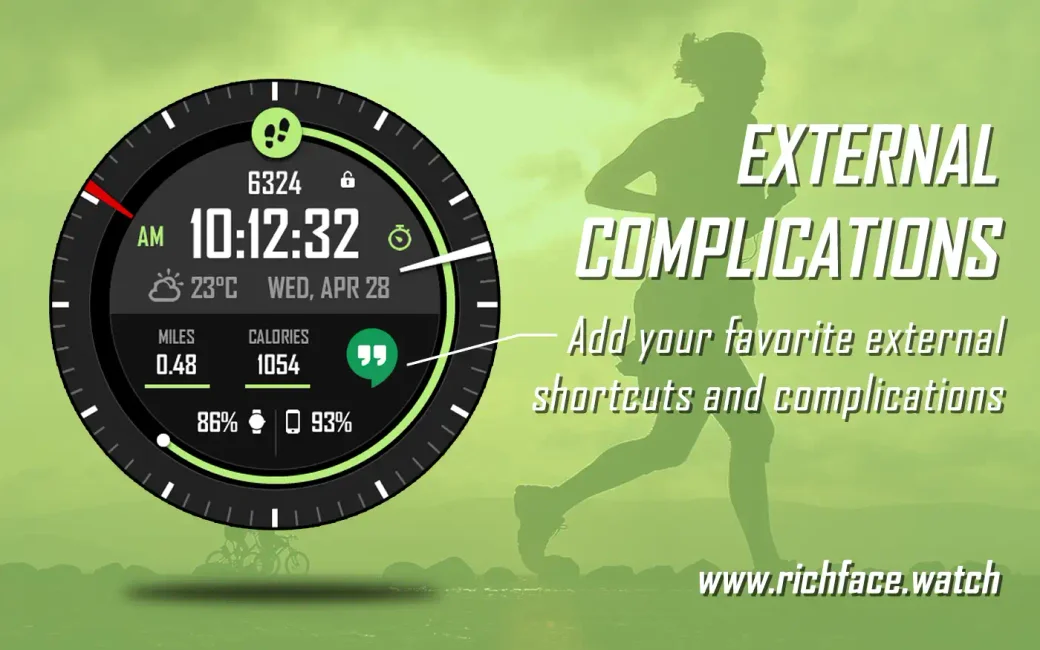
• External complication data for the indicators
★ Compatible with all Android WearOS watches
★ Free version ★
Complications:
• Phone battery
• Watch batter
• Weather
Options:
• Change color
• 24 hour format
• Leading zero
• Screen time
★ NEW option for paid version ★
• Vibrate on every hour
★ Paid version ★
Built-in complications
• Steps
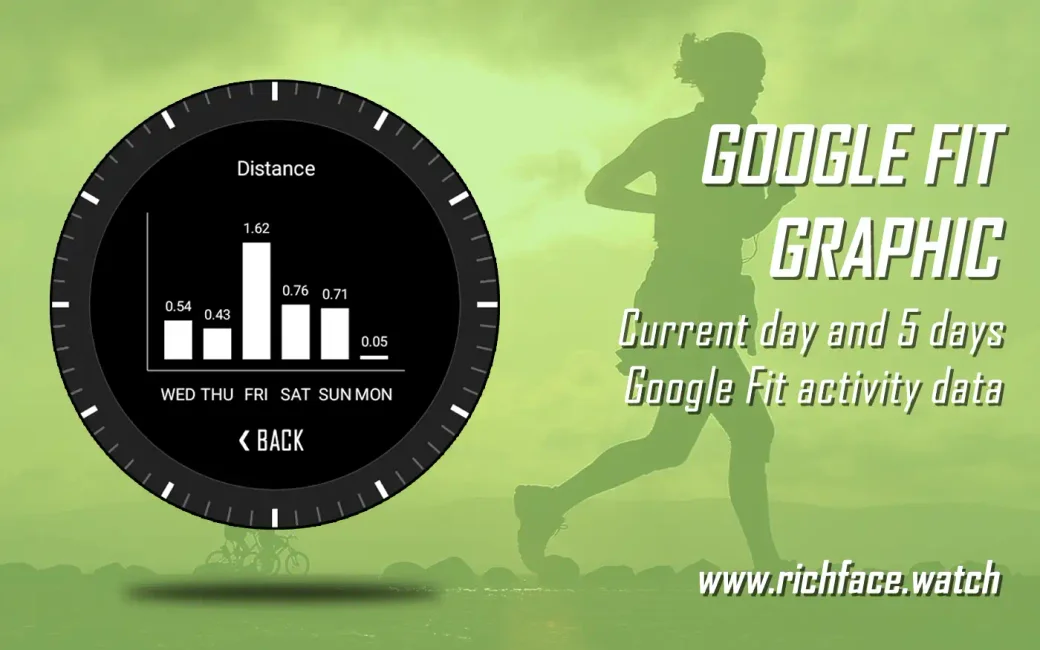
• Distance
• Walking
• Running
• Biking
• Calories
• Fit statistics
Options:
• External complications
• Change color
• 24 hour format
• Leading zero
• Screen time
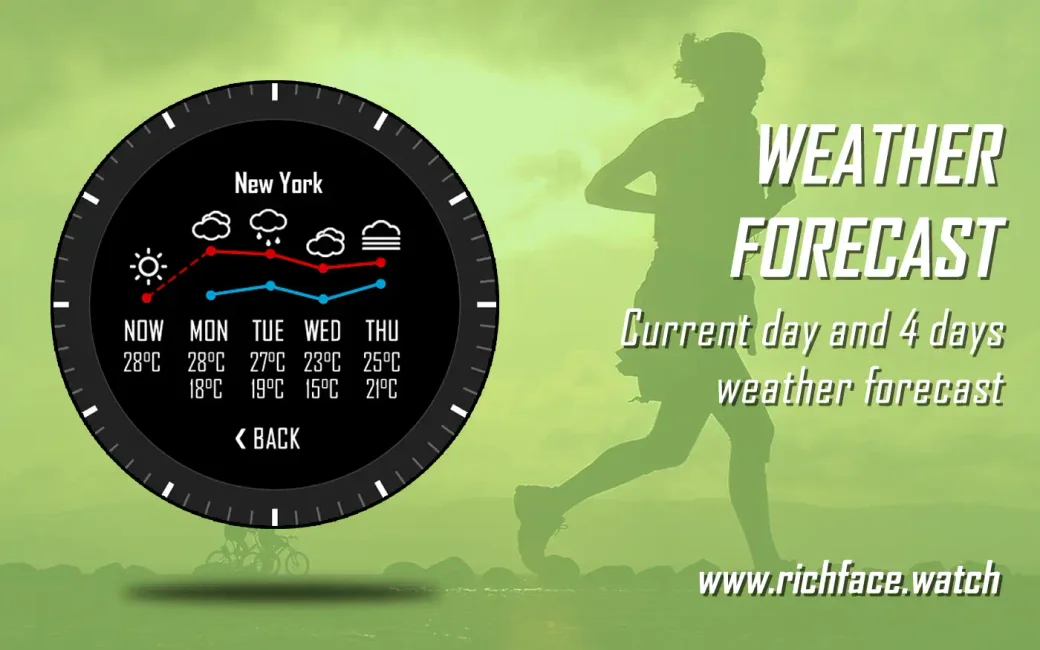
• Forecast
• Full ambient mode option
• Change color preset on tap
• Show/hide hour hands option
• Tap indicator
• Weather settings (location, providers, frequency update, units)
★ DISCLAIMER ★
The free version doesn't have a tap functionality. It just shows data and the user is not able to change it until unlock the PREMIUM version.
The phone battery indicator works only if you connect the smartwatch to Android phone device.
★ FAQ
!! Please contact us if you have any trouble with the app !!
richface.watch@gmail.com
How do I install the watch face on Wear OS?
1. Install it from Google Play Wear Store on your smartwatch.
2. Install the companion app for fully customization (Android phone devices).
★ PERMISSIONS Explained
https://www.richface.watch/privacy
Data safety
What RichFace declares on Google Play about the data this app collects and shares.
- No data shared with third partiesLearn more about how developers declare sharing
- No data collectedLearn more about how developers declare collection
- Data isn’t encrypted
- Data can’t be deleted
What’s new
Oct 13, 2024
Upgraded to WearOS 4
Developer contact
- Websiterichface.watch
- Emailrichface.watch@gmail.com
- Privacy policyrichface.watch
- AddressZentagasse 6/20 1050 Wien Austria
Information
- Offered by
- RichFace
- Category
- Personalization
- Updated
- Oct 13, 2024
- Released
- Nov 22, 2017
- Age rating
- Everyone
- Price
- Free
- In-app purchases
- $1.49 per item
- Package name
- watch.richface.androidwear.activepoint
Similar apps
-
 Chester Digital time
Personalization
-
 Key048 Digital Watch Face
Personalization
-
 Digital 4
Personalization
-
 Muviz - Classic Digital Face
Personalization
-
 PW23 Pixel Precision Watch
Personalization
-
 Key026 Hybrid Watch Face
Personalization
-
 ML2U 104 Watch Face
Personalization
-
 SG-129
Personalization
-
 iMDC Luminescent Watch Face
Personalization
-
 Viltrex Watch Face
Personalization
-
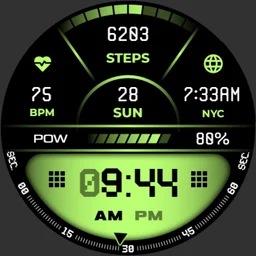 Phantom - LCD v5 | watch face
Personalization
-
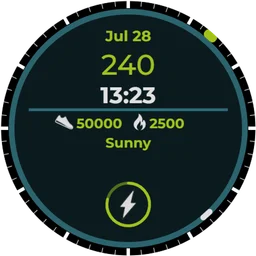 Chroma Wave Watch Face
Personalization