AI Chat Bot - Smart Assistant
Bizcraft AppsContains ads · In-app purchases
- EveryoneAge rating
- ProductivityCategory
- Oct 30, 2026Updated
- FreePrice
Links to the official Google Play listing of com.x.ai.grok. Last checked on Nov 19, 2026.

Screenshots
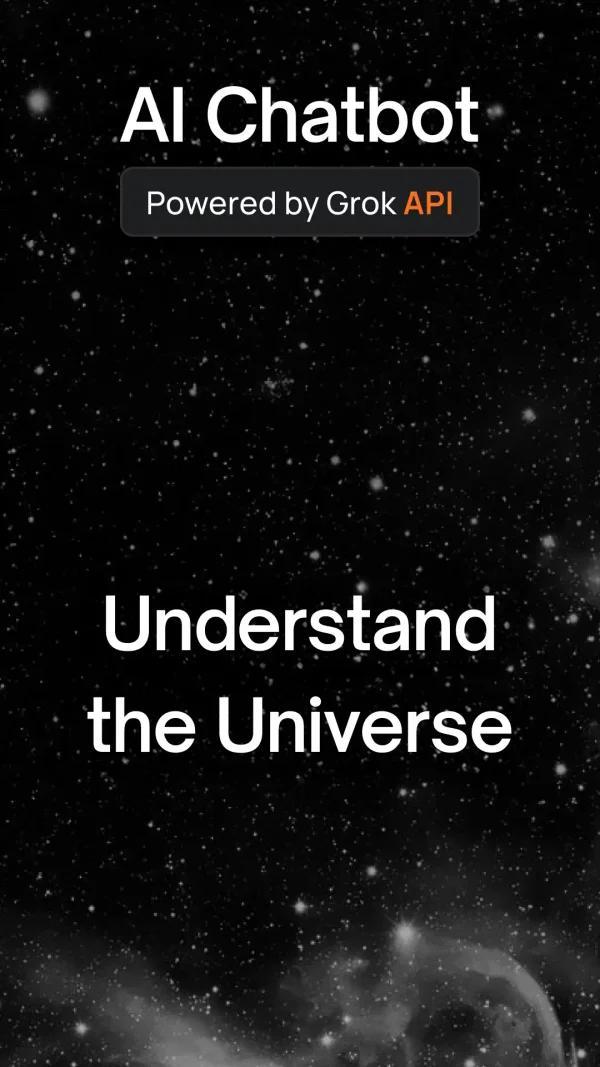

About this app
Ask questions, draft text, translate and explore ideas with an AI assistant.
What is AI Chat Bot - Smart Assistant?
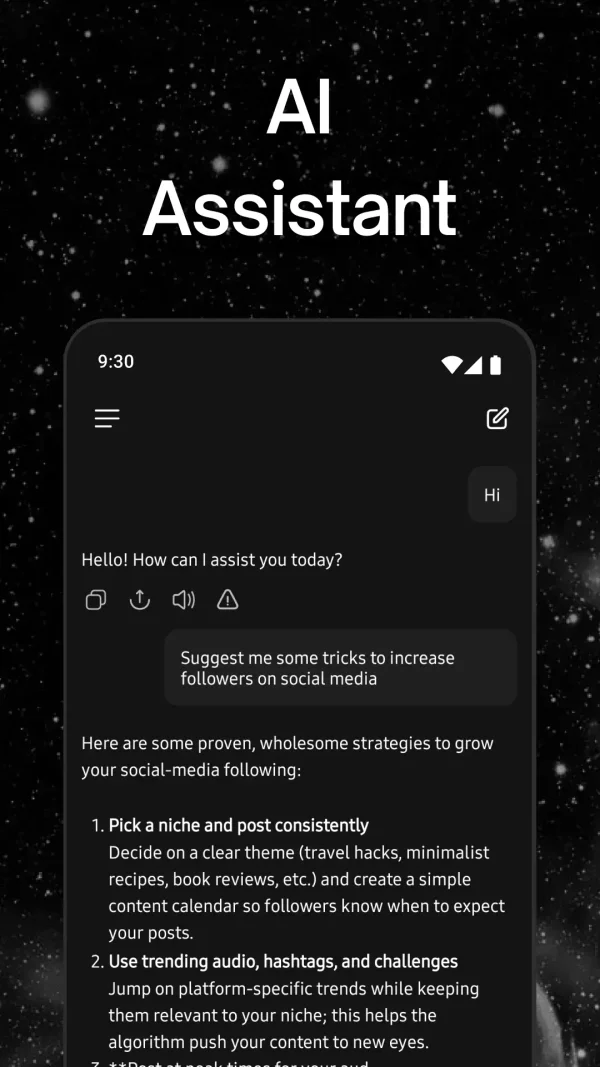
An Android AI chatbot for asking questions, developing ideas, and working with written content. Use conversational prompts for help with study topics, writing, language practice, coding, and everyday questions.
Start with a question or rough notes, then add context and ask for revisions. Keep related ideas in one conversation as you work toward an explanation, outline, or draft you can review and use.
Who is AI Chat Bot - Smart Assistant for?
Use this AI assistant when you need a starting point or another way to explain an idea:
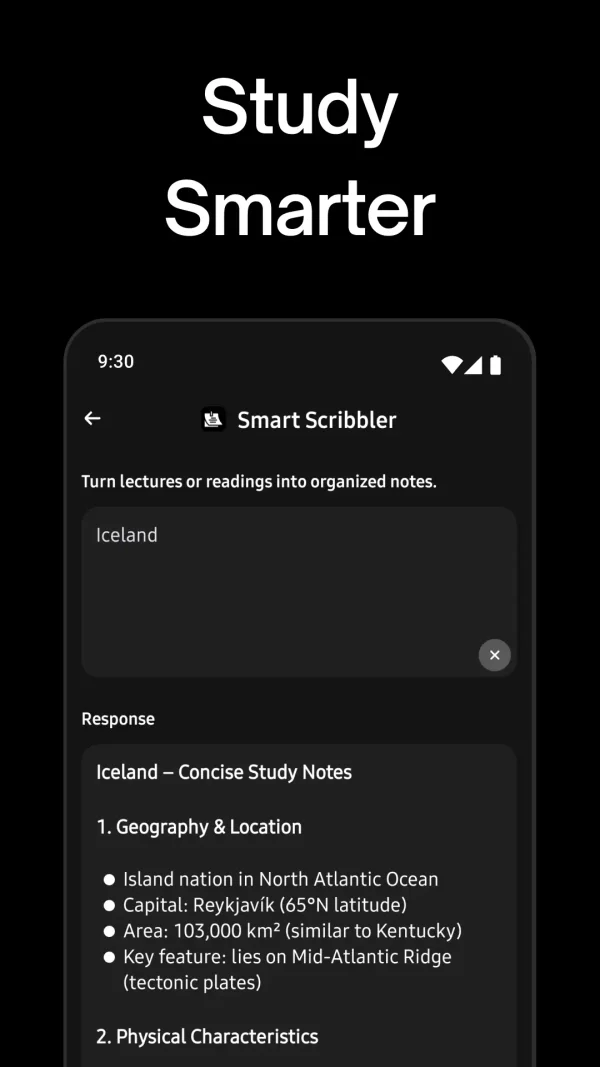
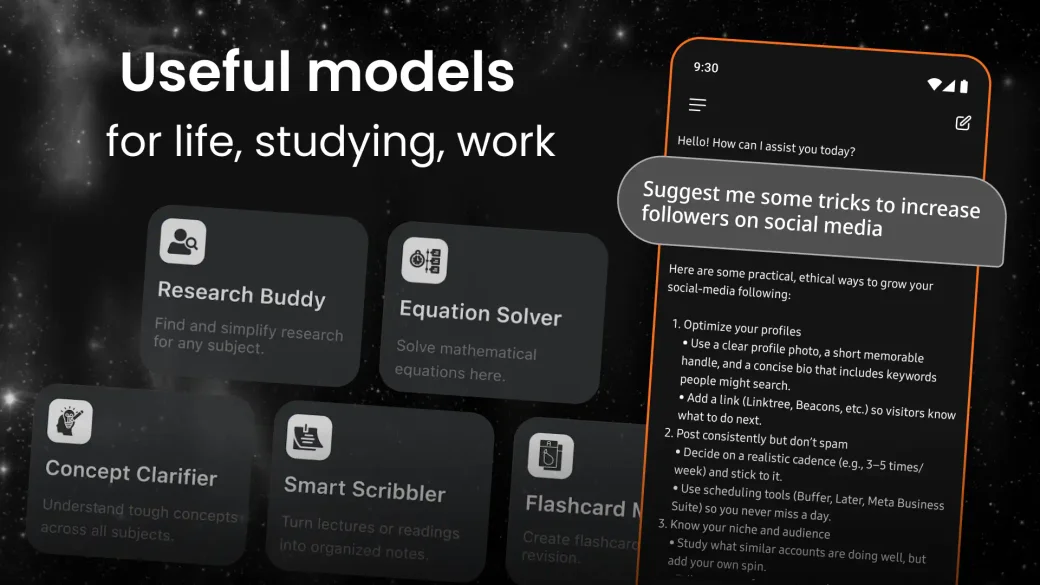
• Students: ask for simpler explanations, organise notes, or explore assignment ideas.
• Writers: develop an outline, draft an email, or adjust the tone and structure of your text.
• Language learners: translate phrases and practise different ways to express yourself.
• People working with code: request examples, explanations, or ideas for investigating an error.
You can also brainstorm content or a recipe idea, then refine the response around the details that matter to you.
What does AI Chat Bot - Smart Assistant do?
💬 Explore questions and ideas
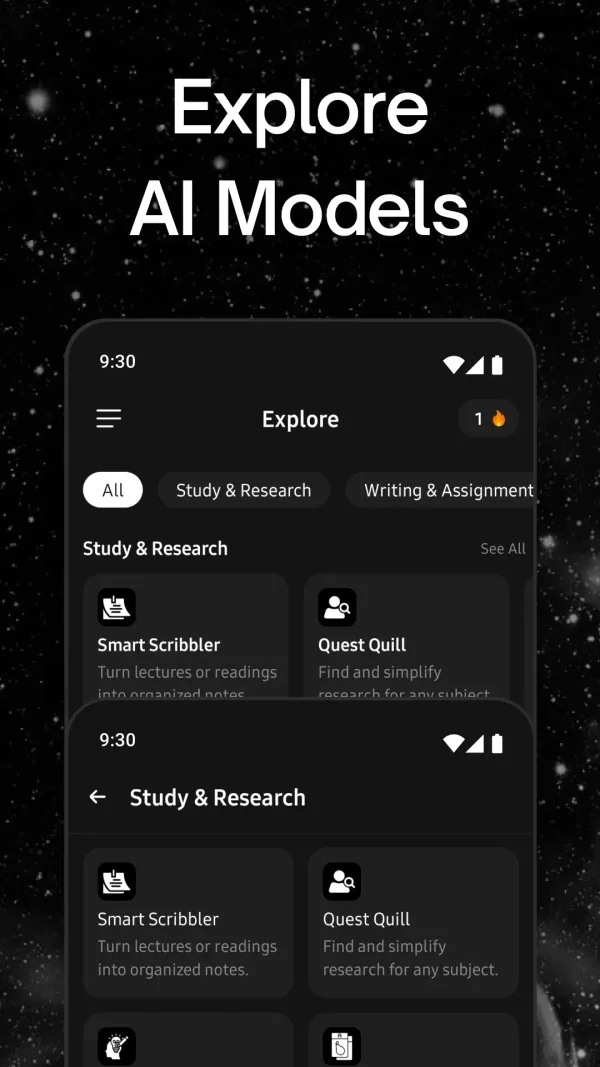
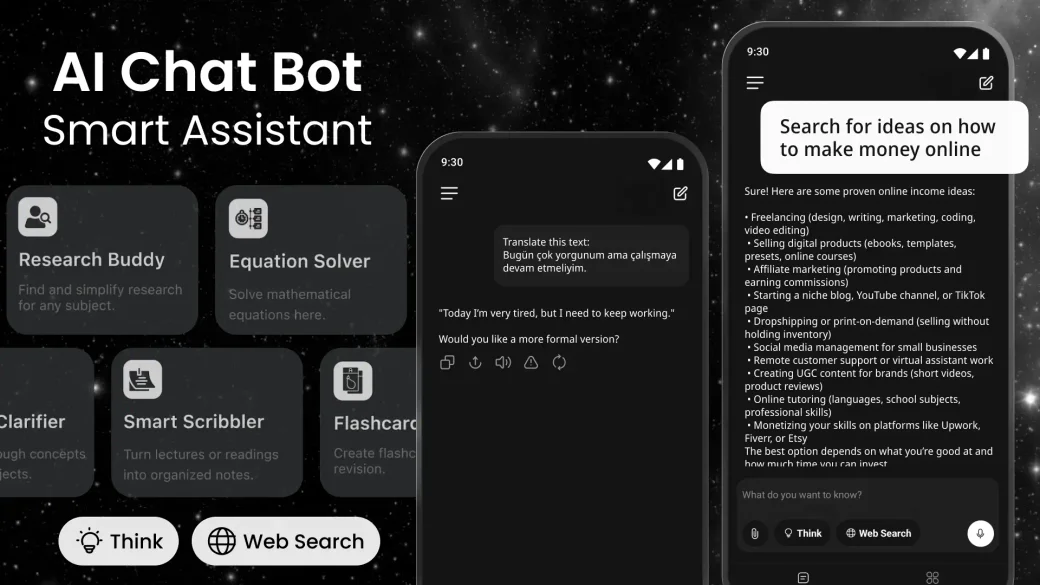
Ask follow-up questions and request examples to explore a topic in more detail. Use task-focused tools for study and research to organise your work.
✍️ Draft and revise text
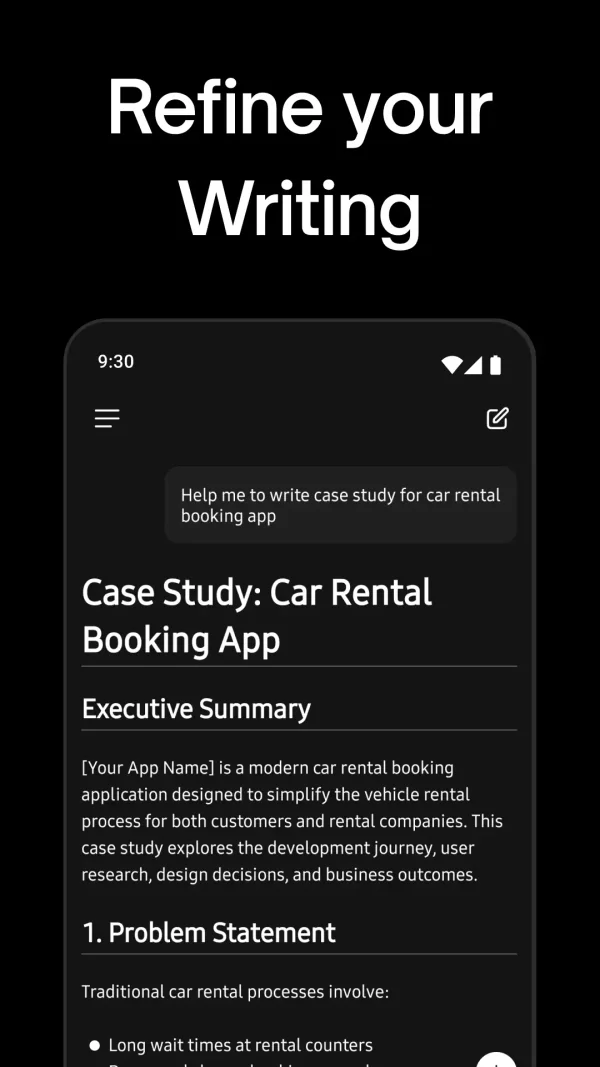
Work on essays, emails, reports, captions, and other writing. Ask for a different tone, shorter wording, a clearer structure, or an outline before writing a full draft.
📚 Summarise and translate
Turn longer notes into a summary or organised points. Translate text and practise phrasing for language learning.
💻 Work through coding questions
Request code examples, explanations, or debugging ideas. Review and test generated code before using it, including checks for errors and security issues.
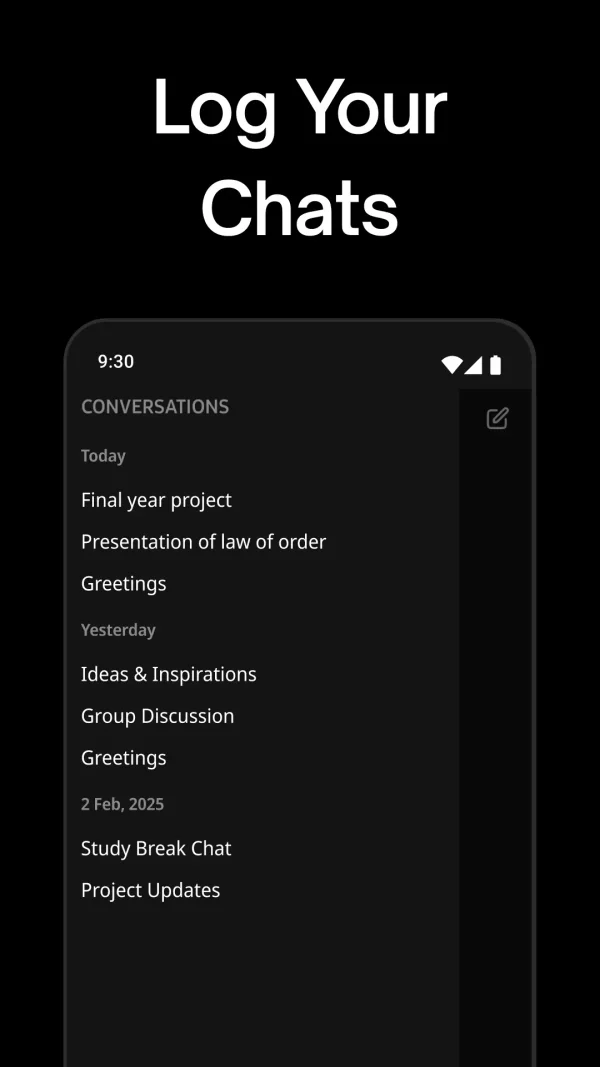
🗂️ Revisit earlier chats
Use chat history to return to previous topics and review earlier questions and responses.
How does AI Chat Bot - Smart Assistant work?
Open a chat and describe what you need. Ask a question, paste text for revision, provide notes, or explain a coding problem. Add your goal, audience, tone, and preferred format, such as a summary, numbered steps, or a draft.
Read the response and ask for changes. You can simplify an explanation, expand a point, translate a result, or request another example. Break complex tasks into smaller prompts so you can review each step.
Avoid sharing confidential, sensitive, or unnecessary personal information in prompts.
Compatibility and requirements
This app is for Android.
AI responses can be inaccurate, incomplete, or unsuitable for your situation. Check important facts, calculations, citations, and translations before relying on them. For study and research, use responses as assistance rather than verified sources.
For health, legal, financial, safety, or other high-impact decisions, consult a qualified professional rather than relying on AI output alone.
The app contains ads and offers in-app purchases.
AI Chat Bot - Smart Assistant brings questions, writing, learning, and saved conversations together to help you turn an initial idea into something you can review and develop.
Data safety
What Bizcraft Apps declares on Google Play about the data this app collects and shares.
- This app may share these data types with third partiesDevice or other IDs
- No data collectedLearn more about how developers declare collection
- Data is encrypted in transit
- You can request that data be deleted
Developer contact
- Websitebizcraftapps.com
- Emailsupport.aichatassistant@bizcraftapps.com
- Privacy policybizcraftapps.com
- Address8 The Grn Ste 4184 Dover, DE 19901-3618 United States
Information
- Offered by
- Google Commerce Ltd
- Category
- Productivity
- Version
- 2.2.0
- Updated
- Oct 30, 2026
- Released
- Jul 17, 2025
- Requires
- Android 8.0 or later
- Age rating
- Everyone
- Price
- Free
- In-app purchases
- $0.99 - $99.99 per item
- Package name
- com.x.ai.grok
Similar apps
-
 Claude by Anthropic
Productivity
-
 Google Gemini
Productivity
-
 AI Video Generator - Clips AI
Art & Design
-
 ChatBox: AI Chat Bot Assistant
Productivity
-
 DeepSeek - AI Assistant
Productivity
-
 AI Voice Chat Bot: Open Wisdom
Productivity
-
 Manus AI: Video, Slides & Apps
Productivity
-
 Meta AI
Productivity
-
 ARTA - AI Photo Generator
Art & Design
-
 Perplexity - Ask Anything
Productivity
-
 ImagineArt: AI Image Generator
Art & Design
-
 AI Chat App - AI Chat bot
Productivity