AIO Launcher: Productivity
AIO Mobile SoftIn-app purchases
- EveryoneAge rating
- PersonalizationCategory
- Nov 17, 2026Updated
- FreePrice
Links to the official Google Play listing of ru.execbit.aiolauncher. Last checked on Nov 26, 2026.

Screenshots



About this app
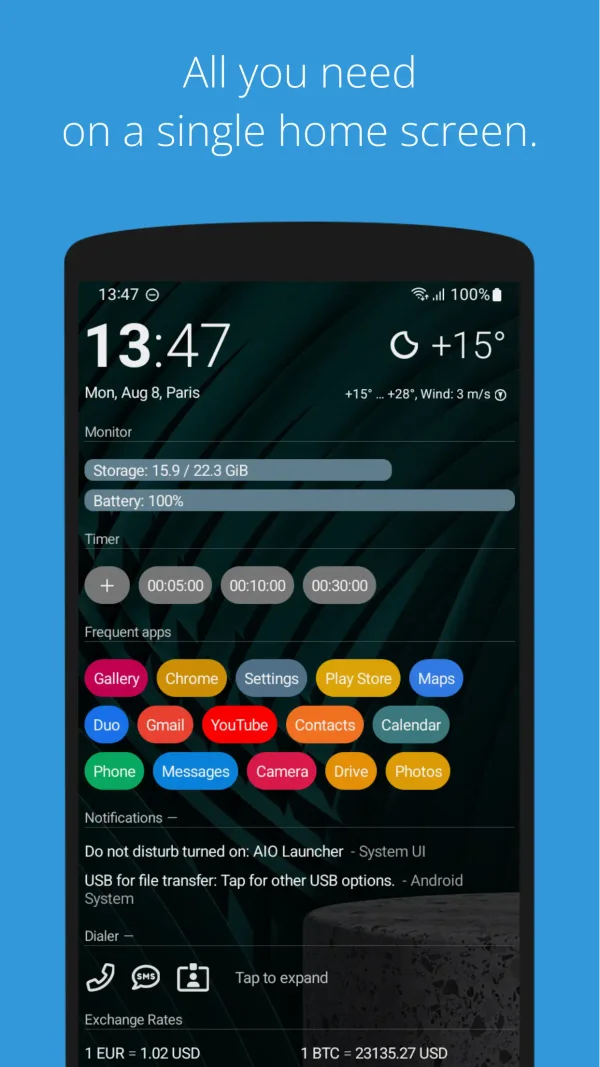
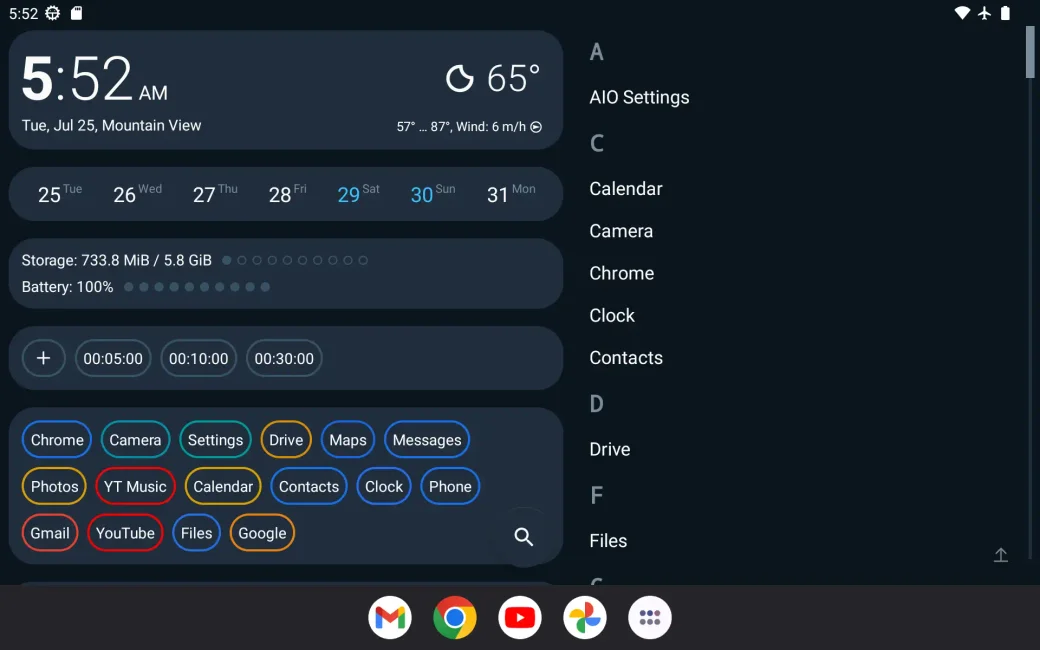
Minimalist launcher with widgets, notes and tasks. Your day on one home screen.
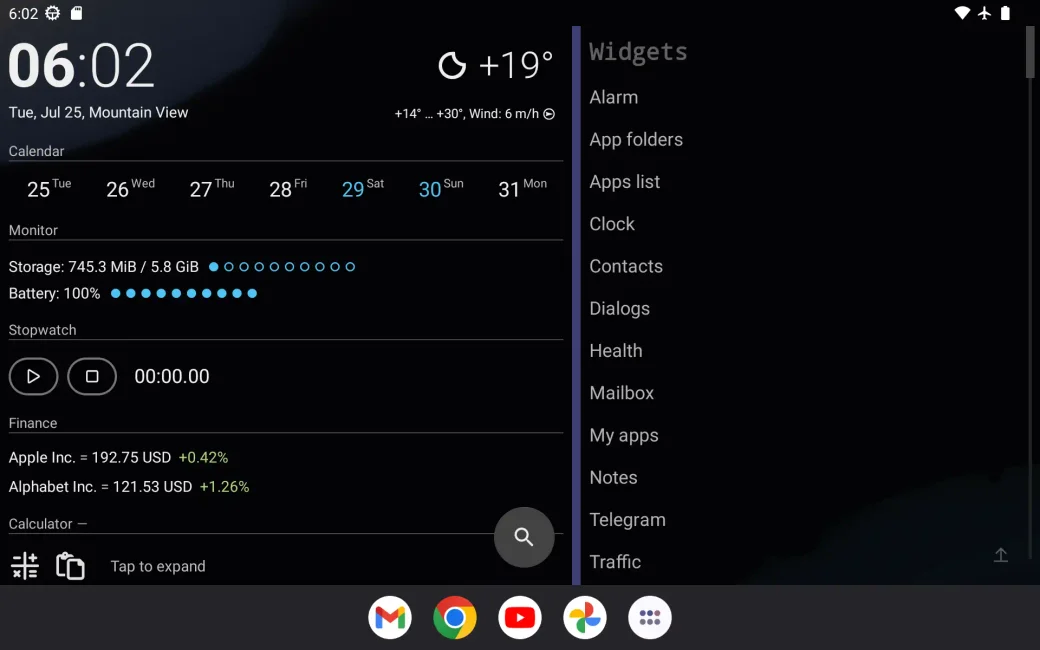
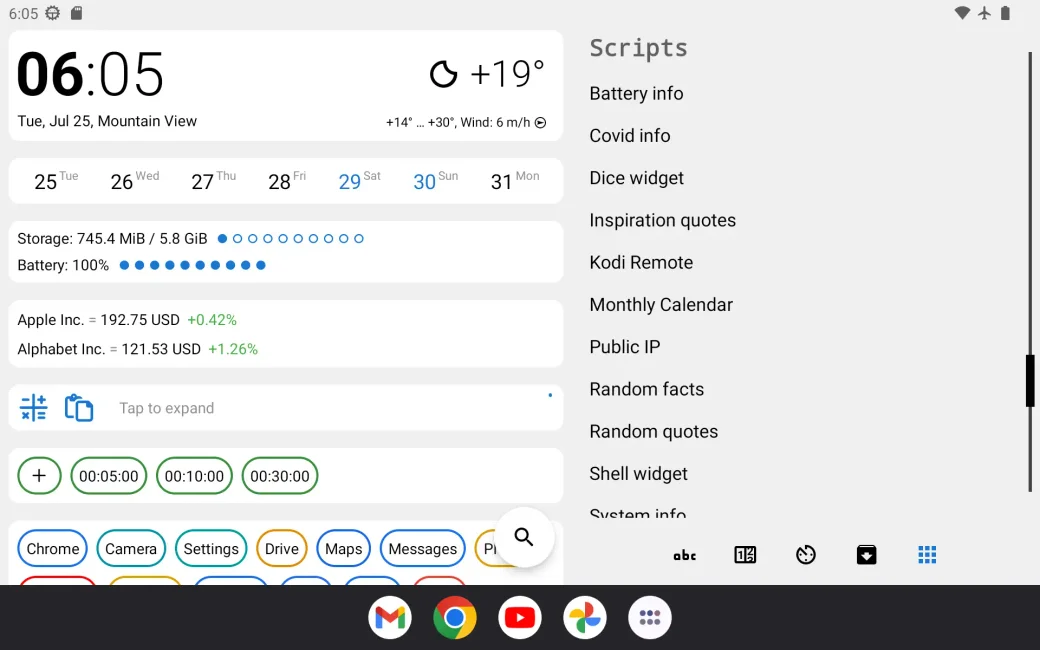
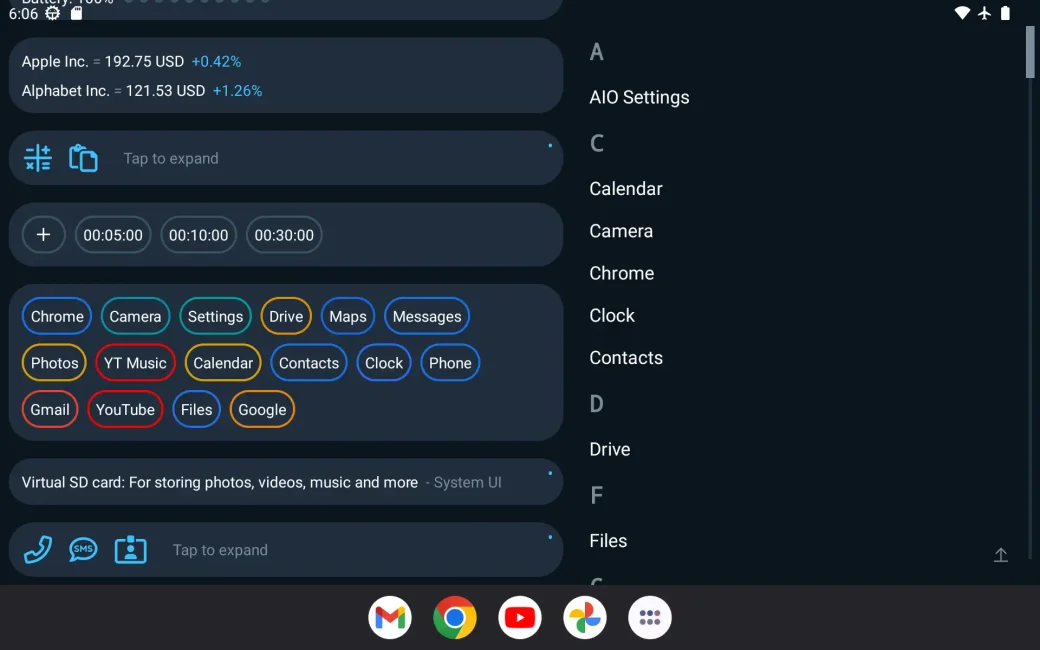
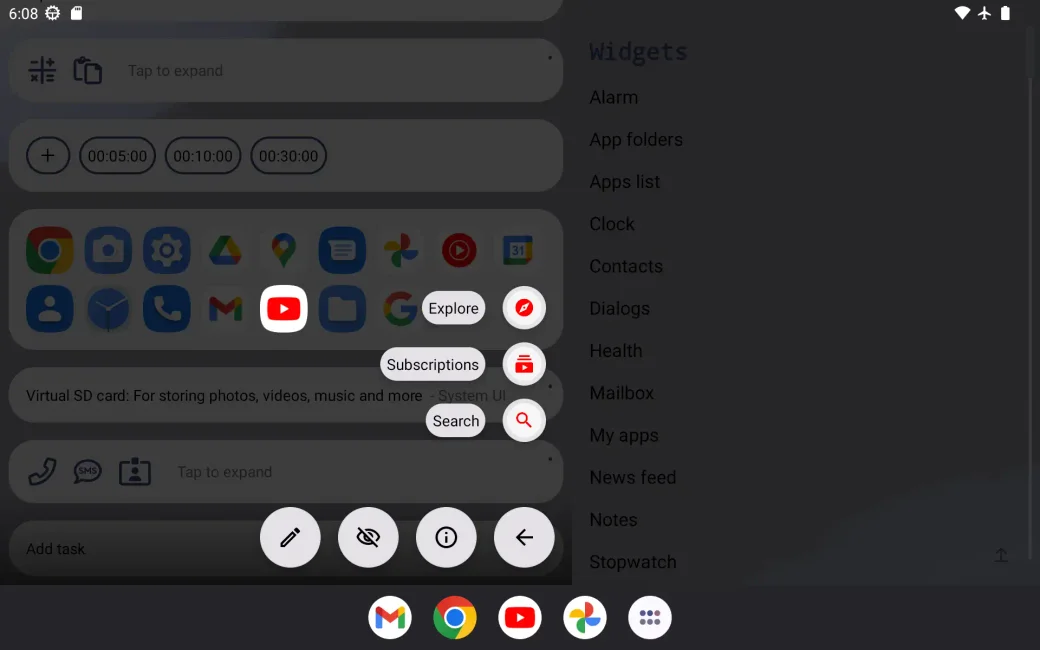
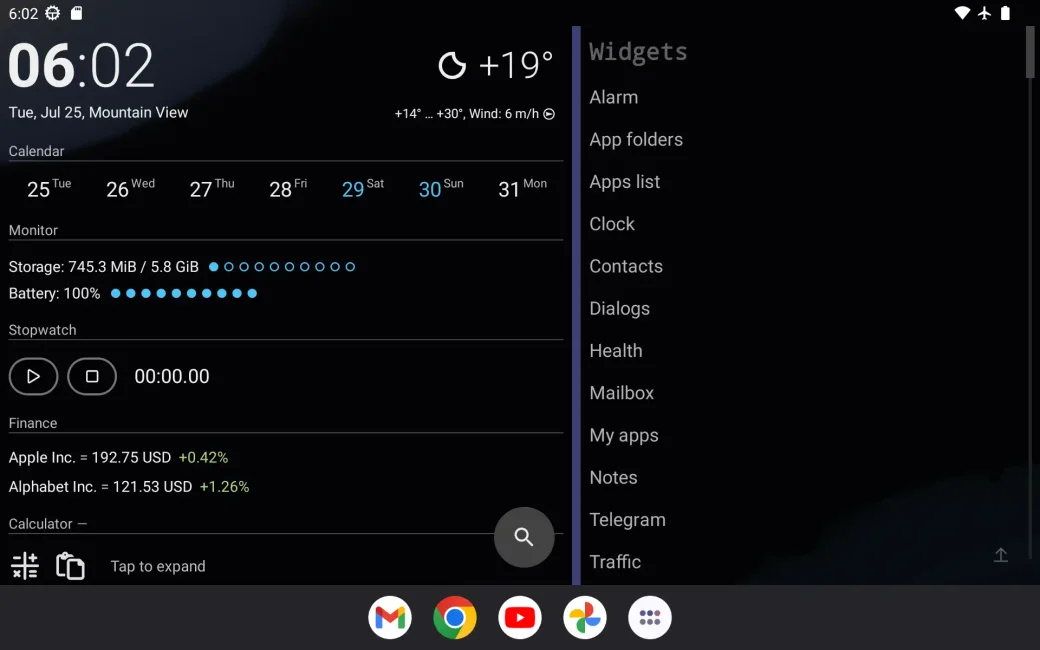
AIO Launcher is a productivity launcher that brings your calendar, tasks, notes and useful widgets to your home screen. Find apps and contacts quickly, keep important information in view, and choose a minimal layout or a detailed dashboard.
Everyday tasks
Check upcoming events, manage your to-do list, jot down notes and see the weather without switching between apps. Add timers, habit tracking, music controls and other tools to suit your routine.
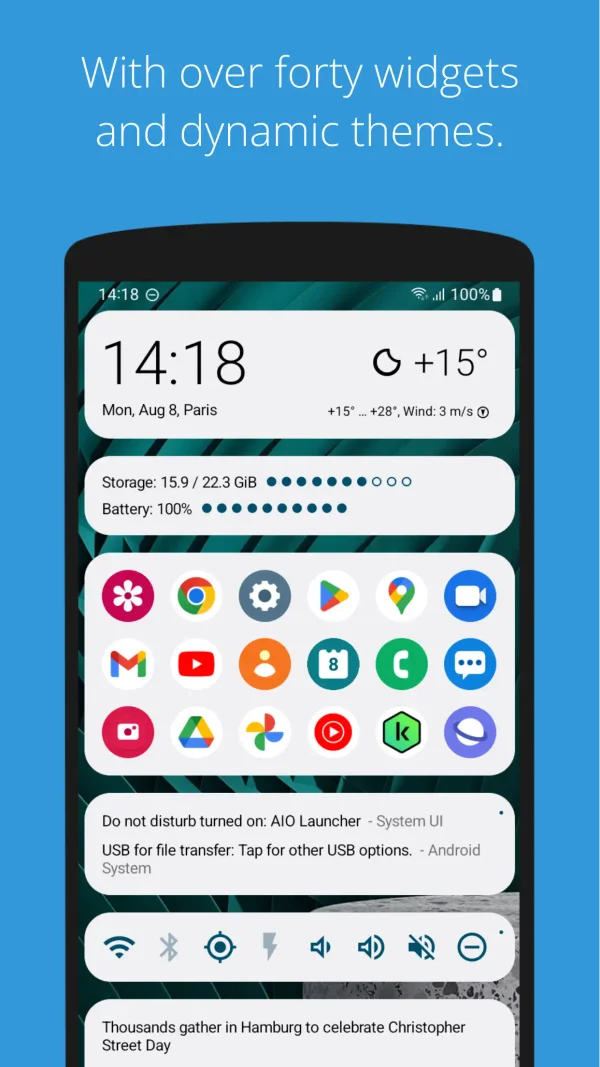
Choose from 50+ built-in widgets and layout tools. Some widgets require Premium or an AI subscription.
Search
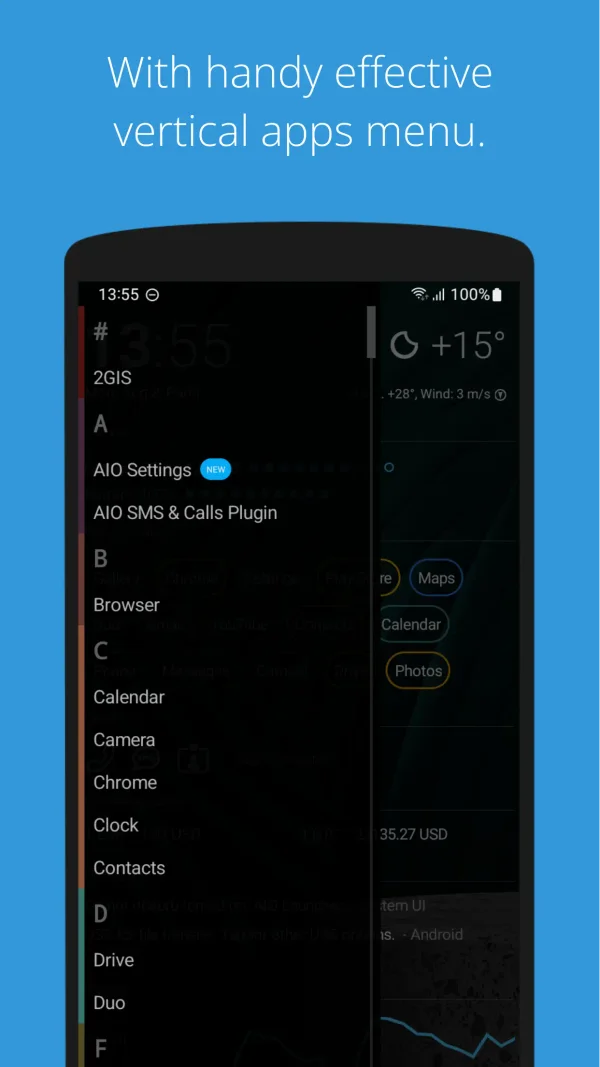
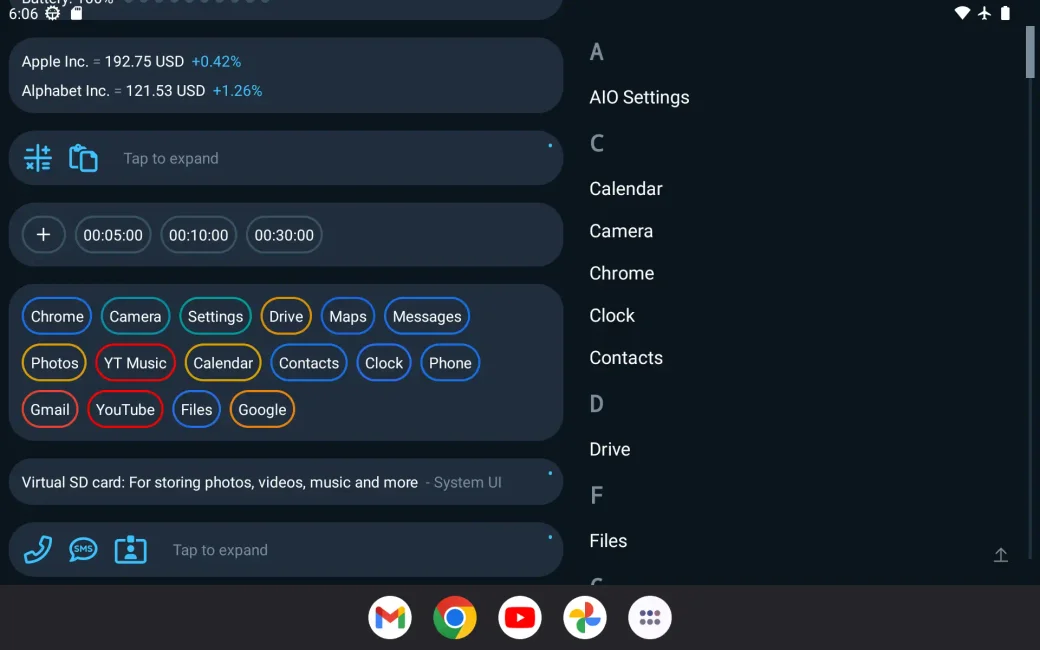
Find apps, contacts and information from your widgets in one place. Search the web or launch a Tasker task directly from the search bar.
Customization
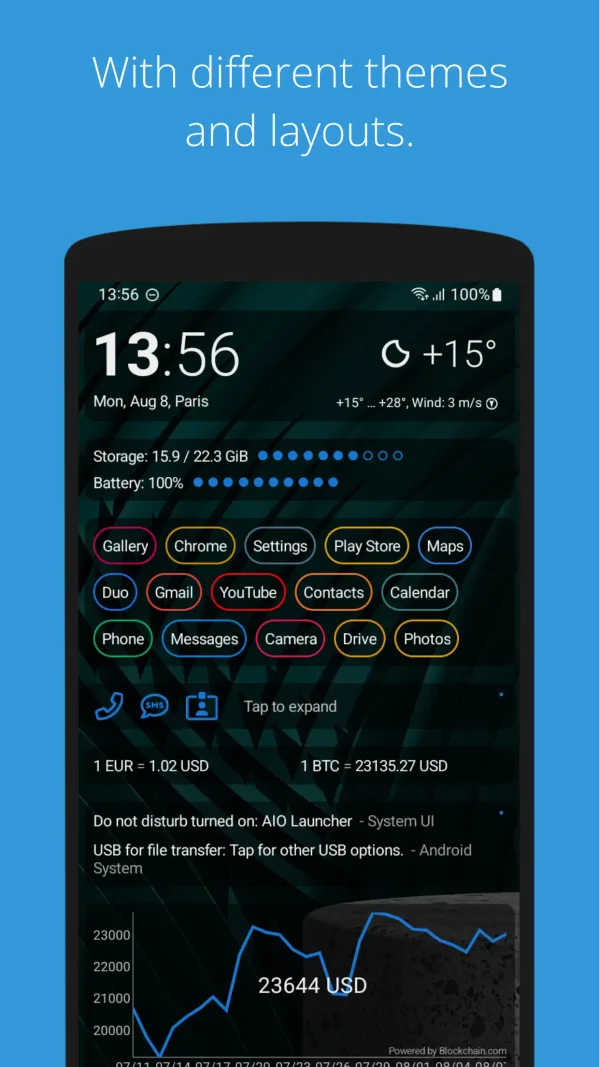
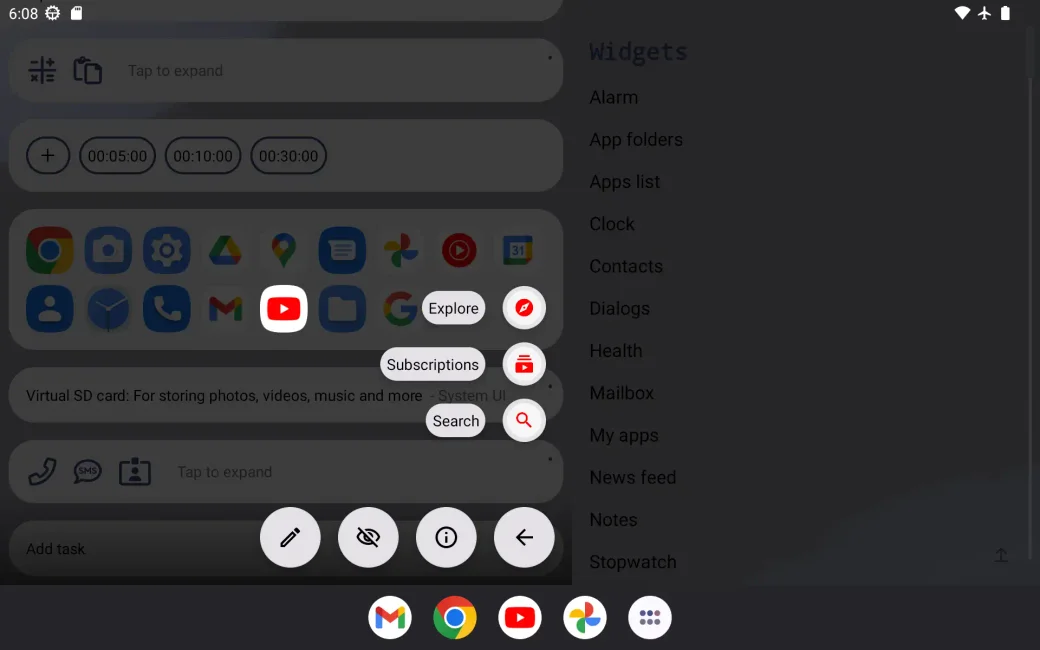
Choose which widgets appear and arrange them around your priorities. Keep a few essentials on screen or build a dashboard with more detail. Premium adds finer control over fonts, icons, themes and gesture actions.
Automation
Use Tasker integration to connect your home screen to your routines. Add Lua scripts for custom widgets and actions, or adapt scripts shared by the community.
Optional AI features
Use AI to translate messages, organize apps into categories, filter notification spam, generate scripts and themes, or get a daily summary.
AI is optional. You can use AIO Launcher without it and hide AI widgets, settings and controls with Classic Experience mode.
Free, Premium and AI subscription
- Free: App and contact search, calendar, tasks, notes, weather and many other built-in widgets, with basic home screen customization.
- Premium: A one-time purchase that adds advanced customization, icon packs, font selection, gesture and button actions, additional widgets such as Telegram, Matrix, Mastodon and Finance, plus cloud sync and cloud backups. Premium does not include the AI subscription.
- AI subscription: A monthly or annual plan that includes all Premium features and the AI features listed above. You do not need to buy Premium separately. The subscription renews automatically and can be canceled through Google Play.
Independent development
AIO Launcher is built and maintained by one independent developer. If you encounter a problem or have a suggestion, contact me at zobnin@gmail.com.
Permissions and privacy
Some features need permissions or external services. Weather forecasts use location data sent to MET Norway. AI app categorization sends your app list to OpenAI, and AI notification filtering sends notification text to OpenAI when you enable those features.
Accessibility
AIO Launcher uses the Accessibility Service for gesture actions and device interaction.
Feedback and support: zobnin@gmail.com
Data safety
What AIO Mobile Soft declares on Google Play about the data this app collects and shares.
- This app may share these data types with third partiesApp info and performance and Device or other IDs
- This app may collect these data typesApp info and performance
- Data is encrypted in transit
- Data can’t be deleted
What’s new
Version 7.6.2 · Nov 17, 2026
- Added Pebble watch support: notes, tasks, mail, financial quotes and task reminders
- Split screen: resize the panels and move the side menu to the left
- Notes widget: file-backed notes can now show filenames, text previews, or both
- Widget Group: double-tap an Android widget to expand it
- AI assistant can now change the launcher font size and find events in a specific calendar
- Faster spam filtering stops notifications from flashing on screen
- Bug fixes and stability improvements
Developer contact
- Websiteaiolauncher.app
- Emailzobnin@gmail.com
- Privacy policyaiolauncher.app
- AddressGr. Lusavorich st. 42-1 Vanadzor 2001 Armenia
Information
- Offered by
- AIO Mobile Soft
- Category
- Personalization
- Version
- 7.6.2
- Updated
- Nov 17, 2026
- Released
- Nov 5, 2017
- Requires
- Android 8.0 or later
- Age rating
- Everyone
- Price
- Free
- In-app purchases
- $2.49 - $19.99 per item
- Package name
- ru.execbit.aiolauncher
Similar apps
-
 MYCPE ONE
Education
-
 Cool Mi Launcher - CC Launcher
Personalization
-
 Retro Mode - Icon Pack (Neon)
Personalization
-
 CMM Launcher 2.0
Personalization
-
 Taskbar
Tools
-
 Pixelful - Icon Pack
Personalization
-
 Alpha Hybrid Launcher 4D theme
Personalization
-
 nzb360 - Media Server Manager
Tools
-
 WolOn: Wake on LAN, SSH Widget
Tools
-
 Elgato Stream Deck Mobile
Productivity
-
 Pie Launcher version 2026
Personalization
-
 Square Home Launcher - Tile UI
Personalization