All File Reader
P & L StudioContains ads
- EveryoneAge rating
- ProductivityCategory
- Oct 21, 2026Updated
- FreePrice
Links to the official Google Play listing of com.filereader.allfile. Last checked on Nov 20, 2026.
Screenshots
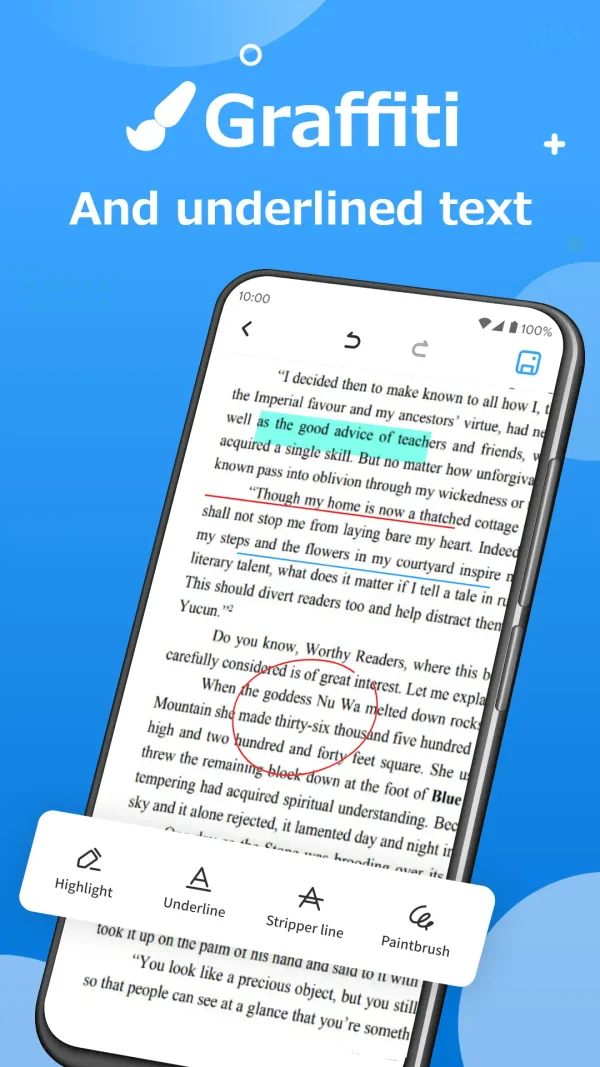
About this app
Simple Way to Read & Manage Files
Stay organized and efficient with All File Reader.
✨ Main Features
📂 Read All Formats
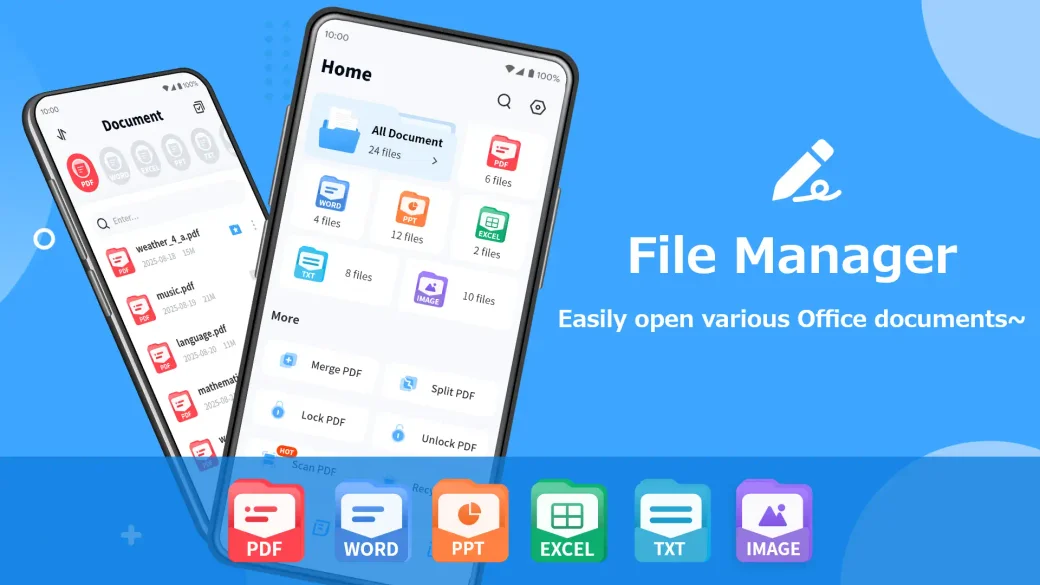
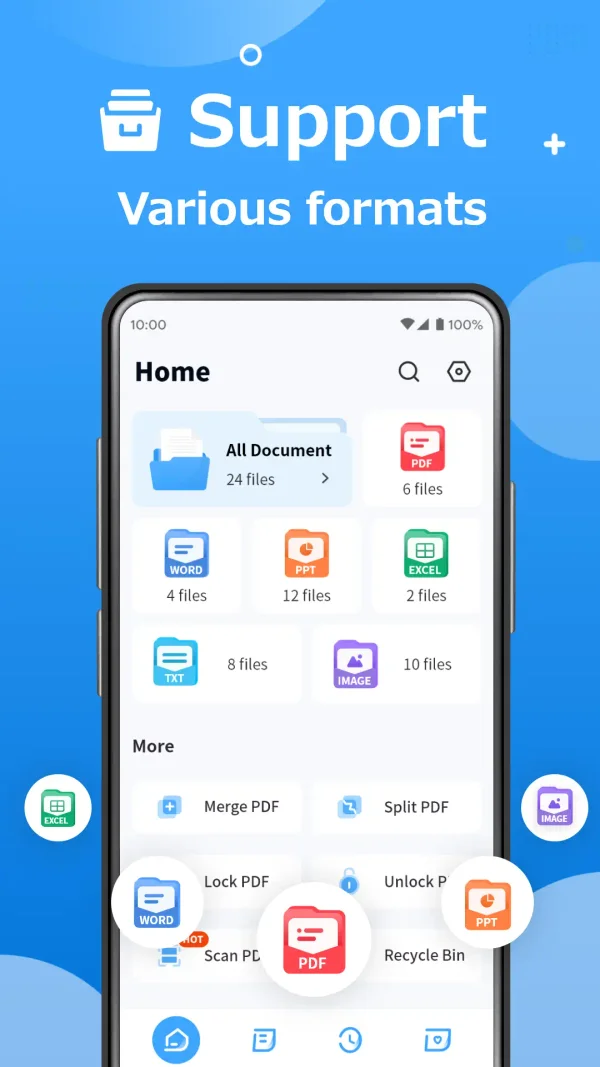
Support PDF, Word, Excel, PPT. No need to switch apps — open and view anytime.
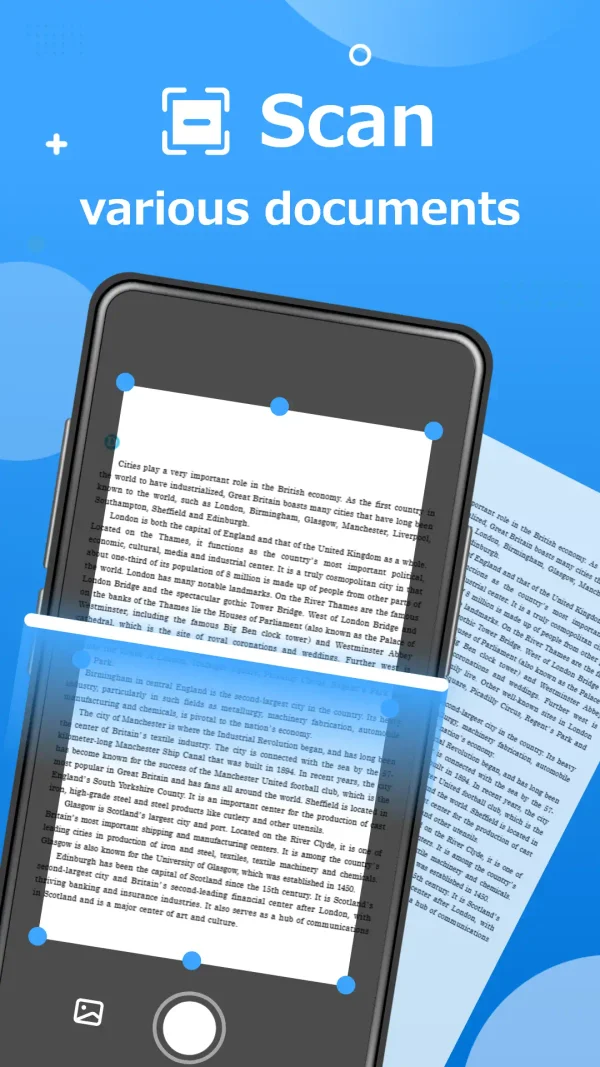
📸 Scan to PDF
Take a picture of paper documents and turn them into clean, editable PDF files in seconds.
🛠️ Easy File Tools
Merge, split, or rename your documents as you like. Keep your files tidy and easy to find.
🌙 Night Mode
Switch to a dark reading interface that reduces eye strain and keeps your focus steady, even in low-light environments.
🔍 Quick Search
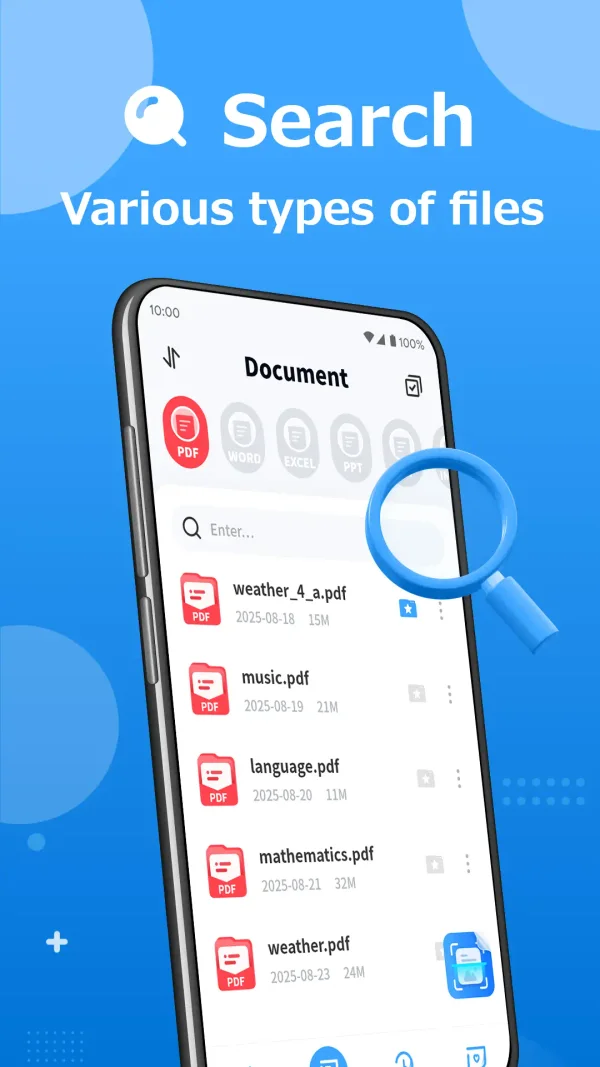
Quickly locate keywords and phrases in documents to improve work efficiency.
🔒 Protect Your PDF Files
Set a password to keep your important PDF files private and safe.
With All File Reader, reading and managing files is easy.
Data safety
What P & L Studio declares on Google Play about the data this app collects and shares.
- This app may share these data types with third partiesFiles and docs, App activity, and Device or other IDs
- No data collectedLearn more about how developers declare collection
- Data is encrypted in transit
- Data can’t be deleted
Developer contact
- Websiteallfilereader.com
- Emailhuangcansen260@gmail.com
- Privacy policyallfilereader.com
- Address莲前西路372号 思明区, 厦门市, 福建省 China 361007
Information
- Offered by
- P & L Studio
- Category
- Productivity
- Version
- 1.3.1
- Updated
- Oct 21, 2026
- Released
- Nov 3, 2025
- Requires
- Android 7.0 or later
- Age rating
- Everyone
- Price
- Free
- Package name
- com.filereader.allfile