Analog Basic 23 WEAR OS 5+
OQ Watchfaces- EveryoneAge rating
- PersonalizationCategory
- Aug 2, 2026Updated
- $1.59Price
Links to the official Google Play listing of com.watchfacestudio.ab23.aab. Last checked on Nov 15, 2026.
Screenshots
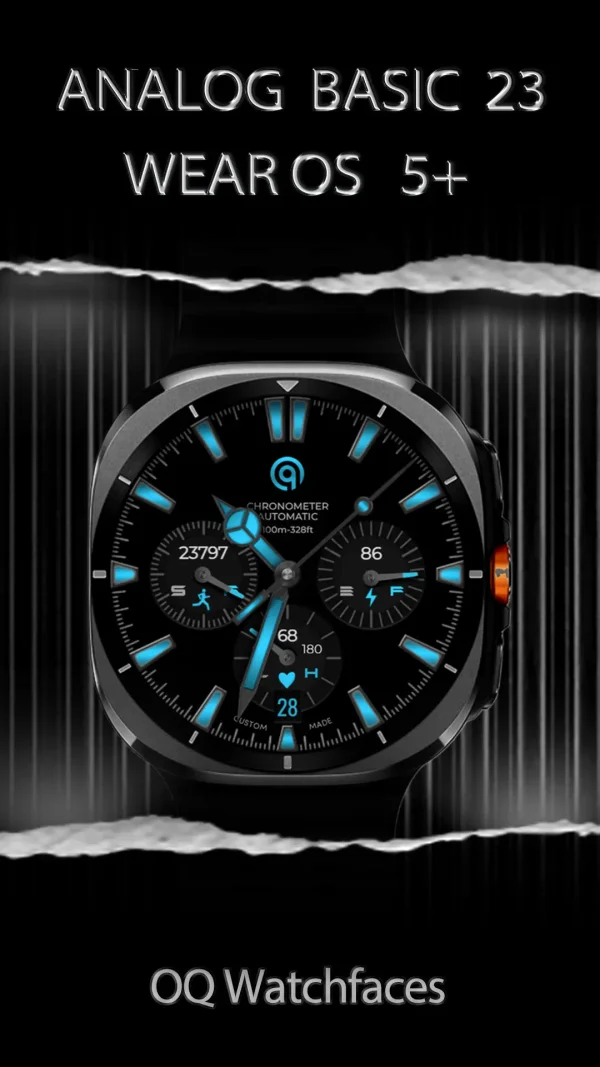
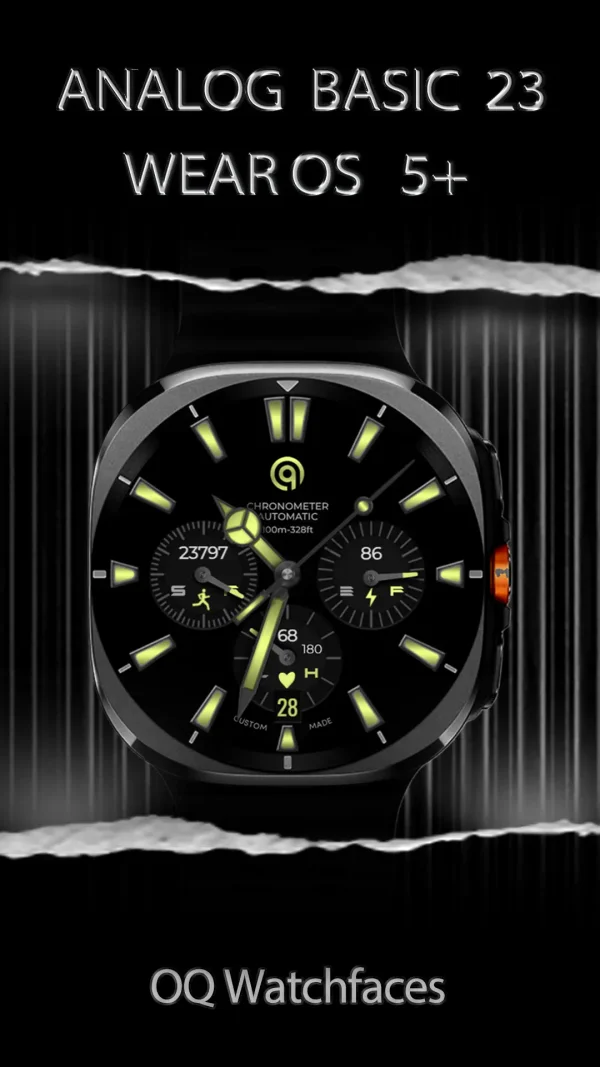
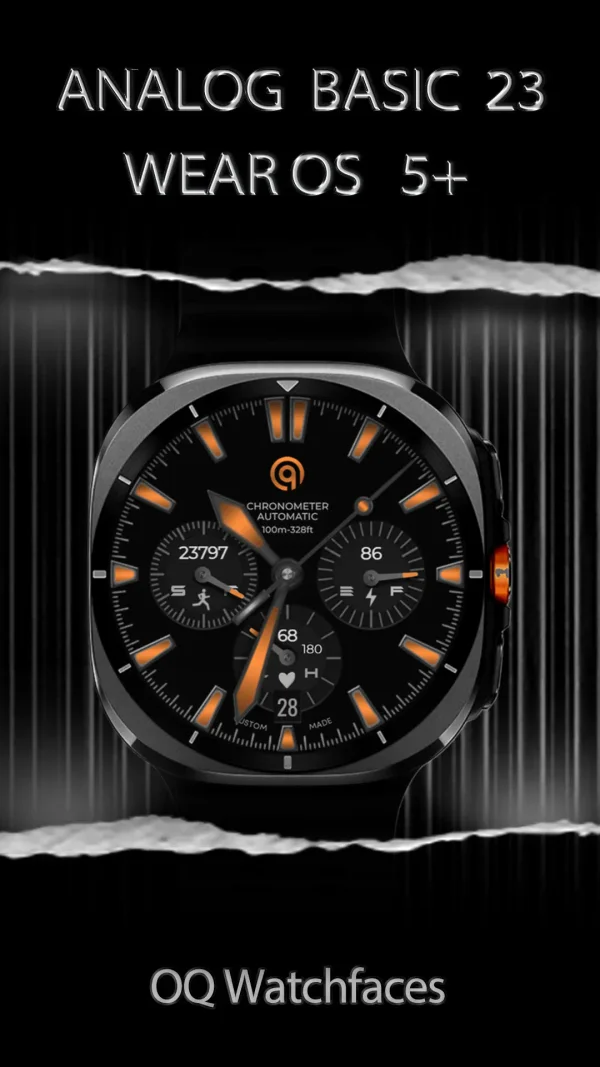
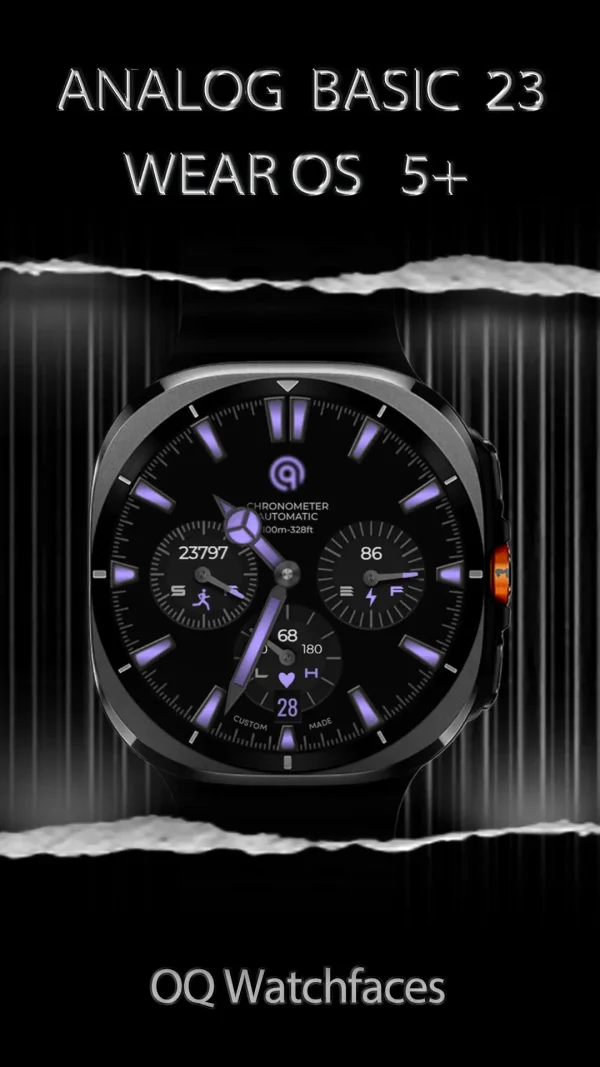
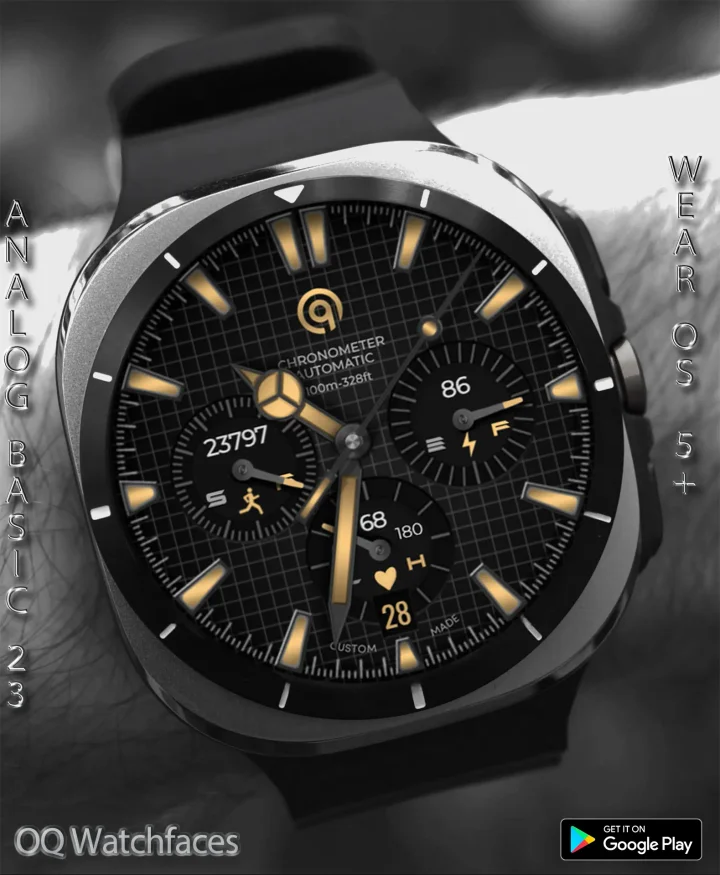
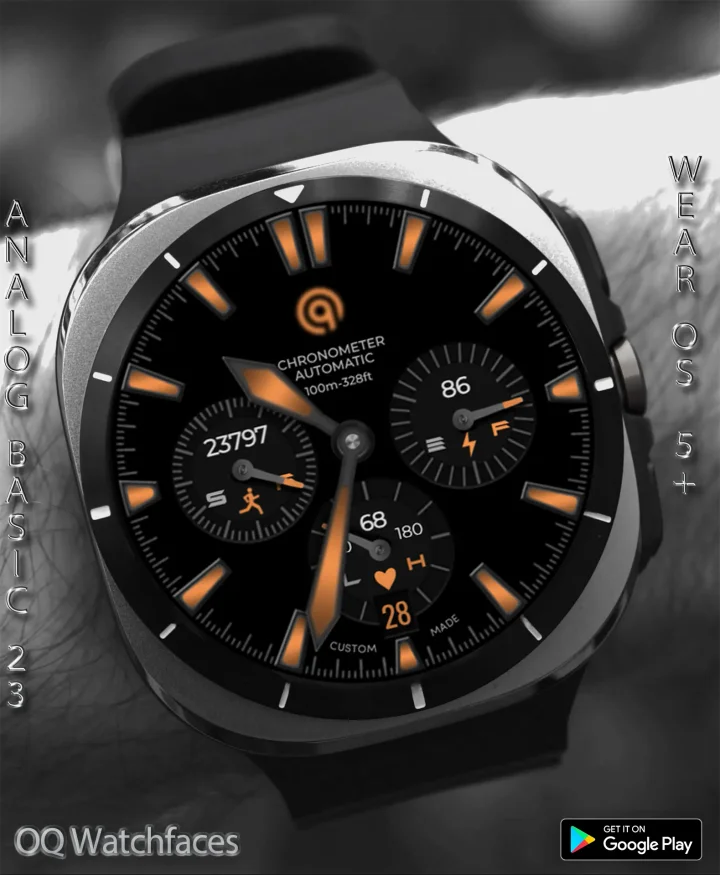

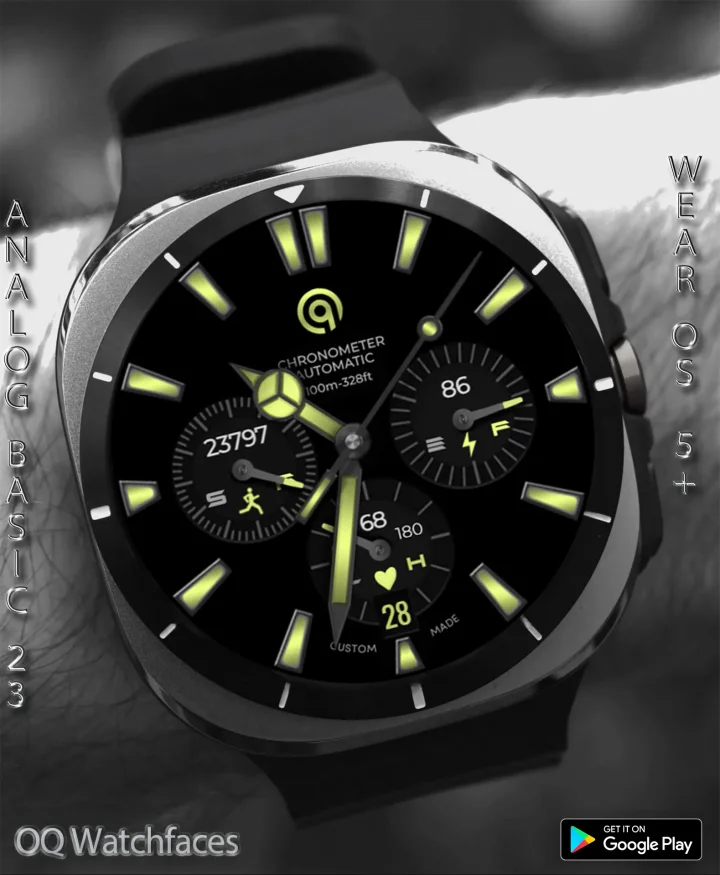
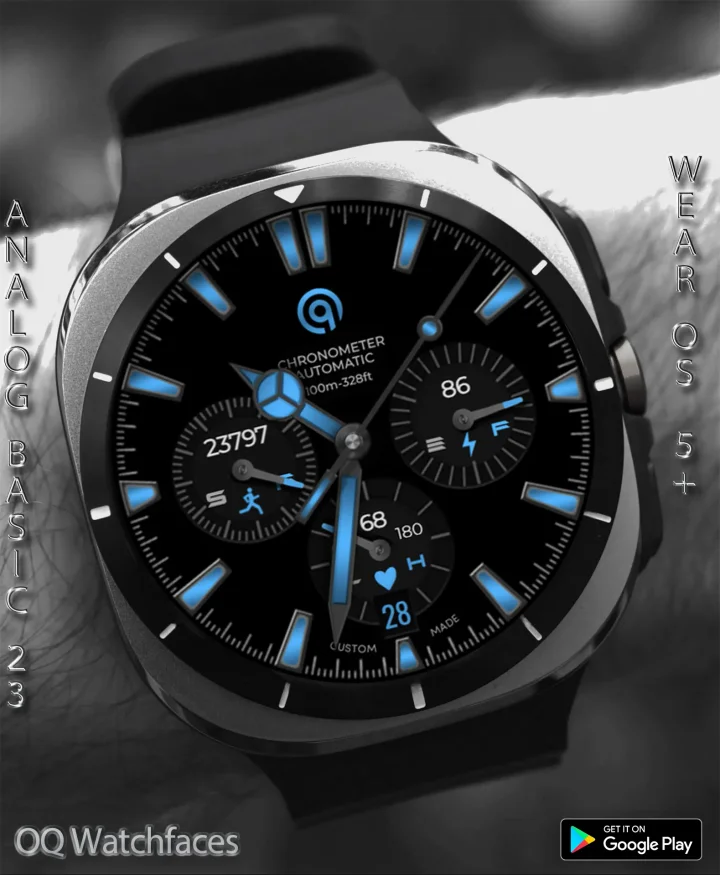
About this app
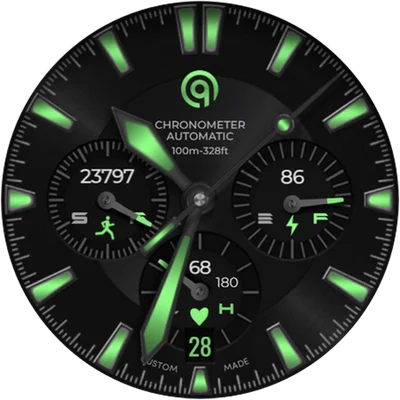
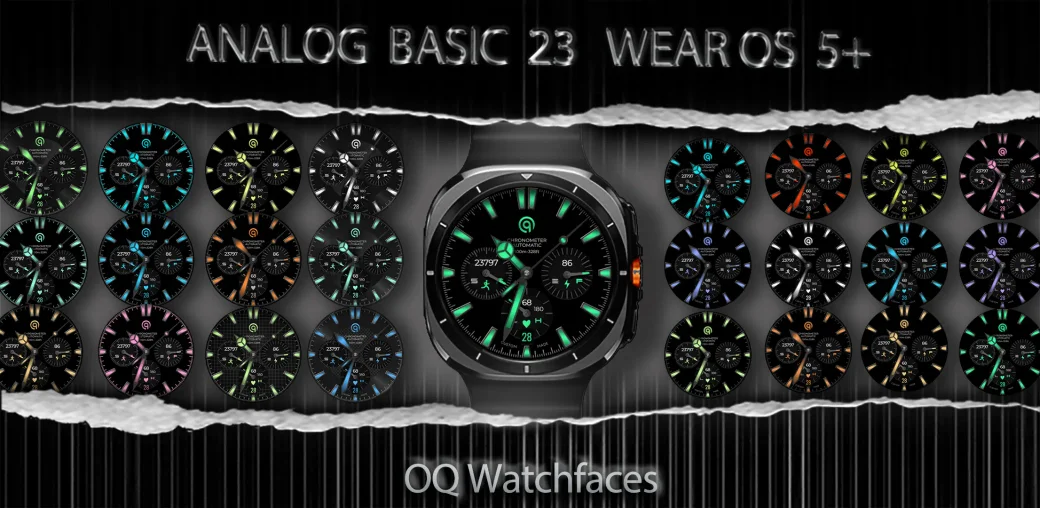
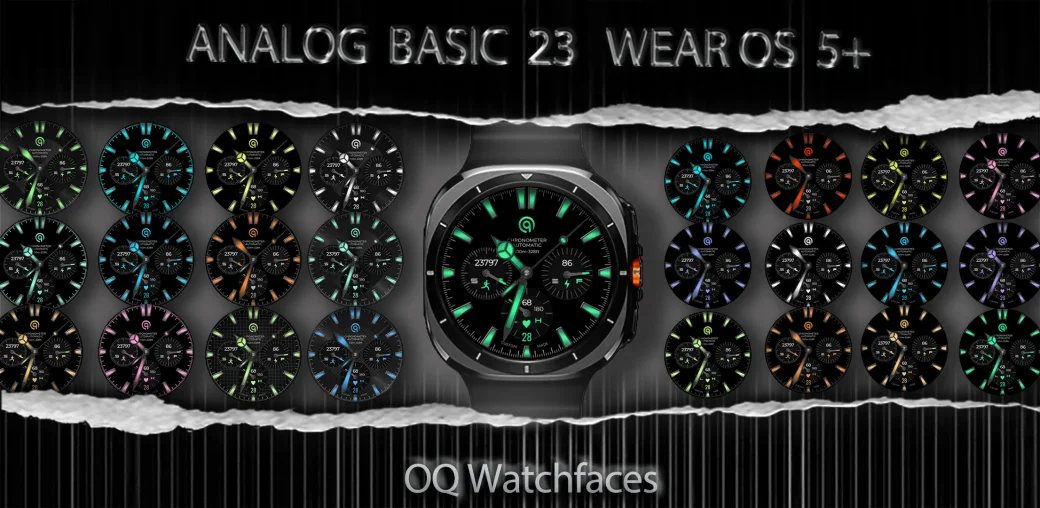
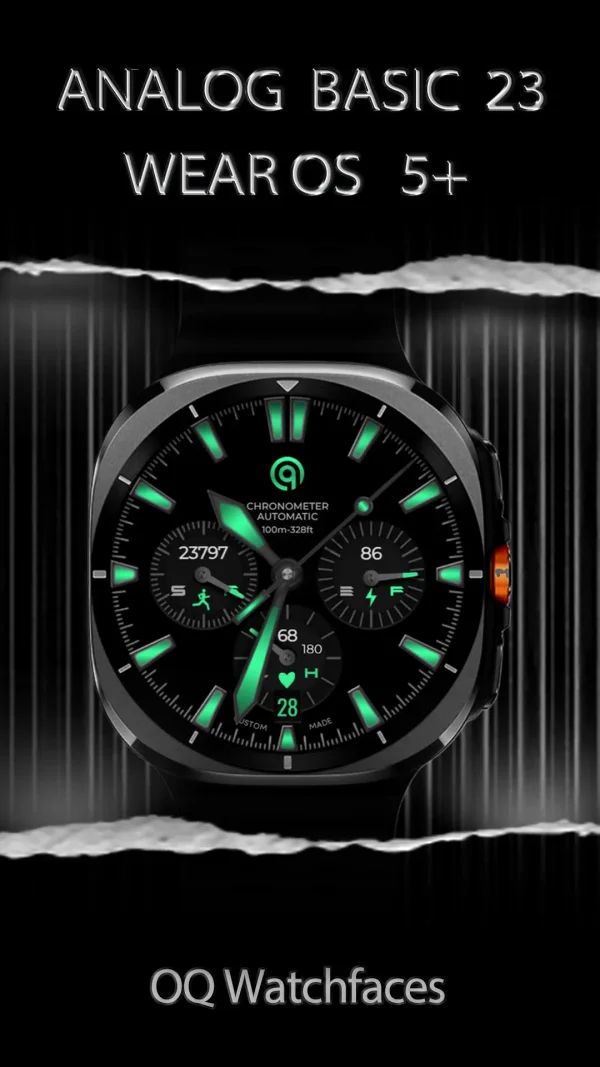
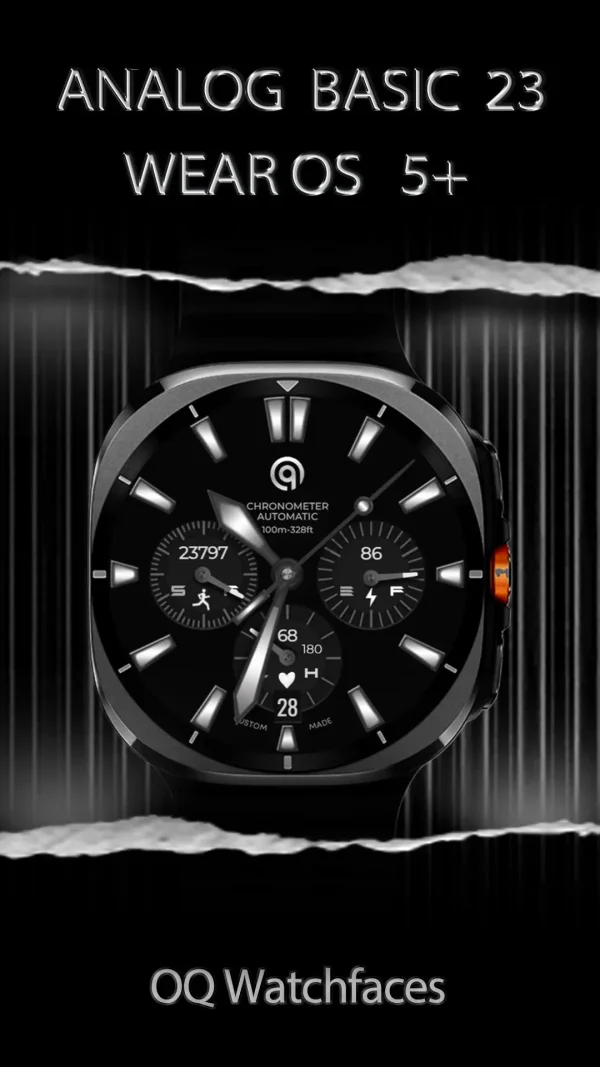
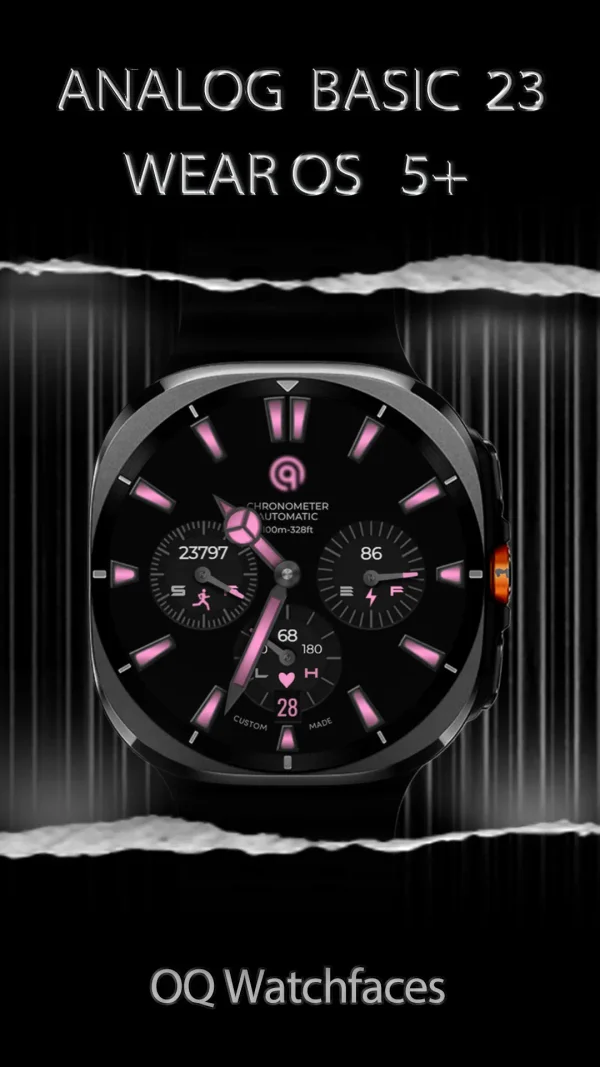
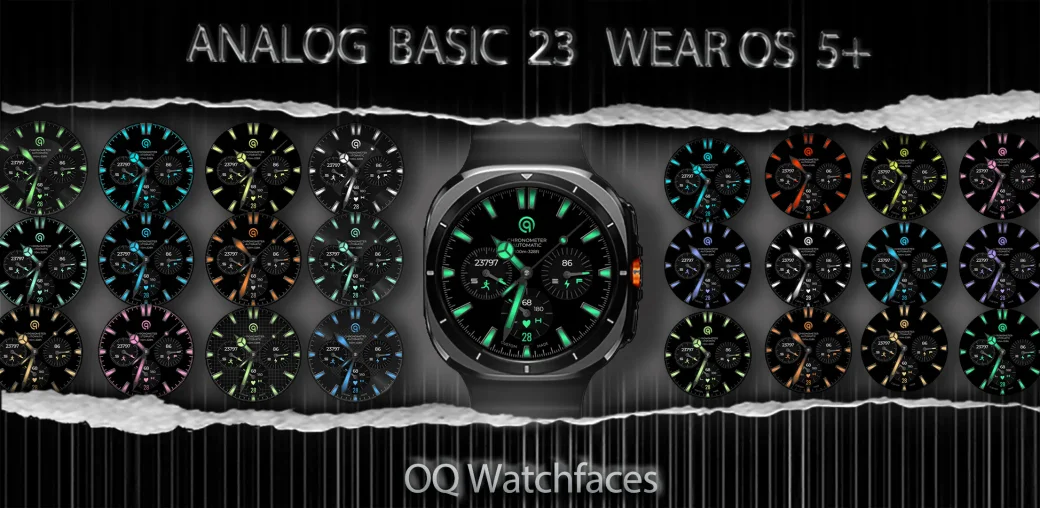
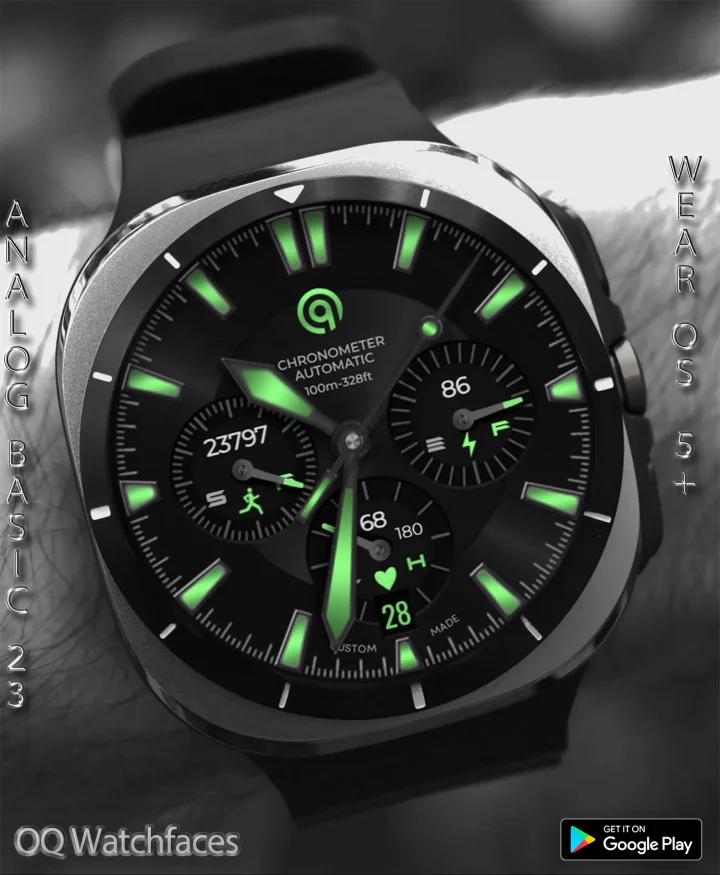
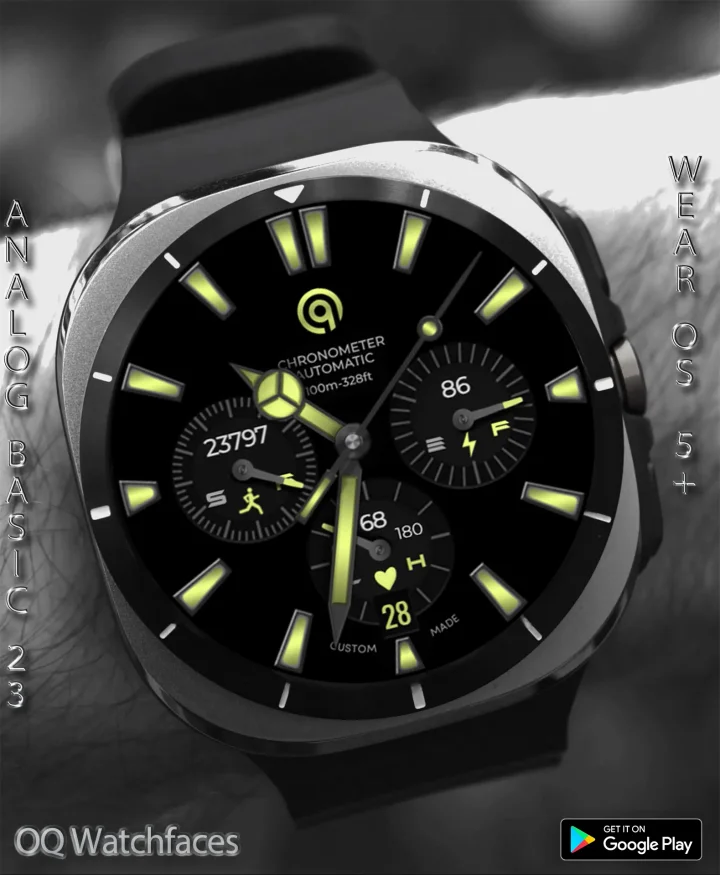
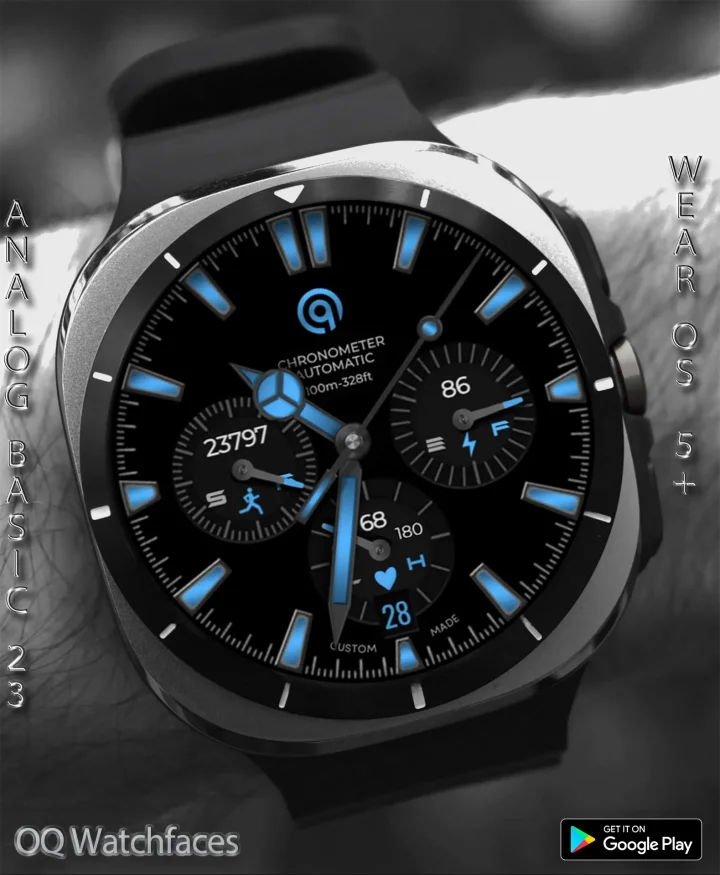
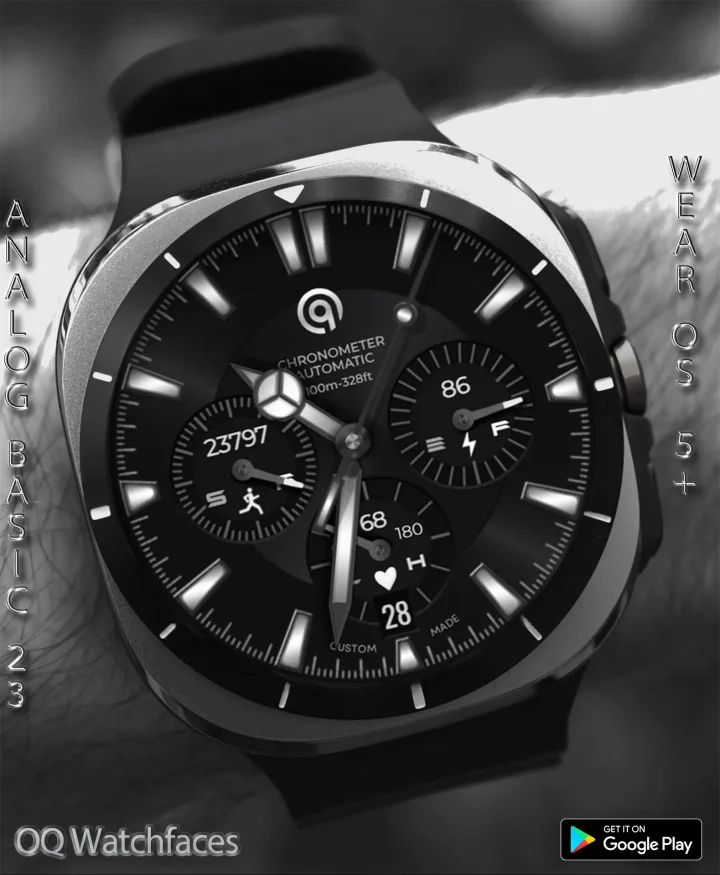
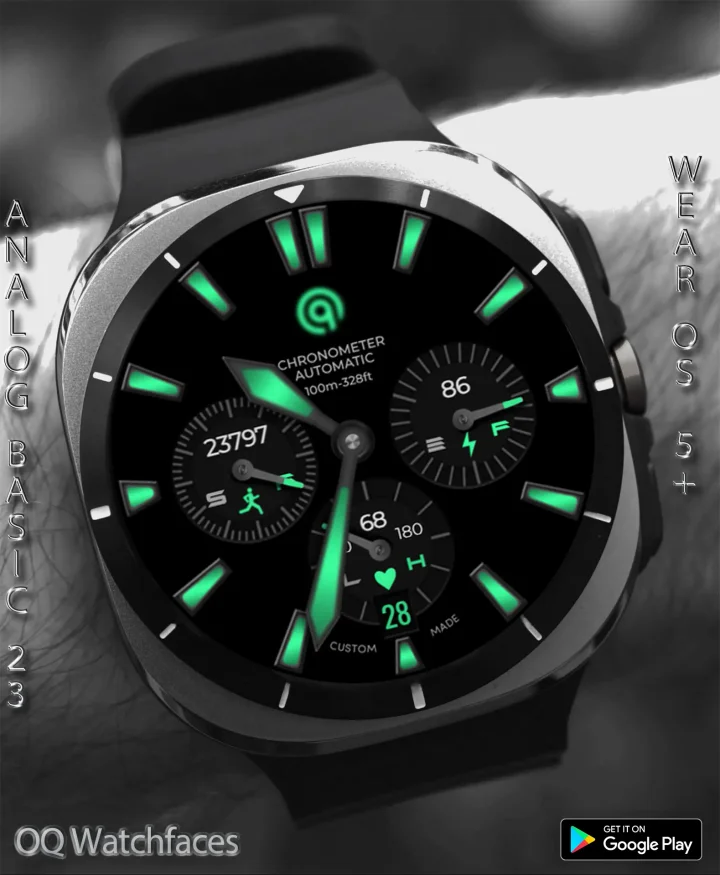
A watch face for Wear OS with all important data & color customizations.
This watch face has been created in Samsung Watch Face Studio and has been physically tested on the following devices:
• Google Pixel Watch 45mm
• Samsung Galaxy Watch 8 Classic
• Samsung Galaxy Watch 5 Pro
• Samsung Galaxy Watch Ultra
• TicWatch Pro 5
It is also compatible with other Wear OS 5, Wear OS 6, and Wear OS 7 smartwatches.
FEATURES
1. 2 pairs of Hour and Minute hands are available through the customization menu.
2. Tap the small index bar at 3 o'clock to open the Phone app.
3. Tap the small index bar at 6 o'clock to open the Alarm app.
4. Tap the "Automatic" text below the OQ logo to open the Calendar app.
5. Tap inside the Heart Rate sub-dial to open the Heart Rate app.
6. Tap inside the Steps sub-dial to open the Steps app.
7. Tap inside the Battery sub-dial to open the Battery Settings app.
8. 3 Dim Mode levels are available for both the Main Display and Always-On Display (AOD).
9. 6 customizable complications are available:
• 4 visible complications on the Main Display.
• 2 invisible shortcut complication slots for your favorite apps.
10. The Outer Minute Index color is disabled by default. It can be turned On or Off through the customization menu.
11. The Outer Minute Index itself can also be turned On or Off through the customization menu.
12. The Main Display shadow overlay can be turned On or Off through the customization menu.
13. Second hand movement can be changed through the customization menu.
14. 7 background styles are available for the Main Display. The final background style is Pure Black AMOLED.
15. The Always-On Display uses a Pure Black AMOLED background by default. An additional customization option allows the Main Display background styles to also be used on the AOD.
Data safety
What OQ Watchfaces declares on Google Play about the data this app collects and shares.
- No data shared with third partiesLearn more about how developers declare sharing
- No data collectedLearn more about how developers declare collection
What’s new
Aug 2, 2026
V1.0.8 Change Log:-
1.Watch face bundle updated to Target min SDK 34 as required by Google with latest Samsung Watch face Studio Version 1.9.5 Sep 2025 Release.
2.New Watch face Companion App updated with latest Google Android Studio Otter 2025.2.2 release.
3. New Hours,Minutes,Hours Index Lume Markers.
4. 4x new background styles added.
5 .Aod Optimized , new hours lume index for Aod as well.
6. 2 x new customization options added Shadow On Top & Aod Backgr On/Off.
7. All Color styles refresh.
Developer contact
- Emailosmanqadir78@gmail.com
- Privacy policysites.google.com
- AddressHouse no 307 Sector C Street 12 Askari X Lahore Cantt, 54810 Pakistan
Information
- Offered by
- OQ Watchfaces
- Category
- Personalization
- Updated
- Aug 2, 2026
- Released
- Jul 31, 2023
- Age rating
- Everyone
- Price
- $1.59
- Package name
- com.watchfacestudio.ab23.aab