Analog Basic 25 Wear OS 5+
OQ Watchfaces- EveryoneAge rating
- PersonalizationCategory
- Jul 28, 2026Updated
- $1.49Price
Links to the official Google Play listing of com.watchfacestudio.ab25. Last checked on Nov 24, 2026.
Screenshots
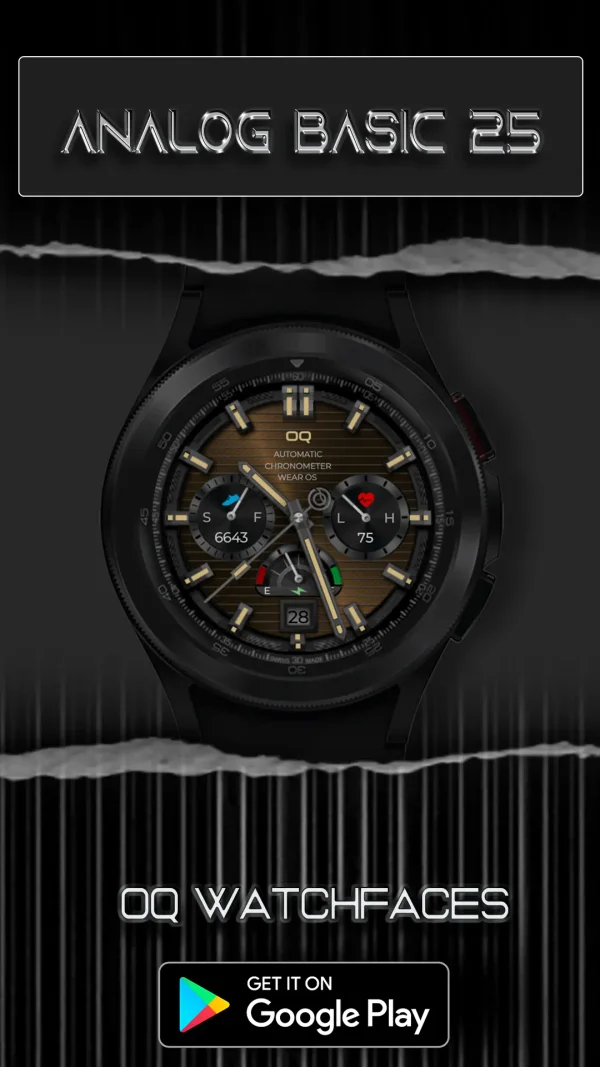
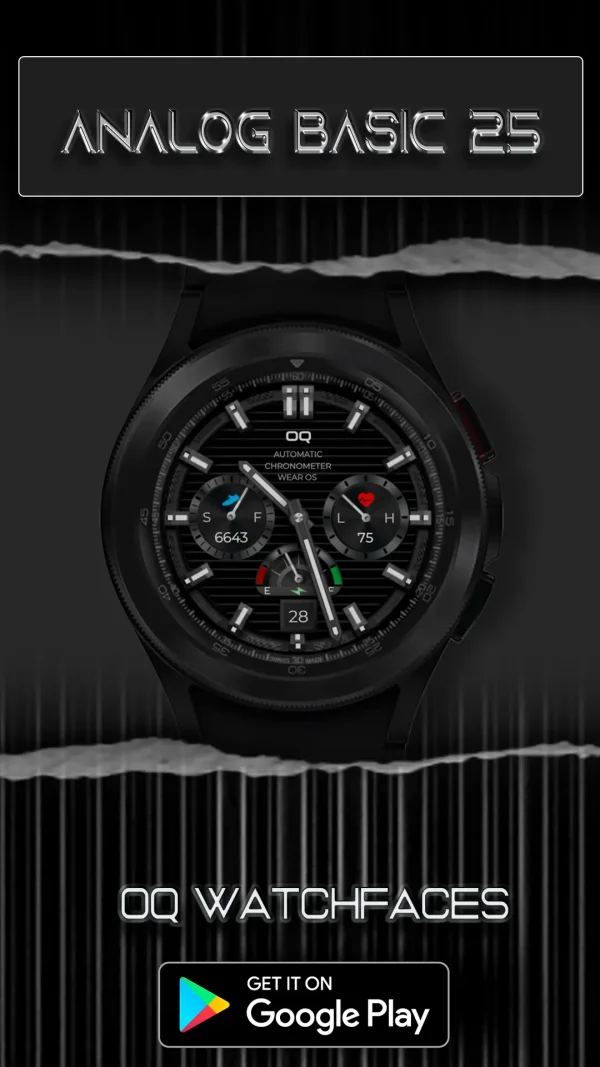
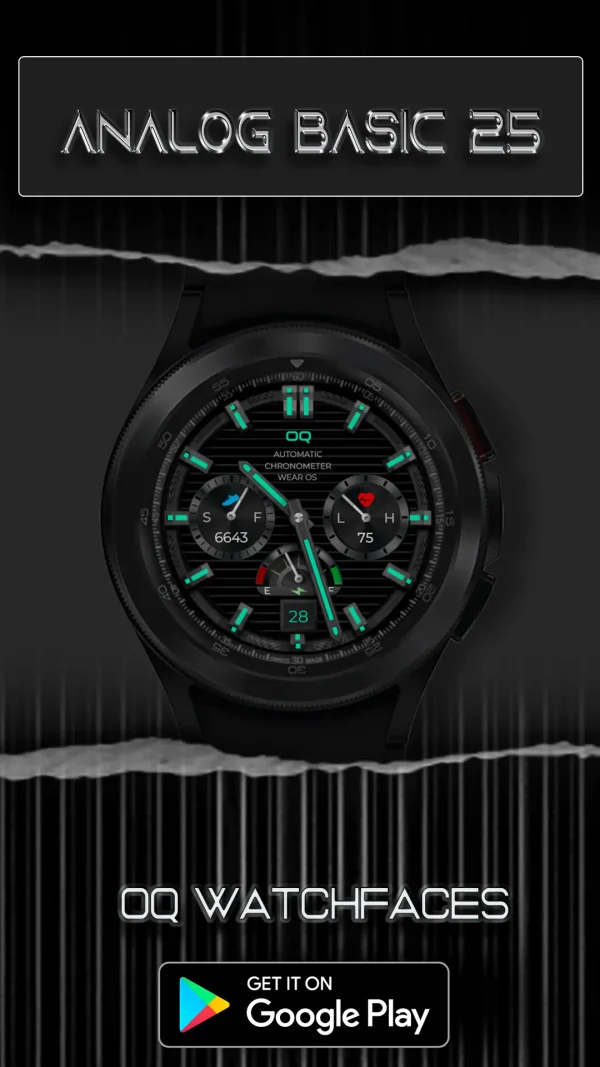
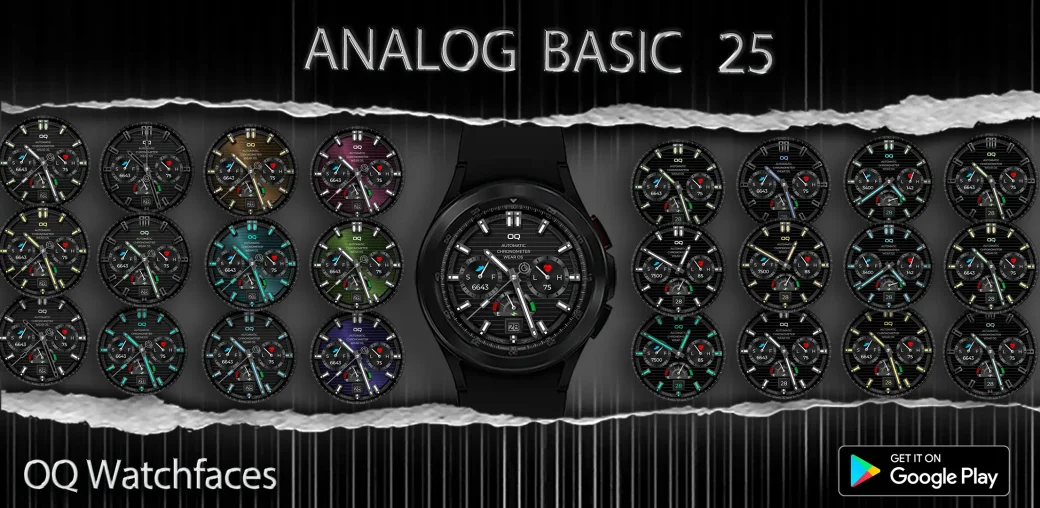
About this app
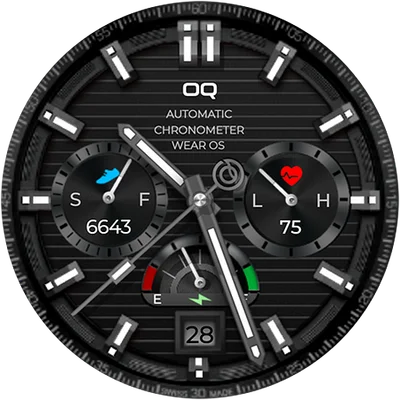
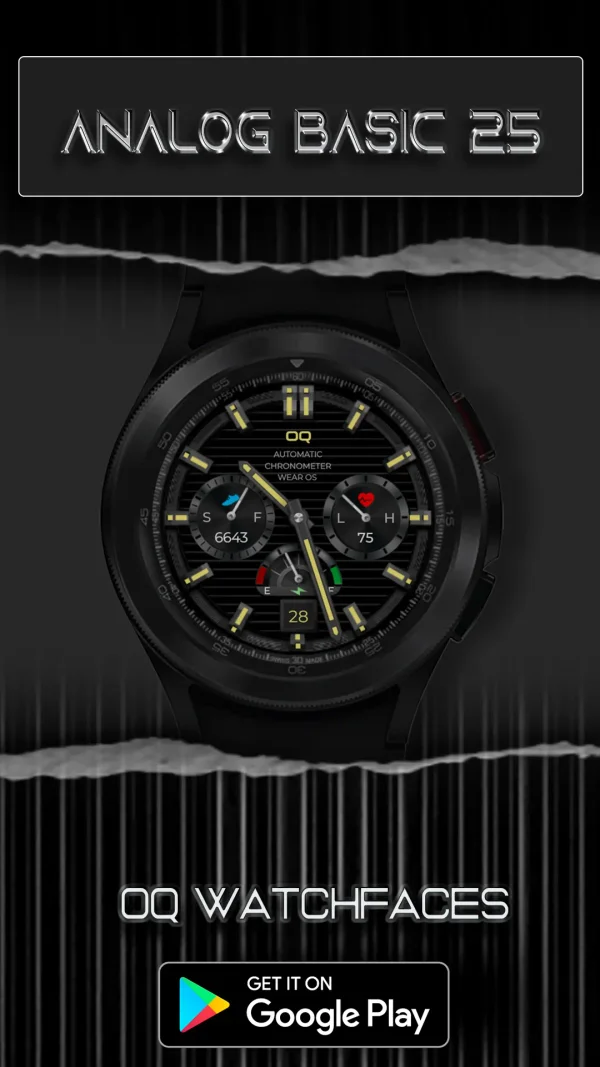
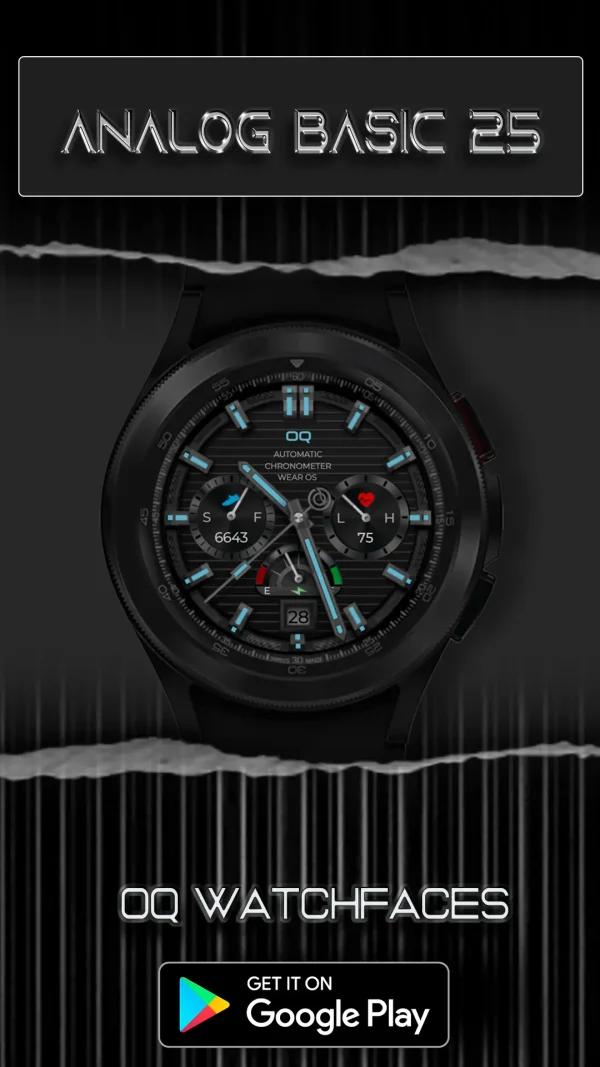
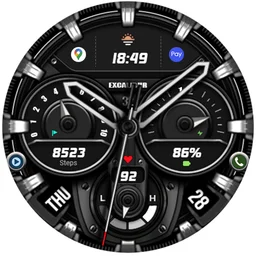
Stylish Analog chronometer with lot of information and data to match your needs
=======================================================
NOTICE: READ THIS ALWAYS BEFORE AND AFTER DOWNLOADING OUR WATCH FACE TO AVOID ANY SITUATION YOU DON'T LIKE.
=======================================================
This watch face for WEAR OS has been made in Samsung Galaxy Watch face studio which is still evolving and has been tested on Samsung Watch 4 Classic , Samsung Watch 5 Pro, and Samsung Watch Ultra. It also supports other Wear OS 5+ devices. Some feature experience can be slightly different on other watches.
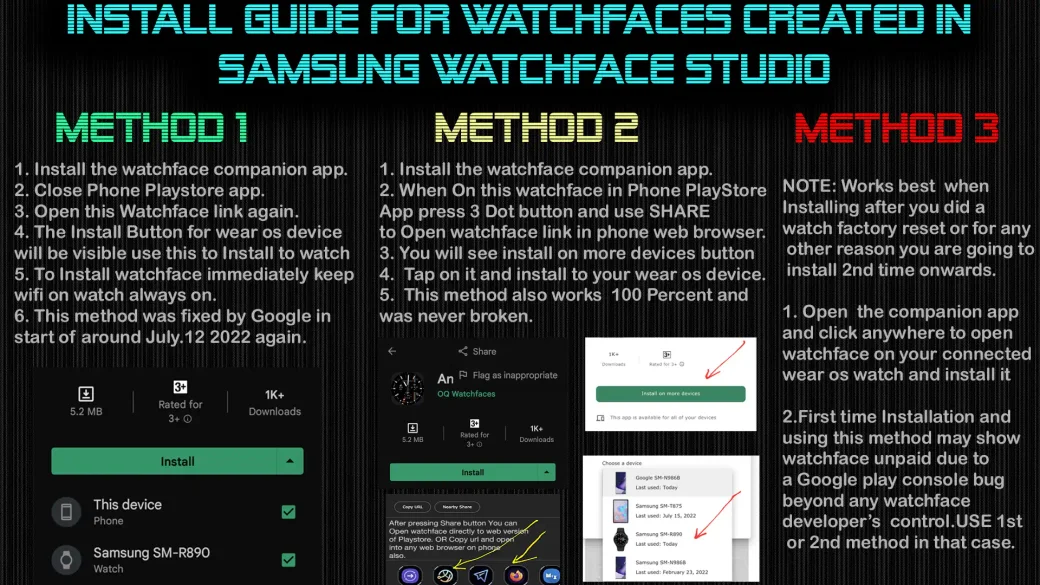
b.An effort also has been made to make a brief INSTALL GUIDE which is an image added with screen previews .It is the last image in previews of this watch face for newbie android Wear OS users or those who do not know how to install the watch face to your connected device. So it is requested to also make an effort and read it before posting cannot install statements
c. DO NOT PAY TWICE FROM WATCH PLAY STORE . See & Read The Install Guide attached as an Image with Phone Play store Preview images of this watch face again. See 3 x methods 100 percent working to install both phone app and watch app .
This watch face for WEAR OS 5+ has following features:-
1. Tap at writing just below OQ log to open watch settings menu.
2. Tap at minutes index bar at 3 o Clock to open watch phone app.
3. Tap at minutes index bar at 9 o Clock to open watch messages app.
4. Tap On Heart Icon or Bpm Text to open Heart Rate Counter to take a reading.
5. Tap at date text to open watch calendar menu.
6. Tap in center of Watch Battery indicator above the date text to open watch battery settings menu.
7. 4 x Customizable Corner Complications are available to user in the customization menu for main display beside the chronometers. You can also turn them off on main display. They are switched off on AOD for better battery optimization.Also 2 x complications invisible shortcuts for you to place shortcut of your favorite apps.
8. Seconds Movement Style can be changed as well from customization menu.
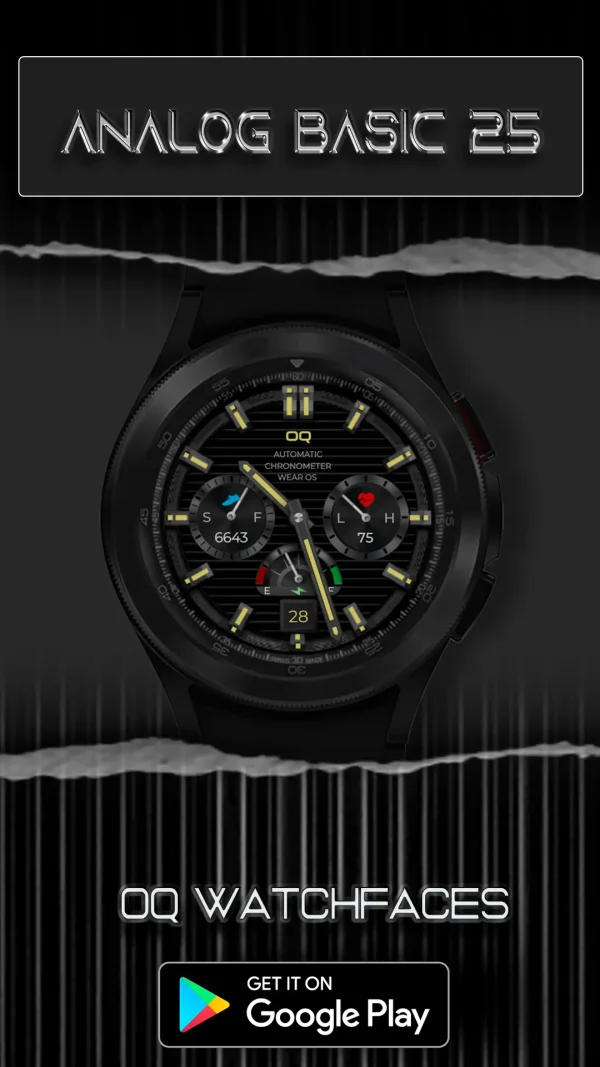
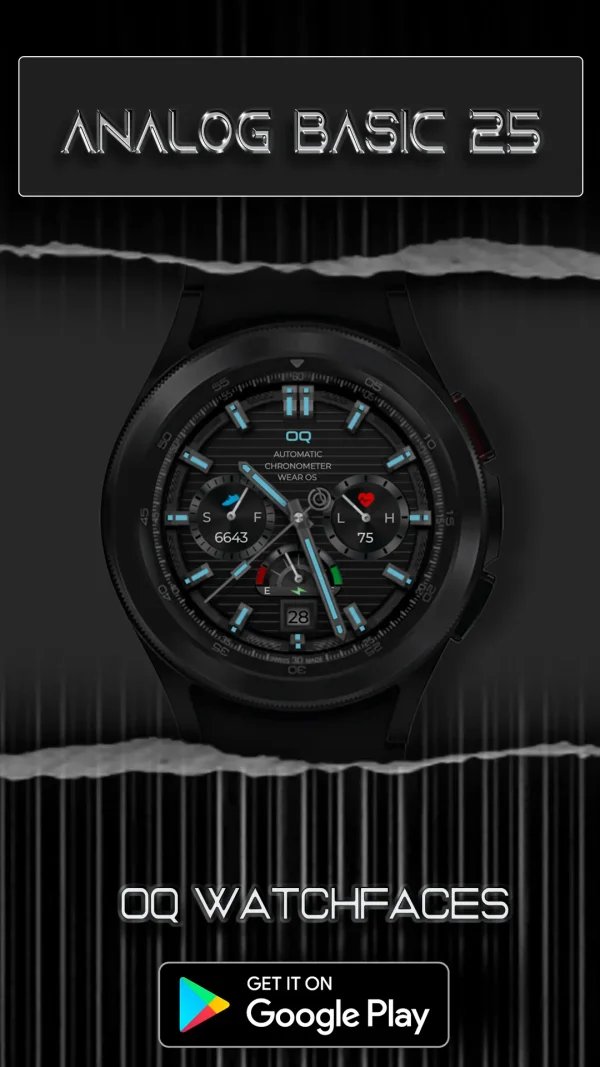
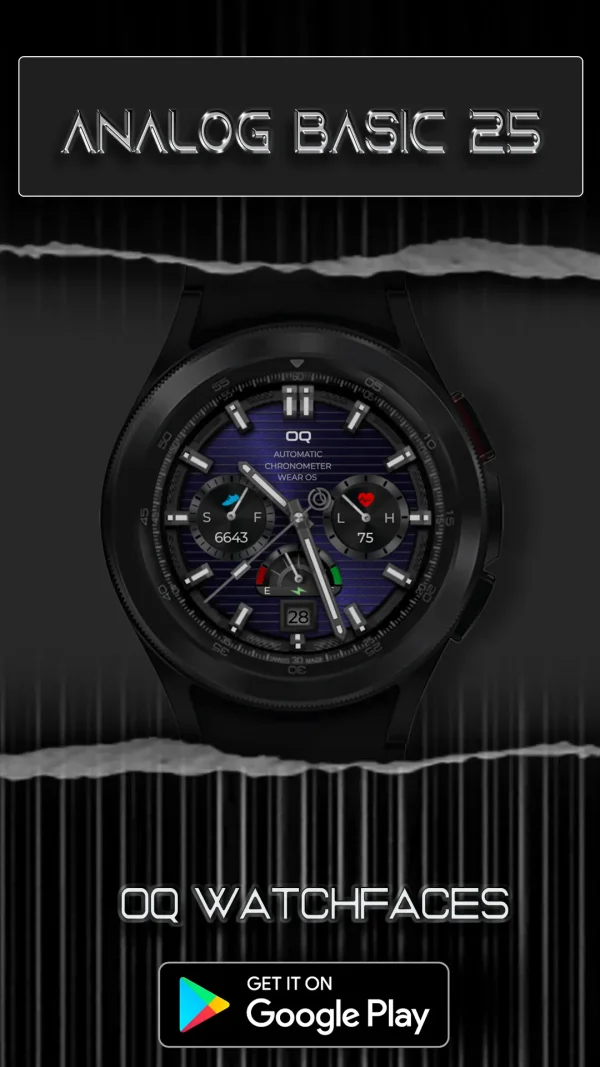
9. 7 x Background Styles for main display including default are available in customization menu.
10. Dim Modes for Main and AoD separately available also in customization menu.
Data safety
What OQ Watchfaces declares on Google Play about the data this app collects and shares.
- No data shared with third partiesLearn more about how developers declare sharing
- No data collectedLearn more about how developers declare collection
What’s new
Jul 28, 2026
V1.0.5 Change Log:-
1.Watch face bundle updated to Target min SDK 34 as required by Google with latest Samsung Watch face Studio Version 1.9.5 Sep 2025 Release.
2.Watch face Companion App updated with latest Google Android Studio Otter 2025.2.2 release.
Developer contact
- Emailosmanqadir78@gmail.com
- Privacy policysites.google.com
- AddressHouse no 307 Sector C Street 12 Askari X Lahore Cantt, 54810 Pakistan
Information
- Offered by
- OQ Watchfaces
- Category
- Personalization
- Updated
- Jul 28, 2026
- Released
- Oct 12, 2023
- Age rating
- Everyone
- Price
- $1.49
- Package name
- com.watchfacestudio.ab25
Similar apps
-
 DB055 Sporty Hybrid
Personalization
-
 OD28 Titanium Watch Face
Personalization
-
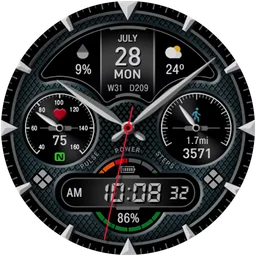 CFS130 Active Hybrid
Personalization
-
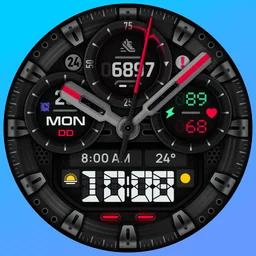 SH104 Watch Face, WearOS watch
Personalization
-
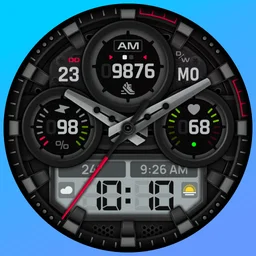 SH071 Watch Face, WearOS watch
Personalization
-
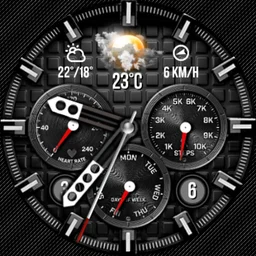 N-SPORT522 Analog Watch Face
Personalization
-
 SH042 Watch Face, WearOS watch
Personalization
-
 SH059 Watch Face, WearOS watch
Personalization
-
 SH072 Watch Face, WearOS watch
Personalization
-
 Chester Cyberspace watch face
Personalization
-
 SH053 Watch Face, WearOS watch
Personalization
-
 WFP 240 Modern watch face
Personalization