Analog & Digital watch face
CHESTER WATCH FACES- EveryoneAge rating
- PersonalizationCategory
- Nov 5, 2026Updated
- $0.99Price
Links to the official Google Play listing of com.watchfacestudio.chesterhybridtime. Last checked on Nov 14, 2026.
Screenshots


About this app
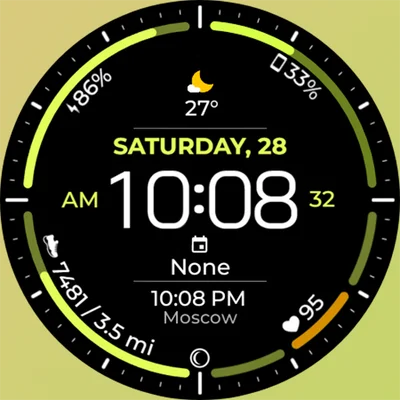
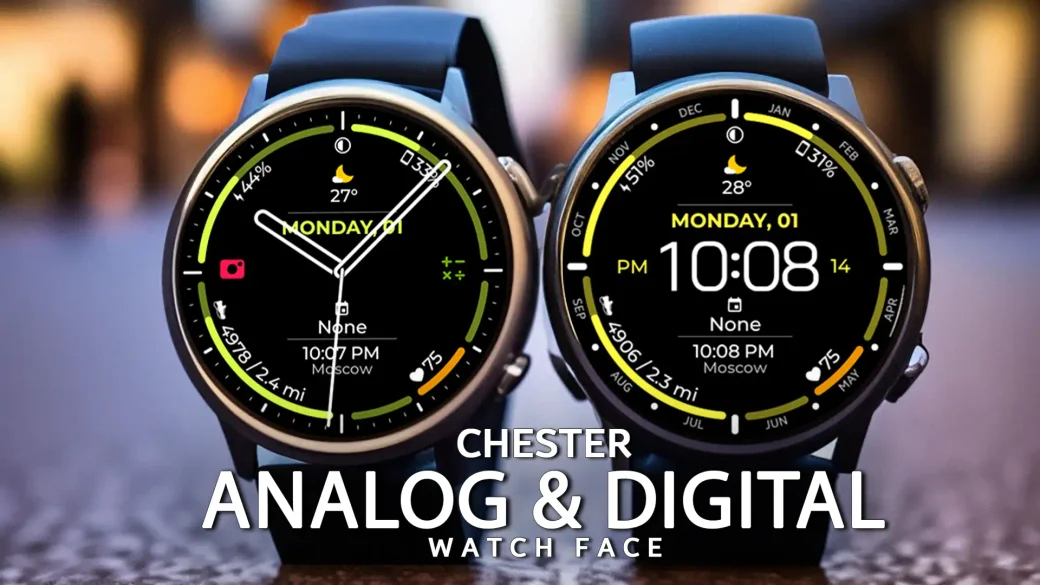
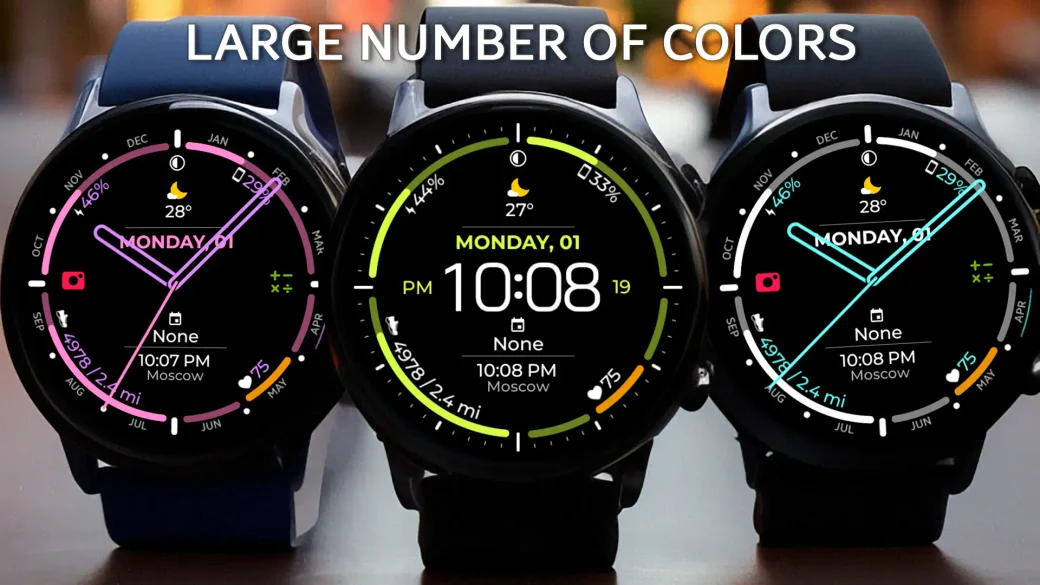
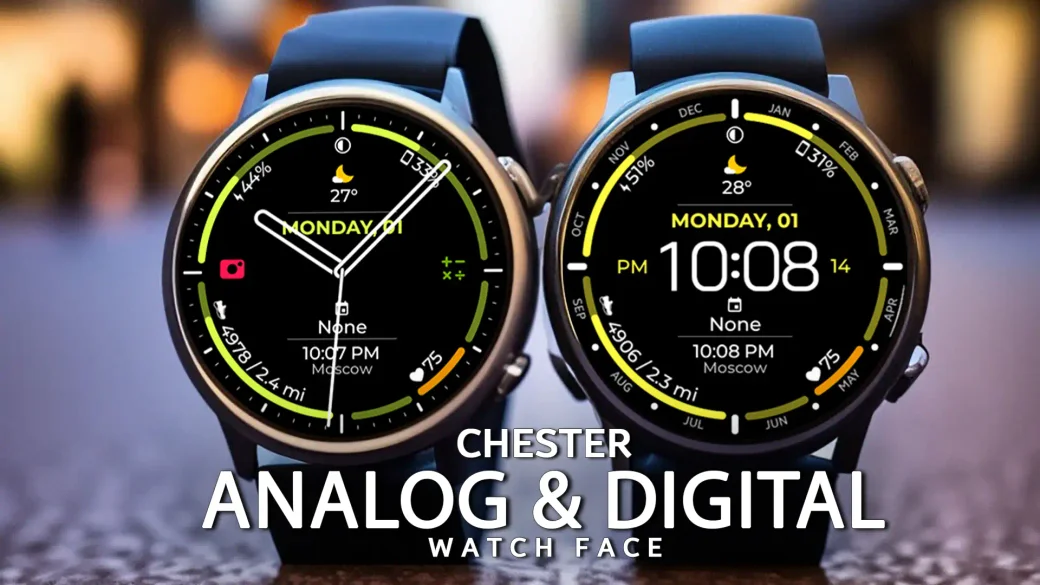
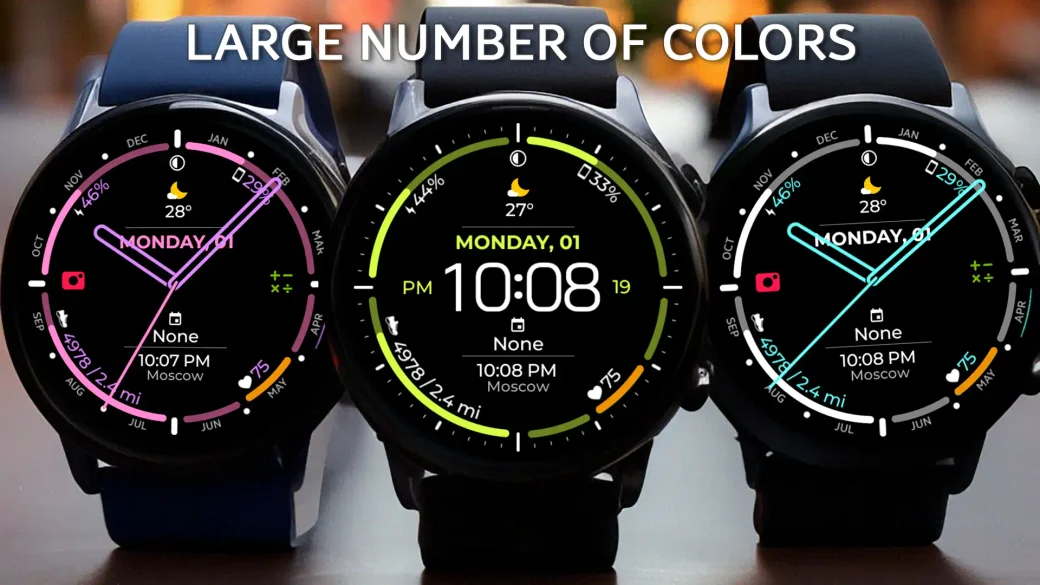
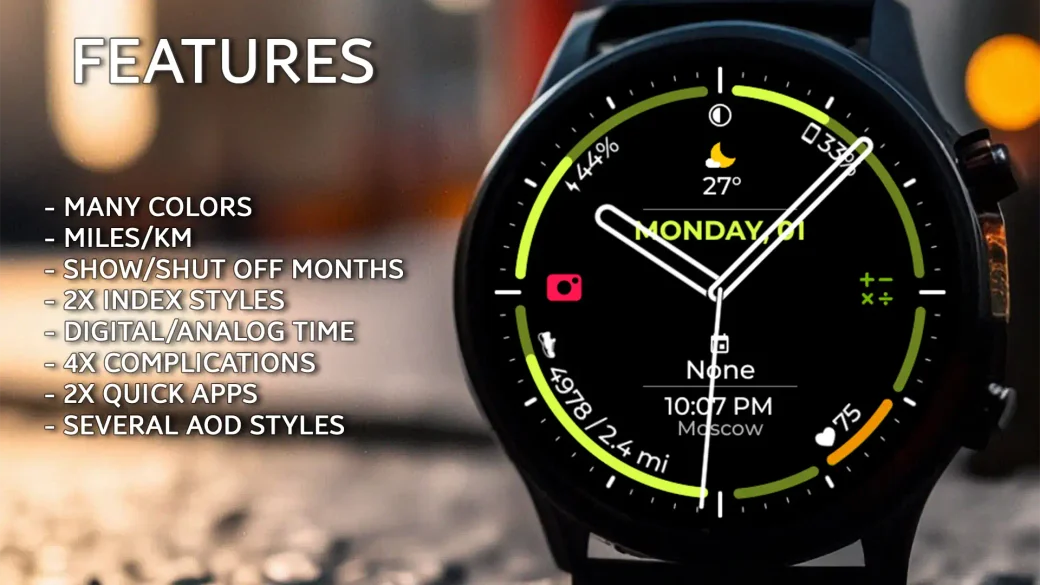
Analog or digital watch face, 30 colors. For round Wear OS 6+ watches only.
Analog & Digital - Hybrid watch face for Wear OS, with more settings and information displayed.
HOW TO INSTALL (3 steps)
1. Before buying, make sure your watch runs Wear OS 6+ and is connected to your phone with the same Google account.
2. On this page, tap the ▼ arrow next to the Buy/Install button and select your WATCH as the device (not only your phone). Simplest way: buy it directly in Google Play on your watch.
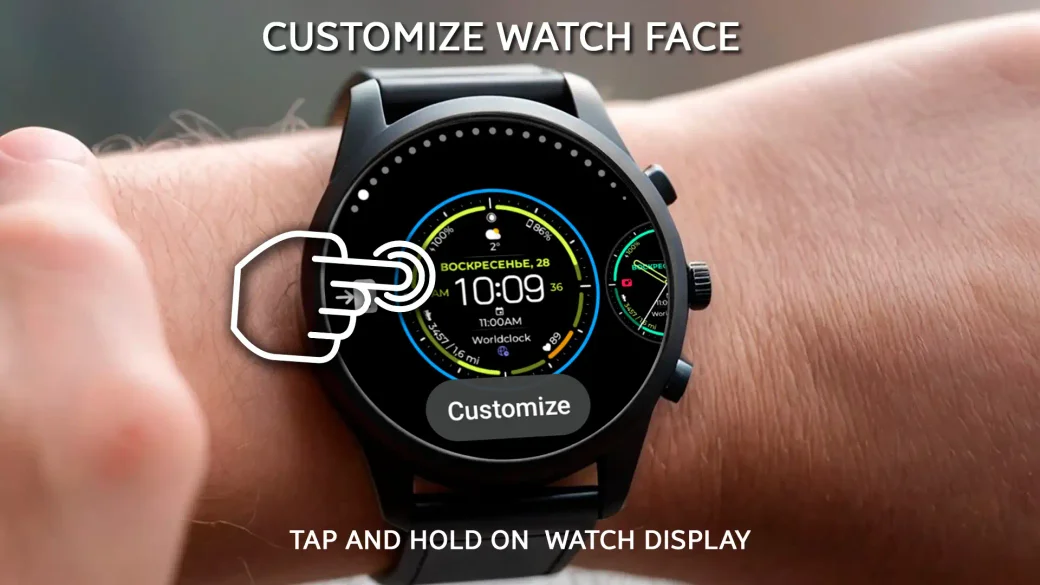
3. On your watch, touch and hold the current watch face, swipe to the end of the list, tap "Add watch face" and choose this watch face (Analog & Digital).
Not showing up after a few minutes? Keep both phone and watch online and open Google Play on the watch. Full guide: https://chesterwf.com/installation-instructions/
If the watch asks to pay again, check that it uses the same Google account.
COMPATIBILITY: round Wear OS 6+ smartwatches only (not for rectangular watches). Does NOT work on smartwatches or fitness bands that don't run Wear OS.
Main functions:
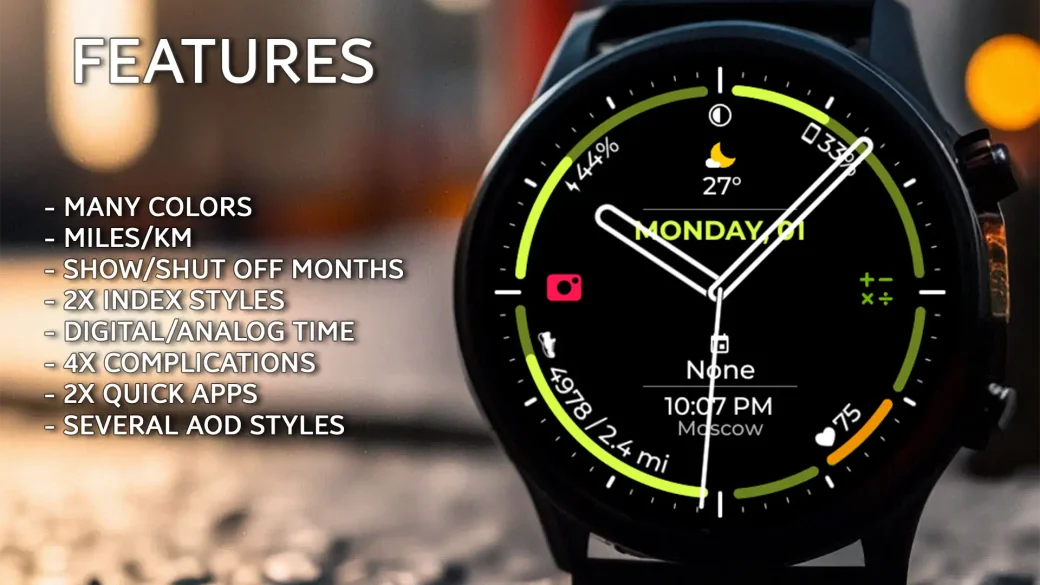
- Time.
- Date, month and day of the week.
- Battery status.
- Time display selection (Analog/Digital).
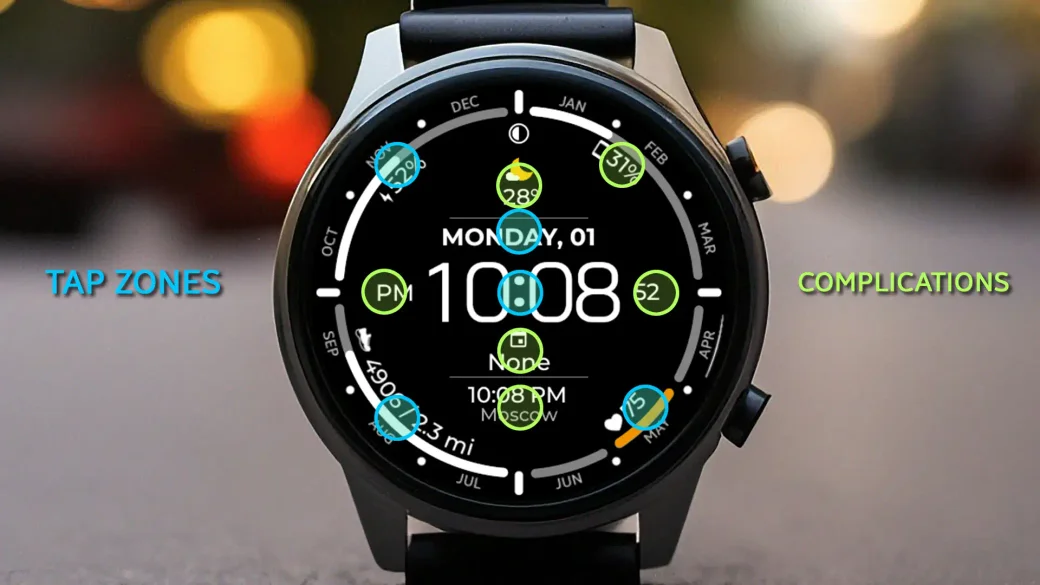
- Complications for selecting information displayed on the watch face.
- Automatic switching between 12/24 hour time format.
- Multilingual.
- Tap zones.
- 30 style colors.
- Moon phase.
- AOD style settings.
- Select whether to display the distance traveled in miles or kilometers (Select in the watch face settings).
- Two index styles.
- Ability to hide months.
Compatible with all round Wear OS 6+ devices such as Samsung Galaxy Watch 5 Pro / 6 / 6 Classic / 7 / 8 / 8 Classic / 9, Galaxy Watch Ultra / Ultra 2, Pixel Watch 2 / 3 / 4 / 5, etc.
Not suitable for rectangular watches.
If you have any questions about installing the watch face: https://chesterwf.com/installation-instructions/
Check out our other watch faces on the Google Play Store:
https://play.google.com/store/apps/dev?id=6421855235785006640
Follow us on social networks to stay up to date with our latest releases:
- Newsletter and website: https://ChesterWF.com
- Telegram channel: https://t.me/ChesterWF
Support:
- Please contact: info@chesterwf.com
Thank you!
Data safety
What CHESTER WATCH FACES declares on Google Play about the data this app collects and shares.
- No data shared with third partiesLearn more about how developers declare sharing
- No data collectedLearn more about how developers declare collection
- Committed to follow the Play Families Policy
What’s new
Nov 5, 2026
Companion app. Wear OS 6+
Developer contact
- WebsiteChesterWF.com
- Email2007chester@mail.ru
- Privacy policychesterwf.com
- Addressул. Ярославская, 8 14 090000 Уральск Kazakhstan
Information
- Offered by
- CHESTER WATCH FACES
- Category
- Personalization
- Updated
- Nov 5, 2026
- Released
- Apr 1, 2024
- Age rating
- Everyone
- Price
- $0.99
- Package name
- com.watchfacestudio.chesterhybridtime