Animated Earth Watch Face
Shagun Clock Watch FacesContains ads
- EveryoneAge rating
- PersonalizationCategory
- Sep 8, 2026Updated
- FreePrice
Links to the official Google Play listing of com.earthwatchface.animatedearth.earth.freewatchfaces.animatedwearosface.watchface.wear. Last checked on Nov 27, 2026.

Screenshots



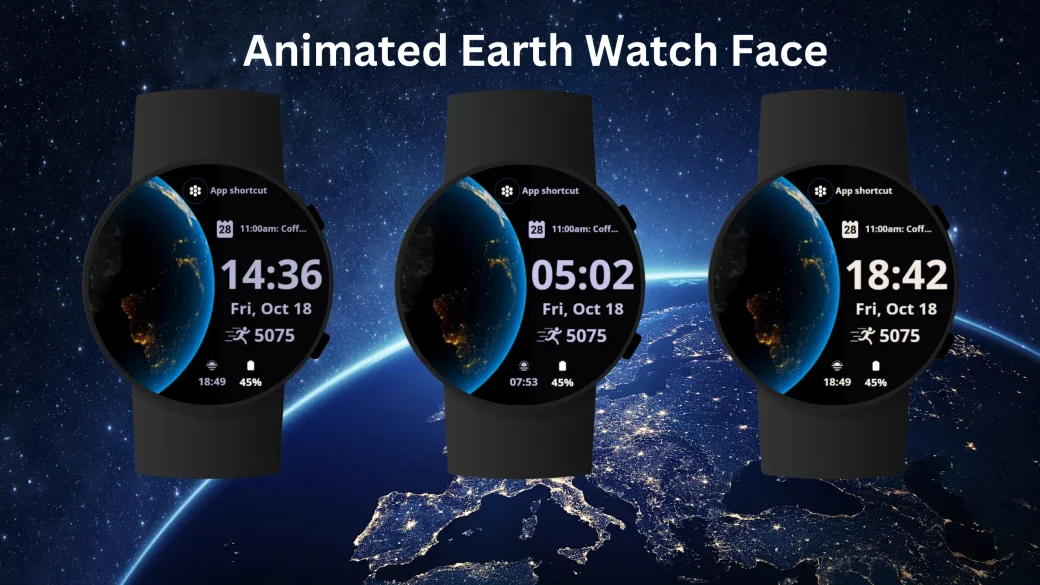
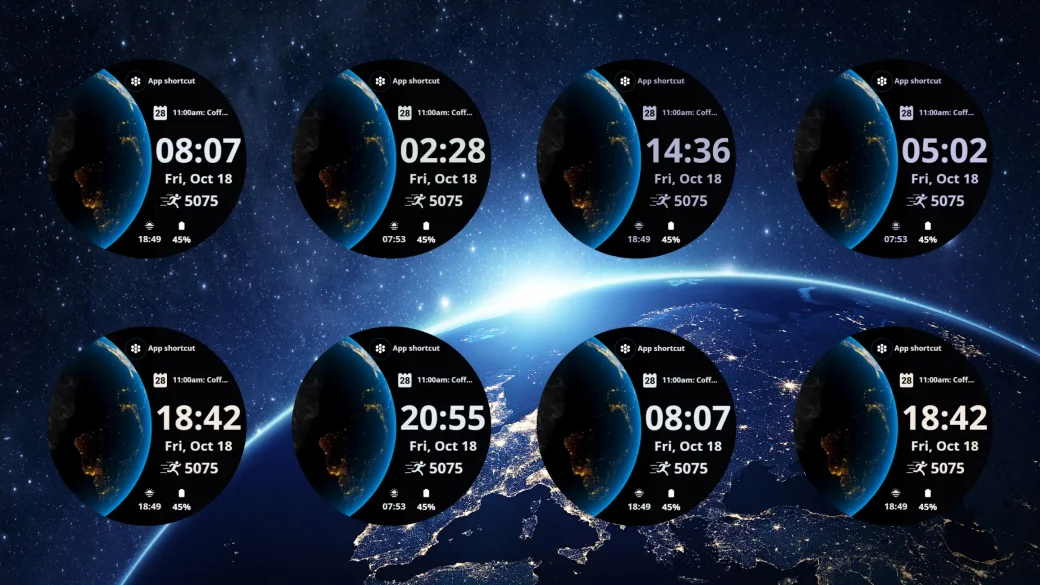
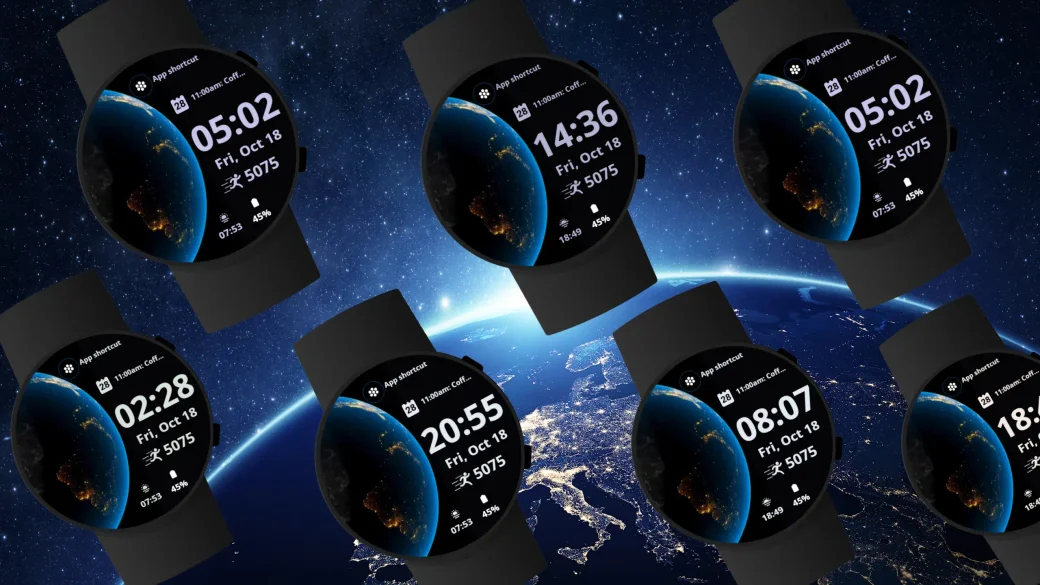
About this app
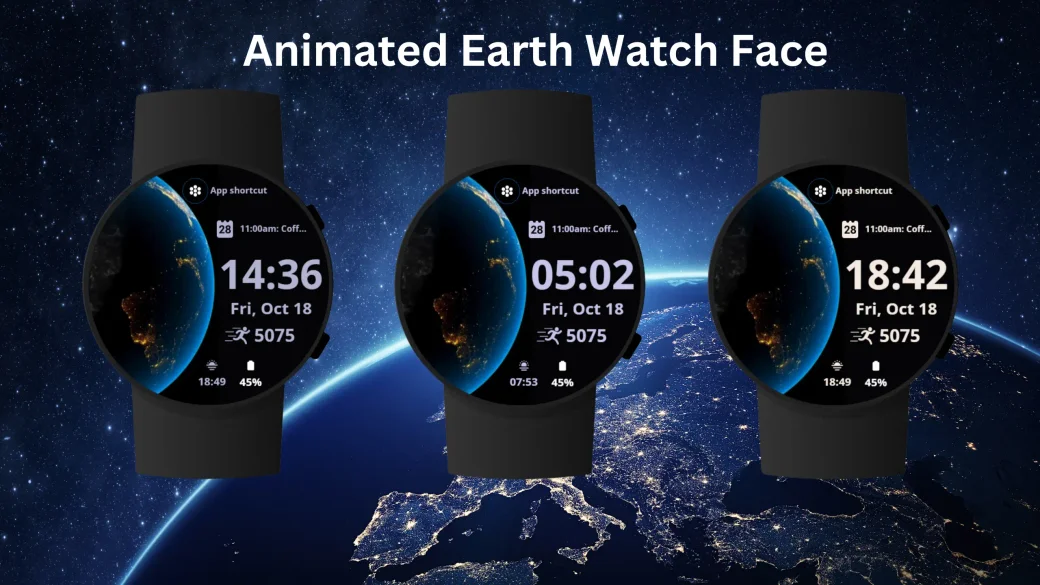
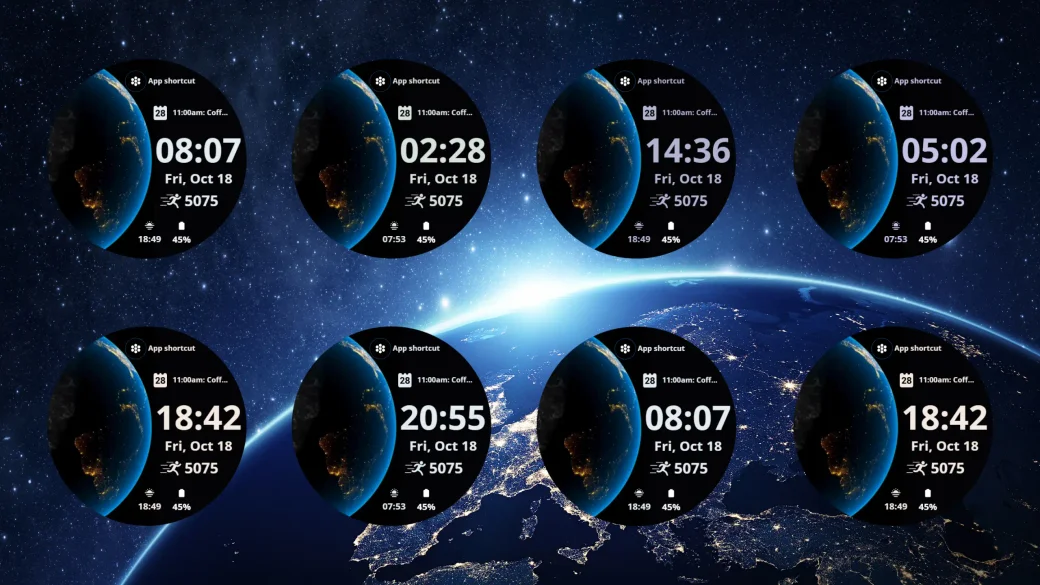
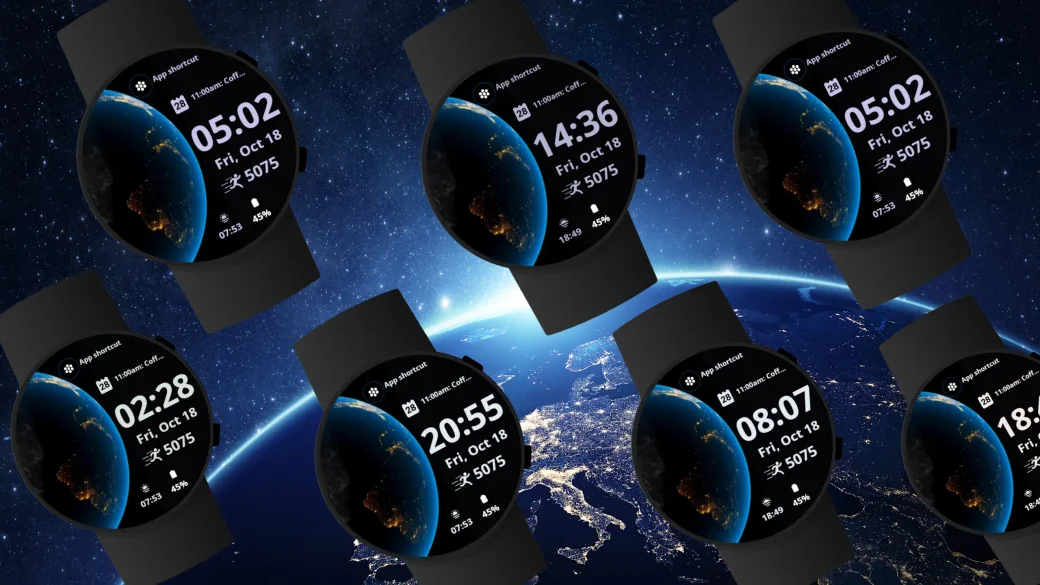
Stunning Earth-themed watch face with customizable features for Wear OS.
Explore the beauty of our planet right from your wrist with the 'Animated Earth Watch Face' for Wear OS.
Perfect for space enthusiasts and those who love nature.
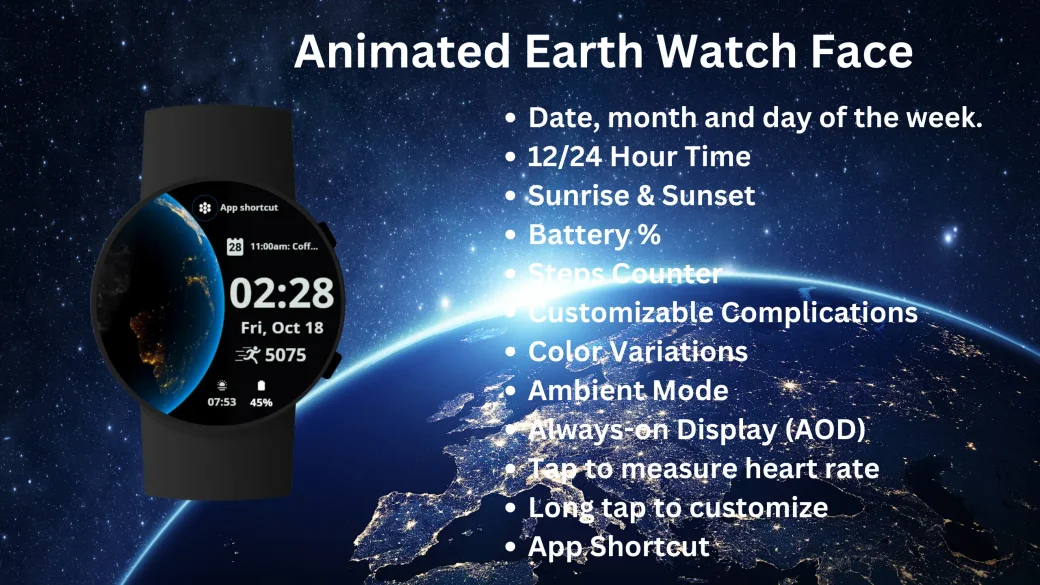
⚙️ Watch Face Features
• Date, month and day of the week.
• 12/24 Hour Time
• Sunrise & Sunset
• Battery %
• Steps Counter
• Customizable Complications
• Color Variations
• Ambient Mode
• Always-on Display (AOD)
• Long tap to customize
🎨 Animated Earth Watch Face Customization
1 - Touch and hold display
2 - Tap on Customize option
🎨 Animated Earth Watch Face Complications
Touch and hold display to open customization mode. You can customize the field with any data you want.
🔋 Battery
For better battery performance of the watch, we recommend disabling the "Always On Display" mode.
After installing the Animated Earth Watch Face , follow these steps:
1. Open the Companion App on your phone.
2. Tap "Install on Watch".
3 .On your watch, select the Animated Earth Watch Face from your settings or watch face gallery.
Your watch face is now ready to use !
✅ Compatible with all Wear OS devices API 33+ including such as Google Pixel Watch, Samsung Galaxy Watch etc.
Not suitable for rectangular watches.
Thank you !
Data safety
What Shagun Clock Watch Faces declares on Google Play about the data this app collects and shares.
- No data shared with third partiesLearn more about how developers declare sharing
- This app may collect these data typesApp activity, App info and performance, and Device or other IDs
- Data is encrypted in transit
- Data can’t be deleted
Developer contact
- Websitegalaxywatchfaceapp.blogspot.com
- Emailviddroid19@gmail.com
- Privacy policydeveloperstore.co.in
- Address18 Vithal nagar , Surat City Surat-395004 Surat, Gujarat 395004 India
Information
- Offered by
- Shagun Clock Watch Faces
- Category
- Personalization
- Updated
- Sep 8, 2026
- Released
- Oct 15, 2024
- Age rating
- Everyone
- Price
- Free
- Package name
- com.earthwatchface.animatedearth.earth.freewatchfaces.animatedwearosface.watchface.wear
Similar apps
-
 TVV Dynamic Earth Watch Face
Personalization
-
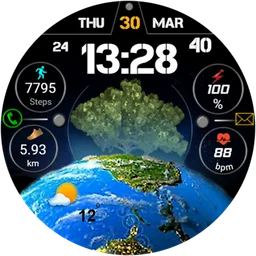 FSearthday
Personalization
-
 Launch Vector: Rocket Launches
Personalization
-
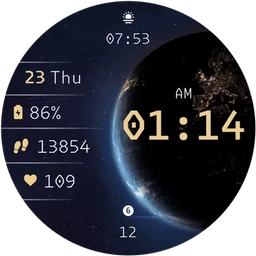 Space Storm Watch Face
Personalization
-
 3D Earth Animated - Watch Face
Personalization
-
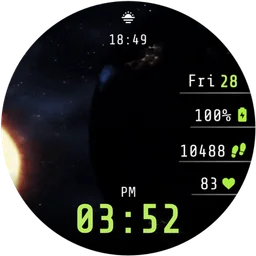 Space Explosion Watch Face
Personalization
-
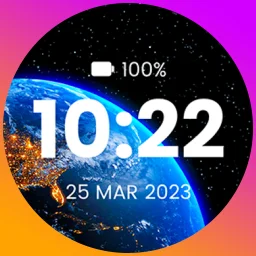 Animated Earth Watchfaces
Personalization
-
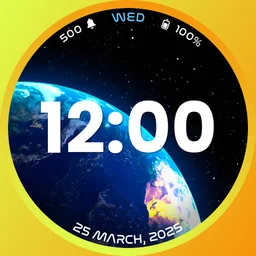 Animated Earth Watchfaces PRO
Personalization
-
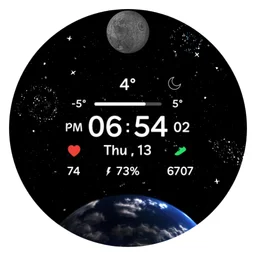 AWD Nostalgia
Personalization
-
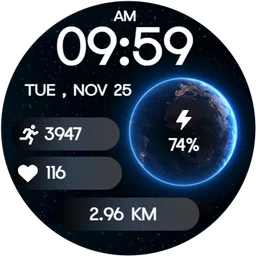 Earth Pulse Digital WatchFace
Tools
-
 Earth Galaxy WatchFace
Tools
-
 Animated FSW305 Watchface
Personalization