Anker Make
Anker- EveryoneAge rating
- ToolsCategory
- Nov 3, 2026Updated
- FreePrice
Links to the official Google Play listing of com.oceanwing.FDMPrint. Last checked on Nov 27, 2026.
Screenshots
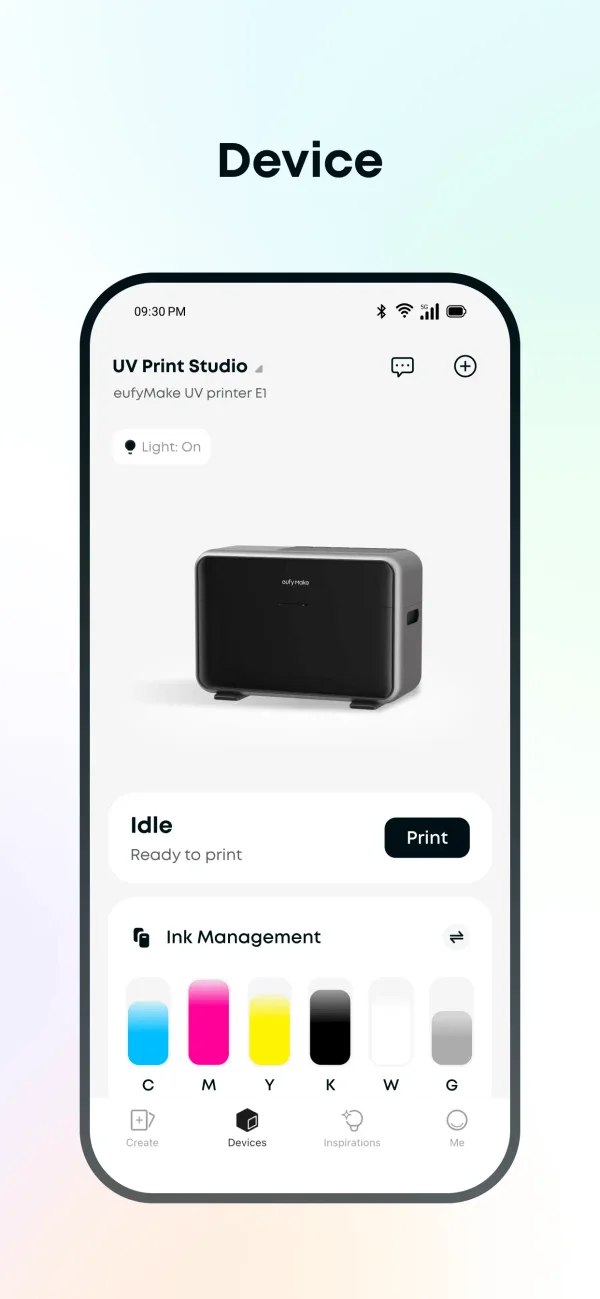
About this app
Automatic translation by Google from Chinese (Simplified).
Easily Manage Anker Make's UV Printers & 3D Printers
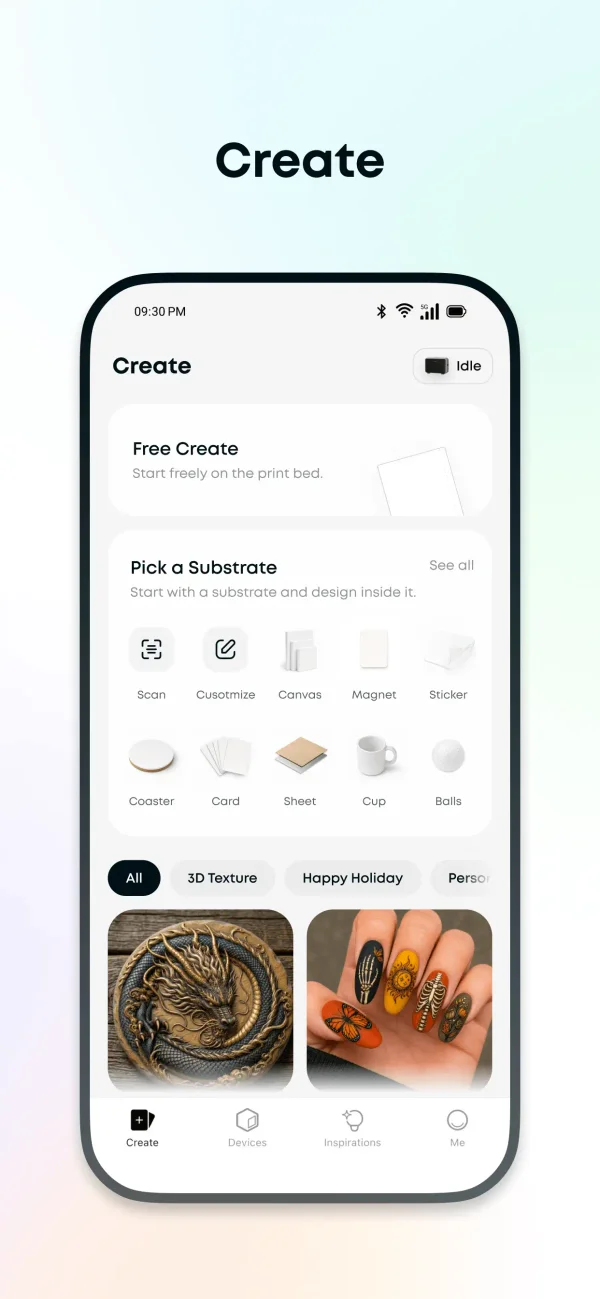
With the Anker Make app, you can conveniently connect to, operate, and create with Anker Make's UV printers and 3D printers right from your smartphone. It's more than just a printing tool — it serves as a creative hub powered by AI technology and a vibrant community.
- Seamless Printer Management: Connect to your printer via Wi-Fi and easily manage your prints from your smartphone.
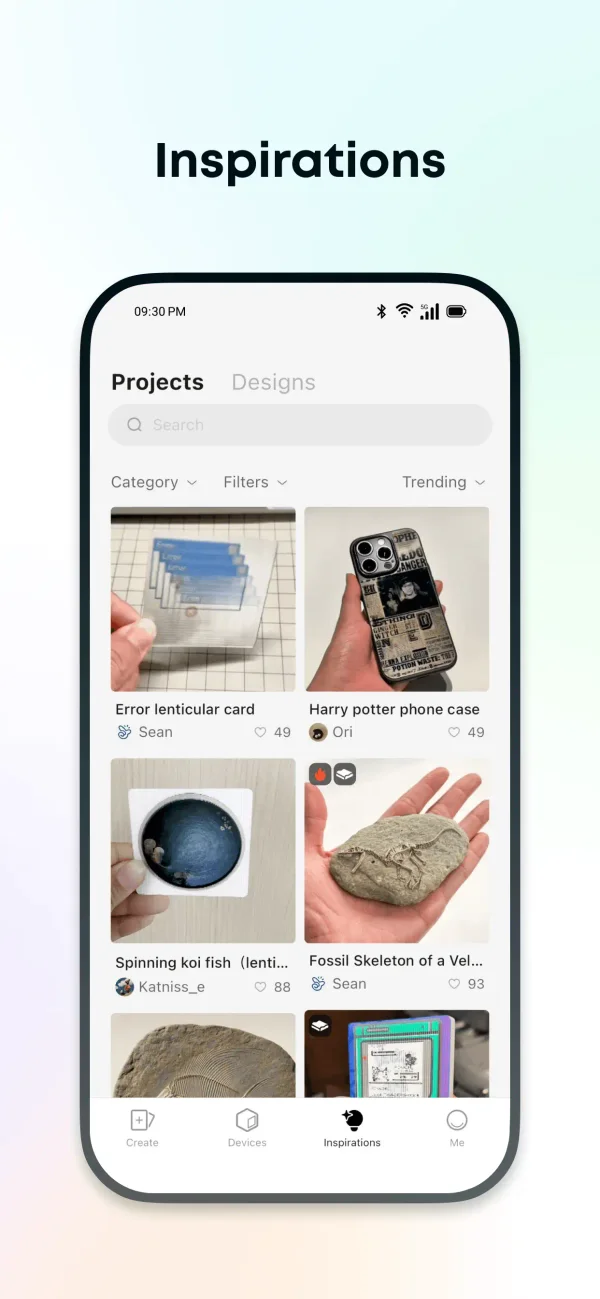
- Creative Community: Browse a rich library of UV print works and 3D creations. Draw inspiration from other creators' work, remix ideas, and publish your own designs.
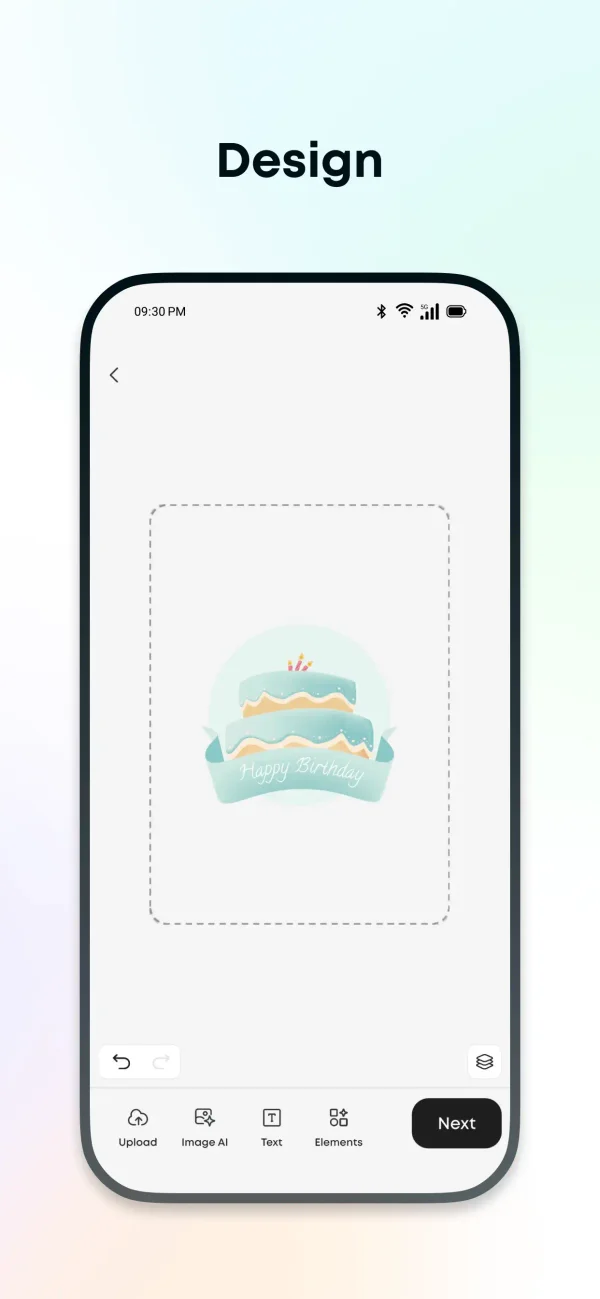
- AI Design Tools: Expand the boundaries of your expression with AI purpose-built for UV printing. Create 3D texture items in just seconds, leverage over 100 AI image styles, and refine them with advanced editing tools.
- Effortless Printing: With smart positioning, accurate color reproduction, and optimized texture quality, always achieve outstanding results.
By using Anker Make, you gain not just printer management — you join a network where AI creativity and real-world printing converge. Through new discoveries and designs, you'll achieve Smarter printing.
Show the original text
With the Anker Make app, you can conveniently connect to, operate, and create with Anker Make's UV printers and 3D printers right from your smartphone. It's more than just a printing tool — it serves as a creative hub powered by AI technology and a vibrant community.
- Seamless Printer Management: Connect to your printer via Wi-Fi and easily manage your prints from your smartphone.
- Creative Community: Browse a rich library of UV print works and 3D creations. Draw inspiration from other creators' work, remix ideas, and publish your own designs.
- AI Design Tools: Expand the boundaries of your expression with AI purpose-built for UV printing. Create 3D texture items in just seconds, leverage over 100 AI image styles, and refine them with advanced editing tools.
- Effortless Printing: With smart positioning, accurate color reproduction, and optimized texture quality, always achieve outstanding results.
By using Anker Make, you gain not just printer management — you join a network where AI creativity and real-world printing converge. Through new discoveries and designs, you'll achieve smarter printing.
Data safety
What Anker declares on Google Play about the data this app collects and shares.
- No data shared with third partiesLearn more about how developers declare sharing
- This app may collect these data typesApp info and performance
- Data is encrypted in transit
- You can request that data be deleted
What’s new
Version v5.1.0_9454 · Nov 3, 2026
Mainly fixes issues from the previous version.
New
• Quick Reprint from the Device: Within 10 minutes of a print finishing, double-press Start on the device to print it again, no software needed
Improved
• Auto Alignment Improvements: Alignment now follows the substrate you chose, staying accurate even with a dirty platform or tilted substrate
• Cropping Experience: Improved
• More Specific Low-Rating Reasons: Pick from more specific reasons when you give a low rating after a print
Developer contact
- Emailsupport@ankermake.com
- Privacy policypublic-make-moat-us.s3.us-east-2.amazonaws.com
- Address400 108th Ave NE Ste 400 Bellevue, WA 98004 United States
Information
- Offered by
- Anker
- Category
- Tools
- Version
- v5.1.0_9454
- Updated
- Nov 3, 2026
- Released
- Sep 30, 2022
- Requires
- Android 8.0 or later
- Age rating
- Everyone
- Price
- Free
- Package name
- com.oceanwing.FDMPrint
Similar apps
-
 Blink Home Monitor
Tools
-
 Navimow
Tools
-
 Philips Air+
Lifestyle
-
 VicoHome: Smart Home Camera
Video Players & Editors
-
 tado°
Lifestyle
-
 Anker eufy
Lifestyle
-
 Viidure-Dashcam Viewer
Tools
-
 UGREEN NAS
Tools
-
 Bose Connect
Music & Audio
-
 Garmin Clipboard™
Health & Fitness
-
 UE | BOOM by Ultimate Ears
Music & Audio
-
 Territory Helper
Productivity