AnyDesk Remote Desktop
AnyDesk Software GmbH- EveryoneAge rating
- BusinessCategory
- Nov 9, 2026Updated
- FreePrice
Links to the official Google Play listing of com.anydesk.anydeskandroid. Last checked on Nov 18, 2026.

Screenshots



About this app
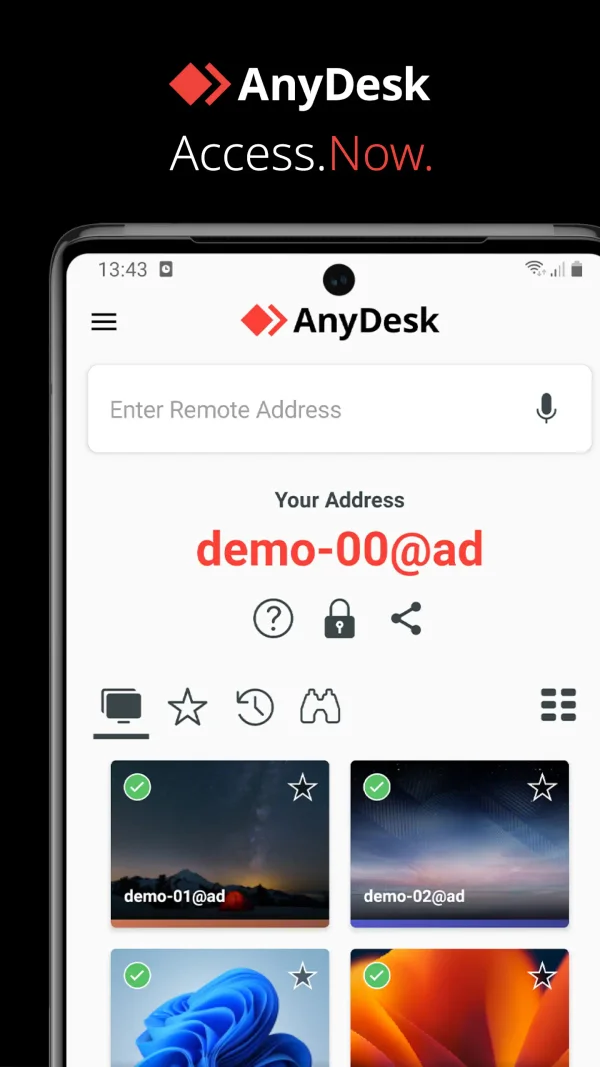
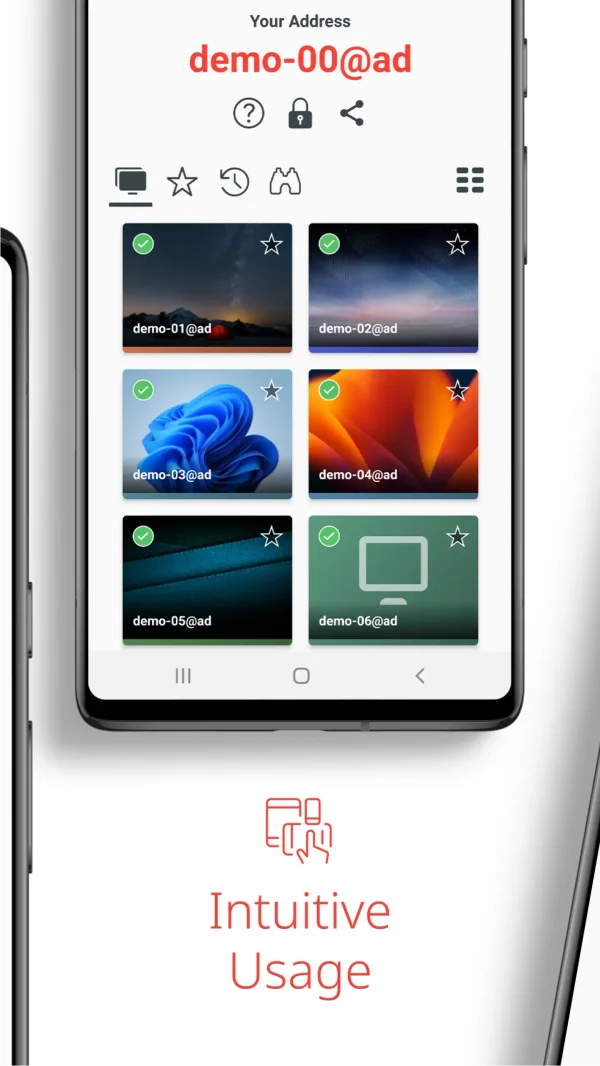
Remote access from anywhere. Fast and secure. All operating systems and devices
Powerful Remote Assistance Software. Whether you're in the office next door or on the other side of the world, remote access via AnyDesk makes the connection possible. Secure and reliable, for IT professionals as well as private users.
AnyDesk is ad-free and free for personal use. For commercial use visit: https://anydesk.com/en/order
Whether you're in IT support, working from home, or a student studying remotely, AnyDesk's remote desktop software has a solution for you, allowing you to connect to remote devices securely and seamlessly.
AnyDesk offers a wide range of remote desktop functions such as:
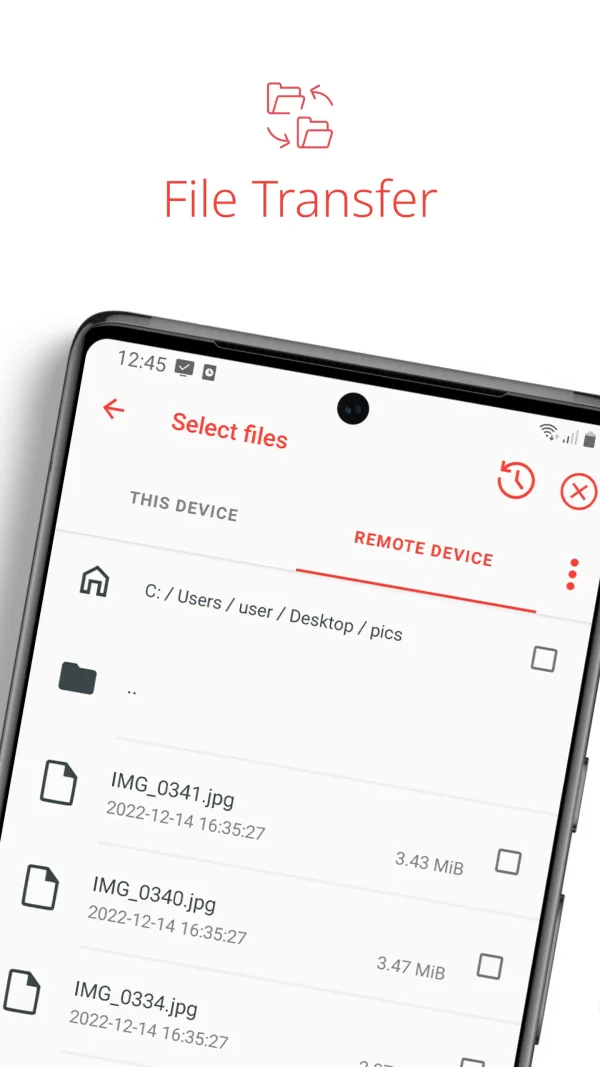
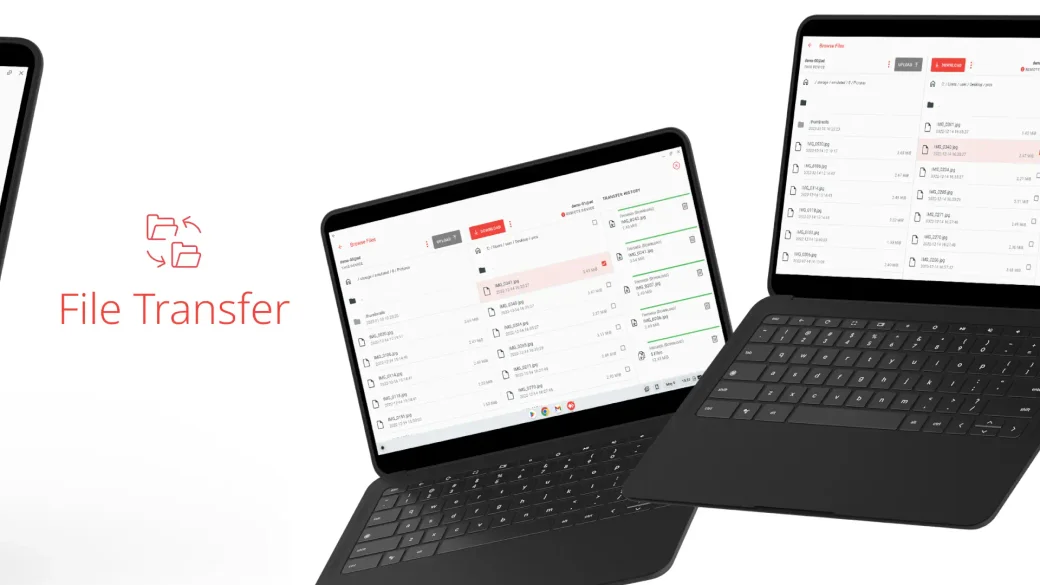
• File Transfer
• Remote Printing
• Wake-On-LAN
and much more
For an overview of the features, visit: https://anydesk.com/en/features
Why AnyDesk?
• Outstanding performance
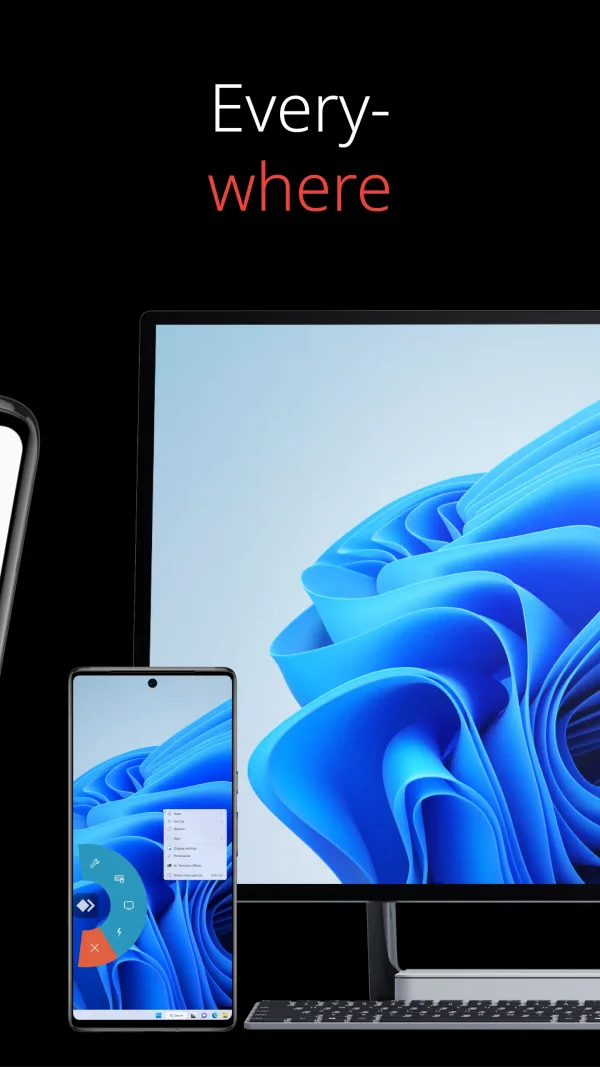
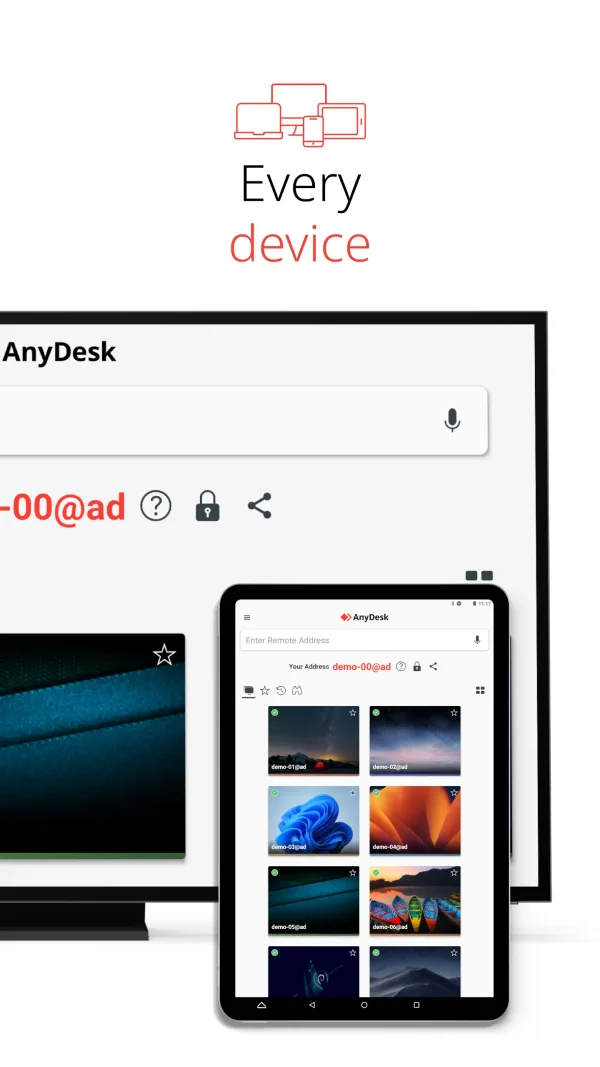
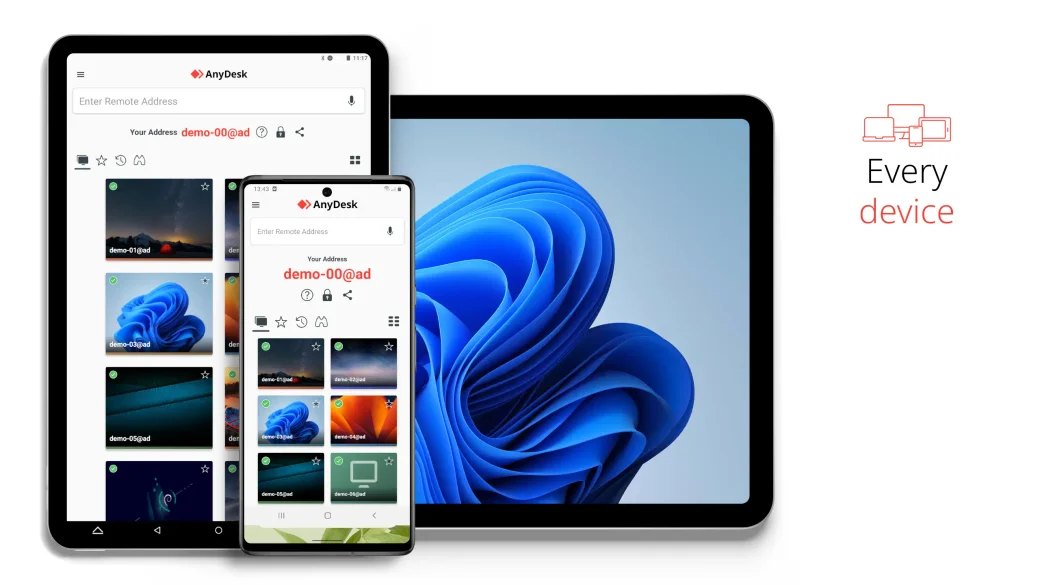
• Every operating system, every device
• Banking-standard encryption
• High frame rates, low latency
• In the Cloud or On-Premises
Every operating system, every device. Download the latest AnyDesk version for all platforms here: https://anydesk.com/en/downloads
Quick Start Guide
1. Install and launch AnyDesk on both devices.
2. Enter the AnyDesk-ID that is displayed on the remote device.
3. Confirm the access request on the remote device.
4. Done. You can now control the remote device remotely.
Do you have any questions? Contact us! https://anydesk.com/en/contact
Data safety
What AnyDesk Software GmbH declares on Google Play about the data this app collects and shares.
- This app may share these data types with third partiesPersonal info, Contacts, and Device or other IDs
- This app may collect these data typesPersonal info, Messages and 6 others
- Data is encrypted in transit
- You can request that data be deleted
What’s new
Version 9.1.0 · Nov 9, 2026
New Features
* Support for new plugins.
* Language can now also be changed in-app on Android 13 and higher.
* Improved and harmonized focus indication.
* AD-One: Improved layouts for small screens.
* AD-One: Improved input handling.
Fixed Bugs
* Fixed online states still being visible after disabling them in the settings.
* Minor UX fixes.
* Improved stability.
* Assembly: Fixed crash when setting user image.
* AD-One: Fixed speed dial items scrolling to top when closing context menu.
Developer contact
- Websiteanydesk.com
- Emailsupport@anydesk.com
- Privacy policyanydesk.com
- AddressTürlenstr. 2 70191 Stuttgart Germany
Information
- Offered by
- AnyDesk Software GmbH
- Category
- Business
- Version
- 9.1.0
- Updated
- Nov 9, 2026
- Released
- Feb 7, 2017
- Requires
- Android 5.0 or later
- Age rating
- Everyone
- Price
- Free
- Package name
- com.anydesk.anydeskandroid