AOA: Always on Display
newGen MobileContains ads · In-app purchases
- EveryoneAge rating
- PersonalizationCategory
- Nov 22, 2026Updated
- FreePrice
Links to the official Google Play listing of com.newgen.alwayson. Last checked on Nov 22, 2026.

Screenshots

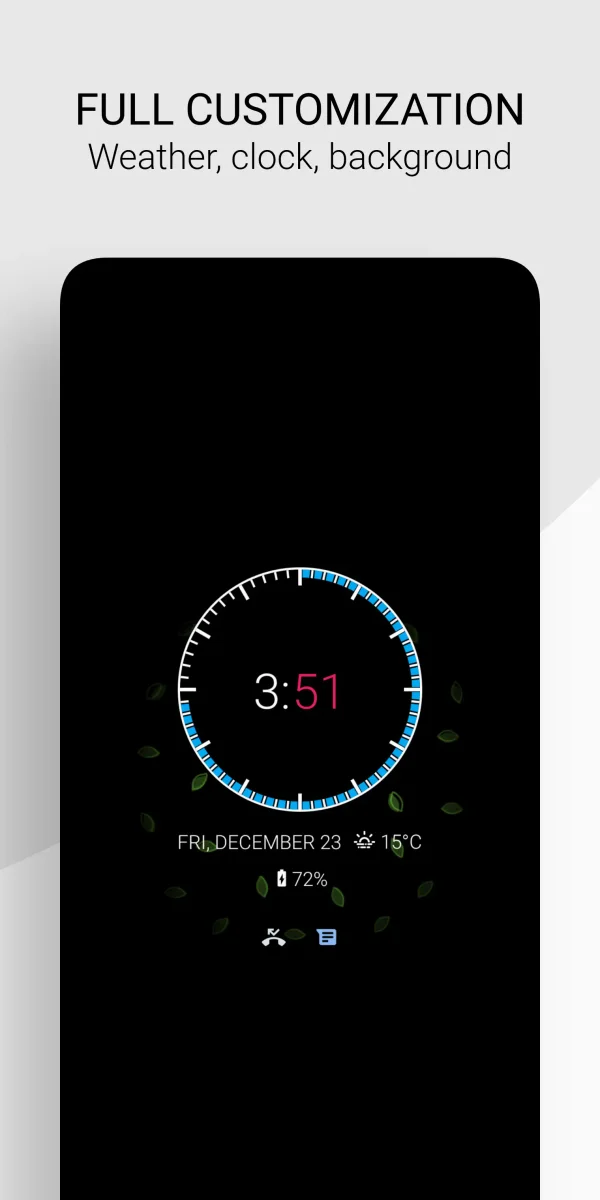

About this app
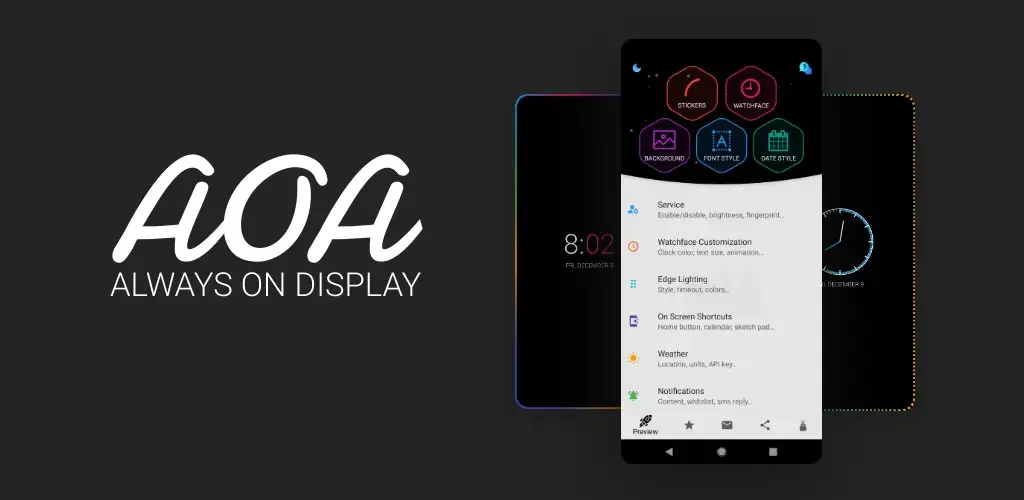
Always on display with edge lighting, notifications, weather, music controls.
AOA is a ground breaking always on display which allows you to interact with notifications, view time/date, weather forecast, control your music, set app shortcuts, and much more right from your screen.
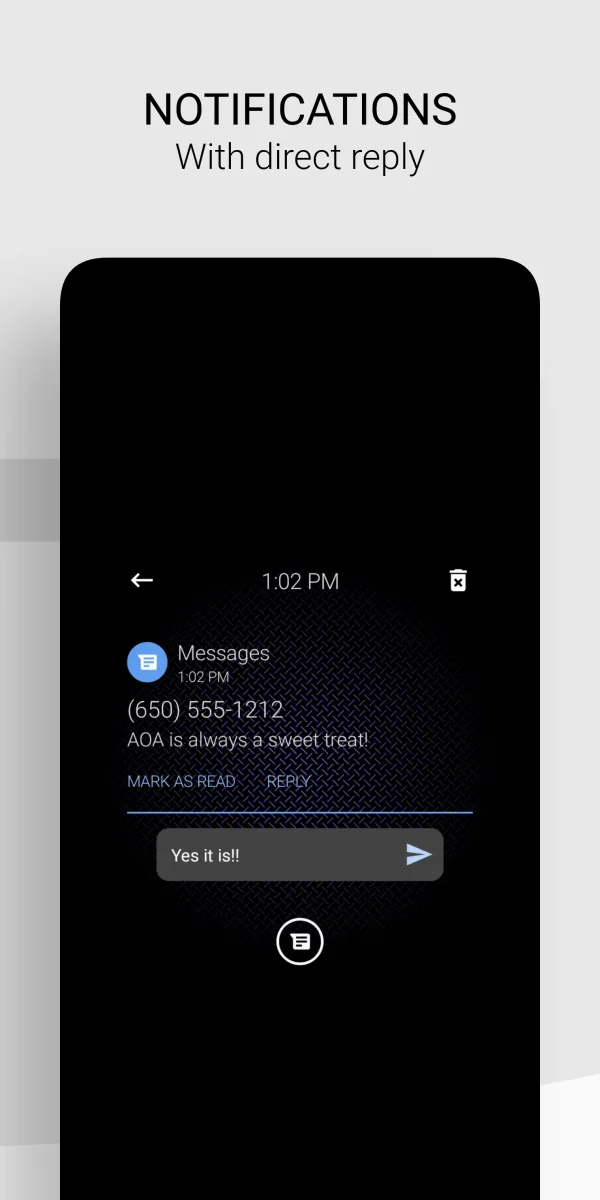
With AOA you are able to respond directly to any instant message such as SMS, Facebook messenger, WhatsApp, and many others. You can delete notifications or dismiss and save them for later. AOA is a must have for any device.
AOA is fully customizable but it comes pre-setup as soon as you install it on your device. All you have to do is just turn off your screen and watch AOA do its thing!
⭐ Awesome Features ⭐
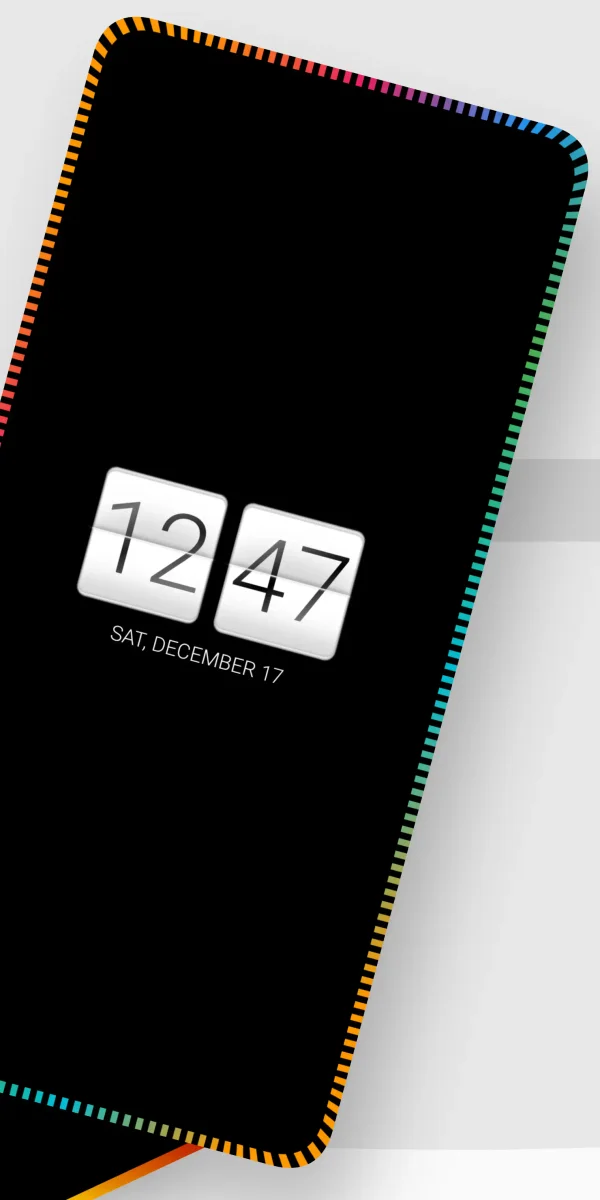
• Beautifully crafted always on display (AOD)
• Password protected screen unlock and notification view
• Edge lighting with infinite colors
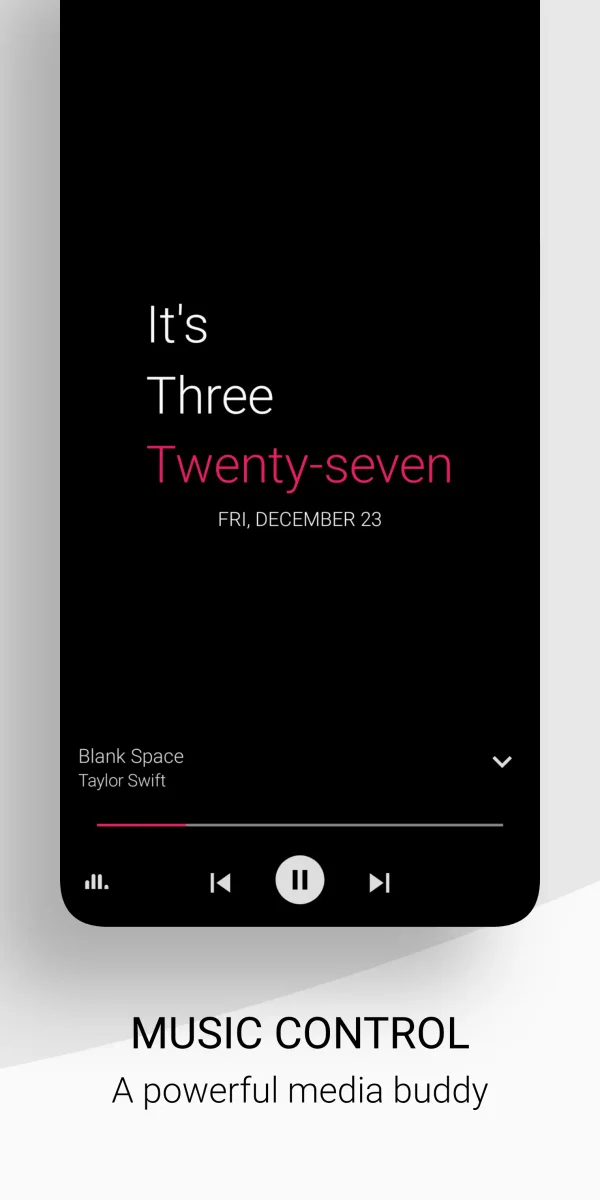
• Powerful music controls
• Battery status display with time to charge
• Multiple screen orientations with notch support
• Calendar view with custom events
• Reply to instant messages directly from your AOA screen
• Sketch pad to take notes, or draw on the go
• Notifications with badge count
• Custom start/end times
• Interactive notifications with action buttons and gestures; Swipe left to dismiss, right to hide
• Many clocks such as animated, analog, digital, or stickers
• Screen brightness control
• Preset HD backgrounds with the ability to upload your own
• Launcher shortcuts such as calendar, flashlight, camera, calculator
• Ability to set custom App shortcuts
• Full customization with many settings such as colors, icons, fonts, text size
• Automatic rules for better battery life
• Auto movement to prevent AMOLED/OLED burn-in
• Pocket mode for on the go
• Memo option with sticky notes
• Tasker plugin
"Jesus saith unto him, I am the way, the truth, and the life: no man cometh unto the Father, but by me" - John 14:6
Data safety
What newGen Mobile declares on Google Play about the data this app collects and shares.
- No data shared with third partiesLearn more about how developers declare sharing
- No data collectedLearn more about how developers declare collection
- Data is encrypted in transit
- You can request that data be deleted
What’s new
Version 8.0.1 · Nov 22, 2026
V 8.0.1
- Welcome to the new design and improvements
Developer contact
- Websitenewgenmobile.site
- Emailnewgenmobile@gmx.com
- Privacy policynewgenmobile.site
- Address70 Wellington St St. Thomas, ON N5R 2R1 Canada
Information
- Offered by
- newGen Mobile
- Category
- Personalization
- Version
- 8.0.1
- Updated
- Nov 22, 2026
- Released
- Mar 13, 2018
- Requires
- Android 7.0 or later
- Age rating
- Everyone
- Price
- Free
- In-app purchases
- $0.99 - $9.99 per item
- Package name
- com.newgen.alwayson
Similar apps
-
 Smart Watch - Clock Wallpaper
Personalization
-
 Hi-tech Circuit Launcher
Personalization
-
 DNA Launcher ‧ Home Screen
Personalization
-
 Wallpapers For Xiaomi HD - 4K
Personalization
-
 Zeel Walls - 4K Wallpapers
Personalization
-
 Color Launcher, cool themes
Personalization
-
 Pie Launcher version 2026
Personalization
-
 X Live Wallpaper - HD 3D/4D
Personalization
-
 Wallpapers 4K
Personalization
-
 Square Home Launcher - Tile UI
Personalization
-
 Alpha Hybrid Launcher 4D theme
Personalization
-
 Battery Transfer / Receiver
Tools