App Tiles - Launch Apps Faster
RADEFFFACTORYContains ads
- EveryoneAge rating
- ToolsCategory
- May 17, 2026Updated
- FreePrice
Links to the official Google Play listing of com.radefffactory.apptiles. Last checked on Nov 24, 2026.

Screenshots




About this app
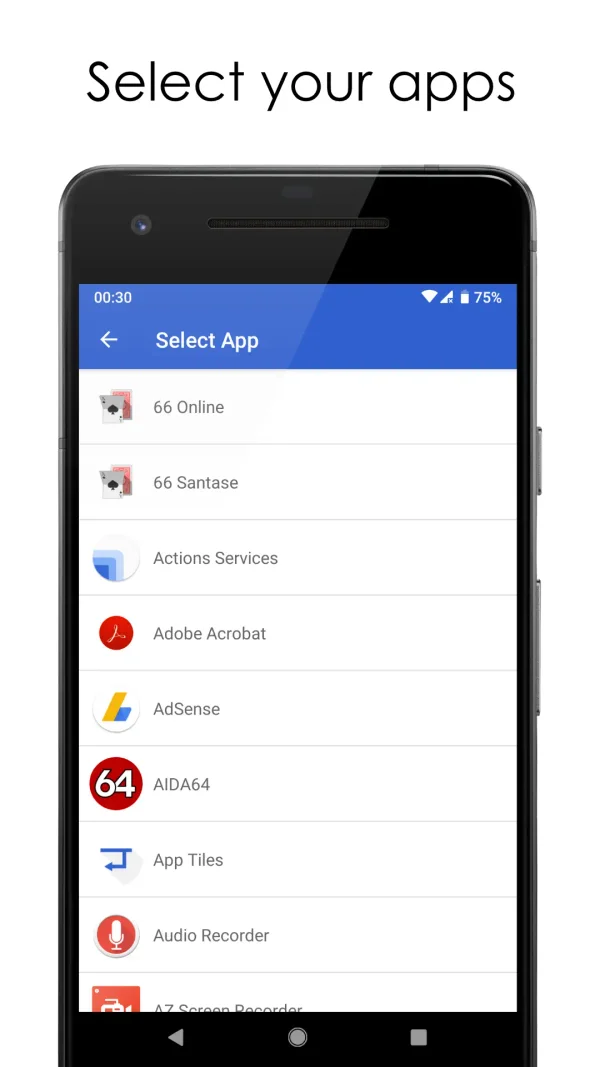
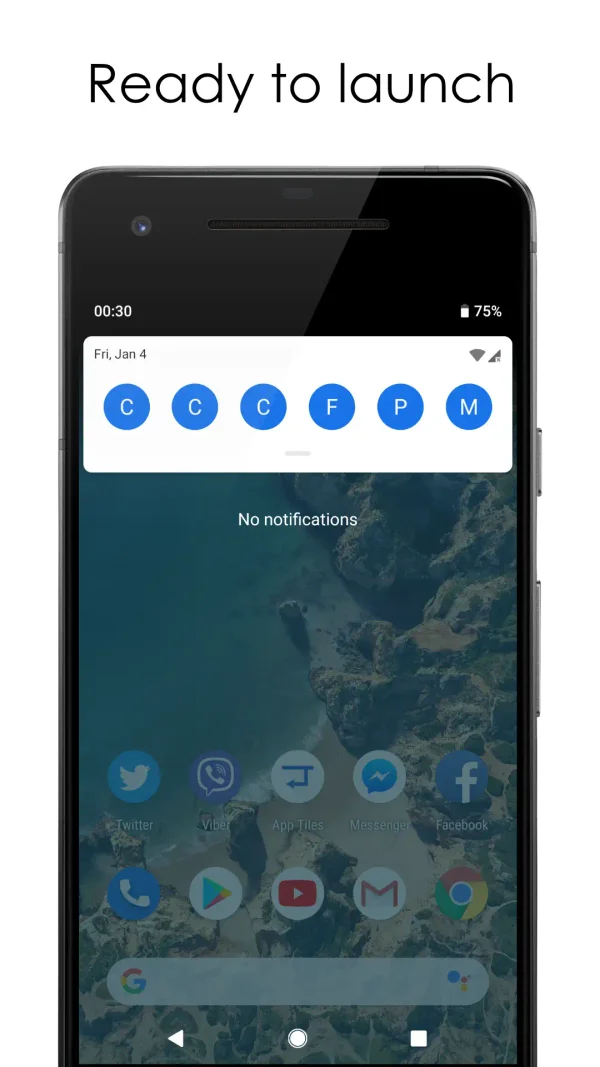
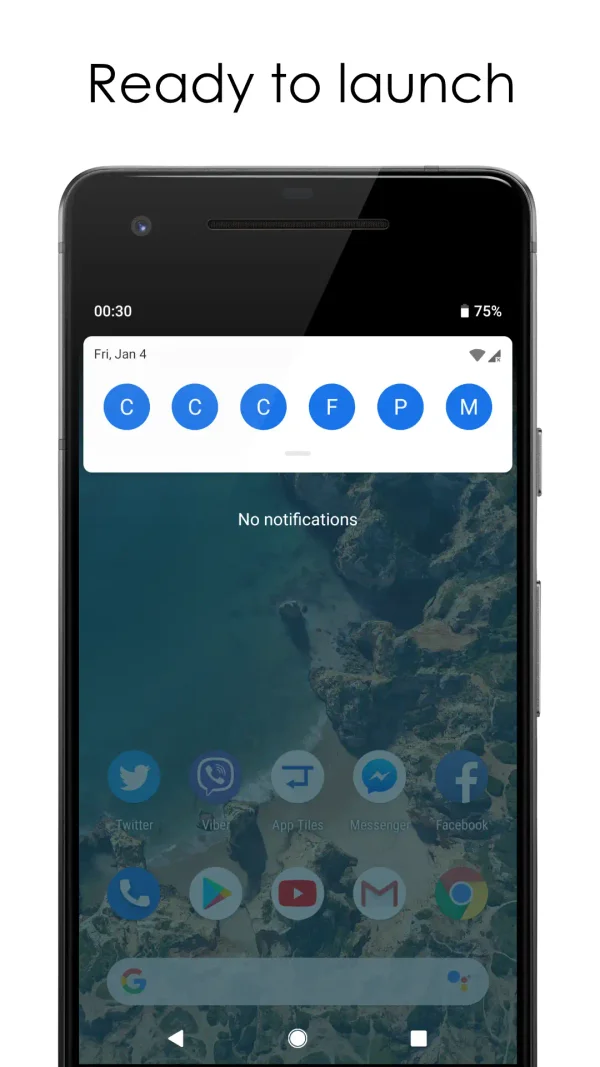
Add up to 6 app shortcuts in your notification area!
App Tiles is very useful app for optimizing app launching speed.
You can add up to 6 shortcuts for apps in your quick toggles area on the notification bar.
Or you can add up to 6 apps in just one tile in your quick toggles.
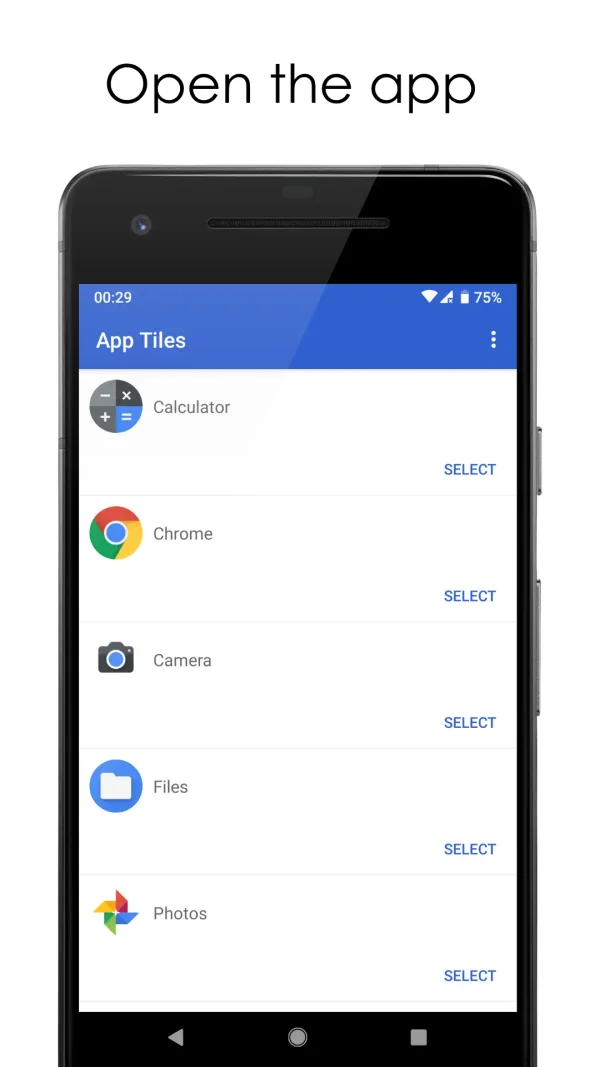
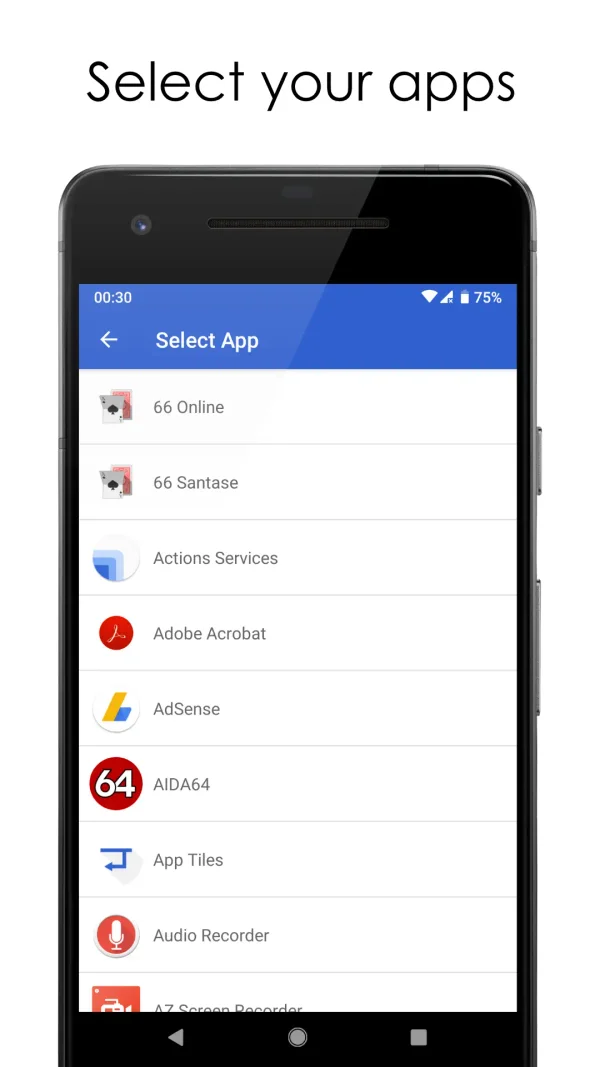
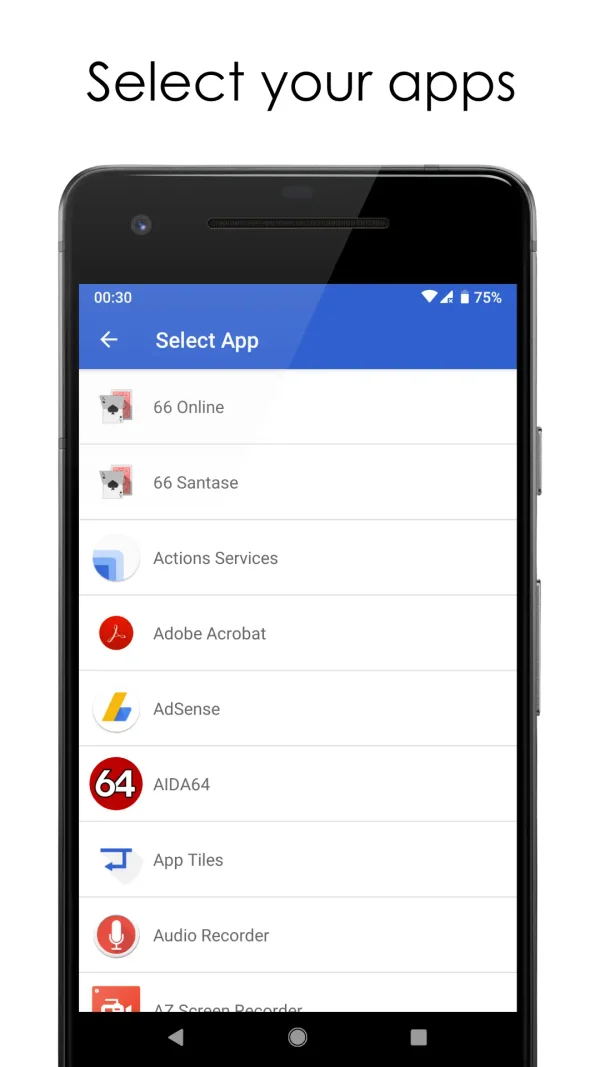
Just pick your apps, drag the tiles to the top of the list and they are ready to launch. You can click them in every app and at any time you want. Always be prepared with App Tiles!
Now you can add websites to your tiles!
A few tips:
If you find out that the quick tiles are not working after a few days then probably your device have an option to stop apps from working if they are not opened for a few days. Some of the latest Samsung phones have this option. To continue using the app you should add it to the battery exceptions list and allow it to work no matter if opened or not.
If you find out that after rebooting your device the quick tiles are not working you should allow the app to auto launch after reboot. Usually this is not necessary but on some Xiaomi and Huawei devices there's an option to block apps from auto launching and this prevents app from working after reboot.
There's ads in the app but they are showing only while you are setting up your favorite apps in the main app screen. When you are using the quick tiles you will never see ads from the app.
Data safety
What RADEFFFACTORY declares on Google Play about the data this app collects and shares.
- This app may share these data types with third partiesLocation, App activity and 2 others
- This app may collect these data typesLocation, App activity and 2 others
- Data is encrypted in transit
- You can request that data be deleted
What’s new
Version 4.3 · May 17, 2026
- bug fixes and optimizations
Developer contact
- Websiteradefffactory.com
- Emailyohohoasakura@gmail.com
- Privacy policyradefffactory.com
- AddressBorima 17 b 5100 Gorna Oryahovitsa Bulgaria
Information
- Offered by
- RADEFFFACTORY
- Category
- Tools
- Version
- 4.3
- Updated
- May 17, 2026
- Released
- Jan 3, 2019
- Requires
- Android 7.0 or later
- Age rating
- Everyone
- Price
- Free
- Package name
- com.radefffactory.apptiles