AppLock
PIPS TechContains ads · In-app purchases
- EveryoneAge rating
- ToolsCategory
- Oct 30, 2026Updated
- FreePrice
Links to the official Google Play listing of com.domobile.applockwatcher. Last checked on Nov 20, 2026.
Screenshots
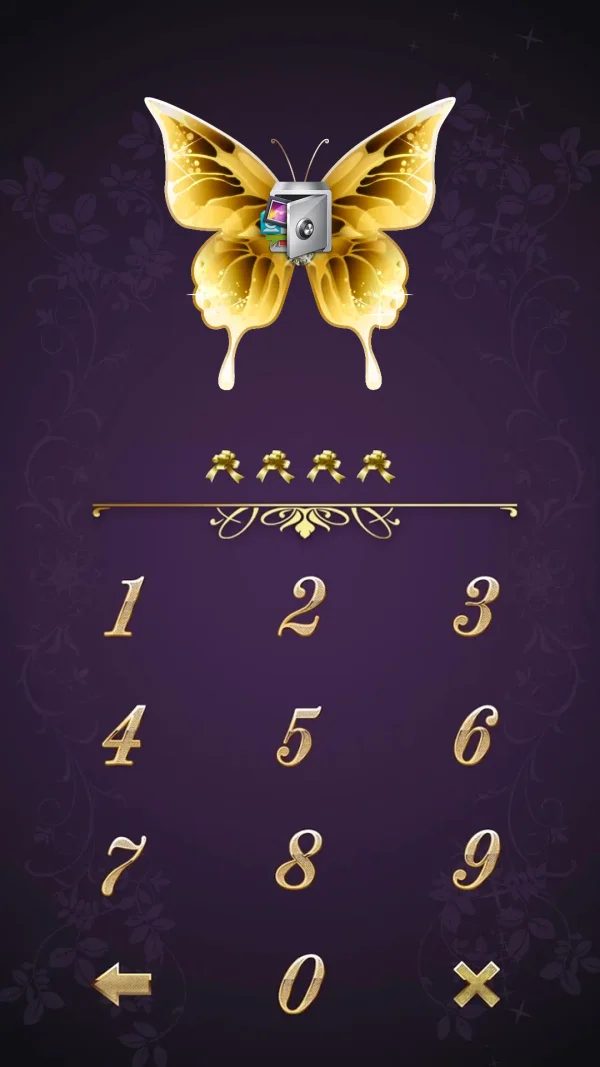
About this app
Protect your privacy.
Protect your privacy. Supports 45 languages.
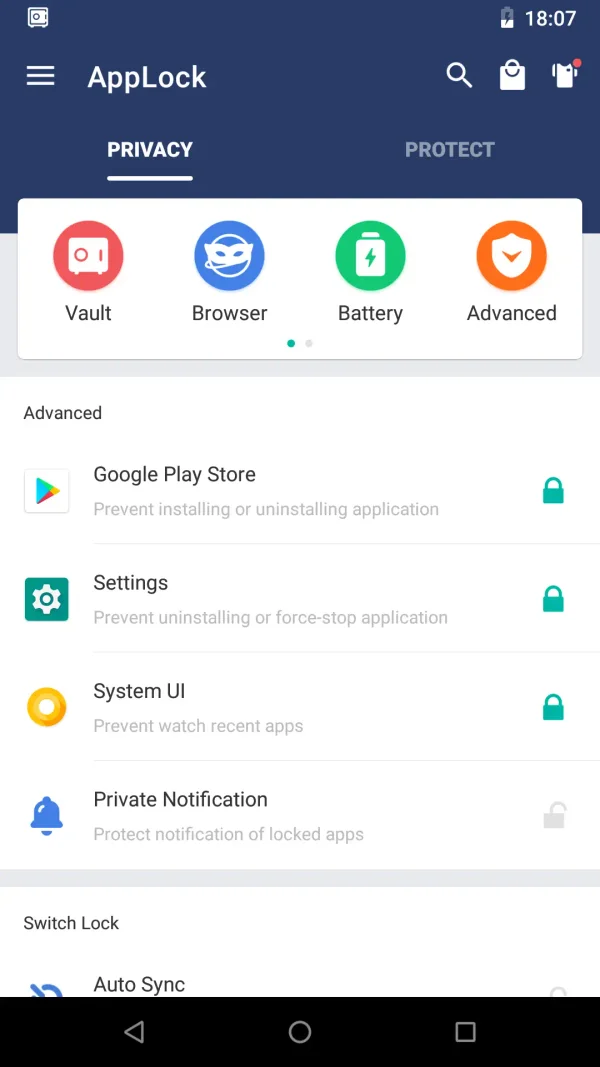
☞ AppLock can lock Facebook, WhatsApp, Gallery, Messenger, Snapchat, Instagram, SMS, Contacts, Gmail, Settings, incoming calls and any app you choose. Prevent unauthorized access and guard privacy. Ensure security.
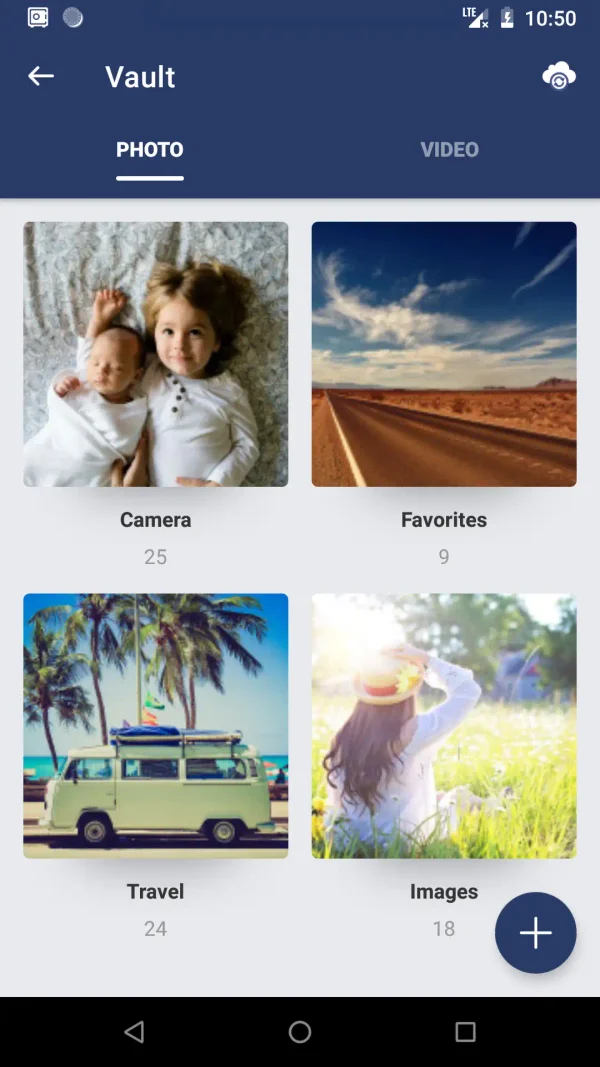
☞ AppLock can hide pictures and videos. Hidden pictures and videos are vanished from Gallery and only visible in the photo and video vault. Protect private memories easily. No pin, no way.
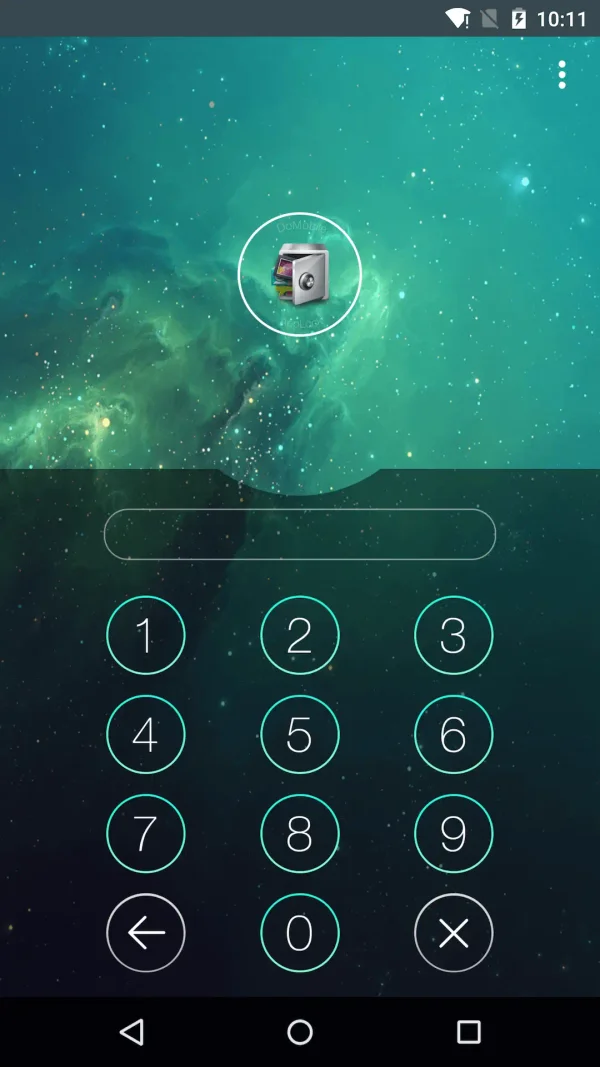
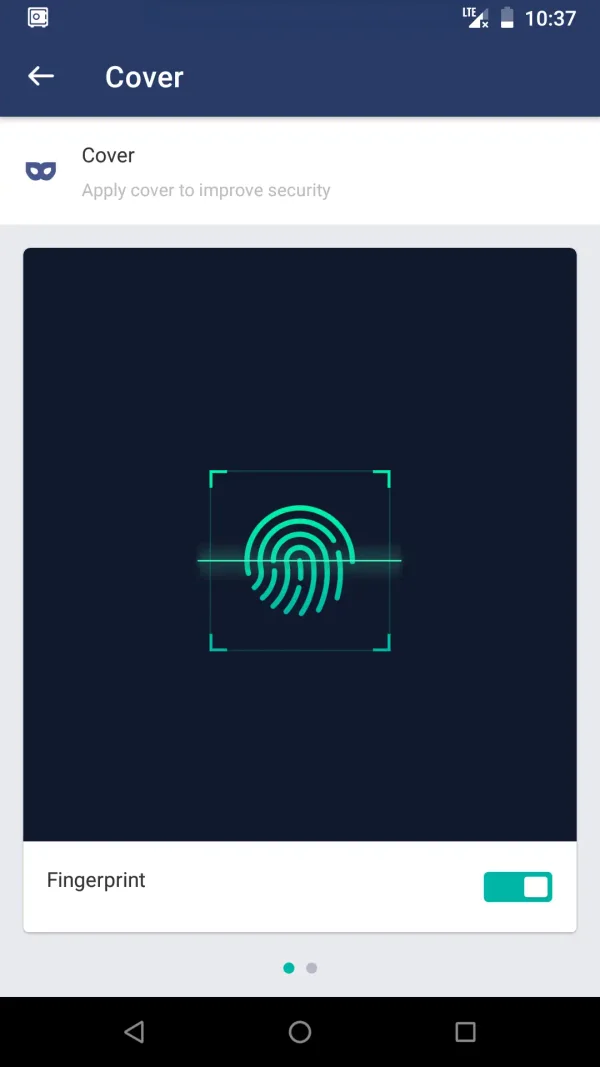
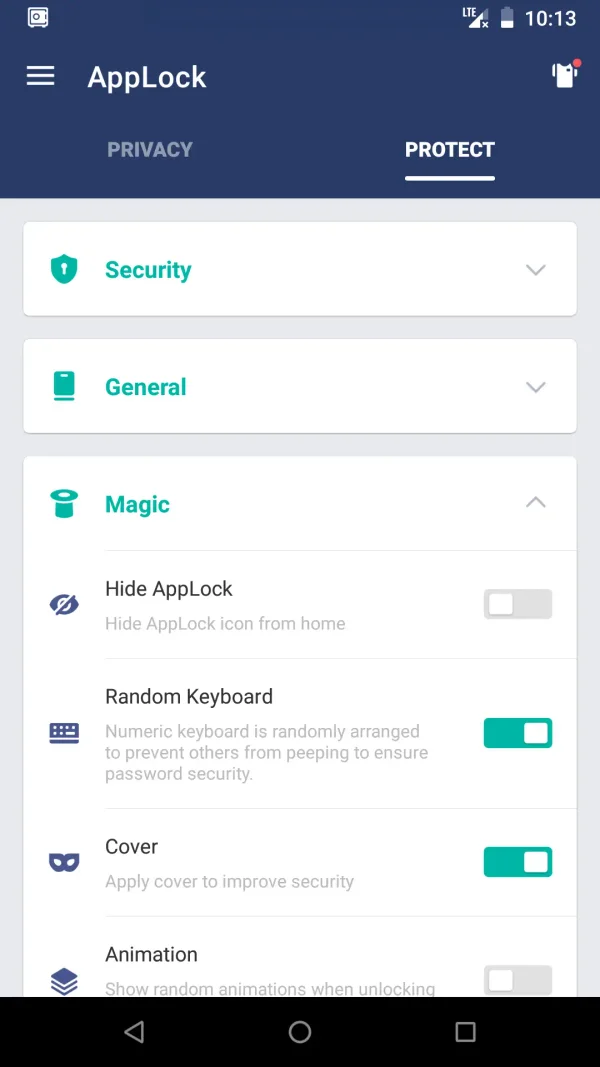
☞AppLock has random keyboard and invisible pattern lock. No more worry people may peep the pin or pattern. More safe!
★ With AppLock, you will:
Never worry about parents check your Snapchat, TikTok!
Never worry about friends borrow your phone to play games with mobile data again!
Never worry about a workmate gets your phone to look the gallery again!
Never worry about someone reads private data in your apps again!
Never worry about kids mess up Settings, send wrong messages, paying games again!
---FAQ---
1)How to change password?
Open AppLock, Protect, Unlock Settings
2)How to open hidden AppLock?
Please update to the latest version and then try the following four methods to open hidden AppLock:
1. Gallery
Open your Gallery, select a picture, click the share button. Find "Open AppLock" and click it.
2. Widgets
Long press the home screen, click Widgets. Find "Open AppLock" and drag it to the home screen.
3. Dial pad
Enter *#*#12345#*#* in your dial pad.
4. Browser
Open any link in the browser:
① openapplock.com
② domobile.com/applock
3)How to stop uninstalling AppLock?
Please enable Advanced Protection in Protect of AppLock, so nobody can uninstall or kill AppLock without password. You can disable Advanced Protection when you don't want it.
4)I forgot my password, How to find it?
Update to the latest version first. And then tap AppLock icon, click the icon at top right corner of lock page, tap 'forgot password'.
1. Security answer: enter security answer, click 'reset password'.
2. Security email: click 'send code to security email', input reset code, click 'reset password'.
AppLock uses the Device Administrator permission.
To enable Advanced Protection, please activate AppLock as "device administrator". It's only used for preventing intruders uninstalling AppLock.
To enable the power saving mode, please turn on the Accessibility Service. Once enabled, AppLock can monitor foreground app changes in real time, to improve locking and unlocking efficiency, reduce battery consumption, and ensure the stable operation of AppLock.
Why does AppLock need this permission?
We've received a lot of user feedback complaining that the lock fails after the phone restarts and their apps lose protection. This issue mainly stems from the delay in detecting changes in foreground apps. With Accessibility services enabled, AppLock will be informed when any app is opened and provide instant protection for locked apps, and reducing battery consumption.
What data we will collect and how to use?
AppLock doesn’t use Accessibility Service to collect any data. We only use it to monitor foreground apps.
Data safety
What PIPS Tech declares on Google Play about the data this app collects and shares.
- This app may share these data types with third partiesPersonal info, App activity and 2 others
- This app may collect these data typesPersonal info, App activity and 2 others
- Data is encrypted in transit
- You can request that data be deleted
What’s new
Version 6.5.0 · Oct 30, 2026
Optimized function, better experience!
Developer contact
- Websitedomobile.com
- Emailsupport@domobile.com
- Privacy policydomobile.com
- Address150 BEACH ROAD #28-05/06 GATEWAY WEST Singapore 189720
Information
- Offered by
- PIPS Tech
- Category
- Tools
- Version
- 6.5.0
- Updated
- Oct 30, 2026
- Released
- Oct 31, 2013
- Requires
- Android 7.0 or later
- Age rating
- Everyone
- Price
- Free
- In-app purchases
- $1.99 - $11.99 per item
- Package name
- com.domobile.applockwatcher
Similar apps
-
 AppLock
Tools
-
 Snapchat
Communication
-
 Hide Photo Vault &Videos
Tools
-
 App Lock - Applock Fingerprint
Productivity
-
 Xender - Quick Share, Transfer
Tools
-
 WhatsApp Business
Communication
-
 Gallery- Photo Gallery & Album
Photography
-
 TikTok Lite - Save Data & Fast
Social
-
 Calculator: Simple Calculator
Tools
-
 Calculator Lock - Hide Photos
Tools
-
 CapCut - Video Editor
Video Players & Editors
-
 Scientific Calculator
Education