Applock - Safe Lock for Apps
TarrySoftContains ads · In-app purchases
- EveryoneAge rating
- ProductivityCategory
- Aug 21, 2026Updated
- FreePrice
Links to the official Google Play listing of me.ibrahimsn.applock. Last checked on Nov 17, 2026.
Screenshots
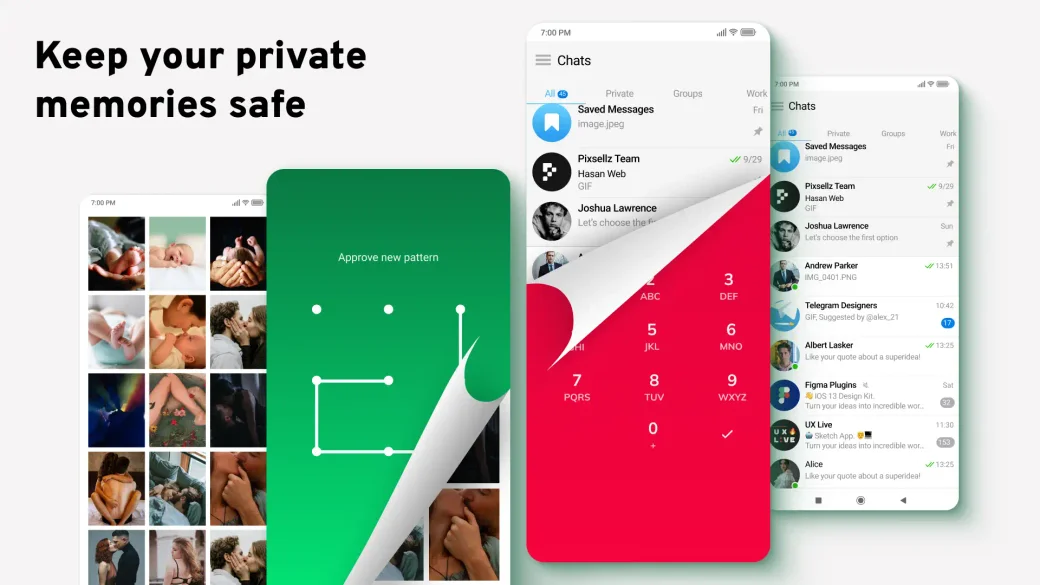
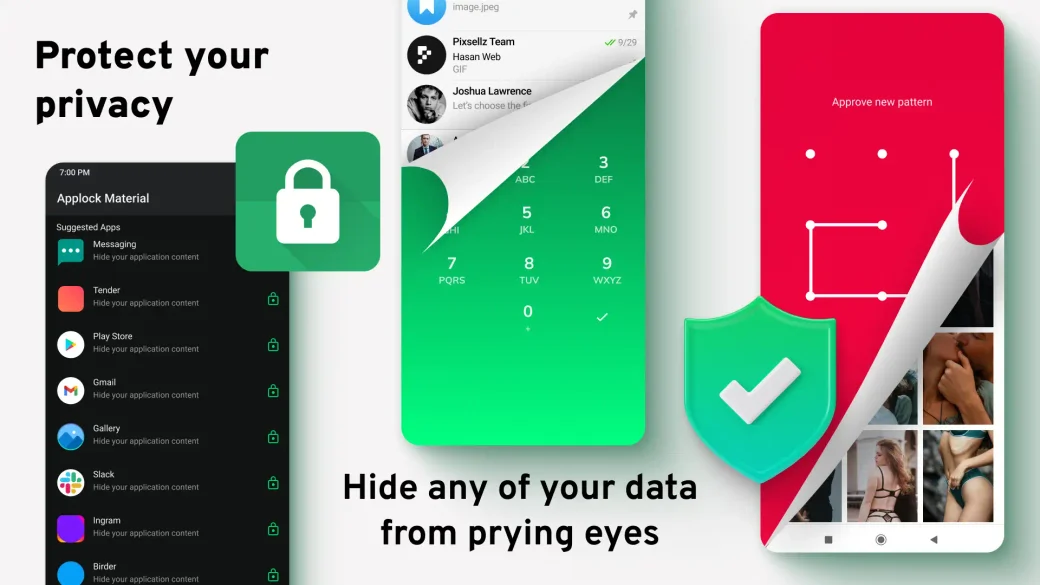
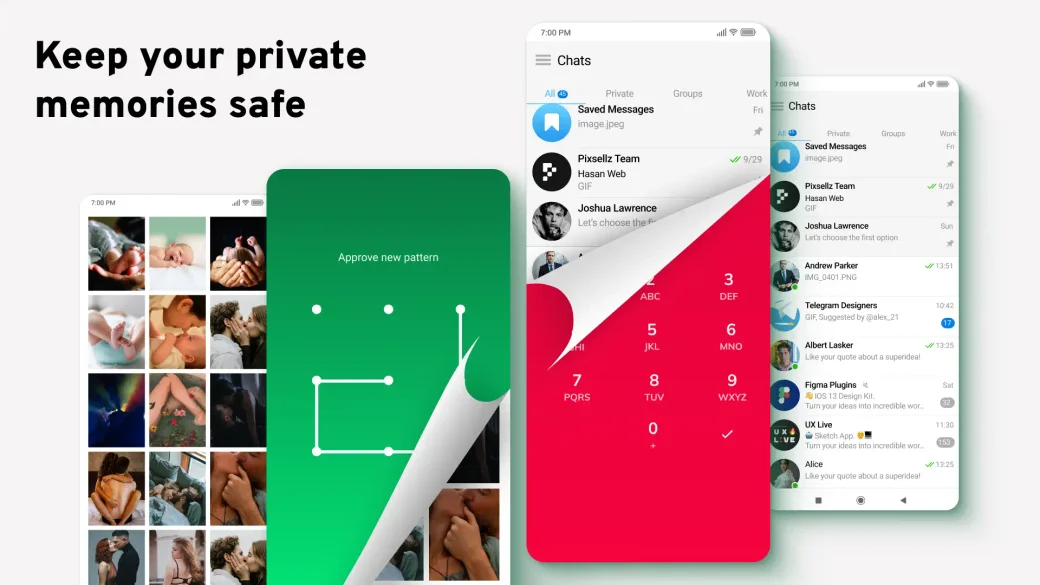
About this app
App lock for protected privacy: hide photos, messages & lock apps
★ Protect your Privacy with AppLock - Lock Apps with PIN or Pattern★
Lock APPs, Gallery, videos, messages, social media applications, and files from friends or curious eyes to protect your privacy! Stabile and easy-to-use App Locker, your safety expert! The safest way to Lock apps with password!
App Lock can help you to hide any app and keep your privacy using an app locker. You can open hidden apps in the Applock or your phone's interface.
——Features of AppLock - Lock Apps——
🔒 AppLock can lock Social apps: Never worry about someone checking your social media apps! Lock apps with password!
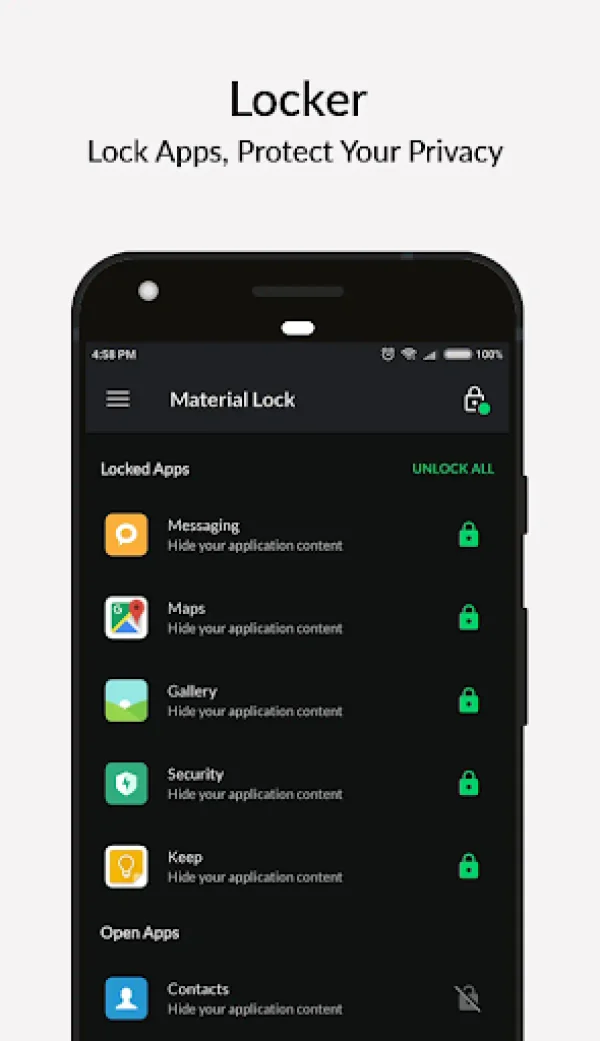
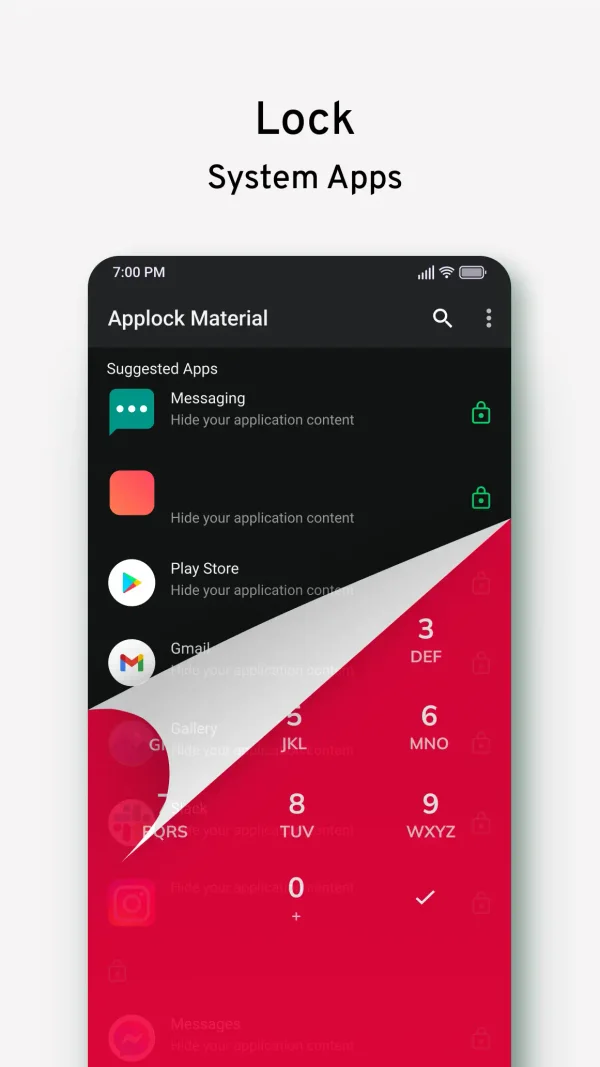
🛡AppLock can lock System apps: Gallery, SMS, Contacts, Gmail, Settings, Play Store, incoming calls, and any app you choose. Prevent unauthorized access and guard privacy. Ensure security!
⚡ AppLock can lock Shopping Apps.
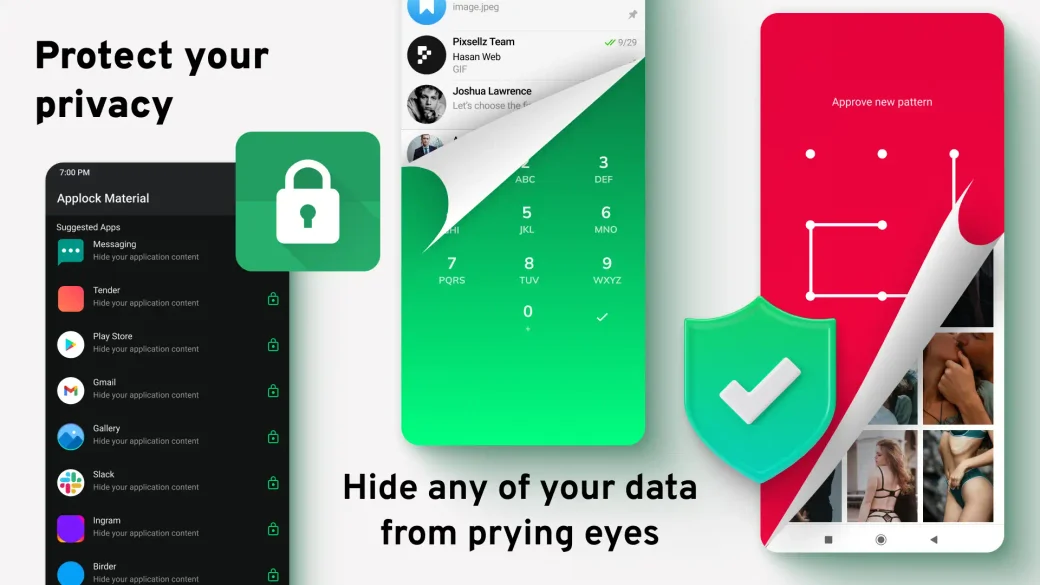
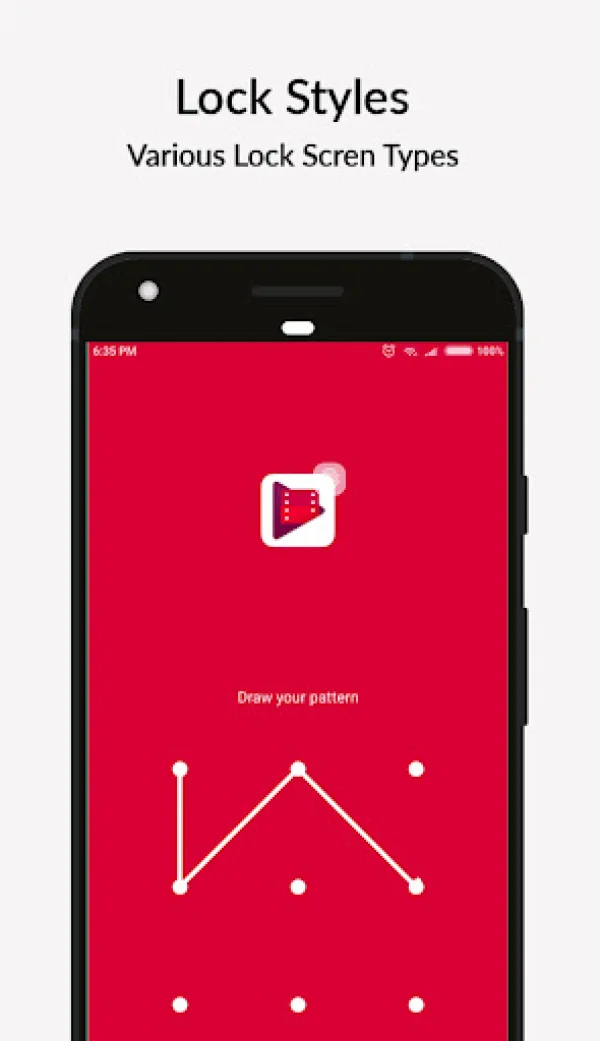
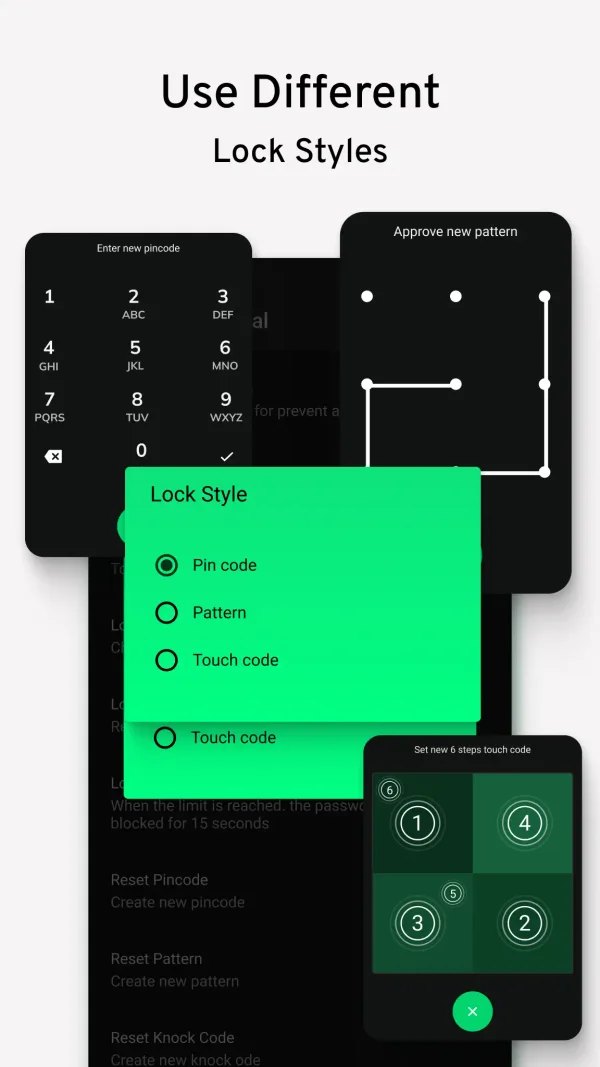
🔢 AppLock has multiple lock types: PIN Lock, Pattern Lock. Choose your favorite style to lock app.
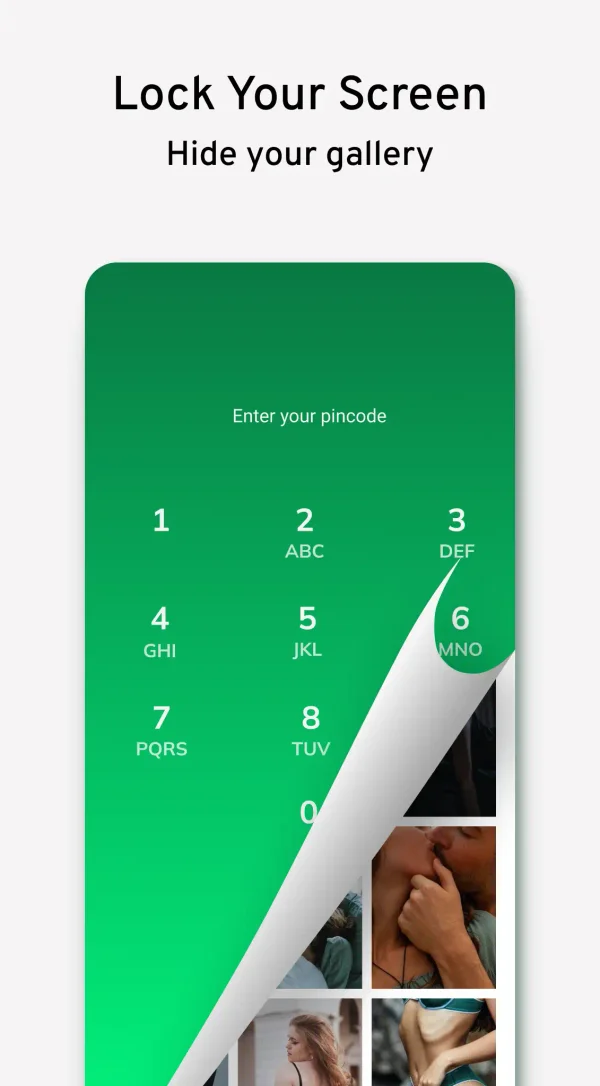
🖼️ App Lock has a photo vault: Keep a safe Gallery and hide your photos. Encrypt Gallery to make it a photo vault. Keep your memories secure - Photo safe.
🔑 App Lock support screen lock: Never worry about friends borrowing your phone to play games with mobile data again!
❇️ App Lock has rich themes: We have built-in sets of beautiful Pattern and PIN themes for your choice and will continue to update.
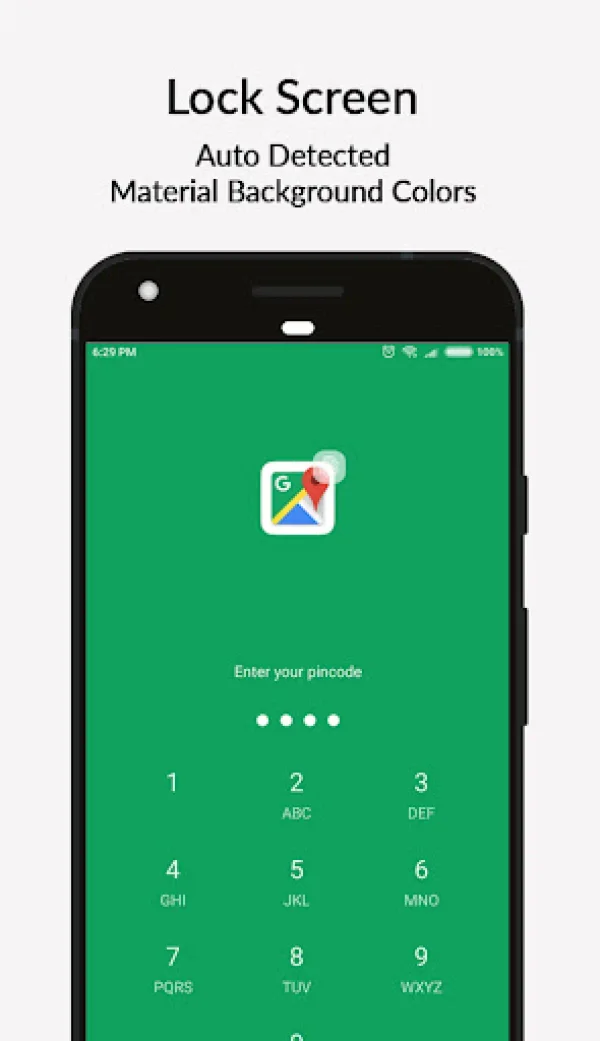
🌀 Auto Background: Lock screen background is set according to application.
👍 Easy to use: One click to enable/disable App Locker.
Hide Apps Tool is a secret app where you can hide almost anything, such as dating, social, and other apps.
Did you forget your password?
Open the App lock - Private Folder and click the icon at the top right corner of the lock page. Next, tap 'Forgot Password' and enter the security answer you predefined in the settings section.
AppLock uses Device Administrator permission.
It's only used to prevent intruders from uninstalling the App Locker.
Lock APPs, Gallery, videos, messages, social media applications, and files from friends or curious eyes to protect your privacy! Stabile and easy-to-use App Locker, your safety expert! The safest way to Lock apps with password!
App lock tool is the unique lock app and hide apps tool for your secret apps!
App Lock can help you to hide any app and keep your privacy using an app locker. You can open hidden apps in the Applock or your phone's interface.
Applock - Lock Apps - a unique tool created to hide apps!
——Features of AppLock - Lock Apps——
🔒 AppLock can lock Social apps: Never worry about someone checking your social media apps! Lock apps with password!
🛡AppLock can lock System apps: Gallery, SMS, Contacts, Gmail, Settings, Play Store, incoming calls, and any app you choose. Prevent unauthorized access and guard privacy. Ensure security!
⚡ AppLock can lock Shopping Apps.
🔢 AppLock has multiple lock types: PIN Lock, Pattern Lock. Choose your favorite style to lock app.
🖼️ App Lock has a photo vault: Keep a safe Gallery and hide your photos. Encrypt Gallery to make it a photo vault. Keep your memories secure - Photo safe.
🔑 App Lock support screen lock: Never worry about friends borrowing your phone to play games with mobile data again!
❇️ App Lock has rich themes: We have built-in sets of beautiful Pattern and PIN themes for your choice and will continue to update.
🌀 Auto Background: Lock screen background is set according to application.
👍 Easy to use: One click to enable/disable App Locker.
Hide Apps Tool is a secret app where you can hide almost anything, such as dating, social, and other apps.
Did you forget your password?
Open the App lock - Private Folder and click the icon at the top right corner of the lock page. Next, tap 'Forgot Password' and enter the security answer you predefined in the settings section.
AppLock uses Device Administrator permission.
It's only used to prevent intruders from uninstalling the App Locker.
Data safety
What TarrySoft declares on Google Play about the data this app collects and shares.
- This app may share these data types with third partiesApp info and performance and Device or other IDs
- This app may collect these data typesApp info and performance and Device or other IDs
- Data is encrypted in transit
- Data can’t be deleted
What’s new
Version 2.10.6 · Aug 21, 2026
-> Performance Optimizations
Developer contact
- Websitekigelapps.com
- Emailsupport.applocker@kigelapps.com
- Privacy policykigelapps.com
- Address8 The Grn Ste 4184 Dover, DE 19901-3618 United States
Information
- Offered by
- TarrySoft
- Category
- Productivity
- Version
- 2.10.6
- Updated
- Aug 21, 2026
- Released
- Jan 21, 2017
- Requires
- Android 5.1 or later
- Age rating
- Everyone
- Price
- Free
- In-app purchases
- $0.99 - $99.99 per item
- Package name
- me.ibrahimsn.applock