ARS Flower Digital
Arsanna Studio- EveryoneAge rating
- PersonalizationCategory
- Oct 17, 2026Updated
- $1.29Price
Links to the official Google Play listing of com.watchfacestudio.arsflower. Last checked on Nov 14, 2026.

Screenshots




About this app
Automatic translation by Google from Indonesian.
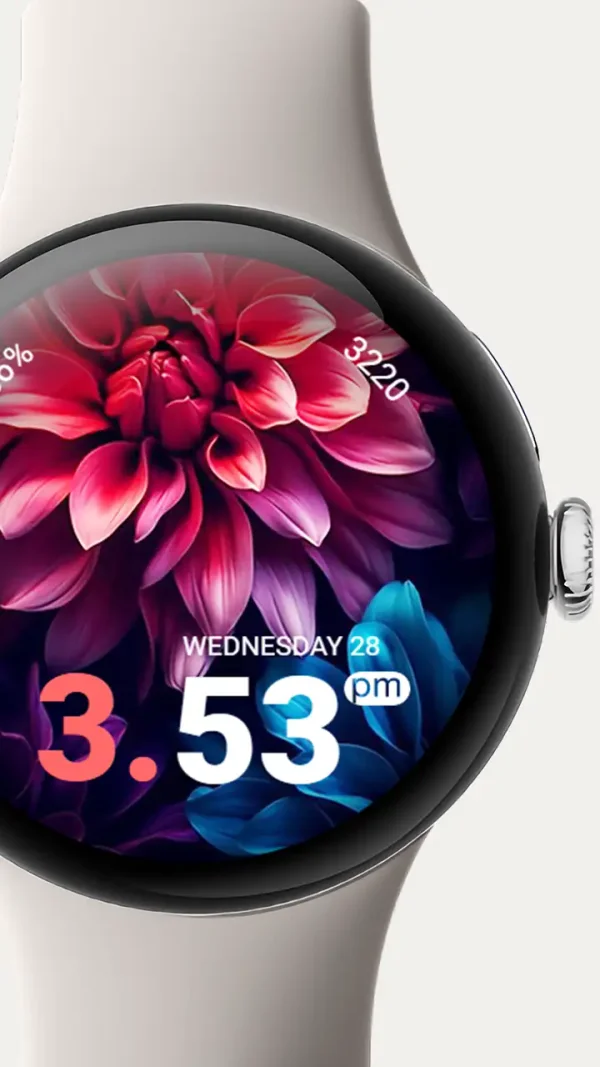
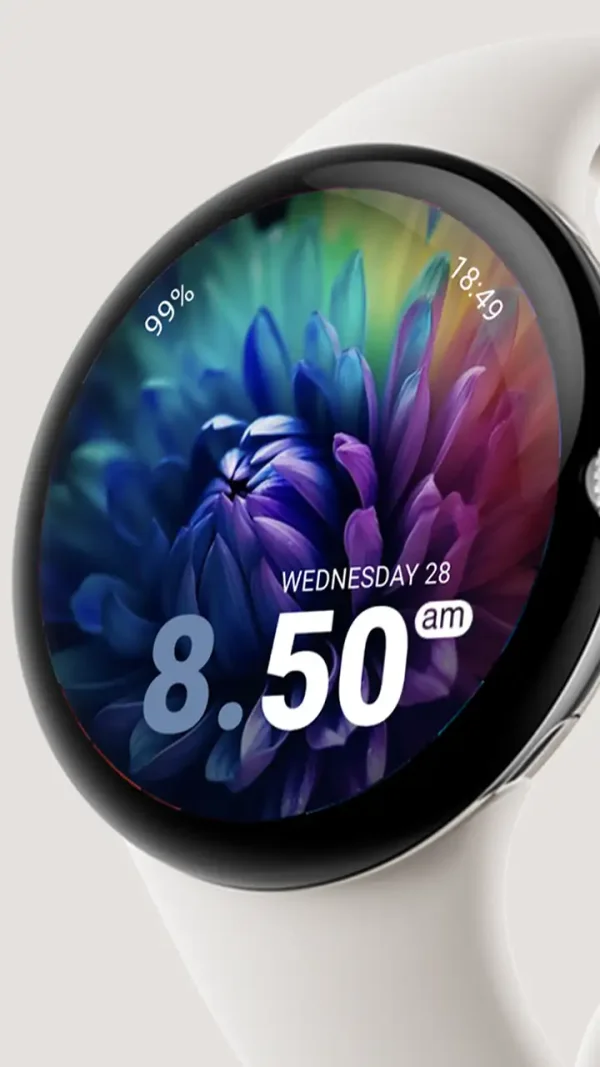
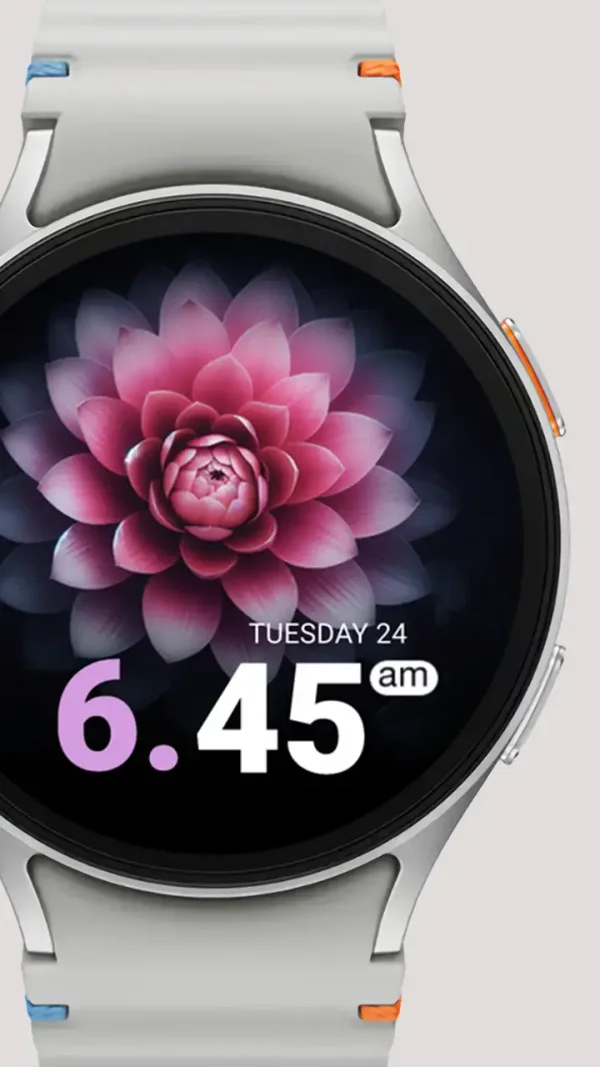
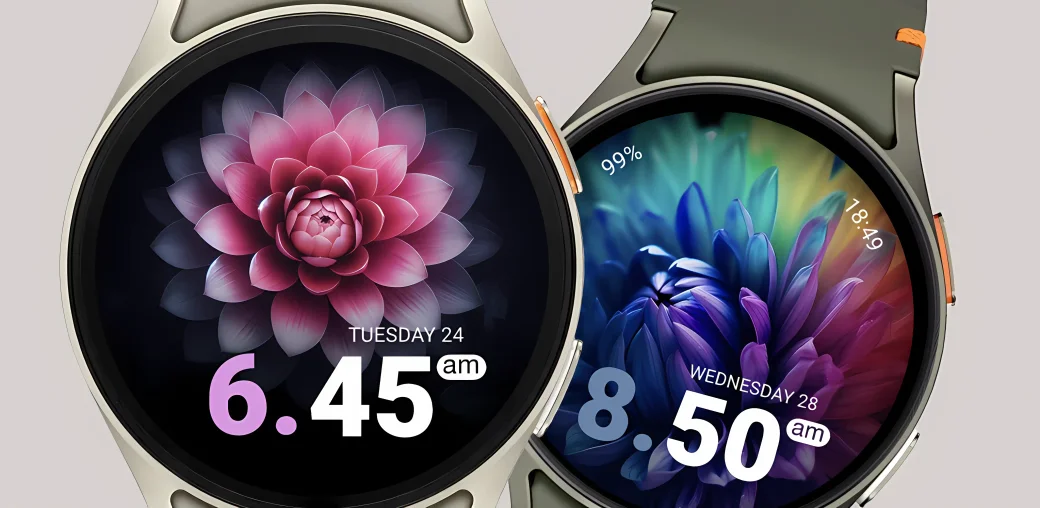
Simple Beautiful Flower Watch face for Wear OS
Simple Beautiful Flower Watch Face for Your Watch. Supports Galaxy Watch 7 Series and Wear OS watches with API 30+.
On the "Available on more devices" section, tap the button beside your watch on the list to install this watch face.
Features :
- Change Flower Styles
- Change Color Styles
- Two Complications
- 12/24 Hours Support
- Always on Display
After the watch face is installed, activate the watch face by these steps :
1. Open watch face selections (tap and hold current watch face)
2. Scroll to the right and tap "add watch face"
3. Scroll down on downloaded section
4. Tap the new installed watch face
Show the original text
Simple Beautiful Flower Watch Face for Your Watch. Support Galaxy Watch 7 Series and Wear OS watches with API 30+.
On "Available on more devices" section, tap the button beside your watch on the list to install this watch face.
Features :
- Change Flower Styles
- Change Color Styles
- Two Complications
- 12/24 Hours Support
- Always on Display
After the watch face installed, activate the watch face by this steps :
1. Open watch face selections (tap and hold current watch face)
2. Scroll to the right and tap "add watch face"
3. Scroll down on downloaded section
4. Tap the new installed watch face
Data safety
What Arsanna Studio declares on Google Play about the data this app collects and shares.
- No data shared with third partiesLearn more about how developers declare sharing
- No data collectedLearn more about how developers declare collection
What’s new
Oct 17, 2026
API Update
Developer contact
- Emailananta.tw@gmail.com
- Privacy policysites.google.com
- AddressPerum Villa Bunga Blok C No 6 RT 02 RW 006 Kel. Kalimulya, Kec Cilodong Depok Jawa Barat 16471 Indonesia
Information
- Offered by
- Arsanna Studio
- Category
- Personalization
- Updated
- Oct 17, 2026
- Released
- Aug 18, 2024
- Age rating
- Everyone
- Price
- $1.29
- Package name
- com.watchfacestudio.arsflower