Artemis II Moon Phase Digital
Demand Group- EveryoneAge rating
- PersonalizationCategory
- Nov 22, 2026Updated
- $1.39Price
Links to the official Google Play listing of com.watchfacestudio.artemis2celebration. Last checked on Nov 26, 2026.
Screenshots

About this app
Moon phase watch face: colour themes, weather, world time & optional animation
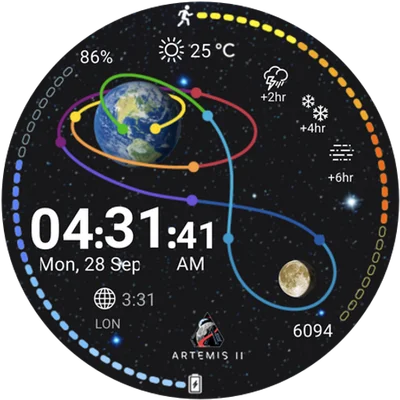
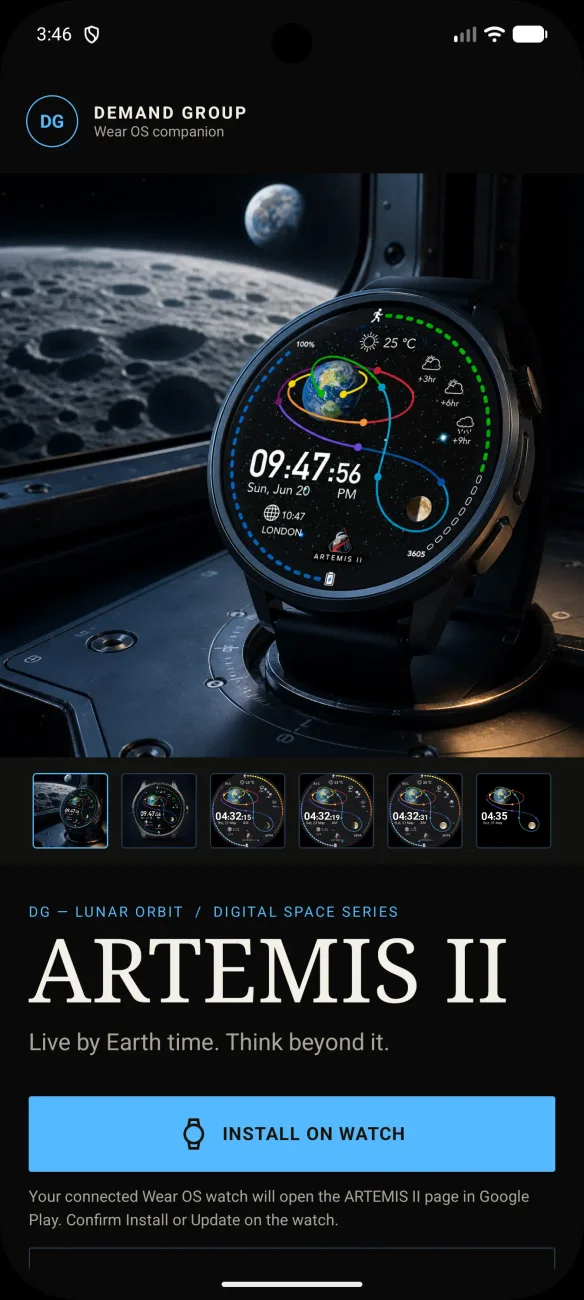
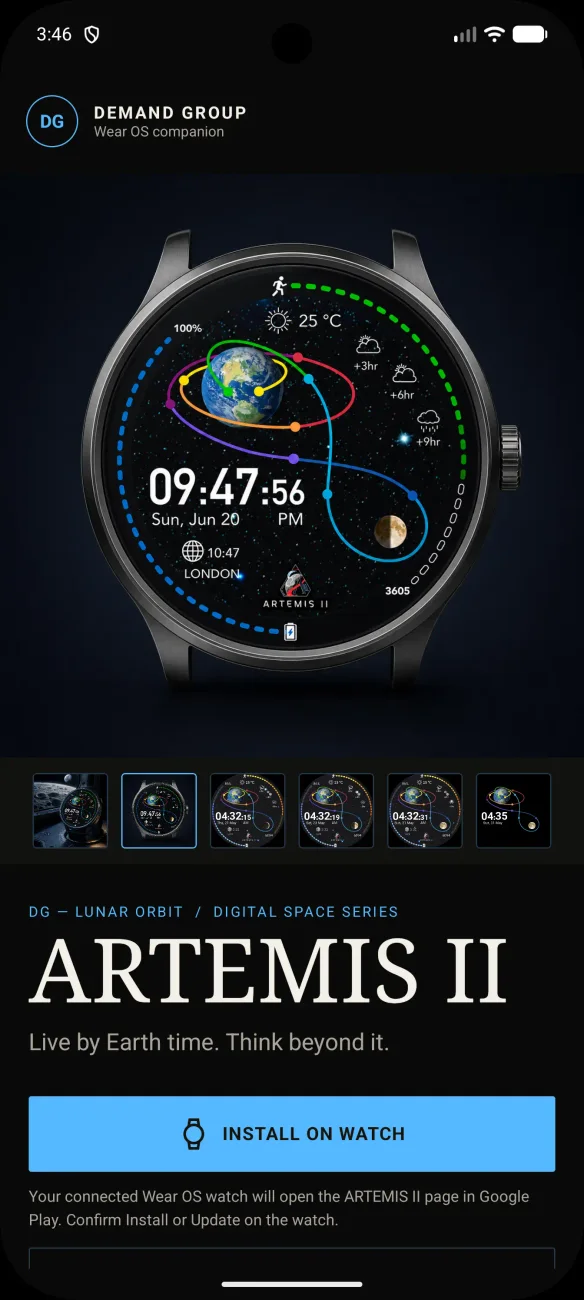
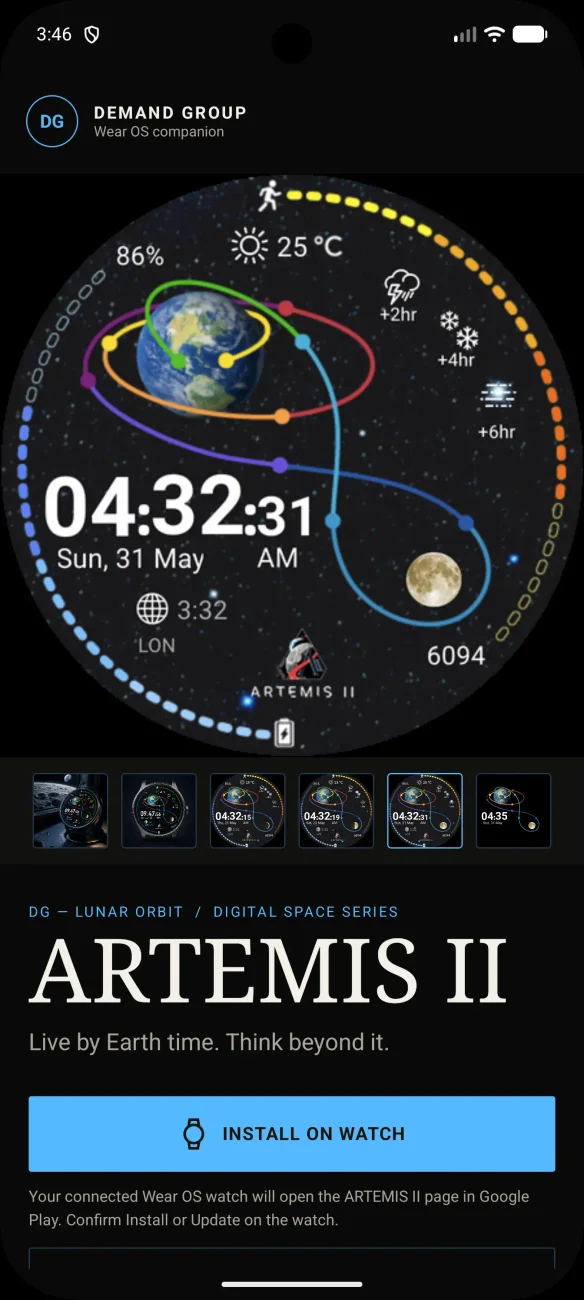
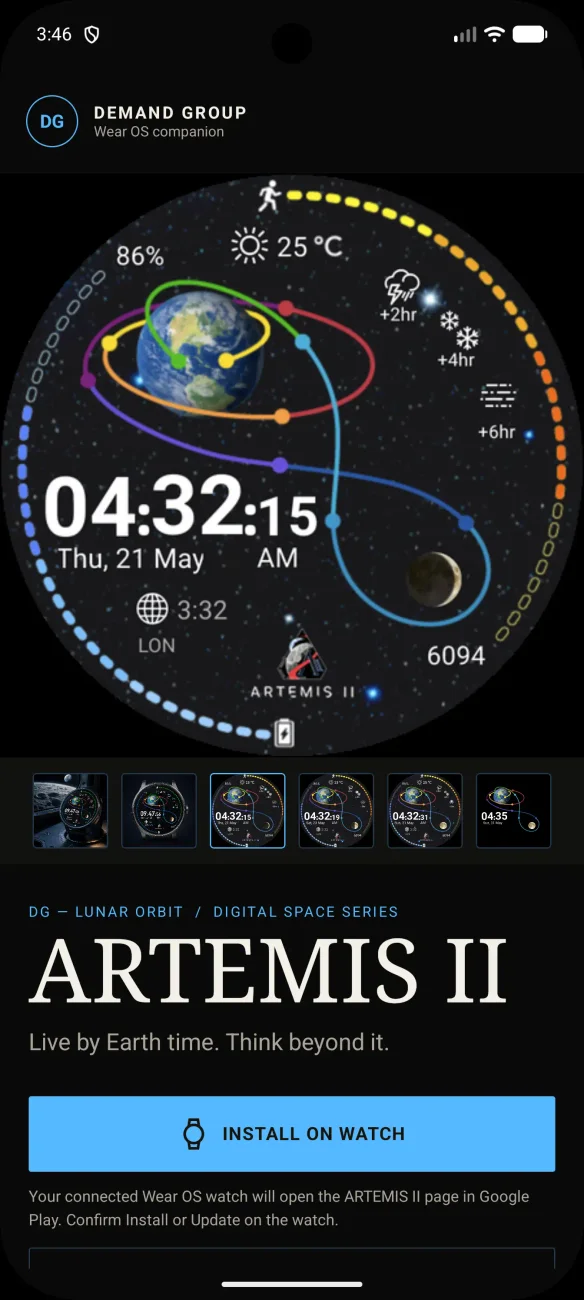
Bring the Moon to your wrist. Artemis II Moon Phase Digital is a digital moon phase watch face for Wear OS, with lunar imagery that follows the current Moon phase and a colourful display of the Artemis II mission route. Choose your colours and keep the orbital points still or set them in motion.
YOUR ARTEMIS, YOUR CHOICE
Choose between still and animated orbital points in the watch face customization settings. Keep the original still design or add movement to the route without changing watch faces.
COLOURS THAT WORK TOGETHER
Choose from 8 palettes: original white, cyan, yellow, orange, green, violet, blue and pink. The selected palette coordinates the digital time, icons, step count, battery percentage, date, temperature, 2/4/6-hour forecast labels, and world clock time and city. Vivid accents and softer supporting tones keep the different details distinct.
THE MOON, THROUGH TIME
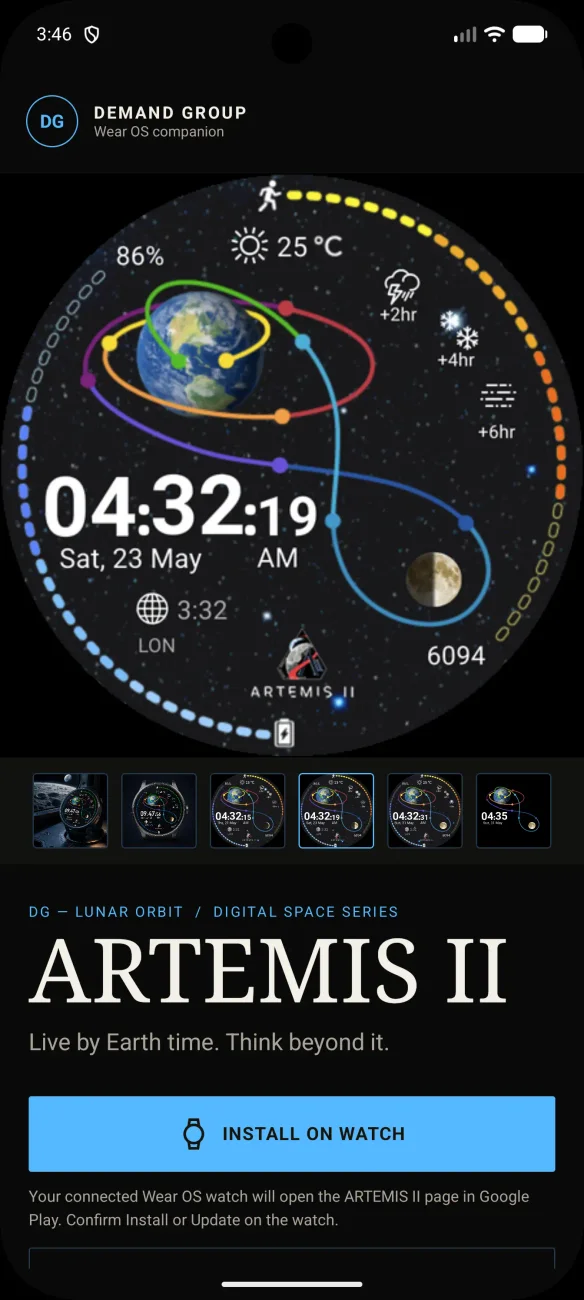
See the Moon phase change with the lunar cycle. The lunar display follows the current phase, bringing a changing view of the Moon to your watch.
THE ARTEMIS II ROUTE
Earth, the Moon and the mission route give this space watch face its distinctive orbital design. The route and its moving points are a visual representation of the mission, rather than a live spacecraft tracker.
DIGITAL TIME, AT A GLANCE
Read digital time with seconds, the date and day of the week. Set a world clock time zone to keep another part of the world in view.
WEATHER NOW AND AHEAD
Check current weather and forecasts for 2, 4 and 6 hours from now, directly on the watch face.
A SHORTCUT WITH A FIXED ICON
Customize the additional shortcut using a supported complication provider on your watch. Its orbital symbol stays the same while you choose its function. Available choices depend on the watch and installed providers.
YOUR EVERYDAY ESSENTIALS
Follow your daily step count and visual step progress, and check your watch battery level. A minimal Always-On Display provides a simpler view when supported by your watch.
INSTALLATION
The phone companion includes previews and an installation guide. Keep your compatible Wear OS watch connected, open the companion and tap “Install on watch”. Complete installation through Google Play on your smartwatch, then select Artemis II as your watch face.
COMPATIBILITY
Requires a compatible Wear OS smartwatch. Check Google Play availability for your watch before purchase. Available information and shortcut choices depend on your device, permissions, settings and supported data providers.
Made by humans, for humans.
Demand Group, Italy.
Data safety
What Demand Group declares on Google Play about the data this app collects and shares.
- No data shared with third partiesLearn more about how developers declare sharing
- No data collectedLearn more about how developers declare collection
What’s new
Nov 22, 2026
Initial release of the Artemis II companion app.
• Install Artemis II directly on your connected Wear OS watch
• Explore premium watch-face previews
• View real Moon-phase variations
• Discover weather, steps, battery and world-time features
• Access the installation guide and support links
Developer contact
- Websitedemandgroup.smokeandthink.com
- Emaildemand.group@tuta.io
- Privacy policymandolone.github.io
- AddressVIA MARIO FASCETTI 58 00136 ROMA Italy
Information
- Offered by
- Demand Group
- Category
- Personalization
- Updated
- Nov 22, 2026
- Released
- Sep 13, 2026
- Age rating
- Everyone
- Price
- $1.39
- Package name
- com.watchfacestudio.artemis2celebration