ASUS Digital Clock & Widget
Mobile, ASUSTek Computer Inc.- EveryoneAge rating
- ToolsCategory
- Mar 12, 2019Updated
- FreePrice
Links to the official Google Play listing of com.asus.deskclock. Last checked on Nov 26, 2026.
Screenshots
About this app
Conveniently organize your life
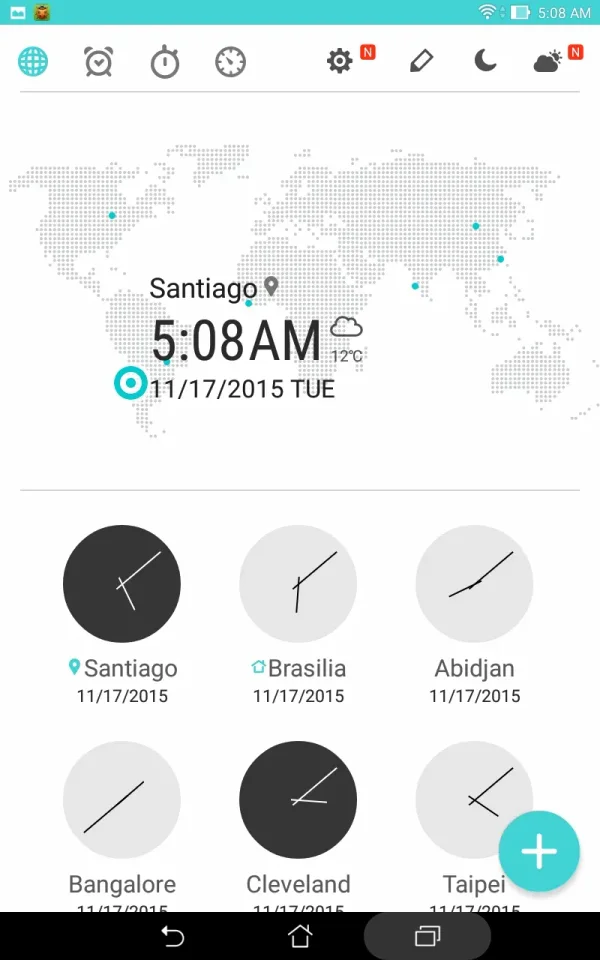
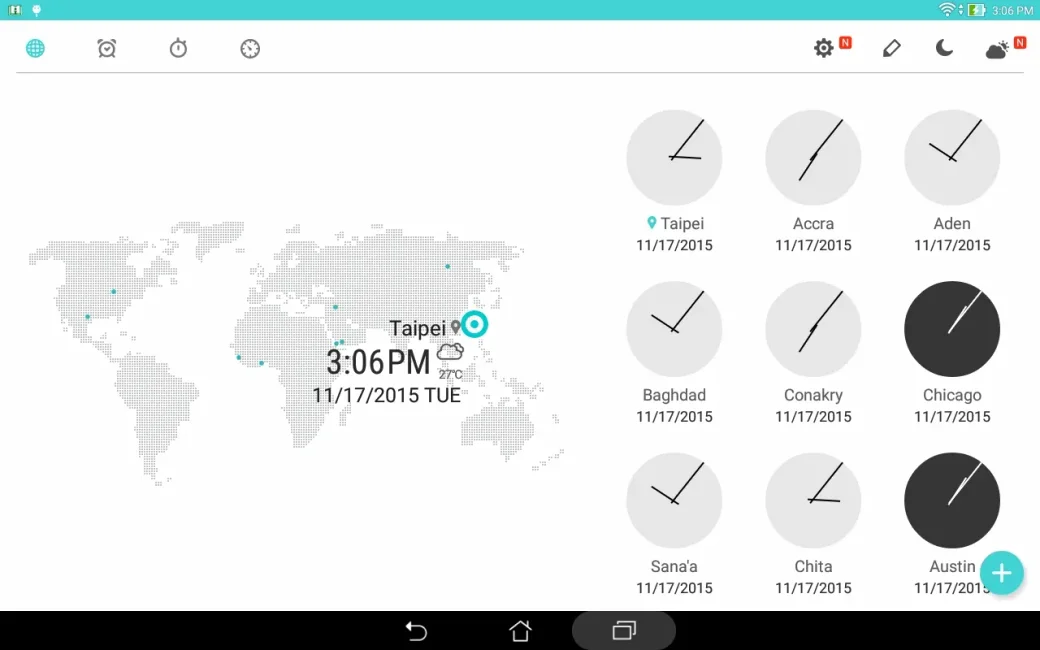
Asus Clock provides intuitive and clear UI for faster and easier access to local time, home time, setting alarms and using timer.
Key features
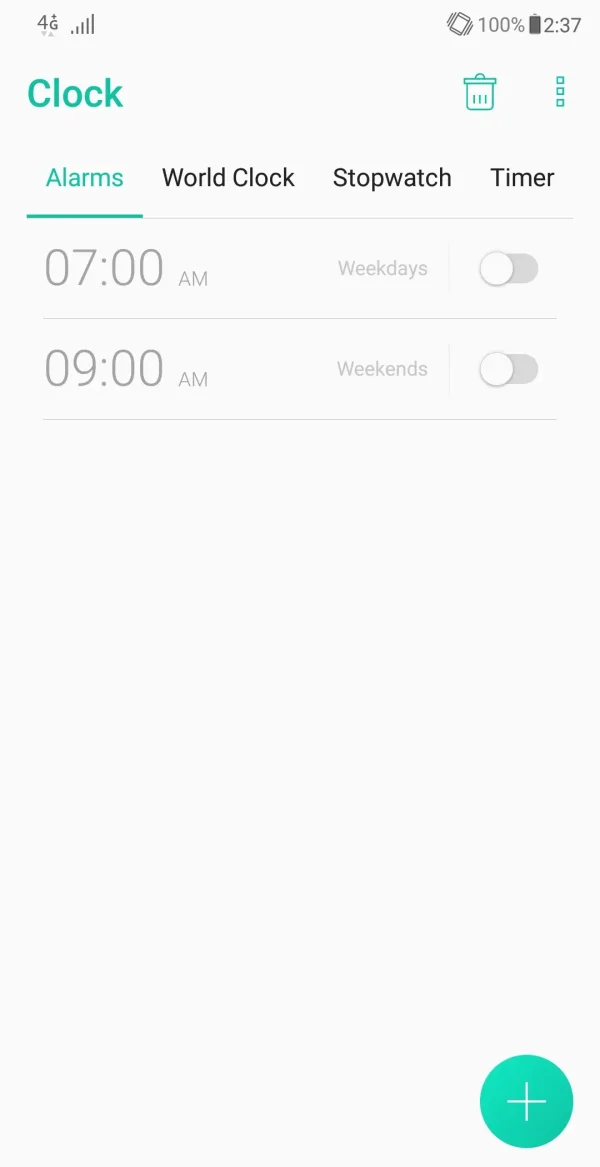
* Alarm
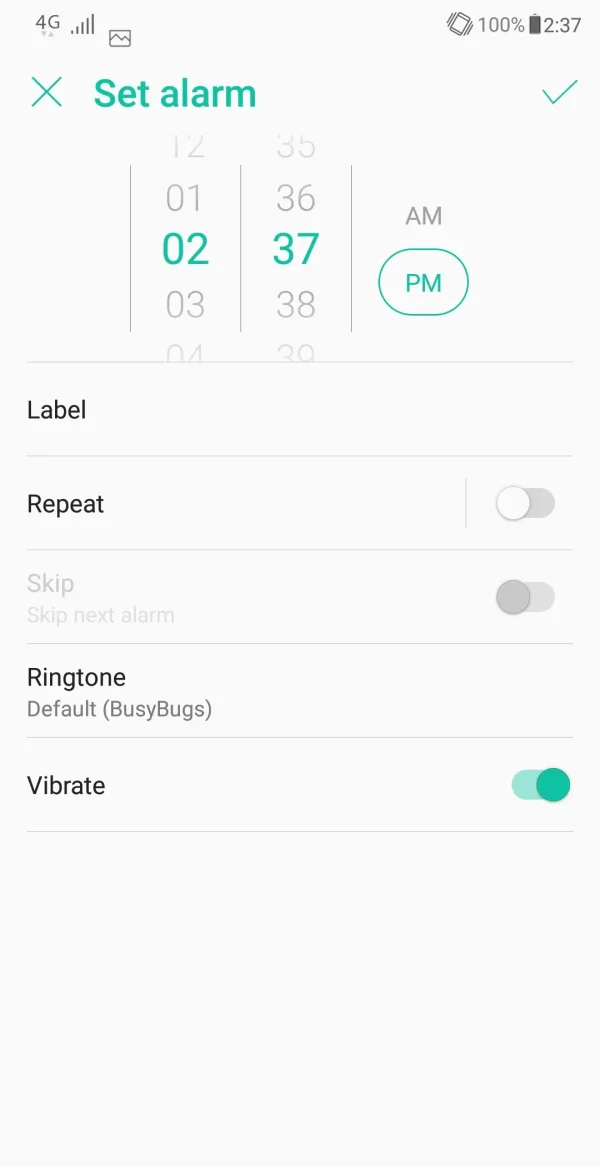
You can easily set the alarm to repeat daily, on weekdays, on weekends, or weekly.
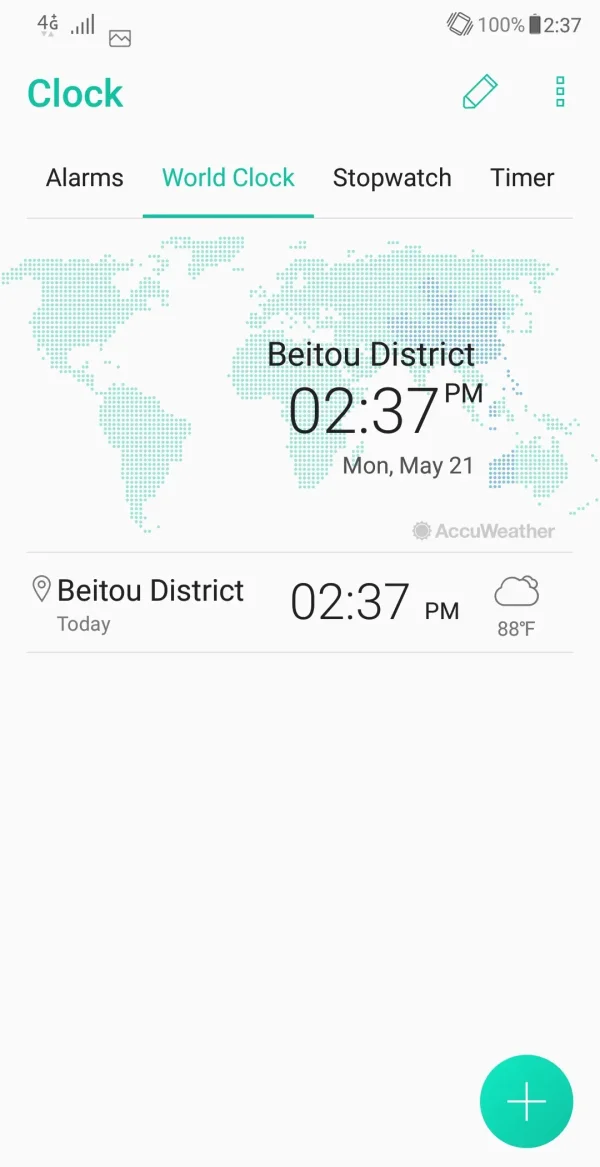
* World Clock
This feature displays your home time and the local time of your location.
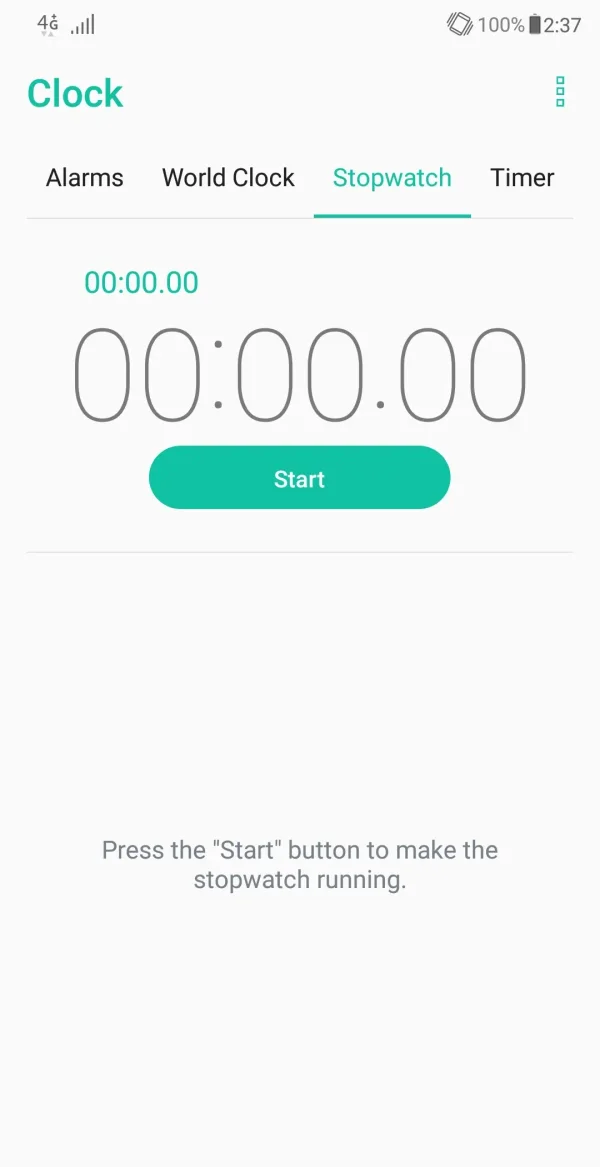
* Stopwatch
This feature gives you multiple lap times with a maximum time of 99 hours, 59 minutes and 59 seconds.
* Timer
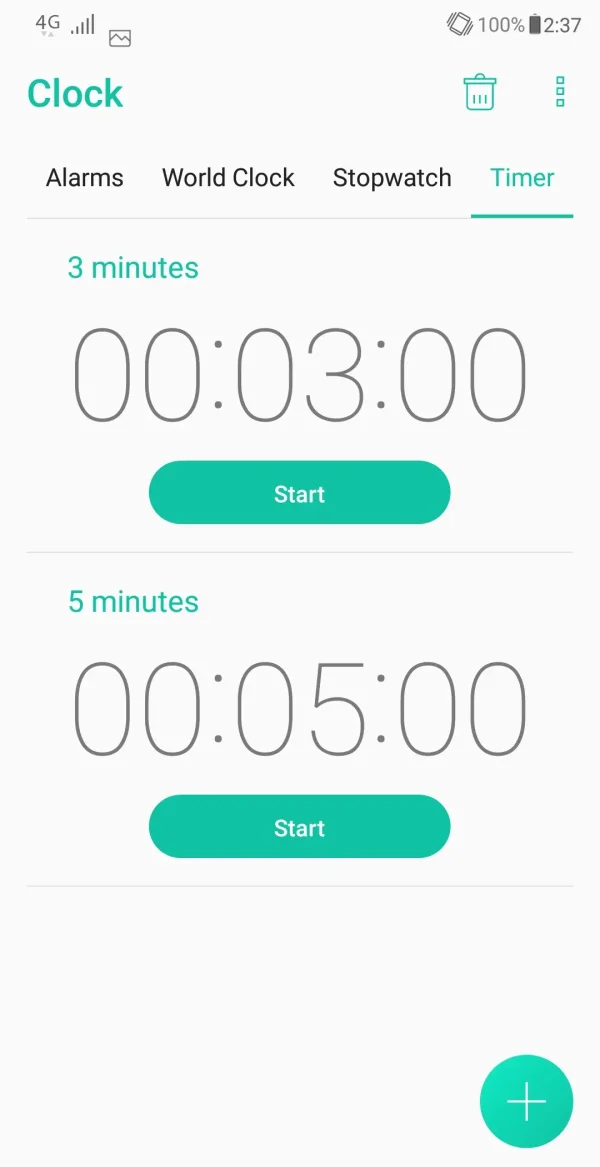
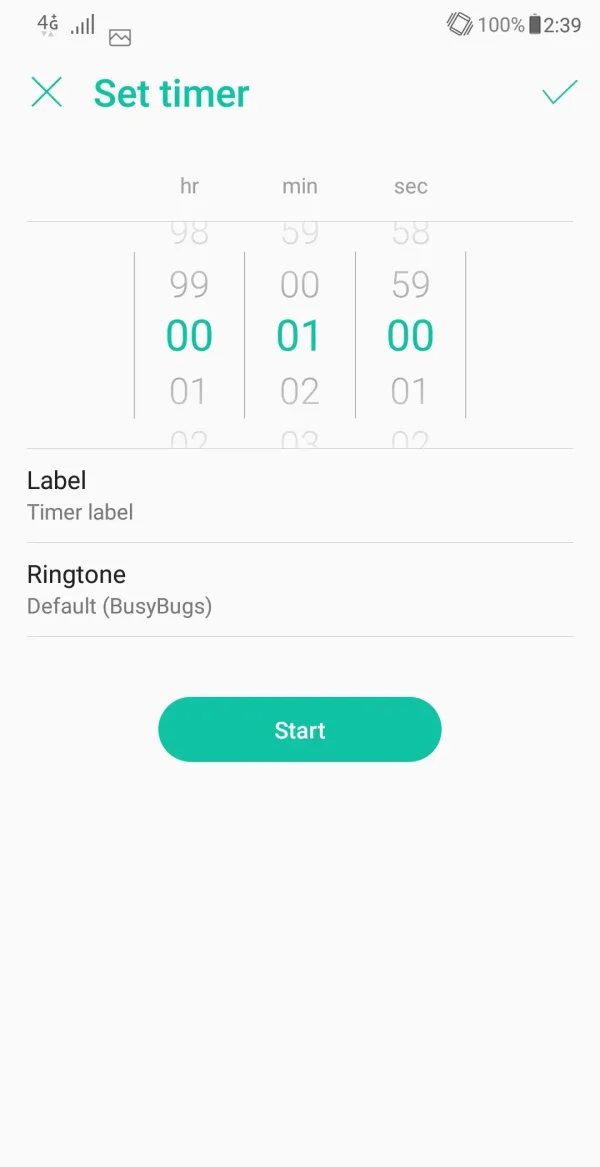
This feature lets you set multiple countdown timers. You can even assign a different alarm tone for each countdown.
* Ascending alarm
Alarm volume increases gradually.
* Auto snooze
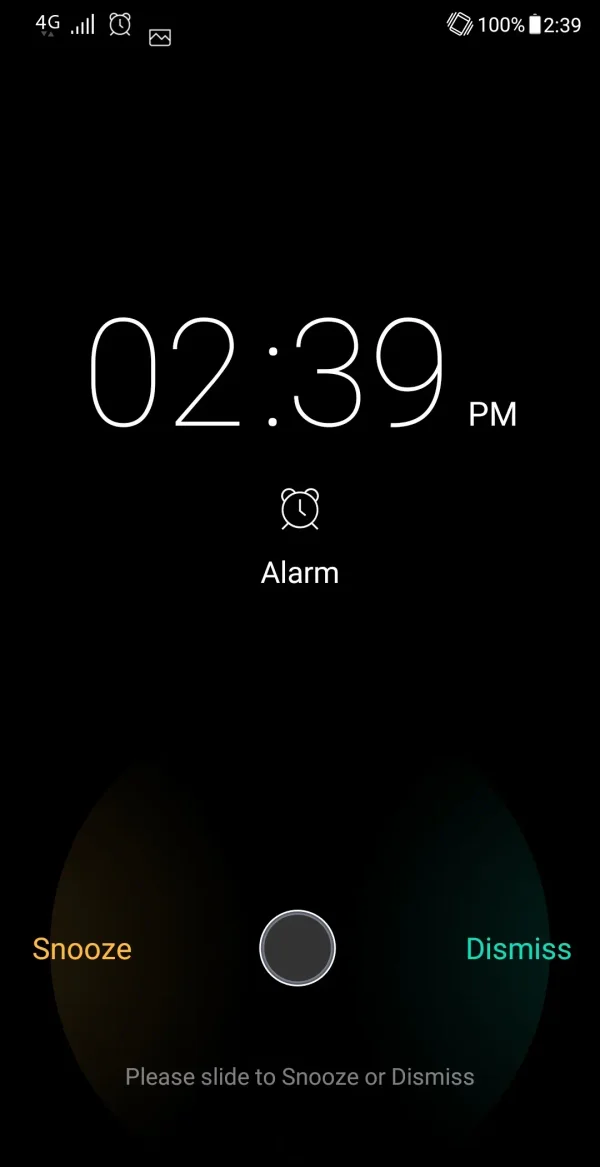
You can enable automatic snooze to set snooze length and number of snoozes.
* Alarm tone selection
Customize your alarm tones by selecting them in your local storage or from external source.
Data safety
What Mobile, ASUSTek Computer Inc. declares on Google Play about the data this app collects and shares.
- No data shared with third partiesLearn more about how developers declare sharing
- No data collectedLearn more about how developers declare collection
What’s new
Mar 12, 2019
v5.0.0.45_190227
-Support ASUS Data transfer
Developer contact
- Websiteasus.com
- Emailzenui@asus.com
- Privacy policyasus.com
- Address112019台湾台北市北投區 立德路15號
Information
- Offered by
- Mobile, ASUSTek Computer Inc.
- Category
- Tools
- Updated
- Mar 12, 2019
- Released
- Jul 7, 2014
- Age rating
- Everyone
- Price
- Free
- Package name
- com.asus.deskclock