Auto Clicker Pro - High speed
Bright ProspectContains ads · In-app purchases
- EveryoneAge rating
- ProductivityCategory
- Oct 13, 2026Updated
- FreePrice
Links to the official Google Play listing of com.autoclicker.tapassistant. Last checked on Nov 27, 2026.

Screenshots
About this app
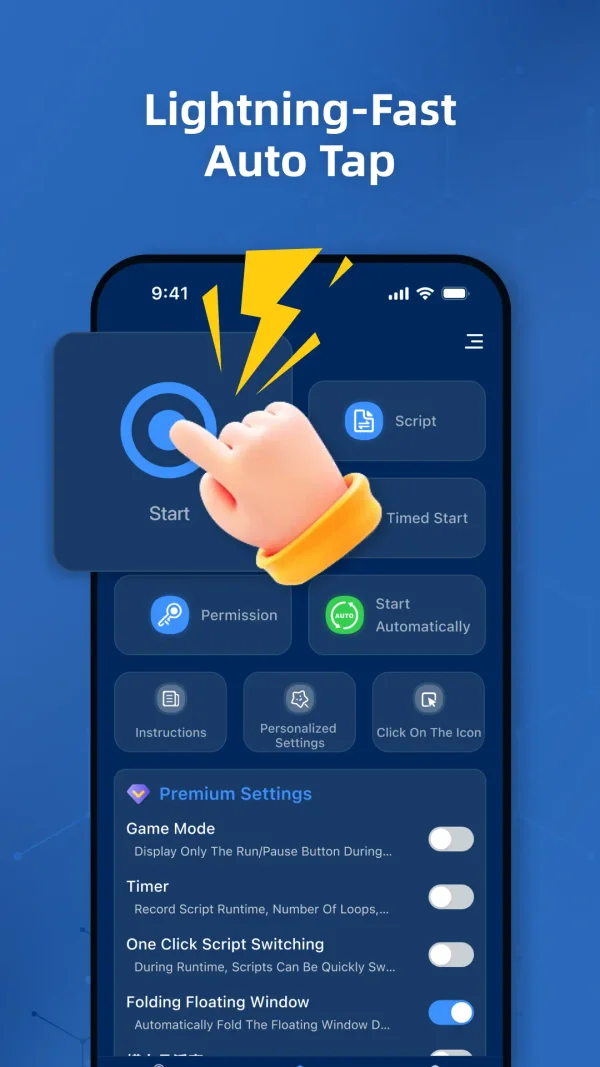
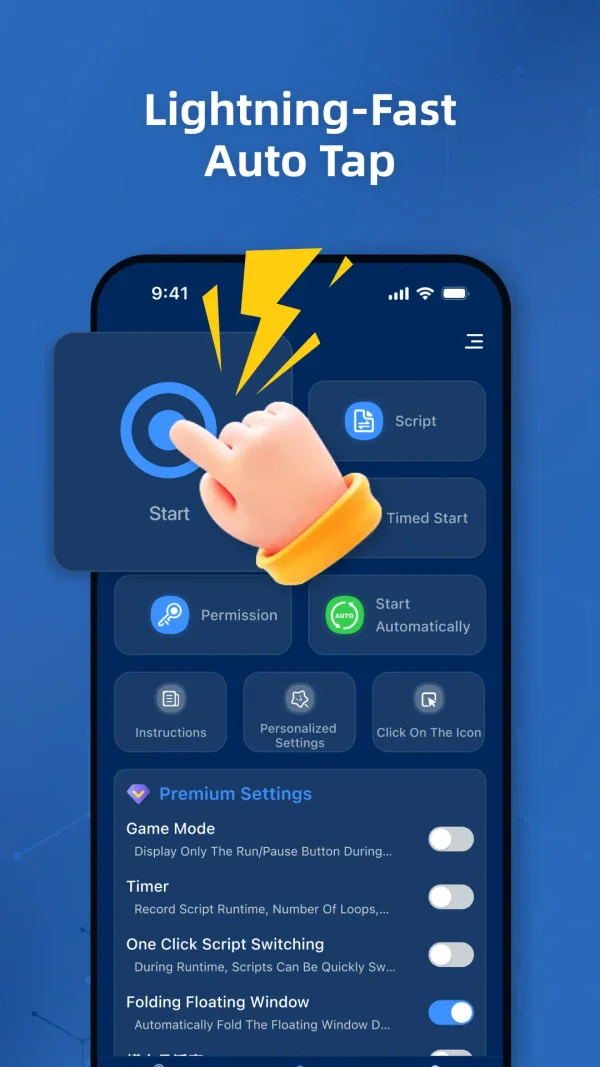
Clicker Super fast. Save time from repeated taps to boost your games.
Simplify your automation workflow.
Whether you're a beginner or an advanced user, this auto clicker adapts to your needs with configurable tapping, swiping, and gesture automation.
🔹 Two Modes. One Flexible Tool:
• Easy Mode
New to automation? Quickly set up multi-point taps and swipe paths for everyday repetitive tasks. Simple, efficient, and easy to use.
• Advanced Mode
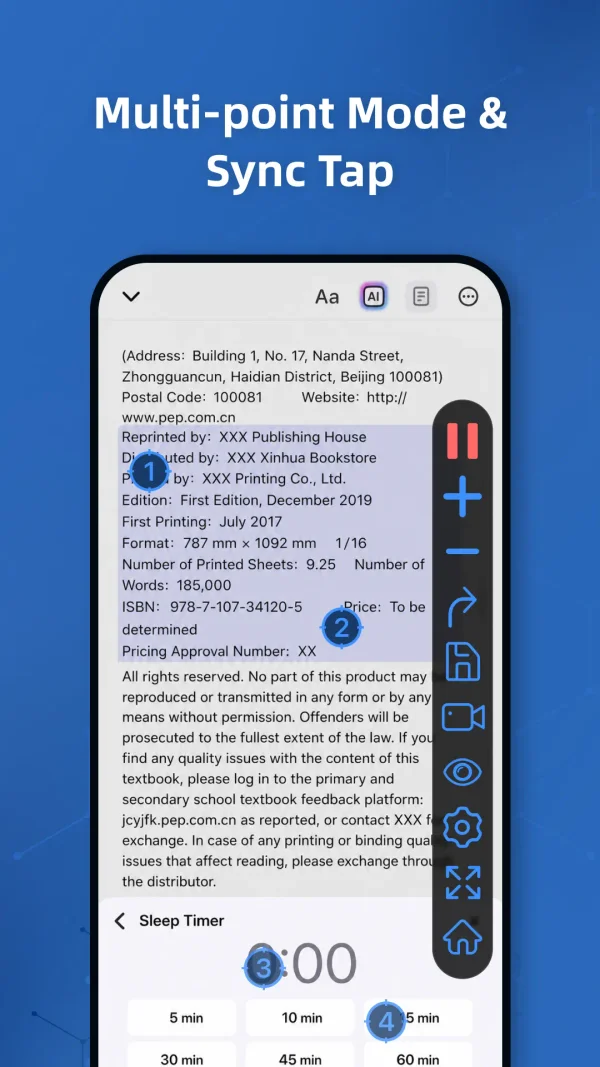
Need more control? Access gesture recording, synchronous tapping, and custom timing options for more complex automation scenarios.
🔧 Key Features
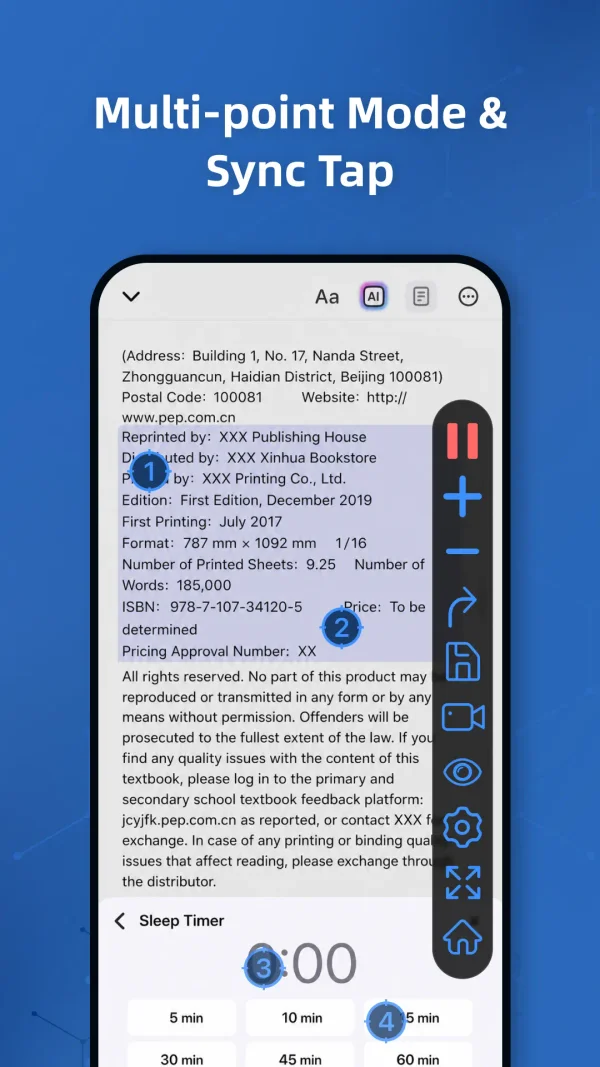
Multi-Point Control
Automate multiple taps or swipes either simultaneously or in sequence, based on your configuration.
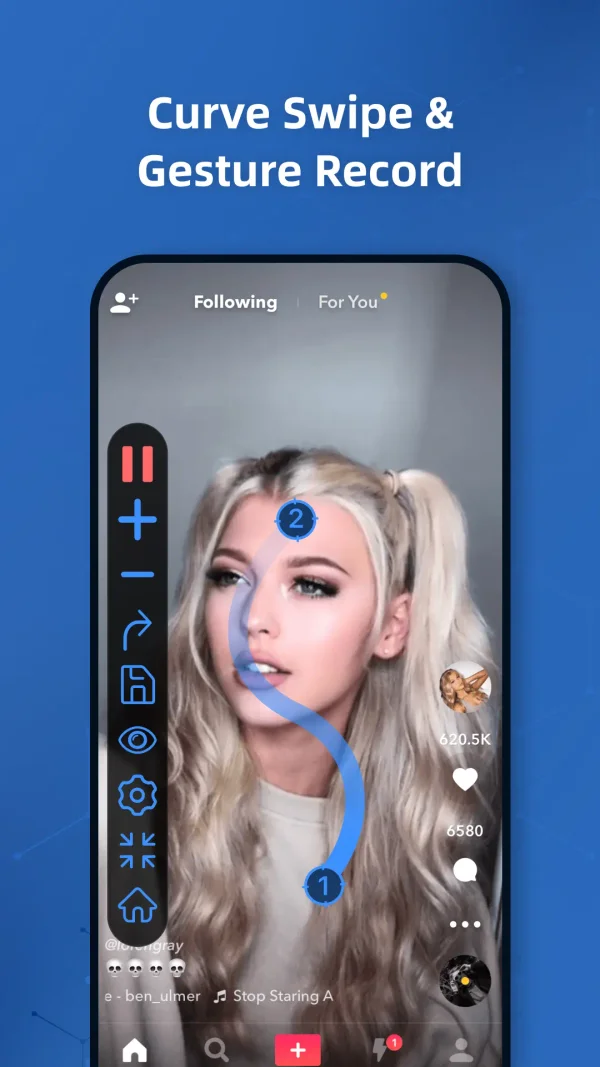
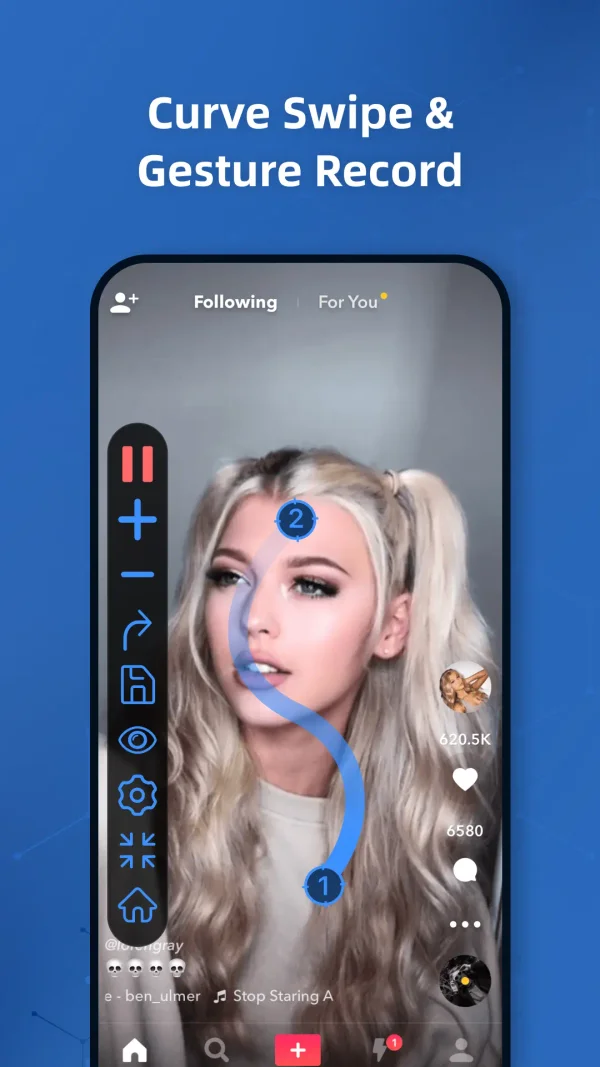
Gesture Recorder
Record on-screen actions—taps, swipes, and long presses—and replay them when needed.
Sync Mode
Trigger multiple tap points at the same time for coordinated input.
Curve Swipe Support
Create smooth swipe gestures to better match natural touch movements.
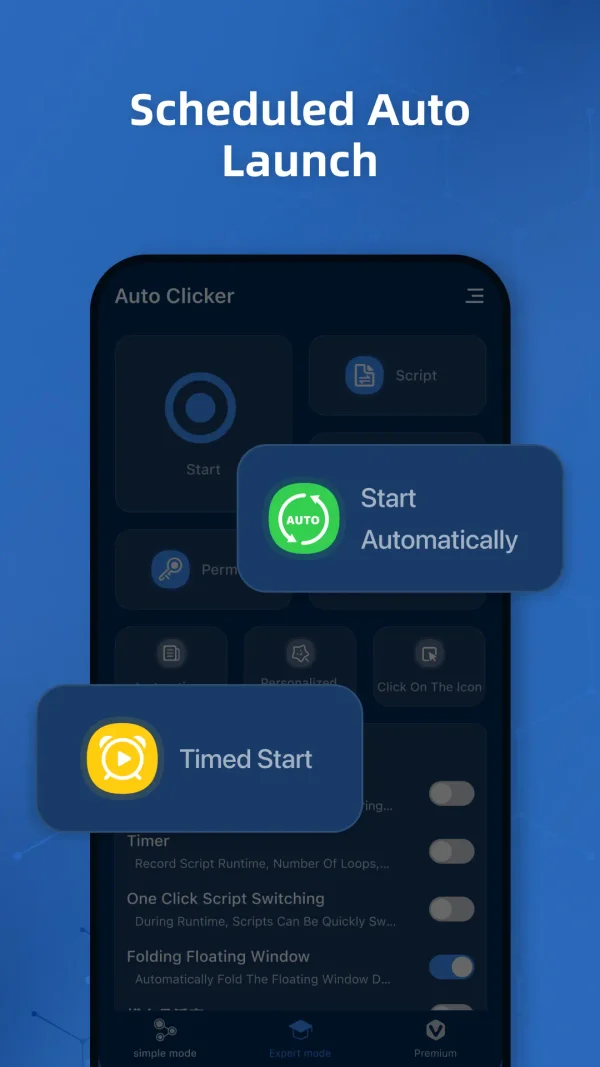
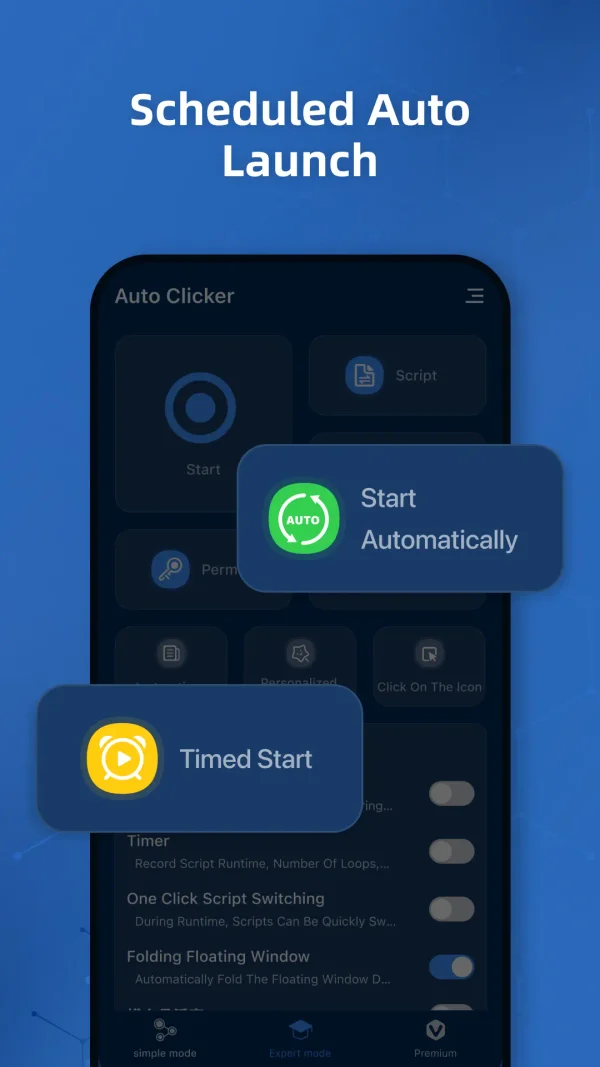
Scheduled Auto-Start
Set a timer to start automation at a specific time, fully controlled by the user.
Floating Panel Customization
Adjust the size, transparency, and position of the floating control panel for convenient access.
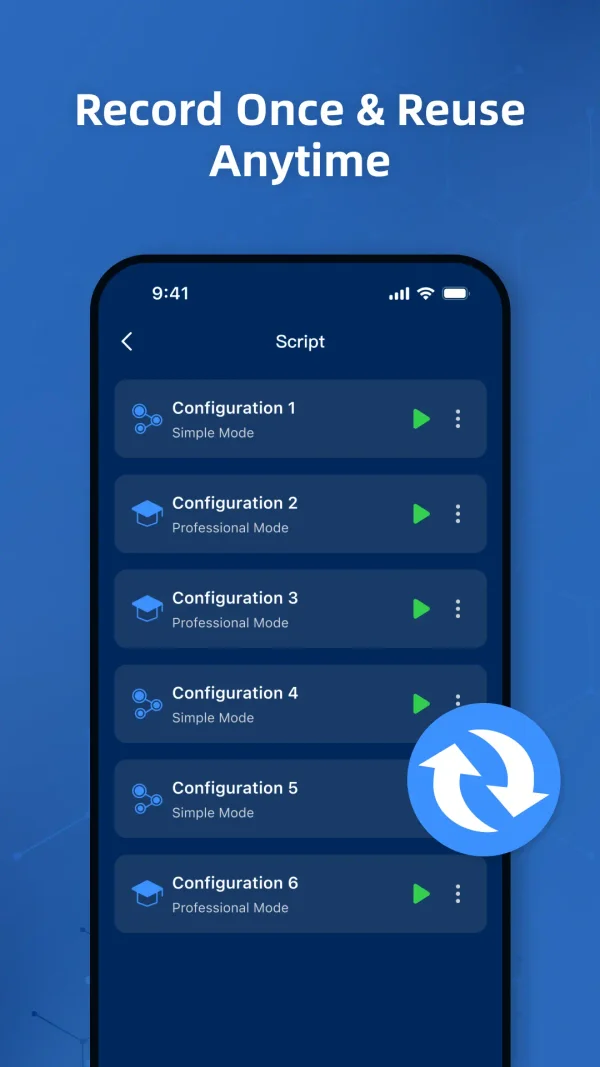
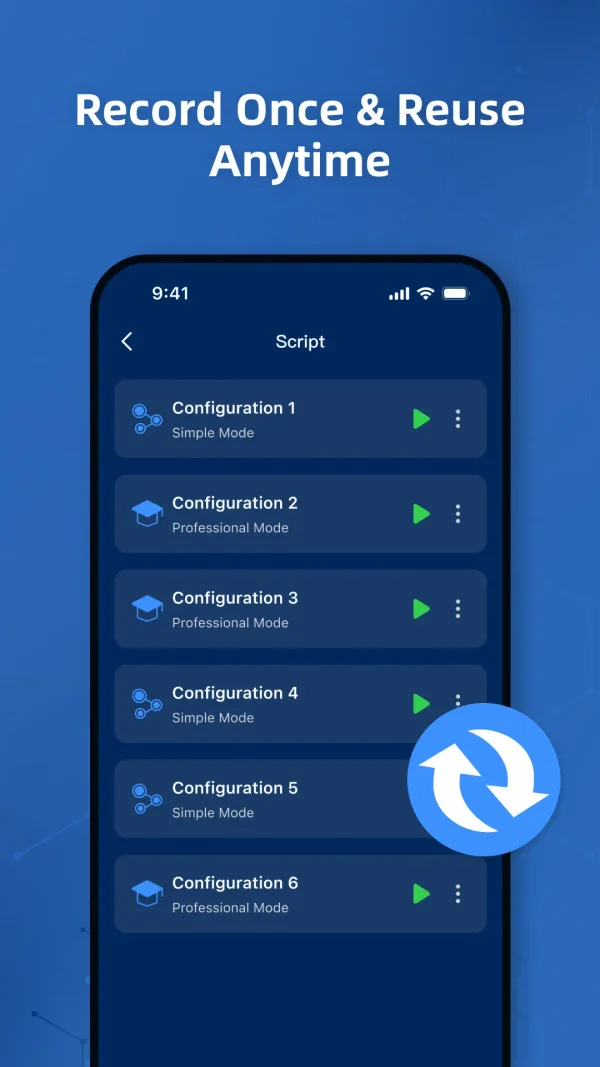
Save & Load Setups
Store multiple automation configurations and switch between them easily.
⚙️ Accessibility Disclosure
This app uses Android Accessibility Services solely to enable user-initiated automation features such as tapping, swiping, and gesture replay.
Accessibility permission is optional and required only to perform these functions on Android 12 and above.
The app does not collect or share personal or sensitive user data.
Download now and choose the mode that fits your workflow. Start automating repetitive tasks with full user control.
Data safety
What Bright Prospect declares on Google Play about the data this app collects and shares.
- This app may share these data types with third partiesApp activity and App info and performance
- This app may collect these data typesApp activity, App info and performance, and Device or other IDs
- Data is encrypted in transit
- Data can’t be deleted
What’s new
Version 1.2.8 · Oct 13, 2026
Bug fixed
Developer contact
- Websitemaaxclick.com
- Emailautoclickerpro1@outlook.com
- Privacy policymaaxclick.com
- Address8 Cantello Ave Hammondville NSW 2170 Australia
Information
- Offered by
- Bright Prospect
- Category
- Productivity
- Version
- 1.2.8
- Updated
- Oct 13, 2026
- Released
- Jul 11, 2025
- Requires
- Android 8.0 or later
- Age rating
- Everyone
- Price
- Free
- In-app purchases
- $0.99 - $22.99 per item
- Package name
- com.autoclicker.tapassistant
Similar apps
-
 Auto Clicker - Automatic tap
Tools
-
 Auto Clicker: Auto Tapper
Tools
-
 Multiple Accounts: Dual Space
Tools
-
 Screen Mirroring: Cast to tv
Tools
-
 Wifi password all in one
Tools
-
 Wallpapers HD - Backgrounds 4K
Personalization
-
 Glip Screen Recorder
Tools
-
 ZArchiver
Tools
-
 Screen Recorder Video Recorder
Tools
-
 Phonk Music - Song Remix Radio
Music & Audio
-
 spacedesk - Display for PC+Mac
Productivity
-
 Parallel App - Dual App Cloner
Tools