AV Setup Guide
Yamaha Corporation- EveryoneAge rating
- Music & AudioCategory
- Mar 10, 2025Updated
- FreePrice
Links to the official Google Play listing of com.yamaha.avsetupguide. Last checked on Nov 28, 2026.

Screenshots
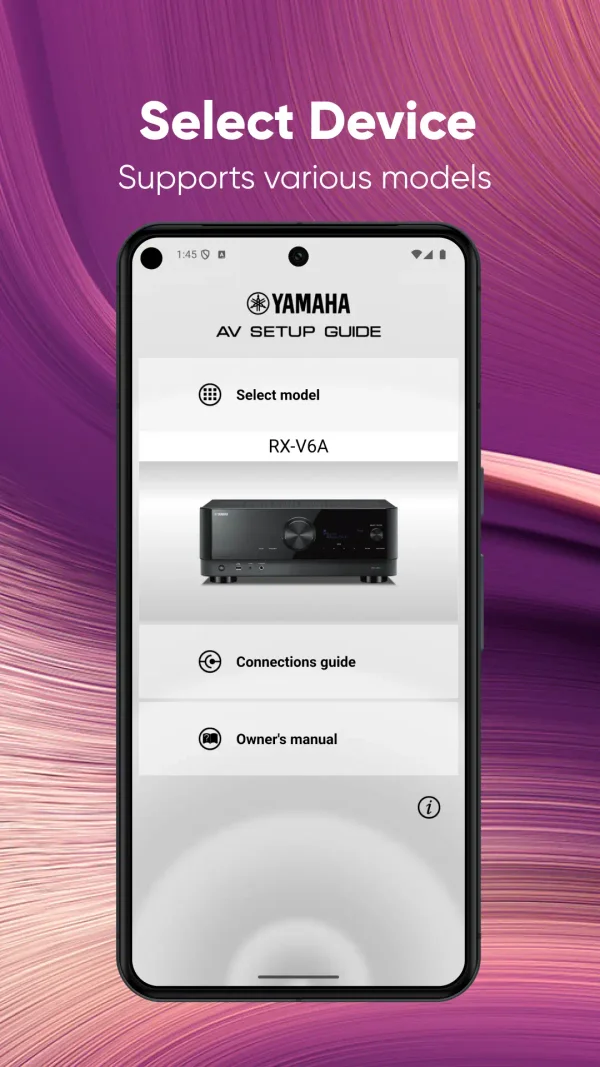
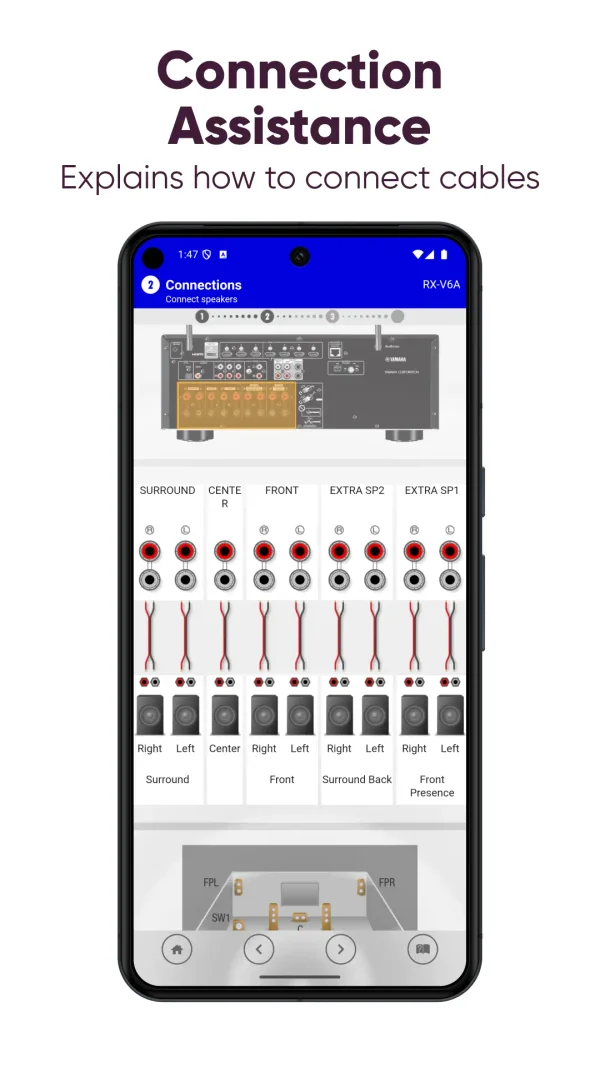

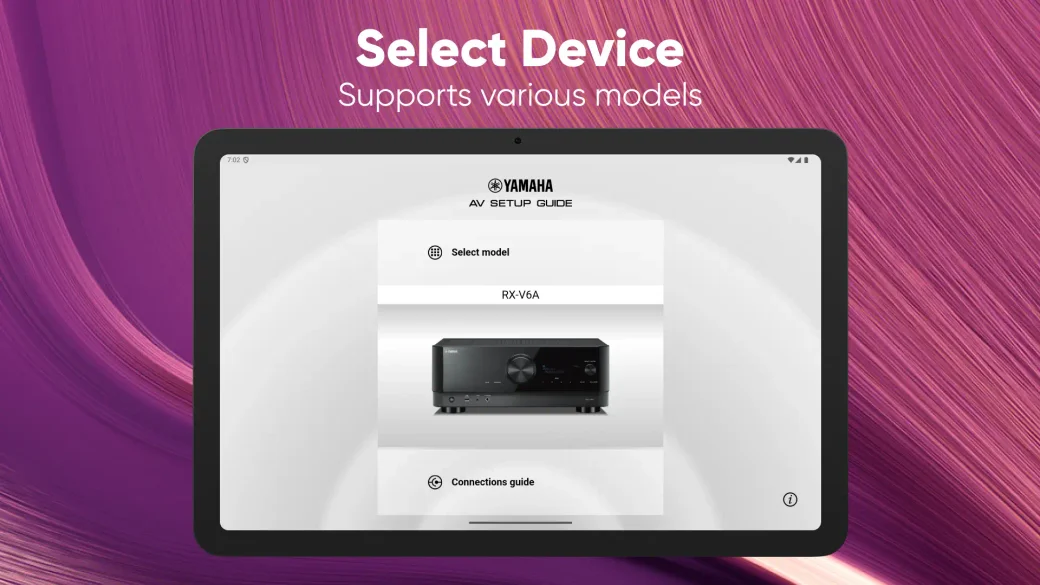
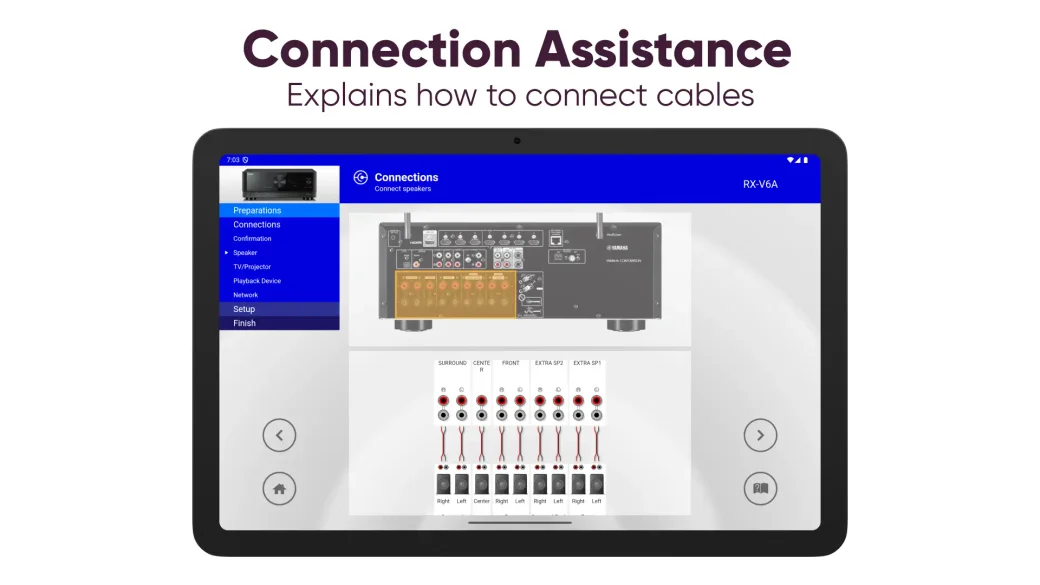
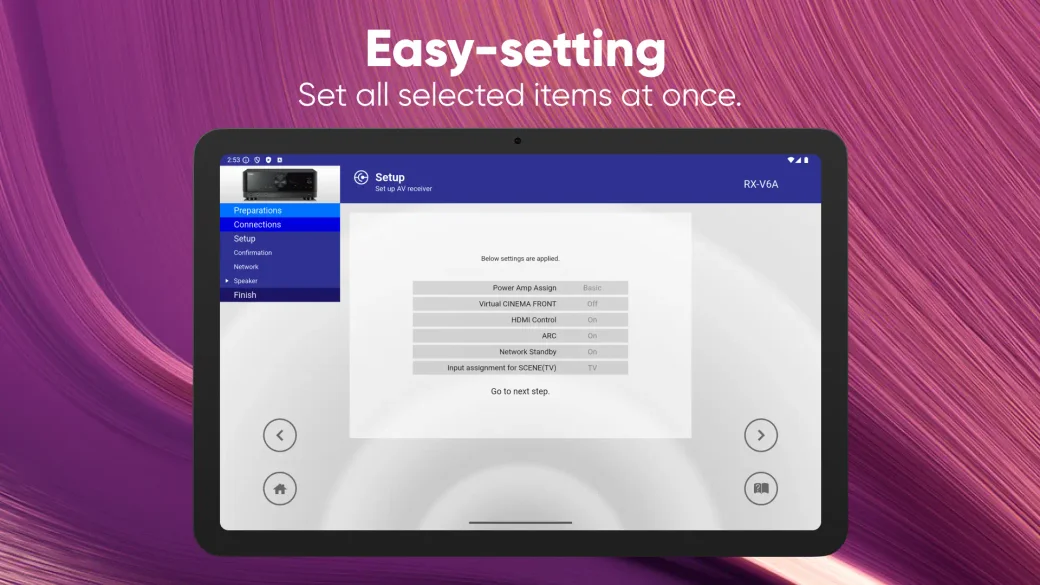
About this app
This app helps you with AV receiver setup and connections with other devices.
AV Setup Guide is an application that assists you with cable connections between AV receiver and source devices as well as AV receiver setup.
This app guides you through the various settings such as speaker connections, TV and source device connections and assigning the power amp.
System illustrations and actual AV receiver images help you understand easily how to make the connections between devices.
If your receiver is network capable, setting parameters on this app will automatically be copied to your AV receiver for simple setup.
Functions
1) Connections support guide
- Speaker connections
- TV/source devices connections
2) Setup support guide
- Automatic setup via network (HDMI, Power amp assign, etc)
- Various setup assistance with illustrations
- YPAO setting guidance
3) View owner’s manual
Requirements
- OS: Android 9.0 or higher
- A wireless Local Area Network (LAN) and a compatible Yamaha Network product(s)* residing within the same LAN.
- Internet connection.
Please refer to the following site for compatible models.
https://usa.yamaha.com/products/audio_visual/apps/av_setup_guide/index.html
This application performs following functions for purposes described below.
- Making a connection under Wi-Fi enabled environment
The application uses Wi-Fi function on your mobile terminal for the purpose of operating network-enabled devices.
Data safety
What Yamaha Corporation declares on Google Play about the data this app collects and shares.
- No data shared with third partiesLearn more about how developers declare sharing
- No data collectedLearn more about how developers declare collection
What’s new
Version 3.0.0 · Mar 10, 2025
- Compatible with new OS
- Bug fixes
Developer contact
- Websiteyamaha.com
- Emailsupport_homeaudio@inquiry.yamaha.com
- Privacy policyyamaha.com
- Address10-1, NAKAZAWACHO, CHUO-KU HAMAMATSU, 静岡県 430-0904 Japan
Information
- Offered by
- Yamaha Corporation
- Category
- Music & Audio
- Version
- 3.0.0
- Updated
- Mar 10, 2025
- Released
- Jun 27, 2014
- Requires
- Android 9 or later
- Age rating
- Everyone
- Price
- Free
- Package name
- com.yamaha.avsetupguide
Similar apps
-
 CuboAi Smart Baby Monitor
Parenting
-
 Rheem EcoNet
Lifestyle
-
 Cannondale
Health & Fitness
-
 SongbookPro
Music & Audio
-
 WATERROWER Connect
Health & Fitness
-
 BlazePod
Health & Fitness
-
 Crossover Health
Health & Fitness
-
 DJ Music Mixer - Equalizer
Music & Audio
-
 MusicCast Controller
Music & Audio
-
 WallStream
Music & Audio
-
 Segway Mobility
Travel & Local
-
 AmpMe - Speaker Booster
Music & Audio