BBVA Switzerland Access Key
BBVA- EveryoneAge rating
- FinanceCategory
- Feb 27, 2026Updated
- FreePrice
Links to the official Google Play listing of com.BBVA_CH_Cronto. Last checked on Nov 27, 2026.

Screenshots
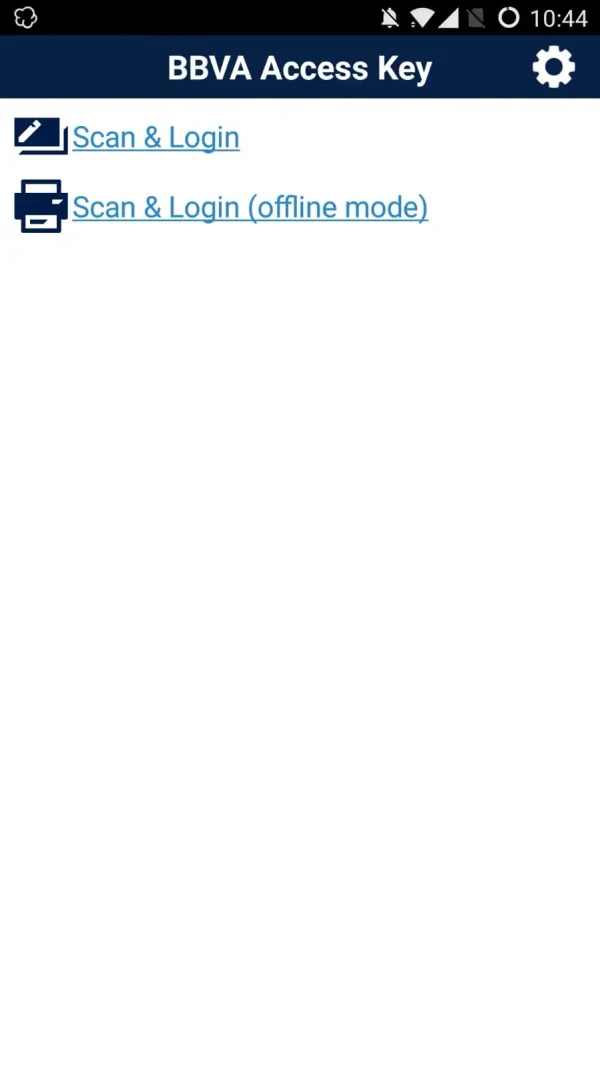
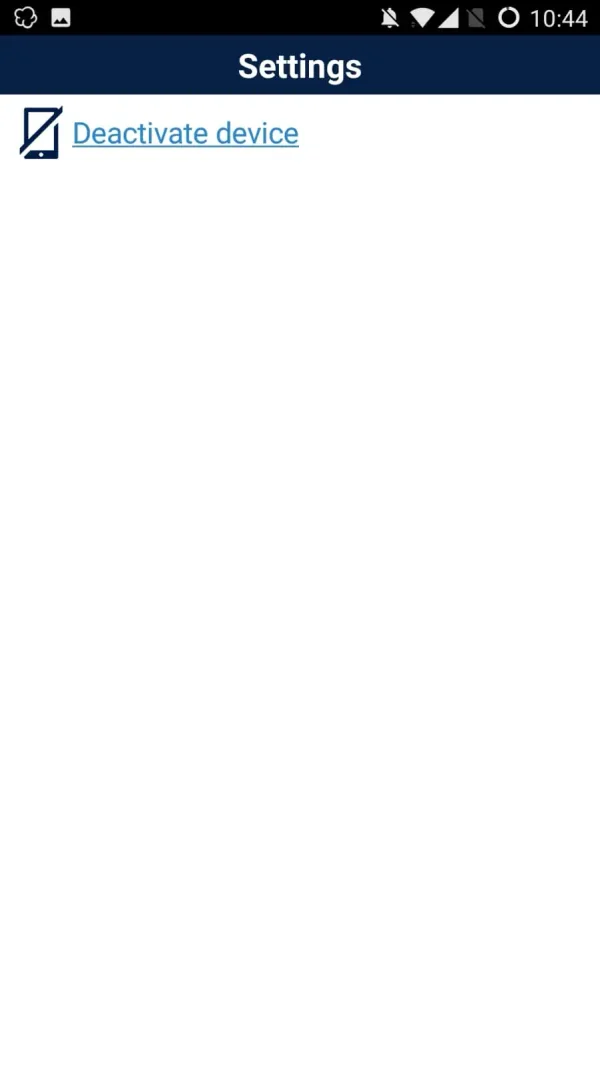
About this app
Log into the BBVA Switzerland e-banking and mobile app in an easy and secure way
Description
Log into the BBVA Switzerland e-banking and mobile app in an easy, fast, and secure way.
How it works
If you want to log into the BBVA Switzerland e-banking service:
1. Go to https://ebanking.bbva.ch/auth-avaloq/login
2. Introduce your e-banking contract number & password
3. Scan the QR code using the access key
4. Enjoy all the advantages of the BBVA Switzerland e-banking service
If you want to log into the BBVA Switzerland mobile app:
1. Open the BBVA Switzerland mobile app
2. Introduce your e-banking contract number & password
3. The Access Key will read the QR code in the background and automatically return you to the BBVA Switzerland mobile app
4. Enjoy all the advantages of the BBVA Switzerland mobile app
Data safety
What BBVA declares on Google Play about the data this app collects and shares.
- No data shared with third partiesLearn more about how developers declare sharing
- No data collectedLearn more about how developers declare collection
What’s new
Version 4.30.13 · Feb 27, 2026
This update includes general and security improvements
Developer contact
- Websitebbva.ch
- Emailinfo@bbva.ch
- Privacy policybbva.ch
- AddressPLAZUELA SAN NICOLAS (IBAIONDO) 4 48005 BILBAO Spain
Information
- Offered by
- Google Commerce Ltd
- Category
- Finance
- Version
- 4.30.13
- Updated
- Feb 27, 2026
- Released
- Jun 22, 2018
- Requires
- Android 7.0 or later
- Age rating
- Everyone
- Price
- Free
- Package name
- com.BBVA_CH_Cronto