BFF3- Digital: Colorfull
BFF-KING STORM- EveryoneAge rating
- PersonalizationCategory
- Oct 29, 2024Updated
- FreePrice
Links to the official Google Play listing of com.BFF.watchfacestudio.bff3_digital_analog. Last checked on Nov 24, 2026.

Screenshots
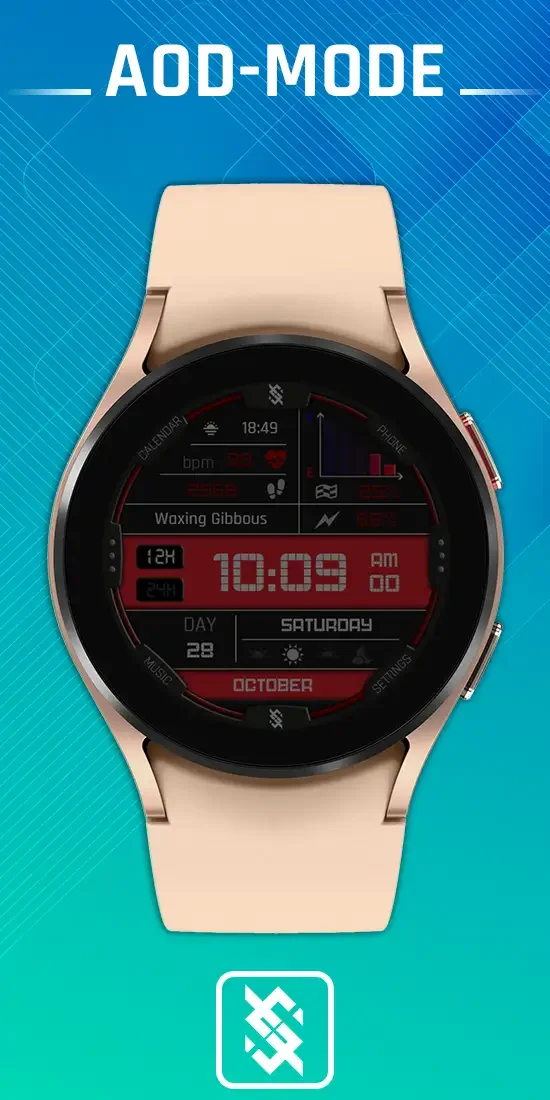
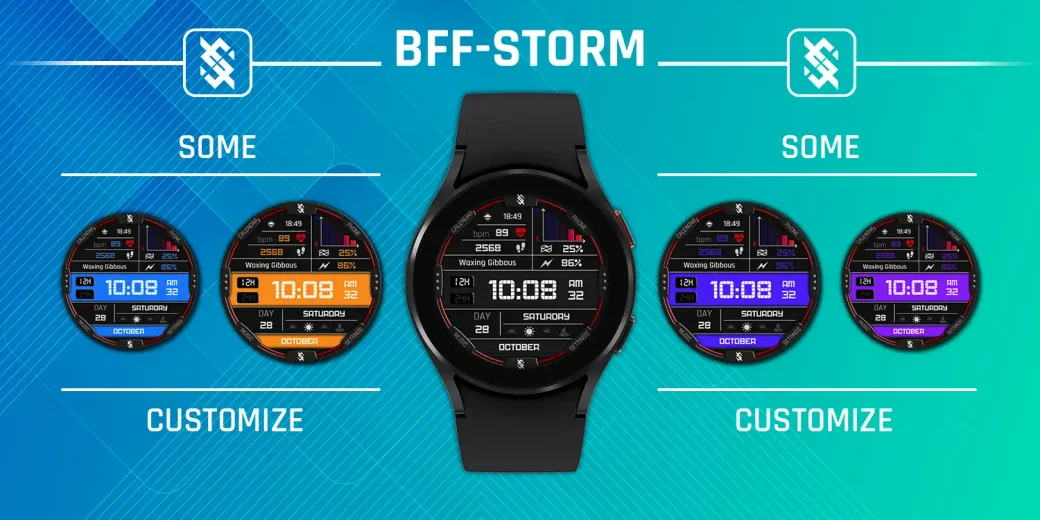
About this app
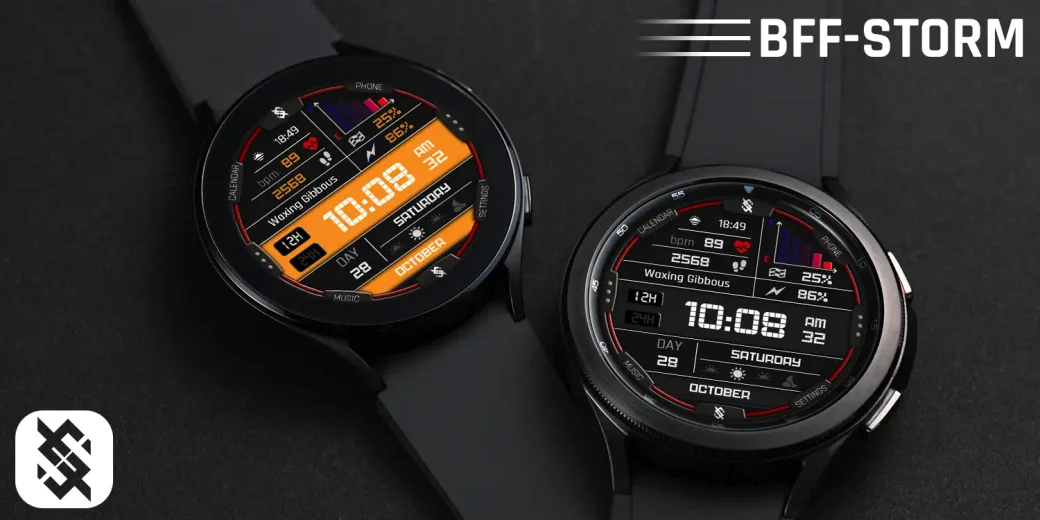
Digital & Analog for Wear OS by BFF-Storm (Except for the square watch face)
NOTE : You need to make sure the Google Play account on your phone and watch is the same. To avoid the situation: "Your devices are not compatible".
NOTE: The Watch faces sold by BFF-Storm on the Play Store are currently in the process of feature completion based on Samsung's new Wear Os Google / One UI operating system. So we are committed to update the watch face as soon as possible if a new function is completed. And when you have problems using it, you can contact us via gmail:
support@bffstormwatchface.com
We will support and answer questions 24/7.
NOTE: Make sure you have enabled all permissions from settings -> Applications.
NOTE: How to install watch face?
1 - Make sure the watch is connected to the electricity via bluetooth, open the watch face app page to install.
Open the "Install on more device" option (Triangle icon to the right of the free install or purchase button).
Turn off the settings on the phone just to set it on the watch. And do the installation.
After successful installation, a notification will be displayed on the watch, you can search the application on the watch.
If the app doesn't appear on the watch, open the Galaxy Wearable app on your phone, select watch faces and scroll down to the downloaded apps section and select watch faces to have them show up on the watch.
2 - If you have installed companion apps on your phone by mistake, you can delete them once the watch face has been installed.
3 - If you have sync problems between your phone, Play Store and watch, install watch face directly from your watch, or you can try from your PC web browser or visit our website to Search product.
This watch face supports all Wear OS devices with API Level 30+.
NOTE : Some features may not be available on some watches. This watch face will not apply to square face watches.
The BFF3- Digital : Color by BFF-Storm.
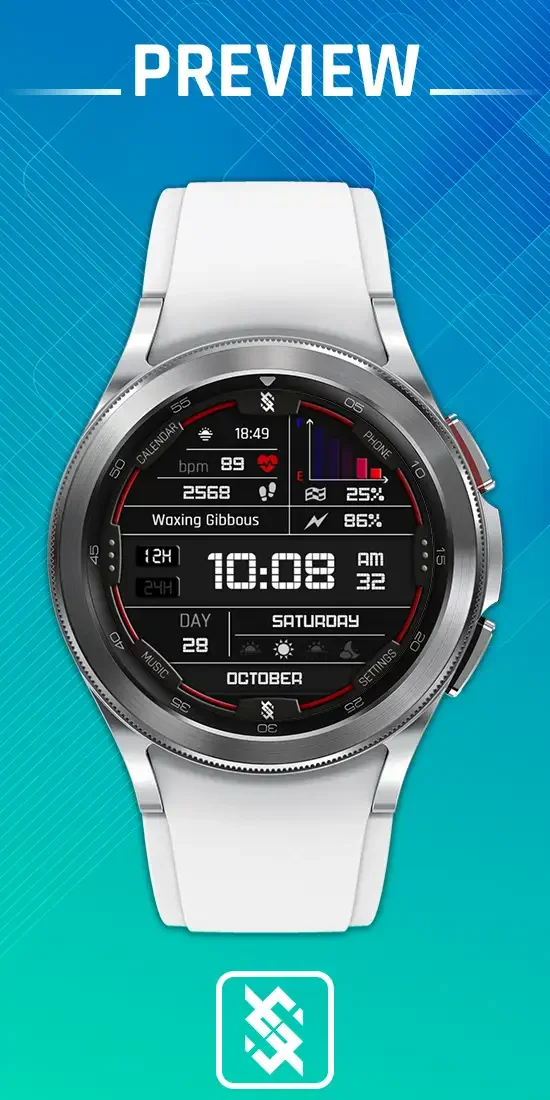
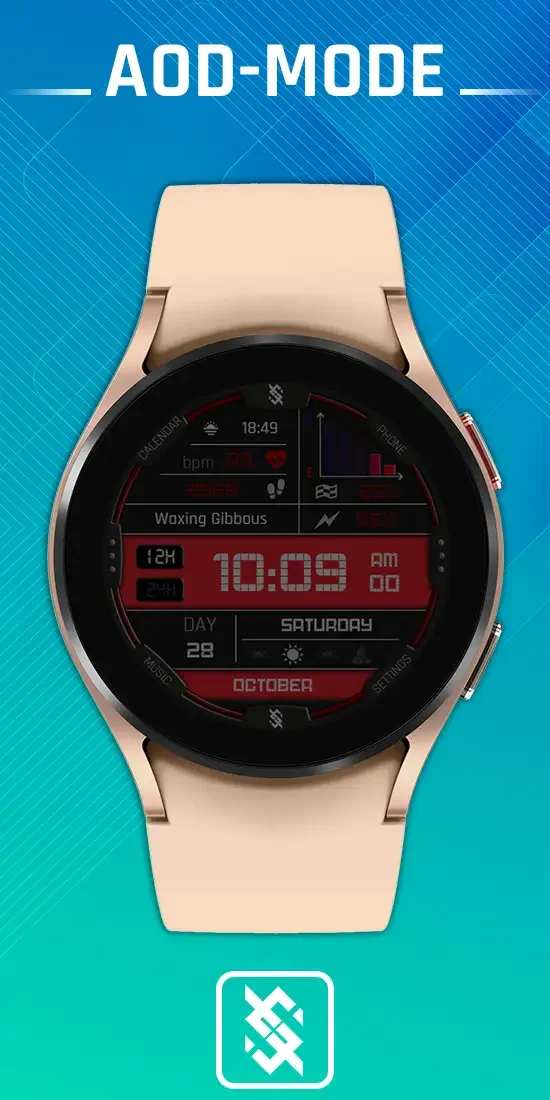
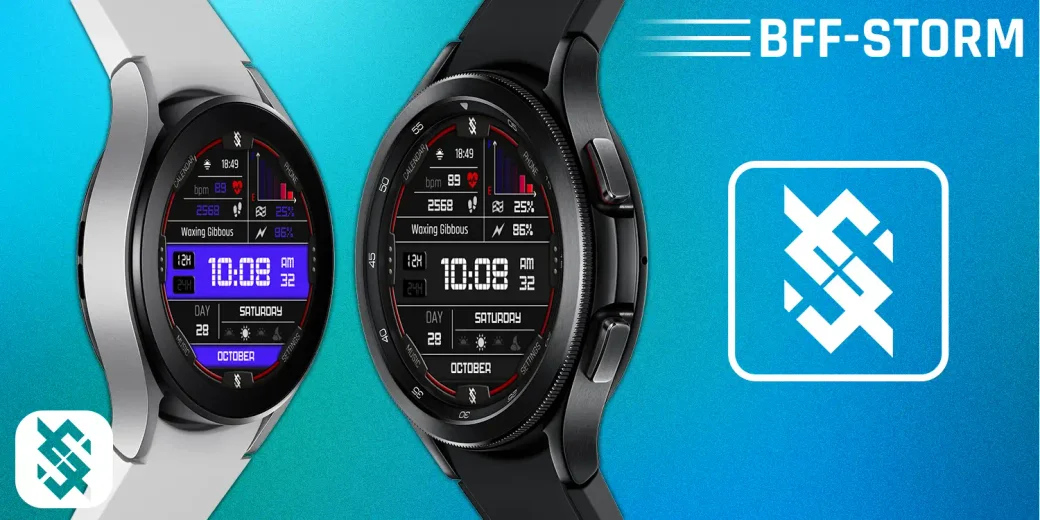
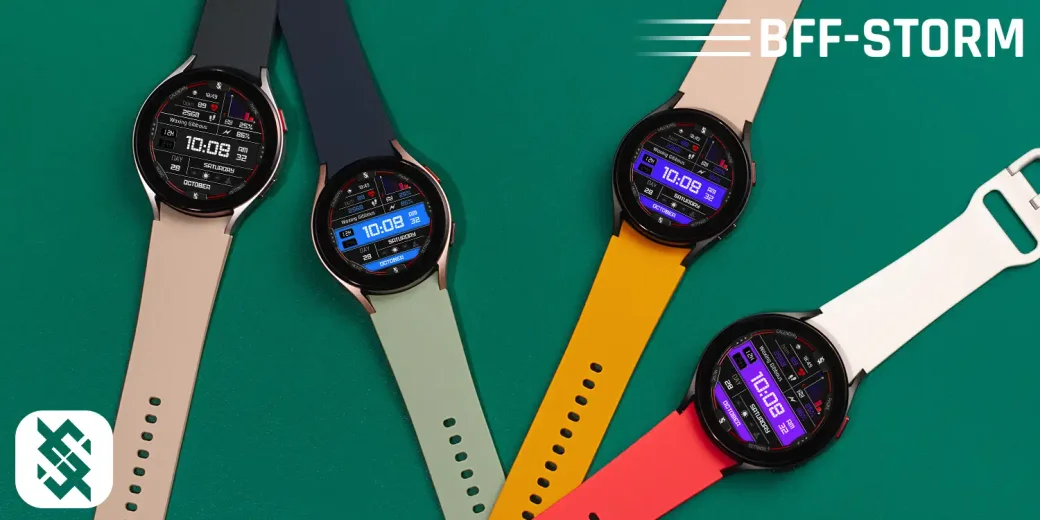
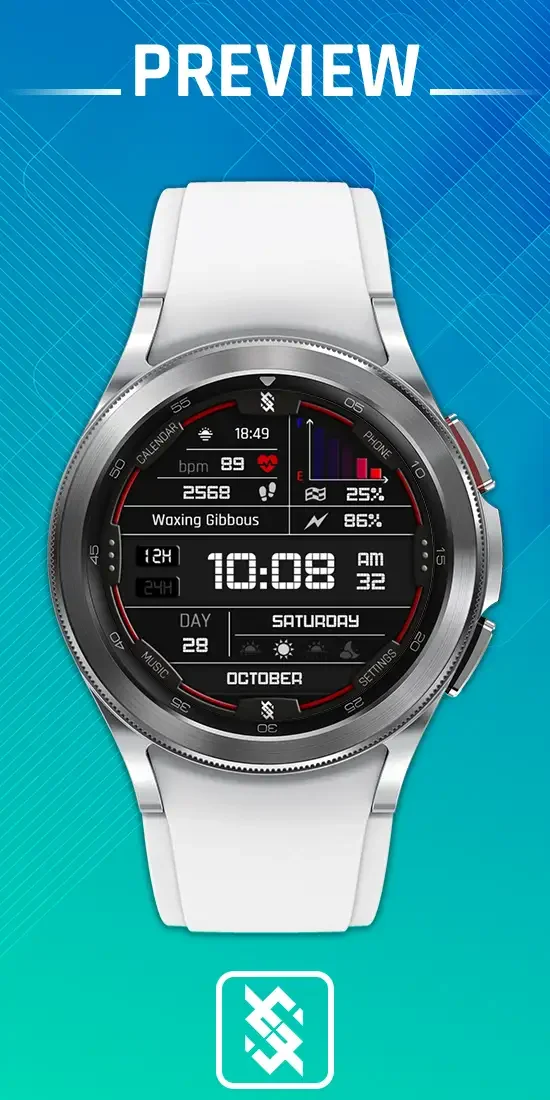
Watch Face Features: (You can see them on the picture description)
- Time information: Day, Month
- Health information: Step counts, Heart rate.
- Battery
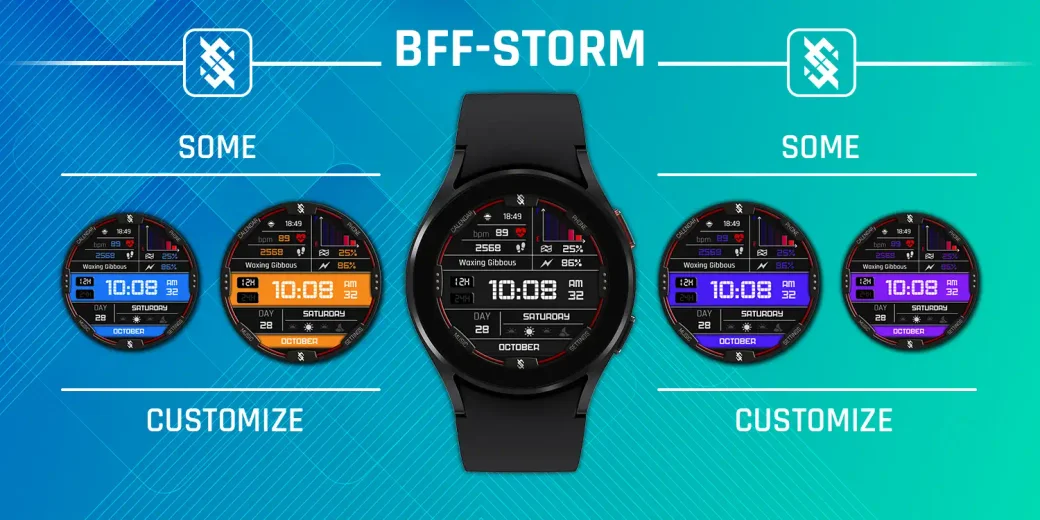
Other customized information
- Optional Background color*8
- Optional color number *10
Please visit us at:
Facebook: https://www.facebook.com/BFFKINGSTORM
Instagram: https://www.instagram.com/bffstormer/
Webpage: https://bffstormwatchface.com/
Thank You !!
Data safety
What BFF-KING STORM declares on Google Play about the data this app collects and shares.
- No data shared with third partiesLearn more about how developers declare sharing
- No data collectedLearn more about how developers declare collection
What’s new
Oct 29, 2024
BFF3- Digital: Colorfull
Developer contact
- Websitebffstormwatchface.com
- Email13kdollarmonth@gmail.com
- Privacy policybffstormwatchface.com
- AddressT. Dong Vien - X. Phu Dong - H. Gia Lam - TP. Ha Noi Hà Nội 10000 Vietnam
Information
- Offered by
- BFF-KING STORM
- Category
- Personalization
- Updated
- Oct 29, 2024
- Released
- Sep 27, 2022
- Requires
- Android 11 or later
- Age rating
- Everyone
- Price
- Free
- Package name
- com.BFF.watchfacestudio.bff3_digital_analog
Similar apps
-
 Running Watch Face
Personalization
-
 Iris577 Multi-Function Watch
Personalization
-
 TVV Workout 9 Watch Face
Personalization
-
 AN006-D Digital Watch Face
Personalization
-
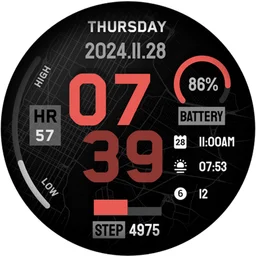 MW16 City Digital Watch
Personalization
-
 HMK WD048
Personalization
-
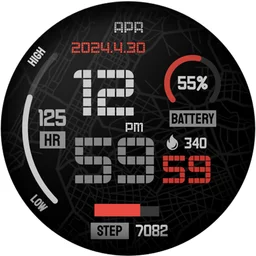 Digital Watch Face City NY PRO
Personalization
-
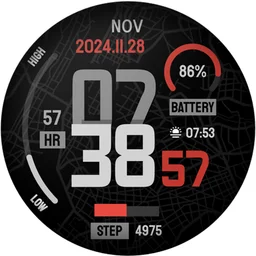 MW14 City Digital Watch
Personalization
-
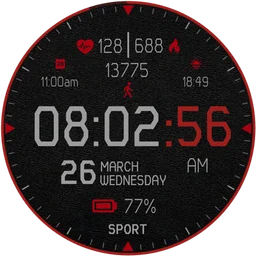 Peak Activity Watch Face
Personalization
-
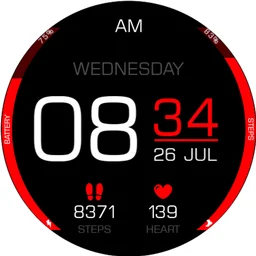 Key078 Minimalist Watch Face
Personalization
-
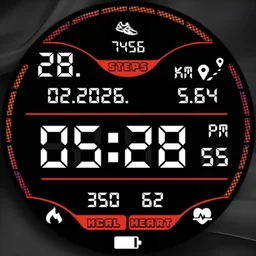 Digital animated clock
Personalization
-
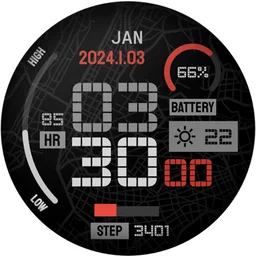 MW26 City Digital Watch
Personalization