BirdBox
UserLAnd Technologies- EveryoneAge rating
- CommunicationCategory
- Nov 17, 2026Updated
- $1.99Price
Links to the official Google Play listing of tech.ula.birdbox. Last checked on Nov 22, 2026.
Screenshots
About this app
BirdBox: Run Thunderbird on Android
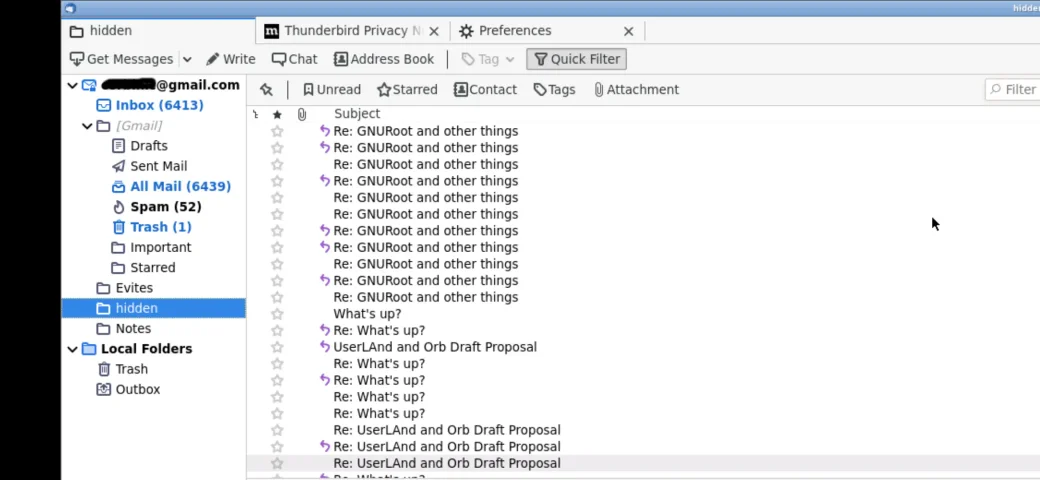
BirdBox allows you to run desktop Thunderbird on an Android device.
What is BirdBox?
BirdBox is not Thunderbird itself and is not a Mozilla project, but instead is a compatibility layer that sets up a Linux desktop with Thunderbird, launches it, renders it and provides a way to interact with it.
What features does it provide?
*Send and receive emails
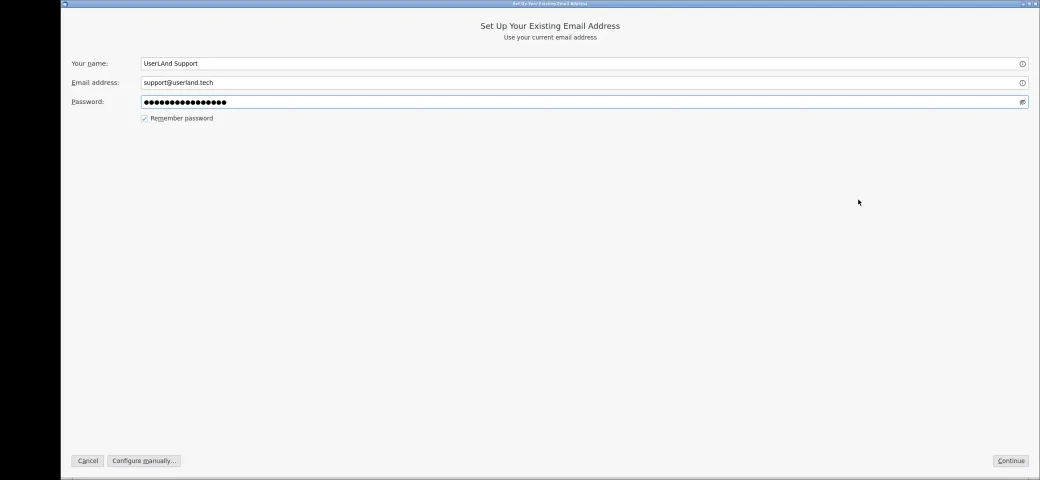
*Mail account setup wizard
*Tabbed emails
*Search tools
*Attachment reminders
*Contacts management
*Etc
How to Use BirdBox?
Use it just like normal. But here are some specifics to the app.
* Tap with one figure to click.
* Pinch to zoom.
* Slide two fingers up and down to scroll.
* If you want to bring up a keyboard, tap on the screen to get a set of icons to appear and then click the keyboard icon.
* Hold and slide one finger to pan (useful when zoomed in).
* If you want to do the equivalent to a right click, tap with two fingers.
* If you want to change the scaling or the dns settings, find the service android notification and click the settings. You have to stop and restart the app after changing these settings for them to take effect.
Why Use BirdBox?
BirdBox is the only way to get Thunderbird on Android. Also desktop Thunderbird has a different set of features than the planned Thunderbird mobile app.
Data safety
What UserLAnd Technologies declares on Google Play about the data this app collects and shares.
- No data shared with third partiesLearn more about how developers declare sharing
- No data collectedLearn more about how developers declare collection
What’s new
Version 26.11.17 · Nov 17, 2026
Your app's Linux system is now built fresh from our new image pipeline, with up-to-date packages and a faster, more reliable download. Opening files in your phone's shared storage no longer fails the first time, and more programs run correctly. Already installed? Your existing setup is kept; reinstall to get the new system.
Developer contact
- Websiteuserland.tech
- Emailsupport@userland.tech
- Privacy policyuserland.tech
- Address10258 SW 67th Ave Portland, OR 97223 United States
Information
- Offered by
- UserLAnd Technologies
- Category
- Communication
- Version
- 26.11.17
- Updated
- Nov 17, 2026
- Released
- Oct 8, 2022
- Requires
- Android 7.0 or later
- Age rating
- Everyone
- Price
- $1.99
- Package name
- tech.ula.birdbox