Blood Pressure Tracker
CardsContains ads · In-app purchases
- EveryoneAge rating
- Health & FitnessCategory
- Oct 30, 2026Updated
- FreePrice
Links to the official Google Play listing of com.zip.blood.pressure. Last checked on Nov 27, 2026.
Screenshots



About this app
Log blood pressure readings taken with an external monitor and review history.
What is Blood Pressure Tracker?
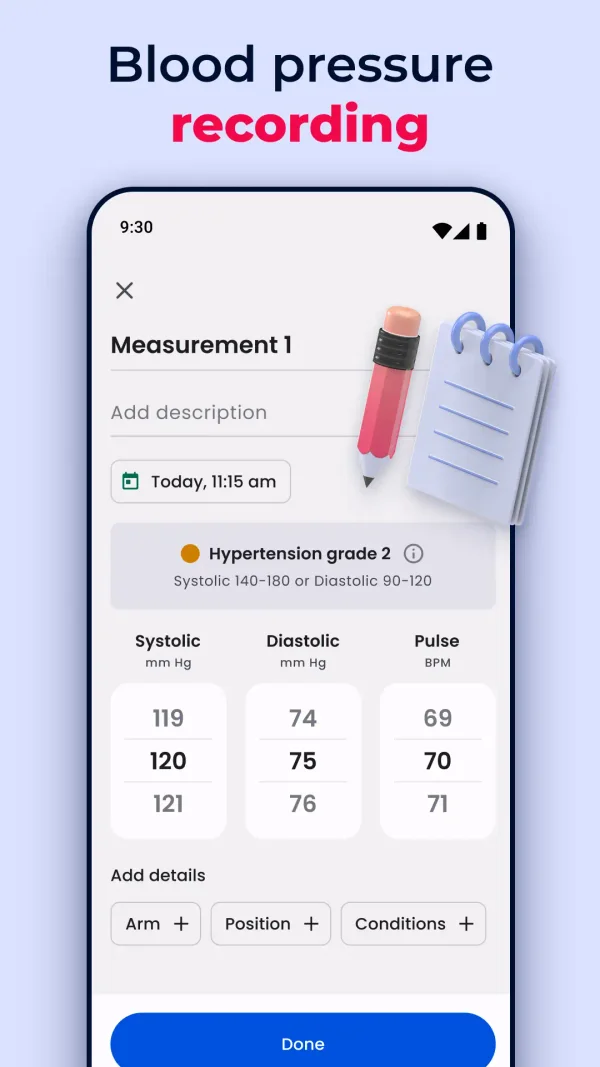
Keep a diary of blood pressure readings taken with a separate monitor. This Android app helps you record measurements, review your history and prepare a PDF record to share with a healthcare professional. It does not measure blood pressure through your phone.
Who is Blood Pressure Tracker for?
Use it when you want to keep externally measured readings together instead of relying on memory. Your recorded history gives you a place to look back over previous entries and bring the information to a healthcare appointment.
If you already have a measurement routine, reminders can prompt you to take a reading with your external monitor and record it in the app. General articles are also available when you want to read about blood pressure and everyday lifestyle topics.
What does Blood Pressure Tracker do?
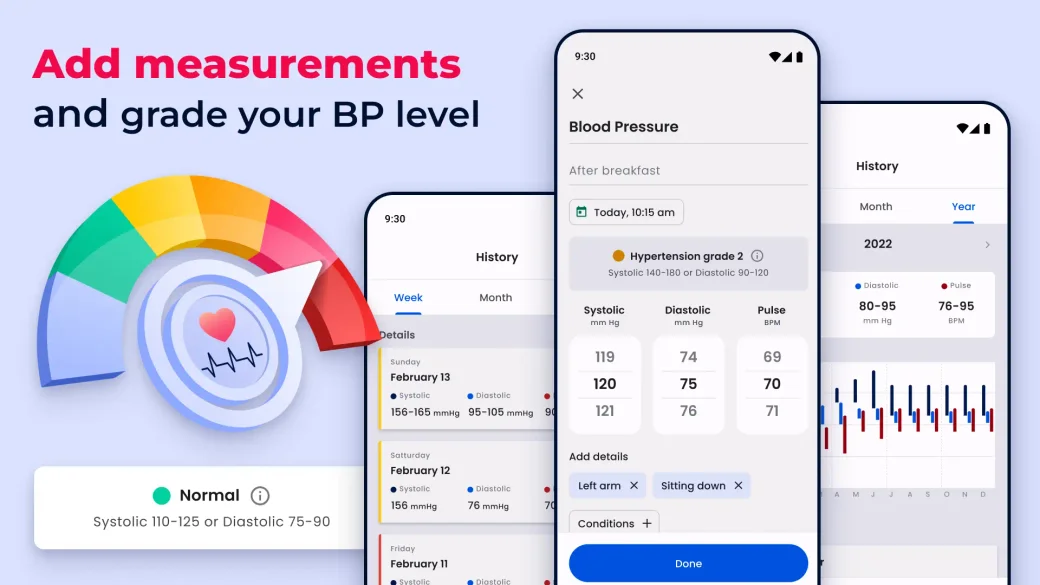
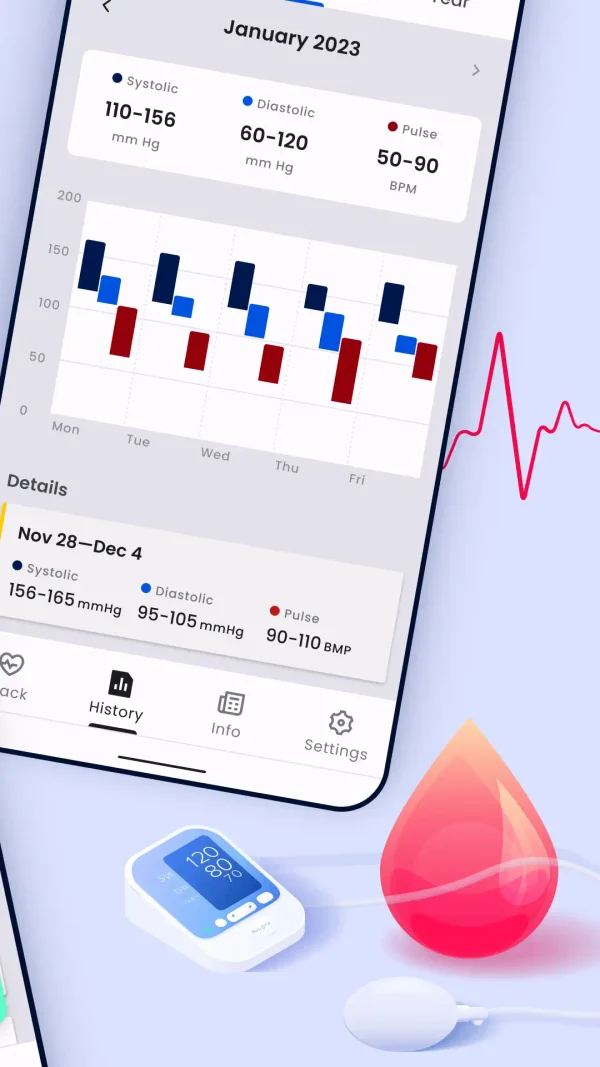
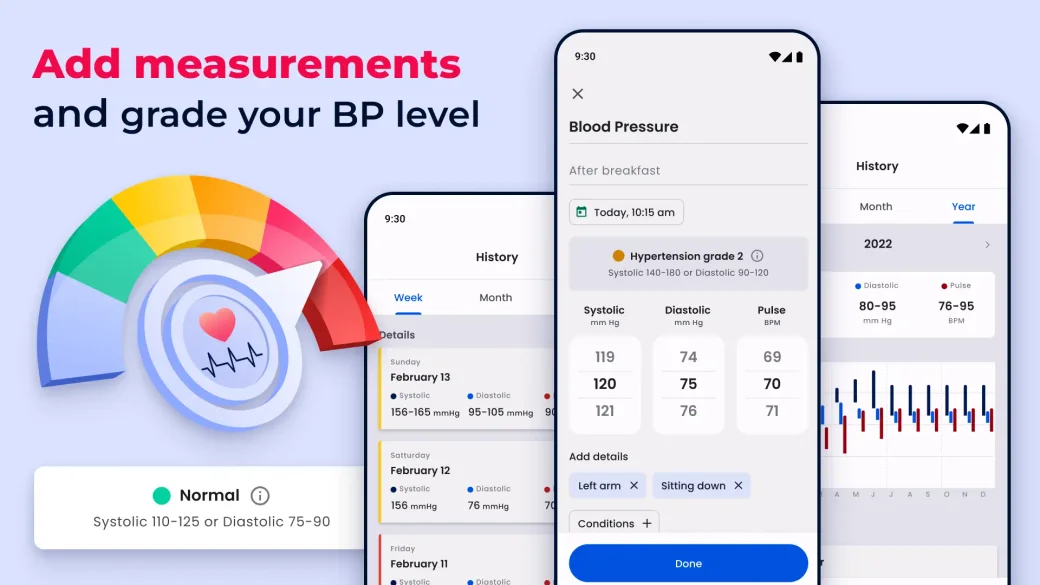
📊 Record and review readings: log measurements from your separate blood pressure monitor and view your recorded history.
• Explore graphs and trends over days, weeks or months to see how your logged readings vary over time.
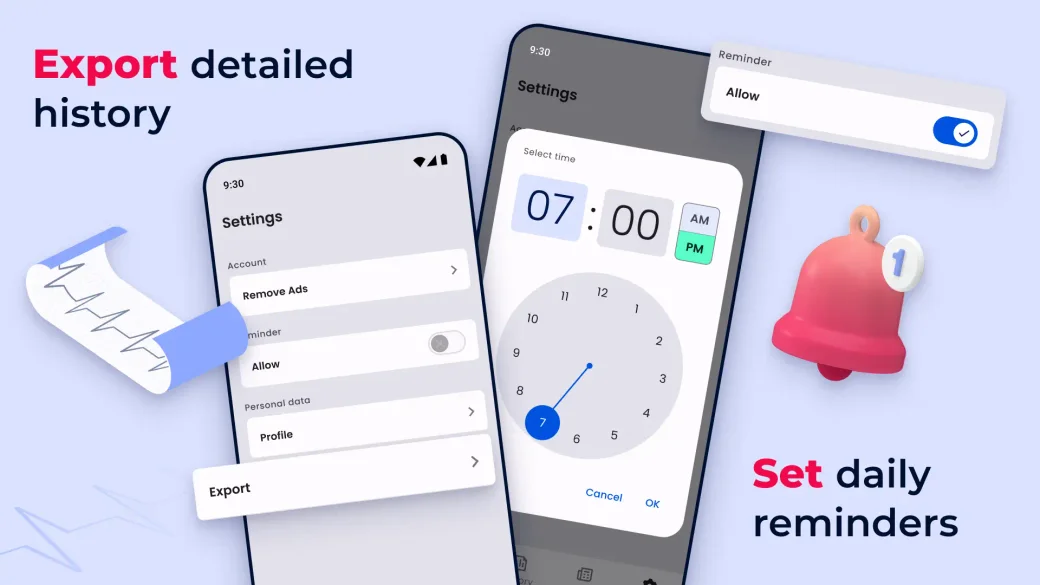
⏰ Set measurement reminders that fit your schedule, so you have a prompt to take and record a reading.
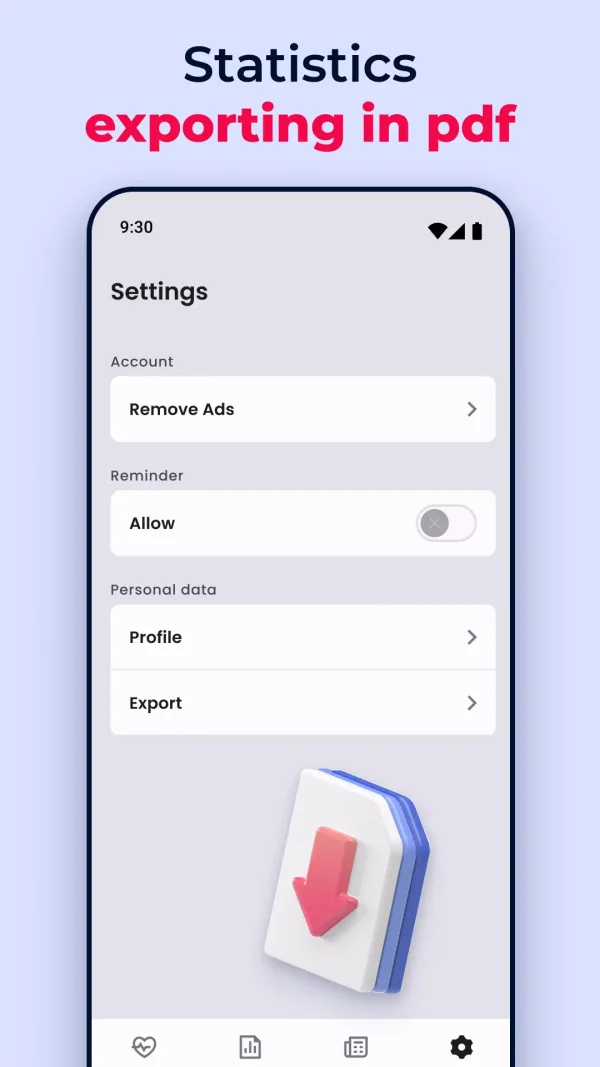
📂 Export your blood pressure history to PDF to keep a record or share it with a healthcare professional.
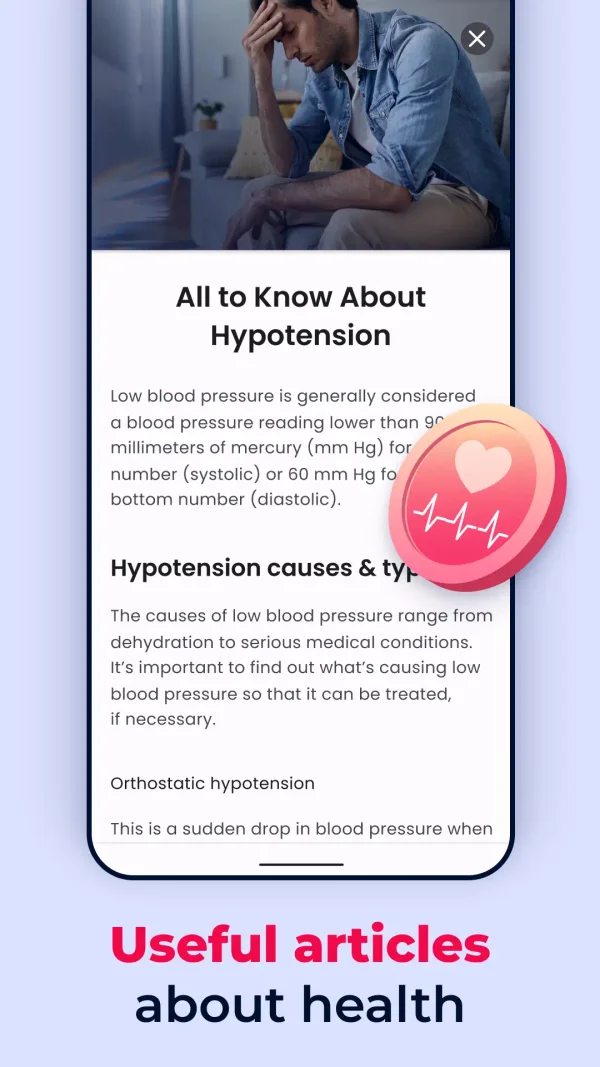
📚 Read general articles about blood pressure, lifestyle, diet and stress. This information is educational, not personalized medical advice.
How does Blood Pressure Tracker work?
Take a blood pressure reading with your separate monitor, then enter the measurement in the app. As you add readings, use the history, graphs and trends to review the information you have recorded.
Set reminders for your measurement routine if you want a prompt. When you need a copy of your history, export it to PDF and keep it for reference or bring it to an appointment.
Compatibility and requirements
You need readings taken with an external blood pressure monitor. The app is a general tracking tool: it does not measure blood pressure itself or provide continuous measurement.
This app is not a medical device and does not diagnose, treat, cure, or prevent any medical condition. Consult a healthcare professional for medical advice, diagnosis, or treatment, and before changing your treatment plan. Do not base medical decisions solely on the app, its articles or your recorded data.
The app contains ads and offers in-app purchases.
Blood Pressure Tracker keeps your recorded readings, history and PDF export together to help you maintain a blood pressure diary.
Data safety
What Cards declares on Google Play about the data this app collects and shares.
- This app may share these data types with third partiesApp info and performance and Device or other IDs
- This app may collect these data typesApp info and performance and Device or other IDs
- Data is encrypted in transit
- Data can’t be deleted
Developer contact
- Websitecardsapp.com
- Emailsupport.bloodpressure@cardsapp.com
- Privacy policycardsapp.com
- Address1 Atirei Yeda KFAR SABA, 4464301 Israel
Information
- Offered by
- Cards
- Category
- Health & Fitness
- Version
- 1.2.1
- Updated
- Oct 30, 2026
- Released
- Jun 12, 2023
- Requires
- Android 8.0 or later
- Age rating
- Everyone
- Price
- Free
- In-app purchases
- $0.99 - $99.99 per item
- Package name
- com.zip.blood.pressure
Similar apps
-
 Mi Band 5 Watch Faces
Tools
-
 LetsUpDoc: Online Doctor & AI
Medical
-
 Amazfit GTR 4 GTS 4 WatchFaces
Health & Fitness
-
 Sleep Tracker & Recorder: Yawn
Health & Fitness
-
 Drink Water Reminder
Health & Fitness
-
 Heart Rate Monitor - Pulse App
Health & Fitness
-
 Period Calendar, Cycle Tracker
Medical
-
 Heart Rate: Heart Rate Monitor
Health & Fitness
-
 Water Tracker: Water Reminder
Health & Fitness
-
 Ovulation & Period Tracker
Health & Fitness
-
 Clue: Period & Cycle Tracker
Health & Fitness
-
 Qibla Compass: Qibla Direction
Lifestyle