Blue Classic Watch Face
Yosash- EveryoneAge rating
- PersonalizationCategory
- Nov 22, 2026Updated
- FreePrice
Links to the official Google Play listing of com.watchface.classicblue. Last checked on Nov 23, 2026.
Screenshots

About this app
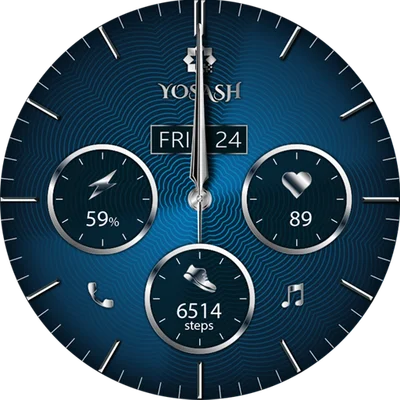
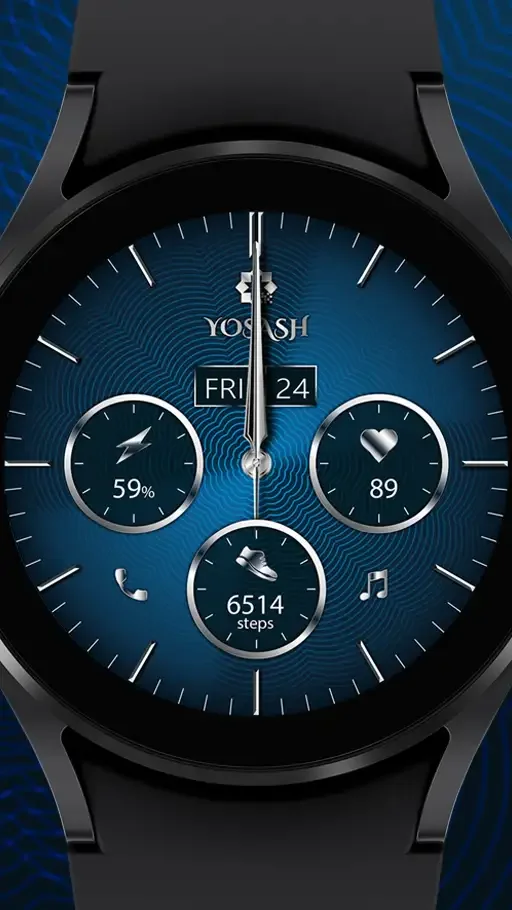
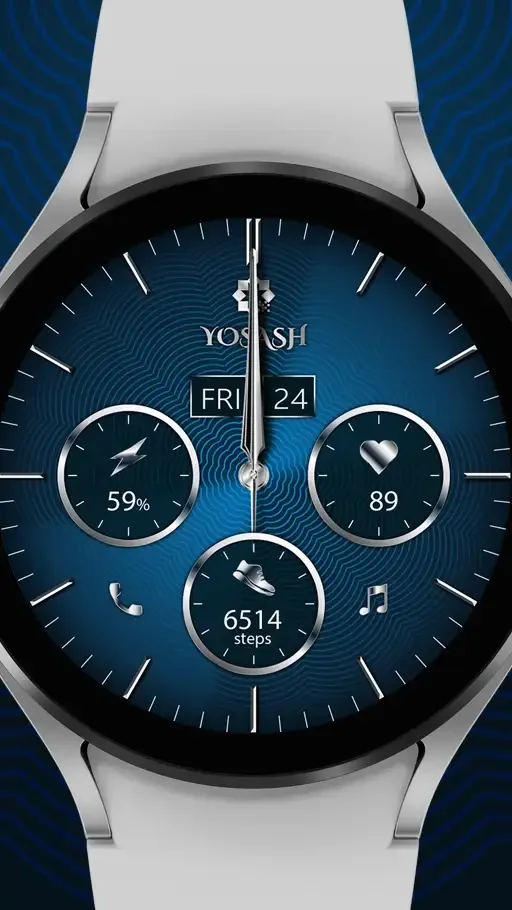
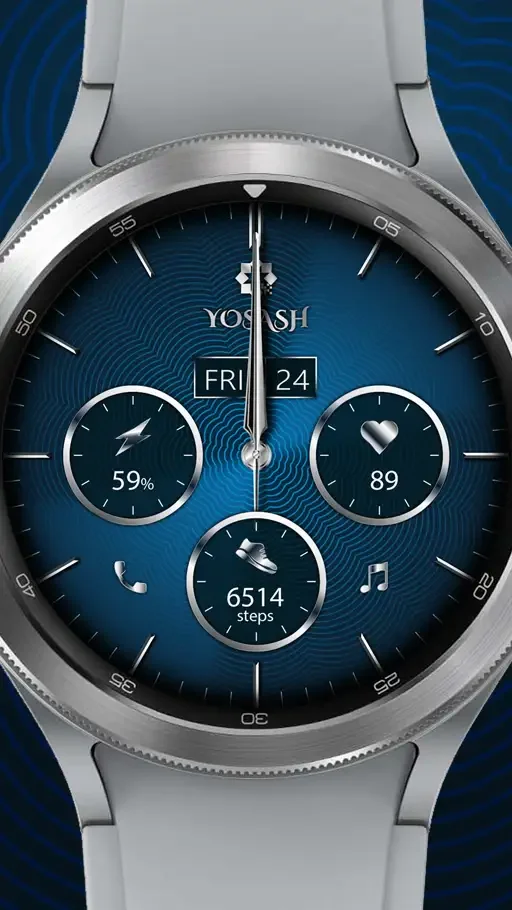
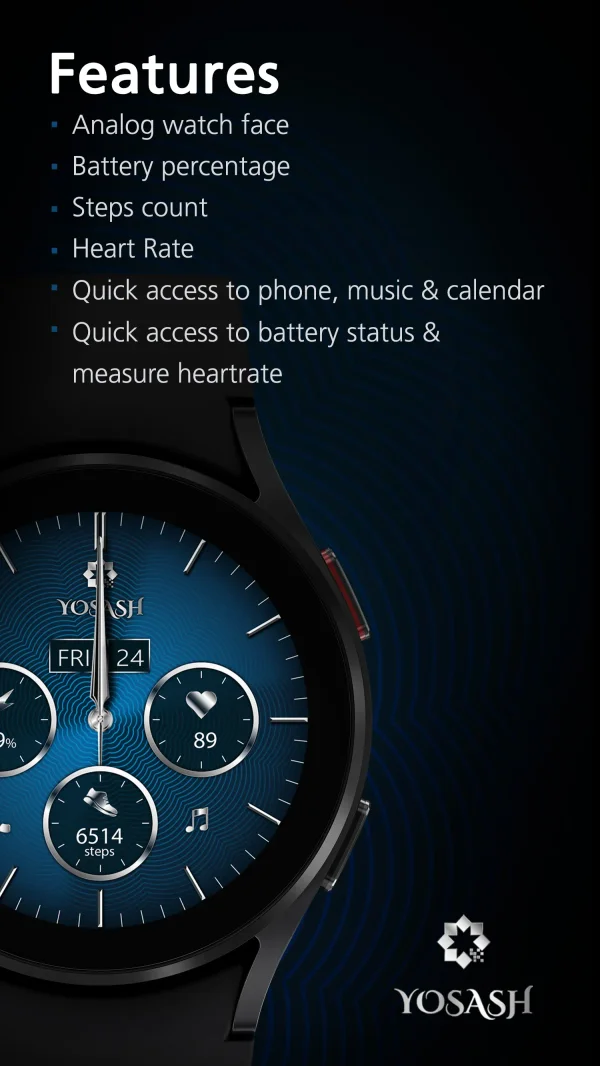
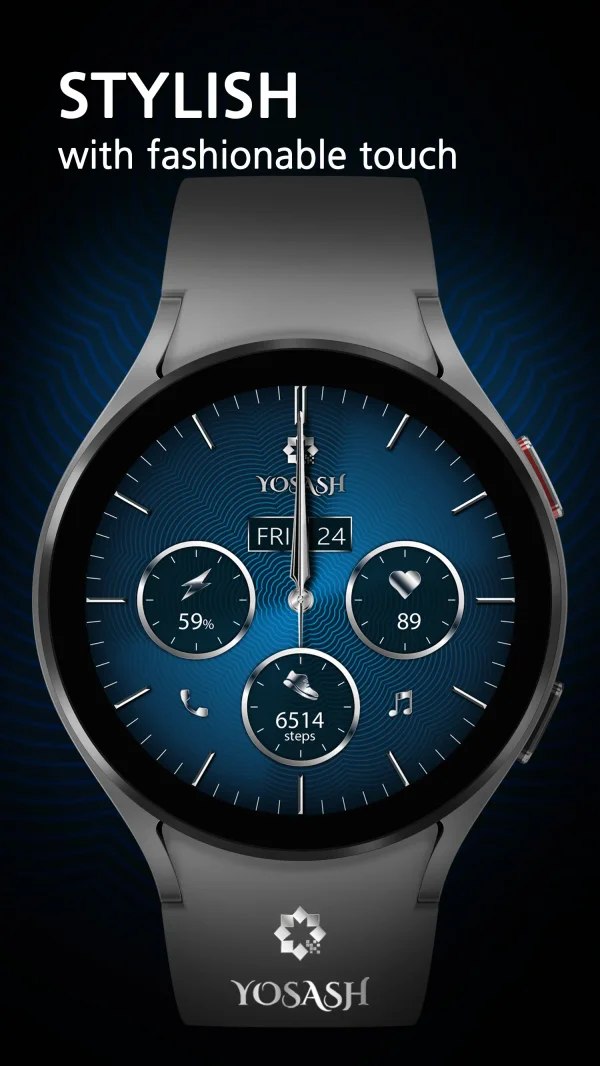
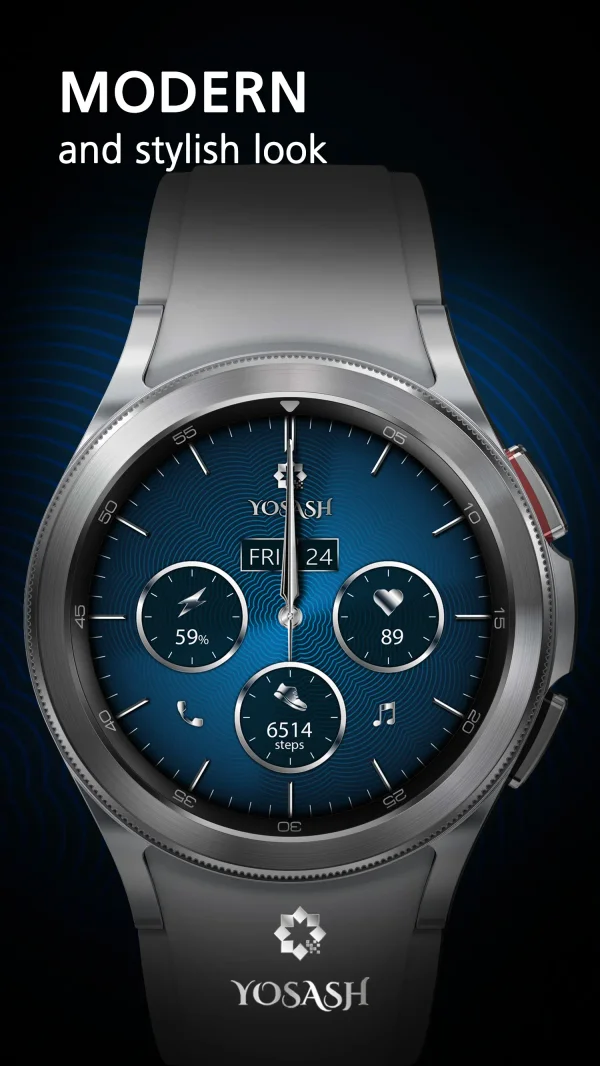
Elegant blue analog watch face with heart rate, steps, battery and date display.
**YOSASH Blue Classic Watch Face** brings a modern and elegant analog design to your Wear OS smartwatch.
Featuring a distinctive deep blue dial, metallic details, and three beautifully designed subdials, this watch face combines classic styling with essential daily information.
**Key Features**
- Premium blue analog watch face design
- Elegant metallic hands and hour markers
- Day of the week and day of the month display
- Step counter to track your daily activity
- Heart rate display (BPM)
- Watch battery percentage indicator
- Stylish three-subdial layout
- Fixed design with no complicated customization
- Free to download and use
**Compatibility**
Designed for compatible Wear OS smartwatches, including Samsung Galaxy Watch and Google Pixel Watch devices.
**How to Install**
1. Open Google Play Store on your smartwatch.
2. Search for YOSASH Blue Classic Watch Face.
3. Install the watch face.
4. Select it from your available watch faces.
**More Watch Faces by YOSASH**
Discover more elegant analog and digital watch faces designed for Wear OS smartwatches.
Website: https://www.yosash.watch/
**Support**
Email: yosash.group@gmail.com
Data safety
What Yosash declares on Google Play about the data this app collects and shares.
- No data shared with third partiesLearn more about how developers declare sharing
- No data collectedLearn more about how developers declare collection
Developer contact
- Websiteyosash.watch
- Emailyosash.group@gmail.com
- Privacy policydocs.google.com
- Address519 Eskan el Shabab 100 el Shorouk City Cairo القاهرة 11837 Egypt
Information
- Offered by
- Yosash
- Category
- Personalization
- Updated
- Nov 22, 2026
- Released
- Oct 13, 2026
- Age rating
- Everyone
- Price
- Free
- Package name
- com.watchface.classicblue