Bluetooth Auto Connect Devices
DOSA AppsContains ads · In-app purchases
- EveryoneAge rating
- ToolsCategory
- Oct 30, 2026Updated
- FreePrice
Links to the official Google Play listing of com.zazai.bluetooth.connect.wifi.speed. Last checked on Nov 17, 2026.
Screenshots

About this app
Bluetooth Auto Connect Devices is a Wi-Fi analyzer and a Bluetooth controller.
What is Bluetooth Auto Connect Devices?
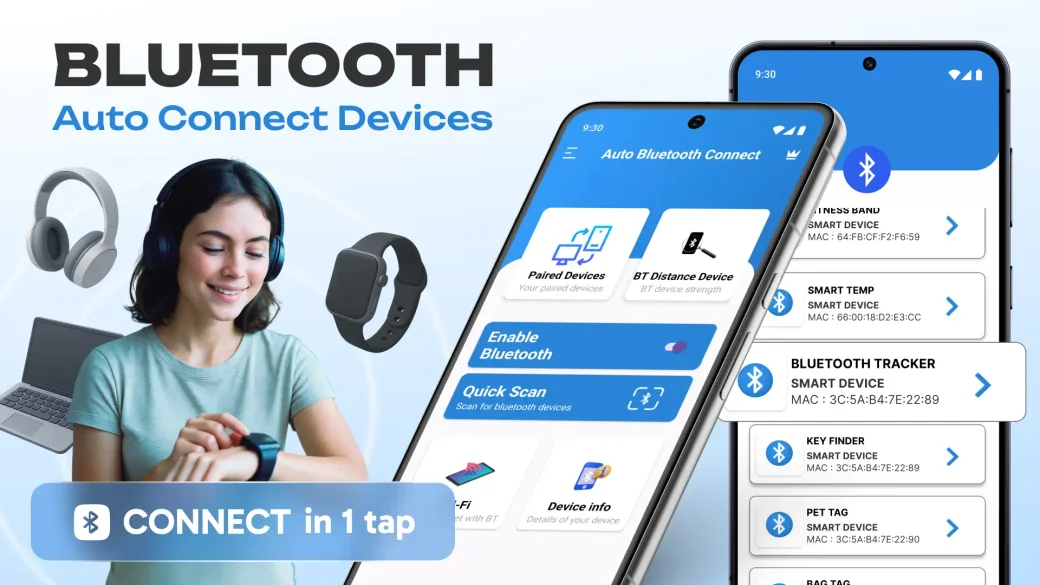
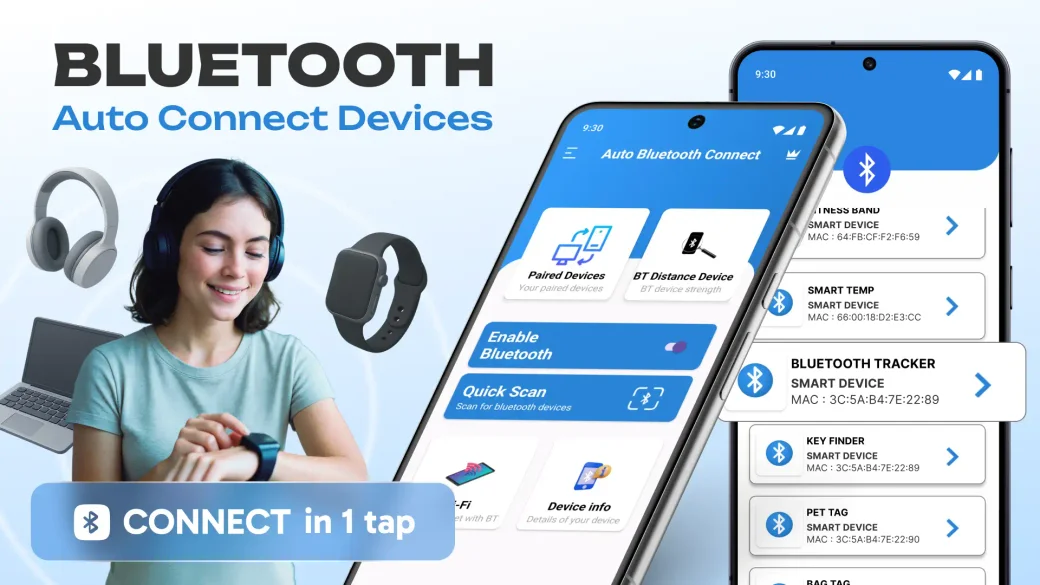
📡 Manage compatible Bluetooth accessories and check connection information on your Android phone. Scan for nearby devices, review paired accessories, use automatic reconnection tools and receive updates when devices connect or disconnect.
Wi-Fi monitoring and device-information tools sit alongside the Bluetooth controls, so you can review more of your wireless setup in one place.
Who is Bluetooth Auto Connect Devices for?
Use it when you switch between compatible headphones, speakers, controllers or a car system and want to keep track of their connections. It can also help you look for a nearby discoverable device or review which accessories are already paired.
What does Bluetooth Auto Connect Devices do?
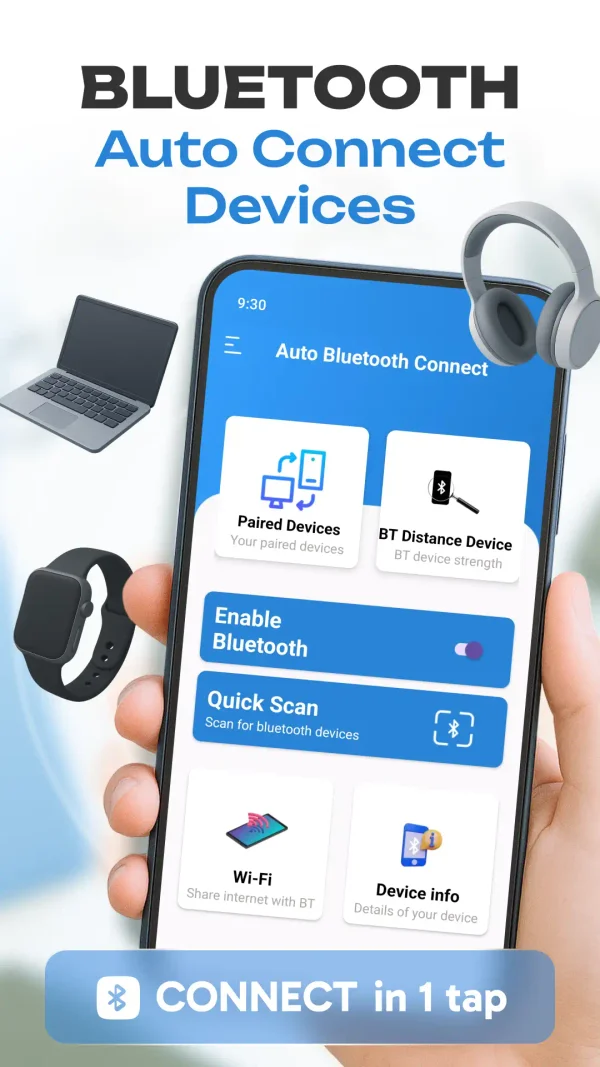
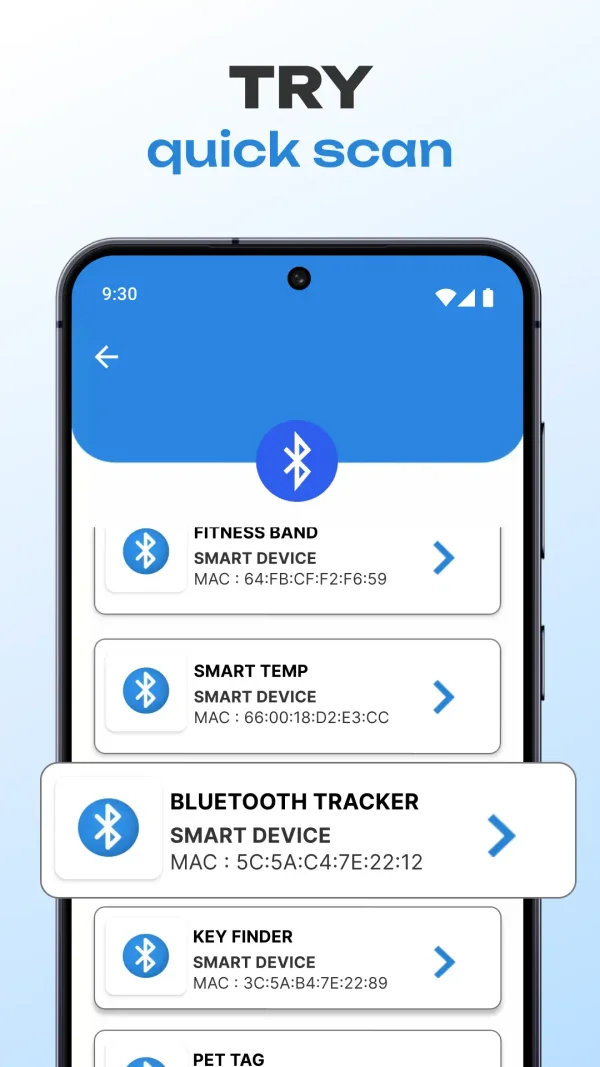
• Scan for nearby discoverable Bluetooth devices.
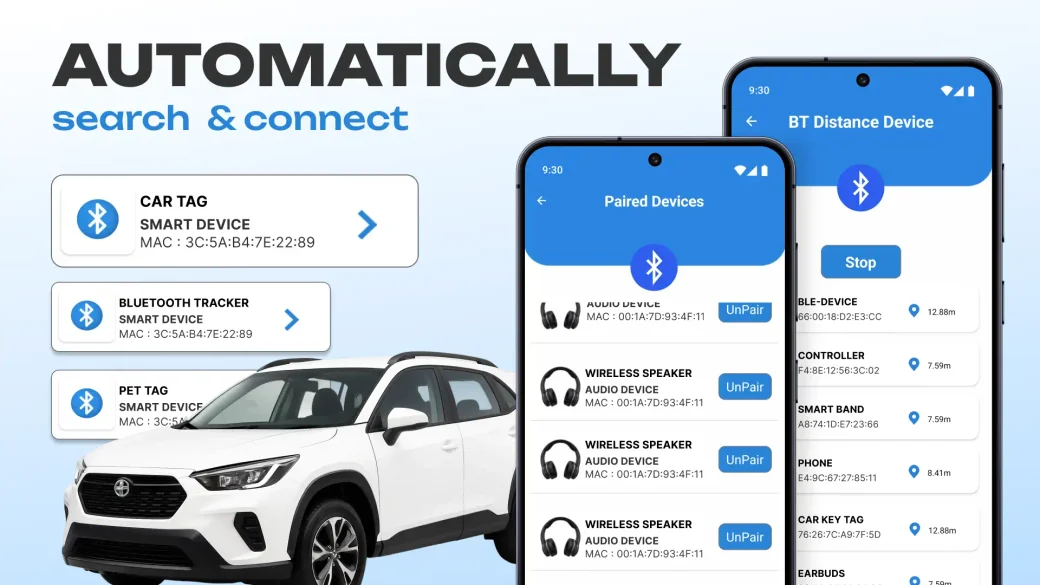
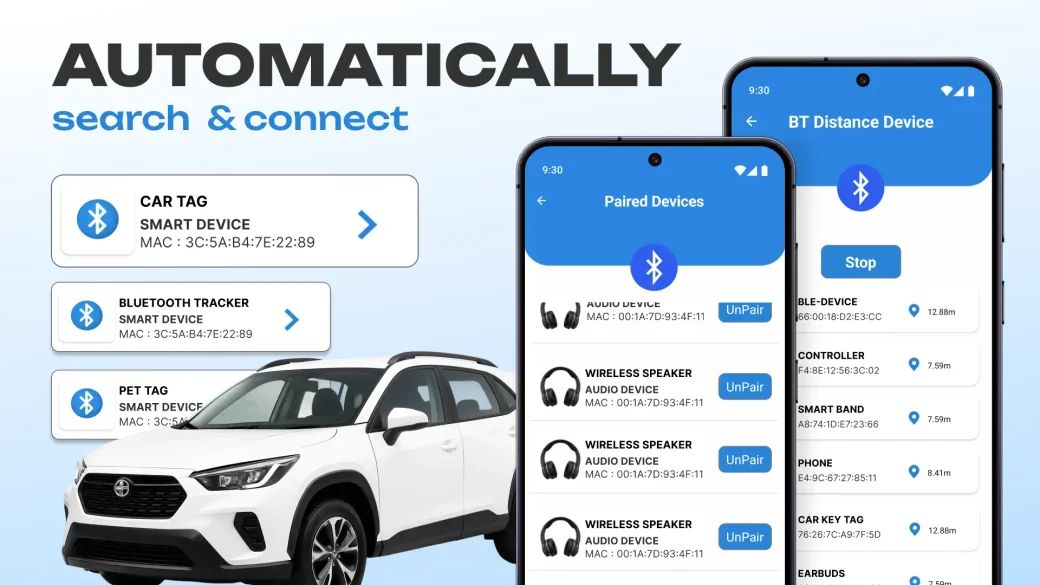
• View paired devices and manage connections or remove a pairing when needed.
• Use automatic connection and reconnection tools with supported paired accessories.
• Receive connection and disconnection notifications to keep track of device status.
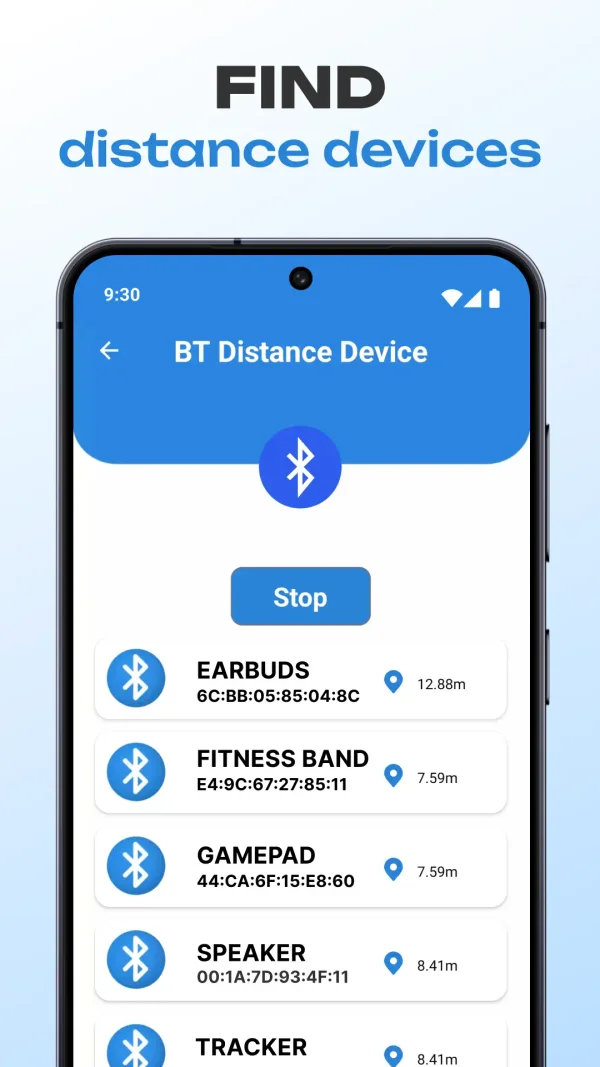
• View nearby-device distance information in the Bluetooth distance tool.
• Monitor Wi-Fi information alongside your Bluetooth connections.
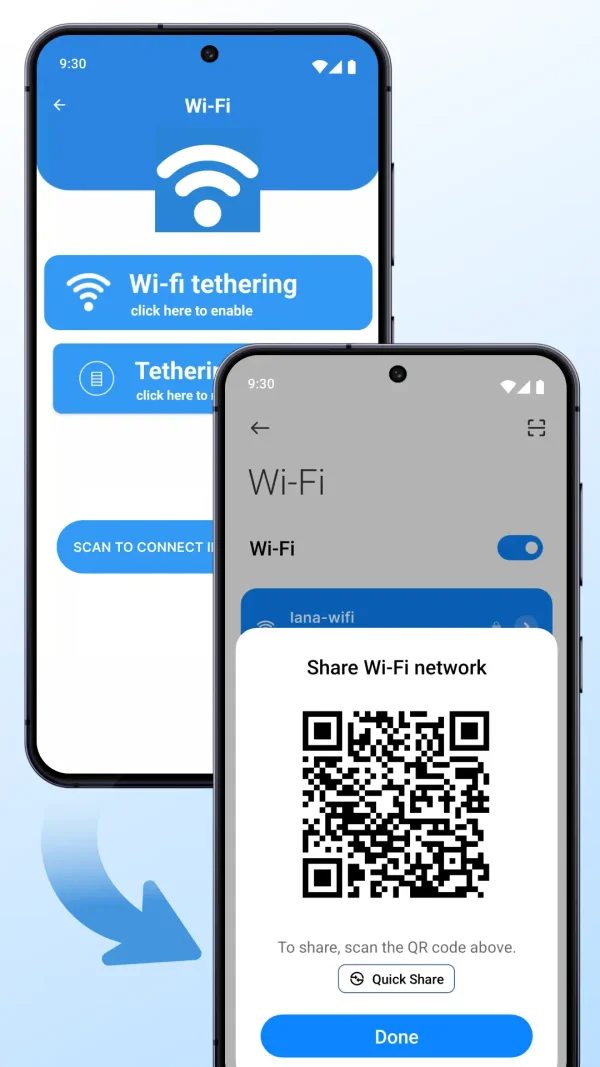
• Access Wi-Fi, tethering and network-sharing options where available on your phone.
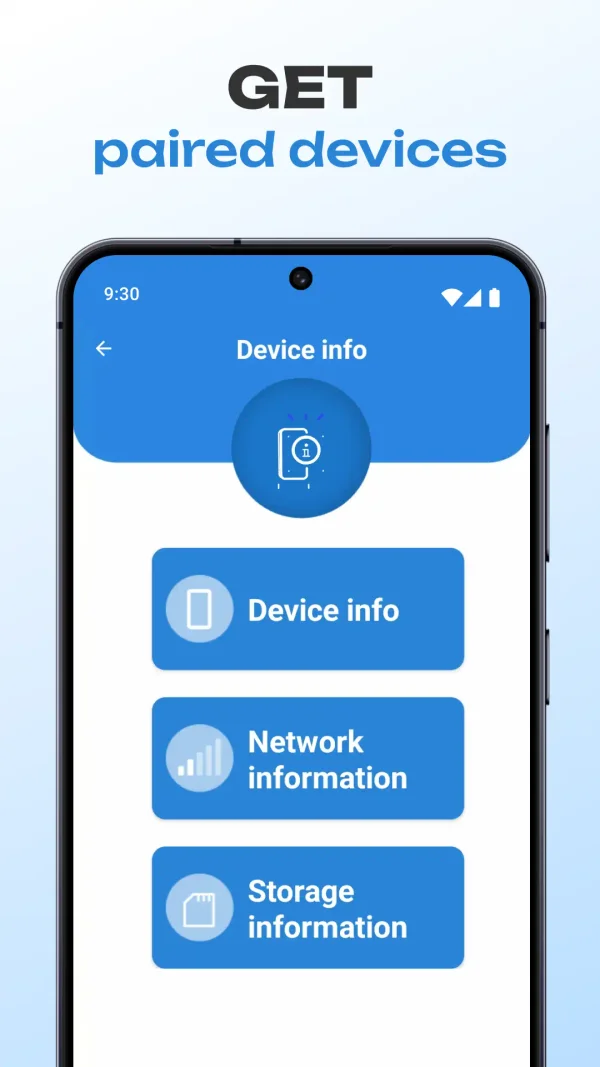
• View device, network and storage information.
The distance display is a locating aid, not a guarantee of an exact position. Connection tools and Wi-Fi monitoring do not increase your internet service speed or guarantee uninterrupted wireless performance.
How does Bluetooth Auto Connect Devices work?
Enable Bluetooth on your phone and make the accessory available for discovery or connection. Open Quick Scan to look for nearby devices, or use the paired-device list to work with an accessory you have already paired.
Follow the connection and access prompts for your chosen device. Use the available automatic connection options for supported accessories, and allow app notifications if you want to receive connection alerts.
Open the Wi-Fi or device-information tools when you want to review network details, sharing options or information about your phone. Configure car accessories while safely parked.
Compatibility and requirements
Bluetooth must be enabled, and an accessory must be powered on, within range and compatible with your phone. Initial pairing and any confirmation requested by the device may still be needed.
Scanning, reconnection and notification behavior can vary with Android version, phone settings and accessory support. Wi-Fi sharing and tethering options depend on your phone's available network functions and connectivity.
The app contains ads and offers in-app purchases.
Bluetooth Auto Connect Devices brings accessory management, connection updates and wireless information together to help you understand and manage your supported devices.
Data safety
What DOSA Apps declares on Google Play about the data this app collects and shares.
- This app may share these data types with third partiesDevice or other IDs
- No data collectedLearn more about how developers declare collection
- Data is encrypted in transit
- Data can’t be deleted
Developer contact
- Websitedosaapps.com
- Emailsupport.bluetoothconnect@dosaapps.com
- Privacy policydosaapps.com
- Address26 Leshem MEVASSERET ZION, 9077520 Israel
Information
- Offered by
- DOSA Apps
- Category
- Tools
- Version
- 2.1.2
- Updated
- Oct 30, 2026
- Released
- Oct 12, 2023
- Requires
- Android 8.0 or later
- Age rating
- Everyone
- Price
- Free
- In-app purchases
- $0.99 - $99.99 per item
- Package name
- com.zazai.bluetooth.connect.wifi.speed