Bluetooth volume controller
SM InfotechContains ads · In-app purchases
- EveryoneAge rating
- ToolsCategory
- Aug 19, 2026Updated
- FreePrice
Links to the official Google Play listing of com.sm.bluetoothvolume. Last checked on Nov 20, 2026.

Screenshots

About this app
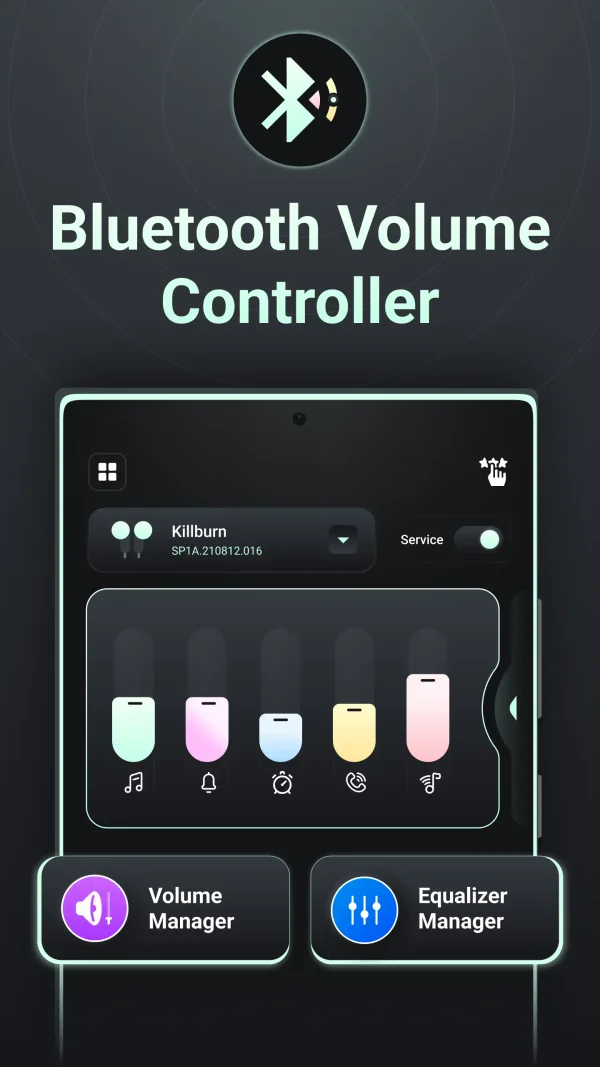
Control different levels of volume for Bluetooth device for call, music, etc,.
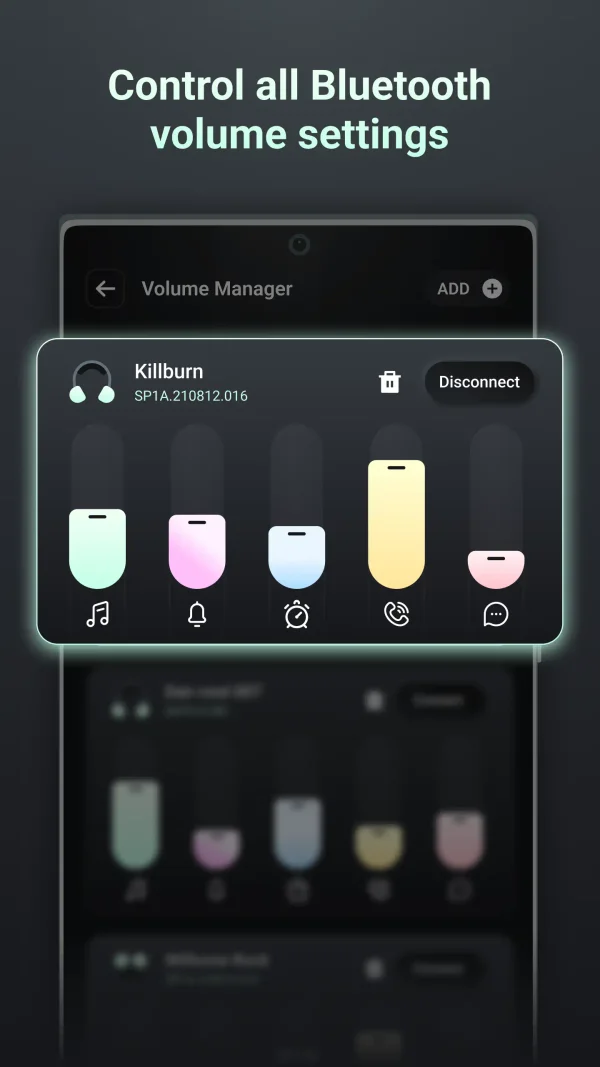
Manage & control volume levels of your Bluetooth device with ease. Just click on the app & set this controller in your device and will show the list of the paired devices on your screen. Customize ringtone, music, alarm, call or notification volume level differently for your Bluetooth device.
Customize your sound like never before! Now you can also manage the equalizer for specific devices and enjoy various types of equalizer options & save your own custom equalizer presets as well.
So, when you connect your Bluetooth device then you can control the volume of the Bluetooth.
App Features :
▪ Control volume of Bluetooth device easily.
▪ Manage equalizer for every Bluetooth Device easily.
▪ Restoring previous volume levels and equalizer when second time you connect the same device.
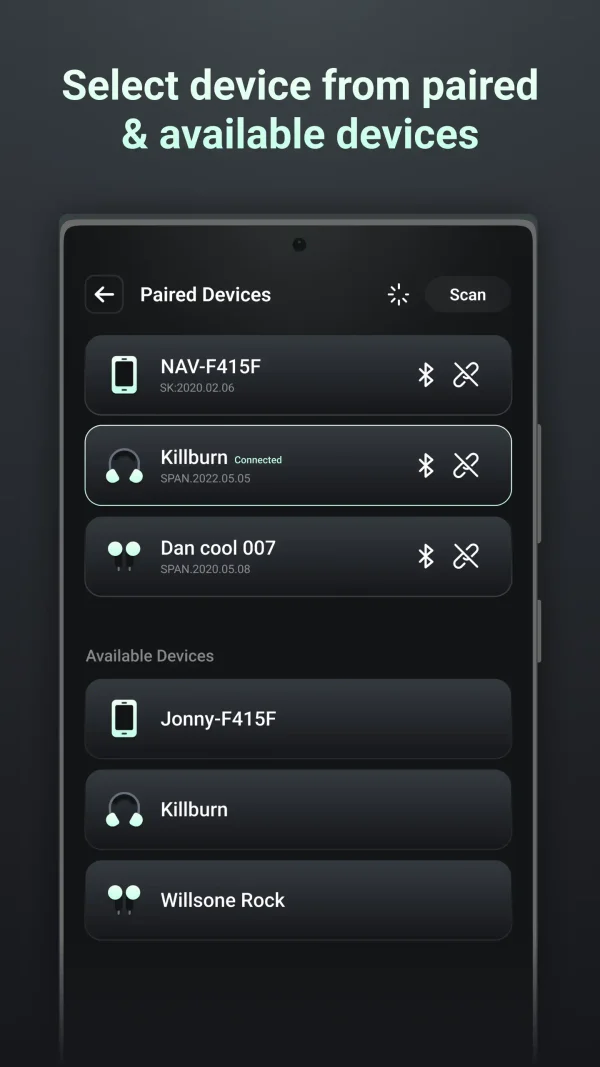
▪ Connect your Bluetooth device by adding on volume manager screen.
▪ Scan and pair Bluetooth device.
▪ Adjust your music, call, ringtone, alarm and notification sounds.
▪ If your Bluetooth device is not paired in mobile then pair your Bluetooth device with the pairing option.
Permission :
▪ LOCATION Permission : This permission is used for scanning nearby Bluetooth devices below Android 12 devices.
▪ BLUETOOTH Permission : This permission is used for scanning and connect nearby Bluetooth devices Android 12 or higher devices
Data safety
What SM Infotech declares on Google Play about the data this app collects and shares.
- No data shared with third partiesLearn more about how developers declare sharing
- No data collectedLearn more about how developers declare collection
- Data isn’t encrypted
- Data can’t be deleted
Developer contact
- Websitewe00f12f5.app-ads-txt.com
- Emailsamadhiyala.mandal@gmail.com
- Privacy policycloudsync.xyz
- AddressPLOT 144,LAXMI SOCIETY KATARGAM, SURAT CITY, Gujarat 395004 India
Information
- Offered by
- SM Infotech
- Category
- Tools
- Version
- 1.1.4
- Updated
- Aug 19, 2026
- Released
- Jul 29, 2022
- Requires
- Android 6.0 or later
- Age rating
- Everyone
- Price
- Free
- In-app purchases
- $9.49 per item
- Package name
- com.sm.bluetoothvolume