BMO Digital Banking (US)
BMO Bank National Association- EveryoneAge rating
- FinanceCategory
- Sep 30, 2026Updated
- FreePrice
Links to the official Google Play listing of com.bmoharris.digital. Last checked on Nov 20, 2026.

Screenshots


About this app
With BMO Digital Banking, it's easy to do your banking online, anywhere, anytime
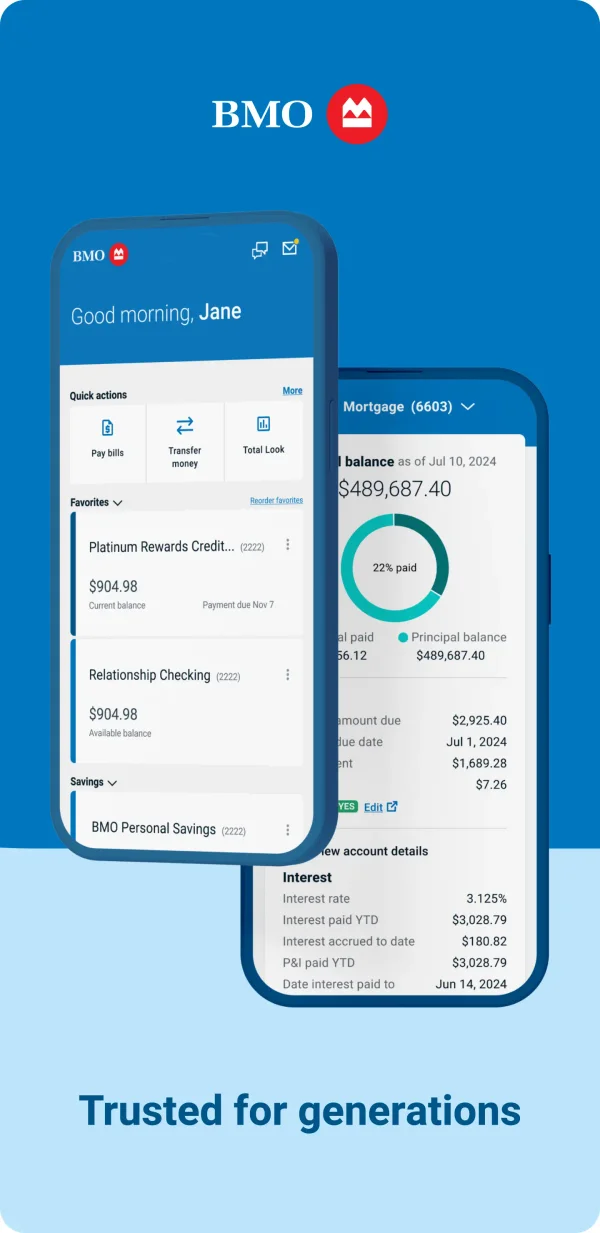
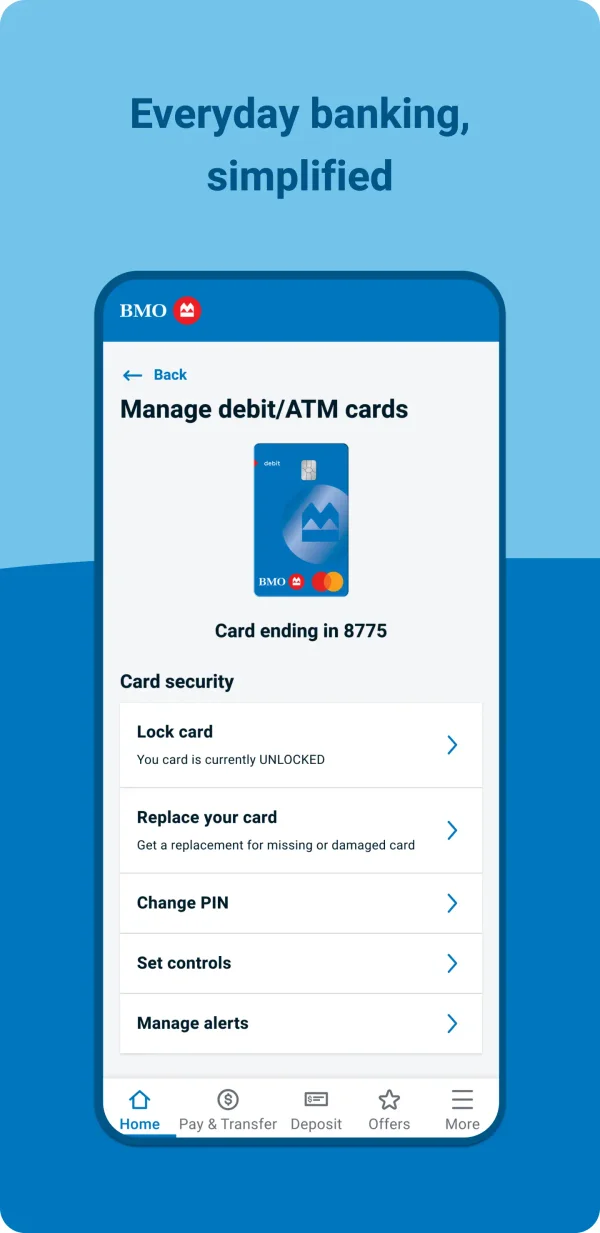
Bank on the go from your iPhone® anywhere, anytime with the BMO Digital Banking app. We’ve updated the design for a cleaner look that’s even more convenient to use! It’s secure¹ and super easy to:
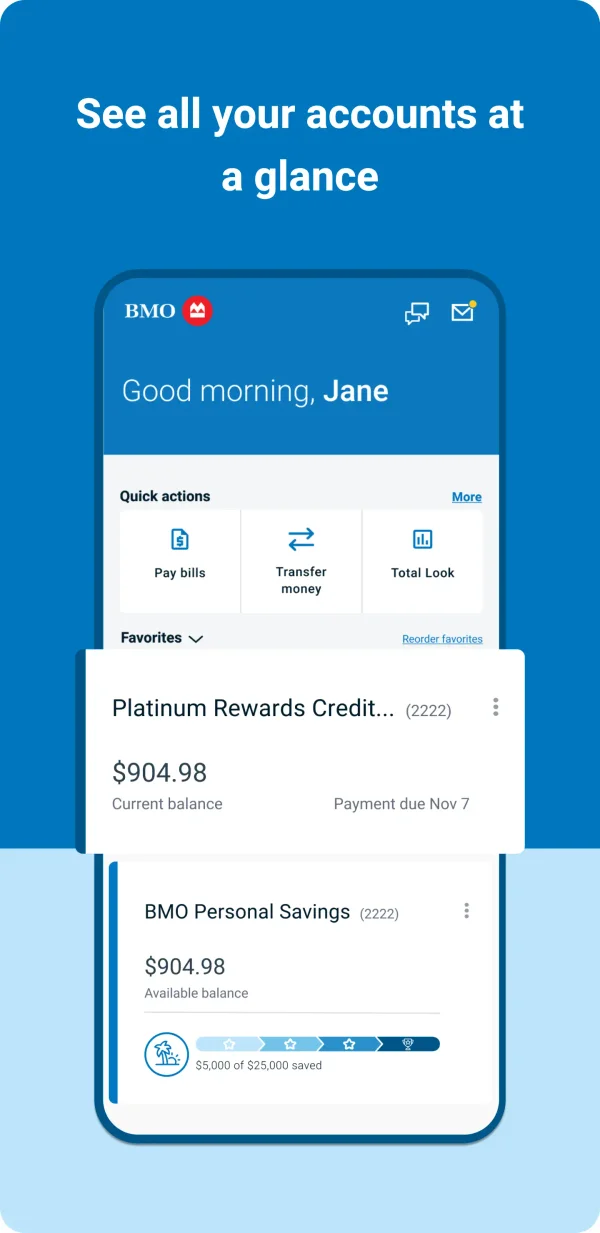
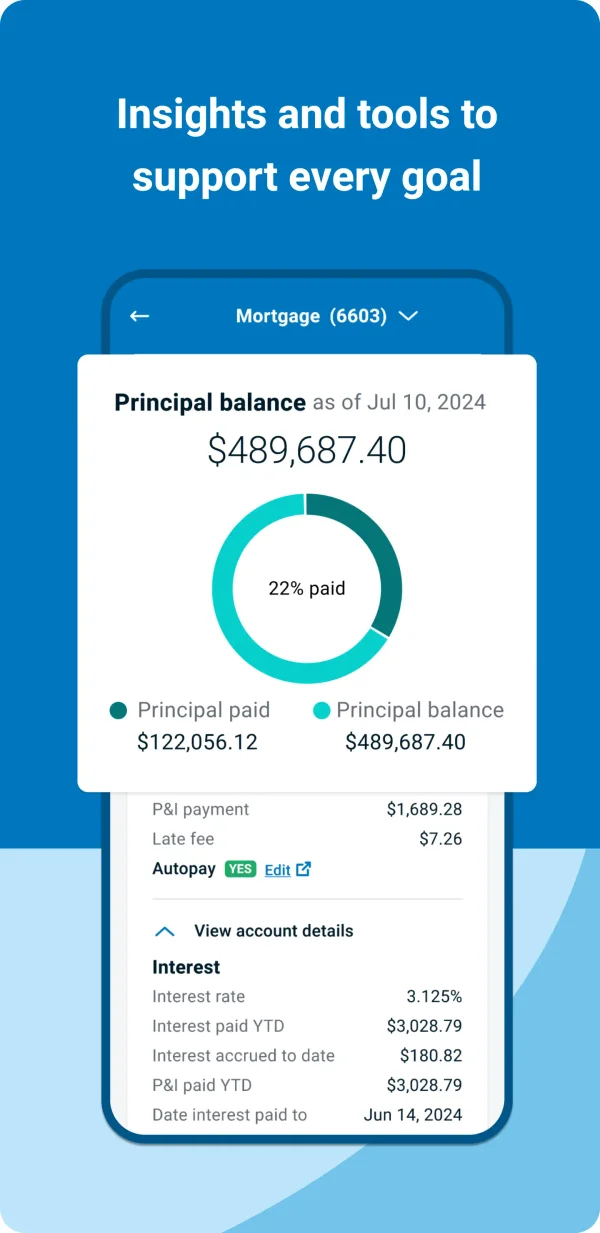
• View account balances and activity
• Sign on even faster using Face ID®
• Access your credit card account alongside your other BMO accounts
• Send money to friends and family with a bank account in the U.S. with Zelle®
• Track your accounts – even if they’re not with us – with BMO Total Look
• Transfer money between your BMO accounts²
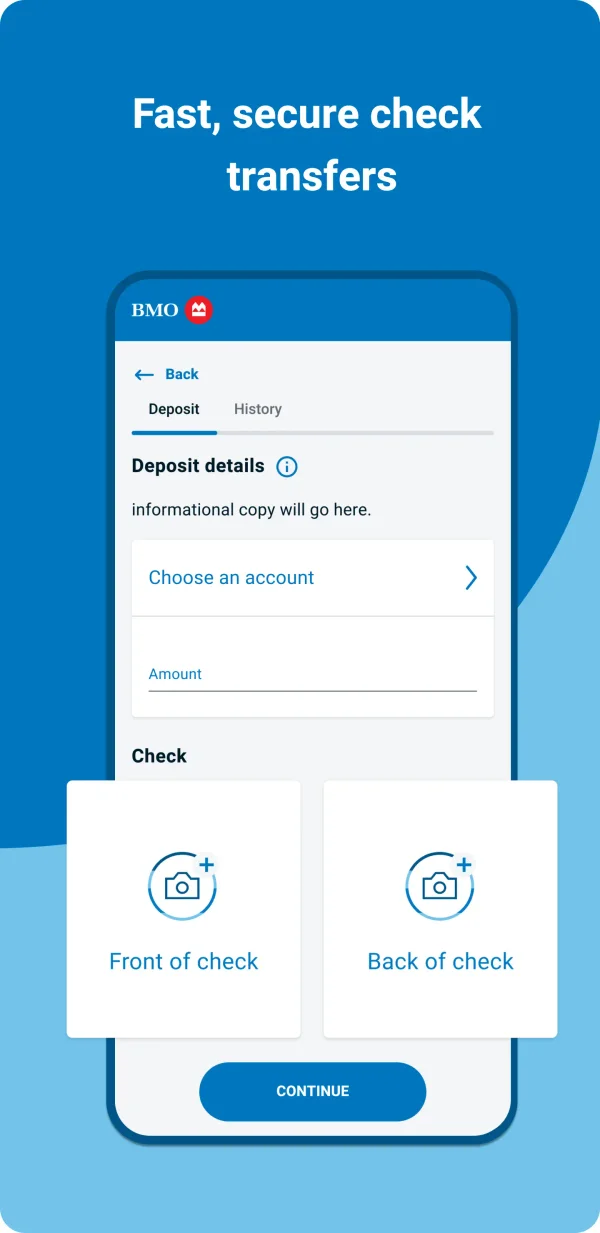
• Deposit checks by taking a picture with your iPhone® camera³
• Schedule and manage bill payments
• Turn your debit or ATM card on and off and get real time alerts⁴ – with BMO Card Monitor
Visit bmo.com/usmobile to learn more.
¹ Please visit bmo.com/us/security for more details.
² If you make an Internal Transfer on a weekend or holiday, we’ll credit the payment the same day, but we’ll post the payment on the next Business Day.
³ Mobile Deposit is available using the BMO Digital Banking app. This service may not function on older devices. Users must be a BMO Digital Banking customer with a BMO account opened for more than 5 calendar days. Deposits are not immediately available for withdrawal. For details, see the BMO Digital Banking Agreement found at bmo.com/uslegal.
⁴ Message and data rates may apply. Contact your wireless carrier for details.
Accounts are subject to approval. BMO Bank N.A. Member FDIC
Third party web sites may have privacy and security policies different from BMO. Links to other web sites do not imply the endorsement or approval of such web sites. Please review the privacy and security policies of websites reached through links from BMO web sites.
Copyright 2023, BMO Financial Corp., All Rights Reserved.
iPhone® and Face ID® are trademarks of Apple Inc., registered in the U.S. and/or other countries.
Zelle® and the Zelle® related marks are wholly owned by Early Warning Services, LLC and are used herein under license.
Data safety
What BMO Bank National Association declares on Google Play about the data this app collects and shares.
- This app may share these data types with third partiesFinancial info
- This app may collect these data typesLocation, Personal info and 7 others
- Data is encrypted in transit
- You can request that data be deleted
What’s new
Version 26.9.86 · Sep 30, 2026
We're always working to improve the banking experience, update includes:
• BMO introduces Liquid Trust™ for Small Business
• Personalized offers on checking and savings pages
• Minor bug fixes and performance improvements
Turn on automatic updates so you always bank with the latest features & enhancements!
Developer contact
- Websitebmo.com
- Emailonlineservices@harrisbank.com
- Privacy policybmo.com
- Address320 S Canal St Chicago, IL 60606-5707 United States
Information
- Offered by
- BMO Bank National Association
- Category
- Finance
- Version
- 26.9.86
- Updated
- Sep 30, 2026
- Released
- Jan 20, 2019
- Requires
- Android 10 or later
- Age rating
- Everyone
- Price
- Free
- Package name
- com.bmoharris.digital
Similar apps
-
 Westlake MyAccount
Finance
-
 Till: Debit Card for Kids
Finance
-
 Step: All-In-One Money App
Finance
-
 Cleo AI: Manage Your Money
Finance
-
 DCU Digital Banking
Finance
-
 Frost Bank
Finance
-
 Frec: Tax-aware investing
Finance
-
 Arro: Credit Card & Cash Back
Finance
-
 Stash: Investing made easy
Finance
-
 MyFrontier
Communication
-
 Amex
Finance
-
 Bank of America Mobile Banking
Finance