BMW Bank 2FA App
BMW GROUP- EveryoneAge rating
- FinanceCategory
- Jul 7, 2026Updated
- FreePrice
Links to the official Google Play listing of com.kobil.fis.bmw. Last checked on Nov 27, 2026.
BMW Bank 2FA App may not be available on Google Play right now
The store listing could not be reached the last time we checked. The link still leads to the official Google Play page.
Screenshots

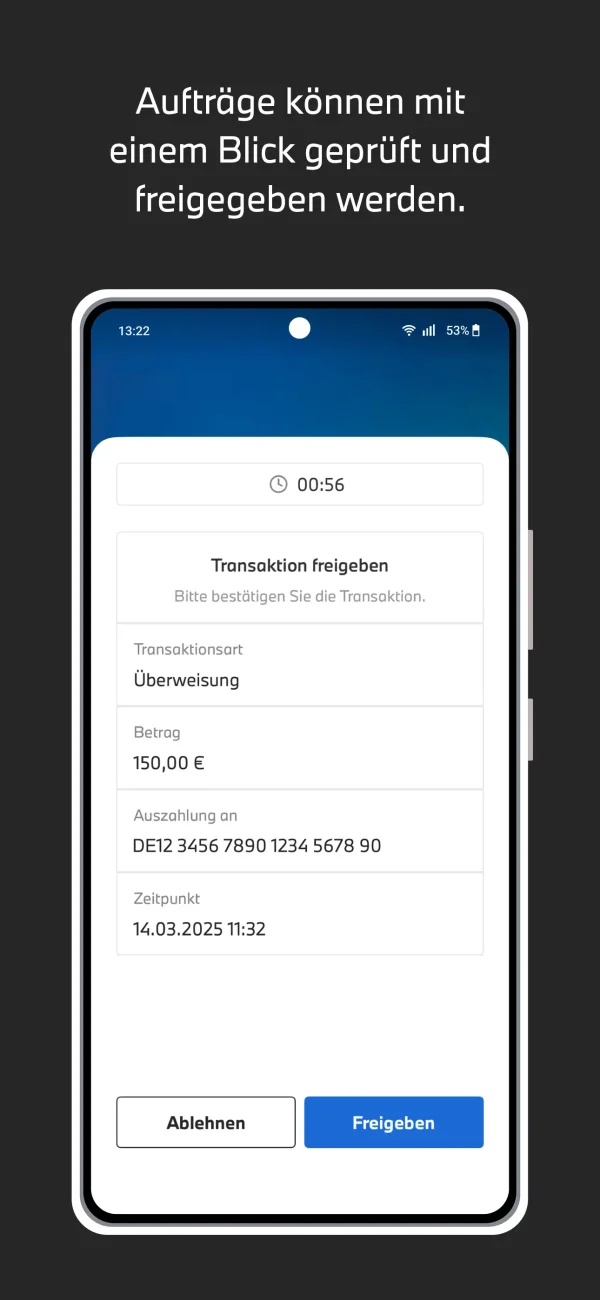
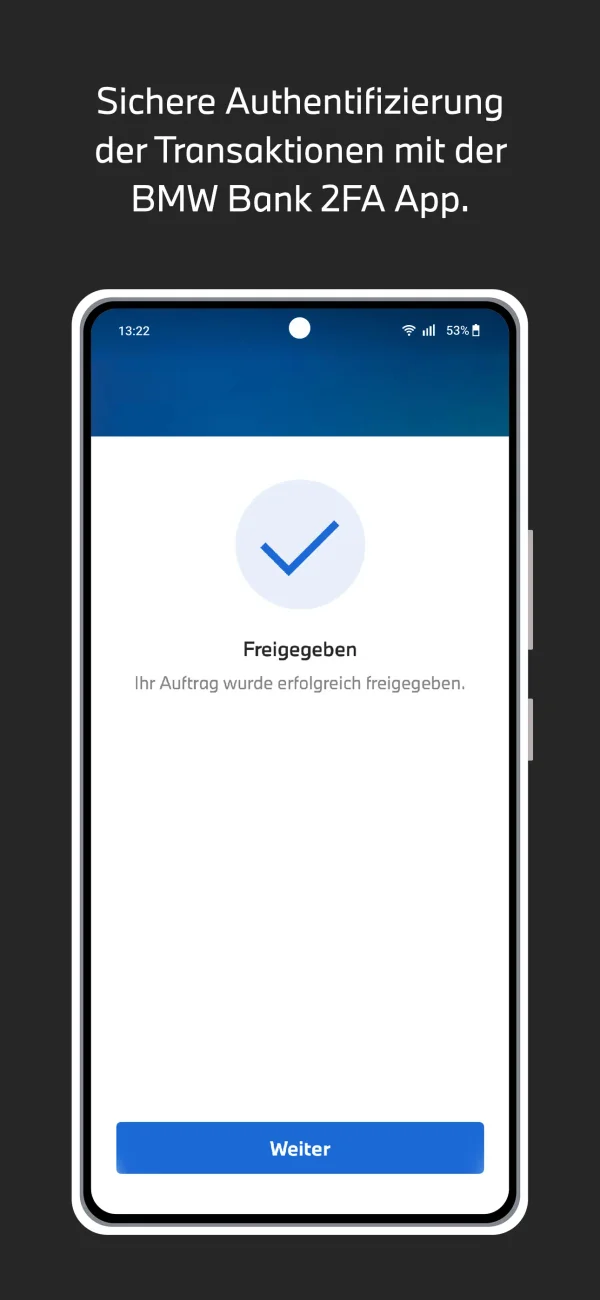
About this app
Automatic translation by Google from German (Germany).
Secure online banking made easy.
BMW Bank 2FA app.
Secure, simple and intuitive: The BMW Bank two-factor authentication app (BMW Bank 2FA app for short) makes your BMW online banking more secure. This will provide you with optimal protection for your account.
TWO-FACTOR AUTHENTICATION FOR MORE PROTECTION
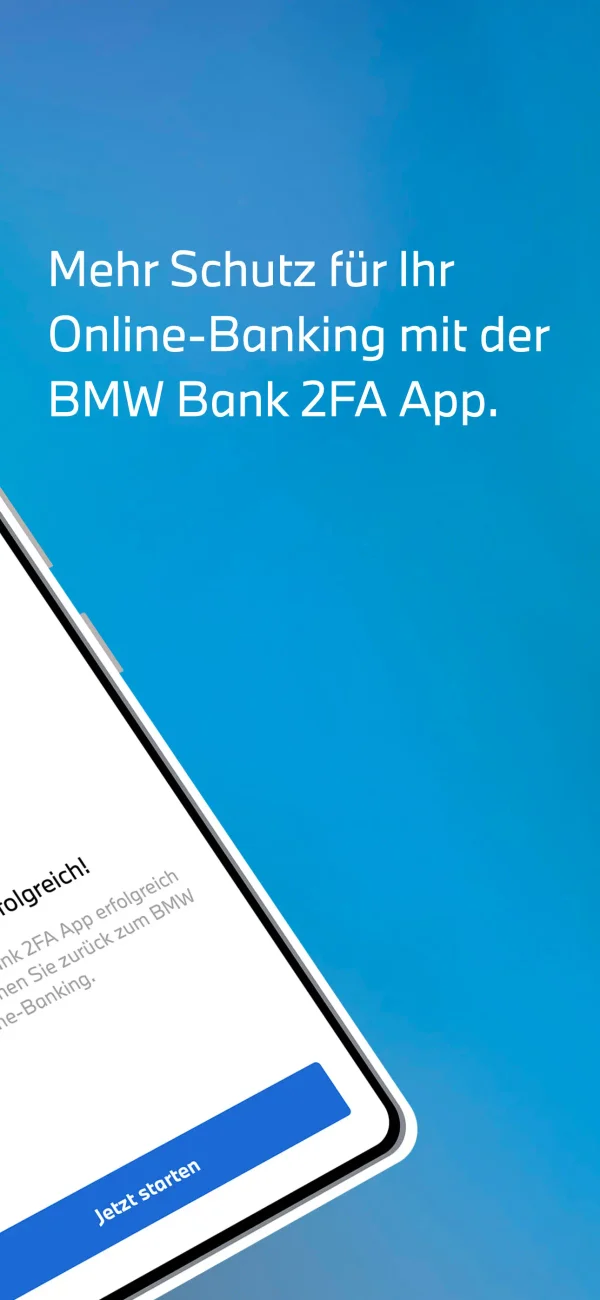
Thanks to two-factor authentication, your BMW online banking remains completely protected. In addition to your password, additional confirmation via the app is required in order to log in and carry out actions such as transfers or standing orders securely. This way you can effectively protect yourself from unwanted access.
QUICK SETUP, EASY TO USE
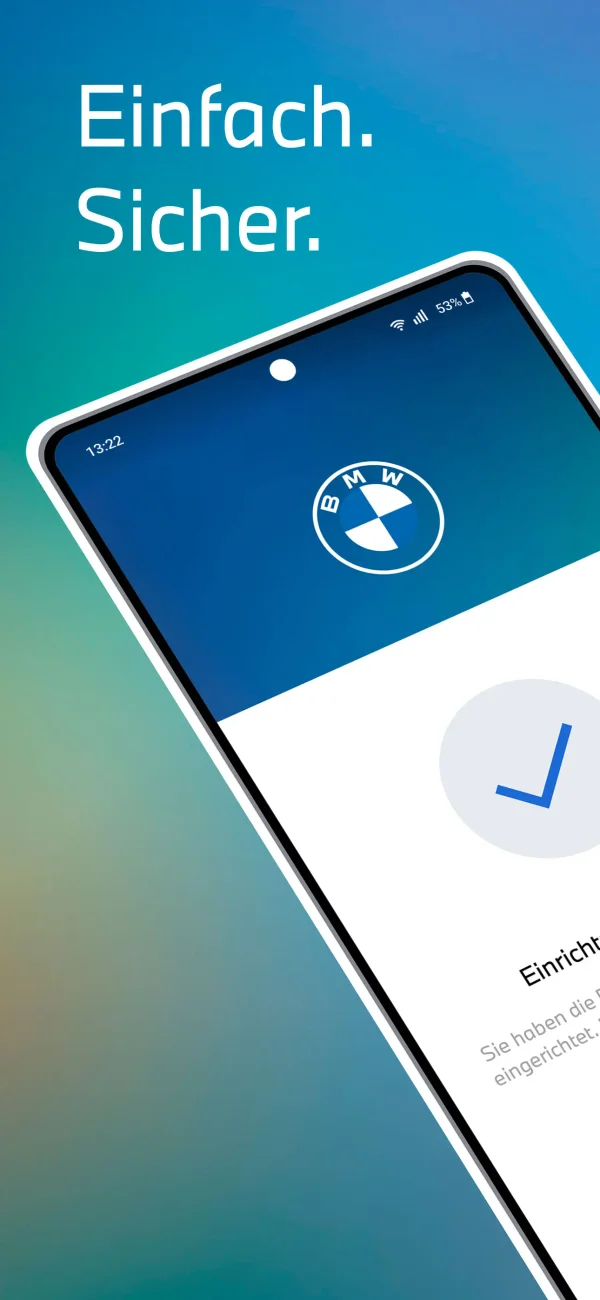
In just three simple steps you can bring the highest level of security to your device and reliably protect your activities.
1. DOWNLOAD APP AND CONNECT ACCOUNT
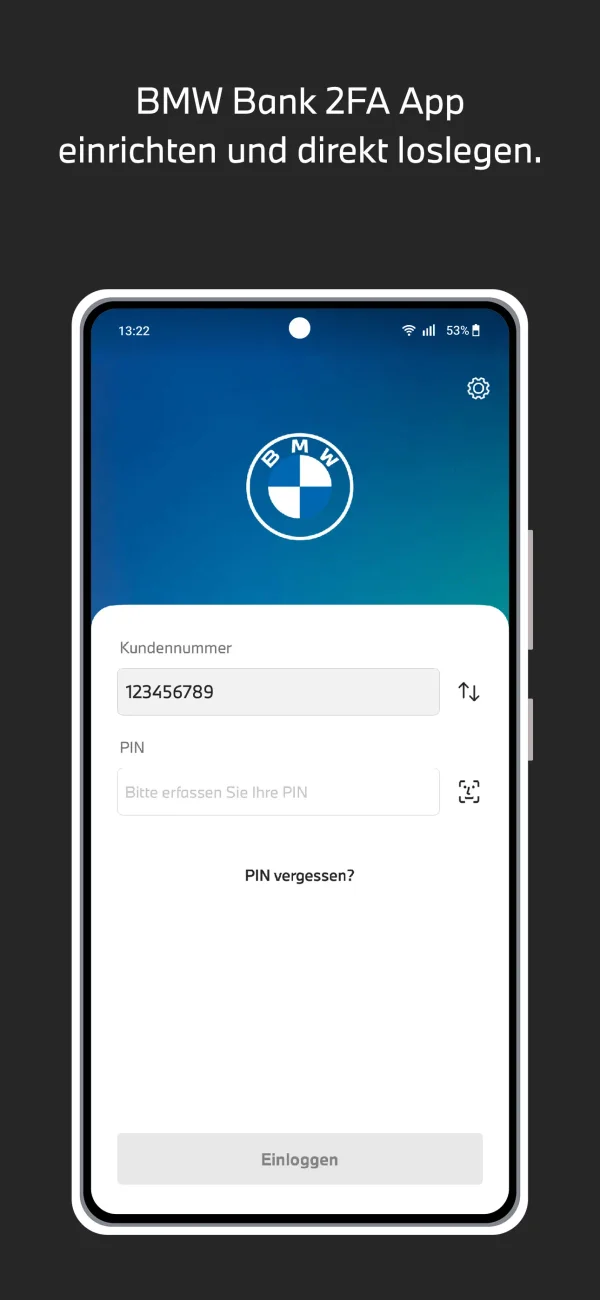
After downloading the app, enter your customer number and activation code. These securely link the BMW Bank 2FA app to your account. Then click “Next”.
2. SET APP PIN
Set a personal PIN for the app. For your safety, we recommend avoiding simple patterns and double digits. On supported devices, you can also unlock the BMW Bank 2FA app with Face ID or Touch ID.
3. GET STARTED WITH SECURE BANKING
After successful setup, you can start directly with your BMW online banking and benefit from comprehensive security and easy operation.
Download the BMW Bank 2FA app now and experience modern, secure online banking.
Show the original text
BMW Bank 2FA App.
Sicher, einfach und intuitiv: Die BMW Bank Zwei-Faktor-Authentifizierungs-App (kurz: BMW Bank 2FA App) macht Ihr BMW Online-Banking sicherer. Damit schützen Sie Ihr Konto optimal.
ZWEI-FAKTOR-AUTHENTIFIZIERUNG FÜR MEHR SCHUTZ
Dank der Zwei-Faktor-Authentifizierung bleibt Ihr BMW Online-Banking rundum geschützt. Neben Ihrem Passwort ist eine zusätzliche Bestätigung über die App notwendig, um sich anzumelden und Aktionen wie Überweisungen oder Daueraufträge sicher durchzuführen. So schützen Sie sich effektiv vor unerwünschtem Zugriff.
SCHNELLE EINRICHTUNG, EINFACHE BEDIENUNG
In nur drei einfachen Schritten bringen Sie die höchste Sicherheitsstufe auf Ihr Device und schützen Ihre Aktivitäten zuverlässig.
1. APP HERUNTERLADEN UND KONTO VERBINDEN
Nach dem Download der App geben Sie Ihre Kundennummer und den Aktivierungscode ein. Diese verknüpfen die BMW Bank 2FA App sicher mit Ihrem Konto. Klicken Sie dann auf „Weiter“.
2. APP-PIN FESTLEGEN
Legen Sie eine persönliche PIN für die App fest. Für Ihre Sicherheit empfehlen wir, einfache Muster und doppelte Ziffern zu vermeiden. Auf unterstützten Geräten können Sie die BMW Bank 2FA App zudem mit Face ID oder Touch ID entsperren.
3. LOSLEGEN MIT SICHEREM BANKING
Nach erfolgreicher Einrichtung starten Sie direkt in Ihr BMW Online-Banking und profitieren von umfassender Sicherheit und einfacher Bedienung.
Laden Sie die BMW Bank 2FA App jetzt herunter und erleben Sie modernes, sicheres Online-Banking.
Data safety
What BMW GROUP declares on Google Play about the data this app collects and shares.
- No data shared with third partiesLearn more about how developers declare sharing
- No data collectedLearn more about how developers declare collection
What’s new
Version 1.2.5 · Jul 7, 2026
Unterstützung für Passwort‑Manager
Developer contact
- Websitebmwbank.de
- Emailbmw.bank@bmw.de
- Privacy policybmwbank.de
- AddressPetuelring 130 80809 München Germany
Information
- Offered by
- Google Commerce Ltd
- Category
- Finance
- Version
- 1.2.5
- Updated
- Jul 7, 2026
- Released
- Apr 28, 2025
- Requires
- Android 8.0 or later
- Age rating
- Everyone
- Price
- Free
- Package name
- com.kobil.fis.bmw