Body Shape Editor: Body Filter
CardsContains ads · In-app purchases
- EveryoneAge rating
- EntertainmentCategory
- Oct 2, 2026Updated
- FreePrice
Links to the official Google Play listing of com.fullauderyscanner.fullbodycanner. Last checked on Nov 26, 2026.

Screenshots
About this app
Retouch your photos with Body Shaper: Acne Remover
Body Shape Editor: Body Filter - Shape your photo edits!
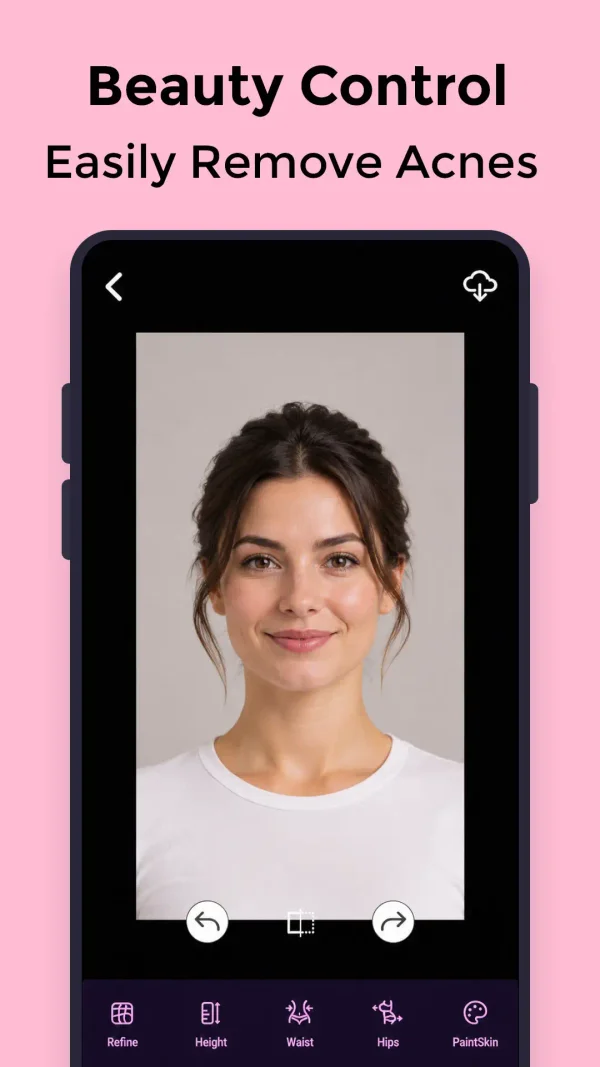
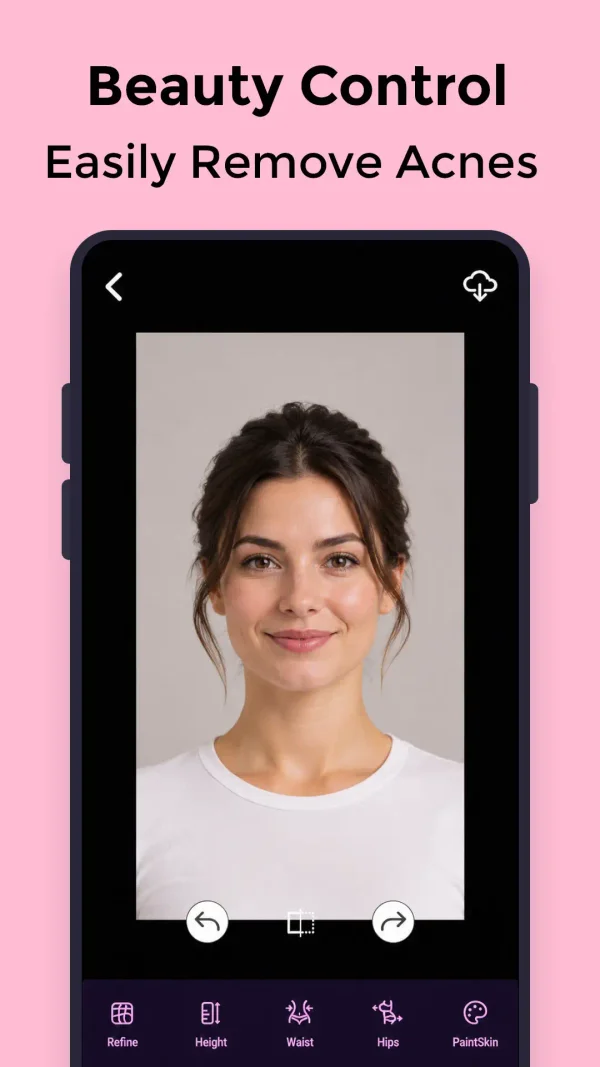
Explore changes to portraits and full-body pictures with tools for reshaping and retouching. Work with a camera photo or an image from your gallery, then choose the adjustments that suit your creative idea.Use Body Shaper: Acne Remover to work on visible blemishes and marks in a picture. Your edits change the image, giving you room to experiment with its appearance.
App Features:
📷Start with a photo from your camera or phone gallery;
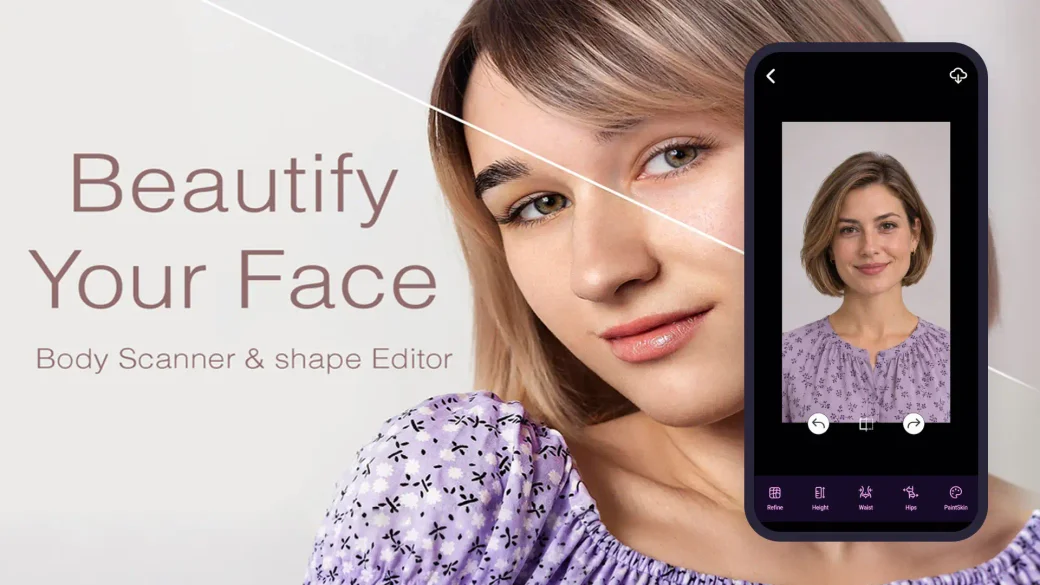
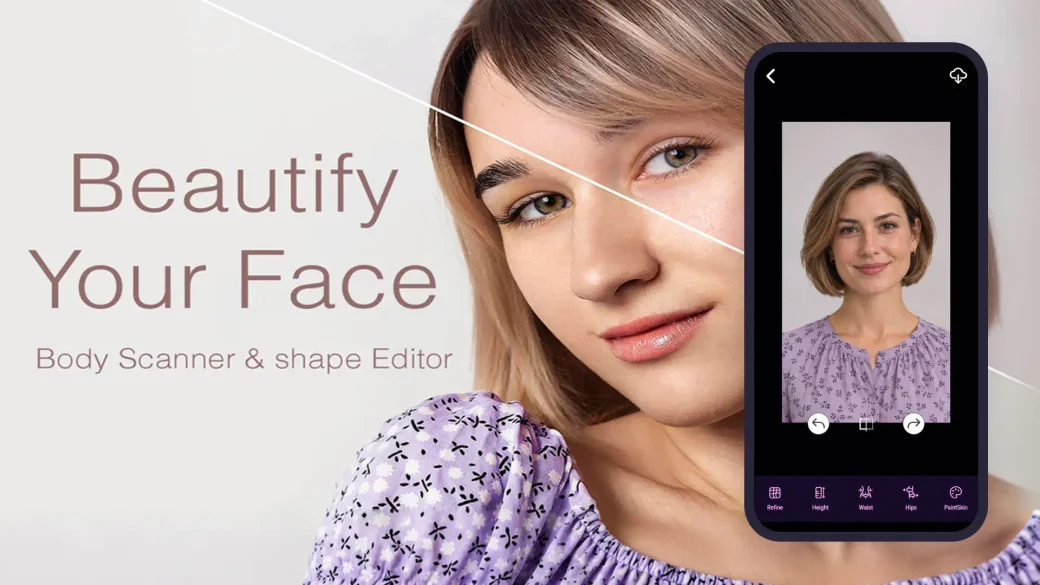
✨Face Editor: Beauty Filter brings face and nose adjustments into your photo workflow;
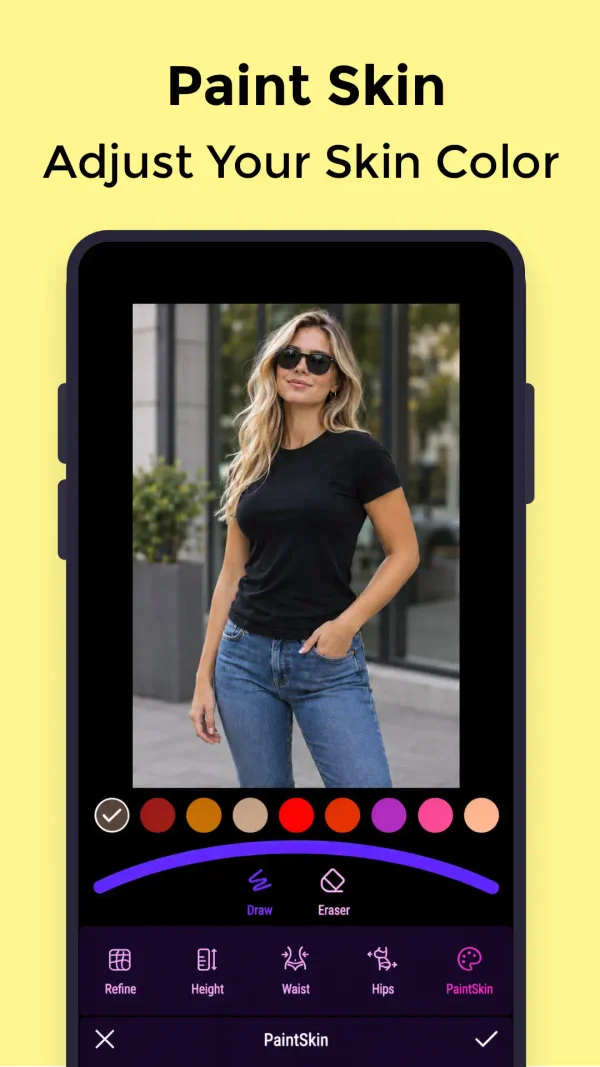
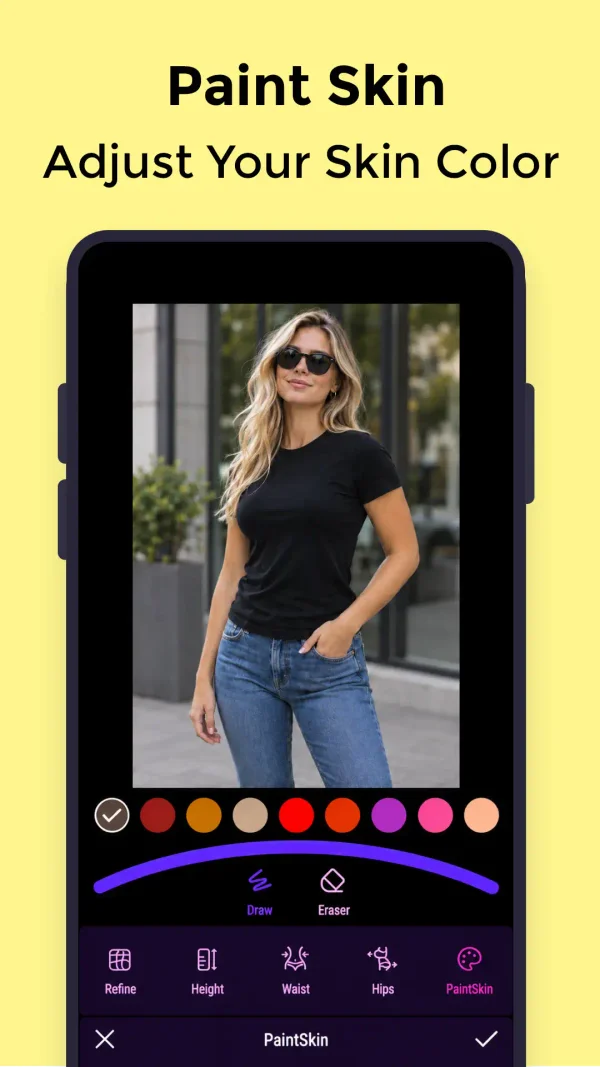
🖌️Explore Body Retouch techniques through the app's available reshaping options;
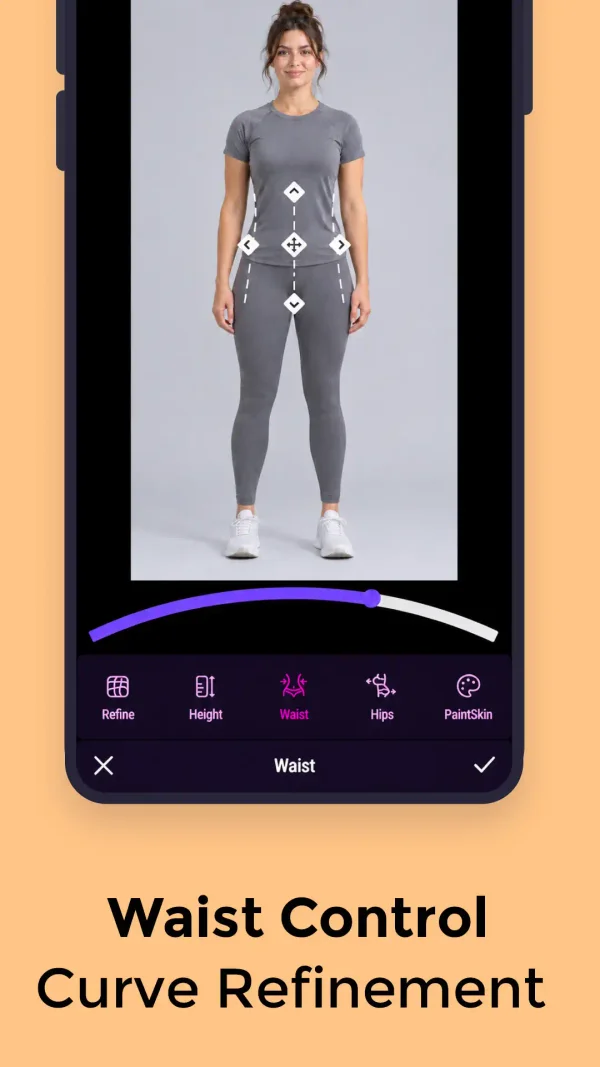
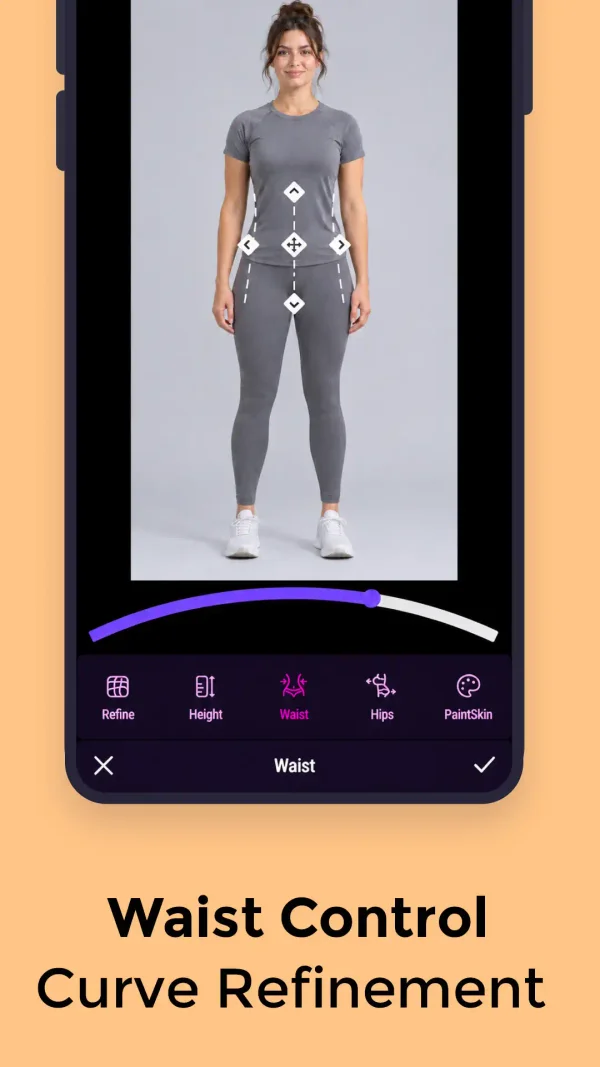
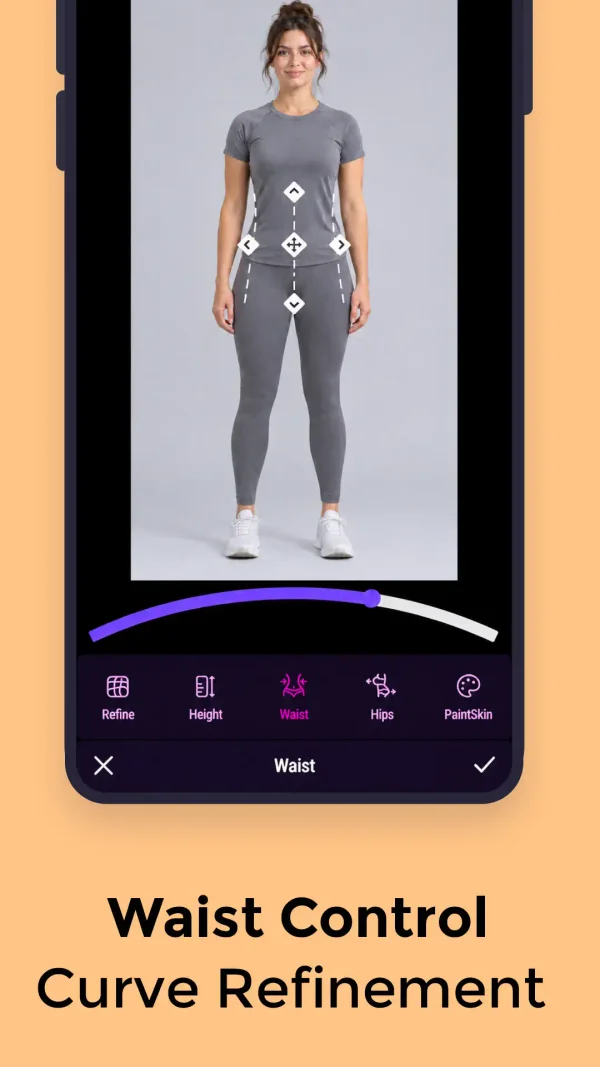
📐Reshape Body Editor lets you adjust the appearance of areas such as the waist, hips and legs;
💪Edit Body Photo Editor supports changes to the look of muscles and abdominal definition;
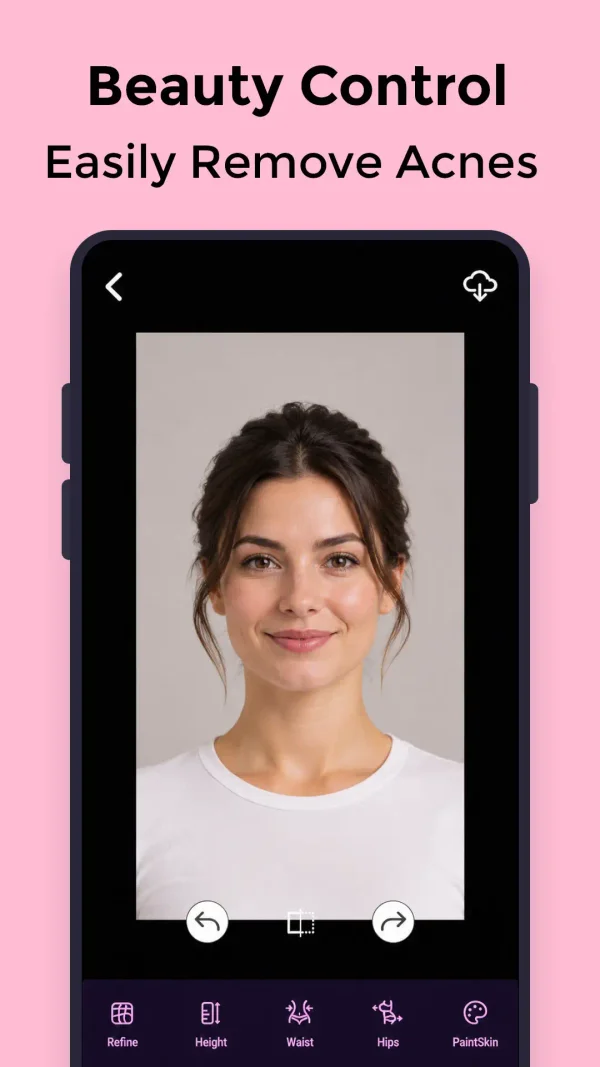
🔍Work on acne, marks and visible tattoos in your photos;
✂️Crop, rotate or adjust focus as part of your edit;
🎨Add stickers and explore collage templates for your pictures;
💾Save the finished image to your gallery or share it with others;
Build the look one adjustment at a time!
With Body Shape Editor: Body Filter, you can explore a slimmer waist, a different leg width or changed proportions within a photograph. Take time to look at the complete picture rather than concentrating on one area alone.Approach Body Retouch as a creative photo-editing process. Small adjustments can be easier to evaluate against the surrounding details, especially when clothing or background lines sit close to the area you are changing.
How To Use:
📲Open the app and select a camera or gallery photo;
📐Choose the area you want to work on in Reshape Body Editor;
✨Use Face Editor: Beauty Filter for the face adjustments you want;
🖌️Work on visible marks with Body Shaper: Acne Remover;
✂️Crop or rotate your picture if its framing needs attention;
👀Review your changes and check the surrounding photo details;
💾Save the result to your gallery or choose a sharing option;
📷Portrait details:Bring attention to the areas you want to edit with Face Editor: Beauty Filter. Adjust the appearance of the nose or face, and consider how each change fits the rest of the portrait.
📐Proportions in pictures:Explore height and limb-length changes with Reshape Body Editor. These tools are for changing the appearance of a photograph, not for measuring or changing your actual body.
🖌️Retouching choices:Use Body Shaper: Acne Remover when you want to work on blemishes in a selfie. Review the finished area in context, keeping the amount of retouching suited to the picture you want to create.
🎨A finished composition:Go beyond a single shape adjustment with Edit Body Photo Editor. Stickers, framing changes and collage templates give you other ways to organize a picture for a post or story.
🔎Review before sharing:Keep your Body Retouch choices intentional and check the result before showing it to others. When editing another person's picture, respect their permission and how they want to be represented.
Disclaimer:This app edits photos for entertainment purposes. It is not a body scanner.
Make room for creative photo experiments!
Use Edit Body Photo Editor to explore a different look and save the version you prefer. Body Shape Editor: Body Filter keeps the focus on the pictures you choose to create.Data safety
What Cards declares on Google Play about the data this app collects and shares.
- This app may share these data types with third partiesDevice or other IDs
- No data collectedLearn more about how developers declare collection
- Data is encrypted in transit
- Data can’t be deleted
Developer contact
- Websitecardsapp.com
- Emailsupport.bodyshapeeditor@cardsapp.com
- Privacy policycardsapp.com
- Address1 Atirei Yeda KFAR SABA, 4464301 Israel
Information
- Offered by
- Cards
- Category
- Entertainment
- Version
- 1.10
- Updated
- Oct 2, 2026
- Released
- Apr 17, 2021
- Requires
- Android 7.0 or later
- Age rating
- Everyone
- Price
- Free
- In-app purchases
- $0.99 - $99.99 per item
- Package name
- com.fullauderyscanner.fullbodycanner