Bubble Level app - Level tool
Galaxy studio appsContains ads · In-app purchases
- EveryoneAge rating
- ToolsCategory
- Oct 27, 2026Updated
- FreePrice
Links to the official Google Play listing of oops.bubblelevel. Last checked on Nov 28, 2026.
Screenshots

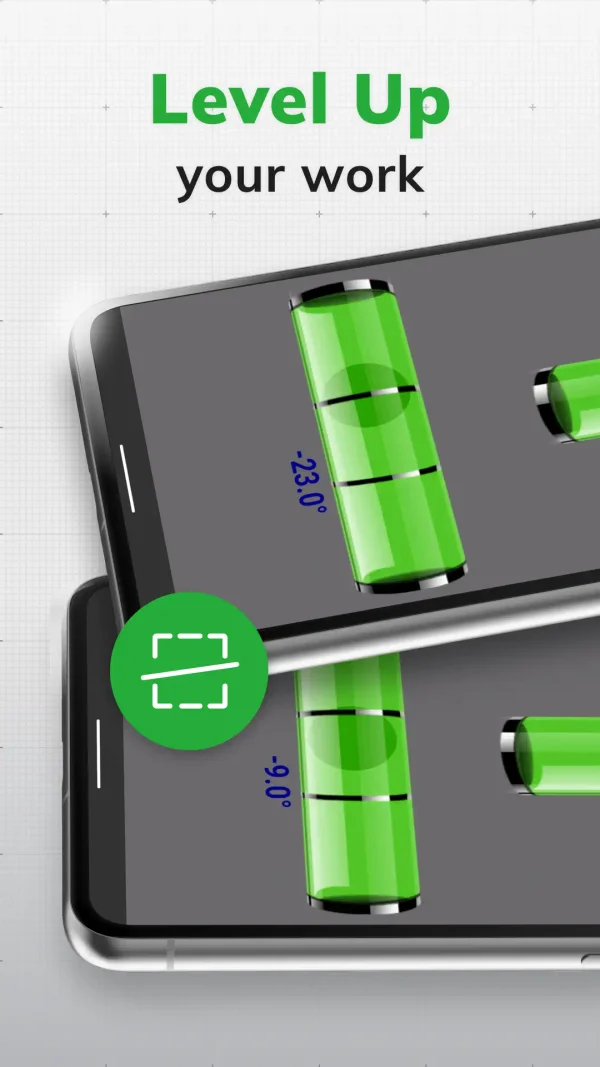
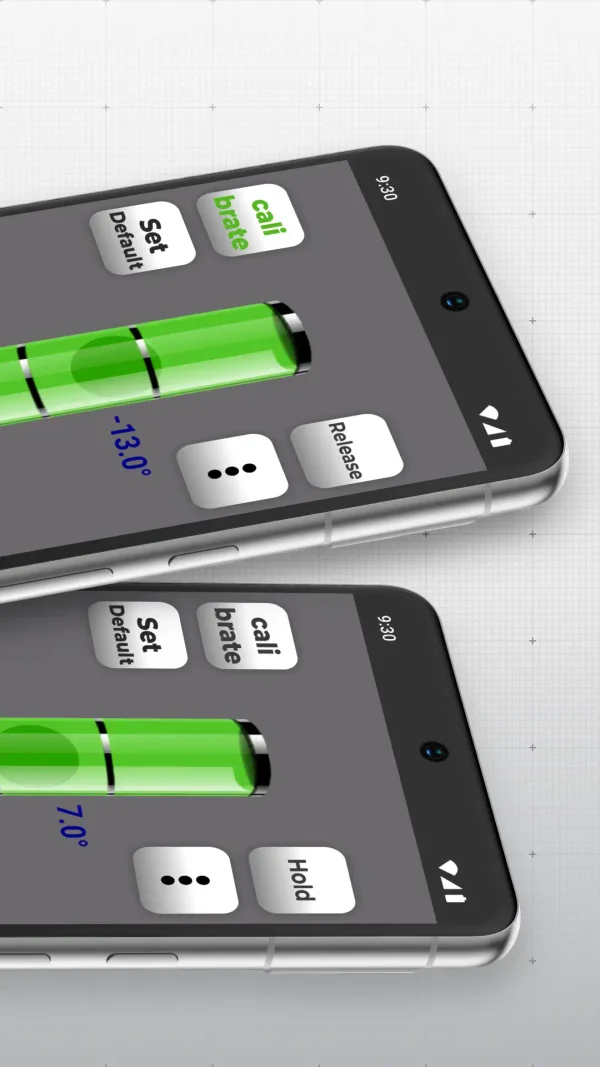
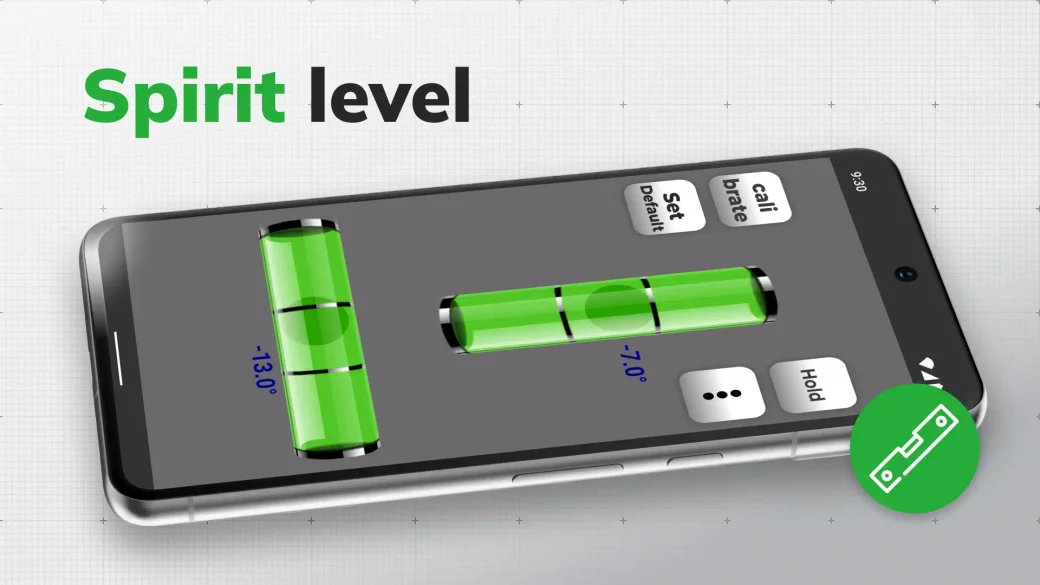
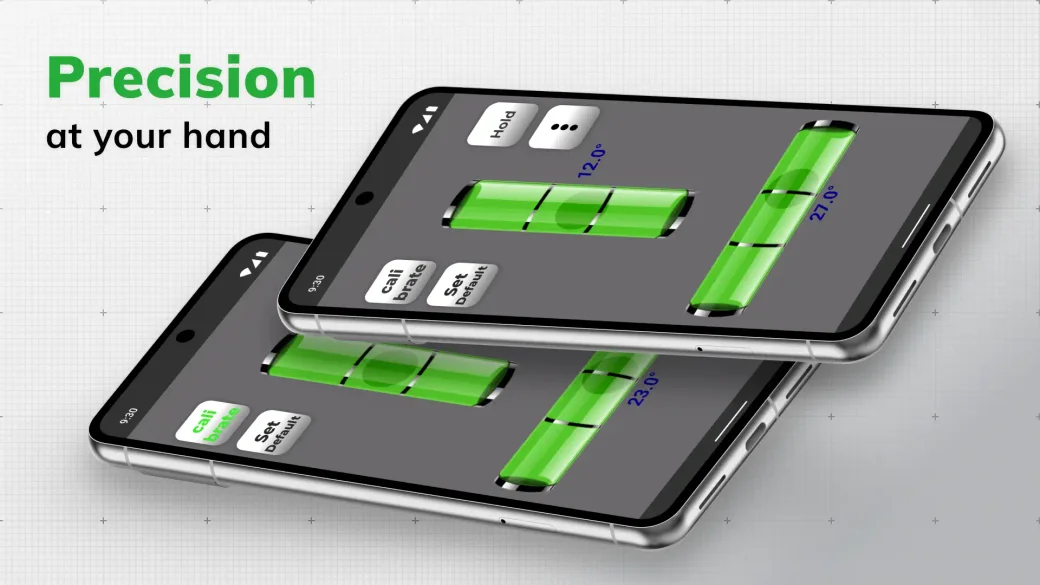
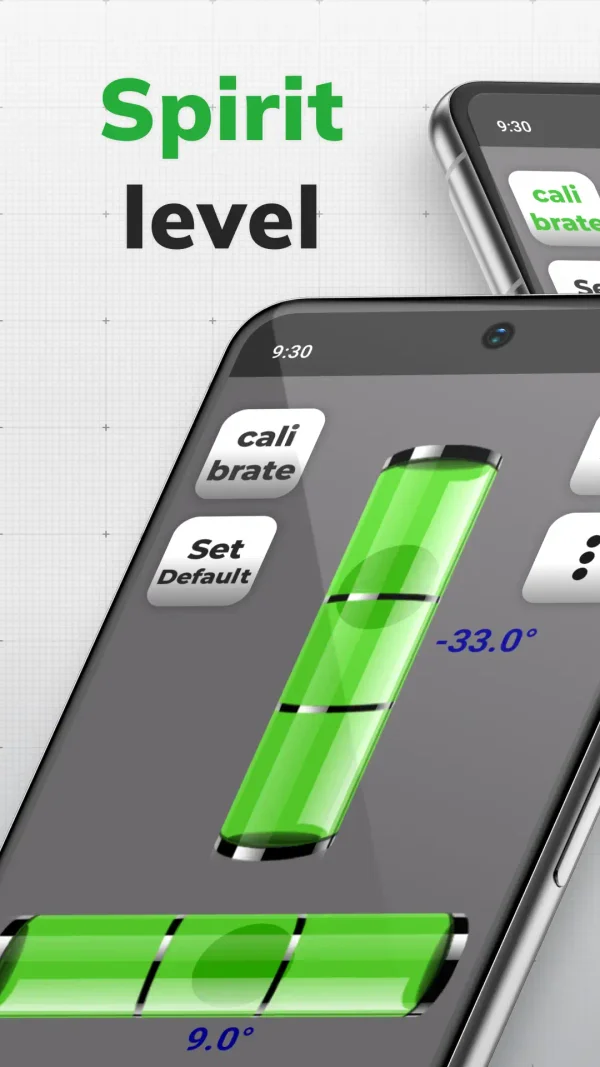
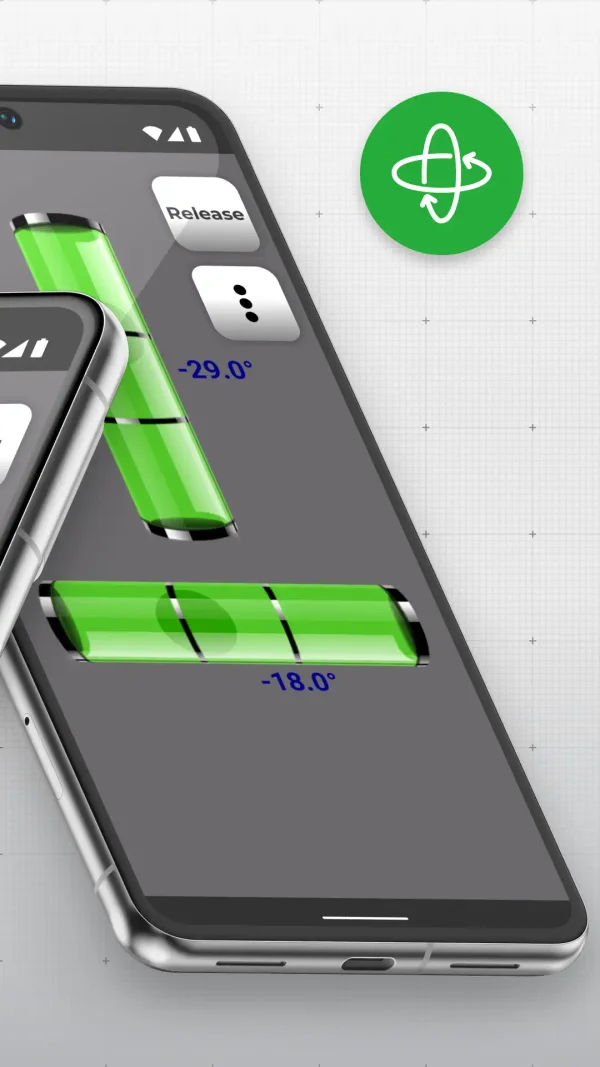
About this app
Check horizontal and vertical alignment with a bubble level and inclinometer.
📐 Bubble Level and Inclinometer - A Handy Leveling Tool
Need to check whether a shelf is straight, a picture frame is aligned, or a surface is level? Turn your phone into a convenient bubble level and inclinometer. This easy-to-use leveling tool helps you check horizontal and vertical alignment and view the angle of a surface in degrees. Keep it nearby for small adjustments around the home, woodworking projects, and everyday tasks.
📏 Check Levels with Your Phone
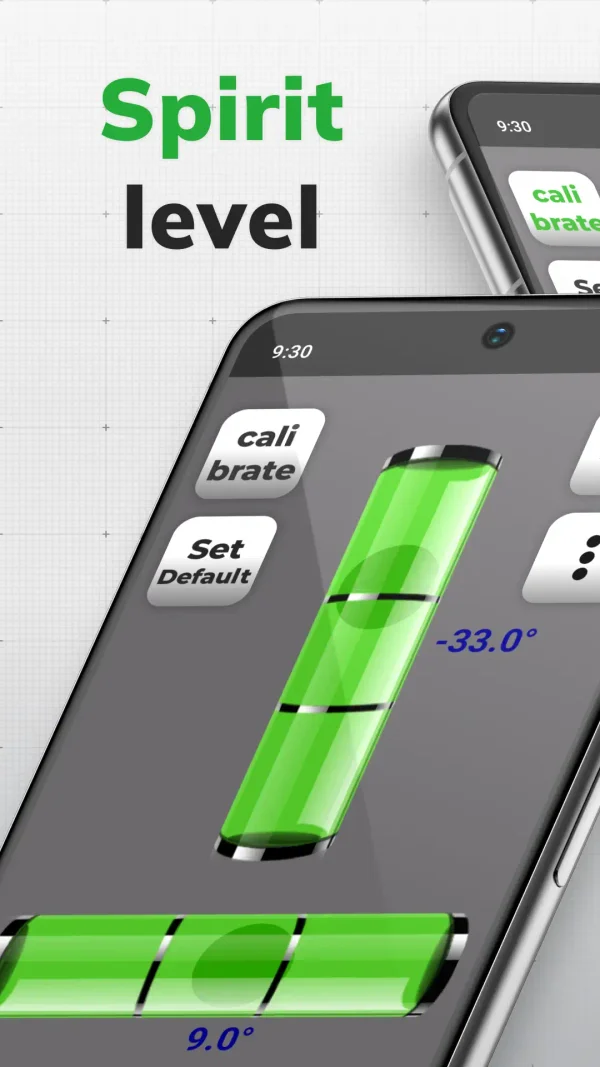
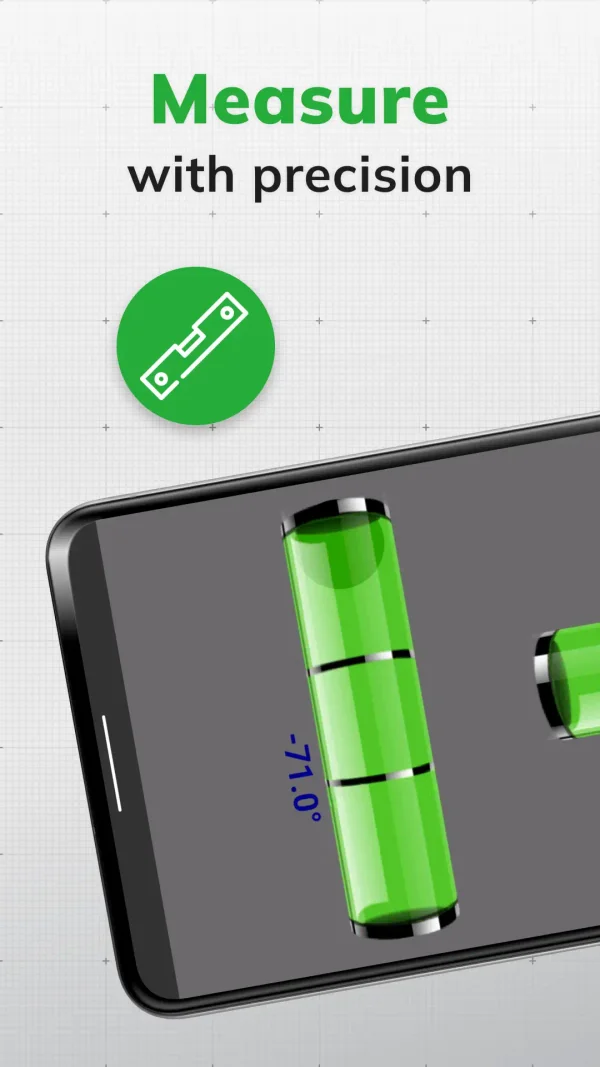
The app uses your phone's built-in orientation sensors to show how a surface is tilted. Place your device on a suitable flat surface or hold its straight edge against the item you want to check. Watch the on-screen bubbles move as you adjust the position. When the bubbles sit between the center guide lines, you have a visual reference for alignment.
The display makes it simple to follow changes in the angle without switching to a separate measuring device for every small job. You can check an object from more than one position, whether you are looking at a horizontal surface or a vertical edge.
🔧 What You Can Do
✅ Check horizontal alignment - See whether a table, shelf, or other flat surface is level.
✅ Check vertical alignment - Use the level indicator when positioning frames or checking upright edges.
✅ Read angles in degrees - View the inclination of your phone for tasks that involve measuring a tilt.
✅ Follow the bubble indicator - Adjust the object until the bubbles move toward the center marks.
✅ Use familiar controls - A clear display helps you focus on the object you are aligning.
🏠 Useful Around the Home and Workshop
Hanging a picture? Positioning a wall shelf? Putting together a piece of furniture? Use the bubble level to help you make small adjustments while you work. It can also be useful for checking a billiard table, setting up a work surface, aligning a cabinet, or reviewing a slope before a home project.
For carpentry and do-it-yourself projects, the inclinometer offers a quick way to inspect the angle of an object. The horizontal and vertical level views help you decide which side needs adjustment. Whether you are working on a weekend project or straightening something in a room, your phone can provide a convenient visual guide.
📱 Simple to Use
Open the app and place your phone securely against the surface you want to inspect. Let the indicator settle, then adjust the position while observing the bubbles and degree reading. Repeat the check from another edge or location when needed. Keep the phone stable and avoid pressing on its buttons or an uneven case while taking a reading.
⚠️ A Note About Measurements
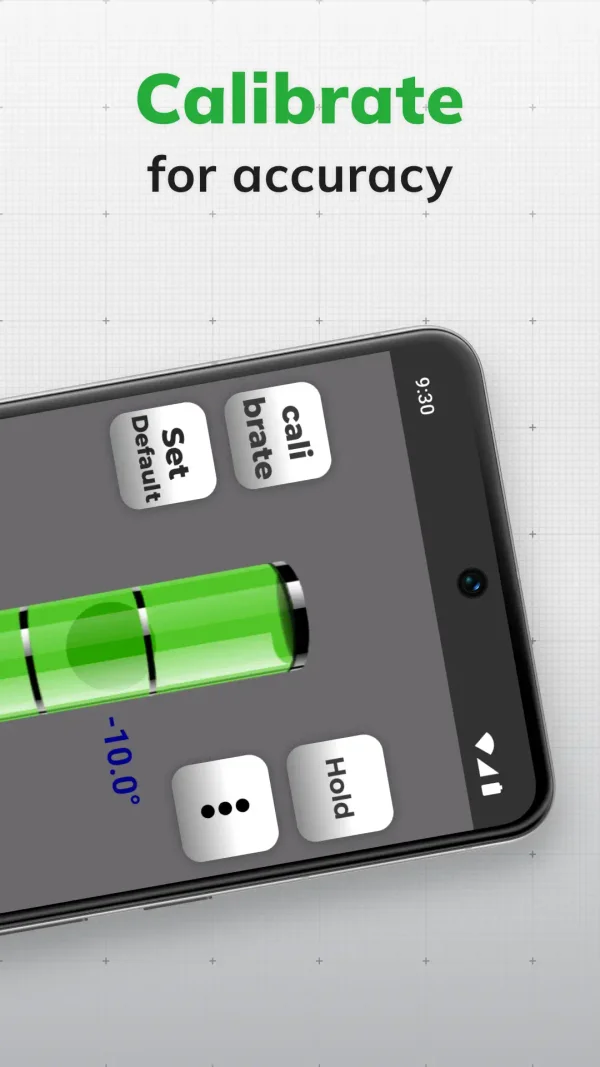
Results depend on the sensors and physical shape of your device. Sensor calibration, a raised camera, a protective case, or an uneven surface may affect readings. Some phones may show small differences, and a defective sensor can produce misleading results. For work that requires certified accuracy or has safety implications, verify measurements with an appropriate physical instrument.
📥 Keep a Leveling Tool Close
From picture frames and shelves to furniture and small repairs, Bubble Level puts a level indicator and an angle reading on your phone. Install the app and use it whenever you want a convenient way to check alignment or inclination.
Data safety
What Galaxy studio apps declares on Google Play about the data this app collects and shares.
- This app may share these data types with third partiesDevice or other IDs
- No data collectedLearn more about how developers declare collection
- Data is encrypted in transit
- Data can’t be deleted
What’s new
Version 16.1.0 · Oct 27, 2026
Improvements
Developer contact
- Websitegalaxystudioapps.me
- Emailsupport.spiritlevel@galaxystudioapps.me
- Privacy policygalaxystudioapps.me
- Address8 The Grn Ste 4184 Dover, DE 19901-3618 United States
Information
- Offered by
- Galaxy studio apps
- Category
- Tools
- Version
- 16.1.0
- Updated
- Oct 27, 2026
- Released
- Sep 25, 2013
- Requires
- Android 5.0 or later
- Age rating
- Everyone
- Price
- Free
- In-app purchases
- $0.99 - $99.99 per item
- Package name
- oops.bubblelevel
Similar apps
-
 Rheem EcoNet
Lifestyle
-
 Narwal
Tools
-
 Resideo Connect
Lifestyle
-
 Crossover Health
Health & Fitness
-
 PSI Test Prep
Education
-
 Lotus Lantern
Tools
-
 WATERROWER Connect
Health & Fitness
-
 Shaka Guide | GPS Audio Tours
Travel & Local
-
 Compass & Altimeter
Tools
-
 myNoise - The Soundscape App
Health & Fitness
-
 SimplyWise Cost Estimator
Business
-
 Moultrie
Sports