Calculator - unit converter
Mobile, ASUSTek Computer Inc.- EveryoneAge rating
- ProductivityCategory
- Feb 15, 2019Updated
- FreePrice
Links to the official Google Play listing of com.asus.calculator. Last checked on Nov 29, 2026.

Screenshots

About this app
Your most simple, handy, and stylish calculator with unit converter!
Calculator is now available for all Android devices running version 4.1 and above!
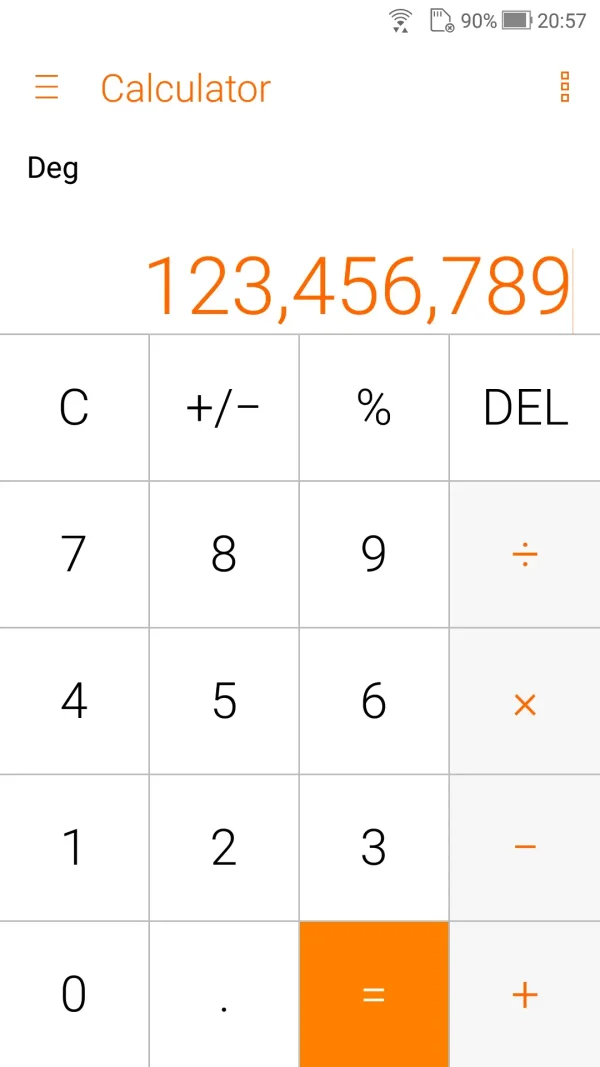
Make easy calculations with ASUS Calculator. This app has simple yet intuitive interface that lets you calculate fast, smooth, and easy. It provides all kinds of features that meet your calculating needs and demands.
Key features
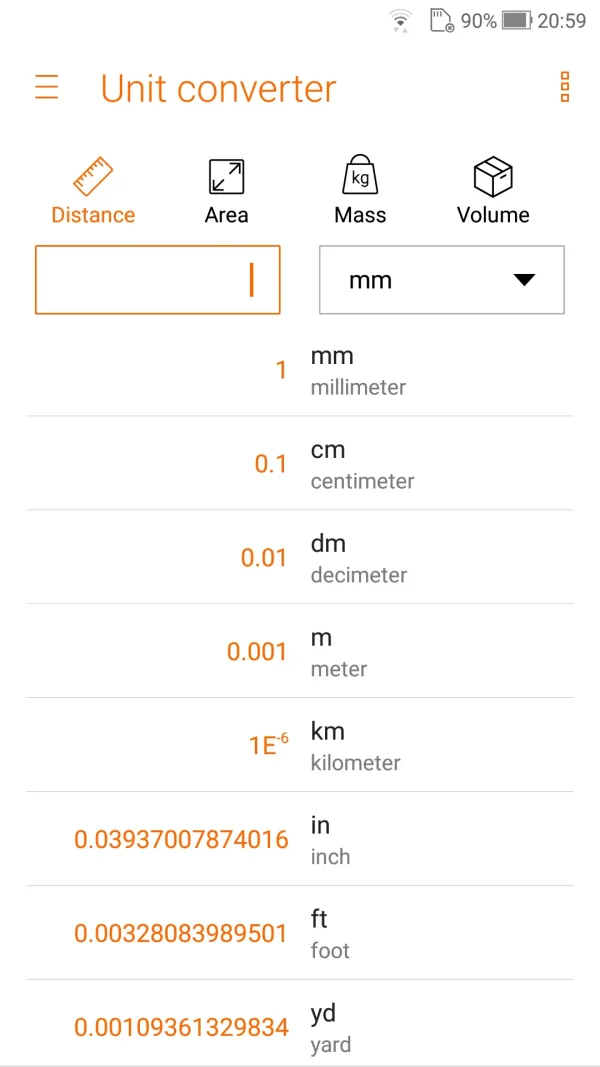
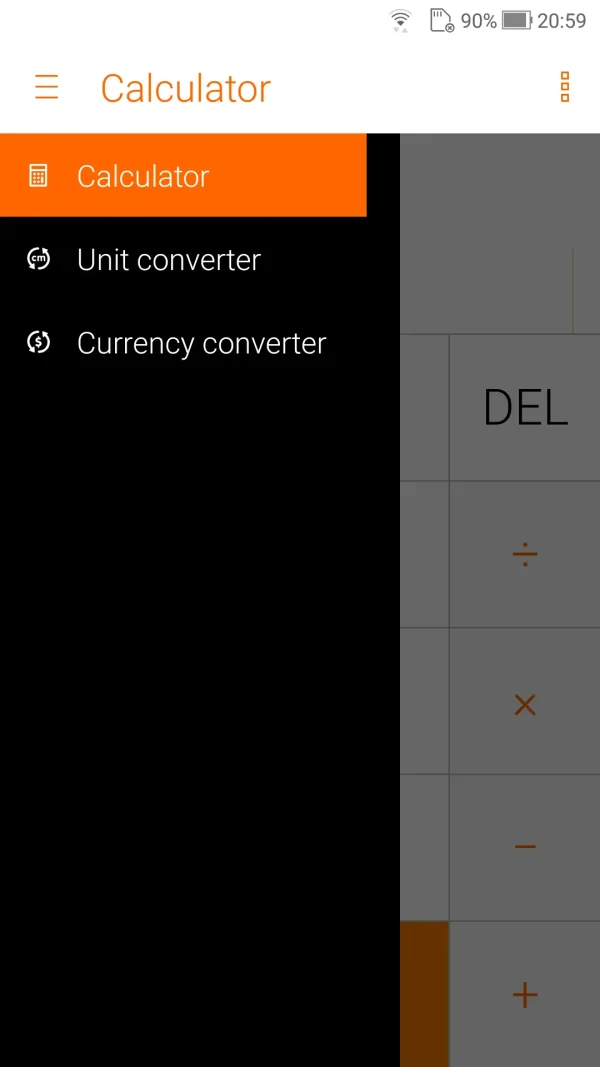
* Unit converter
Conversion of Length, area, weight, volume, speed
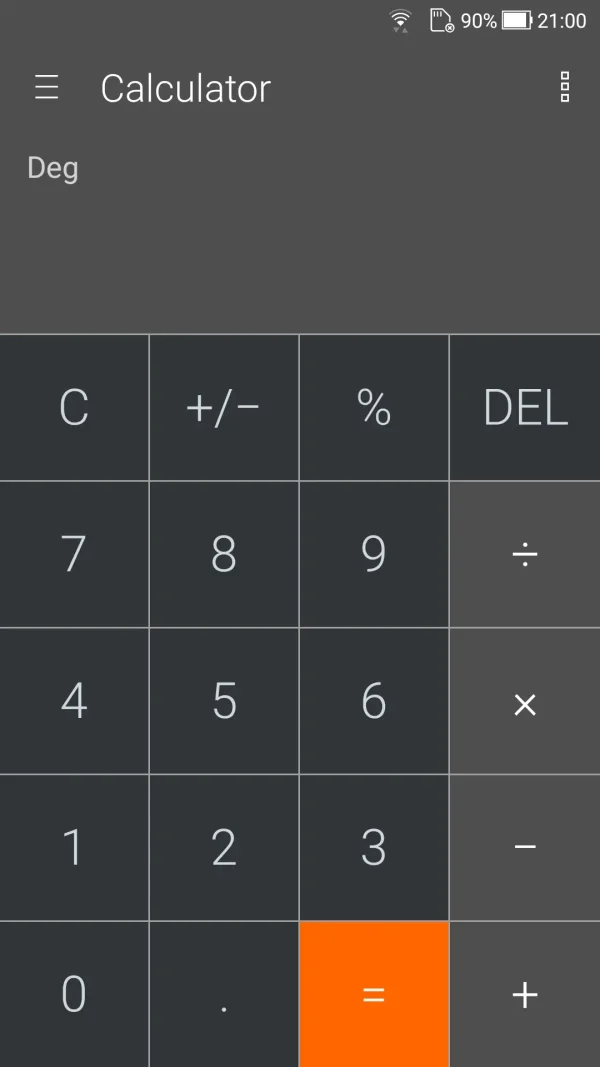
* Basic or root operators
+, -, ×, ÷
* Swipe left/right to switch views
Swipe left for standard mode, swipe right for other operators
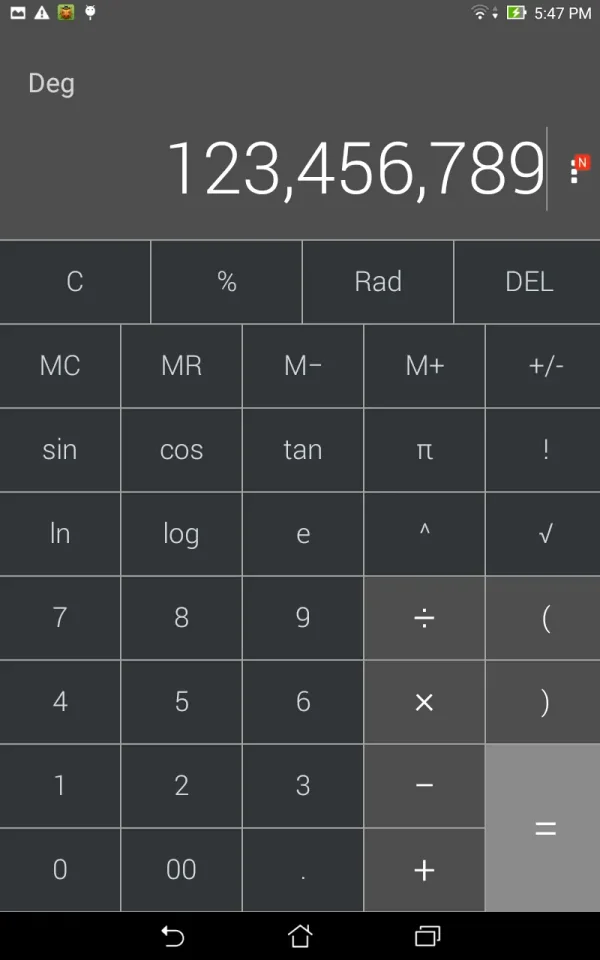
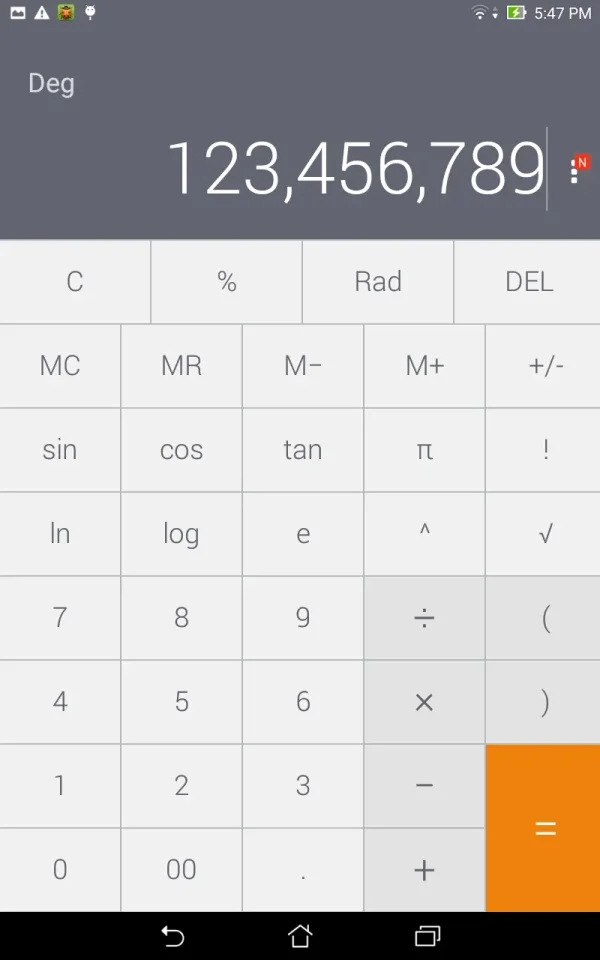
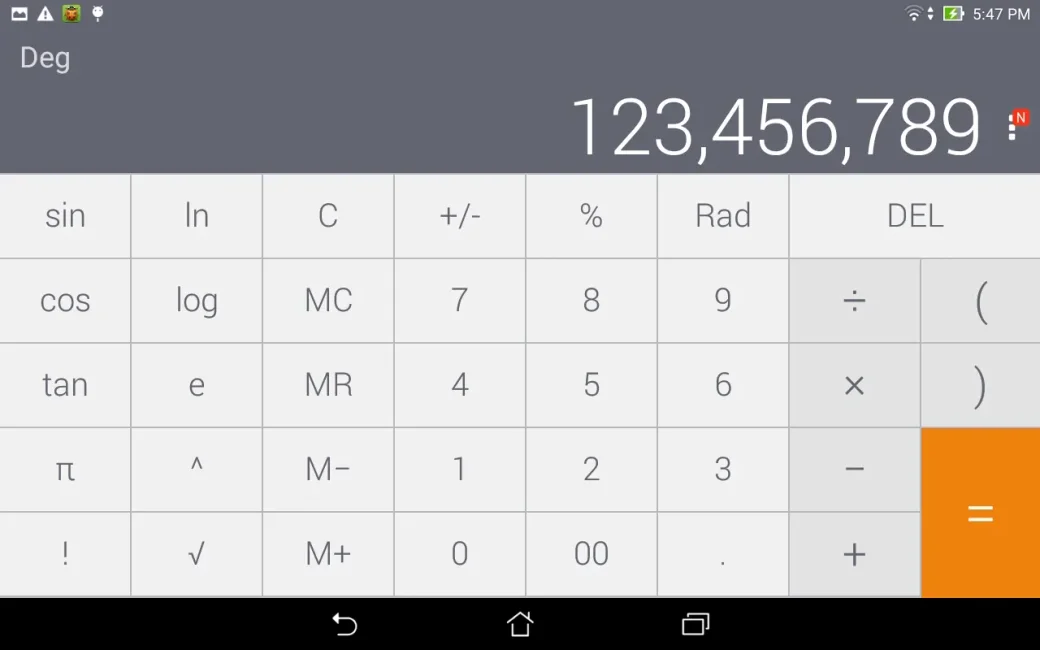
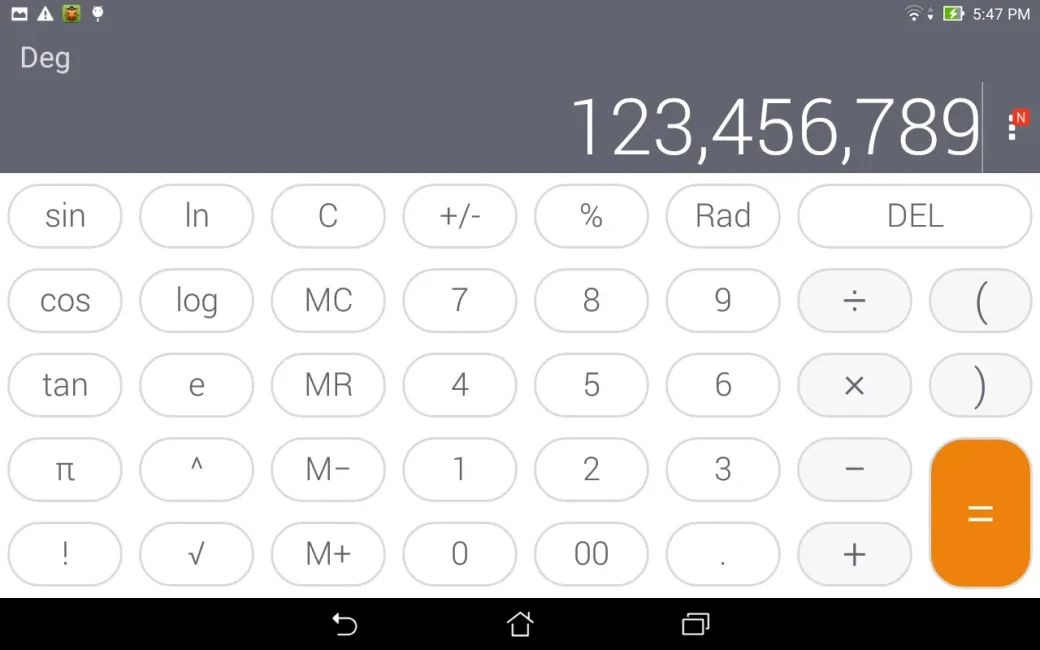
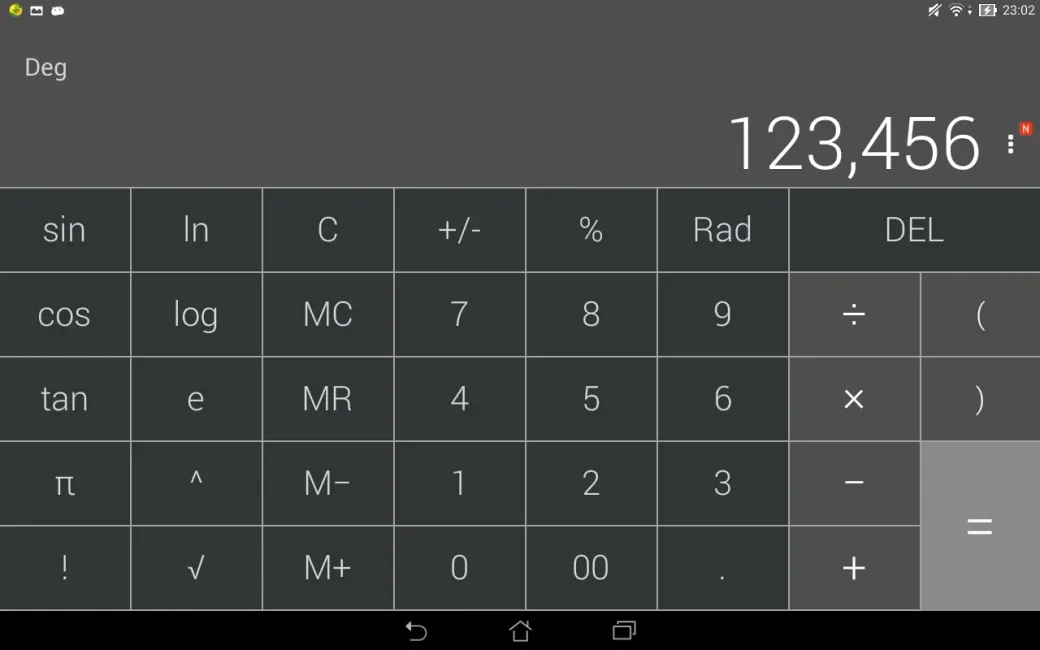
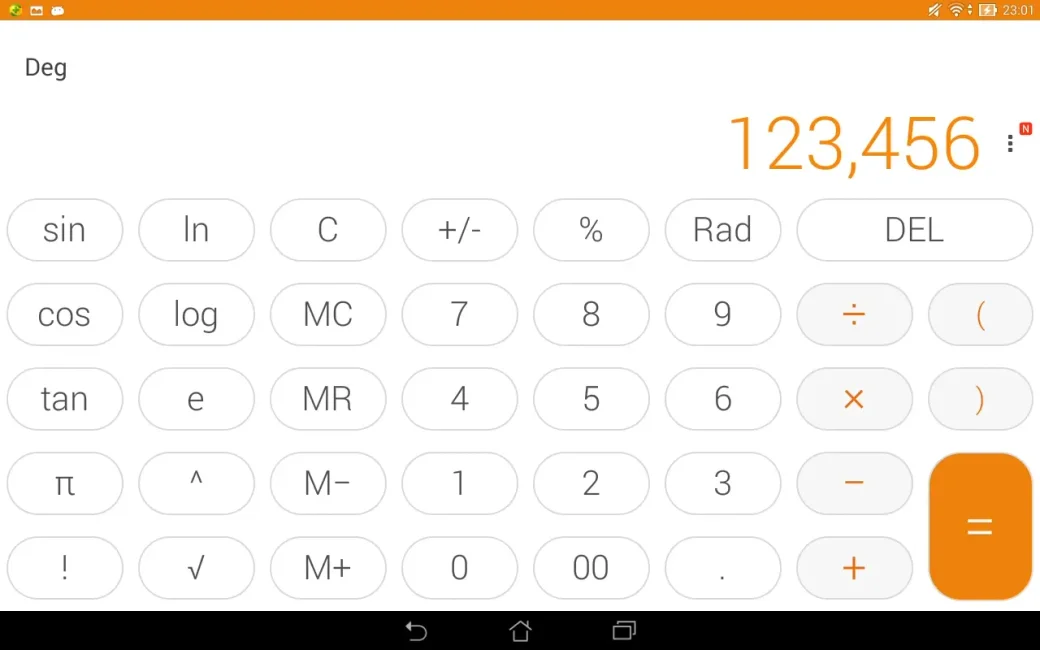
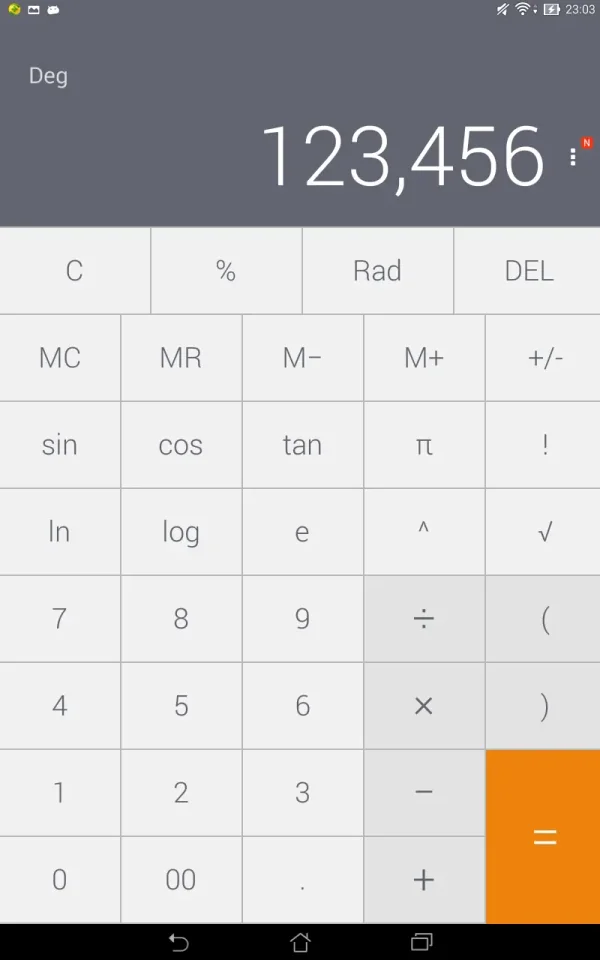
* Standard mode/Scientific mode
Tilt to switch between standard mode and scientific mode
* Other operators
Like %, √, !, π, e,log,ln
* Trigonometric functions in degree or radians
sin,cos,tan, in DEG or RAD
* Easy edit operations
Such as cut, copy, or paste of results in any editing app
* History display
Easy to see your previous calculations via History display
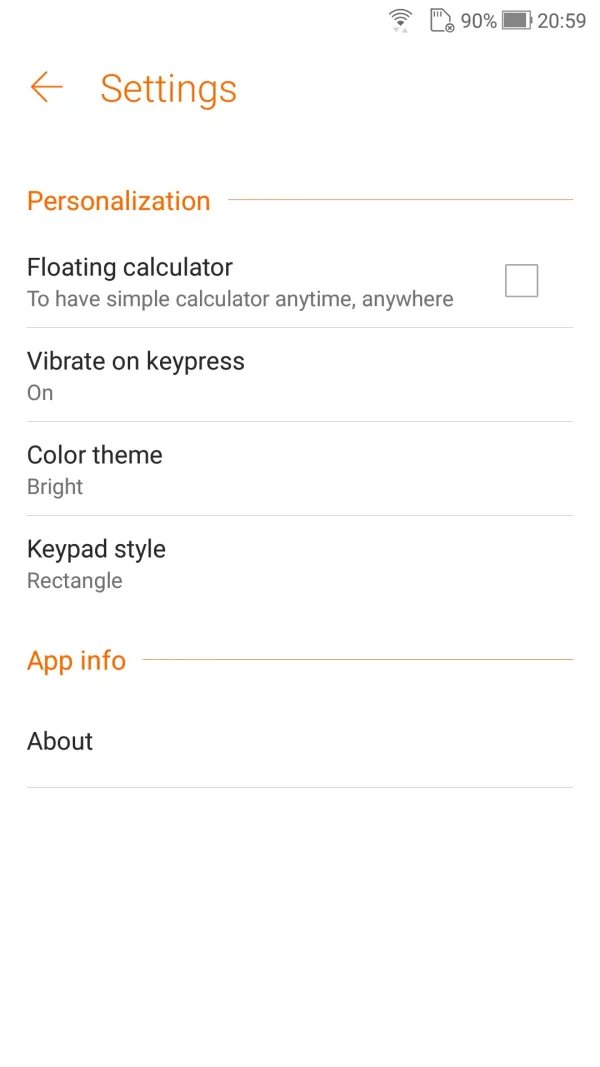
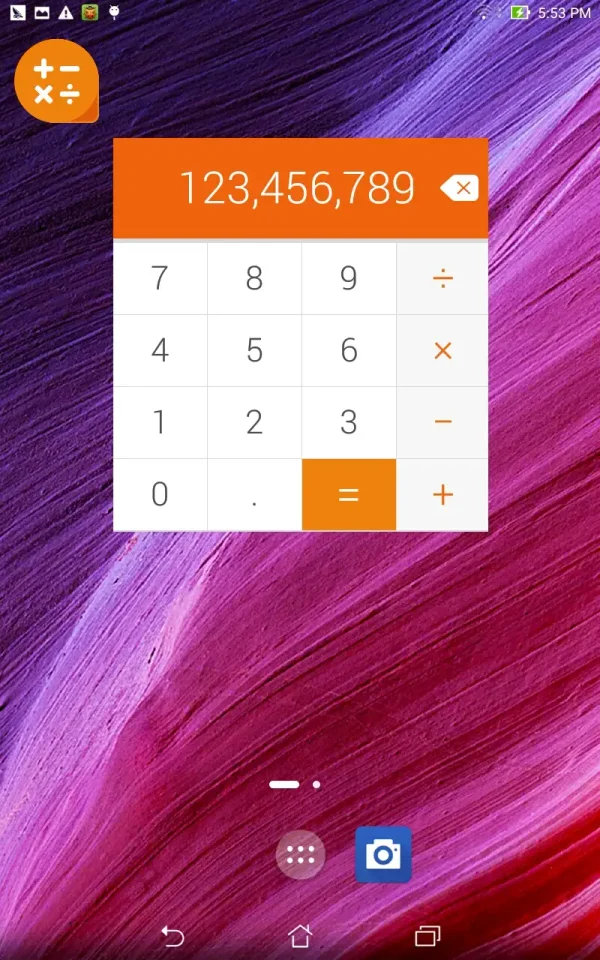
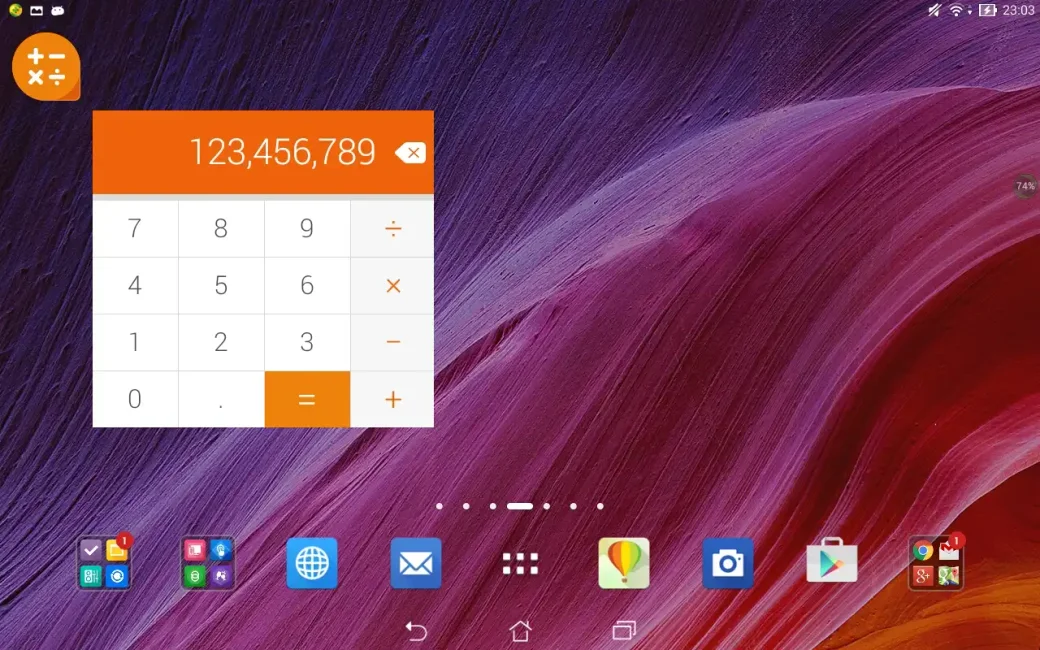
* Floating calculator
Floating Calculator app for quick calculations
* Auto-adjustment of the font size
Fit more digits on the display
* Thousand separators
Helps you count the numbers easily
* Allows a combination of operators in one expression
e.g. √(125÷5) + sin(30x3)
* Easy edit of the inputs using a cursor
Like add, delete, or change a number/operator
Data safety
What Mobile, ASUSTek Computer Inc. declares on Google Play about the data this app collects and shares.
- No data shared with third partiesLearn more about how developers declare sharing
- This app may collect these data typesApp activity and Device or other IDs
- Data isn’t encrypted
- Data can’t be deleted
What’s new
Feb 15, 2019
v5.0.0.27
- Fixed bugs
v4.0.0.52
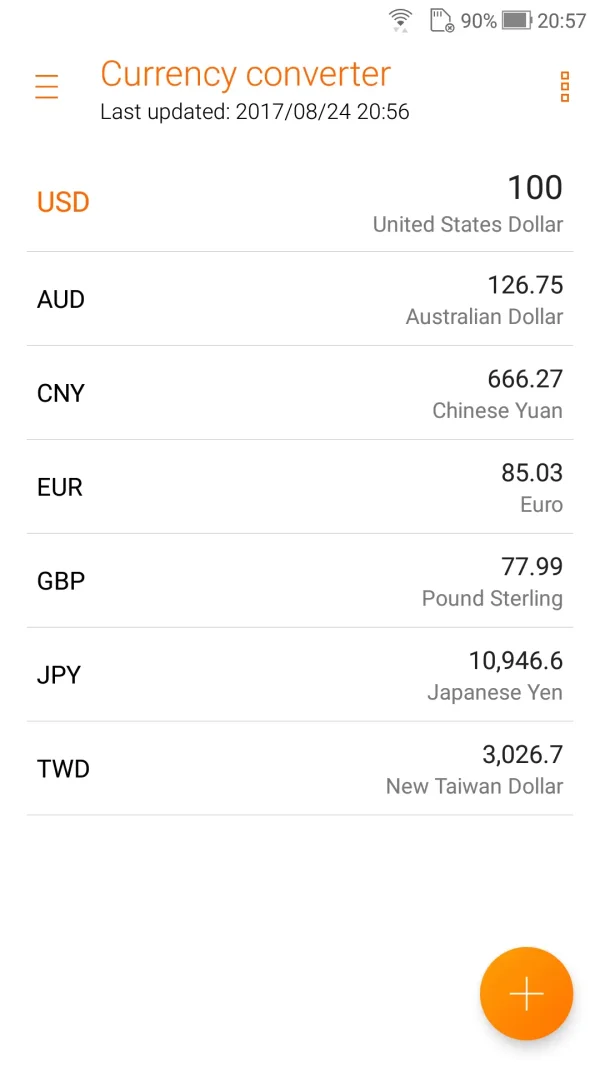
- Change the source of currency exchange rate
- Fine-tune UI design
- Fixed bugs
v4.0.0.0
- Brand new ZenUI 4.0 design
- Remove classic color theme
- Support theme change
- Support app & pinned shortcut
Developer contact
- Websiteasus.com
- Emailzenui@asus.com
- Privacy policyasus.com
- Address112019台湾台北市北投區 立德路15號
Information
- Offered by
- Mobile, ASUSTek Computer Inc.
- Category
- Productivity
- Updated
- Feb 15, 2019
- Released
- Jun 30, 2014
- Age rating
- Everyone
- Price
- Free
- Package name
- com.asus.calculator