Calendar with colors
Perfect toolsContains ads
- EveryoneAge rating
- ProductivityCategory
- Jul 6, 2023Updated
- FreePrice
Links to the official Google Play listing of com.CalendarWithColors. Last checked on Nov 21, 2026.

Screenshots



About this app
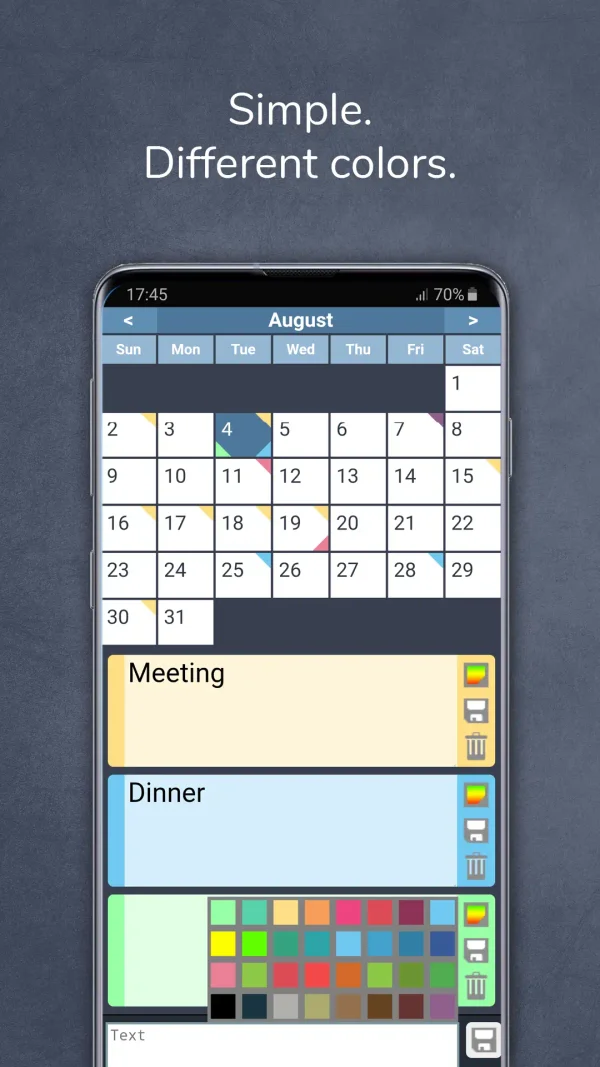
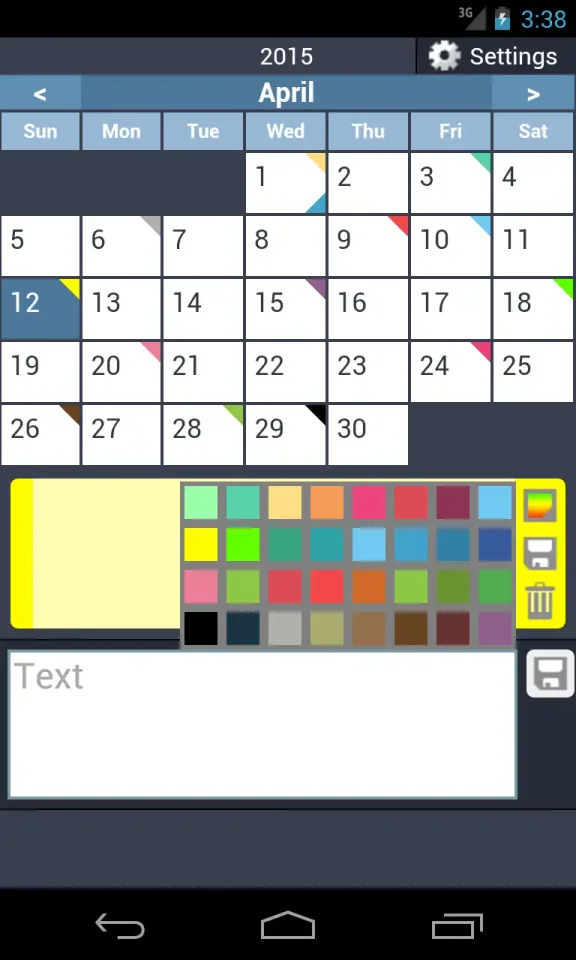
Calendar month view. Calendar with reminder. Color calendar.
Great efforts were made to provide a comfortable user experience in this calendar.
This calendar will help you manage and remember important events in the timeline.
The notes can be painted in colors that are comfortable to the eye.
A triangle with the appropriate color will appear next to every day with a note.
Benefits:
- This calendar is easy to use.
- Instantly view the note without a need to scroll or brows.
- Monthly view of days.
- Months paging.
- Option to delete events.
- Clean and clear design.
- It's free!
What can you do with it?
- Helps remember events by using colors
- Enables adding a number of events a day
- Enables defining color for each event
- Colored triangles reminding events in the monthly display.
Settings
- Set first day of week (Sunday, Monday, Saturday).
Reminder
- A reminder on the day an event occurs.
- Define time for a reminder.
- No annoying sound when reminder occurs.
Data safety
What Perfect tools declares on Google Play about the data this app collects and shares.
- No data shared with third partiesLearn more about how developers declare sharing
- No data collectedLearn more about how developers declare collection
What’s new
Version 0.20 · Jul 6, 2023
Bug fixed.
Developer contact
- Websiteperfecttools-7d1e6.web.app
- Emailtechexsupp@gmail.com
- Privacy policyperfecttools-7d1e6.web.app
- Address22/3 Eshkol Levy, Entrance B RAANANA, 4370328 Israel
Information
- Offered by
- Perfect tools
- Category
- Productivity
- Version
- 0.20
- Updated
- Jul 6, 2023
- Released
- Mar 16, 2014
- Requires
- Android 4.4 or later
- Age rating
- Everyone
- Price
- Free
- Package name
- com.CalendarWithColors