CASIO ECR+
CASIO COMPUTER CO., LTD.- EveryoneAge rating
- BusinessCategory
- Dec 12, 2025Updated
- FreePrice
Links to the official Google Play listing of jp.co.casio.exconnect. Last checked on Nov 19, 2026.

CASIO ECR+ may not be available on Google Play right now
The store listing could not be reached the last time we checked. The link still leads to the official Google Play page.
Screenshots


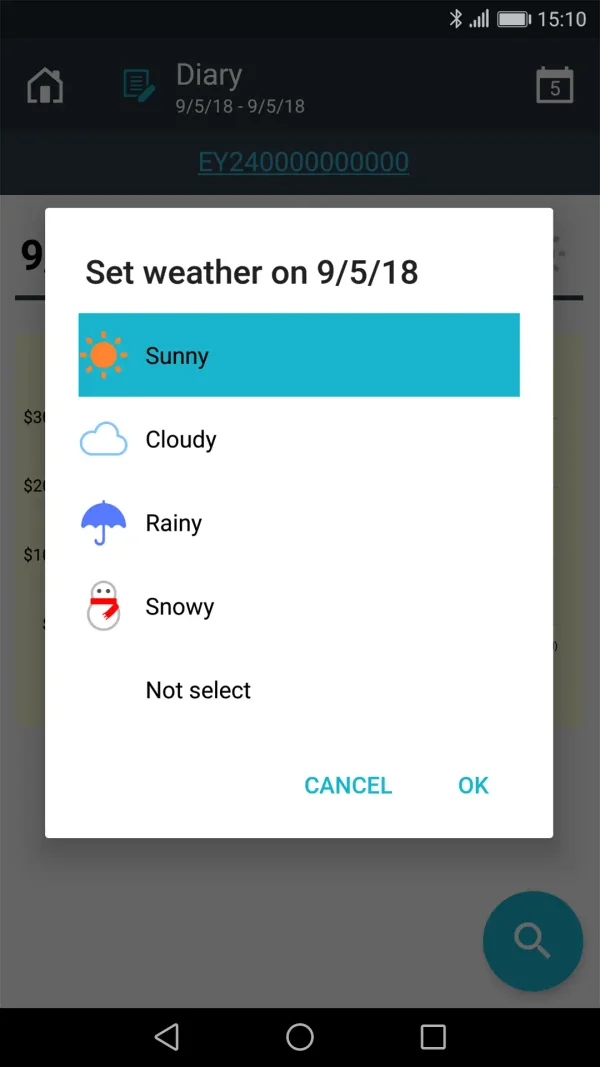
About this app
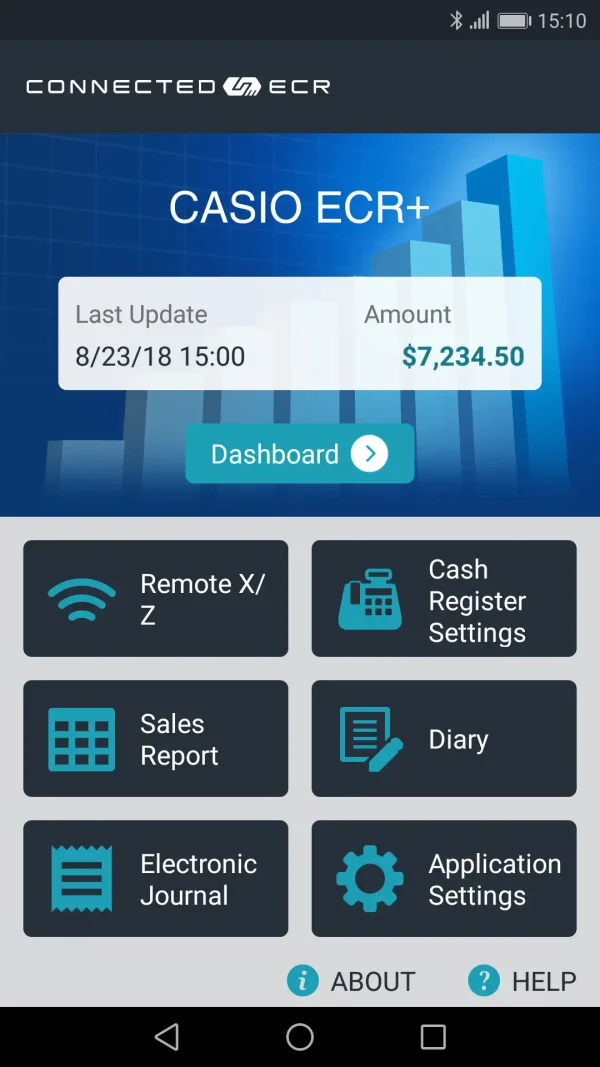
Utilize your smartphone to enhance your store management with Casio ECR+!
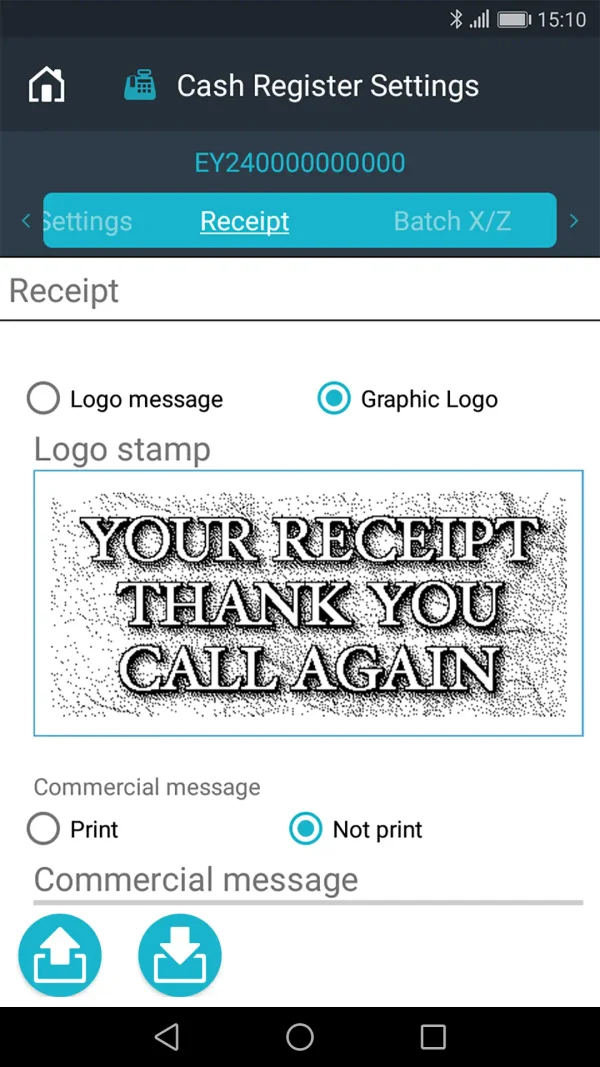
“Casio ECR+” connects cash register and smartphone with Bluetooth (R). You can easily manage cash register settings and monitor sales.
Main contents
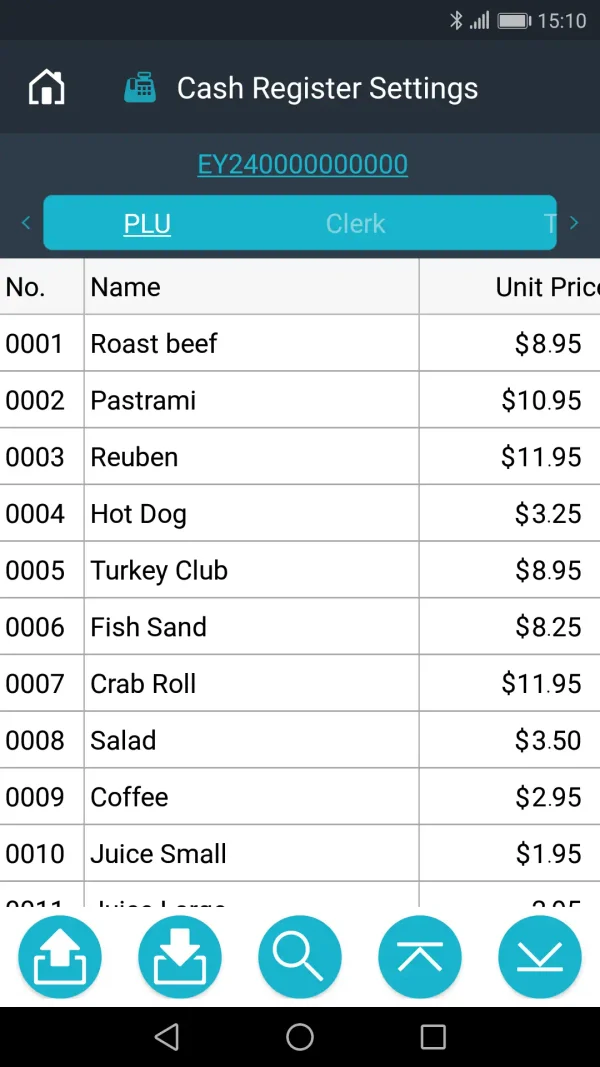
-Easy Initial Setup
Input product name and prices through your smartphone.
-Quick Item / Price changes
Easy updates using Bluetooth, even during store hours.
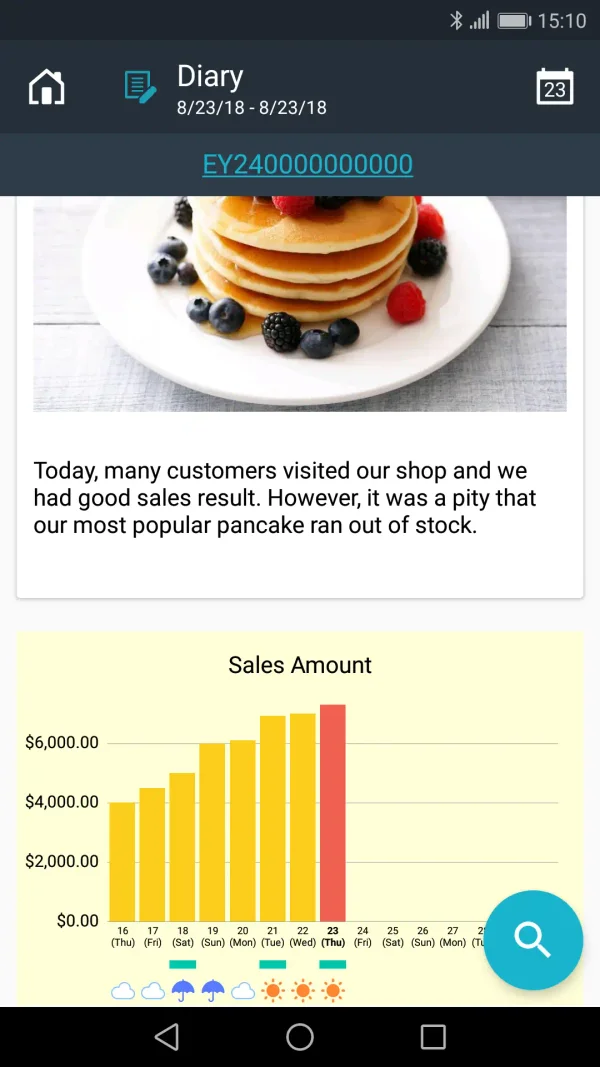
-Sales Dashboard
Sales Dashboard provides daily / weekly / monthly sales data.
Visit the website below for details.
http://web.casio.com/ecr/app/
Visit the web site for operation guidance videos (English only)
CASIO Bluetooth cash register operation guidance videos
• In order to use CASIO ECR+, this is all you need:
1) A Bluetooth-enabled Casio ECR model (see below for detailed model name).
2) A smartphone with internet connection (see below for detailed specification).
3) An email address to use for registration.
Once the preparation and verification have been completed, place the smartphone near to the cash register and start CASIO ECR+.
Follow the prompts on the screen to continue with the setup.
________________________________
• Applicable models
SR-S500, PCR-T540, SR-S820, PCR-T540L, PCR-T560L, SR-C550, SR-S4000, PCR-T2500, SR-S920, PCR-T2500L, PCR-T2600L, SR-C4500
________________________________
• Applicable Smartphones
• Android OS 6.0 or higher
• Screen size 4.7 inch or bigger
• Screen resolution 720 × 1280 or higher
________________________________
Privacy Notice
https://www.cxdnext.co.jp/privacy/
Data safety
What CASIO COMPUTER CO., LTD. declares on Google Play about the data this app collects and shares.
- No data shared with third partiesLearn more about how developers declare sharing
- This app may collect these data typesPersonal info, Photos and videos and 2 others
- Data is encrypted in transit
- You can request that data be deleted
What’s new
Version 1.8.0 · Dec 12, 2025
New account creation is closed.
Developer contact
- Websiteweb.casio.com
- Emailapp11+casio-ecr-plus@casio.co.jp
- Privacy policyworld.casio.com
- Address1-6-2, HONMACHI SHIBUYA-KU, 東京都 151-8543 Japan
Information
- Offered by
- CASIO COMPUTER CO., LTD.
- Category
- Business
- Version
- 1.8.0
- Updated
- Dec 12, 2025
- Released
- Jan 30, 2019
- Requires
- Android 8.1 or later
- Age rating
- Everyone
- Price
- Free
- Package name
- jp.co.casio.exconnect