Castro - system info
Pavlo Rekun- EveryoneAge rating
- ToolsCategory
- Nov 9, 2026Updated
- FreePrice
Links to the official Google Play listing of com.itemstudio.castro. Last checked on Nov 14, 2026.
Screenshots

About this app
Learn the vast amount of system information about device and monitor it's state
Castro is a huge collection of information about your device and a set of tools for monitoring its status. This allows you to check the performance of your device in real-time!
Large collection of the information
Castro processes and displays a huge amount of information, namely:
• Detailed processor statistics (CPU and GPU);
• Battery monitoring;
• Consumption of all kinds of memory;
• Data usage via Wi-Fi and mobile networks;
• Real-time sensors data with useful graphs;
• Detailed information about device's cameras;
• Full list of available audio and video codecs;
• Monitoring temperatures of the device;
• And many other features, including DRM and Bluetooth!
The most important thing in the "Dashboard"
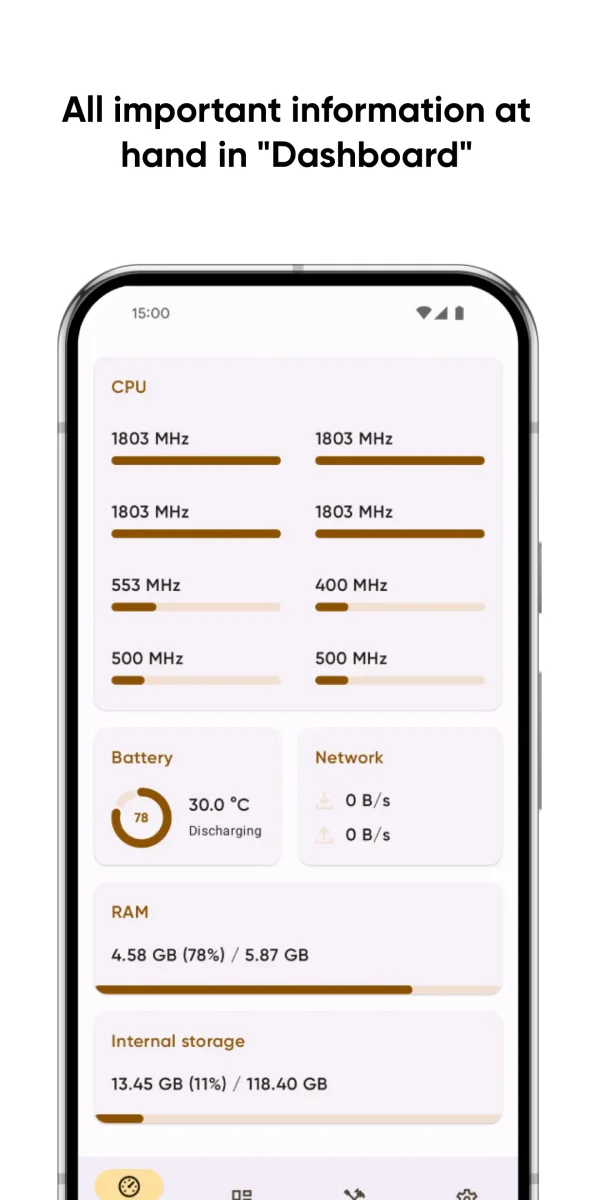
If you are not interested in too detailed information in a larger volume, you can always use the "Dashboard" window, which collects all the most important information - CPU usage, battery status, network usage, and memory load on the device.
More control with useful tools
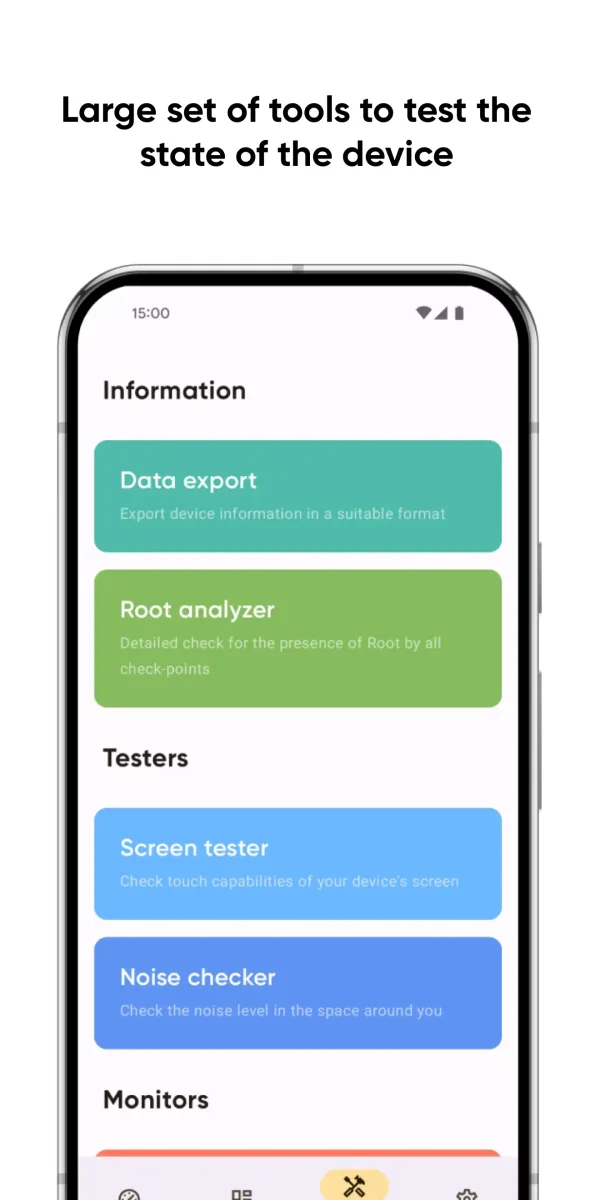
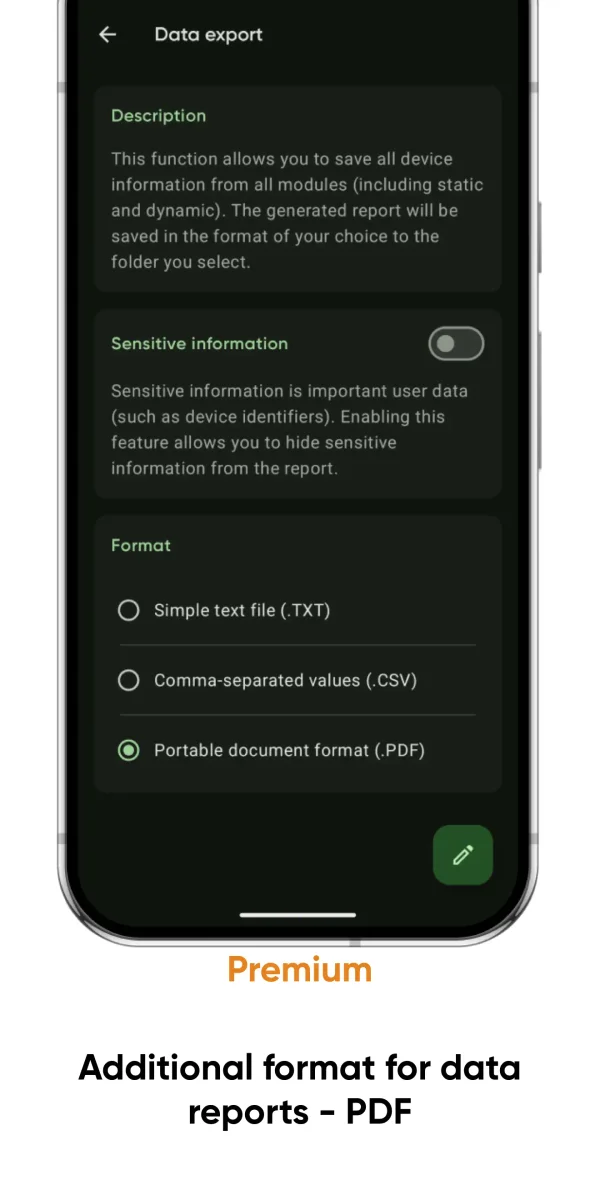
• Share your device information using "Data export";
• Test your display state via "Screen tester";
• Check the noise around you with "Noise checker".
Even more features with "Premium"
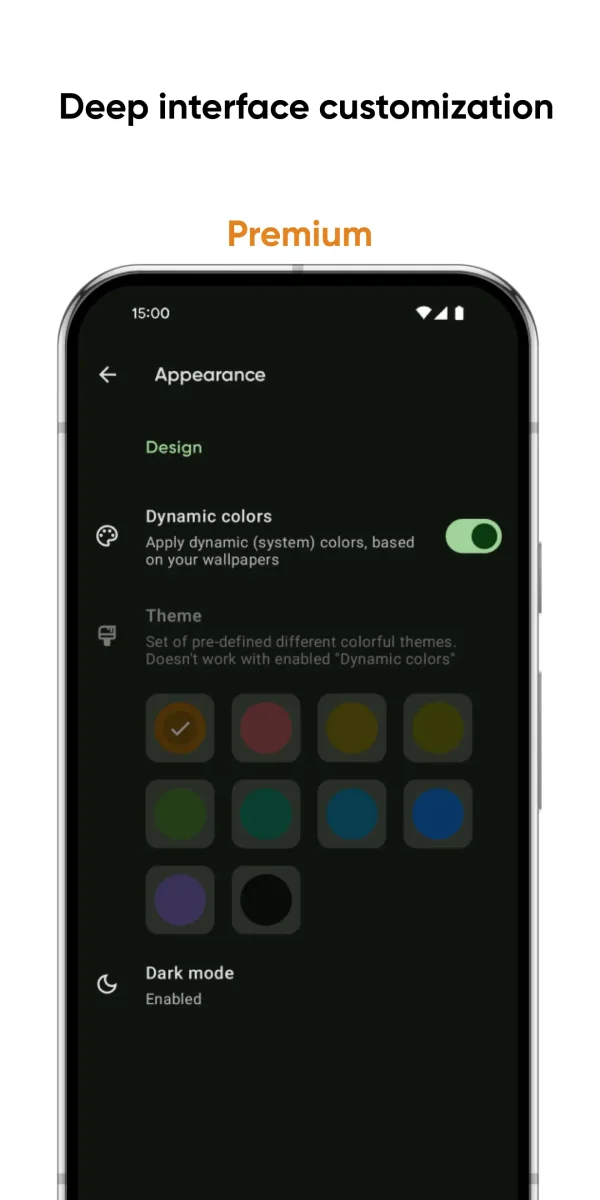
• Deep interface customization with various colors and themes;
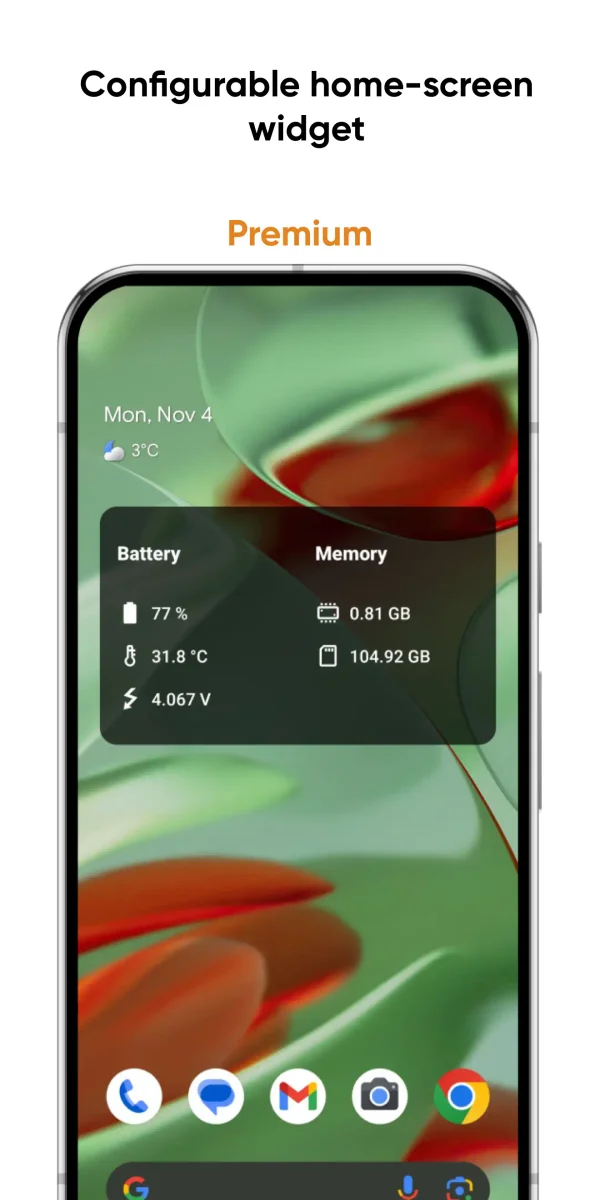
• Configurable home-screen widget, with information about battery, memory, and more;
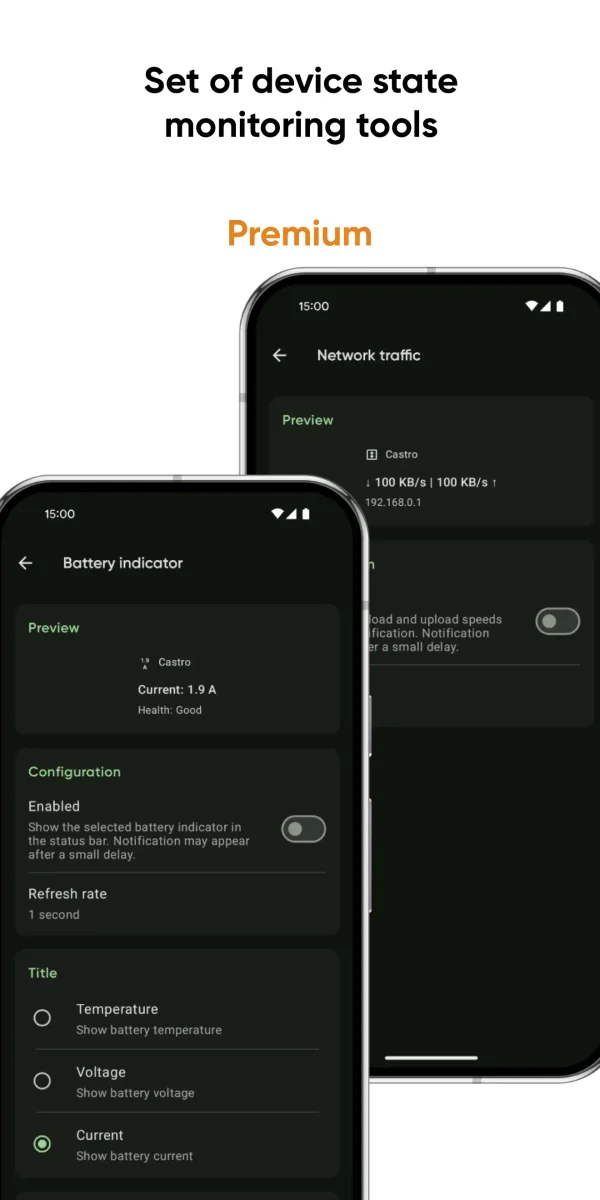
• Network traffic speed monitor to track your connection speed;
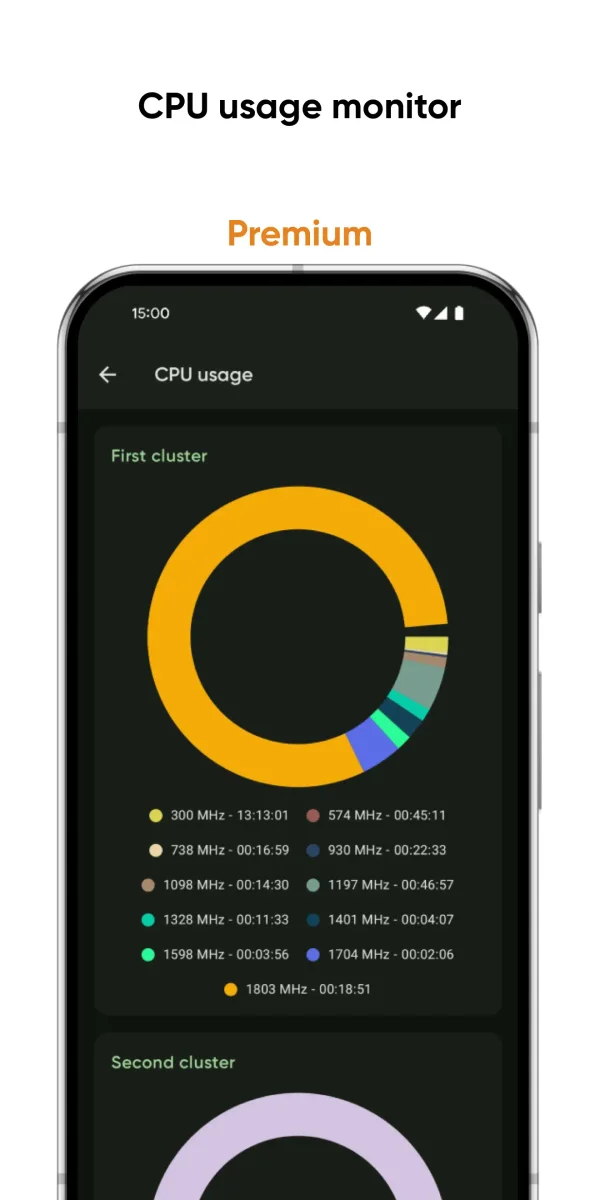
• CPU usage monitor to keep abreast of frequency usage;
• PDF format for information exporting.
FAQ
Looking for answers to frequently asked questions (FAQ)? Visit this page: https://pavlorekun.dev/castro/faq/
Data safety
What Pavlo Rekun declares on Google Play about the data this app collects and shares.
- No data shared with third partiesLearn more about how developers declare sharing
- This app may collect these data typesLocation, Personal info and 4 others
- Data is encrypted in transit
- Data can’t be deleted
What’s new
Version 4.10.1 · Nov 9, 2026
Castro 4.10 introduces expanded sensor and device support, new sensor instruments, Urdu localization, a configurable startup screen, dashboard upgrades, and improvements to reporting accuracy, PDF exports, and app stability.
Detailed changelog: https://pavlorekun.dev/castro/changelog
Developer contact
- Websitepavlorekun.dev
- Emailpavel.rekun.development@gmail.com
- Privacy policypavlorekun.dev
- Address53 Khmelnytske Shose Vinnytsia Вінницька область Ukraine 21036
Information
- Offered by
- Pavlo Rekun
- Category
- Tools
- Version
- 4.10.1
- Updated
- Nov 9, 2026
- Released
- Mar 22, 2015
- Requires
- Android 8.0 or later
- Age rating
- Everyone
- Price
- Free
- Package name
- com.itemstudio.castro