CFS149 Tiny Pals
CFS Creative Face Studio- EveryoneAge rating
- PersonalizationCategory
- Aug 27, 2026Updated
- $1.49Price
Links to the official Google Play listing of com.watchfacestudio.cfs149tinypals. Last checked on Nov 14, 2026.
Screenshots



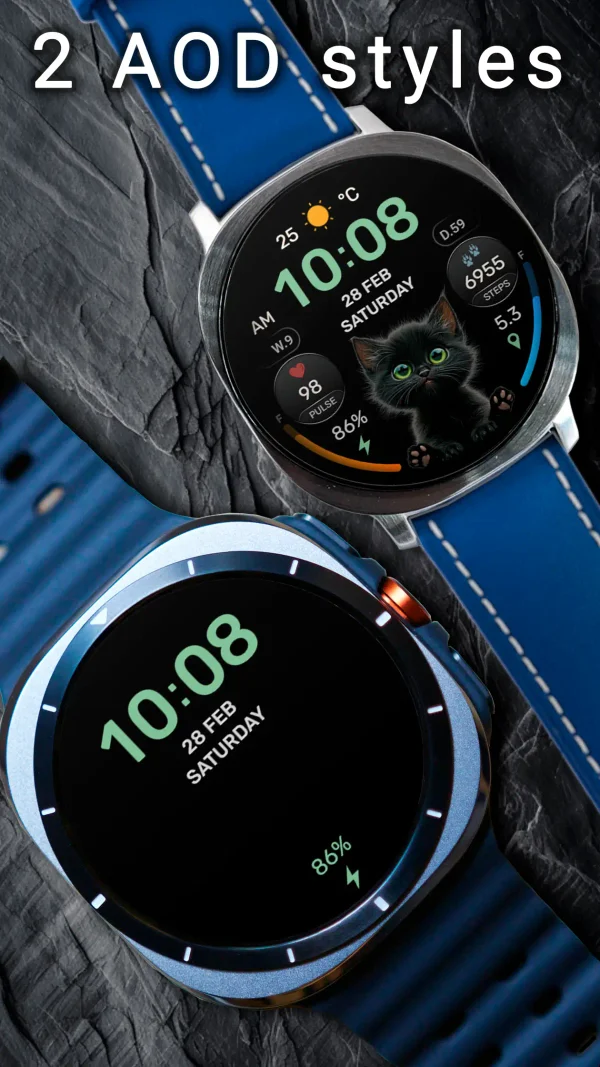
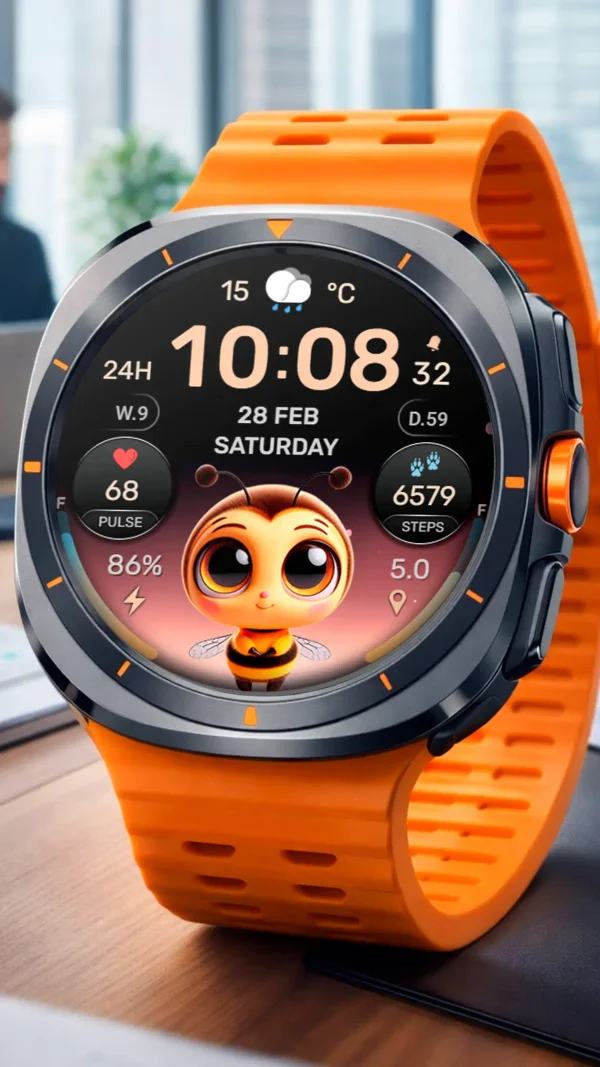
About this app
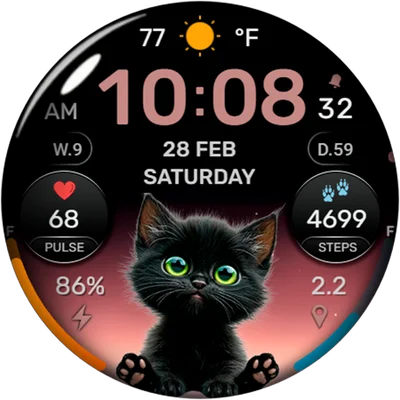
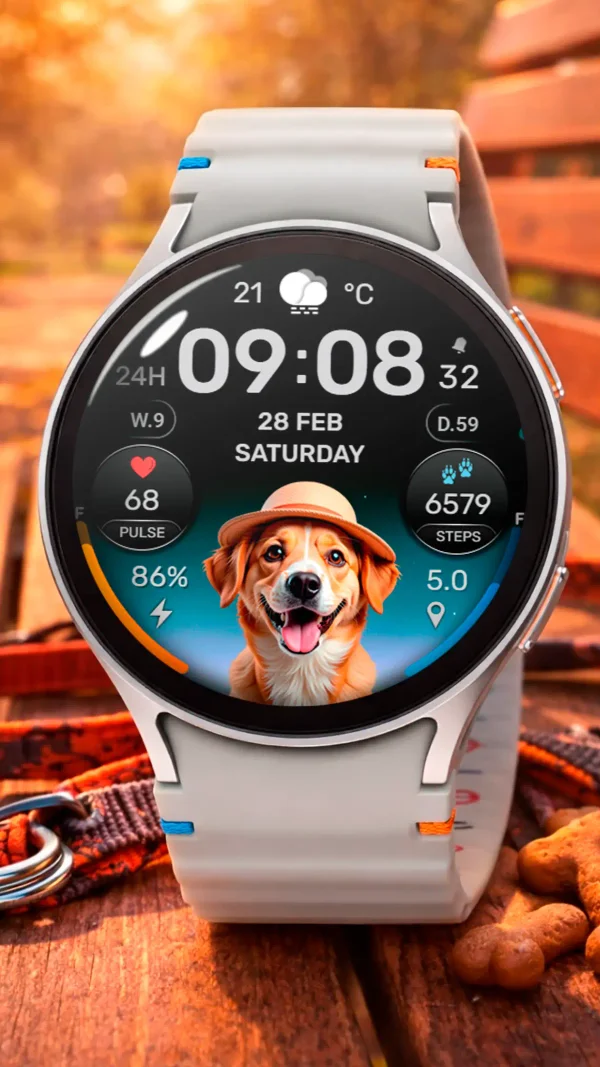
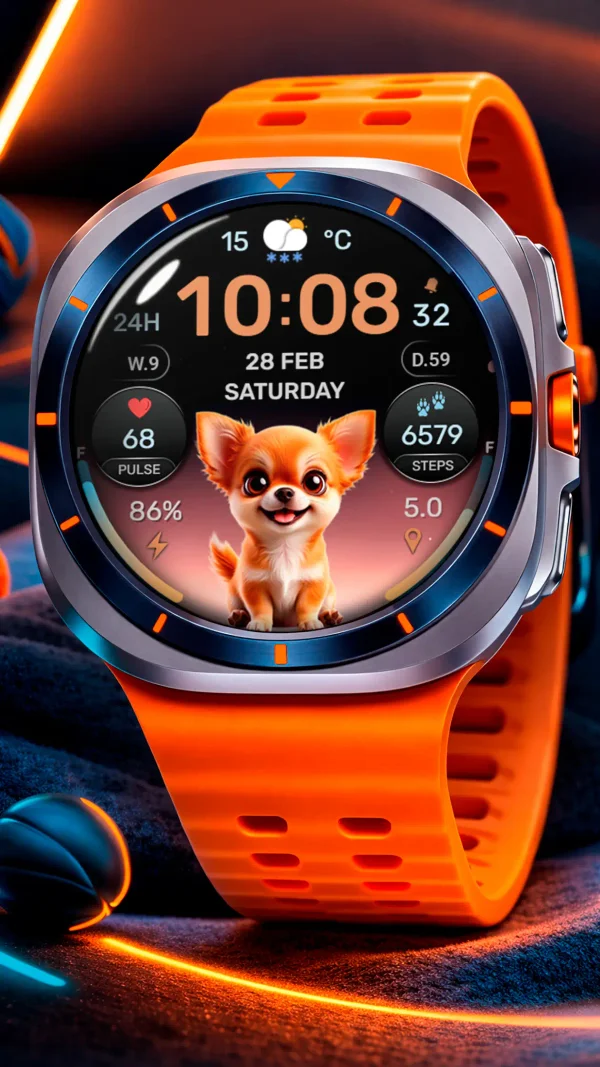
Cute Wear OS watch face with playful pets, large time and weather.
A cute and cheerful watch face for Wear OS with adorable pets and playful illustrations. Large digital time is easy to read at a glance, while useful daily information is clearly arranged around the screen.
Watch face features:
⏰ Digital time in 12/24 format depending on phone settings
0️⃣ The ability to disable the leading zero in an hour
🌤️ Weather
📅 Date
🗓️ Week number of the year
📆 Day number of the year
❤️ Heart rate
🔋 Watch battery level
👣 Steps
📍 Moved distance in KM/MI**
🎨 Multiple color schemes
⚙️ Complications and custom shortcuts
🌙 2 AOD styles with 4 brightness levels
** Distance KM/MI:
Please select km or miles in the watch face settings.
The watch face uses an arithmetic formula to calculate the distance:
1 km = 1312 steps.
1 mile = 2100 steps.
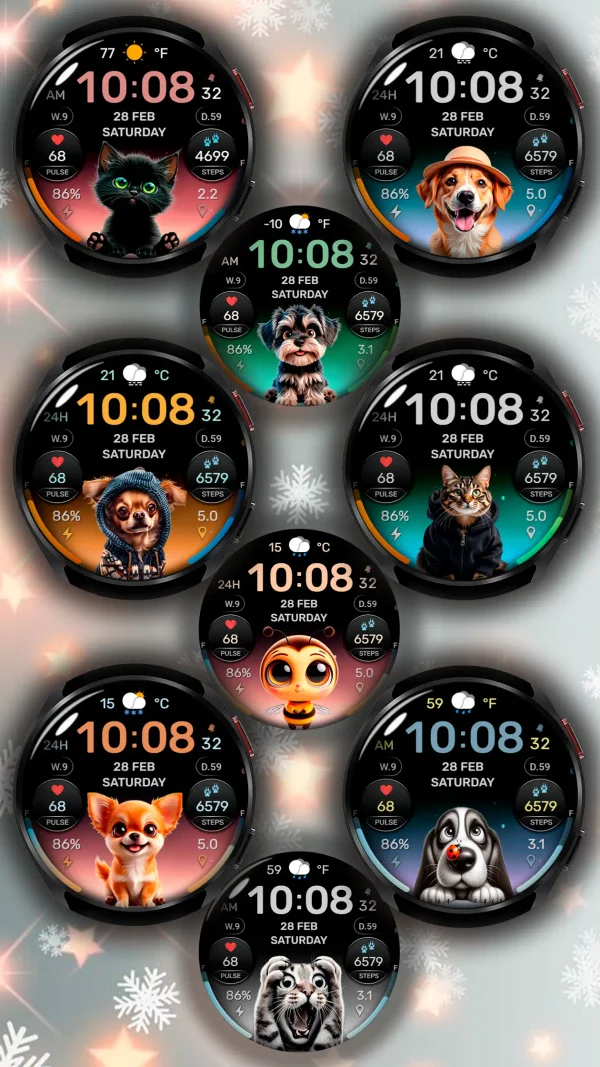
Playful characters give each design its own personality, while the large time and clear structure keep the watch face easy to read. Choose your favorite pet and color scheme to create a brighter and more personal look for your watch.
ℹ️ Availability of some functions, complications, weather information, and other displayed data may depend on your watch and phone model, installed apps, permissions, and system settings.
⚙️ Galaxy Wearable may not always correctly support customization of complex watch faces, so we recommend customizing directly on the watch.
To open settings, press and hold the watch screen.
⚠️ Touch zones are guaranteed to work only on Samsung watches.
📧 If you experience any difficulties using the watch face, please contact us. We will do our best to help:
seslihediyye@gmail.com
🌐 Installation instructions, customization and setup tips, and additional information:
https://cfswatchfaces.com
✈️ TELEGRAM:
https://t.me/CFS_WatchFaces
Thank you for choosing our watch faces!
Data safety
What CFS Creative Face Studio declares on Google Play about the data this app collects and shares.
- No data shared with third partiesLearn more about how developers declare sharing
- No data collectedLearn more about how developers declare collection
What’s new
Aug 27, 2026
Technical update to meet the latest Google Play requirements. No changes to the companion app design or functionality.
Developer contact
- Websitecfswatchfaces.com
- Emailseslihediyye@gmail.com
- Privacy policysites.google.com
- AddressУл. Радостовца, Дом.171 Кв. 4 050060 Алматы Kazakhstan
Information
- Offered by
- CFS Creative Face Studio
- Category
- Personalization
- Updated
- Aug 27, 2026
- Released
- Feb 28, 2026
- Age rating
- Everyone
- Price
- $1.49
- Package name
- com.watchfacestudio.cfs149tinypals