Clock Faces: Live Wallpaper
Time Design LLCIn-app purchases
- EveryoneAge rating
- PersonalizationCategory
- Nov 12, 2026Updated
- FreePrice
Links to the official Google Play listing of com.alexeymorozua.tdwallpaper. Last checked on Nov 14, 2026.
Screenshots

About this app
Watch faces and custom scenes as live wallpaper: clock, date, calendar, steps
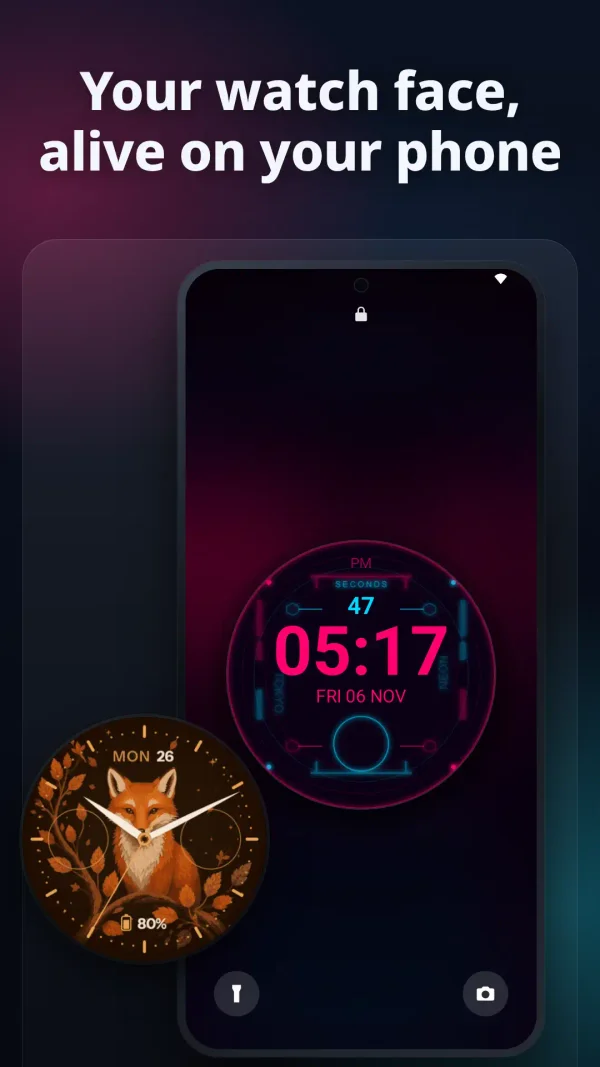
Clock Faces turns your phone into a watch face. Our designer Wear OS watch faces become a live wallpaper on your lock screen and home screen, showing the real time, date, battery level and today's steps.
Every face is drawn live, not as a static picture: the hands move, the digits change, and battery and steps stay up to date. If you wear one of our faces on your watch, you can now have the same style on your phone. With Scenes you can also build your own full-screen live wallpaper from a big clock, a calendar, events and more. The app works on its own and doesn't need a watch.
CLOCK FACES
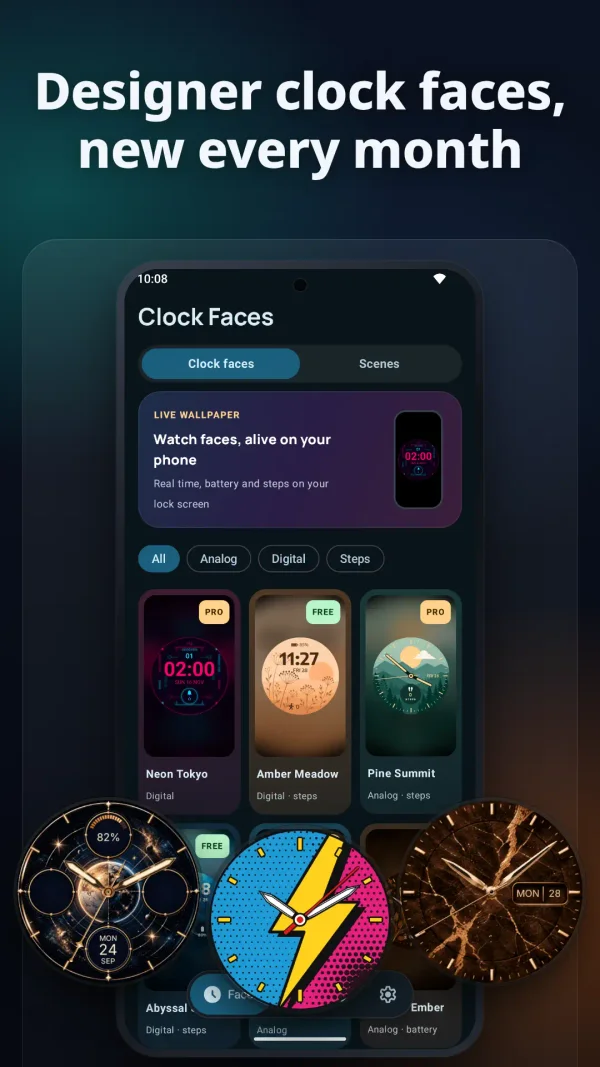
• A growing collection of designer clock faces, analog and digital, with new ones every month
• Some faces are free, the rest come with Pro
• Real time, date, battery and steps right on the face
• Color themes for every face
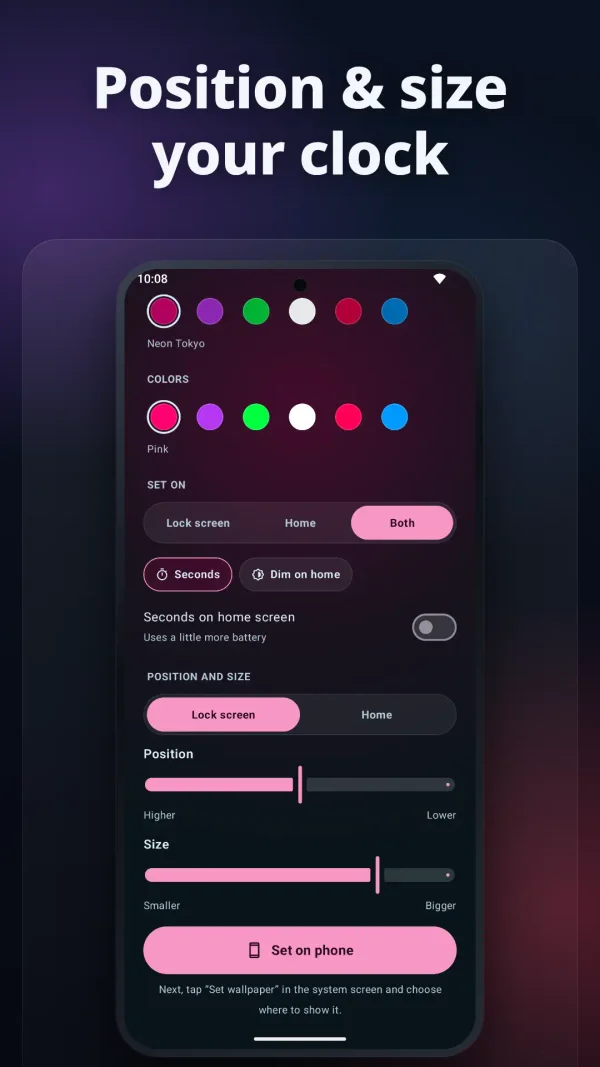
• Seconds on the lock screen, and on the home screen if you like
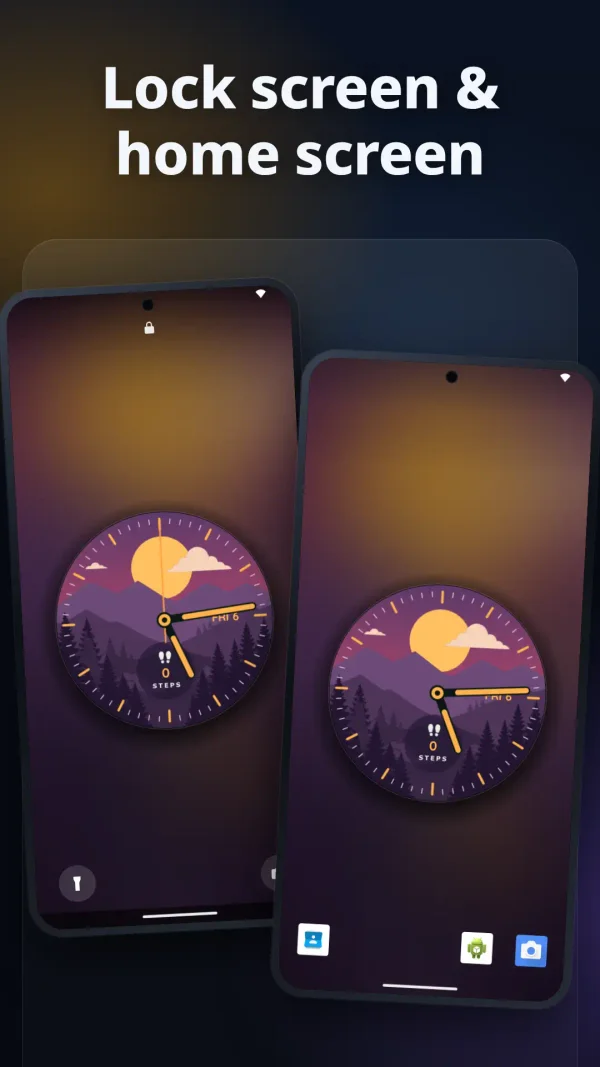
• Position and size of the clock, set separately for the lock screen and home screen
• Dim on home keeps app icons easy to read
• Material You picks up the colors of the face
• Battery-friendly: without seconds the face redraws once a minute, and only while it's visible
SCENES
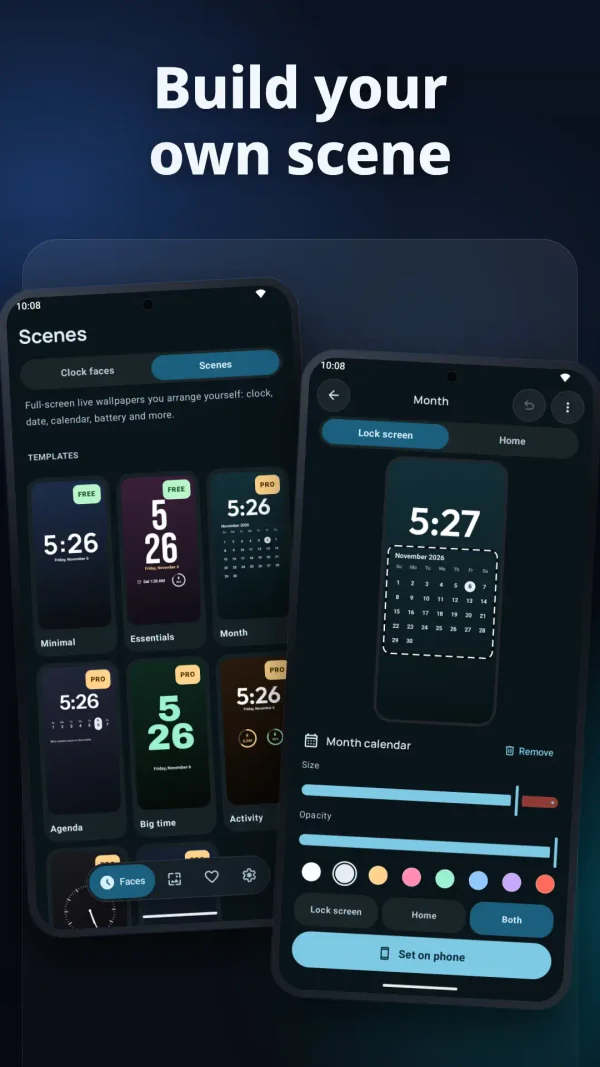
Scenes are full-screen live wallpapers for the home screen and lock screen that you put together yourself.
• Ready-made templates to start from
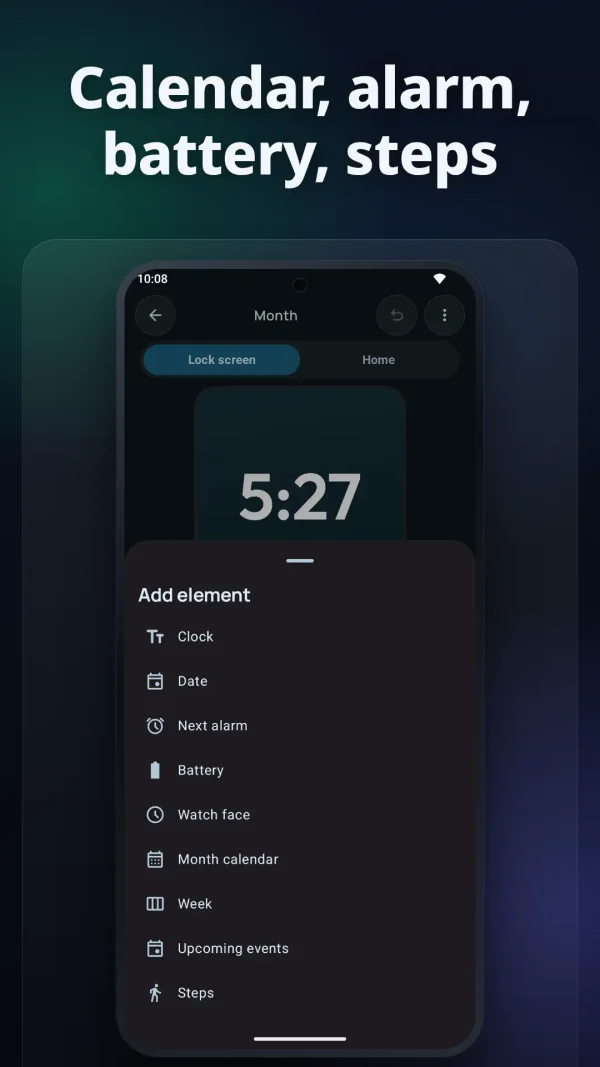
• Elements: big clock, date, month or week calendar, calendar events, next alarm, battery and steps
• Background: one of our wallpapers, a gradient or your own photo
• Editor: move elements and change their size and color
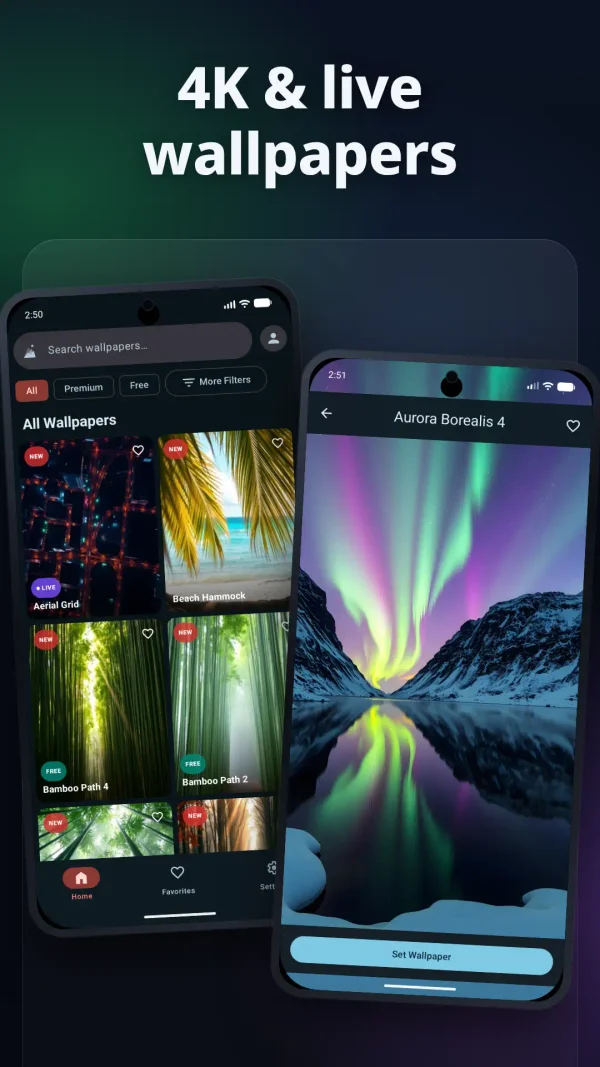
Plus the full catalog of 4K and live wallpapers with new designs added regularly, and Favorites to keep the faces and wallpapers you like.
HOW TO SET IT UP
1. Pick a clock face and a color theme, or open Scenes and start from a template.
2. Choose where it goes: lock screen, home screen or both.
3. Tap “Set on phone”, then confirm in the system wallpaper screen.
4. If the phone's own clock covers the face, the app shows how to switch to a smaller system clock.
CLOCK FACES PRO
Pro unlocks every clock face and color theme, the Pro scene templates and elements, your own photo as a scene background, and all premium and live wallpapers. Free for everyone: some of the clock faces and 2 scene templates. Choose a monthly, 3-month or yearly subscription; a free trial is available. Cancel anytime in Google Play.
GOOD TO KNOW
• Steps come from Health Connect and are optional. The app reads only today's step count, on your phone, to draw it on the face. Nothing is uploaded.
• Calendar events in Scenes appear only if you allow calendar access. They are read on your phone to show them in the scene. Permission is requested only if you add the Events element.
• The wallpaper updates only while the screen is on, so battery use stays low. Seconds on the home screen use a little more battery.
• Requires Android 12 or later. A separate live wallpaper for the lock screen only needs Android 14 or later; on Android 12–13 the wallpaper is set on the home screen or on both screens.
• Always On Display is drawn by the system and does not show live wallpapers.
Questions or ideas? Write to us: timedesign.software@gmail.com
Data safety
What Time Design LLC declares on Google Play about the data this app collects and shares.
- No data shared with third partiesLearn more about how developers declare sharing
- This app may collect these data typesPersonal info, Financial info and 4 others
- Data is encrypted in transit
- You can request that data be deleted
What’s new
Version 2.1.0 · Nov 12, 2026
🚀 General optimization and performance improvements.
Developer contact
- Websitetime-design.web.app
- Emailtimedesign.software@gmail.com
- Privacy policytime-design.web.app
- Address68 of.233 pr. Chervonoi Kalyny Kyiv Ukraine 02064
Information
- Offered by
- Time Design LLC
- Category
- Personalization
- Version
- 2.1.0
- Updated
- Nov 12, 2026
- Released
- Apr 14, 2026
- Requires
- Android 12 or later
- Age rating
- Everyone
- Price
- Free
- In-app purchases
- $1.99 - $9.99 per item
- Package name
- com.alexeymorozua.tdwallpaper