CloudLibrary
OCLC- EveryoneAge rating
- Books & ReferenceCategory
- Oct 16, 2026Updated
- FreePrice
Links to the official Google Play listing of com.txtr.android.mmm. Last checked on Nov 19, 2026.
Screenshots

About this app
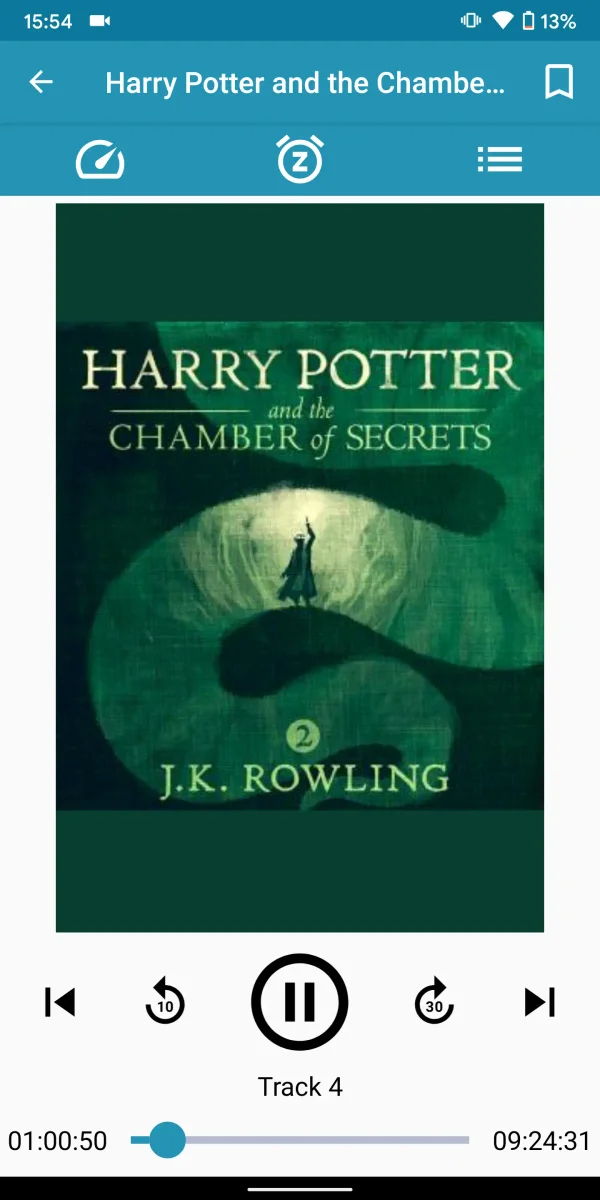
The CloudLibrary allows you to borrow and read eBooks and audiobooks
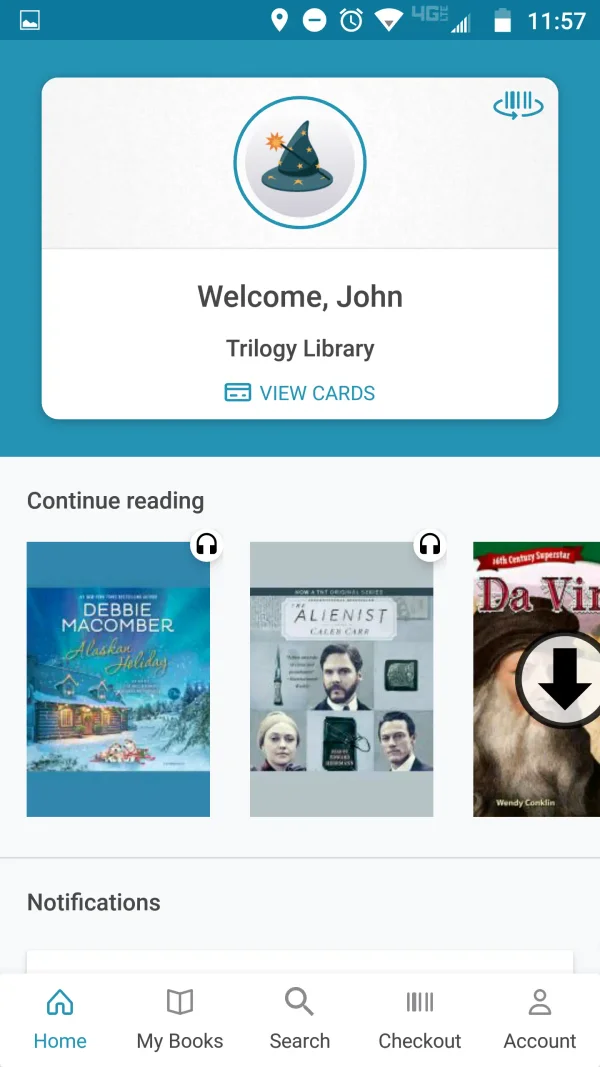
A must-have app for library users! Easily borrow physical items using your mobile device, receive reminders, manage receipts and discover new digital content all within the CloudLibrary app!
Extremely intuitive, all it takes is a library card to login and get started! Designed for an enjoyable experience, users can benefit from many new features, depending on their library’s subscription.
- Easily accessible library card, which conveniently displays when you’re near the library
- Switch accounts with ease and manage multiple library cards from one mobile device
- Download and enjoy free eBooks and Audiobooks
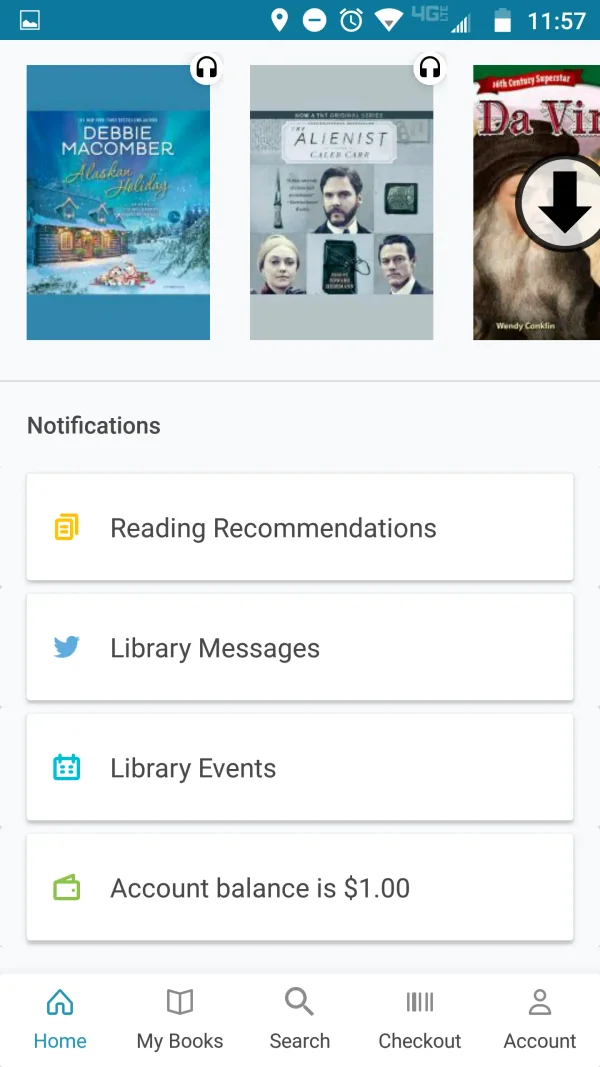
- Keep track of your physical and digital library activity in one place
- Receive helpful receipts, due-date reminders and packable checklists
- Visible push notifications alert when hold items are available
- View upcoming library events and programs
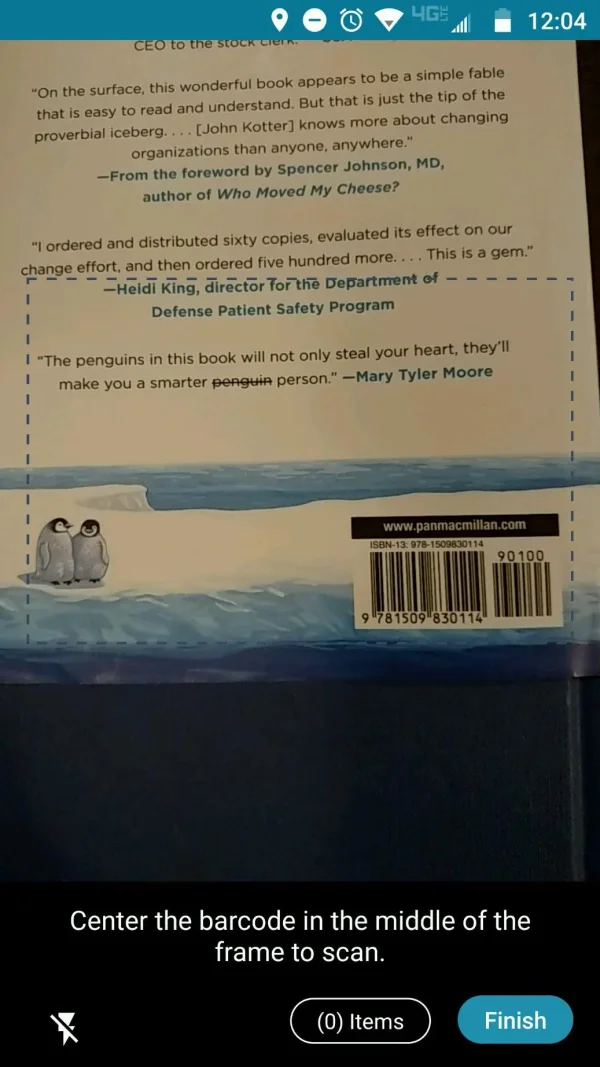
- Checkout print items at your library using your mobile device
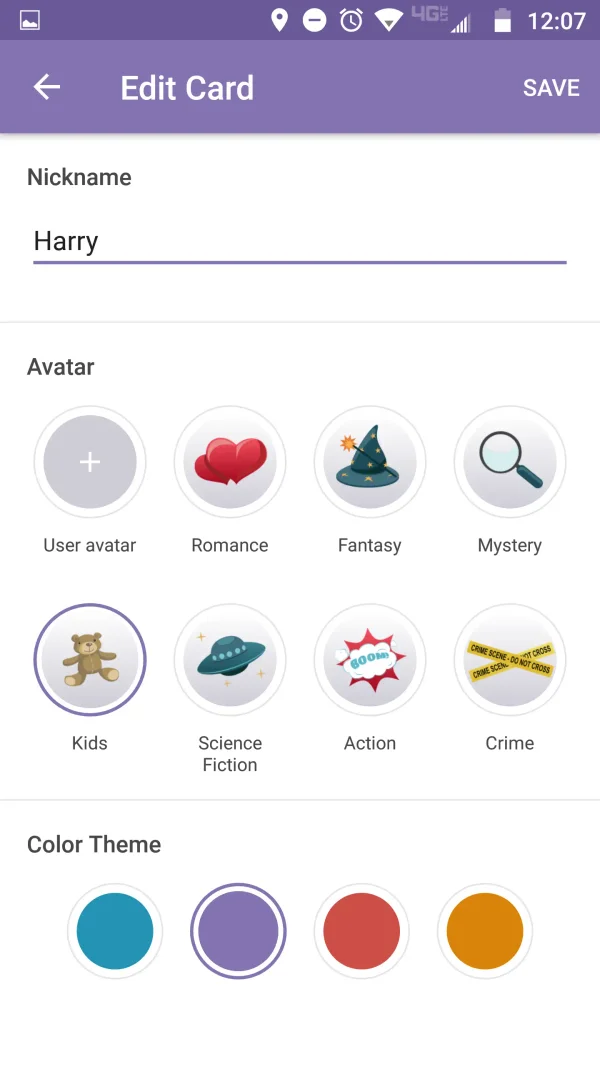
- Fun and loveable customizations include Themes, Avatars and Nicknames
For libraries that have a subscription to offer eBooks and Audiobooks:
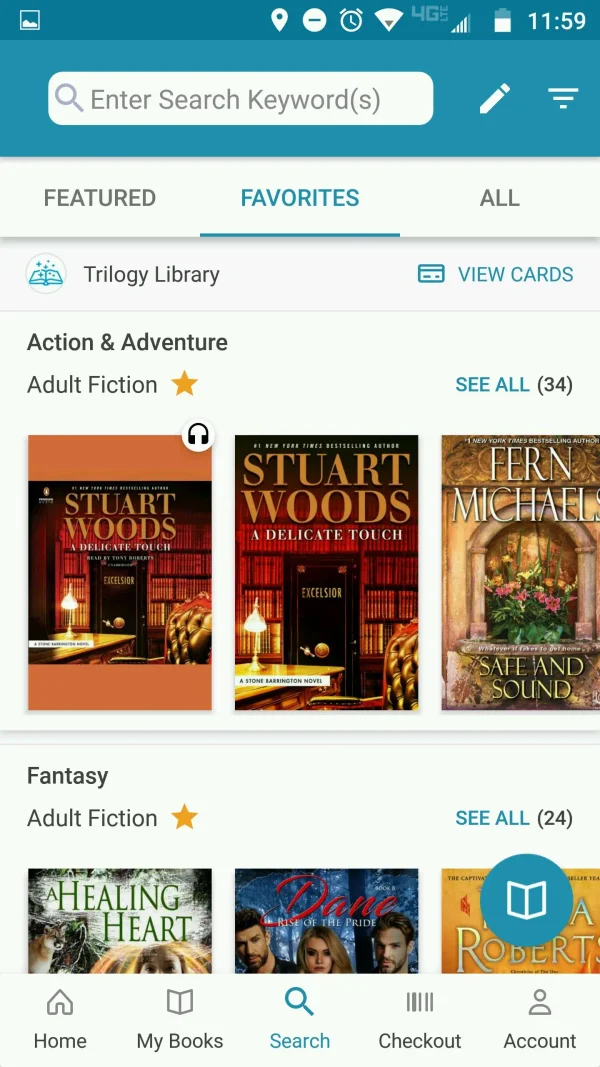
- Customize your homepage bookshelves to display your preferred genres
- Simple interface makes browsing and saving titles a breeze
- Filter content by format, availability and language to display exactly what you are looking for
- Mark titles as favorites or read to help with literary conversations with friends
- Sync digital content across multiple devices to easily pick up where you left off
- View current books, full reading history, items on hold and saved titles in one place
- Sort titles by name or author to easily find what you’re looking for
- Receive reading recommendations or view additional titles by author or series
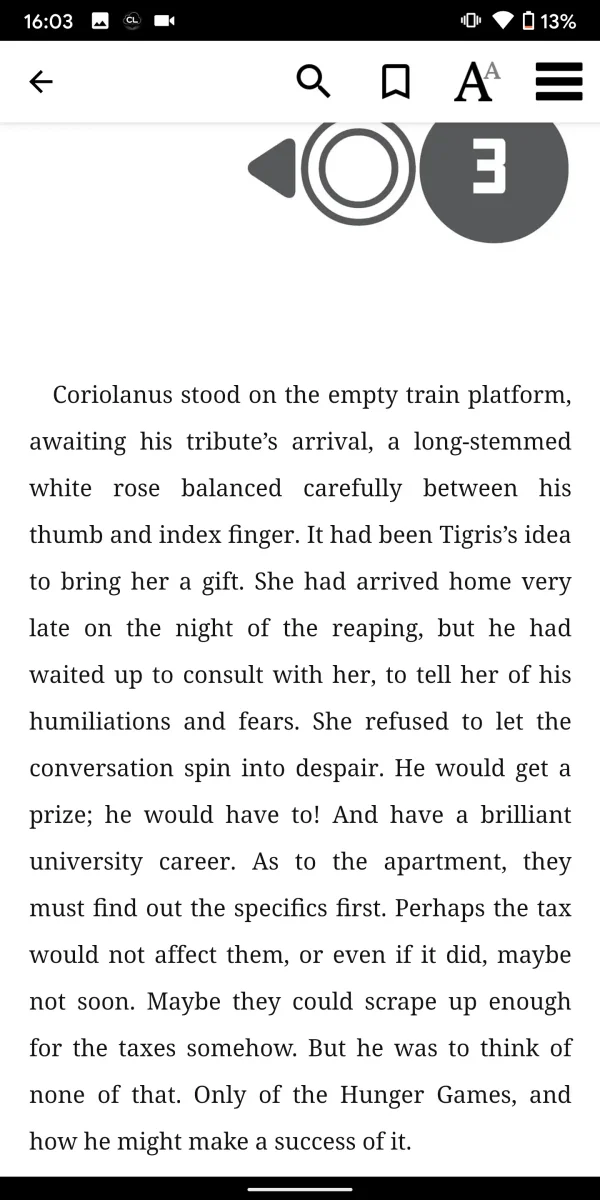
- Select font size, margins and background colors to create your preferred reading experience
- Search eBooks for a particular phrase to get back to that one spot you wanted to reference
- Bookmark pages and add notes if needed
- Return titles early when you’re finished and make available for other readers
Elevate your library experience today with the CloudLibrary app!
Data safety
What OCLC declares on Google Play about the data this app collects and shares.
- No data shared with third partiesLearn more about how developers declare sharing
- This app may collect these data typesPersonal info and App info and performance
- Data is encrypted in transit
- You can request that data be deleted
What’s new
Oct 16, 2026
Like any fabulous library, we're always improving things behind the scenes.
Developer contact
- Websiteyourcloudlibrary.com
- Emailcloudlibraryfeedback@oclc.org
- Privacy policyusestrwebaccess.blob.core.windows.net
- Address6565 Kilgour Pl Dublin, OH 43017 United States
Information
- Offered by
- OCLC
- Category
- Books & Reference
- Updated
- Oct 16, 2026
- Released
- Oct 4, 2011
- Age rating
- Everyone
- Price
- Free
- Package name
- com.txtr.android.mmm
Similar apps
-
 Libby: Read Library Books
Books & Reference
-
 Bookshelf
Education
-
 Cantook by Aldiko
Books & Reference
-
 Everand: Audiobooks & Ebooks
Books & Reference
-
 Penguin Random House Audio
Books & Reference
-
 BorrowBox
Books & Reference
-
 getAbstract: Book Summaries
Education
-
 Listening: Text to Speech
Books & Reference
-
 Anyplay: Audiobooks Reading
Books & Reference
-
 Kobo Books - eBooks Audiobooks
Books & Reference
-
 NovelBar-Your Reading Haven
Books & Reference
-
 Hoopla: Your Library, Anywhere
Books & Reference