Code Editor - Compiler & IDE
Rhythm SoftwareContains ads · In-app purchases
- EveryoneAge rating
- ProductivityCategory
- Oct 28, 2026Updated
- FreePrice
Links to the official Google Play listing of com.rhmsoft.code. Last checked on Nov 20, 2026.

Screenshots
About this app
Write, compile and run your code from your device, cloud, GitHub and GitLab.
Code editor is an optimized text editor that focuses on coding. It is a handy tool for development on Android. It contains all the necessary features for coding, includes syntax highlighting, auto indention, code assist, auto completion, compilation and execution, etc.
If you need a plain text editor, please search for and download QuickEdit Text Editor.
Features:
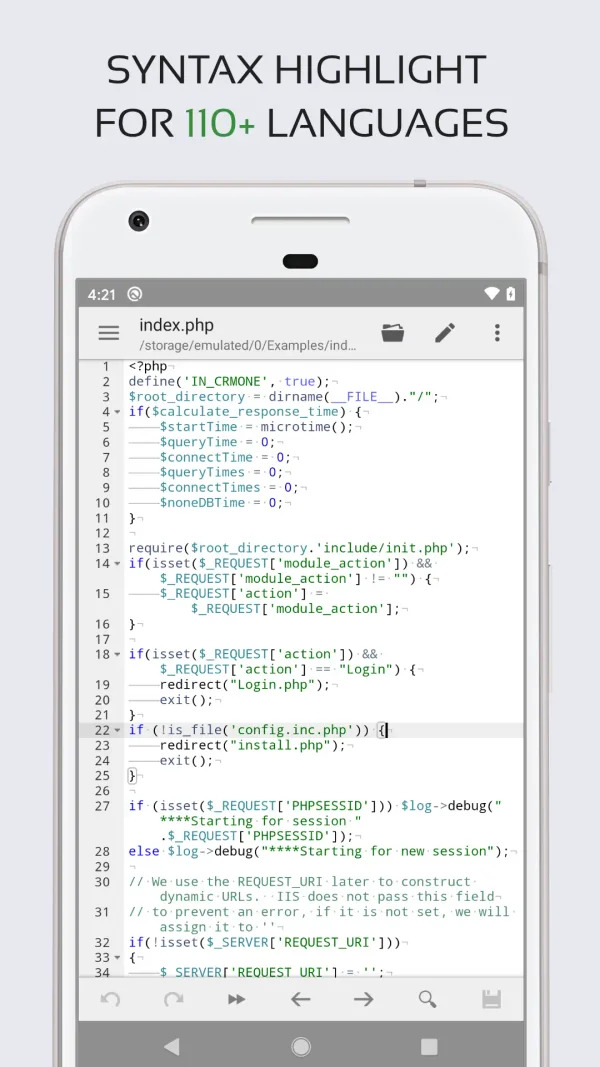
★ Syntax highlighting for over 110 languages (C++, Java, JavaScript, HTML, Markdown, PHP, Perl, Python, Lua, Dart, etc).
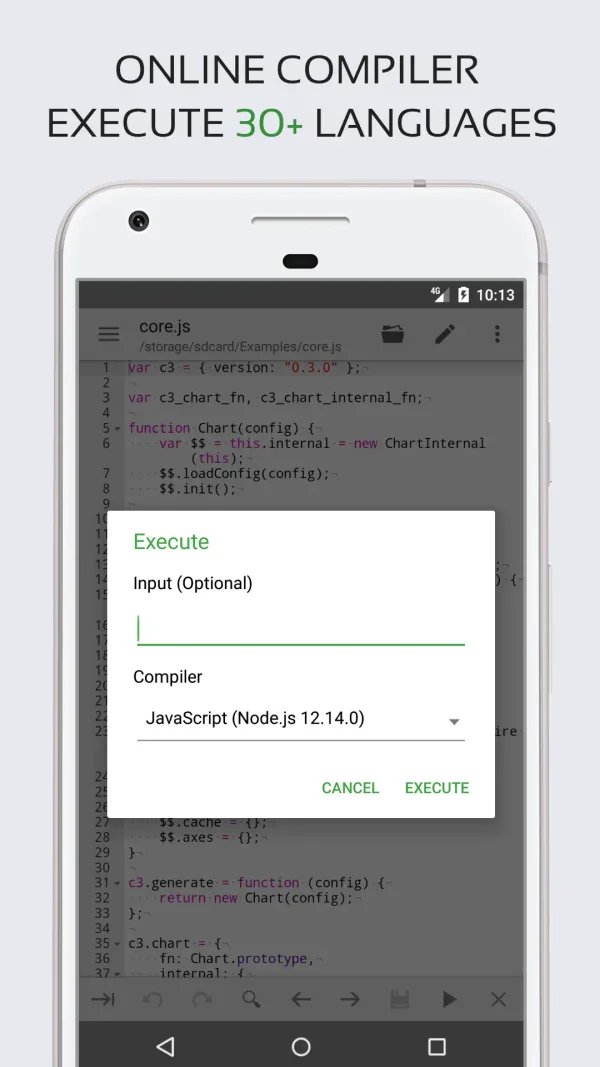
★ Include online compiler, can compile and run over 30 common languages (Python, PHP, Java, JS/NodeJS, C/C++, Rust, Pascal, Haskell, Ruby, etc).
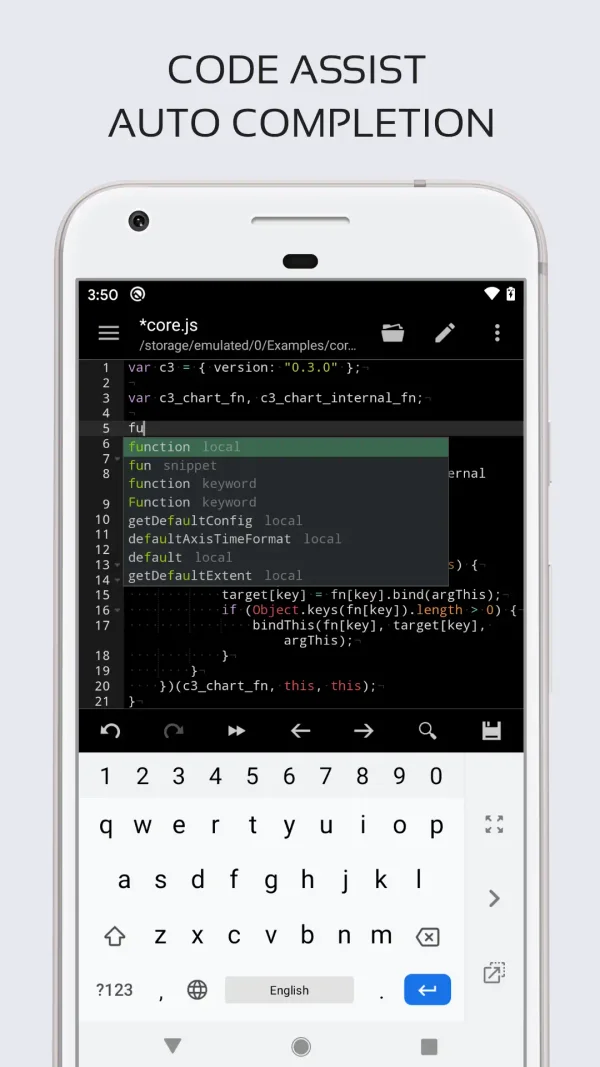
★ Code assist, folding and auto completion.
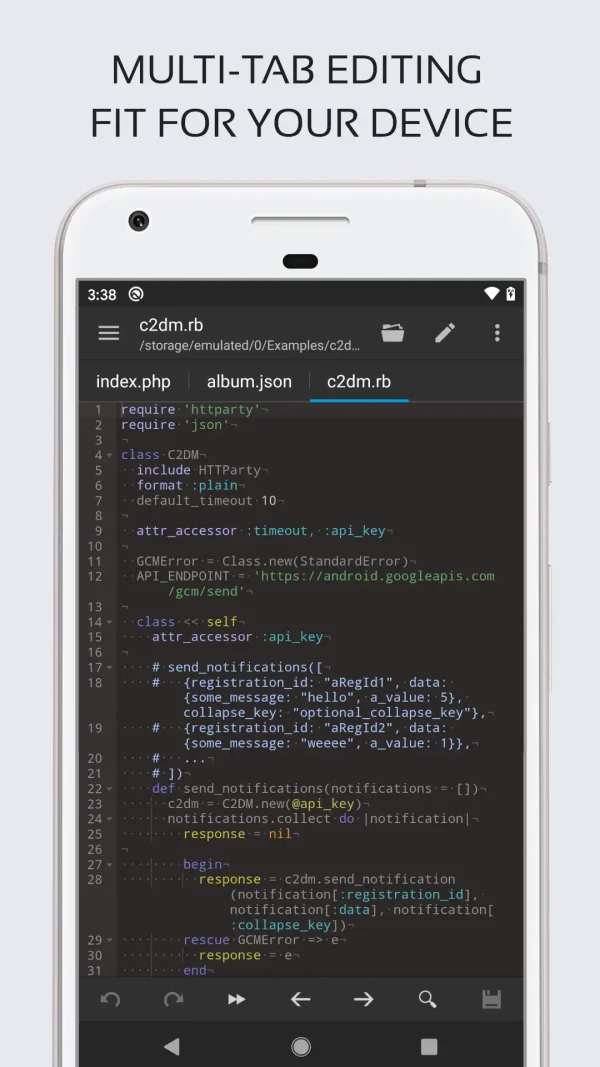
★ Easily navigate between multiple tabs.
★ Undo and redo changes without limit.
★ Search and replace with regular expressions.
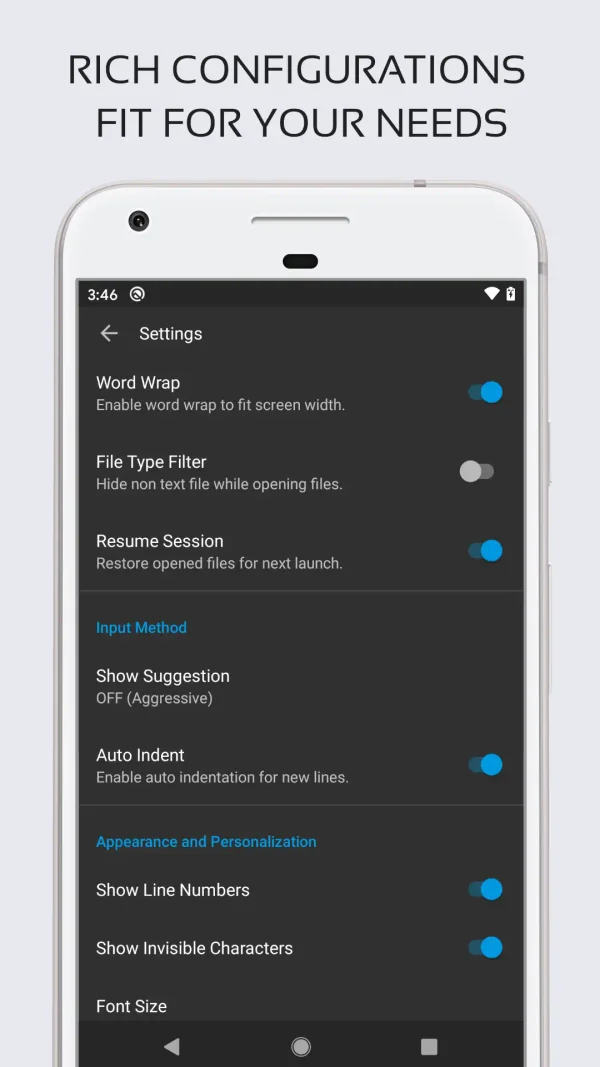
★ Show or hide line numbers.
★ Highlight matching parentheses.
★ Automatic indent and outdent.
★ Displays invisible characters.
★ Open files from recently opened or added file collections.
★ Preview HTML, AsciiDoc and Markdown files.
★ Includes Emmet support for web development.
★ Evaluate JavaScript code with built-in JavaScript console.
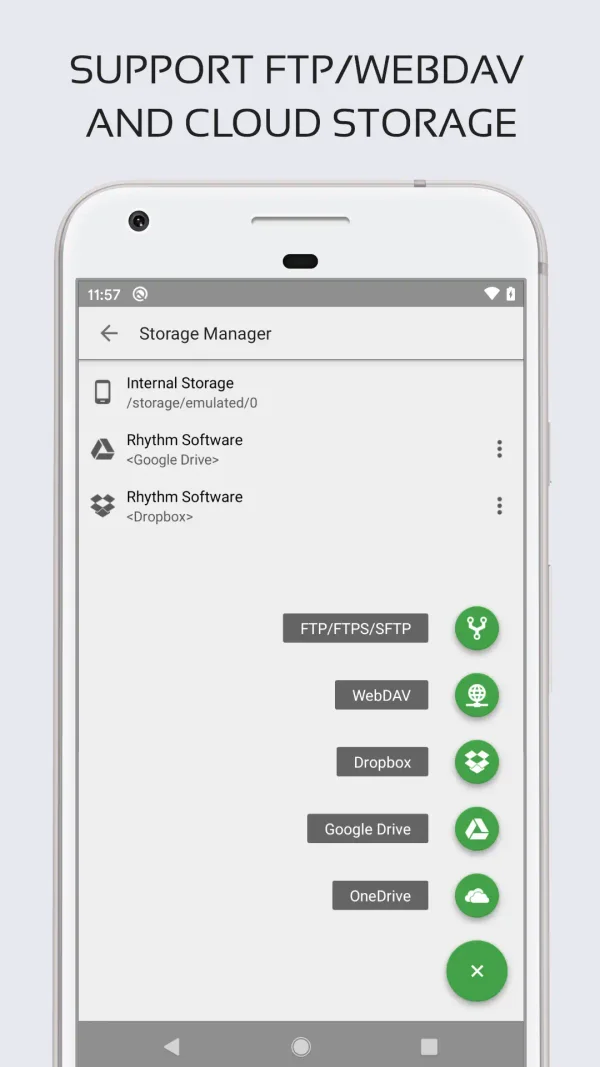
★ Access files from FTP, FTPS, SFTP and WebDAV.
★ Integrate and easy access to GitHub and GitLab.
★ Access files from Google Drive, Dropbox, and OneDrive.
★ Physical keyboard support, including key combinations.
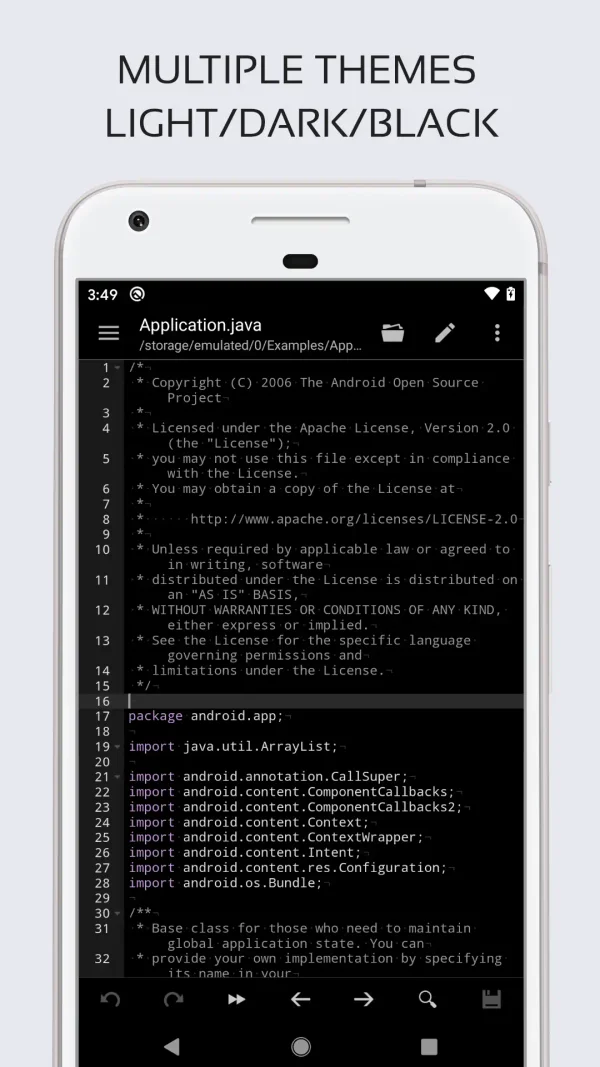
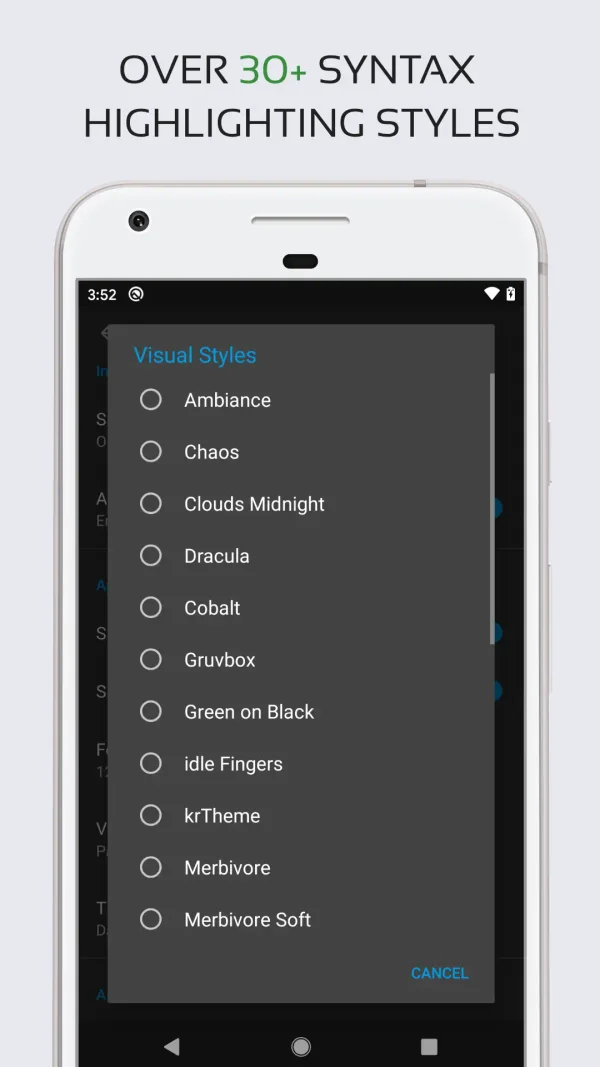
★ Three application themes and over 30 syntax highlighting themes.
If you can help to translate this application into your native language, please contact us at support@rhmsoft.com
If you encounter any issues or have any suggestions, please feel free to contact us at support@rhmsoft.com
Data safety
What Rhythm Software declares on Google Play about the data this app collects and shares.
- No data shared with third partiesLearn more about how developers declare sharing
- This app may collect these data typesApp activity and App info and performance
- Data is encrypted in transit
- Data can’t be deleted
What’s new
Version 0.11.11 · Oct 28, 2026
✓ Added an option to toggle folder navigation drawer.
✓ Enhanced the Markdown preview.
✓ Fixed a theme related issue on Android 15 and later.
Developer contact
- Websiterhmsoft.com
- Emailsupport@rhmsoft.com
- Privacy policyrhmsoft.com
- Address2108 N St Ste N Sacramento, CA 95816-5712 United States
Information
- Offered by
- Rhythm Software
- Category
- Productivity
- Version
- 0.11.11
- Updated
- Oct 28, 2026
- Released
- May 22, 2020
- Requires
- Android 7.0 or later
- Age rating
- Everyone
- Price
- Free
- In-app purchases
- $3.99 per item
- Package name
- com.rhmsoft.code
Similar apps
-
 Spck Editor / Git Client
Tools
-
 Collectibles.com: Scan + Value
Tools
-
 Coding Python
Tools
-
 TrebEdit - Mobile HTML Editor
Tools
-
 Fabric: your second brain
Productivity
-
 Pydroid 3 - IDE for Python 3
Education
-
 Cxxdroid - C/C++ compiler IDE
Education
-
 Studocu: Notes & Practice
Education
-
 JotterPad - Writer, Screenplay
Productivity
-
 UpNote - notes, diary, journal
Productivity
-
 Code Studio
Productivity
-
 Woor. English vocabulary
Education