Color Widgets, Theme: iWidgets
AI Photo TeamContains ads · In-app purchases
- EveryoneAge rating
- LifestyleCategory
- Nov 2, 2026Updated
- FreePrice
Links to the official Google Play listing of colorwidgets.ios.widget.topwidgets. Last checked on Nov 19, 2026.

Screenshots


About this app
Decorate your home screen with custom icons, color widgets, themes & wallpapers
iWidgets has kinds of color widgets & themes for all Android devices.
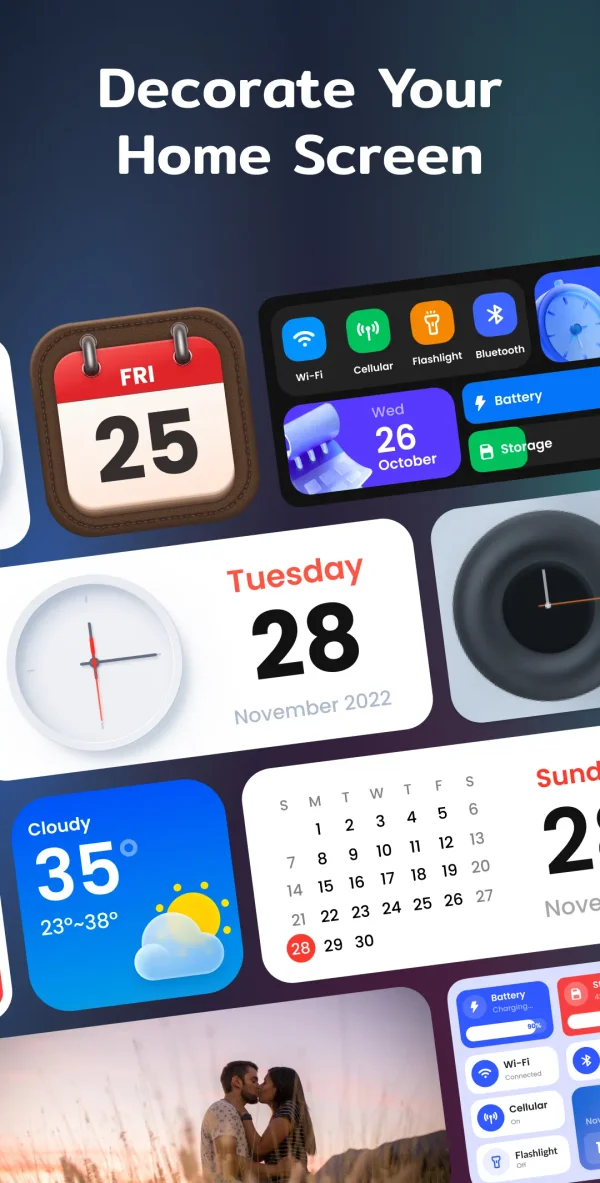
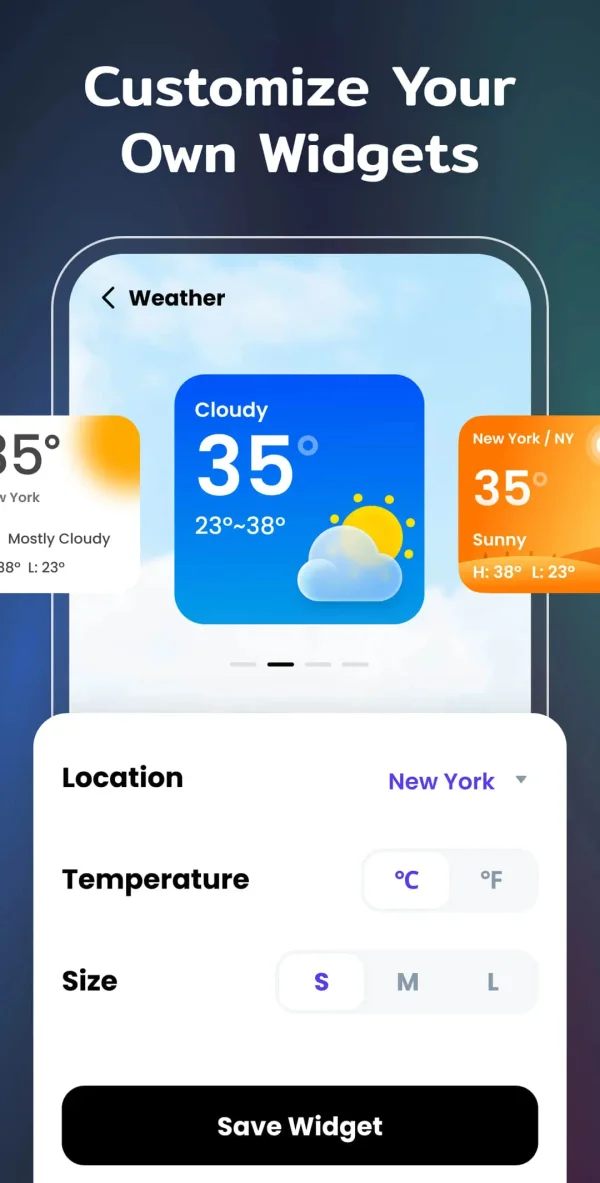
It provides you with abundant widgets to decorate your phone screen, such as clock, photo, X-panel, calendar, weather, battery level, Bluetooth status and event timer, with multiple sizes to meet your different needs.
Stylish themes, custom icons, and practical widgets—design your perfect home screen now!
🧐Highlights of iWidgets:
✦ Works on all Android devices
✦ Various aesthetic themes
✦ One-click to add widgets
✦ Customize app icons freely
✦ Timers for important events
✦ Add small/medium/large widgets
✦ Multiple widgets & diverse widget styles
✦ Make your screen unique and exclusive
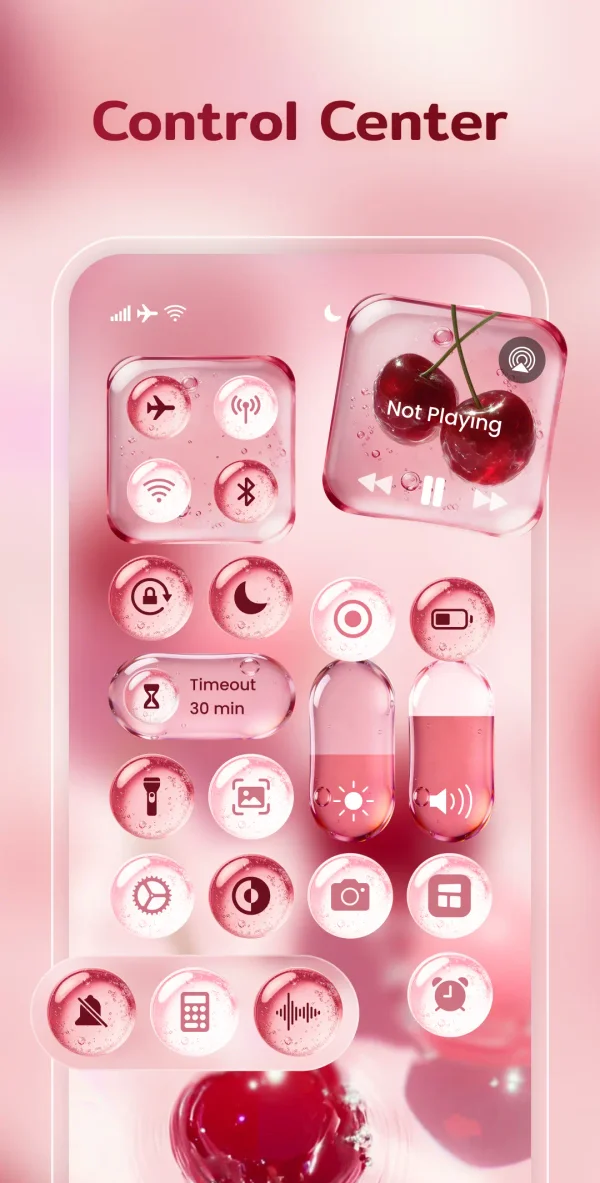
🎉X-Panel Widget
- A collection of shortcuts on your home screen
- Check your phone's status in one place, current date & time, network connection, Bluetooth status, battery level, storage, etc.
- Quickly turn on/off the flashlight, connect/disconnect Wi-Fi, etc.
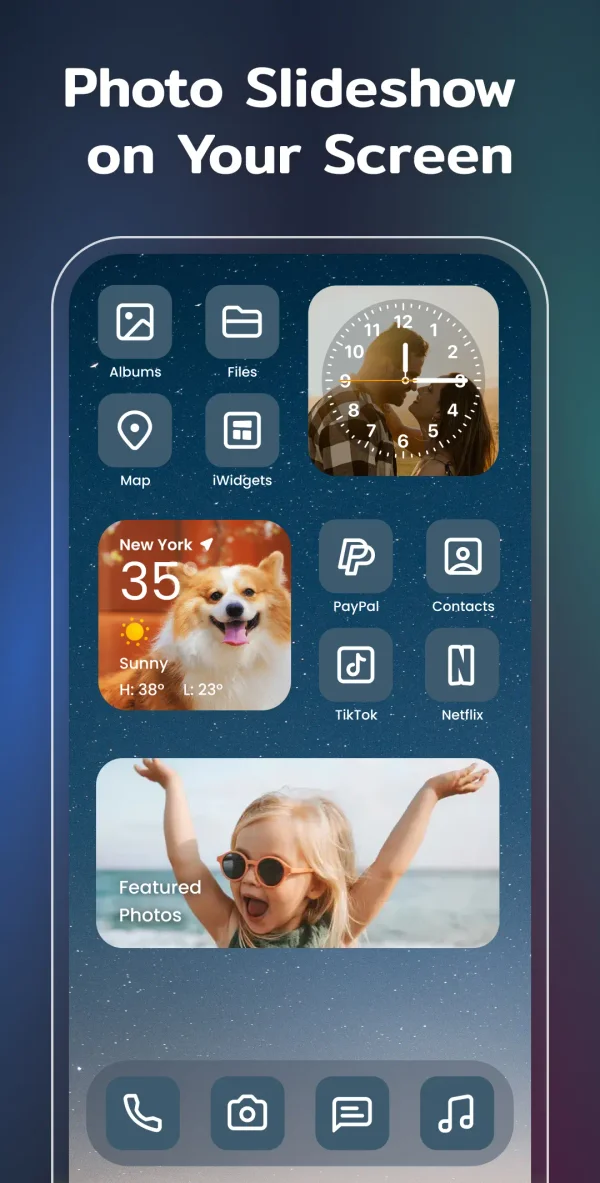
🎬Photo Widget
- Decorate your home screen with your cherished photos
- Support photo slideshow, recording your fond memories with family, friends or pets
🕛Clock Widget
- Exquisite clock widgets to make your phone screen more brilliant
- Analog and digital clock widgets for your choice
- A variety of aesthetic clock widget styles
⛅Weather Widget
- Local weather information at your fingertips - real-time temperature, weather conditions, etc.
- Simple and elegant display interface
📅Calendar Widget
- You can set the widget to display the current date or the entire month
- Creative and vintage styles for you to choose from
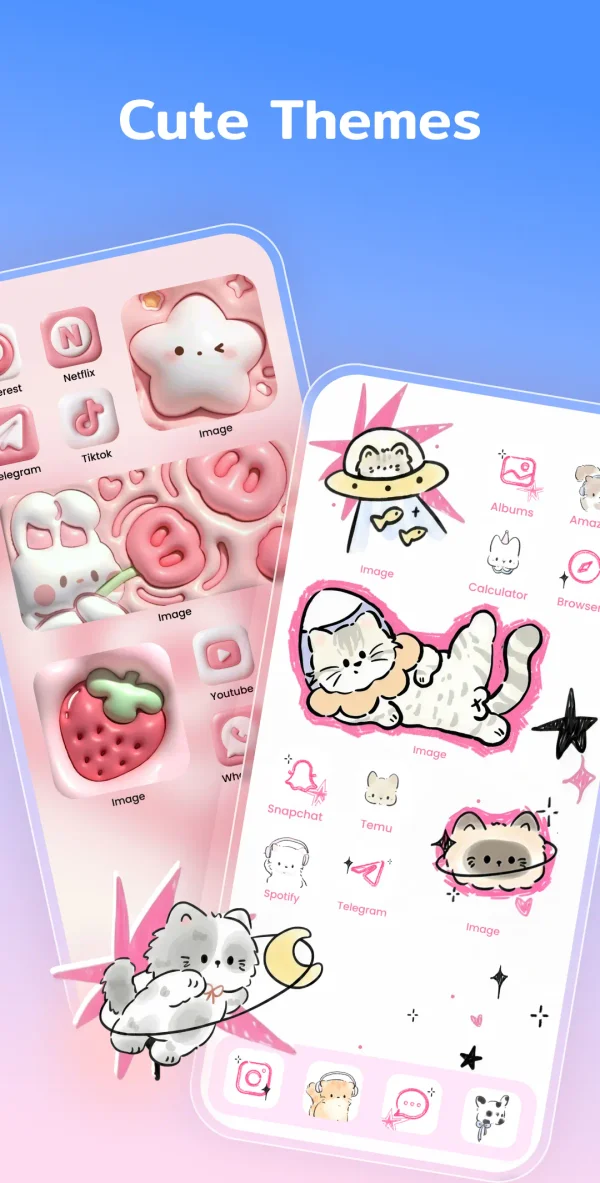
🎨Exquisite Themes
- Preset themes in different styles: anime, neon, aesthetic, human, etc.
- Change app icons as needed
- Widget styles matching the theme
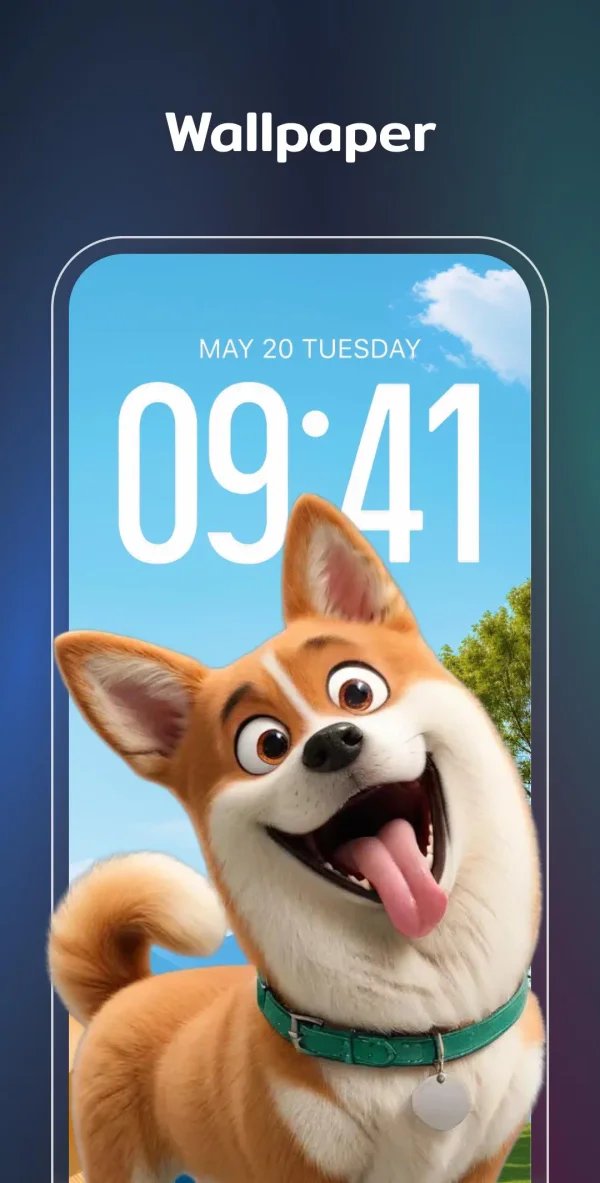
- Customize wallpaper to your liking
⏳Event Timer
- Countdown to your most important events: birthdays, anniversaries, activities, or special dates
- Clearly visible screen timer to help you plan related matters
🧩Custom Icons
- Redesign app icons to show your own style
- Make your home screen stand out with a unique look
🚀How to use iWidgets?
1. Open the app and browse themes, widgets, wallpapers, icons & control centers
2. Choose the category you love - cute, anime, neon, human & more
3. Tap to apply your favorite style to your home screen, or DIY one from scratch
✨Upcoming Widget Types:
✦ To-do list - Simple & straightforward way to maintain self-discipline, improve your study and work efficiency
✦ Notes - Record your mood or important matters anytime, anywhere
⚙️Required Permissions:
Storage permission is required to display photos
Location permission is required for [Weather Widget] to show weather conditions
Location permission is required for [Distance Widget] so that you can always know how far the other one is
Notification permission is required to refresh the information on widgets
AccessibilityService API
This permission is required to display the Control Center on the screen and enable user-initiated actions. Rest assured, we will never access any unauthorized permissions, or disclose users' personal information to any third parties.
We support multiple color widgets & themes to meet your diverse needs. With this powerful widget tool, you can easily personalize your home screen. One-click to change themes, add widgets, customize icons, and set up event timers. Let your phone reflect your style and keep your life organized.
Your support is our greatest motivation. If you have any questions or suggestions, please contact us at widgetsfeedback@gmail.com.
Data safety
What AI Photo Team declares on Google Play about the data this app collects and shares.
- No data shared with third partiesLearn more about how developers declare sharing
- This app may collect these data typesLocation, Photos and videos and 3 others
- Data is encrypted in transit
- You can request that data be deleted
Developer contact
- Websiteatlaszz.com
- Emailsupport@atlaszz.com
- Privacy policyatlaszz.com
- AddressRm 2609 CHINA RESOURCES BLDG 26 HARBOUR RD 灣仔 香港島 Hong Kong
Information
- Offered by
- AI Photo Team
- Category
- Lifestyle
- Version
- 1.8.5
- Updated
- Nov 2, 2026
- Released
- Mar 31, 2023
- Requires
- Android 8.0 or later
- Age rating
- Everyone
- Price
- Free
- In-app purchases
- $1.49 - $59.99 per item
- Package name
- colorwidgets.ios.widget.topwidgets
Similar apps
-
 Aesthetic Wallpapers & Icons
Art & Design
-
 Spotify: Music and Podcasts
Music & Audio
-
 Pinterest
Lifestyle
-
 Fonts Keyboard Themes & Emoji
Personalization
-
 Fonts Art: Cute Keyboard Font
Personalization
-
 Facemoji AI Emoji Keyboard
Personalization
-
 My Diary - journal diary
Lifestyle
-
 GRUBL™ 4D Live Wallpapers + AI
Personalization
-
 Pixel 4D™ Live Wallpaper 4K 3D
Personalization
-
 MyICON - Icon Changer, Themes
Personalization
-
 Edge Lighting - Borderlight
Personalization
-
 Battery Charging Animation App
Personalization