Epson マルチロールプリント
Seiko Epson Corporation- EveryoneAge rating
- LifestyleCategory
- Dec 24, 2025Updated
- FreePrice
Links to the official Google Play listing of com.epson.multiroll. Last checked on Nov 19, 2026.
Epson マルチロールプリント may not be available on Google Play right now
The store listing could not be reached the last time we checked. The link still leads to the official Google Play page.
Screenshots
About this app
Automatic translation by Google from Japanese (Japan).
Epson multi-roll printing, you can print a variety of seal content using the roll paper, it is a free Epson PF-70 / PF-71-only app.
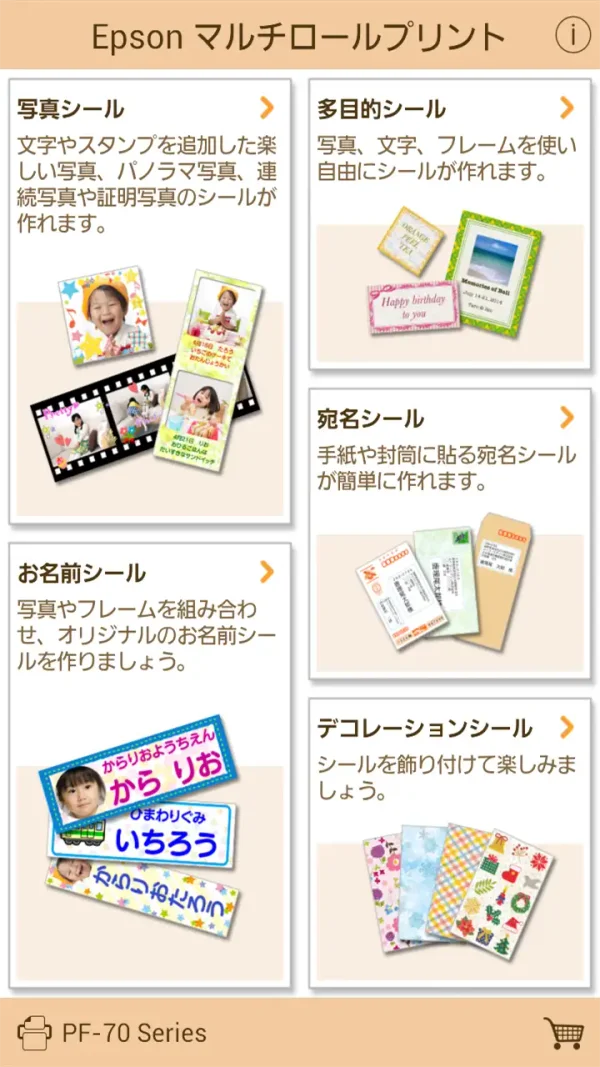
Epson Multi-Roll Print is an application exclusively for PF-70/PF-71 that allows you to create various stickers using roll paper. With simple operations, you can create and print photo stickers like purikura, long photos such as panoramas, name stickers with face photos, address stickers with addresses and names, and decorative stickers that can be displayed stylishly. can.
[Main features of Epson multi-roll printing]
◆ Photo sticker
You can add text, stamps, and frames to your favorite photos and print stickers like purikura. Automatic image quality correction (Auto Photo Fine! EX) allows you to print photos beautifully according to the shooting scene.
◇Panorama photo
Don't have panoramic photos on your smartphone? Epson Multi-Roll Print allows you to print panoramic photos. You can also print and display photos of beautiful scenery from your travels!
◇Sequential photos
You can connect multiple photos and print them side by side like negative film. There are many ways to use it, such as arranging photos from your travels, arranging your child's growth, etc. With Epson Multi-Roll Print, you can enjoy editing photos of your travel memories and events and store them in style.
◇Any size photo
I want to paste a photo of just the right size here... Recommended for those times! You can decide the size and make the sticker yourself, so you can make a photo sticker to match the place you want to stick it!
◆ Name sticker
- Name sticker with photo
What if you could put a photo of your child's face on a sticker that you put on your child's belongings? Have you ever thought about that? With Epson Multi-Roll Print, you can create name stickers with photos cut out in the shape of hearts or stars. You can also make name stickers with cute illustrations and frames!
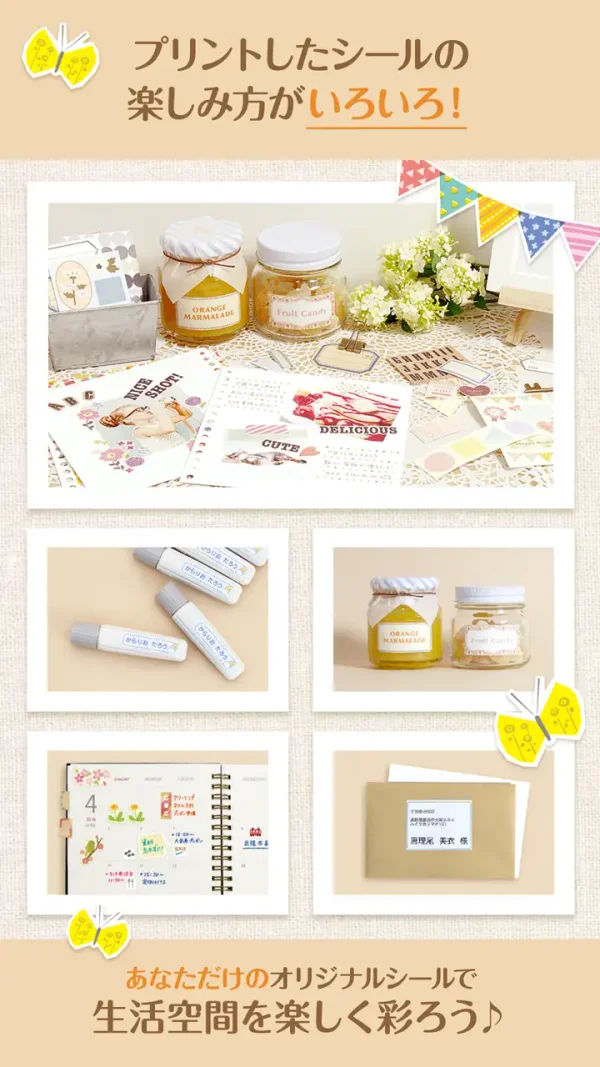
◆ Multi-purpose sticker
You can arrange the position and size of text, photos, and illustrations. I want to make original stickers! This is useful in situations like this. By pasting them on everyday items such as kitchen goods and storage cases, you can brighten up your living space!
◆Address sticker
It's hard to write addresses by hand... In such cases, address stickers are recommended. Once you create and save it, you can send it immediately by simply printing and pasting it whenever you want to send it.
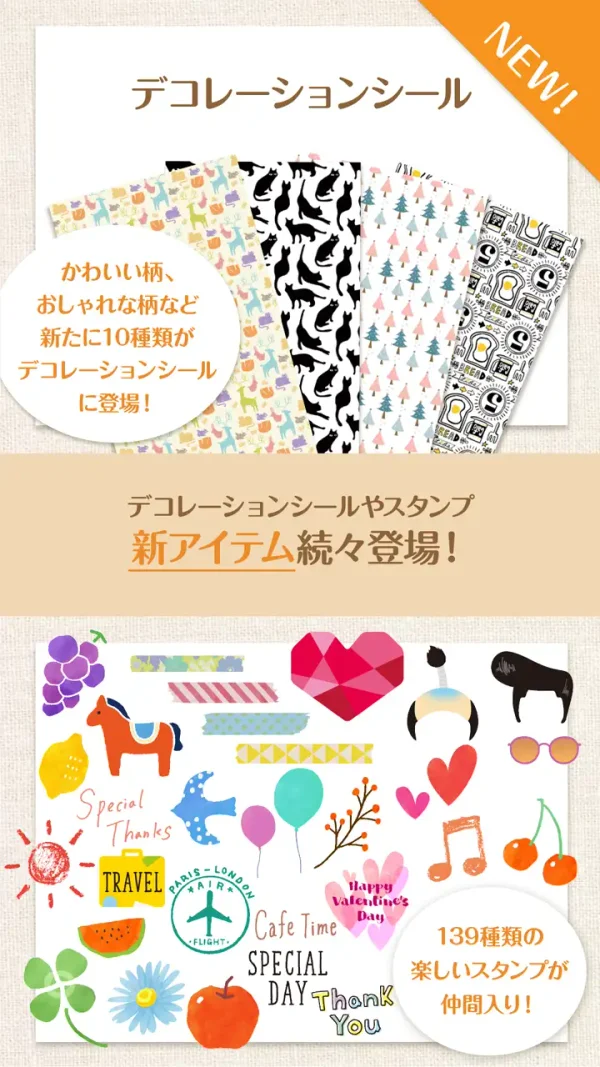
◆ Decoration sticker
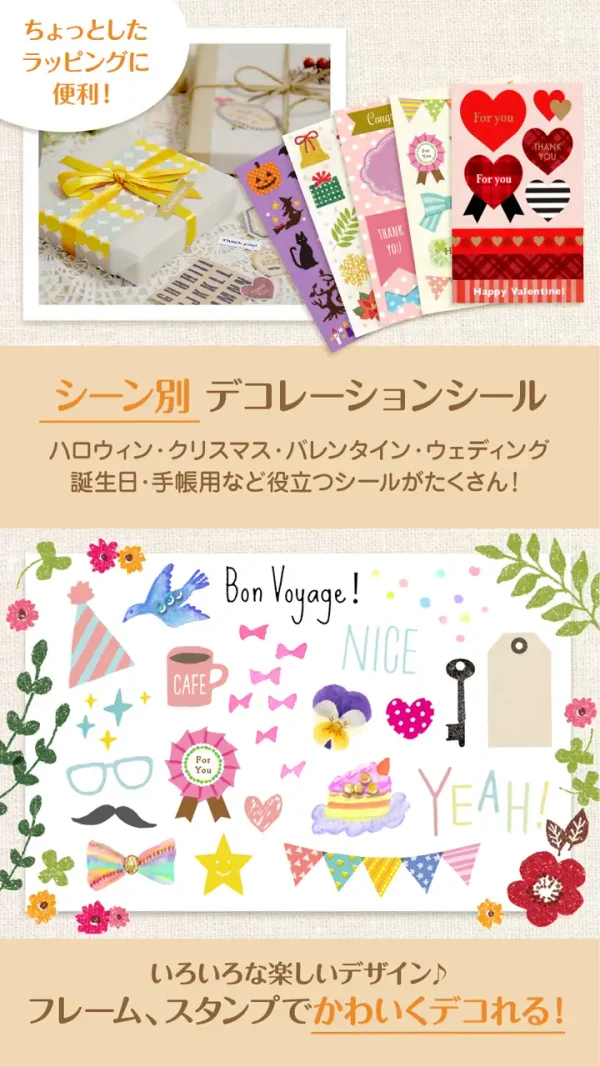
If you want to decorate a gift, letter, or album for a friend, we recommend using decorative stickers.
You can print it at any length you like, so we recommend printing it long and using it as a border for letters, or cutting it into small pieces and adding it to letters! Decorations that can be used for different occasions are perfect for events such as birthdays and weddings.
[Abundant design content]
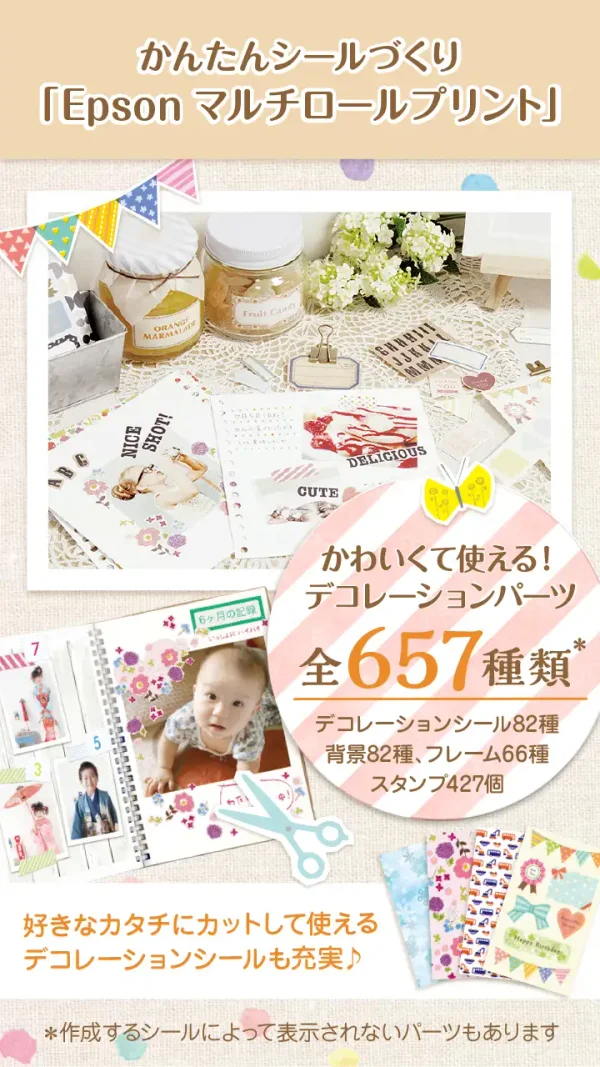
◇657 types of design content (frames, stamps, etc.) to decorate your photos are available for free.
Compatible printers
Epson PF-70, PF-71
Compatible terminal
・Android Ver.8.0 or later
・1280 x 720, 4.5 inch or larger LCD screen terminal
(The layout may not be displayed correctly on devices whose screens do not meet the above requirements)
Regarding the use of location information function
・Customers using Android 6.0 or later OS
For Android 6 or later, it is necessary to use the OS's location information function when connecting to Wi-Fi Direct.
(To search for SSID of nearby printers)
If a screen prompting you to change location information settings appears when connecting to Wi-Fi Direct, change the settings.
The location information function is not used when using the printer via infrastructure.
-This application does not acquire or collect location information.
Emails received through "Send email to developer" will be used to improve our services in the future. Please note that as a general rule, we are unable to respond to individual inquiries.
Show the original text
Epson マルチロールプリントは、ロール紙を使っていろいろなシールを作成できる、PF-70/PF-71 専用アプリケーションです。プリクラのような写真シール、パノラマなどの長い写真、顔写真入りのお名前シール、住所や名前を入れた宛名シール、そしておしゃれに飾ることができるデコレーションシールを簡単な操作で作成、印刷することができます。
【Epson マルチロールプリントの主な機能】
◆ 写真シール
お気に入りの写真に文字、スタンプ、フレームを追加してプリクラのようなシールを印刷することができます。写真は自動画質補正(オートフォトファイン!EX)により、撮影シーンに合わせてきれいに印刷できます。
◇パノラマ写真
お持ちのスマートフォンにパノラマ写真はありませんか?Epson マルチロールプリントではパノラマ写真を印刷することができます。旅先でのきれいな景色の写真を印刷して飾ることもできちゃいます!
◇連続写真
複数の写真をつなげてネガフィルムのように並べて印刷することができます。旅先の写真を並べたり、お子様の成長を並べたり…使い方はいろいろ!Epson マルチロールプリントを使えば、旅の思い出やイベントの写真を楽しく編集して、おしゃれに保存しておくことができます。
◇任意サイズ写真
ココにちょうどいいサイズの写真を貼りたい・・・。そんなときにおすすめです!自分でサイズを決めてシールが作れるので、貼りたい場所に合わせて写真シールが作れます!
◆ お名前シール
- 写真入りお名前シール
お子様の持ち物に貼るシールに顔写真を入れることができたら…。そんなことを思ったことはありませんか?Epson マルチロールプリントでは、ハートや星形に切り抜いた写真入りのお名前シールを作れます。この他にもかわいいイラストやフレームを入れたお名前シールも作れます!
◆ 多目的シール
文字、写真、イラストの位置、大きさをアレンジすることができます。オリジナルシールを作りたい!といったときに便利です。キッチングッズや収納ケースなど身の回りのものに貼ることで、生活空間が彩られますね!
◆ 宛名シール
宛名を手で書くのは大変…。そんなときに宛名シールがおすすめです。一度作って保存しておけば、送りたいときにさっと印刷して貼るだけですぐに送ることができます。
◆ デコレーションシール
友達へのプレゼントや手紙、アルバムをちょっと飾りたいと思ったら、デコレーションシールがおすすめです。
好きな長さで印刷できますので、長く印刷して手紙などのふちどりに使ったり、小さく切って手紙にちょこっと添えたりするのもおすすめです!シーン別に使えるデコレーションは、誕生日や結婚式などのイベントにピッタリです。
【豊富なデザインコンテンツ】
◇写真を彩るデザインコンテンツ(フレーム、スタンプなど)657種類が無料で利用できます。
対応プリンター
Epson PF-70, PF-71
対応端末
・Android Ver.8.0 以降
・1280×720、4.5インチ以上のLCD画面端末
(画面が上記を満たしていない端末ではレイアウトが正しく表示されないことがあります)
位置情報機能の利用について
・Android 6.0以降のOSをご利用のお客様
Android 6以降では、Wi-Fi Direct接続時にOSの位置情報機能を利用する必要があります。
(周辺のプリンターのSSIDを検索するため)
Wi-Fi Direct接続時に位置情報設定変更の案内画面が表示された場合には設定を変更してください。
インフラストラクチャー経由でプリンタをご利用の場合には位置情報機能は利用しません。
・本アプリケーションは位置情報の取得・収集は行いません。
「デベロッパーにメールを送信」などでいただいたメールにつきましては、今後のサービス改善などに役立たせていただきます。原則として個別には回答いたしかねますので、あらかじめご了承願います。
Data safety
What Seiko Epson Corporation declares on Google Play about the data this app collects and shares.
- No data shared with third partiesLearn more about how developers declare sharing
- This app may collect these data typesApp activity and App info and performance
- Data is encrypted in transit
- Data can’t be deleted
- Committed to follow the Play Families Policy
What’s new
Version 2.6.0 · Dec 24, 2025
軽微な不具合を修正しました。
Developer contact
- Websiteepson.jp
- EmailFeedback-AndroidAppsPrn@exc.epson.co.jp
- Privacy policysupport.epson.net
- Address日本 〒160-0022 東京都SHINJUKU-KU 4-1-6, SHINJUKU JR SHINJUKU MIRAI TOWER 29F
Information
- Offered by
- Seiko Epson Corporation
- Category
- Lifestyle
- Version
- 2.6.0
- Updated
- Dec 24, 2025
- Released
- Oct 10, 2014
- Requires
- Android 10 or later
- Age rating
- Everyone
- Price
- Free
- Package name
- com.epson.multiroll