Compass - Digital Compass
1 BitContains ads
- EveryoneAge rating
- ToolsCategory
- Jun 30, 2026Updated
- FreePrice
Links to the official Google Play listing of tools.compass.bubblelevel. Last checked on Nov 20, 2026.

Screenshots

About this app
The developer has not provided this text in your language.
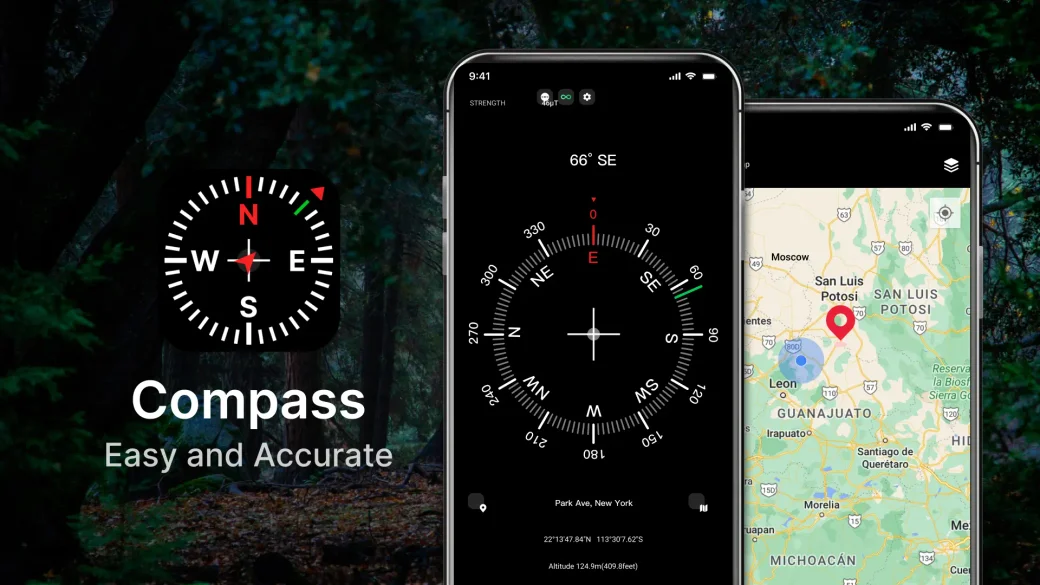
Most precise & accurate digital compass app & qibla compass!
Our portable GPS compass (digital compass)& QIBLA compass is a useful compass app for every range of people. Its high accuracy guarantees you can have a great guide when you do outdoor activities. Use this compass free.
Features of compass app:
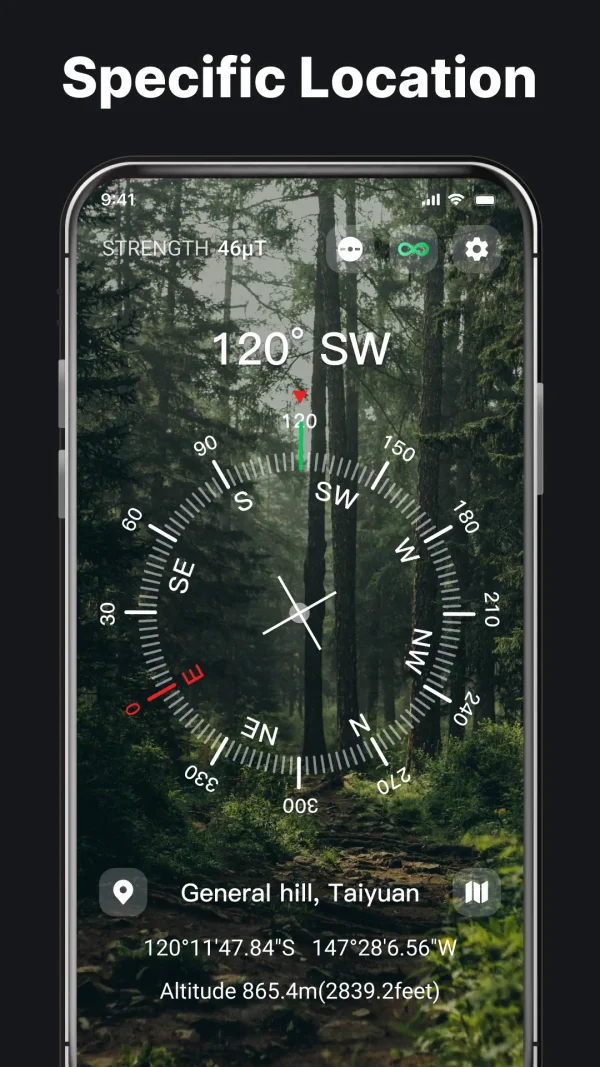
- Specific geographic location
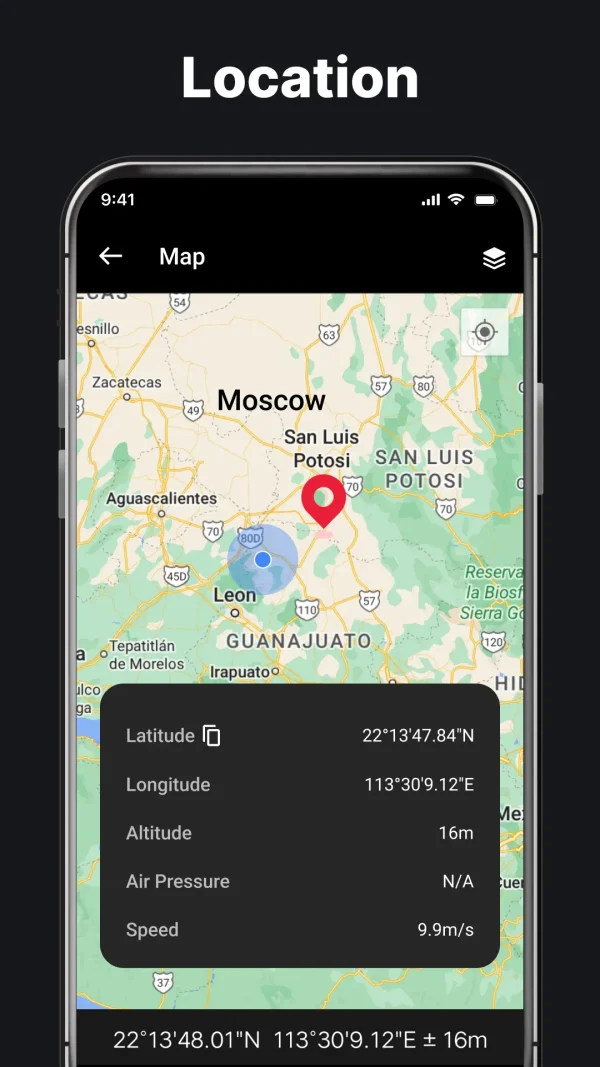
- Accurate latitude and longitude
- Altitude, air pressure, magnetic field force
- Gravitational acceleration of the location
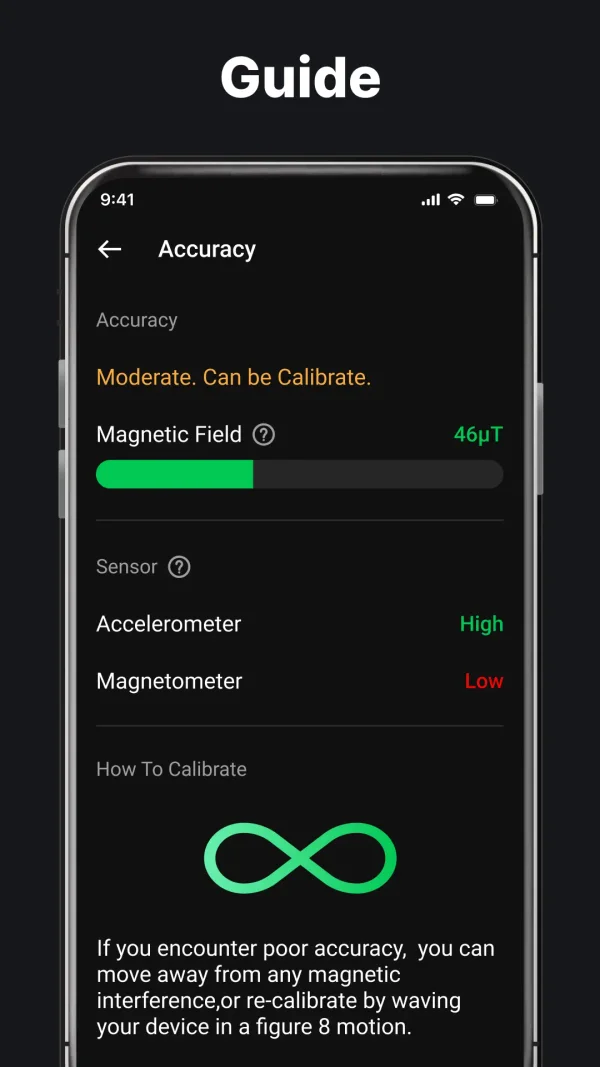
- Calibrate the compass for a more accurate direction
- 100% accurate Qibla Direction compass for Android.
- Full-screen Google map
Qibla compass:
Qibla compass is a GPS compass app that uses your current location with the assistance of a GPS to indicate the Qibla direction accurately. Qibla Direction Compass retrieves information about North, South, East, West directions with latitude and longitude. Qibla Compass shows real-time orientation to magnetic fields and true north. This Qibla Compass for Android locates Qibla for prayer regardless of wherever you are because every Muslim across the world faces Qibla direction when offering prayer.
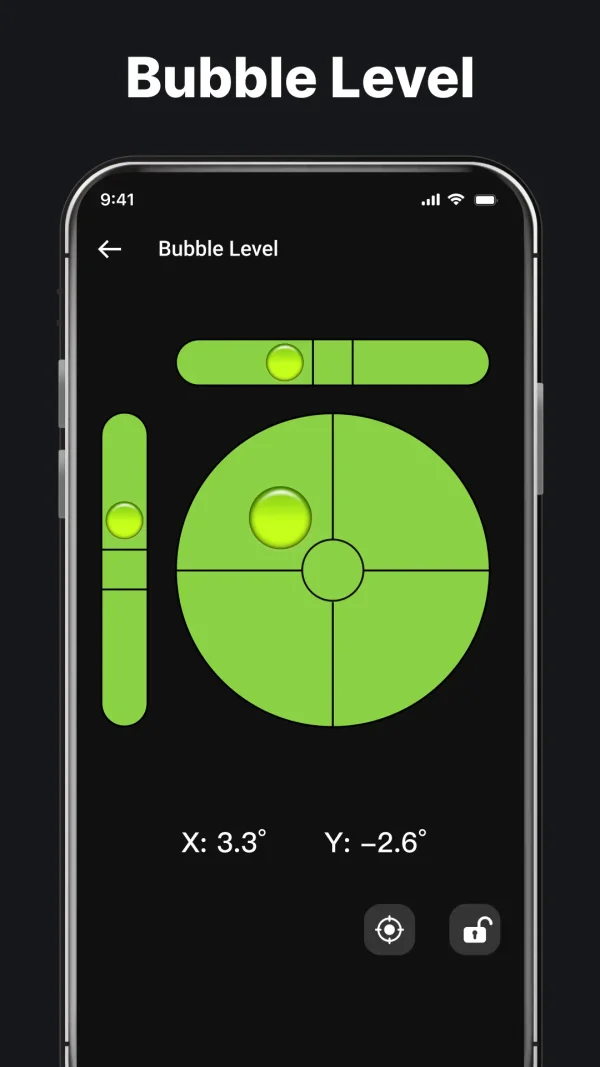
Bubble level:
- Help you position objects vertically and horizontally.
- Horizontal measurement (X mode), vertical measurement (Y mode) and hybrid level measuring on both axes (X+Y mode)
- Orientation locking
How to use this GPS compass?
1. Place the compass flat on the palm of your hand and your palm on your chest
2. Figure out the direction you are facing. Check the magnetic needle on the compass, the magnetic needle will not deflect back and forth only when it points north
3. Turn your body with the pointing arrow until the north end of the magnetic needle is in a straight line with the directional arrow, and then just walk in the direction of the pointing arrow
Magnetic field strength is too high, automatic reminder
Smart compass will interfere when the device is near any magnetic objects. Put Compass app away from 🧲 magnetic objects such as magnets, batteries. 🔋
Due to the influence of the geomagnetic field strength, the compass pointer will be unstable, which will result in inaccurate pointing. Please calibrate the compass before using it. This step is to reduce the influence of the magnetic field on the pointer deflection
Download this digital compass app for free now. Having this useful compass to be your best companion to go for hiking, picnics, climbing, sailing...Easy and accurate!
Data safety
What 1 Bit declares on Google Play about the data this app collects and shares.
- No data shared with third partiesLearn more about how developers declare sharing
- This app may collect these data typesLocation, App activity and 2 others
- Data is encrypted in transit
- Data can’t be deleted
What’s new
Version 2.3.2 · Jun 30, 2026
* Fixed some issues
Developer contact
- Websiteonebit-app.web.app
- Emailpointdotdog@gmail.com
- Privacy policysites.google.com
- Address茂丰路133号3栋2单元1202房 香洲区, 珠海市, 广东省 China 519000
Information
- Offered by
- 1 Bit
- Category
- Tools
- Version
- 2.3.2
- Updated
- Jun 30, 2026
- Released
- Jun 3, 2020
- Requires
- Android 7.0 or later
- Age rating
- Everyone
- Price
- Free
- Package name
- tools.compass.bubblelevel
Similar apps
-
 Compass Steel
Tools
-
 Digital Compass
Tools
-
 Compass Steel 3D
Tools
-
 XPENG
Tools
-
 Sunrise and Sunset Times
Tools
-
 Compass & Altimeter
Tools
-
 Radio FM Online - Simple Radio
Music & Audio
-
 Kuli Kuli: Travel Translator
Travel & Local
-
 NS International
Maps & Navigation
-
 TimeTec HR
Business
-
 Weather Forecast & Widget
Weather
-
 Najm | نجم
Productivity