Contacts
DOSA AppsContains ads · In-app purchases
- EveryoneAge rating
- ToolsCategory
- Nov 6, 2026Updated
- FreePrice
Links to the official Google Play listing of com.musicplayer.indianmusicplayer. Last checked on Nov 20, 2026.

Screenshots


About this app
Back up your contacts across all your devices
What is Contacts?
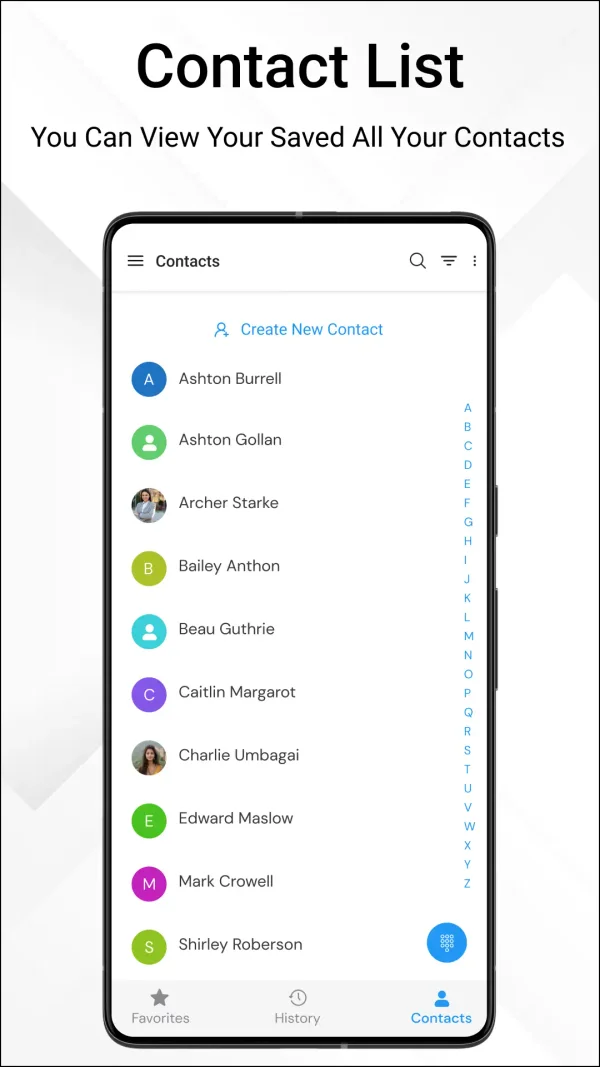
This Android contacts manager brings your saved numbers, a phone dialer, and recent calls into one app. Search for a name, open a saved entry, and make a call without browsing through a long list. Use favorites and groups to organize the people you contact regularly.
The app also supports contact backup, file import and export, caller ID, and tools for managing unwanted calls. It combines everyday calling with ways to organize and transfer your saved details.
Who is Contacts for?
Use it when your address book has grown difficult to browse, you want family and work entries in separate groups, or you need a backup before changing phones. Favorites help keep frequently used numbers together, while search gives you another way to find a person.
It also suits people who want to manage incoming calls and recent call history alongside their saved numbers. You can organize entries, dial a number, and return to recent calls within the same app.
What does Contacts do?
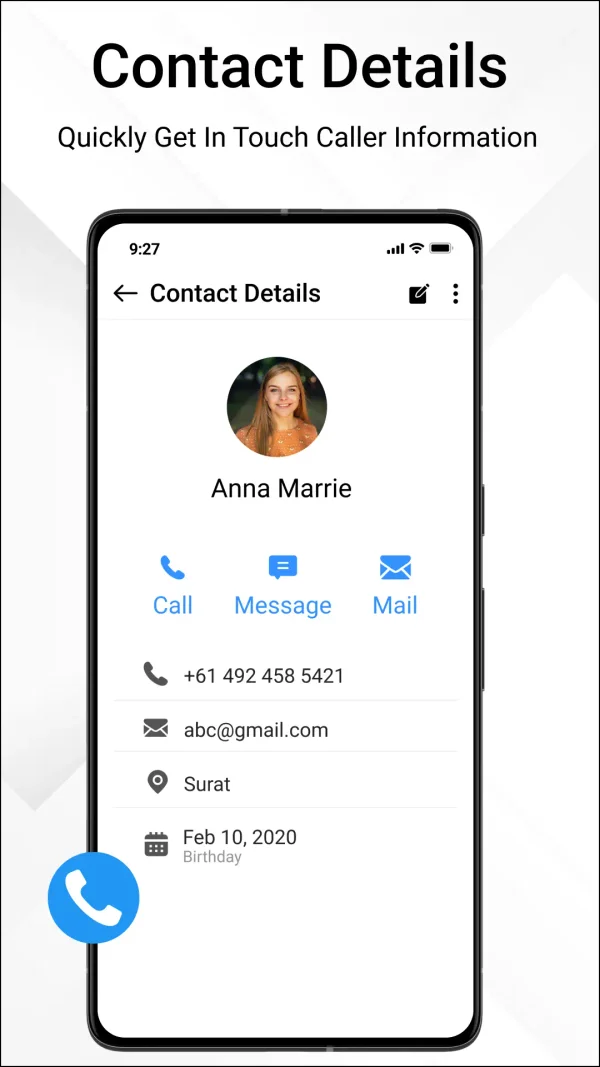
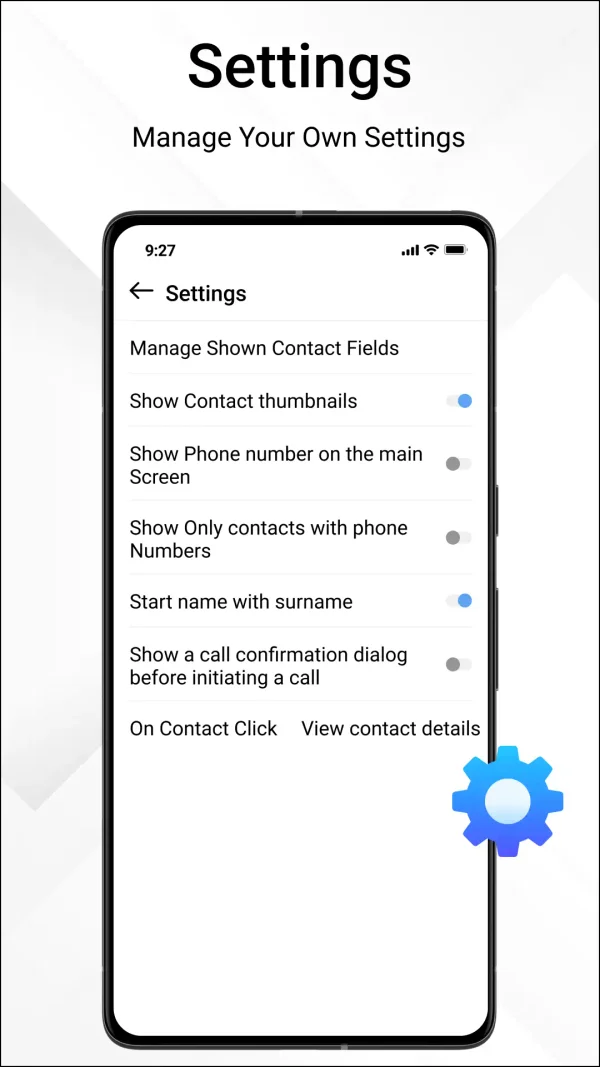
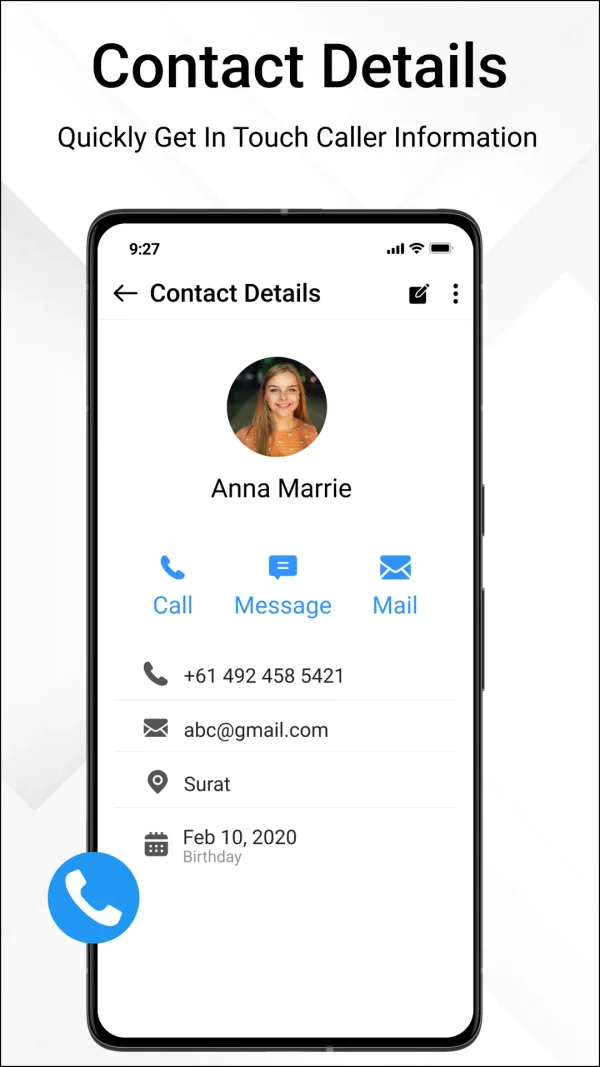
• Find saved details: search your contact list by name and open an entry to view its information.
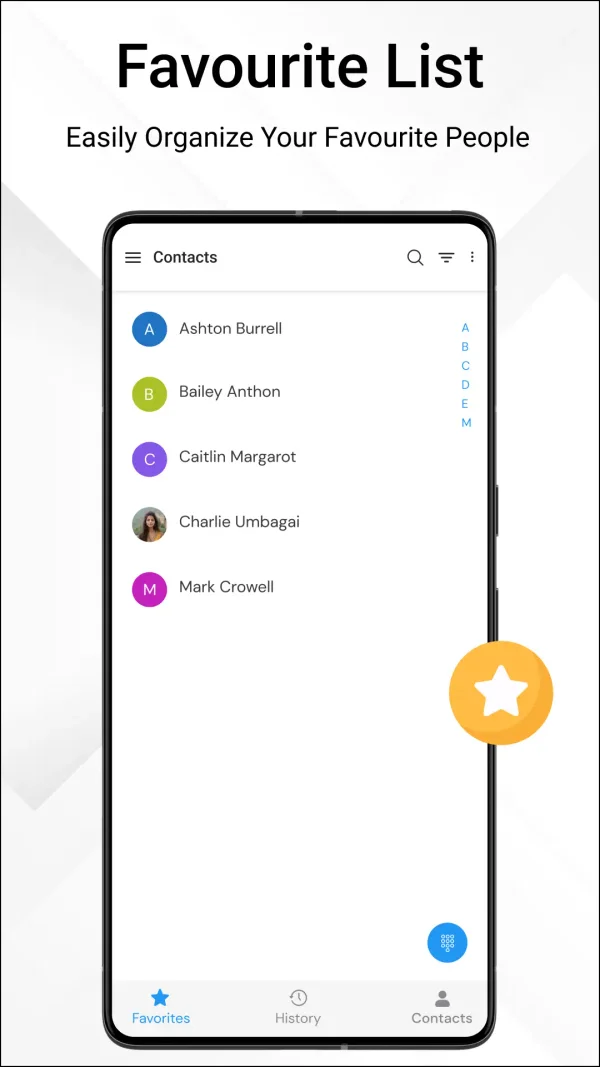
• Keep favorites together: mark people you call regularly for convenient access.
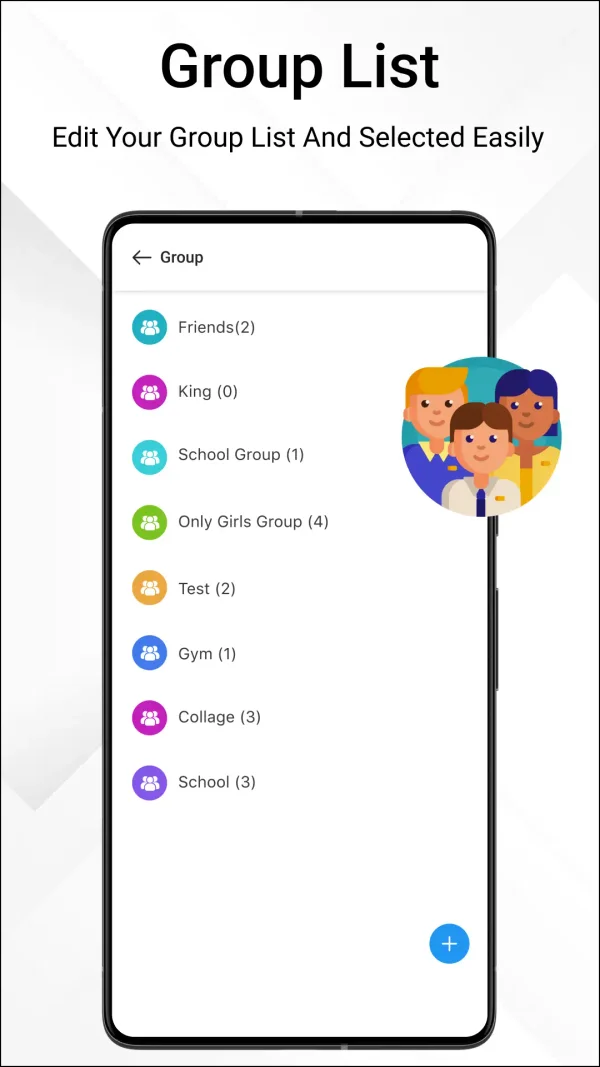
• Organize groups: separate entries into categories that fit your personal and work routines.
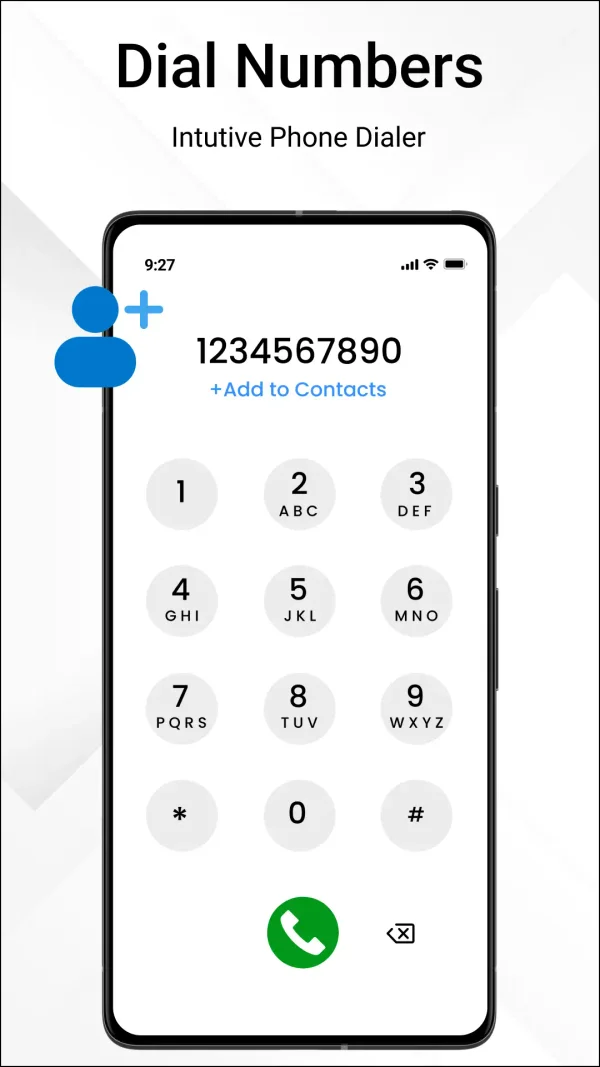
• Use the phone dialer: enter a number or call a saved person, and view your recent call history.
• Tidy your list: remove duplicate contacts and organize the entries you want to keep.
• Back up and transfer: export saved details and import them from a VCF file when moving information between phones.
• Manage incoming calls: caller ID helps identify incoming numbers, while spam detection flags suspected unwanted callers.
• Control unwanted callers: use spam blocking to stop numbers you do not want to hear from again.
As a contacts manager, the app brings search, organization, and calling tools together so your address book is easier to use day to day.
How does Contacts work?
Open your saved list and search for the person you need. Select an entry to view the details or make a call. Add frequently used people to favorites, and create groups for the different parts of your routine.
To transfer saved details, export a VCF backup file and import that file on the receiving phone. Keep the backup available if you plan to restore its entries later. The import and export tools let you work with a saved file when changing devices.
Use recent calls to find a number from your call history. For unwanted callers, use the blocking tools to manage which numbers can reach you.
Compatibility and requirements
This is an Android app with ads and in-app purchases. Call-log access is required to display recent call history and support call-log backup and restoration. Restoring saved contact details from a VCF file requires an existing backup file.
Privacy
Device or other identifiers may be shared with third parties.
Contacts helps you keep saved numbers organized, find the people you need, and move from an entry to a call, with file-based backup and transfer tools for your contact list.
Permissions Required:
- Phone access is needed to make calls and identify incoming and outgoing call status.
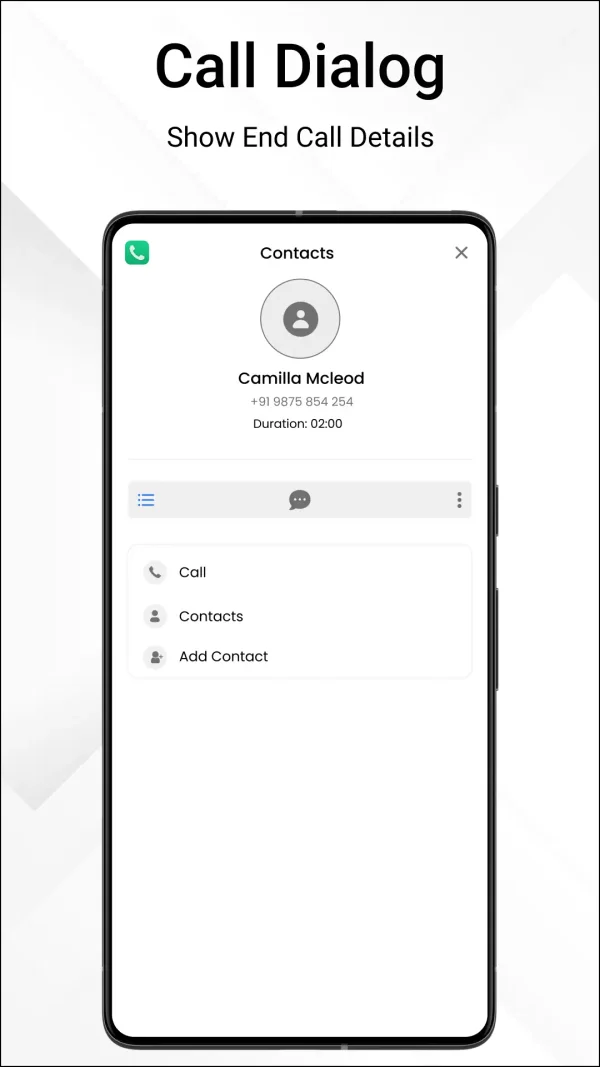
- Overlay permission enables the after-call screen.
- Contacts access lets the app read and write contacts on the caller screen.
Data safety
What DOSA Apps declares on Google Play about the data this app collects and shares.
- This app may share these data types with third partiesDevice or other IDs
- No data collectedLearn more about how developers declare collection
- Data is encrypted in transit
- Data can’t be deleted
Developer contact
- Websitedosaapps.com
- Emailsupport.contacts2@dosaapps.com
- Privacy policydosaapps.com
- Address26 Leshem MEVASSERET ZION, 9077520 Israel
Information
- Offered by
- DOSA Apps
- Category
- Tools
- Version
- 49.1.15
- Updated
- Nov 6, 2026
- Released
- Mar 29, 2018
- Requires
- Android 8.0 or later
- Age rating
- Everyone
- Price
- Free
- In-app purchases
- $0.99 - $99.99 per item
- Package name
- com.musicplayer.indianmusicplayer
Similar apps
-
 Phone by Google
Tools
-
 Contacts
Communication
-
 Right Dialer
Communication
-
 Zangi - Private Messenger
Communication
-
 Messenger SMS - Text messages
Communication
-
 Block calls and spam texts
Communication
-
 Getcontact
Communication
-
 Call Recorder - Auto Recording
Tools
-
 Callfilter.app
Communication
-
 Phone Call App & WiFi Call Any
Communication
-
 2nd Line - Second Phone Number
Communication
-
 Smart Messages
Communication