Critical GUI Watch Face
themaContains ads · In-app purchases
- EveryoneAge rating
- PersonalizationCategory
- Sep 5, 2026Updated
- $0.99Price
Links to the official Google Play listing of fr.thema.wear.watch.criticalgui. Last checked on Nov 23, 2026.
Screenshots

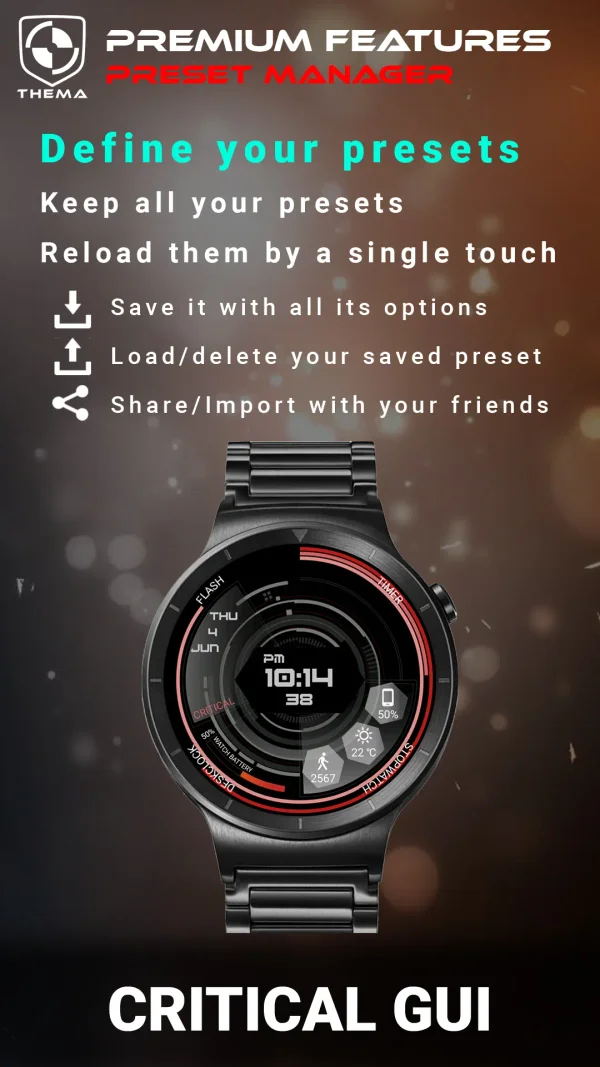


About this app
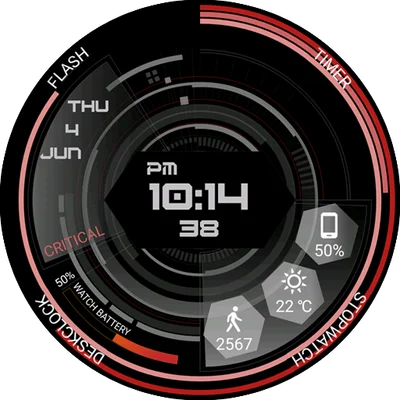
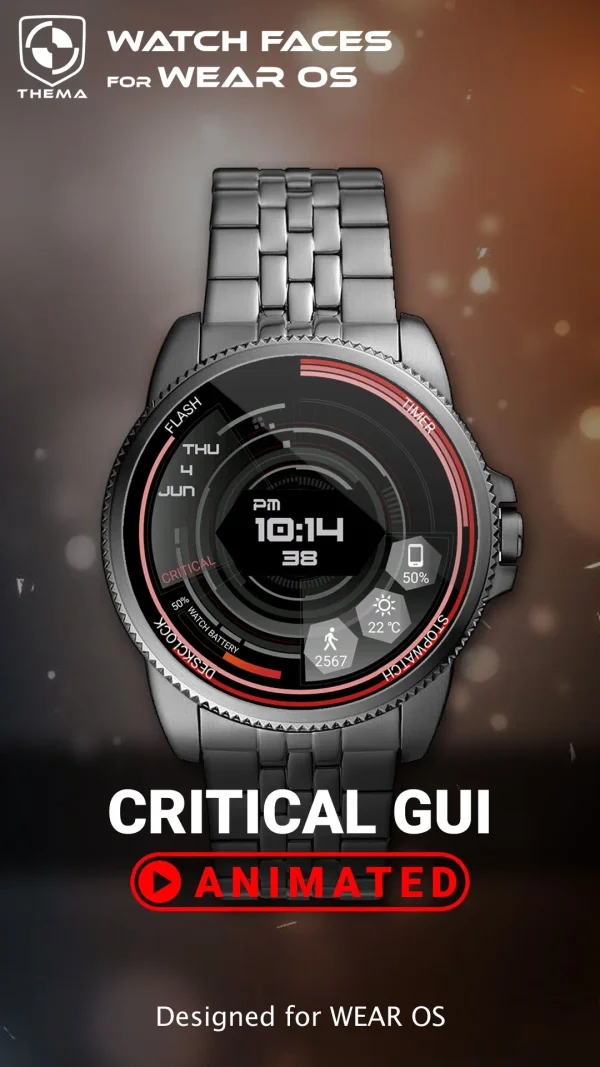
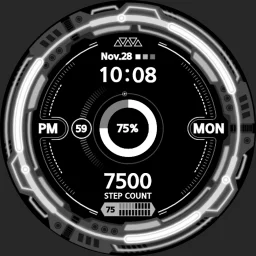
Critical GUI Watch Face is an animated watch face!
Critical GUI Watch Face for Wear OS!
★ Features of Critical GUI Watch Face ★
- Animations in interactive mode
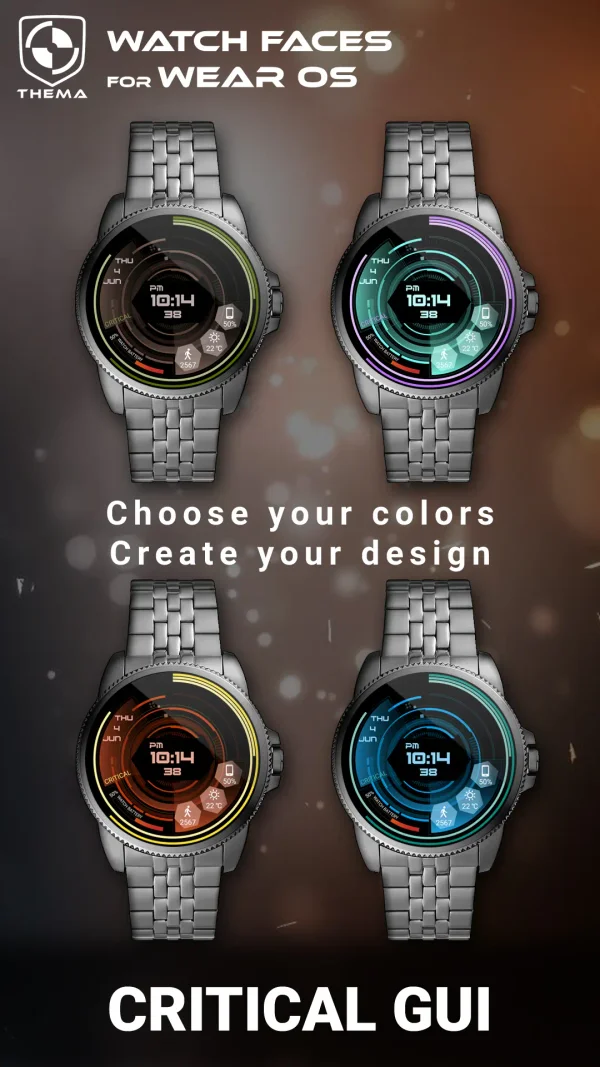
- Choose design colors
- Day & Month
- Watch battery
- Mobile battery (requires phone app)
- Weather (requires phone app)
The settings of the watch face are located in the "Wear OS" app of your mobile.
Just hit the gear icon over the watch face preview and the settings screen will show up!
★ Settings ★
🔸Wear OS 2.X / 3.X / 4.X
- Choose design colors on watch & mobile
- Define heartbeat frequency refresh rate
- Define weather refresh rate
- Weather unit
- 12 / 24 hours mode
- Define interactive mode duration
- Choose the ambient mode b&w and eco luminosity
- Choose to display a leading zero on hours
- Choose to display or not the seconds dots
- Switch between éco / simple b&w / full ambient mode
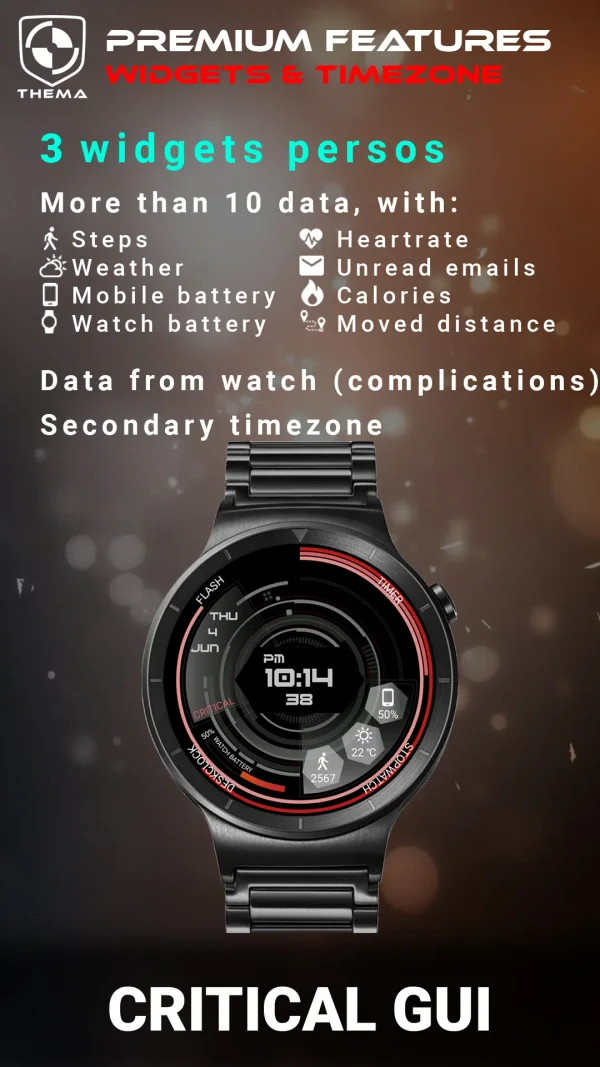
- Data:
+ Change the indicator to display on the 3 positions
+ Choose between up to 8 indicators (Daily step count, Heartbeat frequency, Unread Email from Gmail, etc...)
+ Complication (wear 2.0 & 3.0)
- Interactivity
+ Access to detailed data by touching a widget
+ Switch the displayed data by touching a widget
+ Change the shortcut to execute on the 4 positions
+ Choose your shortcut among all applications installed on your watch!
+ Choose to display the interactive areas
🔸Wear OS 6.X
- Choose design colors
- Choose date format
- Display shortcuts or not
- Display watch battery indicators or not
- Complication data:
+ Set the data you want on the widgets
+ Touch the widgets to start the data activity if available
- Interactivity
+ Access to detailed data by touching a widget
+ Modify the shortcuts: choose your shortcut among all applications installed on your watch!
- ... and more
★ Additional settings on phone ★
- Notifications for new designs
- Access to support
- ... and more
★ Installation ★
🔸Wear OS 2.X / 3.X / 4.X
A notification will be displayed on your watch, right after your mobile installation. You just have to hit it to start the installation process of the watch face.
If the notification did not display for some reason, you can still install the watch face by using the Google Play Store available on your watch: just search the watch face by its name.
🔸Wear OS 6.X
Install the watch app to manage the watchface: the free version is automatically installed. Then use the "MANAGE" button in the top right shortcut of the watchface to update/upgrade your watch face.
★ More watch faces ★
Visit my watch faces collection for Wear OS on the Play Store at https://goo.gl/CRzXbS
** If you have any issues or questions, feel free to contact me by email (English or French language) before giving a bad rating. Thanks!
Website: https://www.themaapps.com/
Youtube: https://youtube.com/ThomasHemetri
Twitter: https://x.com/ThomasHemetri
Instagram: https://www.instagram.com/thema_watchfaces
Data safety
What thema declares on Google Play about the data this app collects and shares.
- No data shared with third partiesLearn more about how developers declare sharing
- This app may collect these data typesApp activity and App info and performance
- Data is encrypted in transit
- Data can’t be deleted
What’s new
Sep 5, 2026
2.26.09.0521
- Fix startup crash
- Bump wear compatibility target to 35
- Bump mobile compatibility target to 36
- Fix wear app install status
- Bump library versions
Requires app update on both Watch & Mobile.
If you have any issue, please let me know by email at thema.apps@gmail.com
Developer contact
- Websitethemaapps.com
- Emailthema.apps@gmail.com
- Privacy policythemaapps.com
- Address7 Rue Alfred Sisley 78370 Plaisir France
Information
- Offered by
- thema
- Category
- Personalization
- Updated
- Sep 5, 2026
- Released
- Jun 6, 2015
- Age rating
- Everyone
- Price
- $0.99
- In-app purchases
- $0.99 - $11.99 per item
- Package name
- fr.thema.wear.watch.criticalgui
Similar apps
-
 MDS465 Digital Watch Face
Personalization
-
 Haze Futuristic Watch Face 157
Personalization
-
 OMG 439 - Digital Watch Face
Personalization
-
 Charger Watch Face
Personalization
-
 SamWatch Nova Glow
Personalization
-
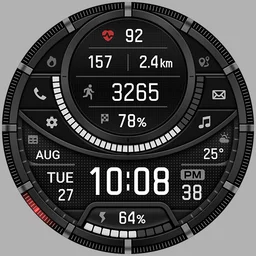 BRN178 Digital Watch Face
Personalization
-
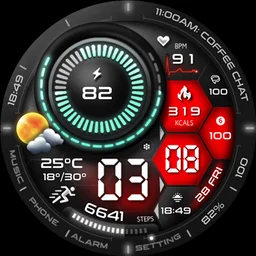 ML2U 333 Watch Face
Personalization
-
 EDS 001 - health & weather
Personalization
-
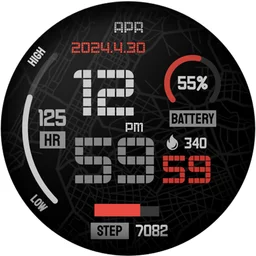 Minimal Digital Watch Face PRO
Personalization
-
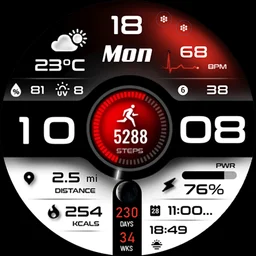 ML2U 293 Watch Face
Personalization
-
 Division Watchface
Personalization
-
 Neon Core FCWF
Lifestyle