cTrader: CFD Trading & Charts
Spotware- EveryoneAge rating
- FinanceCategory
- Nov 20, 2026Updated
- FreePrice
Links to the official Google Play listing of com.spotware.ct. Last checked on Nov 23, 2026.

Screenshots
About this app
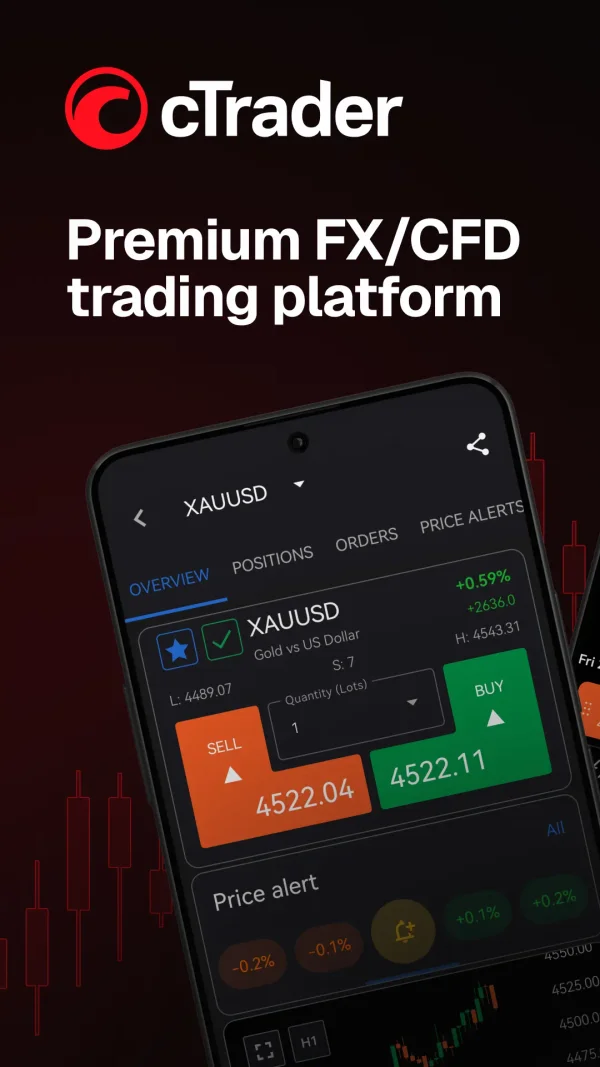
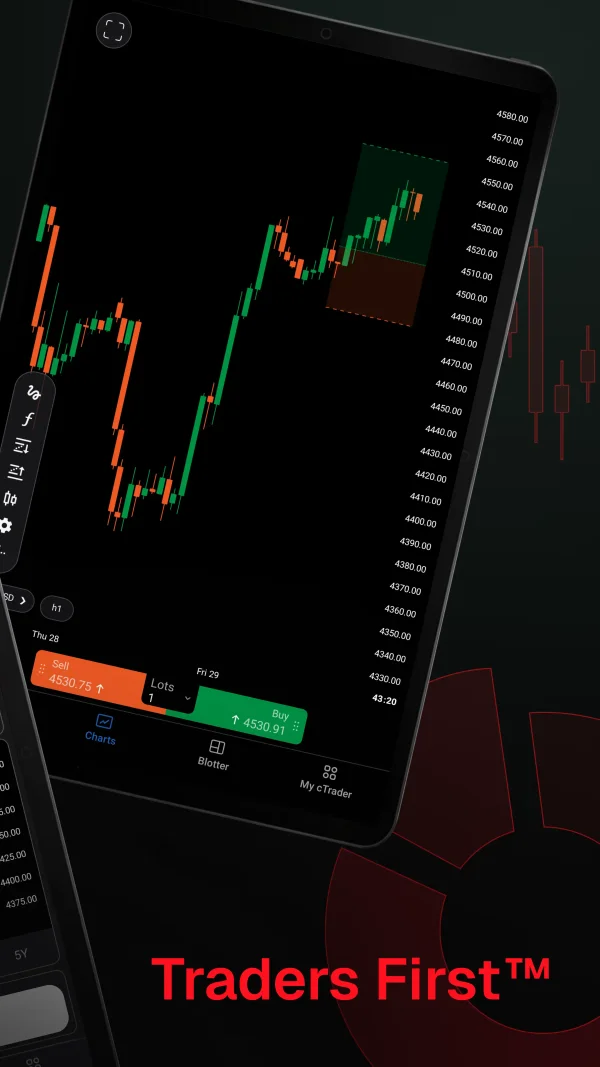
cTrader supports trading in forex, metals, oil, indices, stocks and ETFs
The cTrader mobile app supports trading in forex, metals, oil, indices, stocks and ETFs.
Trade with top brokers including IC Markets, Pepperstone, BlackBull, FP Markets, FPM Trading, Fusion Markets, AUTU Securities, Axiory, Deriv, Dominion Markets, FxPro, TopFX, TradeView Markets, Tradona Markets, Skilling and many others.
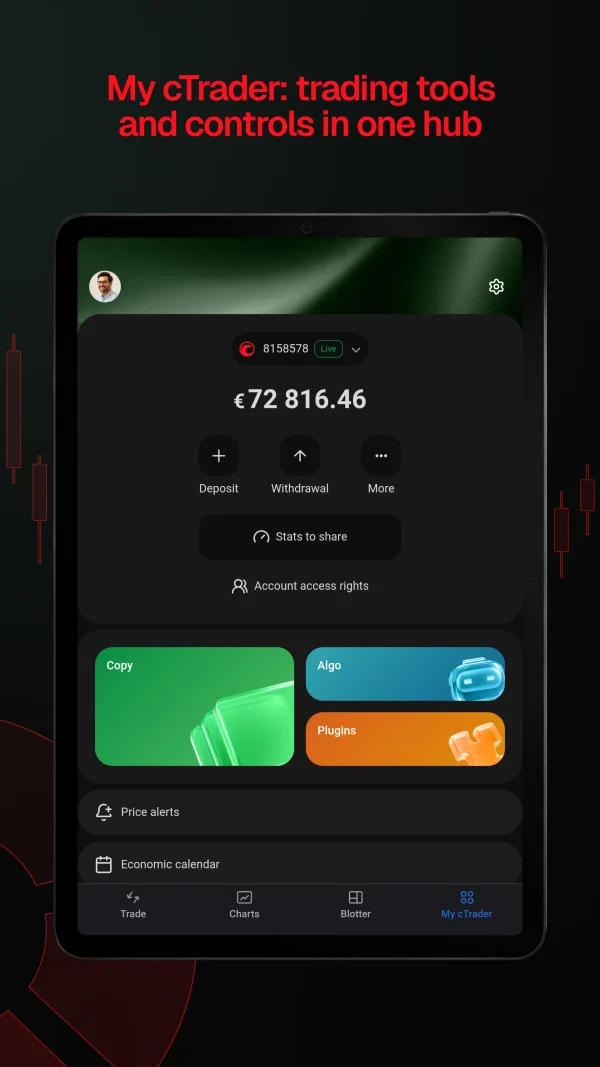
Log in securely, connect your trading accounts and stay in sync across devices. Get access to a complete range of order types, advanced technical analysis tools, price alerts, trade statistics, advanced order and risk management settings, symbol watchlists and a variety of options to customize the platform to your on-the-go trading style.
Trade on a fast, transparent trading platform designed for serious traders:
- Detailed symbol information helps you understand the assets you are trading
- Symbol trading sessions show you when each market is open or closed
- Integrated market news keeps you informed about events that may affect your trading
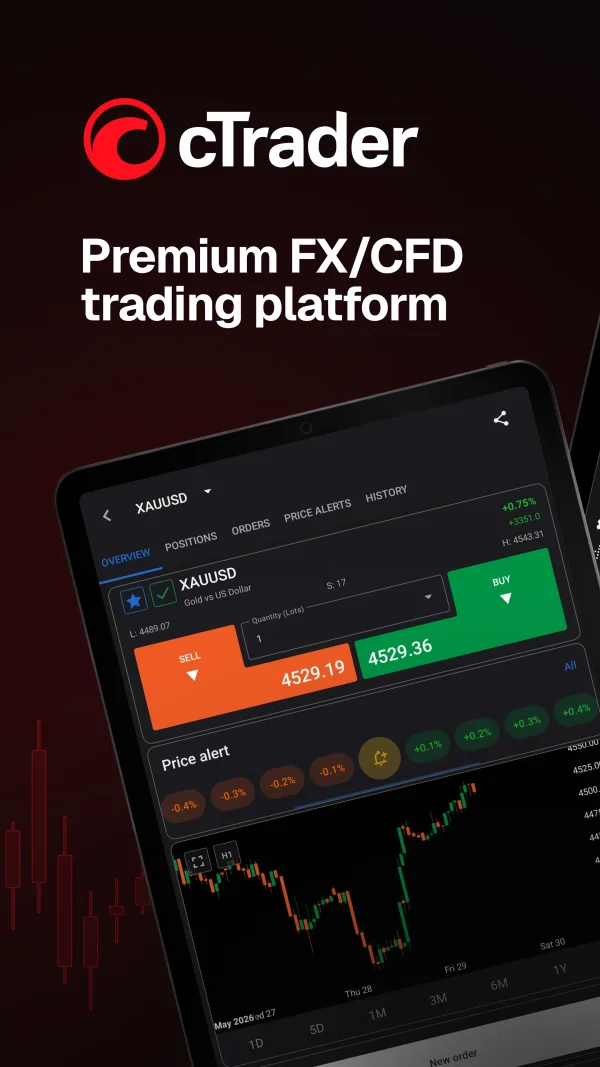
- Fluid, responsive charts and QuickTrade mode allow for one-tap order execution
- Market sentiment indicators show how other traders are positioned
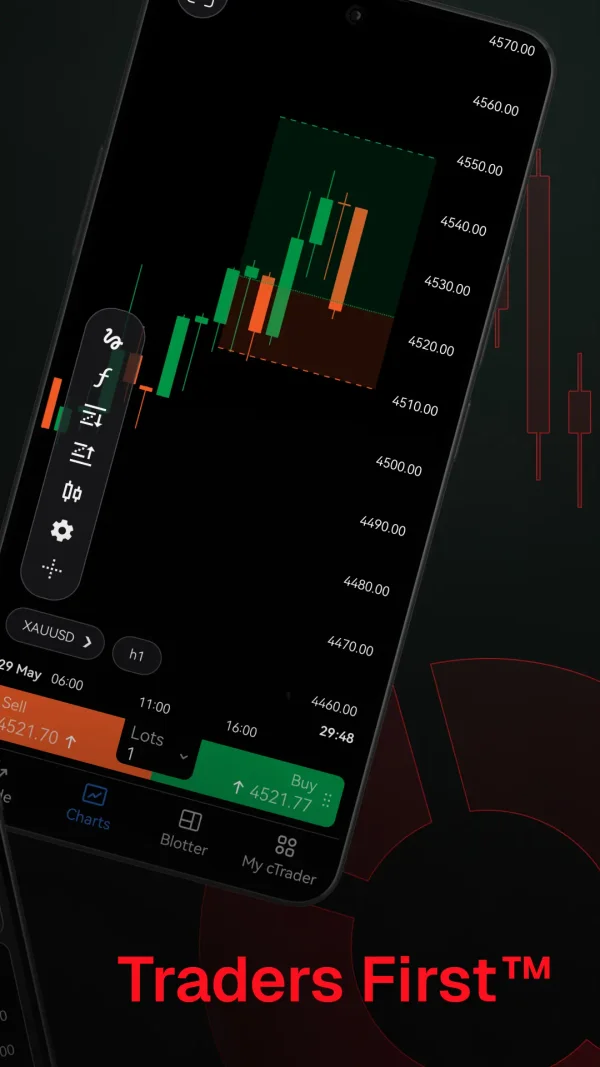
Use advanced technical analysis tools with flexible settings for all indicators and drawings:
- Multiple chart types, including time-based, tick, Renko, range and Heikin-Ashi
- Several chart views such as candlesticks, bar, line, dots and area charts
- A rich set of drawing tools, including trend lines, Fibonacci tools, channels, shapes, text and pitchforks
- Dozens of popular technical indicators to support your trading strategies
Stay in control with powerful trading tools:
- Configure push and email alerts to stay updated on key events
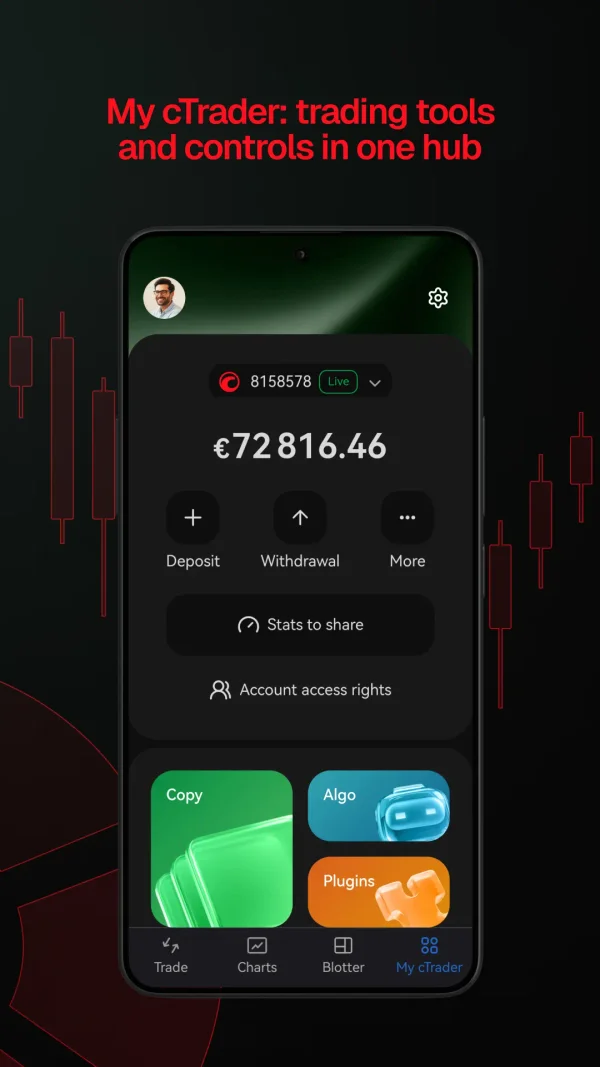
- Manage all your accounts in one app and switch between them quickly
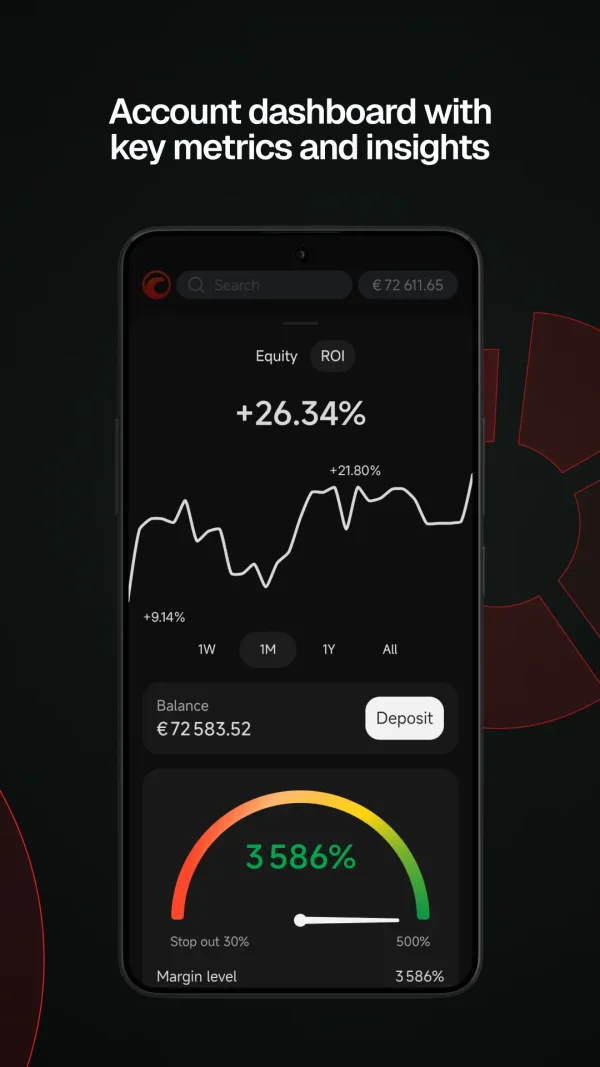
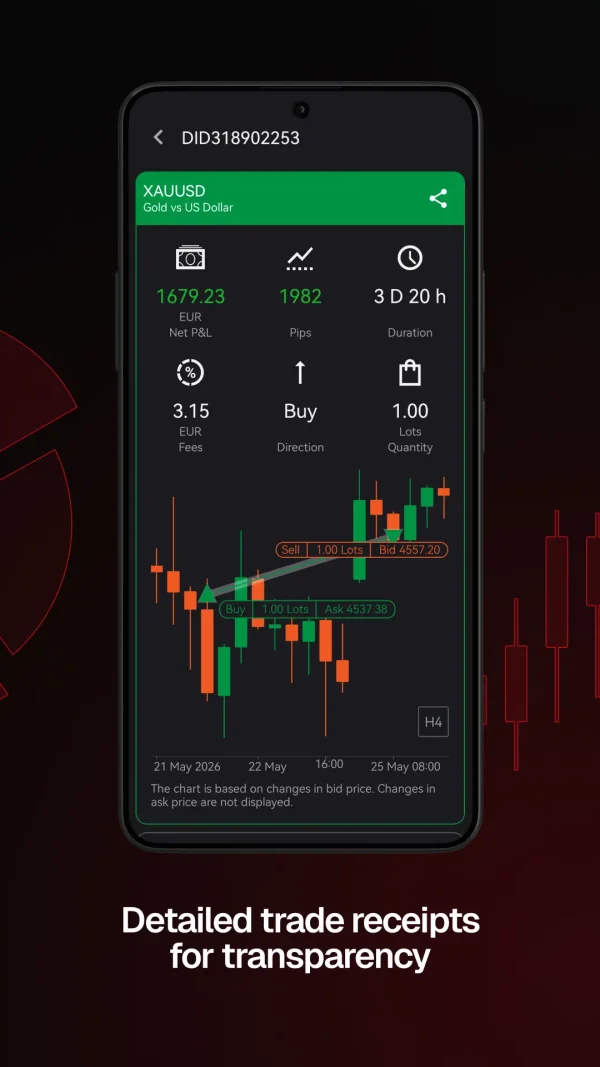
- Review detailed trade statistics and performance metrics
- Set price alerts to be notified when a price reaches your chosen level
- Create and manage symbol watchlists to track your favourite instruments
- Manage active sessions and log out from other devices when needed
- Trade comfortably with a dark theme optimized for long trading sessions
- Access the platform in 22 languages to trade in your preferred language
cTrader is trusted as a transparent, reliable trading platform rather than a single broker brand. Whether you trade Forex, CFDs, stock CFDs or gold, cTrader provides the tools you need to analyze markets, manage risk and execute your trading plan from anywhere.
Data safety
What Spotware declares on Google Play about the data this app collects and shares.
- This app may share these data types with third partiesPersonal info and Device or other IDs
- This app may collect these data typesPersonal info, App info and performance, and Device or other IDs
- Data is encrypted in transit
- You can request that data be deleted
What’s new
Version 5.11.160 · Nov 20, 2026
cTrader Mobile 5.11 brings the Signals app, count badges for unread signals, market-on-open orders and asset icons.
Signals app – act on trading signals from leading providers in the new Signals app.
Signal count – view the unread signal count in app badges.
Market-on-open orders – place orders while markets are closed to be executed at market price when they reopen.
Asset icons – identify symbols at a glance with new asset icons.
Developer contact
- Websitectrader.com
- Emailctrader-googleplay-contact@spotware.com
- Privacy policyspotware.com
- Address3rd Floor, 19 Stratigou Timagia Limassol 3107 Cyprus
Information
- Offered by
- Spotware
- Category
- Finance
- Version
- 5.11.160
- Updated
- Nov 20, 2026
- Released
- Feb 10, 2014
- Requires
- Android 10 or later
- Age rating
- Everyone
- Price
- Free
- Package name
- com.spotware.ct
Similar apps
-
 TradingView - Stocks & Crypto
Finance
-
 Tykr: Confident Investing
Finance
-
 Moneta Markets AppTrader
Finance
-
 Koyfin: Stock Market Analysis
Finance
-
 Bitget Wallet: Crypto, Bitcoin
Finance
-
 MyToken-Crypto OnChain Tracker
Finance
-
 LiteFinance mobile trading
Finance
-
 Pi Network
Social
-
 SubWallet - Polkadot Wallet
Productivity
-
 Blockchain Wallet: Buy BTC
Finance
-
 Gate: Buy Bitcoin & Crypto
Finance
-
 OpenSea: Trade Crypto & NFTs
Finance