CubeX - Solver, Timer, 3D Cube
Pipi Chick StudioContains ads · In-app purchases
- EveryoneAge rating
- PuzzleCategory
- Oct 30, 2026Updated
- FreePrice
Links to the official Google Play listing of diozz.cubex. Last checked on Nov 19, 2026.

Screenshots
About this app
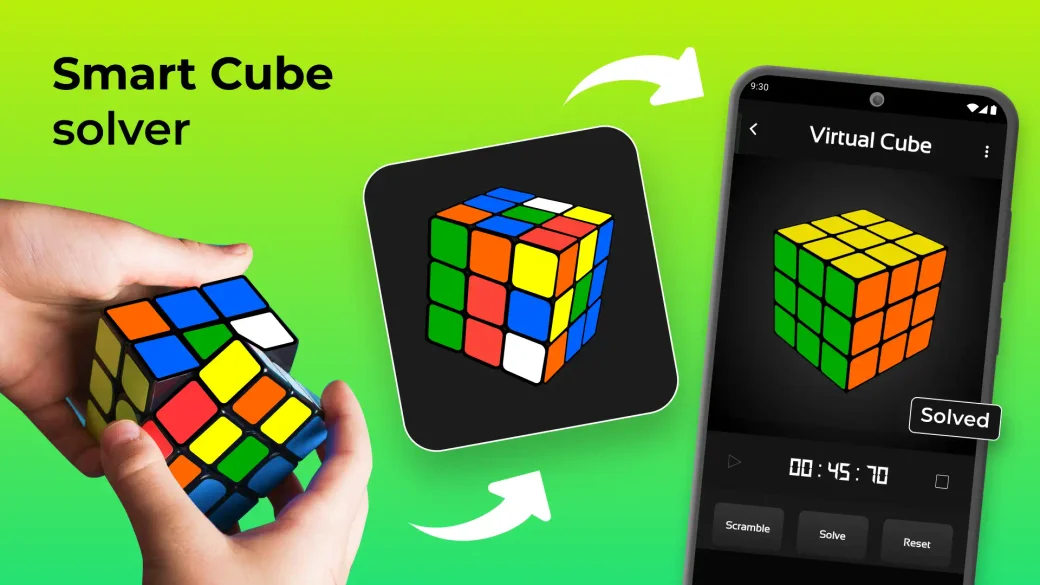
Solve a 3x3 cube, practice in 3D, and track your times with CubeX.
What is CubeX - Solver, Timer, 3D Cube?
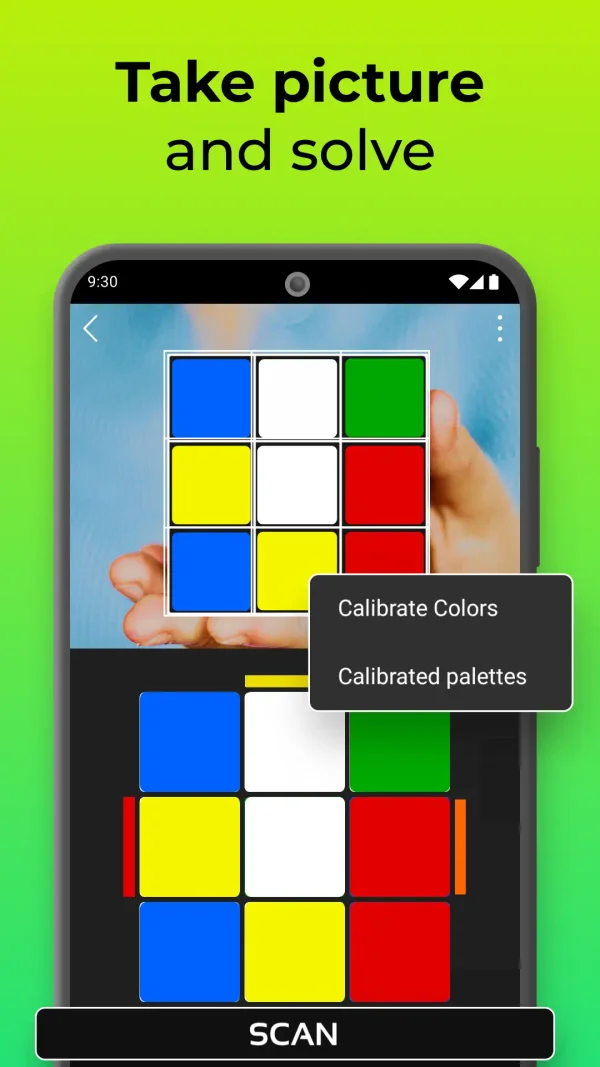
🧩 Find a solution for a scrambled 3x3 cube, explore patterns and practice with a virtual cube on Android. This cube solver combines camera and manual input with step-by-step guidance, two solving approaches and a timer for your practice sessions.
Enter the cube in front of you or experiment on screen. Offline cube solving lets you keep practicing when you are away from an internet connection.
Who is CubeX - Solver, Timer, 3D Cube for?
Use it when you are stuck on a scrambled cube and want to follow the moves back to a solved state. If you are learning the Fridrich method, also called CFOP, choose that solver to practice the approach with your own cube state.
For regular cubing practice, switch between timed solves, pattern challenges and the virtual 3D cube. Try an algorithm on screen or explore a different pattern without needing to turn a physical cube.
What does CubeX - Solver, Timer, 3D Cube do?
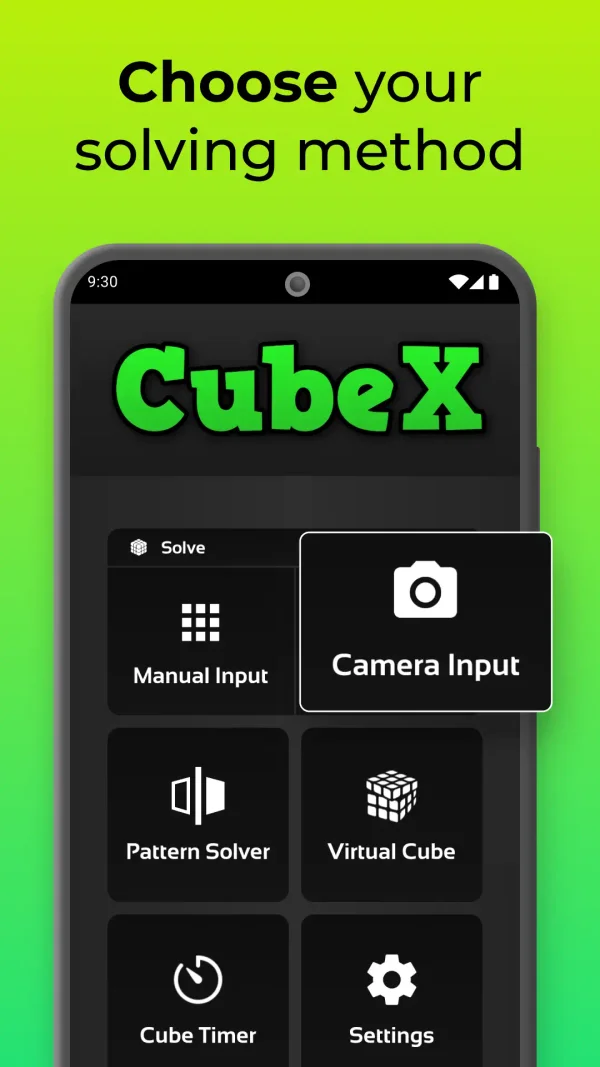
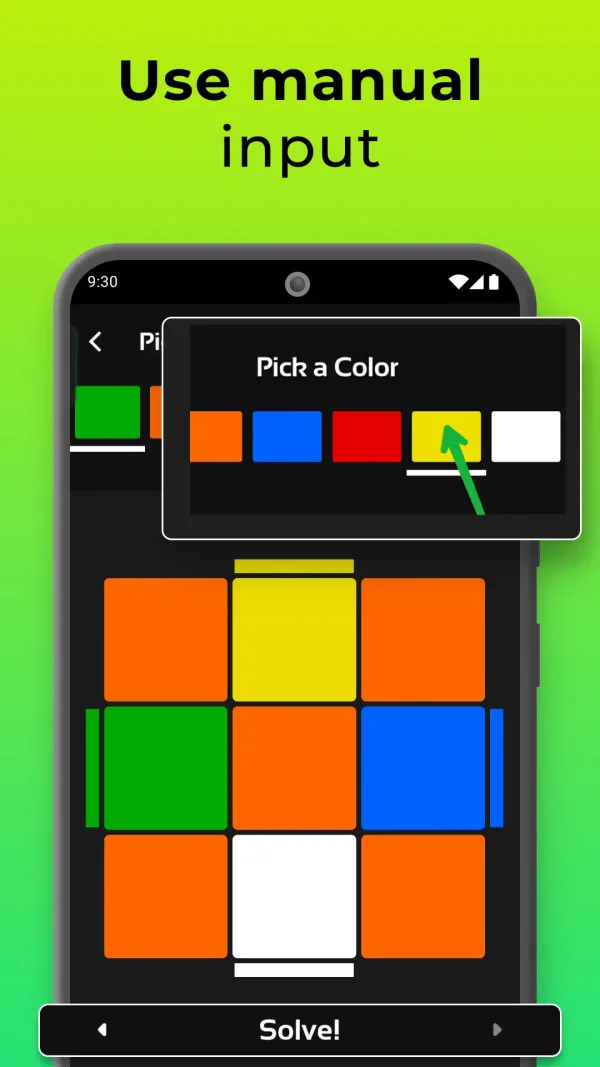
• Camera and manual input: scan your cube's colors or fill in its faces using the color picker. Camera input includes color calibration controls.
• Fridrich Solver: follow a solution based on the CFOP method to learn and practice this solving approach.
• Advanced Solver: generate a solution for a valid 3x3 cube using Herbert Kociemba's Two-Phase Algorithm.
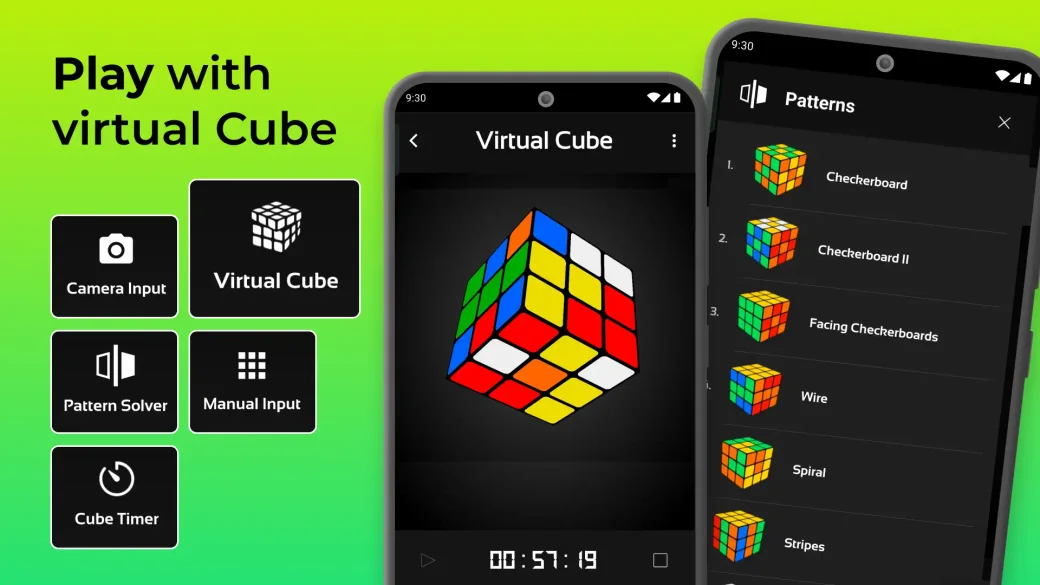
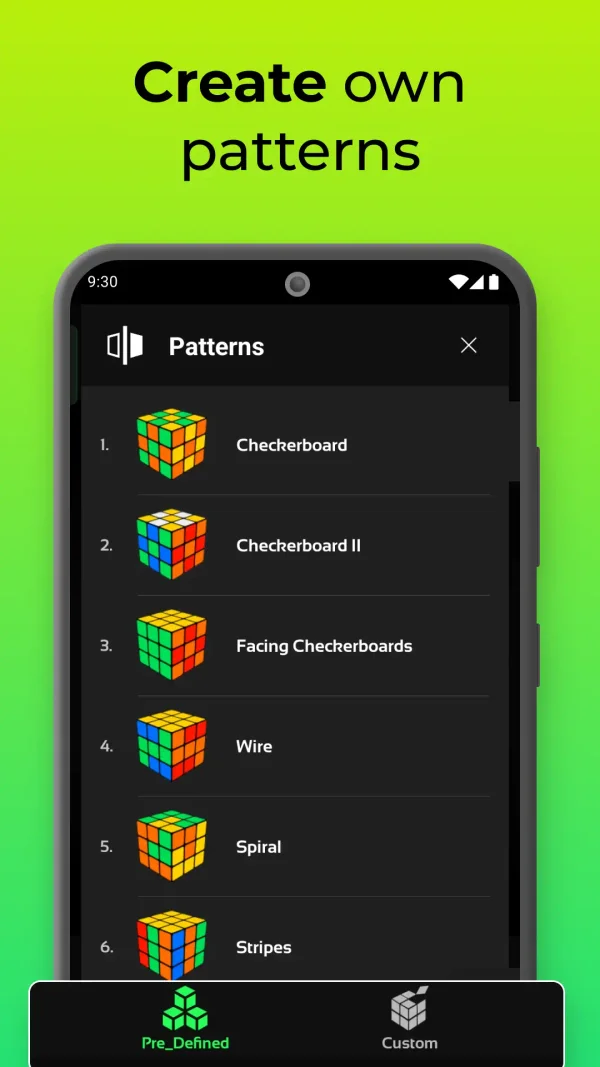
• Pattern Solver: find moves between valid starting and target patterns. Explore predefined designs, such as checkerboards and stripes, or create custom patterns.
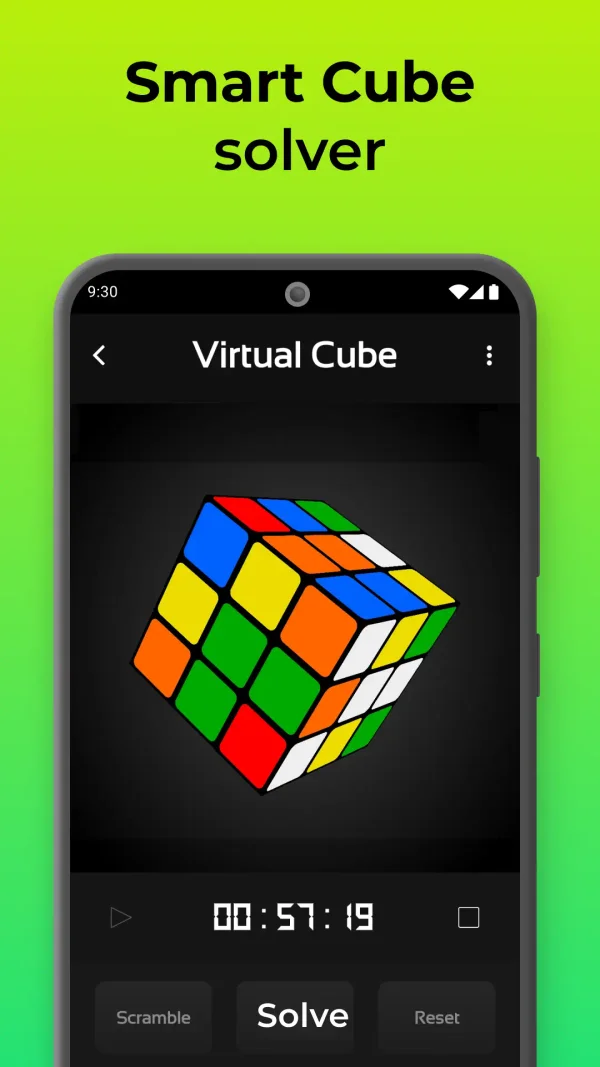
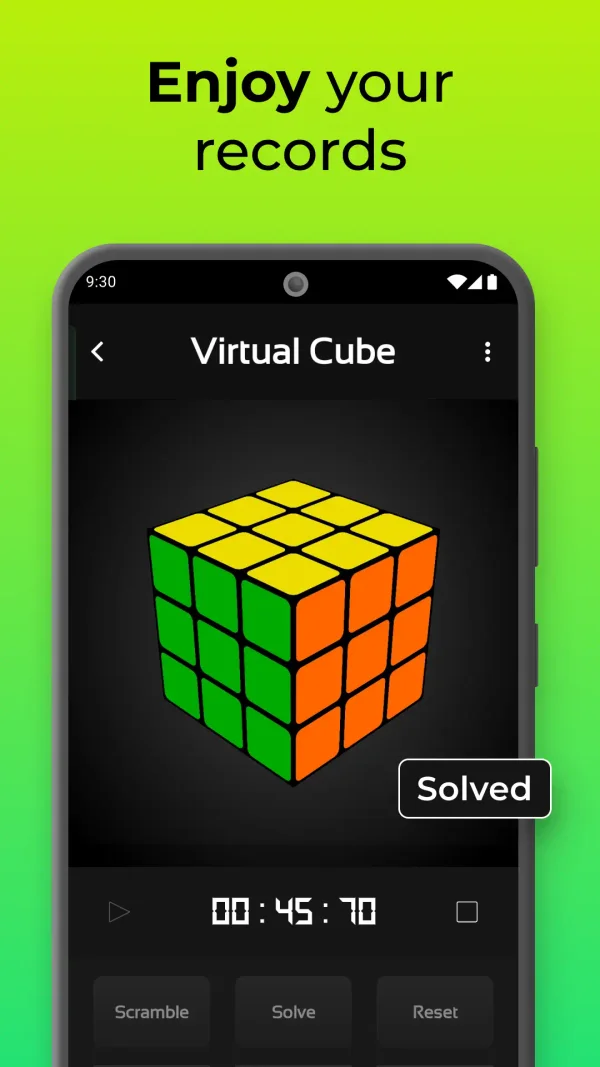
• Virtual 3D cube: practice algorithms and apply patterns on screen. Use the Fridrich or Advanced Solver within the virtual cube, with scramble and reset controls for further practice.
• Solve timer: measure your solve times with competition-style timing as part of your practice routine.
How does CubeX - Solver, Timer, 3D Cube work?
Choose Manual Input or Camera Input and enter the colors of your cube. For camera scanning, allow camera access and use the calibration controls as needed. Check that the entered colors match the physical cube before generating a solution, then follow the steps in order.
Choose the Fridrich or Advanced Solver according to how you want to practice. To explore a design instead, open Pattern Solver and select a target pattern. Open Virtual Cube for on-screen practice, or Cube Timer when you want to time a solve.
Compatibility and requirements
The solver is designed for valid 3x3 cube states. Accurate color input matters: a state that does not match your physical cube will not give you the right sequence for that cube. Camera scanning requires a working camera and camera access; manual input provides an alternative.
Cube solving works offline. The app contains ads and offers in-app purchases. Use competition-style timing to structure your own practice sessions.
CubeX - Solver, Timer, 3D Cube brings guided solutions, pattern exploration and timed practice together so you can work with a physical puzzle or a virtual cube in one place.
Data safety
What Pipi Chick Studio declares on Google Play about the data this app collects and shares.
- This app may share these data types with third partiesDevice or other IDs
- No data collectedLearn more about how developers declare collection
- Data is encrypted in transit
- Data can’t be deleted
What’s new
Version 4.1.1 · Oct 30, 2026
🧹 General code maintenance and cleanup
🧩 Fixed minor alignment issues in UI components
🧰 Updated internal libraries and dependencies
🤏 Addressed minor usability suggestions
Developer contact
- Websitepipichickstudio.com
- Emailsupport.cubexsolver@pipichickstudio.com
- Privacy policypipichickstudio.com
- Address1 Atirei Yeda KFAR SABA, 4464301 Israel
Information
- Offered by
- Pipi Chick Studio
- Category
- Puzzle
- Version
- 4.1.1
- Updated
- Oct 30, 2026
- Released
- Aug 4, 2017
- Requires
- Android 8.0 or later
- Age rating
- Everyone
- Price
- Free
- In-app purchases
- $0.99 - $99.99 per item
- Package name
- diozz.cubex
Similar apps
-
 Magic Cube - 3D Cube Solver
Puzzle
-
 Classic Drum: play drums
Music
-
 Math Games - Maths Tricks
Educational
-
 8 Ball Live - Billiards Games
Sports
-
 Sqube Darkness
Arcade
-
 Real Electro Drum Pad: Hip Hop
Music
-
 Chess Clock
Puzzle
-
 Eureka - Brain Training
Puzzle
-
 Take Away - Tap 3D Blocks Out
Puzzle
-
 Brain It On! - Physics Puzzles
Puzzle
-
 Word Search - Word Puzzle Game
Word
-
 Real Guitar - Tabs and chords!
Music