Currency Converter: Exchange
Wallet Passes AllianceContains ads · In-app purchases
- EveryoneAge rating
- Travel & LocalCategory
- Oct 30, 2026Updated
- FreePrice
Links to the official Google Play listing of com.zhima.currency. Last checked on Nov 28, 2026.

Screenshots

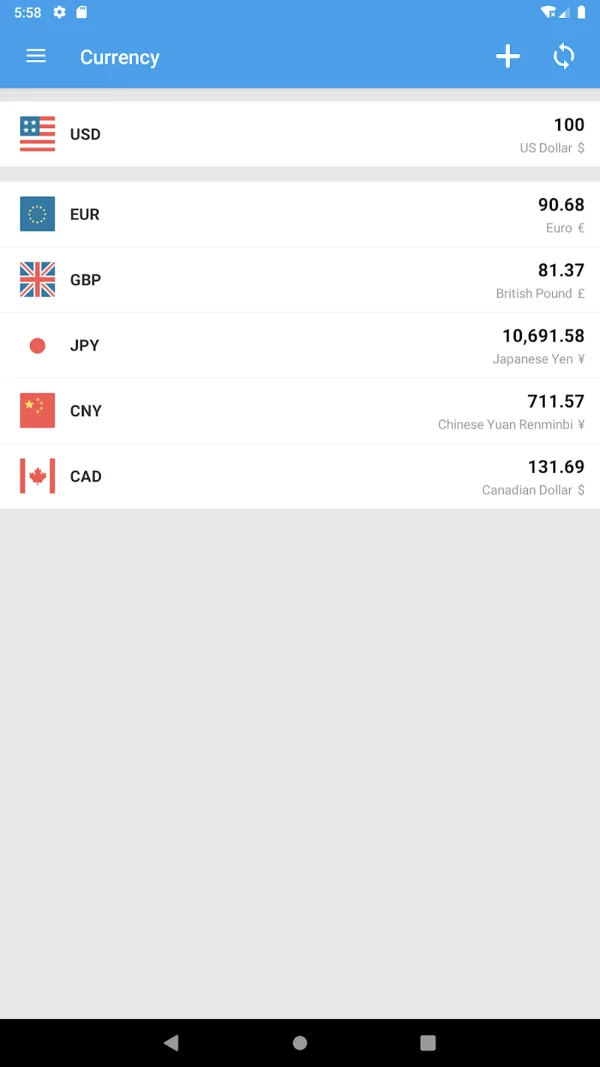
About this app
Convert currencies and check updated exchange rates with an internet connection.
What is Currency Converter: Exchange?
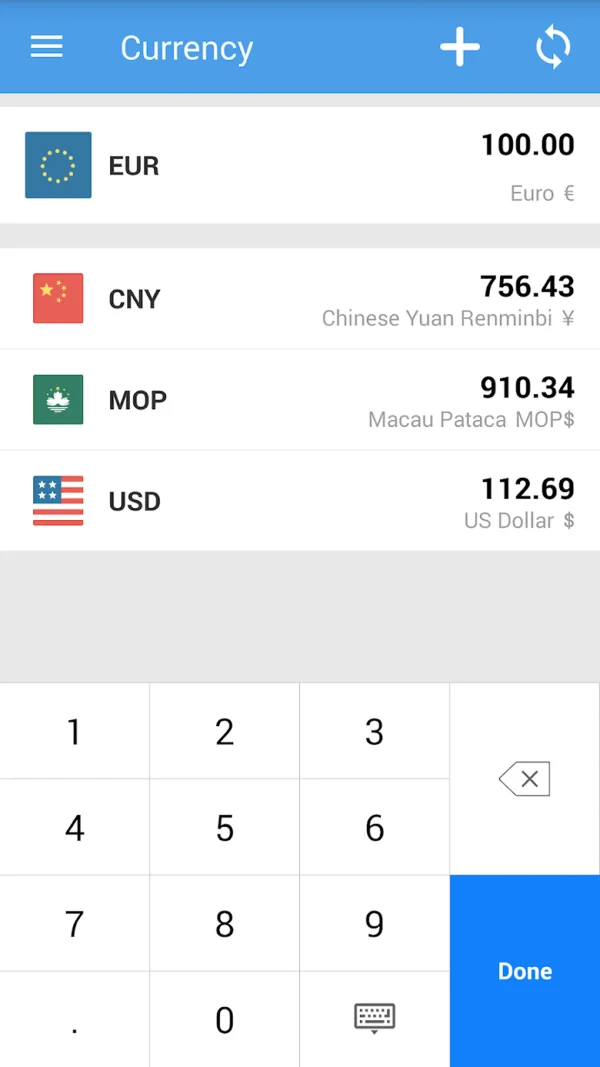
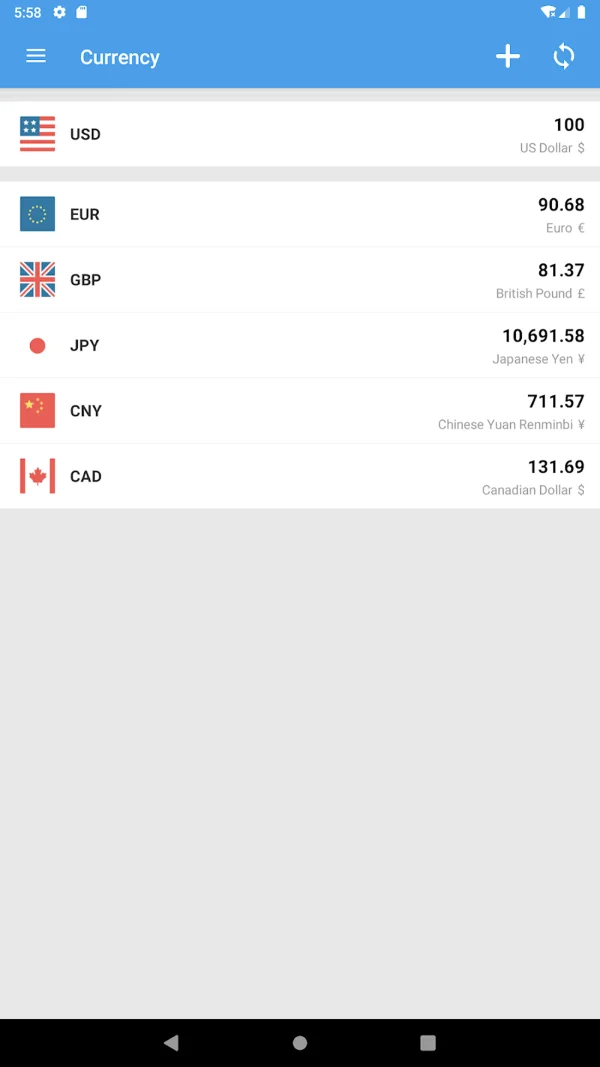
Compare amounts across currencies for travel, overseas shopping and everyday budgeting. This Android currency converter shows several conversions together and calculates as you type, so you can check a price in the currencies that matter to you.
It supports 160 currencies, including USD, EUR, GBP, JPY, CNY and AUD, with exchange-rate updates available through an internet connection.
Who is Currency Converter: Exchange for?
Use it while planning accommodation and meals for a trip, comparing an overseas price with your home currency or estimating costs for a personal or business budget. A multi-currency list is useful when a journey or purchase involves more than two currencies.
What does Currency Converter: Exchange do?
• 💱 Calculate currency conversions automatically as you enter an amount.
• 🌍 Compare multiple supported currencies on one screen.
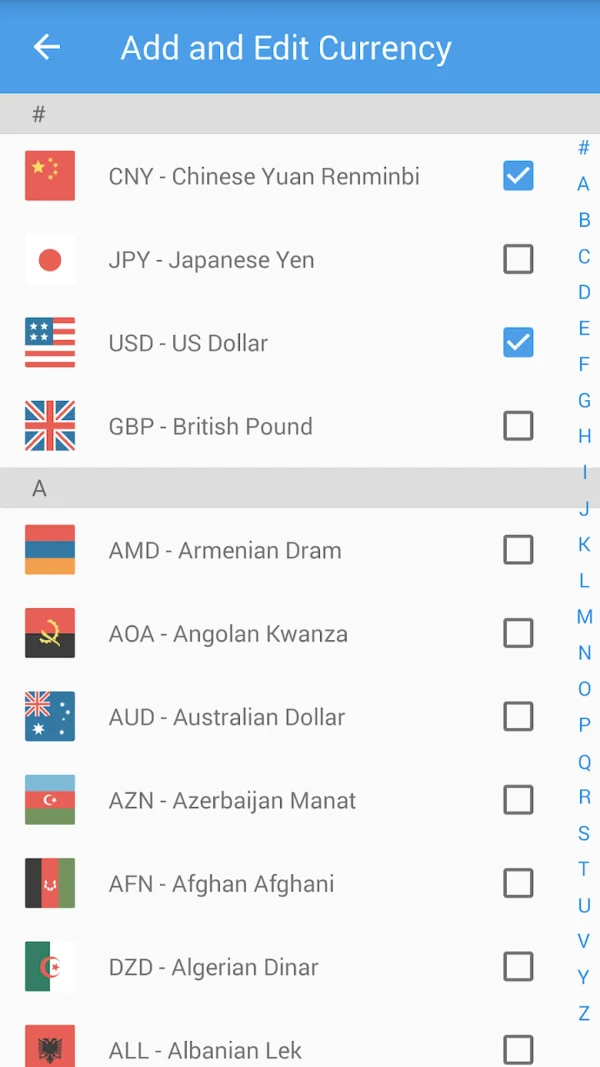
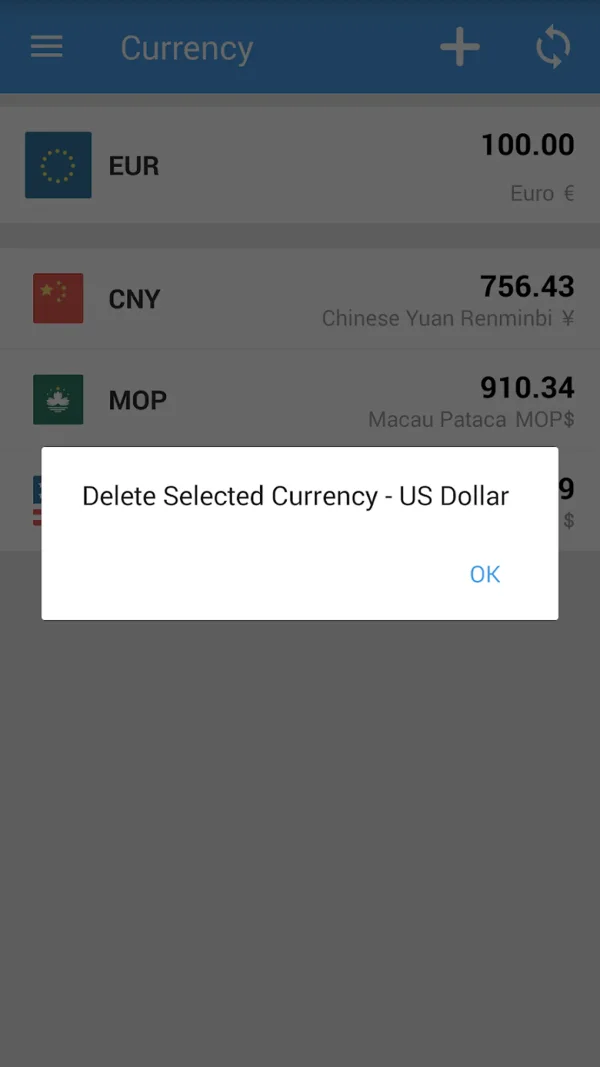
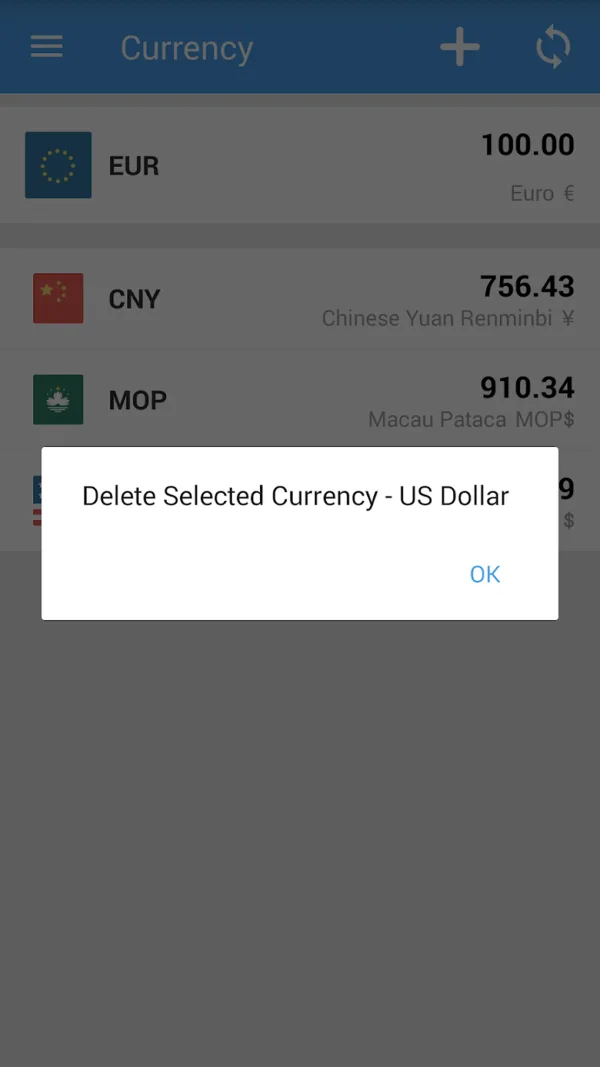
• Add currencies to your list and remove those you no longer need.
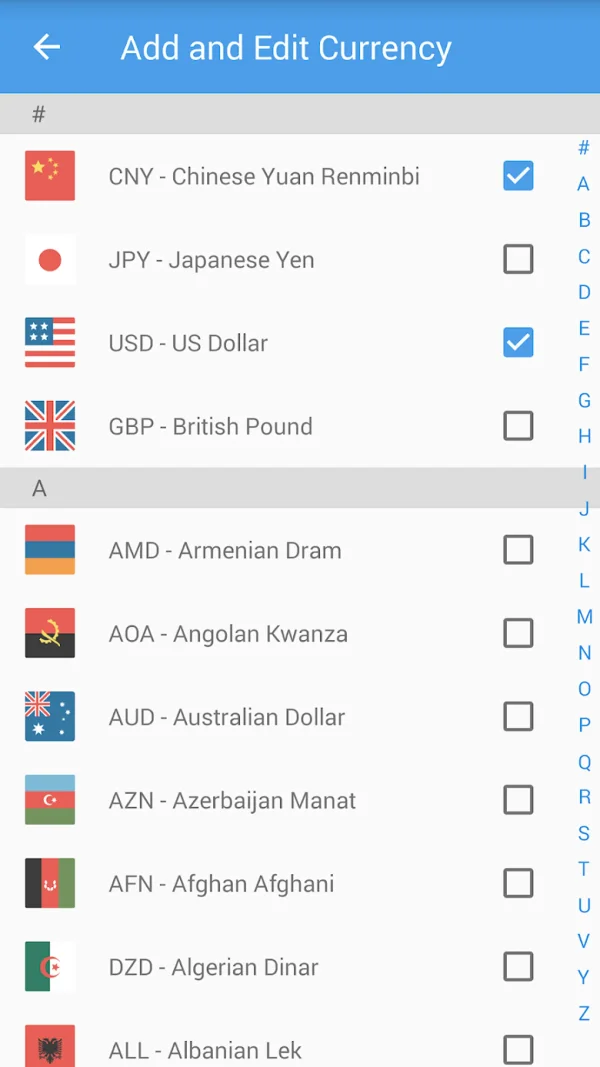
• Browse currencies by their names and three-letter codes in the selection screen.
• Refresh exchange-rate data while connected to the internet.
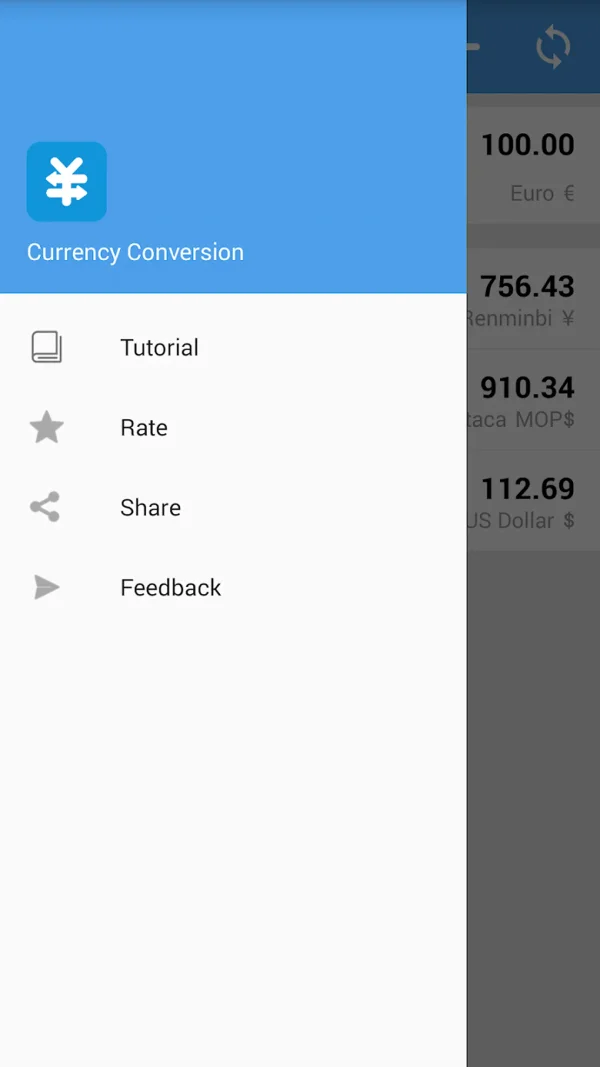
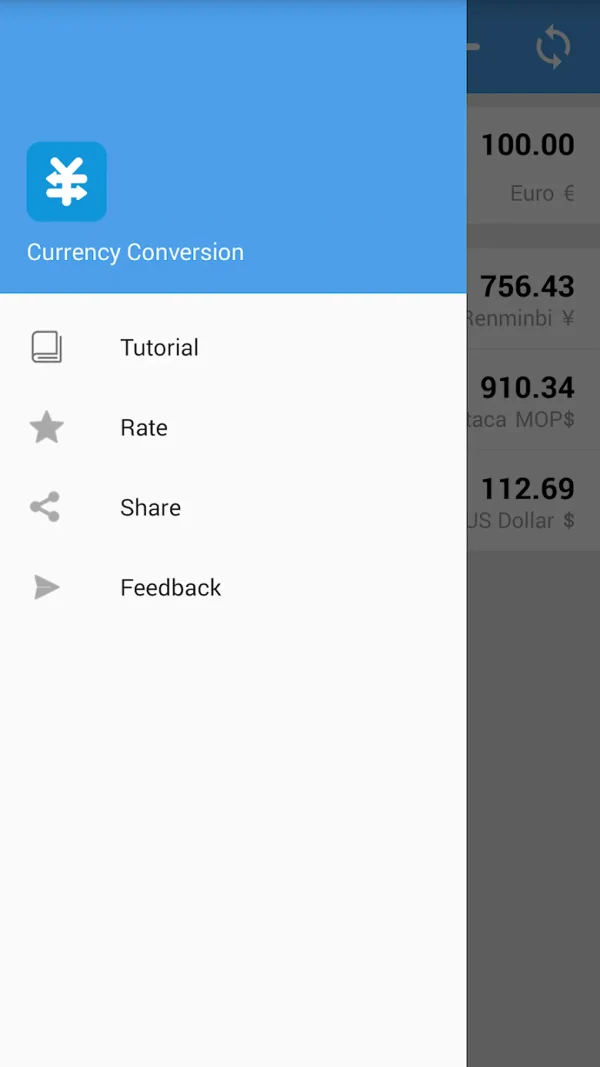
• Open the in-app tutorial for help using the converter.
How does Currency Converter: Exchange work?
Open the currency list and use the add control to choose the currencies you want to compare. Enter an amount with the numeric keypad and view the converted values alongside it.
Adjust the selected currencies when your plans change, or remove a currency from the list. Use the refresh control to request updated rates when you have an internet connection.
Compatibility and requirements
An internet connection is required to retrieve updated exchange rates. Data freshness depends on the available rate data and your connection.
Displayed conversions are estimates for comparison and planning, not a guaranteed transaction rate. A bank, card provider or exchange service may apply a different rate or additional fees. Check the provider's final amount before making a payment or exchanging money.
The app contains ads and offers in-app purchases.
Currency Converter: Exchange keeps your selected currencies together for straightforward price comparisons and budget estimates.
Data safety
What Wallet Passes Alliance declares on Google Play about the data this app collects and shares.
- This app may share these data types with third partiesDevice or other IDs
- No data collectedLearn more about how developers declare collection
- Data is encrypted in transit
- Data can’t be deleted
Developer contact
- Websitewalletpasses.me
- Emailsupport.currencyconverter1@walletpasses.me
- Privacy policywalletpasses.me
- AddressLeshem 26 Mevaseret Zion, 9077520 Israel
Information
- Offered by
- Wallet Passes Alliance
- Category
- Travel & Local
- Version
- 10.1.3
- Updated
- Oct 30, 2026
- Released
- Nov 5, 2018
- Requires
- Android 8.0 or later
- Age rating
- Everyone
- Price
- Free
- In-app purchases
- $0.99 - $99.99 per item
- Package name
- com.zhima.currency
Similar apps
-
 Currency Converter Plus Live
Travel & Local
-
 Paris Metro - Map and Routes
Maps & Navigation
-
 ALL Currency Converter
Finance
-
 GoZayaan
Travel & Local
-
 StashAway
Finance
-
 H2D DAB
Tools
-
 Abacus: Math Trainer
Education
-
 Crypto News: Prices, Alerts
Finance
-
 YouTrip
Finance
-
 Japan Travel: JR Pass & Guides
Maps & Navigation
-
 Footpath Route Planner
Maps & Navigation
-
 Wanderz - Travel Guides
Travel & Local